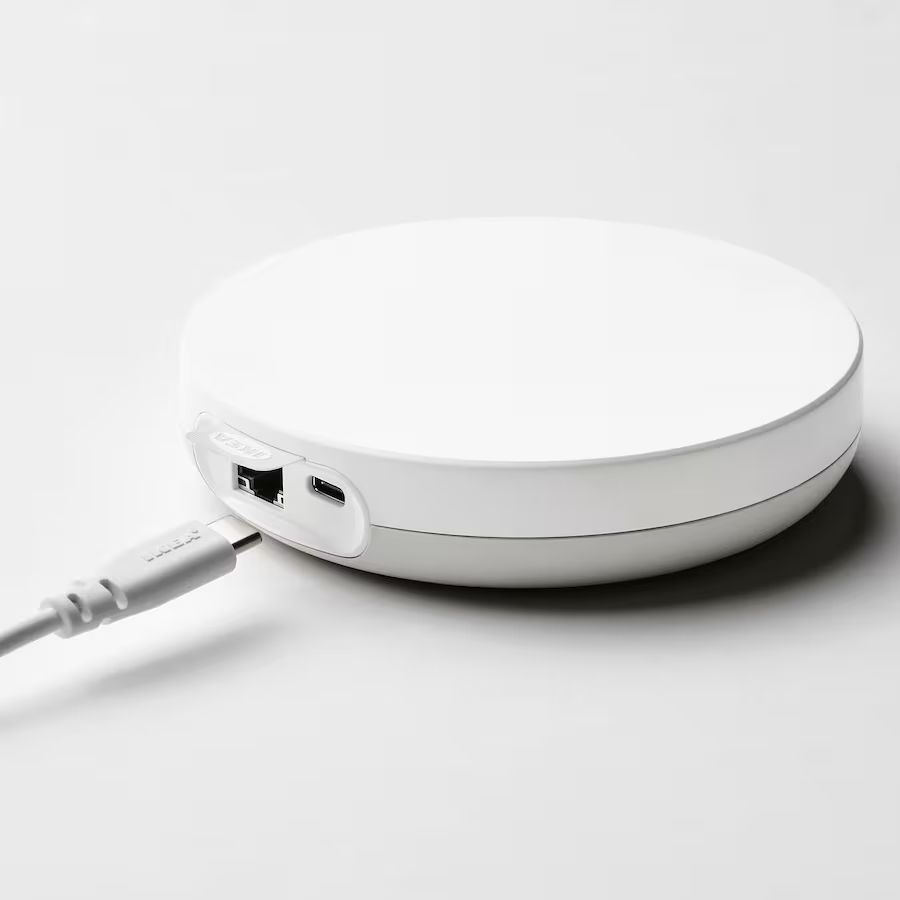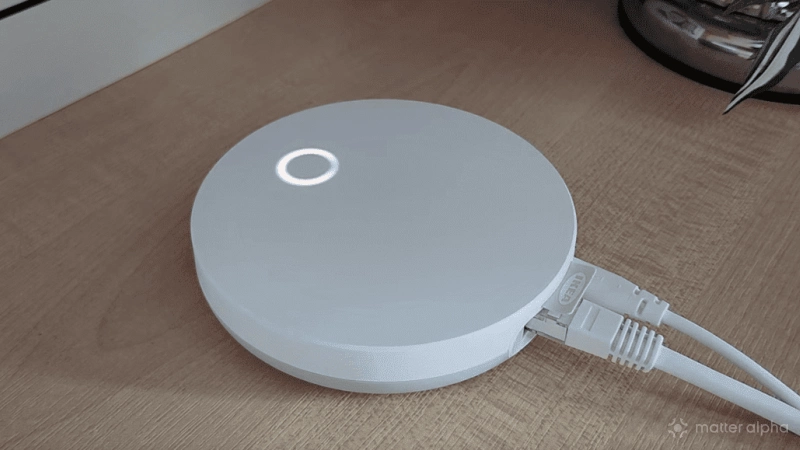
I’ve just discovered how an IKEA Dirigera with the latest updates applied is capable of so much more than the same device in 2024.
Since its launch as a Zigbee smart home controller and Matter bridge, the IKEA Dirigera has received a number of updates that have upgraded it to a Matter controller and Thread Border Router.
This accommodates IKEA’s more recent smart home offerings, which include smart lights and sensors, which use both Matter and Thread mesh networking. It also adds new functionality, such as multi-admin, which allows control of Matter-attached hardware using both the IKEA app or your preferred Matter smart home app.
Here’s how I set this up with Samsung SmartThings. The general steps will be the roughly equivalent on other smart home platforms, however – just make sure you get the IKEA Dirigera steps right.
DIRIGERA
NOTE: This will mainly benefit older IKEA smart home devices that use the Zigbee protocol, and require bridging to Matter. Modern IKEA smart home devices that are natively compatible with Matter can be connected to a Dirigera or a third party Matter controller (or both) via the usual Matter onboarding process.
Make sure your IKEA Dirigera is updated
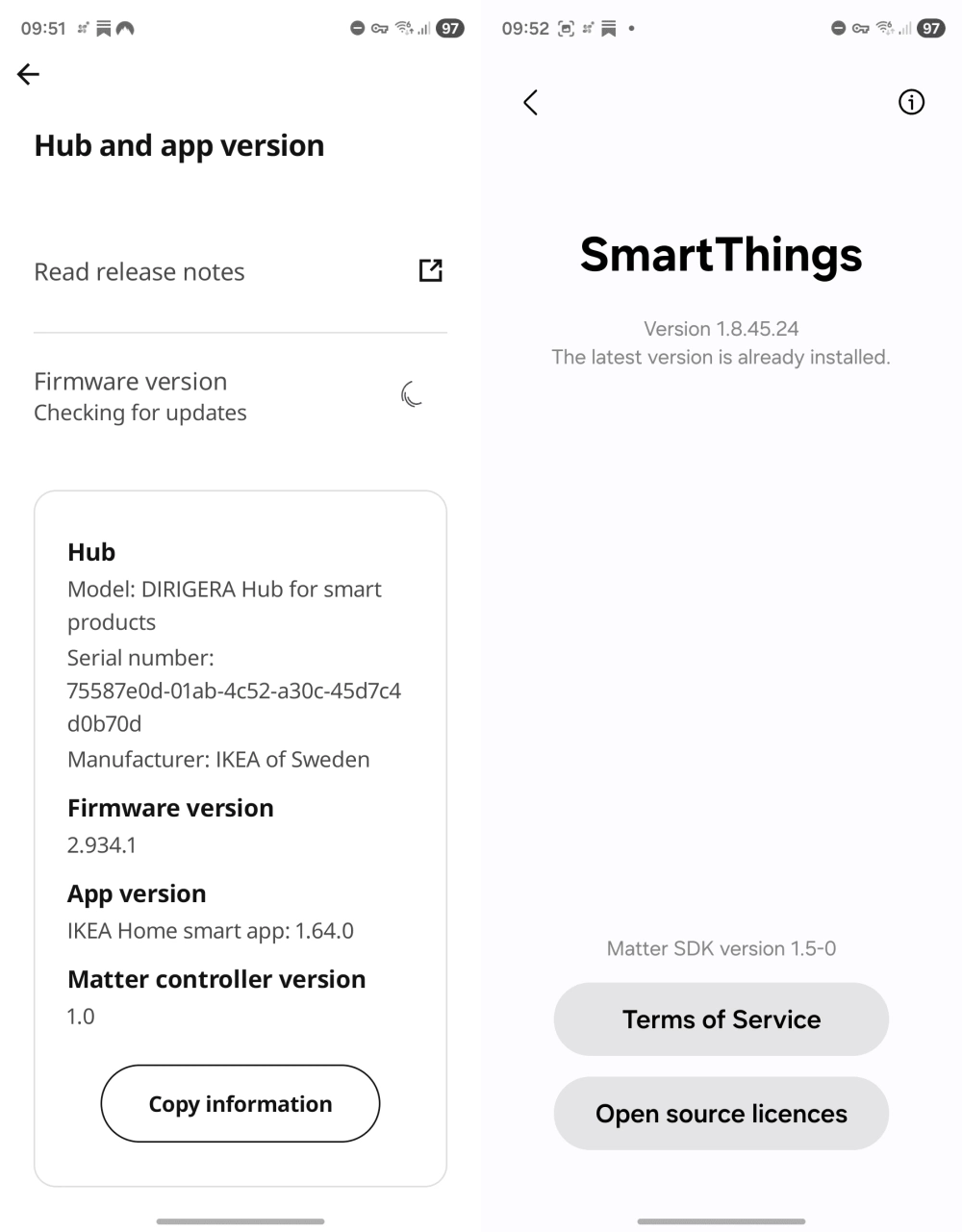
Before proceeding, you need to check that the Dirigera is updated. The 2.934.0 update introduced improved onboarding, which is useful for new devices that you may add later.
At the time of writing, the current firmware version is 2.934.1, so this or anything later should be ideal. (As far as SmartThings is concerned, I’m using 1.8.45.24.)
Updating is something that should happen automatically with the Dirigera. If it hasn’t, and you're still running an old version of the Dirigera firmware, try power-cycling the device. Failing that, power cycle your router instead.
Once the Dirigera is updated, test your existing bulbs and sensors and anything else you already had synced to it before proceeding. If they have disconnected (unlikely, but no unheard of) reset them, and reconnect.
Adding the IKEA Dirigera and its connected devices to Samsung SmartThings in 2026
As noted, the process for bringing the IKEA Matter controller into other smart home platforms has changed. When it was a standard Matter bridge, the process was slower and unreliable. Updates to Matter and the Dirigera itself have made this far more efficient, while the process in the IKEA Home smart app has changed, too (reflecting the Dirigera’s status as a Matter controller rather than a bridge for Zigbee devices).
-
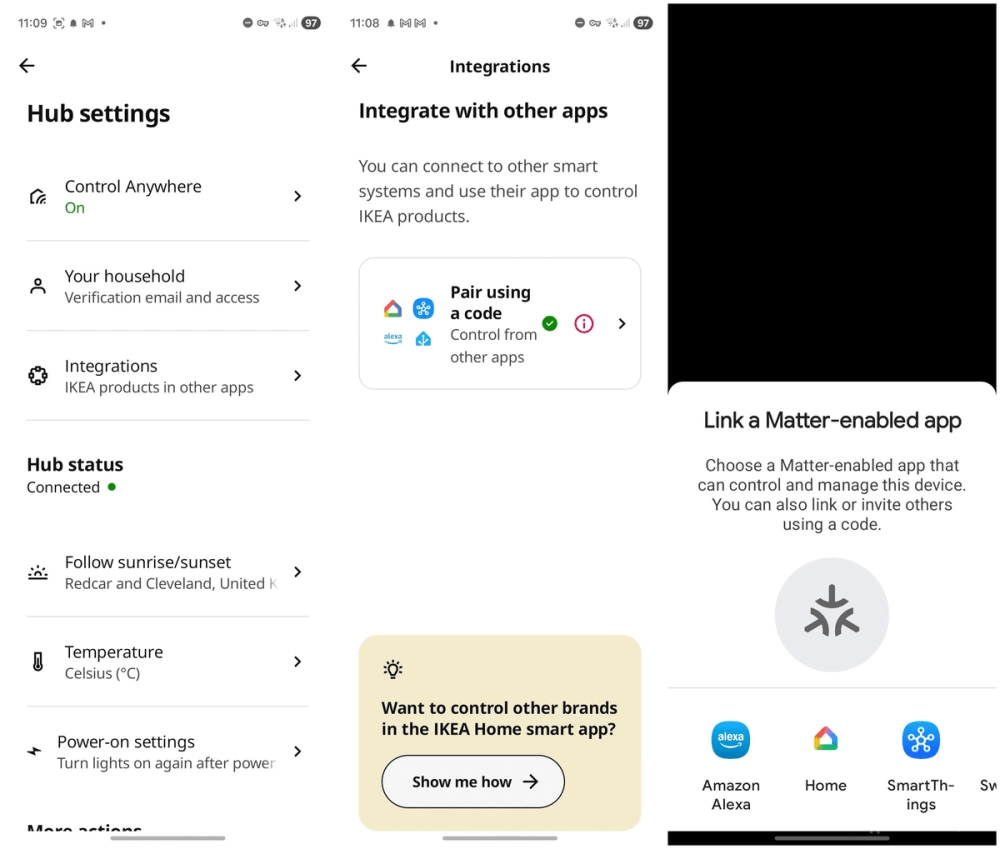
Start by opening the IKEA Home smart app
-
Here, select Integrate with other apps
-
Tap Pair using a code
-
Assuming your other smart home app is on the same phone, tap Copy code
-
If you’re using a second phone, simply open your preferred smart home app, tap the +, and use the displayed QR code in the IKEA Home smart app.
-
-
Tap Open other app and select the preferred smart home app on your phone
-
The code you copied should be automatically read by the app, and the Dirigera detected. Follow any required steps in order to complete the process.
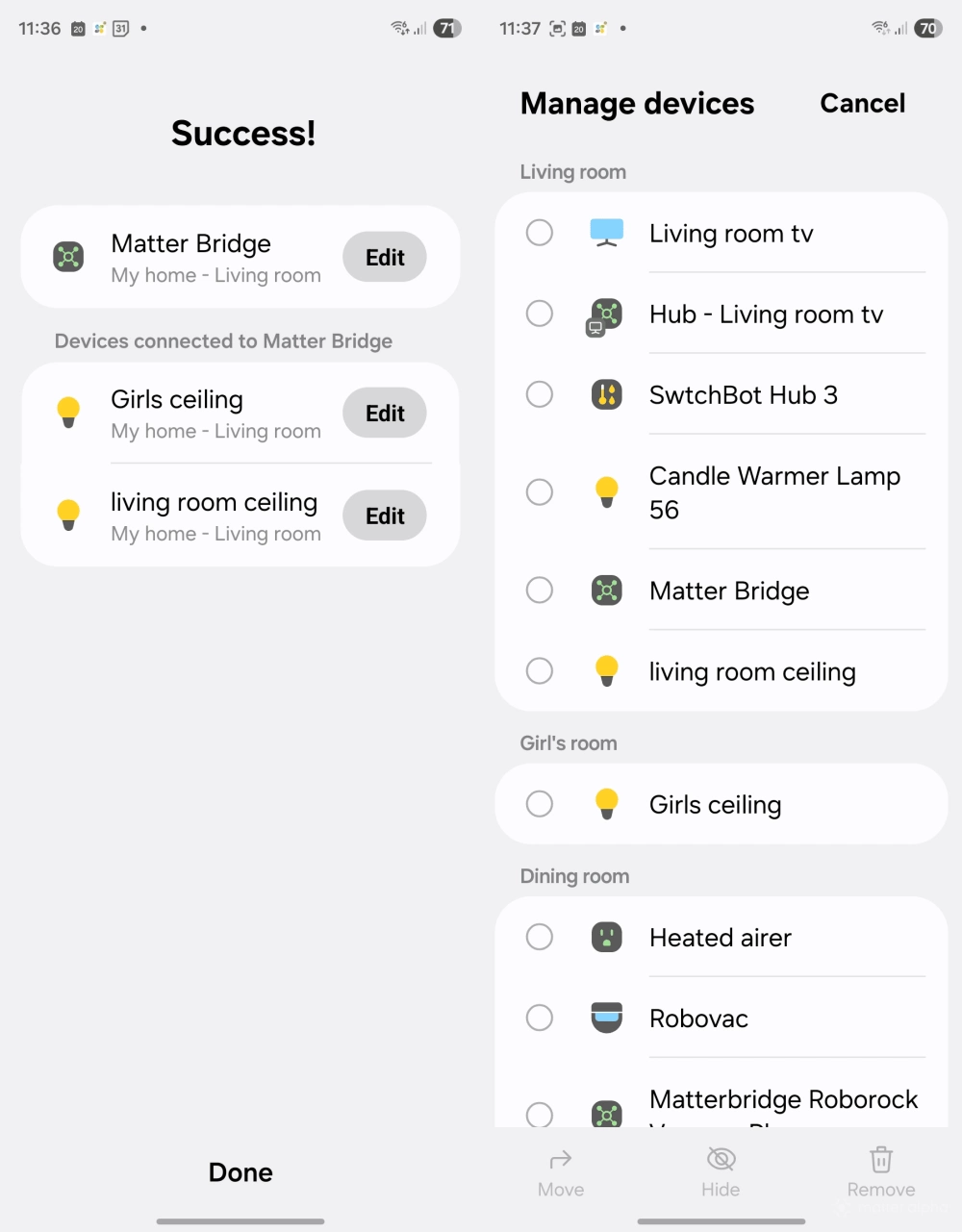
Connecting the IKEA Dirigera with Samsung SmartThings completes within around 30 seconds, and appears as a Matter Bridge. This is in contrast to connecting the “un-updated” Dirigera as a Matter bridge, which took around 5 minutes to complete. Furthermore, all devices connected to the Dirigera are immediately available within the SmartThings app on my phone, and on my Samsung TV.
You might need to do some housekeeping
With this set up, you might notice that while the IKEA-connected devices have now appeared within your smart home app, they’re not in the “right” place. This is easily fixed, however – simply assign the lamp, sensor, smart plug – whatever – to the appropriate room within your smart home app.
It’s as simple as that. They’re now ready to be remotely activated, or have a schedule or integration applied.
Moving forward, if you prefer a single smart home app, Samsung SmartThings and IKEA are collaborating to ensure better compatibility, which should mean that IKEA's Matter-compatible range can be easily onboarded and used with SmartThings.
Why this is better than old-style Dirigera bridging
The beauty of this solution -- and any correct implementation of multi-admin -- is that you can use the connected devices from both the IKEA device and via SmartThings.
My SmartThings controller is built into my TV, which is why the IKEA Dirigera was such an attractive choice in the first place. It worked as a Matter Bridge, meaning I could connect any IKEA Zigbee devices and access them via SmartThings once the Dirigera was correctly set up.
However, once the IKEA Dirigera was updated, this relationship was essentially lost. You cannot re-establish the bridge connection after giving your Dirigera permission to play as a full Matter controller -- instead, the connection is managed via multi-admin.
This means a new device is available in both the IKEA Smart home app and my SmartThings app. The same should be true on any other platform.