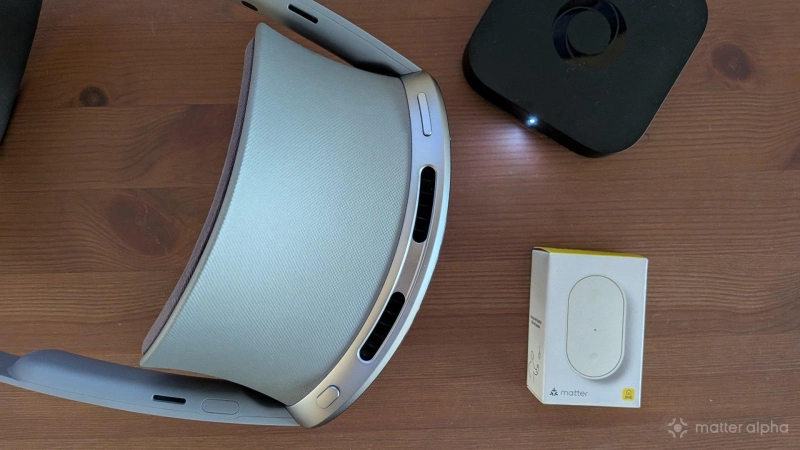
Samsung Galaxy XR is the first Android XR device (a mixed reality headset), and this one is specifically marketed as a spatial computer. True to that marketing, it can do much of what a computer can do, including control your smart home devices.
As a Samsung product, SmartThings is part of the initial wave of apps with an XR version, but is it a viable way to control your Matter devices?
The SmartThings app in extended reality
If you’ve used SmartThings on a phone or TV, the app available for Galaxy XR will immediately feel familiar. It looks nearly identical to SmartThings software in other places. Unfortunately, it isn’t the same app. There is much that this implementation can’t yet do.
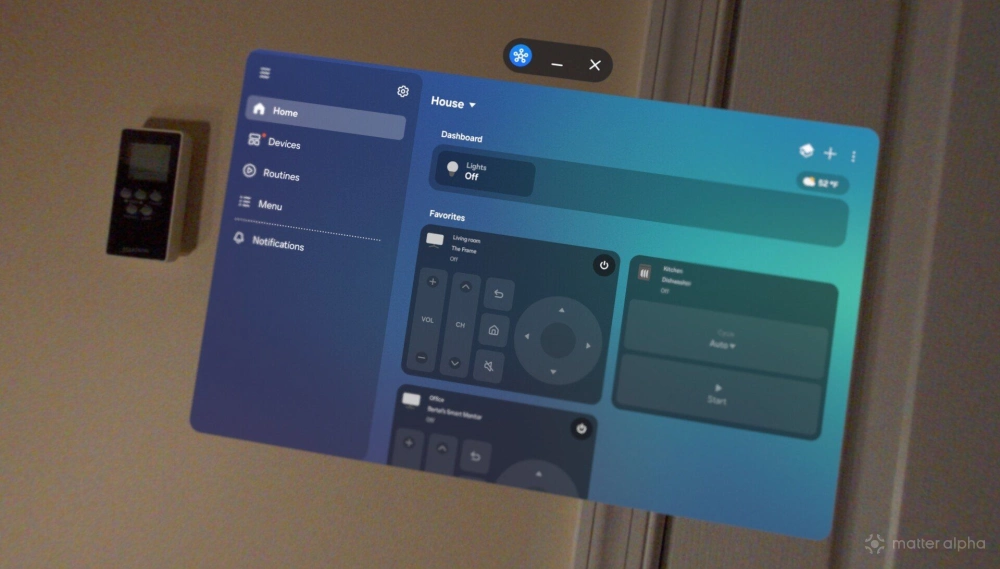
Like a phone, Galaxy XR is not a hub. Unlike a phone, it cannot be used to add Matter devices, despite the presence of many front-facing cameras. There isn’t even the option to type in a Matter pairing code by hand. That’s because the ability to configure devices in any way is noticeably absent. Think of this as a read-only experience. Even basic tasks, like renaming a smart light, hasn’t been implemented yet.
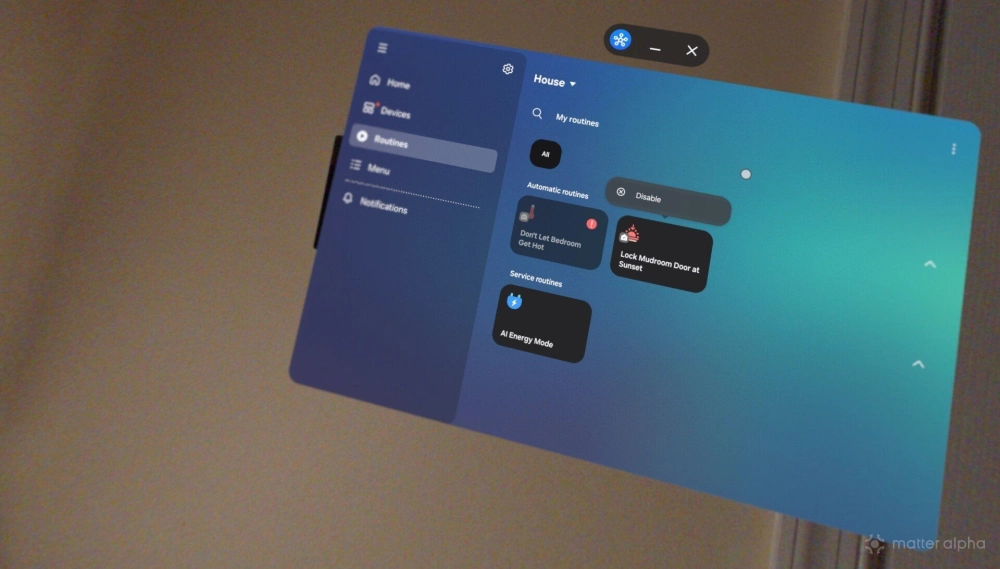
You can view automations, but you can’t configure them. The Routines section of the app is nearly useless, since viewing the name of an automation without being able to even see what it does isn’t particularly helpful.
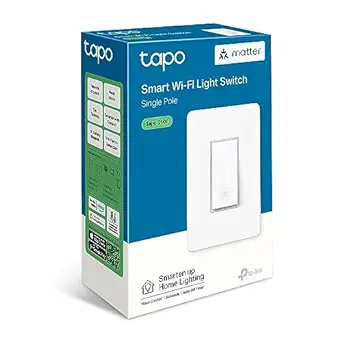
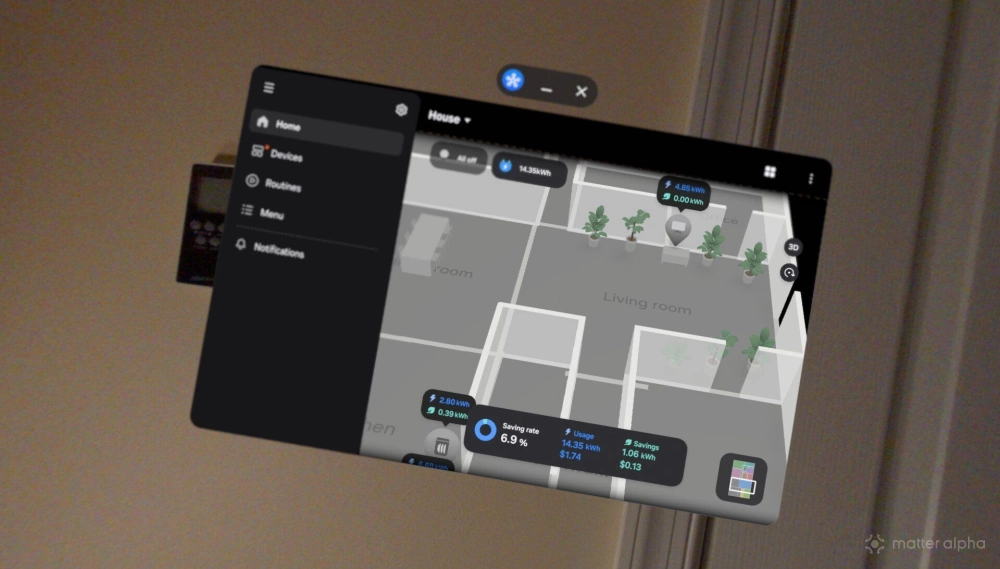
Some features do make the transition to XR effectively. You can still view your home using Samsung’s Map View. Panning around your home feels intuitive, and it’s easy to zoom in and out by pinching with both hands. I can tap on a Matter device to turn it on and off, like the all my ceiling lights controlled by TP-Link Tapo S505 light switches.
They appear and function the same as Samsung appliances with SmartThings built-in, like my Frame TV, fridge, and dishwasher. These latter devices come with energy monitoring, and the SmartThings XR app does let me see how much power they’ve consumed.
Voice commands and XR just make sense
Google and Samsung heavily market the Galaxy XR as an AI-powered device. In reality, it’s an Android device with the option to have a continuous live chat with Gemini. Since I disabled Gemini, Galaxy XR feels like any other Android phone or tablet, just in a different form factor. That said, despite my lack of interest in communicating with a chatbot, there is something that feels more natural about speaking a command than reaching my hand out and tapping at a virtual button.
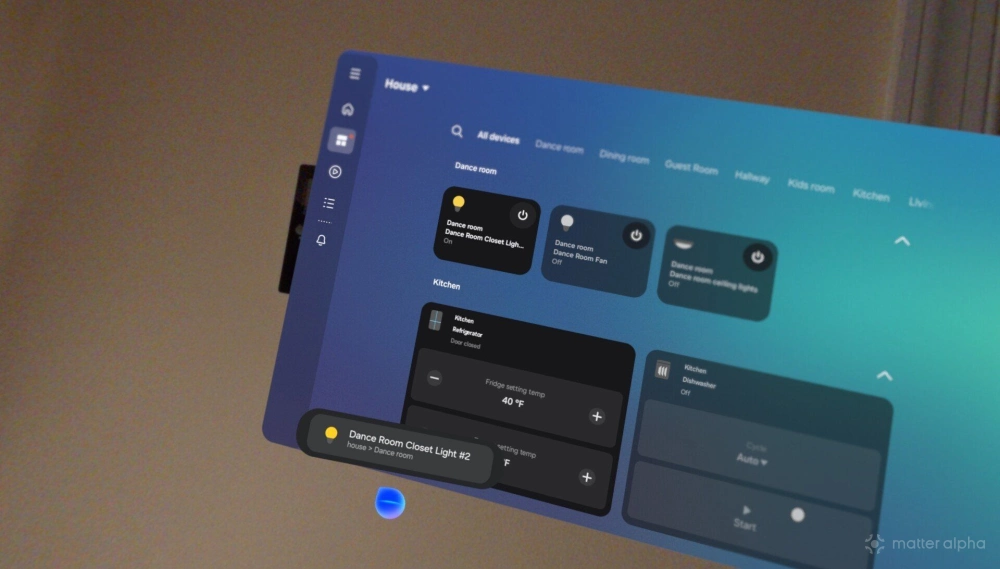
Bixby integration means I can trigger Bixby at any time by saying “Hi, Bixby.” At this point, I can control any Matter device that I’ve connected to Samsung SmartThings. Bixby will understand phrases like “turn off the TV in the living room” or “turn on the dining room ceiling fan.” General rules of Bixby, and voice assistants generally, still apply.
If you remember the exact name of your devices, you’ll get on just fine. “Turn on the Kids’ Bedroom Closet Light” is likely to work where “turn on the light in the kids’ bedroom closet” might not.
That said, this convenience is limited to times when I’m actively wearing the headset. In contrast to controlling Matter devices from my smartwatch, an XR headset isn’t something that’s always nearby—though this could change as Android XR eventually appears on smaller glasses designed to be worn in public. Then Matter devices become something you can control at any time, without pulling out your phone or even lifting your wrist.
Yet on a face-mounted headset, Bixby’s utility is limited to those times when you’re working in XR, watching video, playing a game, or working out. At those moments, voice controls absolutely make more sense than firing up the limited XR app, and they surely beat pulling out your phone and trying to view the screen through the headset's pass-through cameras.
Fortunately, you aren’t limited to SmartThings
Ironically, having a dedicated app for Android XR makes SmartThings among the weakest options to use on my Galaxy XR headset. Non-XR apps run just fine in Android XR, and there isn’t always an obvious difference when an app is explicitly made for XR and when one isn’t. SmartThings appears in a floating window just like non-XR apps and doesn’t do anything particularly distinct, unlike the XR versions of Samsung Gallery or YouTube, which can open multiple windows or take over your entire viewing space.
By installing the Homey app, I can control and configure my Matter devices in the same way that I can from my phone. I can not only view my automations, but I can edit them or create new ones. If I go to add a new device, the app even activates my cameras in order to scan a QR code.
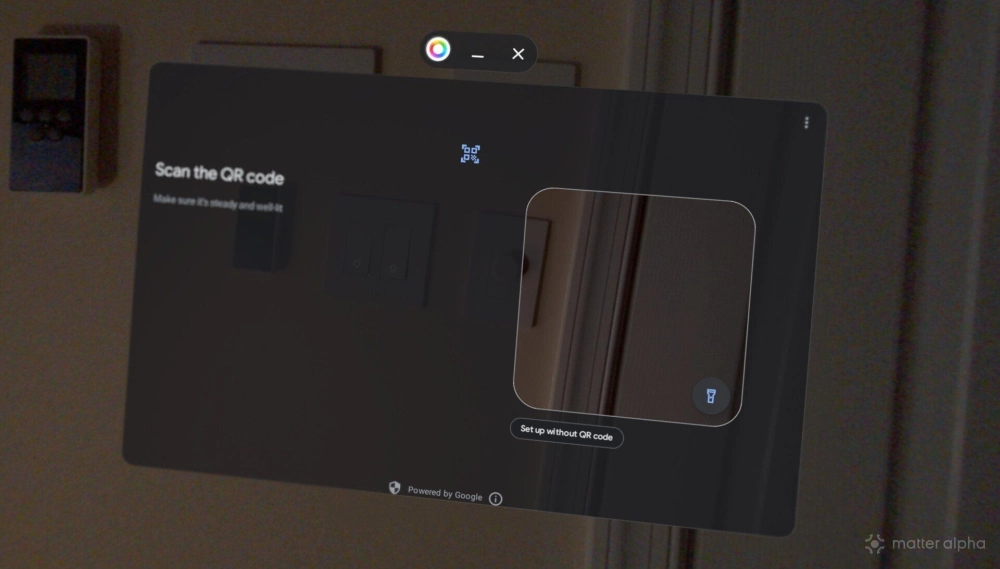
If I only controlled my home via SmartThings, then I would be severely restricted in what I can do via my Galaxy XR headset. Yet since I currently use a Homey Pro mini as my primary hub and then add devices to SmartThings using Matter’s multi-admin feature, I have full access to my smart home.
After all, there’s nothing stopping me from opening up Samsung Internet and using the web version of Homey to do any of the tasks I might otherwise do from a PC.
Does Matter have a future in XR?
I’ve had my Galaxy XR headset for several months, and during that time I have experimented with using it as my primary PC. It has worked surprisingly well. The issues I've run into have more to do with edge cases than the inability to run software I need. It’s hard to take good screenshots in XR, for example, and not everyone is comfortable talking to a virtual version of me when I join a video call.
If there’s a future where XR devices become default ways of computing, we need to be able to add, configure, use, and automate Matter devices without having to fallback to a phone or laptop. The XR implementation of SmartThings isn’t yet up to the task, but that isn’t an indictment of Android XR. There are other apps out there that are.
I use Homey, but the Home Assistant and Hubitat apps are just as easy to install from the Play Store. Thanks to the presence of those apps, Matter already works in XR, even if there isn’t yet a particularly compelling reason to control your smart home this way distinct from using anything else.