IKEA's adoption of Thread has been a big step for its burgeoning smart home line, and while the DIRIGERA hub was already equipped with the necessary hardware, it is only a relatively recent firmware update that made the device able to support Thread. Prior to that, when it came to lighting, IKEA’s smart home tech – particularly its light bulbs – relied on older Zigbee technology.
So, you might think that it’s not possible to connect new IKEA bulbs to your older smart home hub – whether the IKEA TRADFRI or some other “Threadless” device. But it seems that’s not the case. New IKEA KAJPLATS smart bulbs have been found to have secret compatibility with Zigbee, which is a great advantage for anyone wanting to use these smart bulbs, but doesn’t have a DIRIGERA or any other Thread Border Router-equipped hardware and hub.

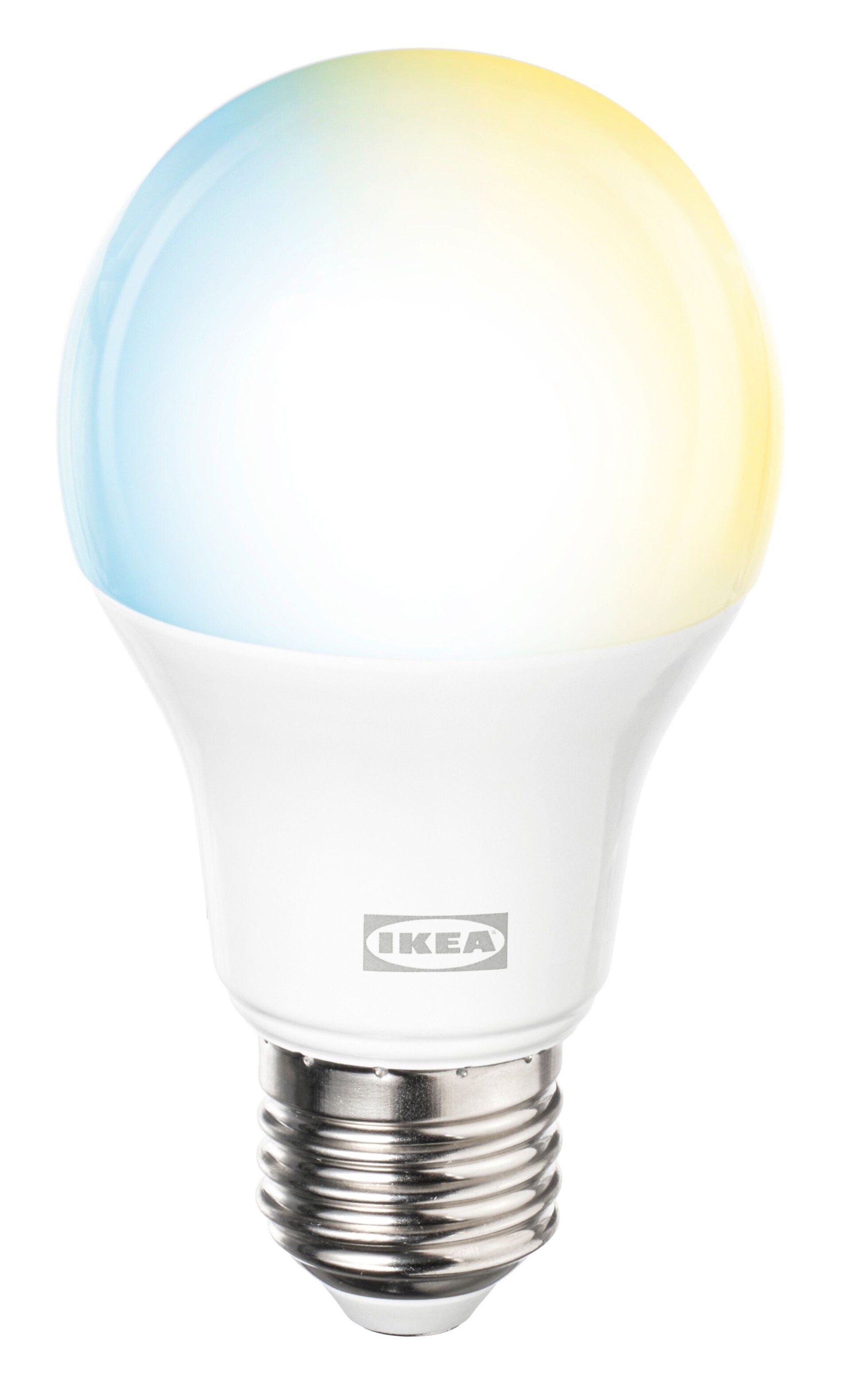
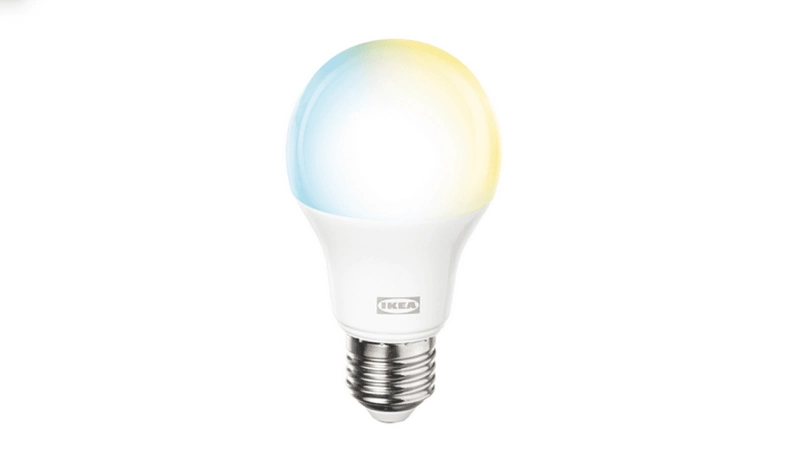
KAJPLATS E26 WS globe 450lm
A powerful smart LED bulb with adjustable white tones and dual Zigbee/Thread connectivity for flexible, connected lighting.
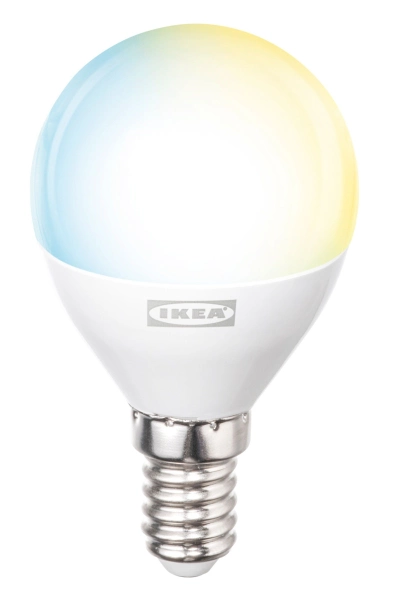
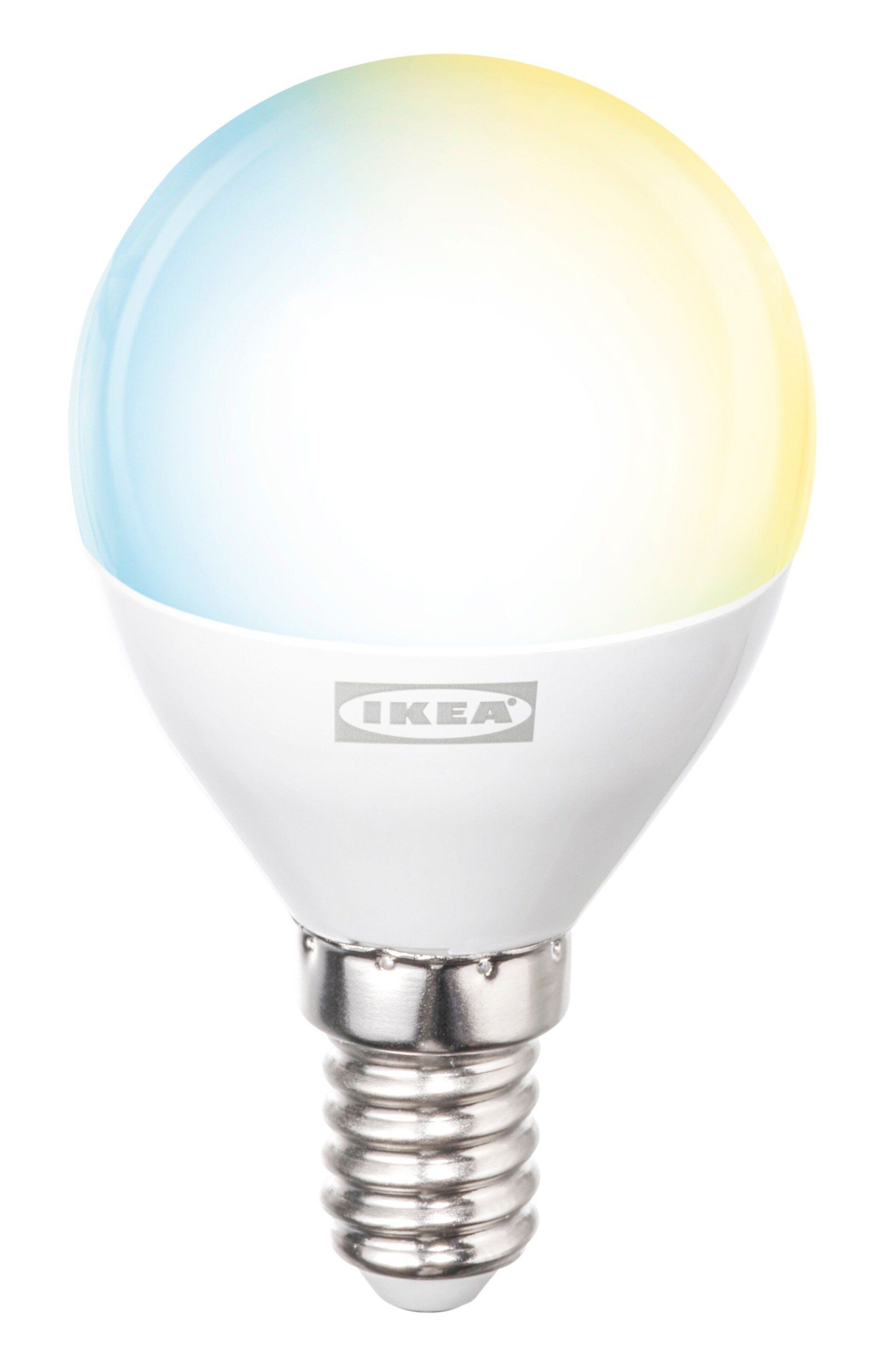
KAJPLATS E12 WS Globe
A powerful smart LED bulb with adjustable white tones and dual Zigbee/Thread connectivity for flexible, connected lighting.
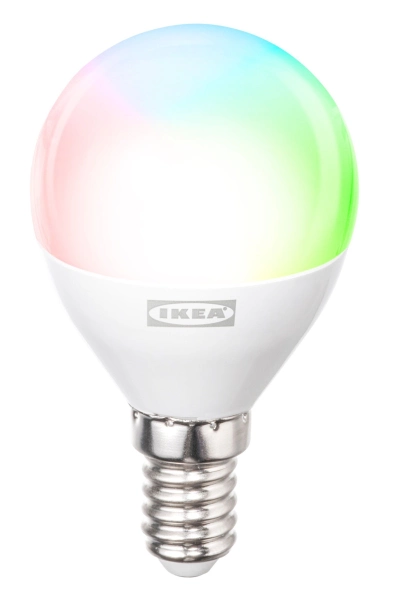
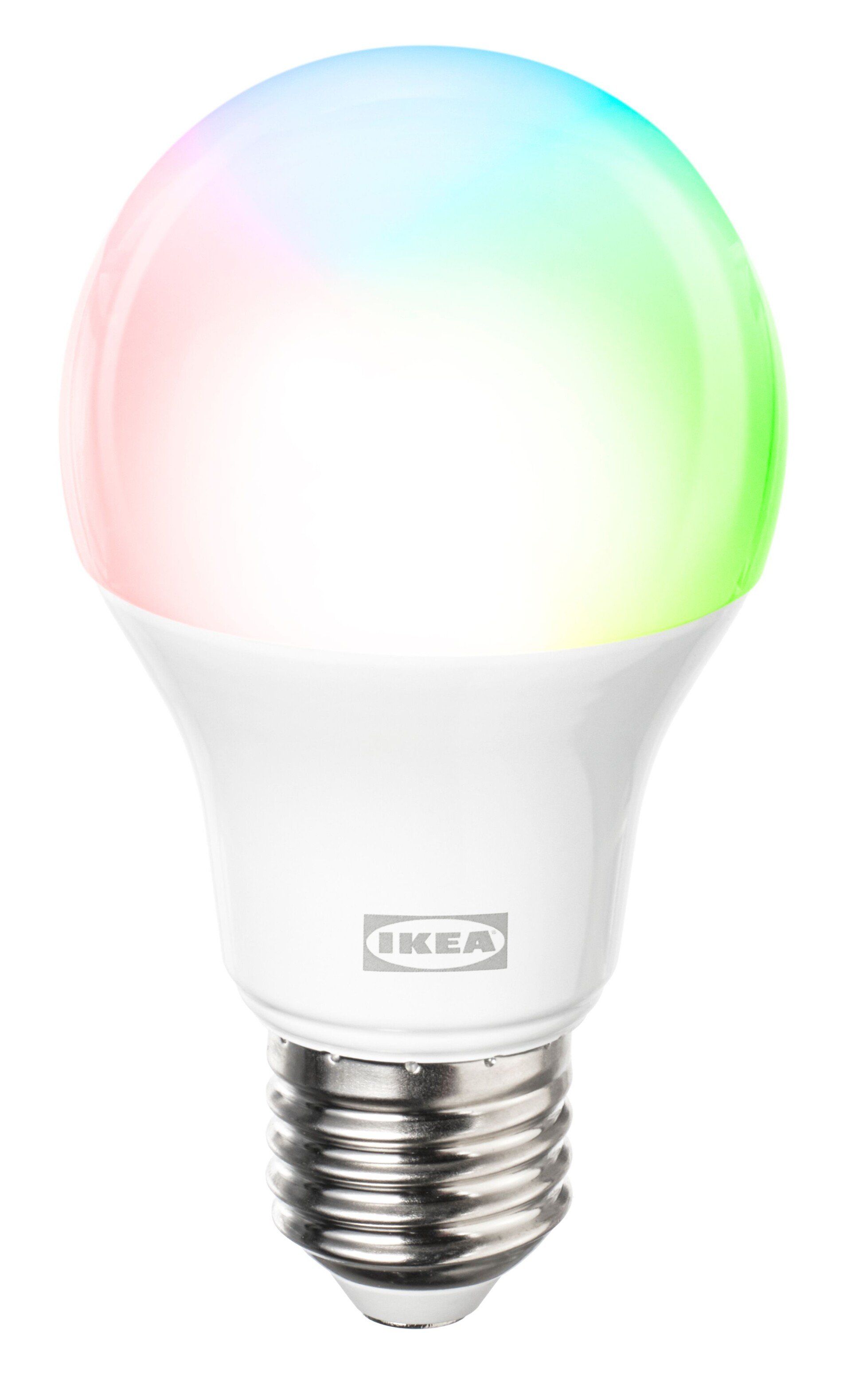
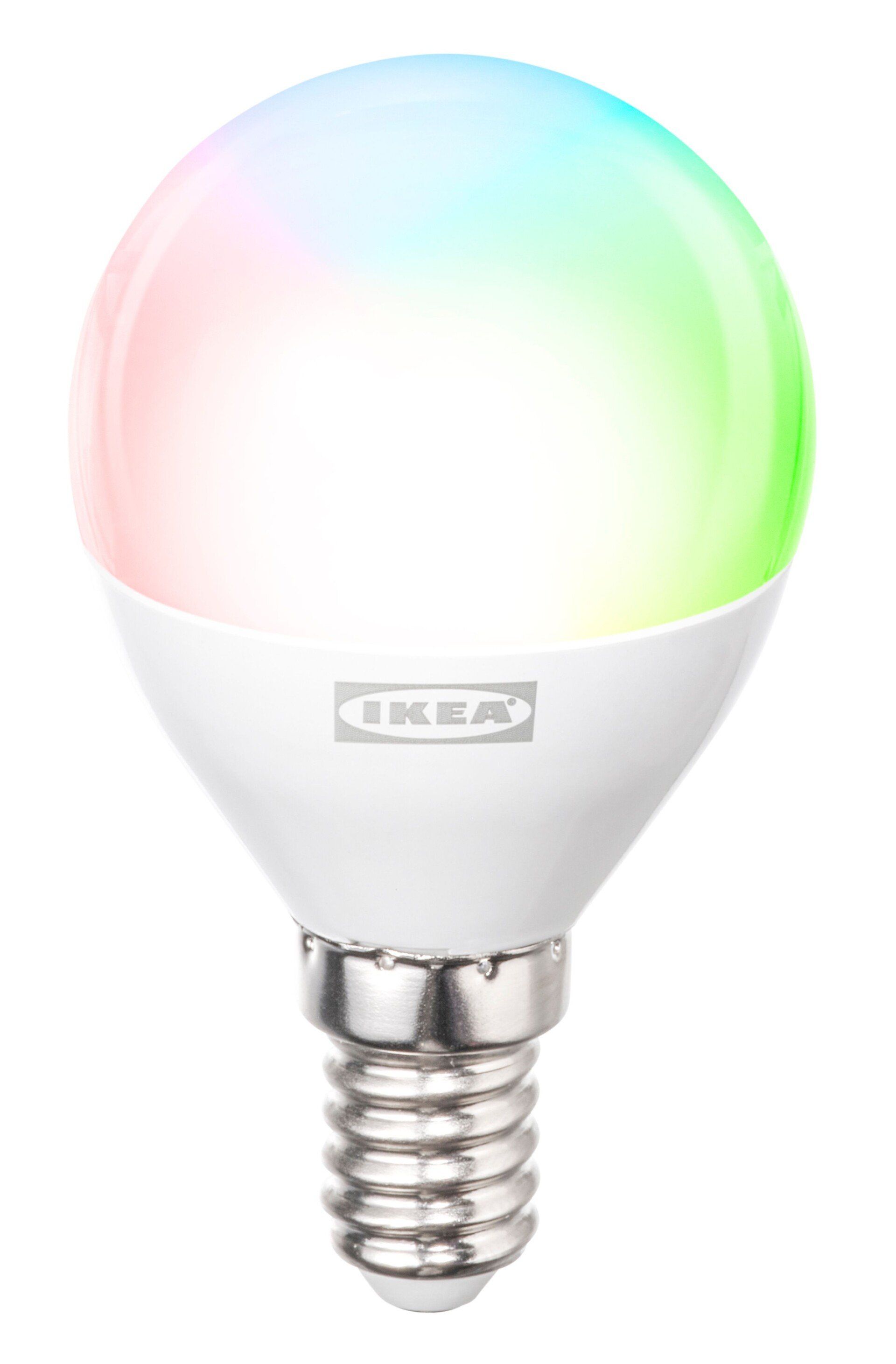
KAJPLATS E12 CWS globe 800lm
A powerful smart LED bulb with adjustable white tones and RGB and dual Zigbee/Thread connectivity for flexible, connected lighting.
How to enable the secret Zigbee mode on IKEA KAJPLATS smart bulbs
The process of enabling the Zigbee mode on these bulbs is similar to the initial setup, but involves first resetting, then reconfiguring...
...and all it requires is a few clicks of your lamp’s power switch.
Start with the power off and the IKEA KAJPLATS bulb secure attached to the ceiling lamp holder, pendant, or lamp base, as you would for normal use.
If the device has already been set up for Thread, you should first reset it before switching modes. This is done by power cycling 6 times, holding each on and off state for 1 second:
ON-OFF-ON-OFF-ON-OFF
Once this has happened, the light should indicate that it has been reset (with a change in brightness).
To switch the IKEA KAJPLATS bulb to Zigbee mode, power cycle in the same way, this time switching on and off 12 times.
ON-OFF-ON-OFF-ON-OFF-ON-OFF-ON-OFF-ON-OFF
You should then find the bulb via your smart home controller app, available to connect and control over Zigbee.
The Home Assistant blueprint
If you use the Home Assistant smart home ecosystem – which aims to support every bit of smart home tech available – then there is an even easier way to enable Zigbee support in an IKEA KAJPLATS lamp.
Rather than stand at a light switch for half a minute’s flipping (assuming you get the timing right…) you can enable a smart plug with a dedicated blueprint to automate that process. You can find it in the Home Assistant forum.
Once that is set up and the light bulb attached to the chosen outlet, simply activate and wait while the secret Zigbee mode is enabled.
Does IKEA know about the Zigbee mode?
IKEA’s push to using Thread for everything from lamps to leak sensors suggests it is aware of the improved onboarding available with Thread within Matter. But the hidden Zigbee mode raises other questions, not least: why?
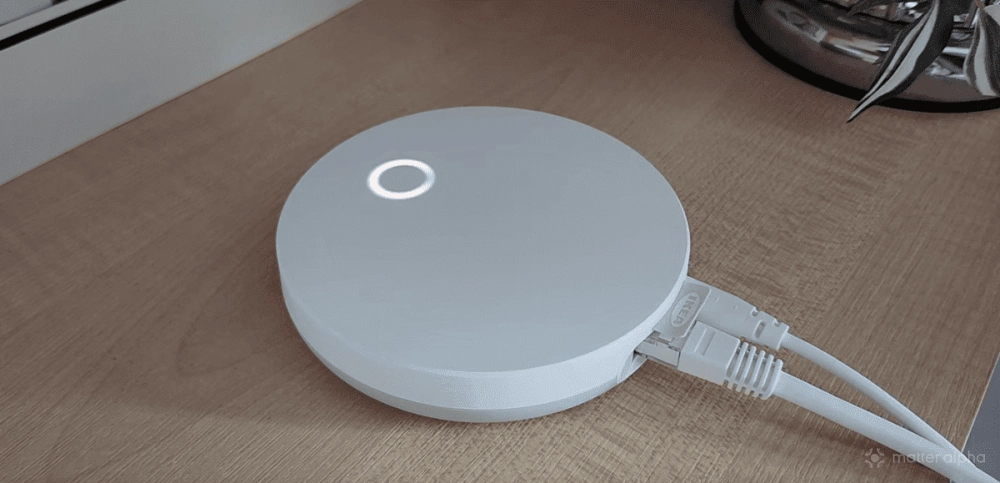
The DIRIGERA was pretty effortlessly upgraded to have not just full Matter controller functionality but also Thread. But this might not have worked out. In the case of the Thread rollout running into issues, the furniture giant would have had a lot of useless bulbs on its hands. As it is, Thread has been a success for IKEA, so it didn’t need to publicize the Zigbee support.
That might not be the case long-term, however. As the KAJPLATS bulbs offer good value, if you’re looking for some straightforward smart lighting solutions for your “Threadless” smart home, it’s a good time to pick some up on your next IKEA trip.