
The Thread Group has launched a new mobile app aimed at providing users with deeper insights into how connected devices communicate within their local Thread-based networks. The release of the Thread Tools app comes as the wireless standard continues to gain traction in the broader smart home space—alongside the Matter standard—where interoperability and transparency are key priorities.
What is the Thread Tools app?
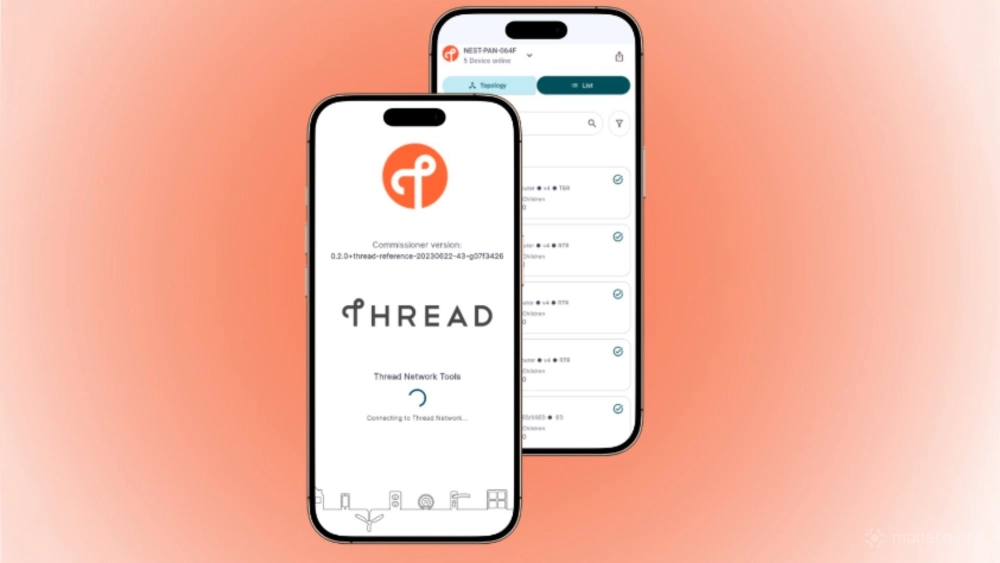
Prior to the release, visibility into Thread networks was pretty much non-existent for most outside of third-party apps and solutions like Home Assistant. According to its description, the new Thread Tools app attempts to solve this by offering the following to "developers, researchers, and IoT enthusiasts":
- View Network Health: The app interfaces with the user’s Thread network via existing Diagnostics TLV data, with future support for error log collection.
- Diagnose Network Issues: Users can view topology, link quality, and performance metrics in an intuitive, mobile-optimized format.
- Streamline Support: Users can share comprehensive diagnostic reports with vendor support teams, cutting down troubleshooting time.
As of now, the Thread Tools app is essentially a "read-only" app geared toward presenting network and device status for troubleshooting efforts. The app can bring to light whether there are multiple competing Thread networks within a home, and expose any potential issues with traffic routes and connection quality.
How do I download the Thread Tools app?
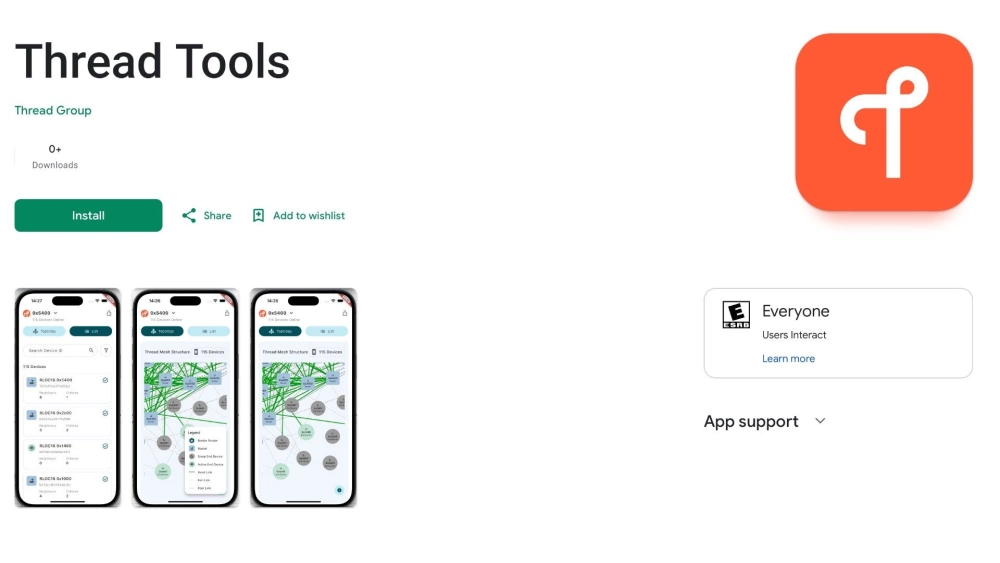
The current iteration of the Thread Tools app is listed as a Beta release, but users can freely download it at any time. For Android users, the process is as simple as downloading any other app within the Google Play Store—just click the link to get started.
The process is a little different for iOS users, as they must first join the Thread Tools beta in TestFlight. After clicking the link, you'll need to follow the steps to download the TestFlight app, then, after installation, you'll need to click the "View in TestFlight" button to join.
How do I navigate the Thread Tools app?
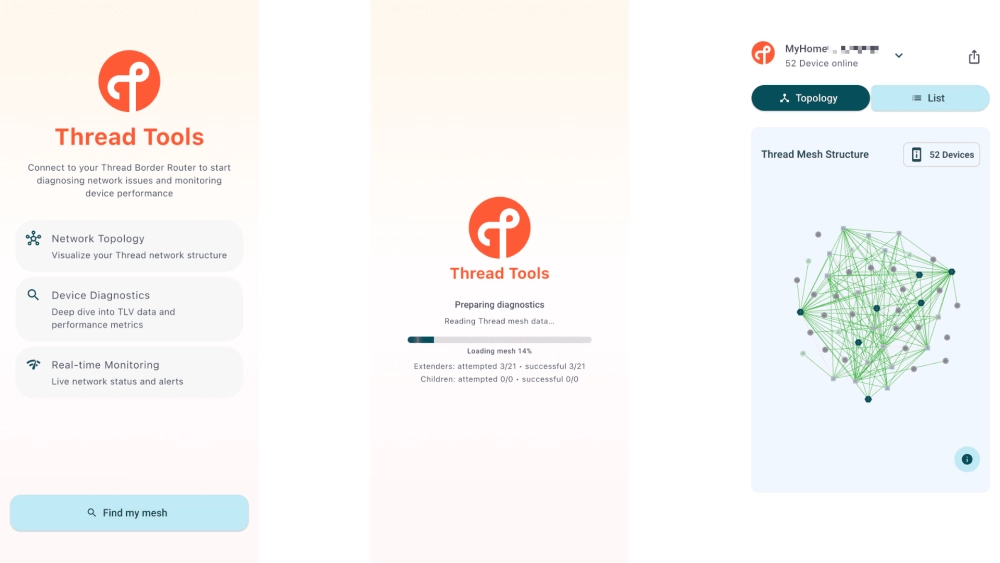
Upon launching the app, Thread Tools will display a list of available networks and Border Routers—immediately highlighting any potential conflicts. Selecting one allows the app to take a deeper look into its structure, which may take a few moments depending on the size of the network.
Once loaded, the app will jump to the Topology area, where users can see a visual representation of their network. The visualization depicts devices of all types—Border Routers, Extenders, Sleepy End Devices, and Active End Devices—and shows routes and wireless quality throughout the network, which should be helpful when diagnosing connectivity issues.
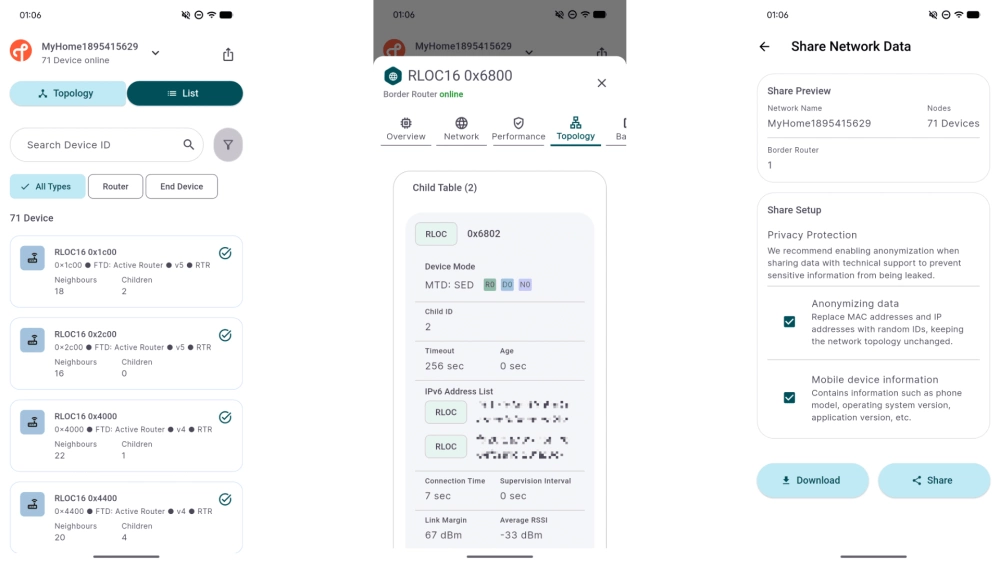
Additional information is available through the app’s List view, which organizes Thread devices by their unique device identifiers. Selecting a device opens a detailed information page containing five dedicated sections: Overview, Network, Performance, Topology, and Battery.
Overview provides details such as Mac address, Thread Version, and the current operating Device Mode, while the Network area shows wireless channel, IDs, and Leader Data. Performance shows quality and sequence routes, and Topology breaks down network activity and signal strength through metrics like Connection Time, Timeout, Link Margin, and Average RSSI. And as you might expect, the Battery tab shows current levels.
And finally, the app also allows for the downloading and sharing of Thread network information by tapping the share button near the top right corner. Users can anonymize their Mac/IP addresses and obscure mobile device information when sharing with built-in privacy controls.
A much-needed step in the right direction
While the initial release of the Thread Tools app offers only a limited set of features, it represents an important and much-needed step toward making the wireless protocol more open, accessible, and manageable for users and developers alike.
Looking ahead, there is significant potential for future versions of the app to build on this foundation by introducing more advanced network management features such as wireless channel assignment and device exclusions. But we will take what we can get for now.
(Source: Thread Group, Christopher Close/Ward Zhou/Matter Alpha)