I have been a smart lighting enthusiast long before I started reviewing Matter devices full-time. Back in the day, I invested heavily in a massive kit of modular Nanoleaf panels to light up my space. I recently moved to a new home, and the blank ceiling presented a perfect opportunity to start all over and rethink my primary living room setup.
The timing worked out perfectly since Govee just released its next generation ceiling light, so I turned to them without hesitation. After a week of use, it really brightens up my daily routine in the living room, adding exactly the light and atmosphere I expect from a premium smart fixture. Here is my hands-on experience with the new Govee Ceiling Light Ultra.
TL; DR
Fors
-
Exceptional high brightness peaking over 5,000 lumens
-
Wide range of color and temperature options
-
Independently controllable color zones via the official app
-
Canvas-like pixel light display capabilities
-
Smooth setup
Against
-
Occasional slow control and unresponsiveness with Matter
-
Moderate price tag for a single lighting fixture
-
Television sync feature is limited
Govee Ceiling Light Ultra
Also available at
Quick and secure setup
Physical assembly is straightforward, much like other recent Govee hardware I have tested. The heavy ceiling light only needs five screws to secure the mounting bracket, and I had the entire unit fixed onto my living room ceiling within ten minutes.
There are a couple of hardware designs I really appreciate here. It includes a dedicated safety hook acting as secure insurance in case the unit slips from the mounting base while you are working on a ladder. The light also comes with clear instructions, though you do need to pay close attention to the physical direction of the mount.
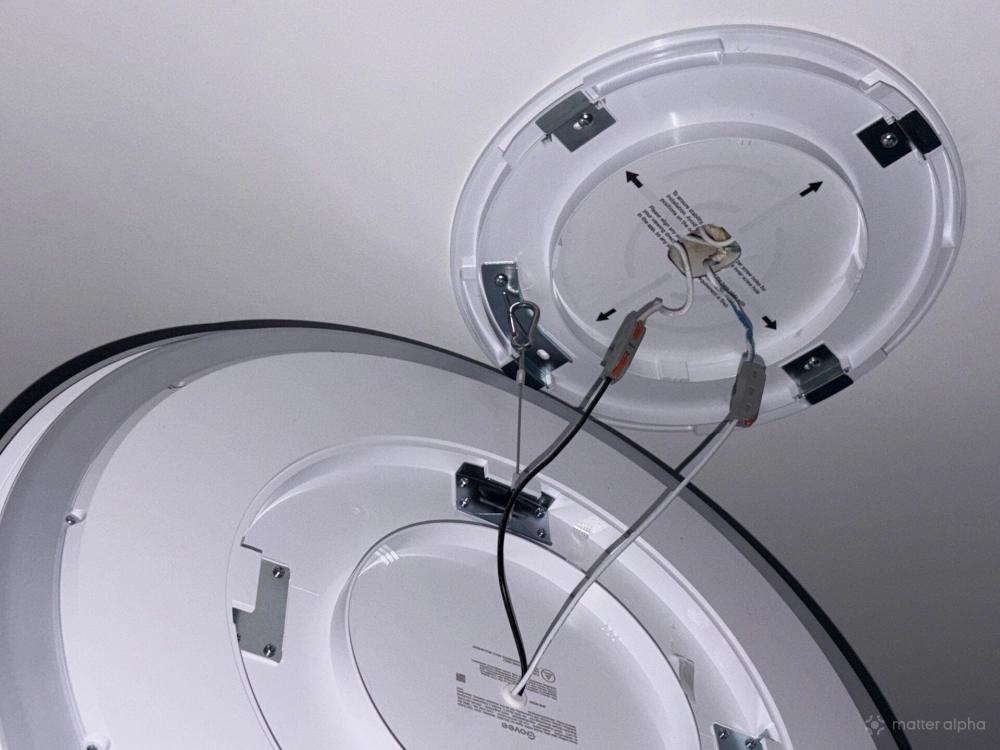
The base must align perfectly with your room layout because that mounting direction permanently determines the orientation of the images shown on the main panel. The light body itself is also slightly tricky to lock into the base. Maybe I was just being a bit clumsy on a step stool, but twisting it into the locked position took a bit more effort than the manual suggested. It requires a firm grip to get that reassuring click.
A 21-inch pixel canvas
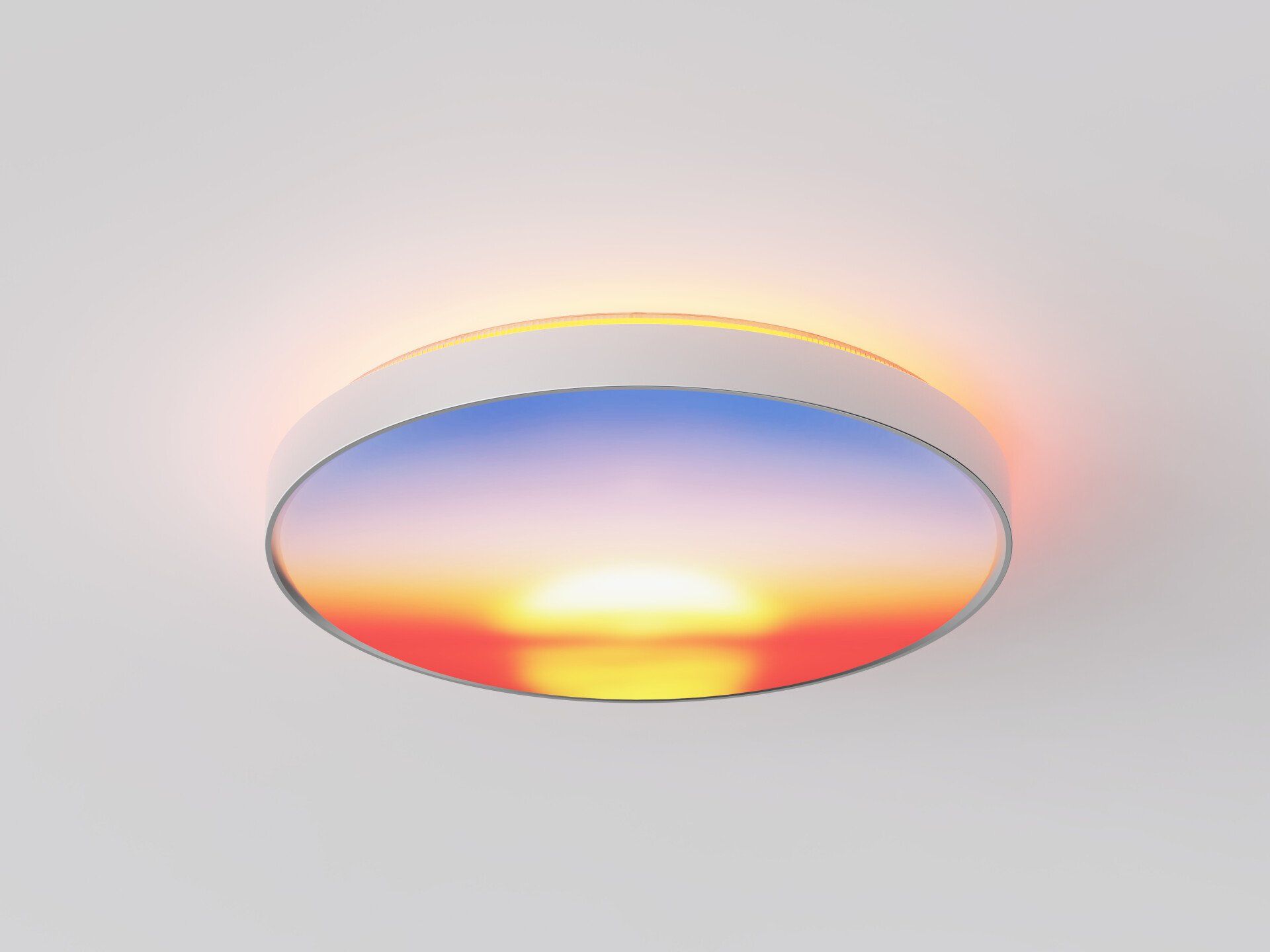
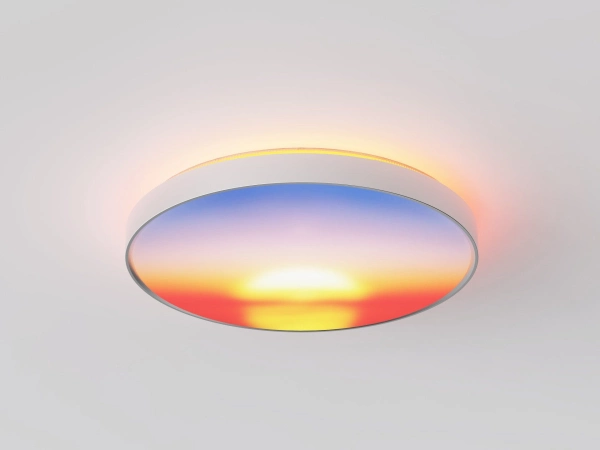
The fixture features a large 21-inch main display panel, surrounded by an independent ring of lights dedicated to a ceiling back glow. The real draw of the Ceiling Light Ultra is its capability to display automated, moving images right across that downward panel.
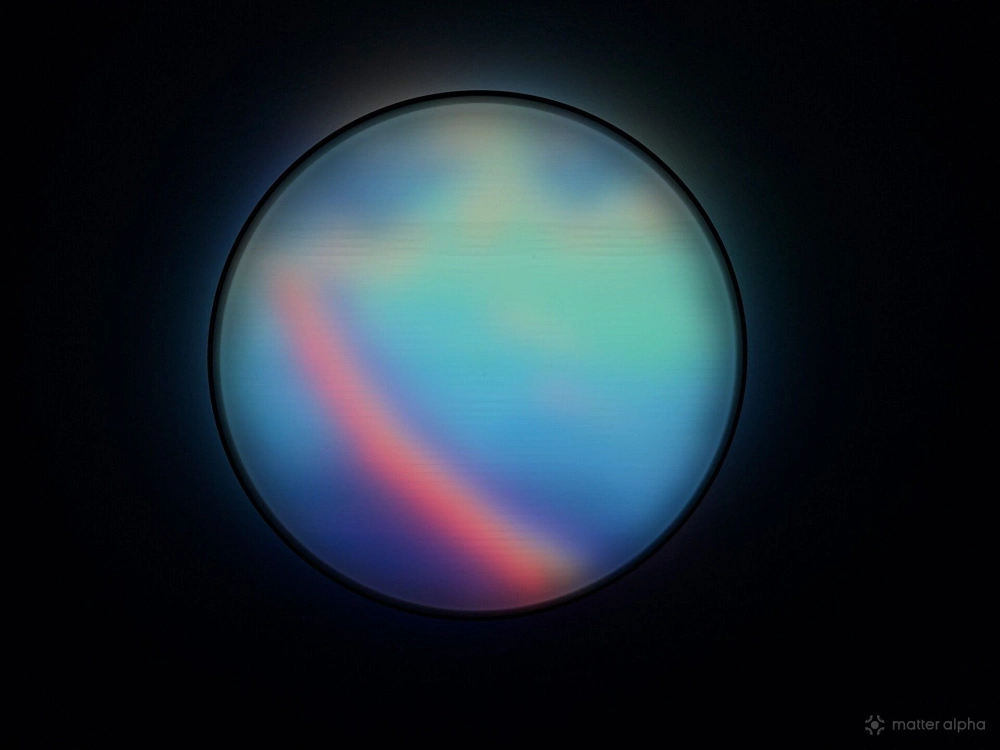
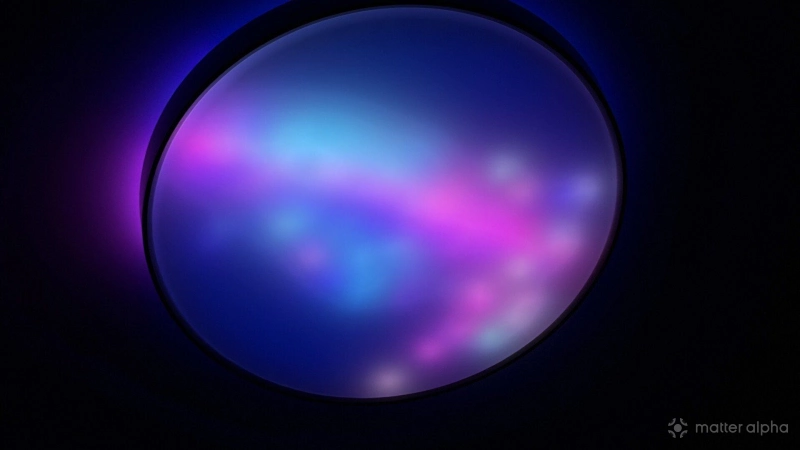
You will find dozens of dynamic presets in the official Govee app, neatly categorized. They are pre-created light effects, and some of them look genuinely stunning in person, like the rolling Uranus planetary light effect. I also spent time messing around with the built-in artificial intelligence generation feature. You just type a short phrase into the app to generate a custom light pattern. After processing for 30 seconds or so, the app spits out a GIF-style automation and applies it directly to the ceiling light.
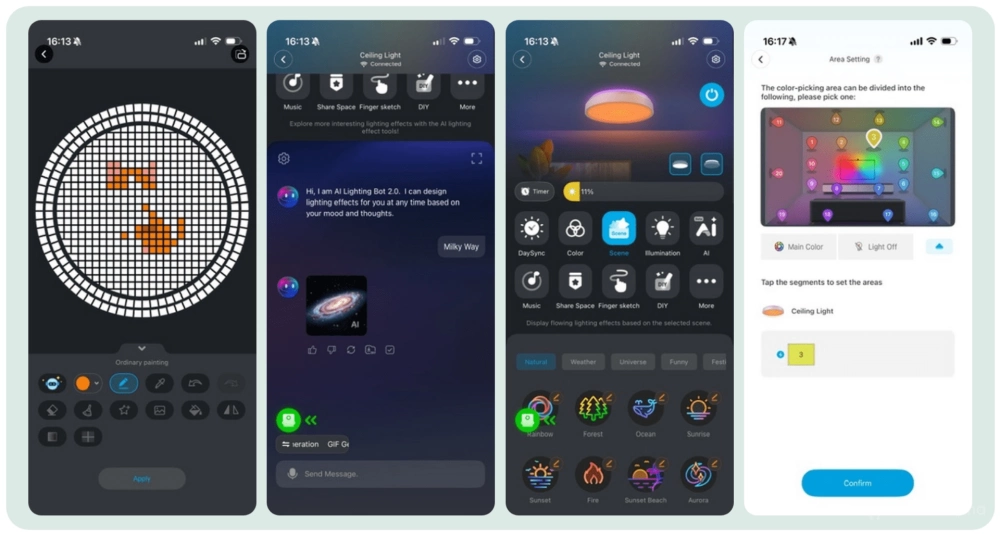
The effect is ideal for parties or holidays, but the animation is not liquid smooth. It still plays out a bit like a meme GIF running at a low refresh rate. I am not entirely sure if this is a strict hardware limitation with the internal microcontroller or just a software rendering quirk, but a smoother frame rate would go a long way for a premium lighting fixture designed to be a room centerpiece.
Basic Matter control
Getting the light onto my Matter network was a breeze. The onboarding process succeeded on my first attempt using Apple Home, and it paired just as easily with my Home Assistant and IKEA Home Smart.
Govee also added a reset option in the app to clear the network settings, making it far less painful to start over if something gets stuck. This is a great plus for me as I have spent countless frustrating hours with older Govee devices trying to physically toggle power or certain button combinations just to trigger a network reset.
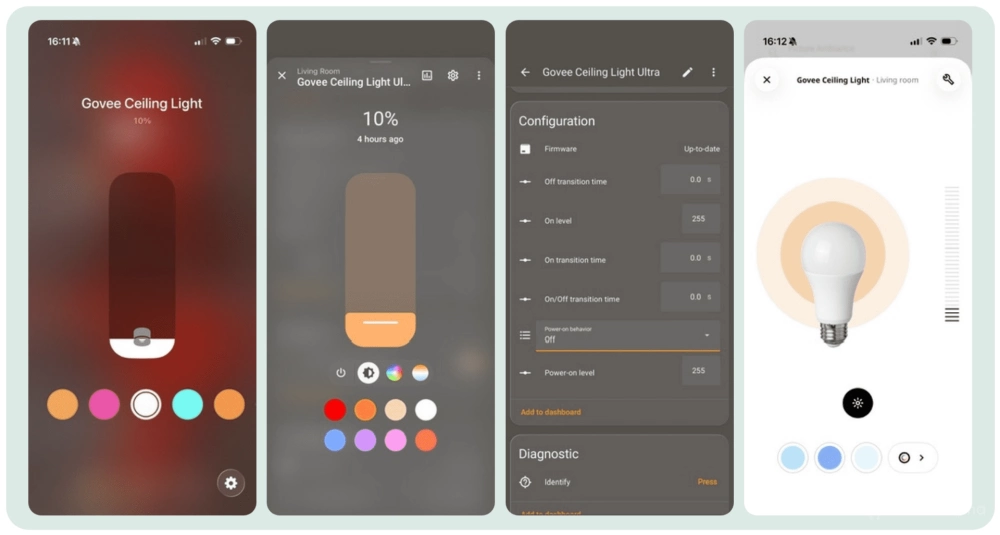
The fixture runs on the Matter 1.3 spec and standard Wi-Fi 4. That older wireless standard technically makes it slightly less robust than newer options running on Wi-Fi 6. And the old Matter 1.3 spec is preparing to sunset and will not be allowed for new hardware certifications in the near future. It’s frustrating to see Govee still insists on buggy and old Matter spec.
In actual daily use, as I continue tweaking my new home network, the average performance holds up well. Apple voice control through Siri is pretty fast, though I did experience a few occasional unresponsive moments that temporarily dropped the light from Matter control.
The major drawback is how it actually handles the hardware zones in Matter. You get basic controls on Matter platforms that treat it as a standard color light. But while the physical light has two distinct parts, the main pixel panel and the glowing backlight, its Matter implementation just lumps them together. When you assign a color through Apple Home, the entire fixture turns that single color, completely overriding the dual-zone capabilities.
For those using more advanced platforms like Home Assistant, you can configure the power-on state and transition durations via Matter. And because the device runs on Matter 1.3, it lacks native Apple Adaptive Lighting support.
Ultimate room lighting
Setting the Matter quirks aside, this is easily one of the brightest ceiling fixtures I have ever tested. My previous three-piece Nanoleaf Skylight setup pushed around 4,200 lumens. The Govee Ceiling Light Ultra blasts out even more light, peaking at a blinding 5,000 lumens. I actually cap it at fifty percent brightness at night, otherwise it turns my relaxing living room into a harsh workspace.
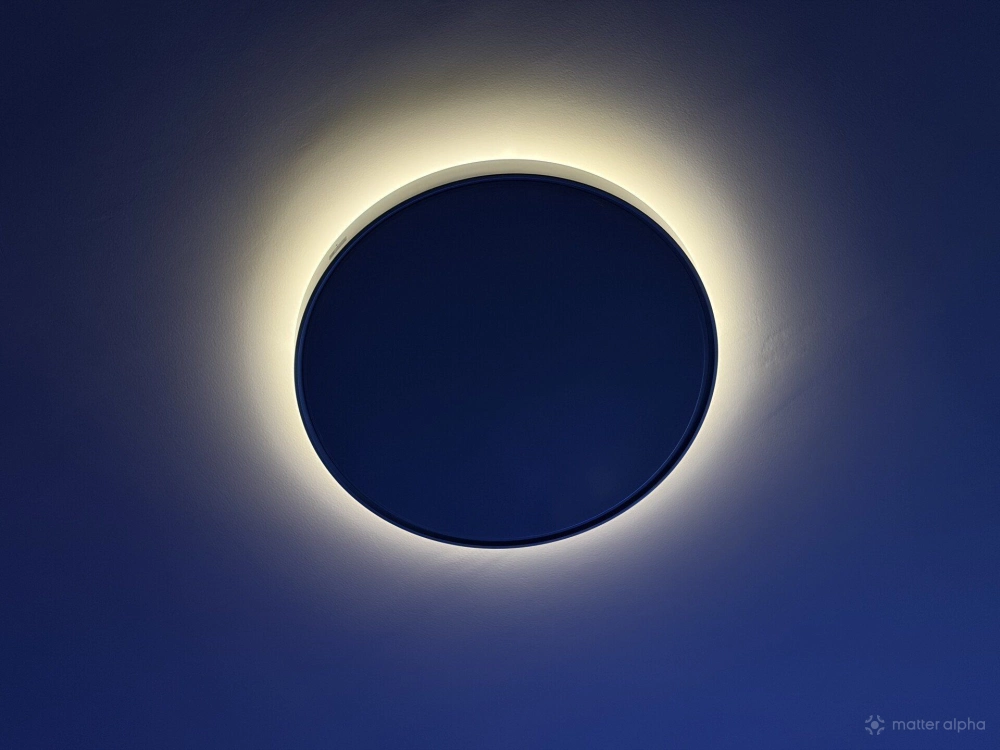
The fixture can also dim all the way down to a true one percent for a gentle touch to a room. This is a huge relief. Many competing devices still give out far too much light at their lowest setting, making them terrible for nightlights. I love turning off the main downward panel entirely through the Govee app, leaving only the backlight glowing against the ceiling to create a beautiful eclipse look. It works exceptionally well when playing video games, serving as an ambient light, so my eyes do not feel strained in the dark.
I noticed the light also boasts a high Color Rendering Index (CRI) of 95, meaning objects and skin tones look much more natural and closer to how they appear under natural sunlight.
Using the Govee app, I saved my favorite dual-zone presets as custom scenes and created Siri Shortcuts for them. This lets me quickly trigger the effects using voice commands when the basic Matter color control falls short, and it worked flawlessly throughout my testing week.
I also tried pairing the fixture with my existing Govee television backlight camera kit using the DreamView sync feature. Given how many individual lighting zones the ceiling panel has, I expected it to project and sync up dynamically with different quadrants of the television content. The actual visual effect behaves more like a basic mono-color sync, shifting the entire ceiling light to match the average color of the screen rather than displaying a complex extension of the movie. While its competitor Nanoleaf did a better job in this case.
Verdit
I would say the fixture itself is a great attraction for me: ultra-high brightness, wide range color temperature, accurate color hue, and high CRI, not to mention the large pixel canvas. It really fulfills most of my expectations of an “ultra”.
But its connectivity still leaves room for improvement. Sadly, it also reminded me of some bad experiences I had in the past trying to get Govee lights connected and stabilized over Matter. If you have a basic Matter setup and want a fancy fixture, Govee Ceiling Light Ultra is a good option. But for heavy users in Matter, I would propose a second thought.
Govee Ceiling Light Ultra is now available on Amazon, and Govee online store, priced at $209.99 with a discount.
(Image: Matter Alpha/Ward Zhou)