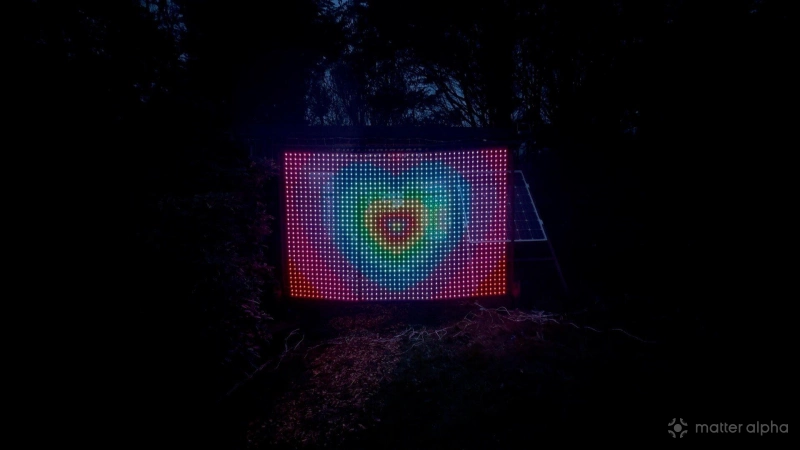
This thing is insane.
I've reviewed a ridiculous amount of Govee gear at this point, and nothing comes close to the imposing presence and sheer fun factor of this thing. The Govee Lightwall, model H70B8, is a 9-foot-wide pixel display rated for both indoor and outdoor use. It is clearly derived from Govee’s curtain lights, but it also feels like so much more.
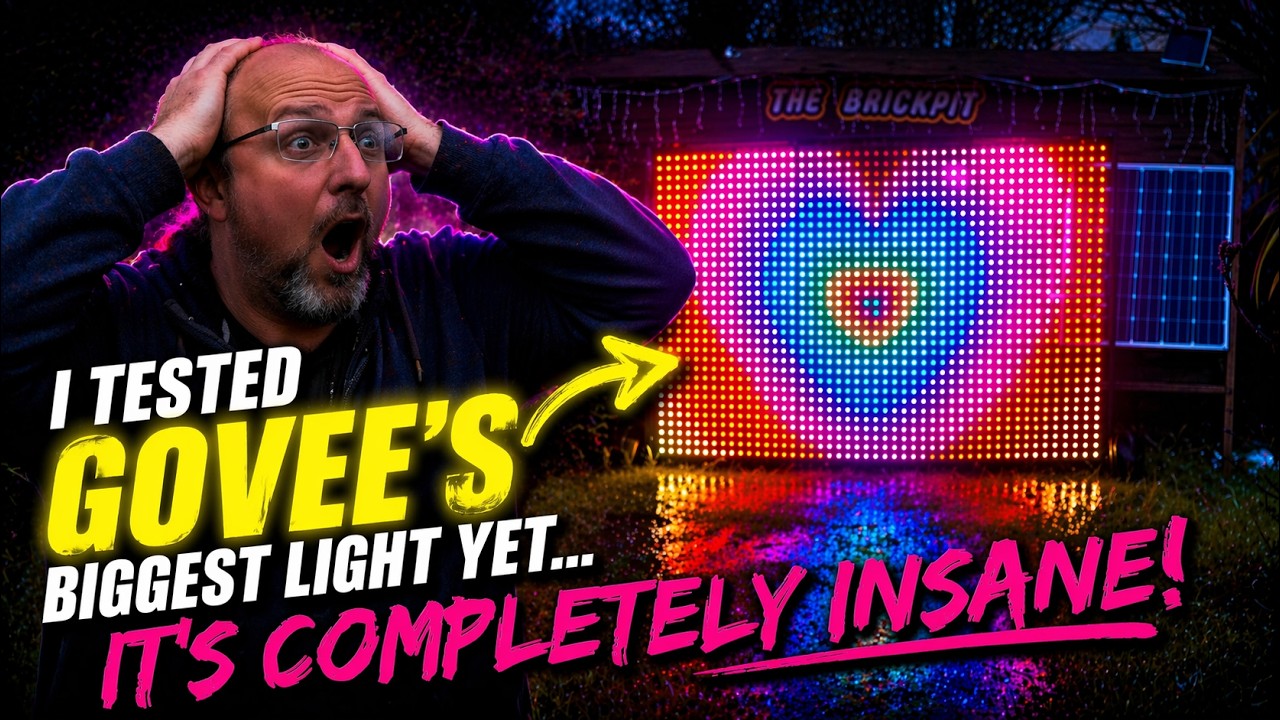
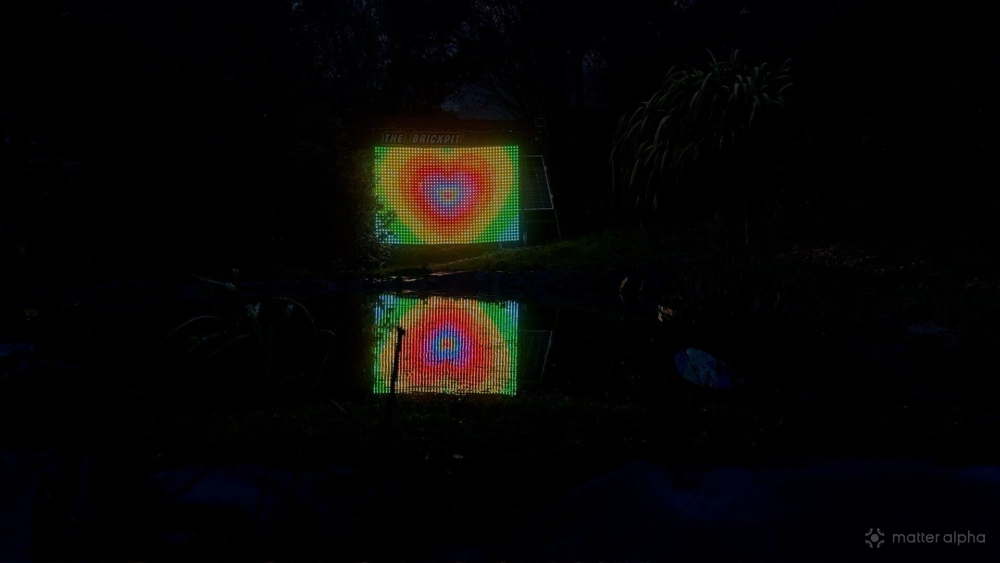
The Lightwall is the highest-density LED pixel net so far, with a pixel pitch of 1.96 inches. To be clear, this is not a 9-foot functional TV or monitor. It is not even an XL Game Boy. It's a 32 by 48 pixel grid, for a total of 1,536 LEDs. So no, it is not high resolution in any meaningful modern sense. It sits somewhere between digital signage, retro pixel art, and illuminated canvas, and that's exactly why it works.
Govee Lightwall
It is hilariously large, but that size gives it a properly dramatic visual effect from both near and far. Up close, yes, it loses definition. The pixels are nearly two inches apart, so obviously you're not getting crisp detail. But step back a bit and the display nature of it really kicks in. From a distance, it looks fantastic. It's difficult to convey in photos alone though; this is not a static product. If you haven't already, scroll back up and watch the video review.
Hardware and setup
This is probably the first Govee lighting product I’ve seen that comes with its own proper carry bag, which immediately confirms that this is meant to be portable and taken to outdoor events, pop-ups, and temporary installs rather than just bolted to a wall and forgotten (though to be clear, the frame base can be bolted down).
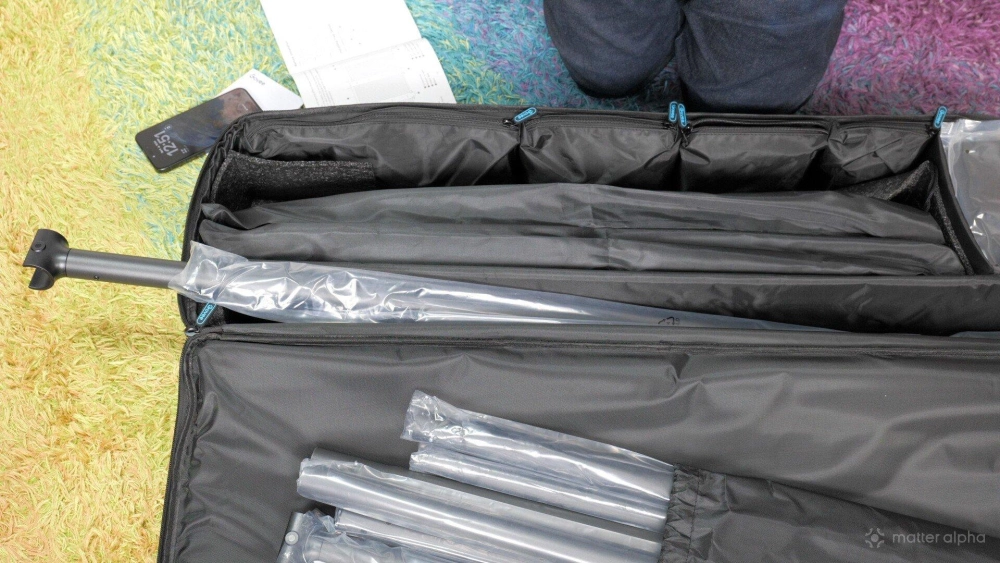
Inside the bag, there are compartments for the controller and remote, little accessory pieces for clipping everything on, and the stand parts off to one side. The display netting comes packed in three separate sections, each labeled, while the frame pieces sit at the back. It is all fairly well thought out.
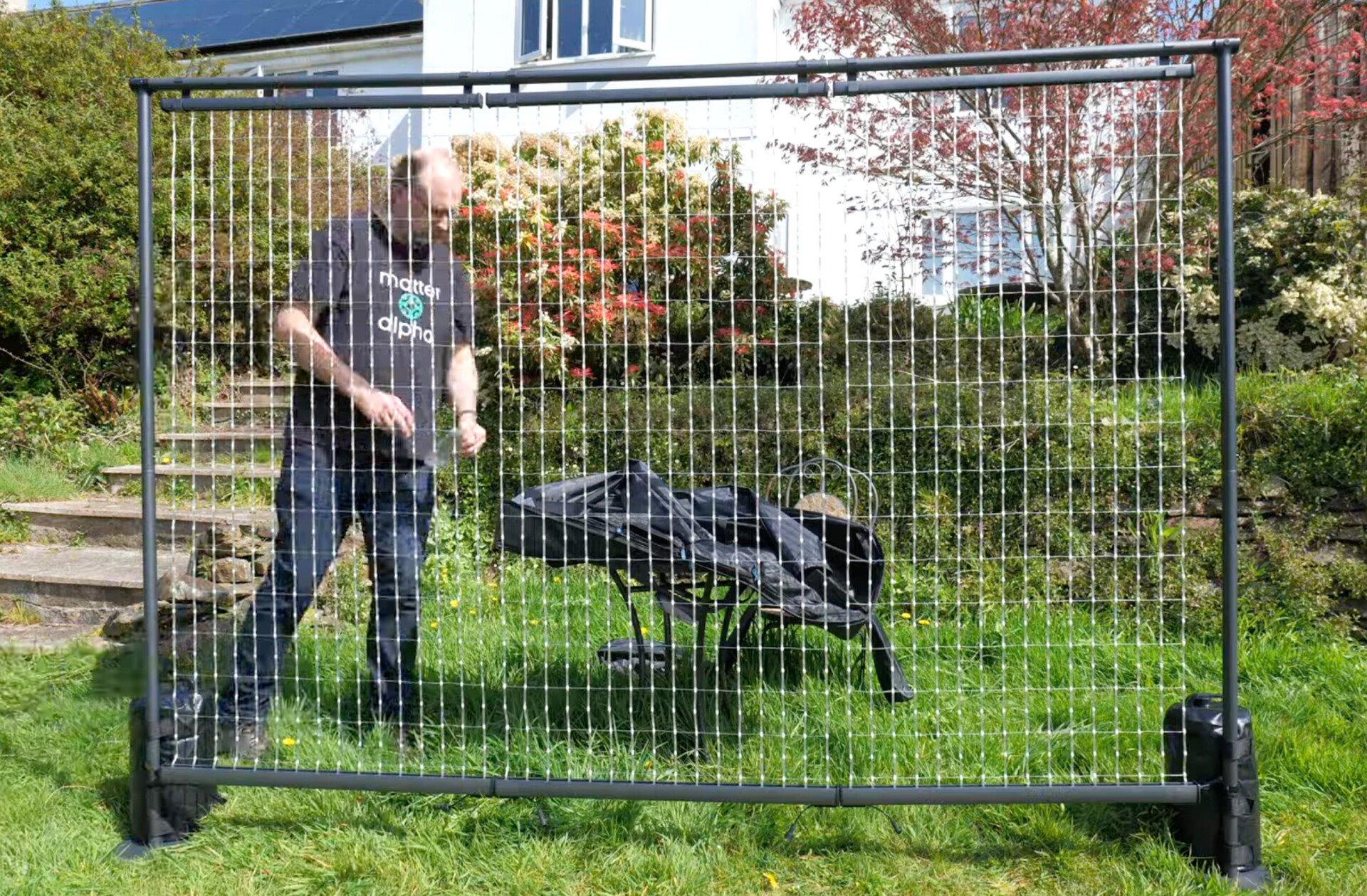
Assembly is surprisingly quick. You screw in the side pieces, push-fit the upper sections, and then push-fit the top bar. Once you know what you’re doing, you can get it set up in around 10 to 15 minutes. That part, honestly, is impressively painless.
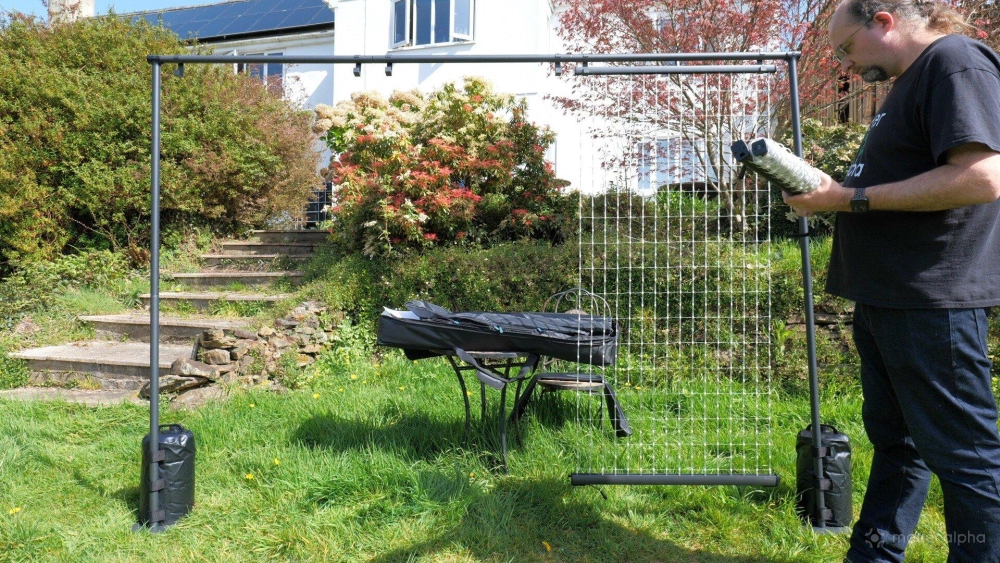
There is no bottom rail, though, and that matters more than you might think. On slightly uneven ground, the supplied water bag stabilizers felt absolutely essential. Even with those, you may need to fiddle a bit to get the frame squared off properly. I really cannot overstate the importance of having a flat base. Mine did blow over in mild wind — my garden doesn't have an inch of level terrain, I'm afraid. Thankfully there was no damage, but still, that was not ideal.
To fit the net panels, you just unfurl them and hook them onto the frame using the supplied clips. Power cabling runs at the base. The net frames have clips around the edges and a slot-in piece for the middle. Govee also includes spacing clips to keep the sections equidistant. I did not use those because I was already mildly suspicious of the whole thing toppling over, which turned out to be a reasonable concern, because it did in fact fall over when left outside overnight.
The water supports are essential regardless of surface. If you are planning something more semi-permanent, you can bolt the base pieces down into concrete with anchor bolts or screw them into decking or timber. That is probably the smarter move if you are not just putting it up for a few hours at a time.
The display itself is IP65 (to be clear, the frame and display would be IP67, but strict requirements about the power cable mean it can only be classified as IP67; just keep the plug and power adaptor indoors) and the overall unit is intended for outdoor use, so rain is not really the issue here. Personally, I still would not leave it out long-term, but that is less about the official rating and more because the air is salty round here and everything eventually starts looking like shipwreck salvage.
Govee Home app control and features
When it comes to controlling the Lightwall, it is a mixed bag, but parts of that bag are excellent, so bear with me.
There's a new Display tab in the app with a handful of widget-like options such as a clock and weather. Right now it feels pretty sparse, and I can't imagine using any of it in its current form. I've reviewed smaller pixel displays from brands like Divoom that had more genuinely useful little dashboard functions, like follower counts and other at-a-glance data.
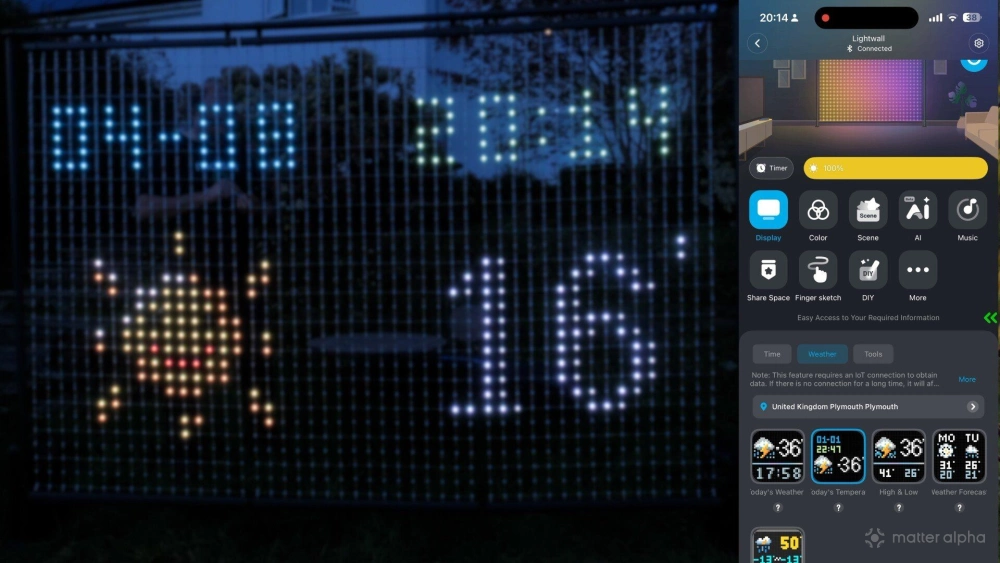
What I would really like to see here is some sort of custom tool designer so you could feed in API data and build your own displays. That would make this thing way more interesting for events, businesses, and nerds like me.
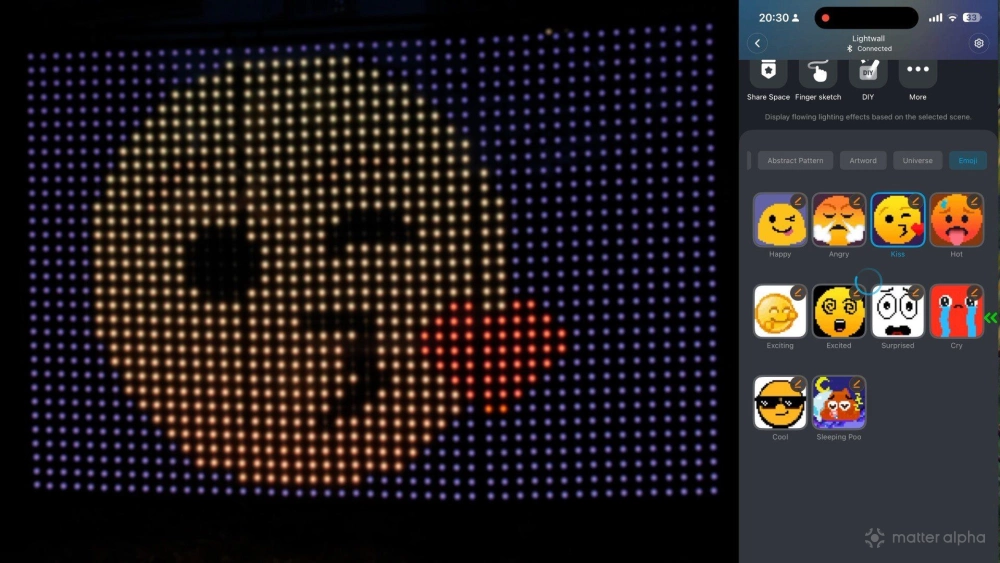
As usual, there are loads of "scenes" in the app — around 200, apparently. I'm using air quotes there, because a lot of them are basically just animated GIFs, and many of them are a bit... cheesy. There are some genuinely nice hypnotic ones in there though, and a few that look fantastic on a display this size.
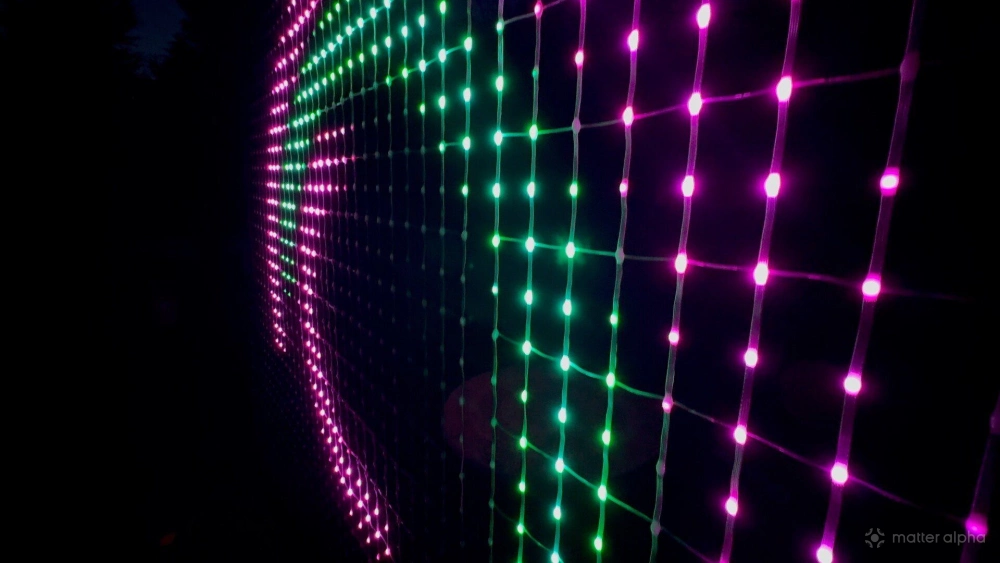
I'm not going to pretend every preset is a winner, but there is enough good stuff to keep you entertained. The presets aren't really what's compelling about the Lightwall.
AI Lighting Bot 2.0 and GIFs
The Lightwall also introduces AI Lighting Bot 2.0. In the past I have been pretty down on Govee’s AI stuff, because it often didn't translate all that well into lighting effects. Here, though, it makes more sense, because what it is really doing is generating animated image content for a pixel display.
You type in or speak a prompt, and it turns that into an animated GIF. In practice, that is actually pretty fun. The catch is that it is not fast. At all. It's clearly being being done in the cloud, and it might be quicker if it just used on-device generation (on the iPhone anyway, the native image generation can be superb).
Below: "Cyberpunk synthwave city racer", apparently. It looks a lot better if you squint.
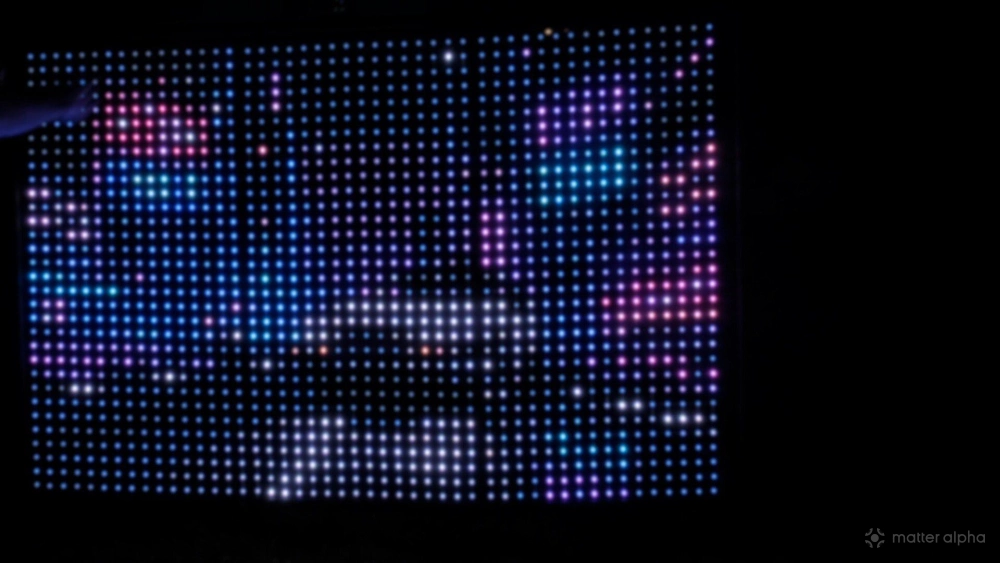
The other annoyance is that the generated GIFs do not loop cleanly. After a few seconds, you get a jarring reset instead of a smooth loop, which is a bit naff when the whole point is to create a seamless visual effect. Still, the ability to upload custom GIFs opens this up massively, too. That part is where the real value is.
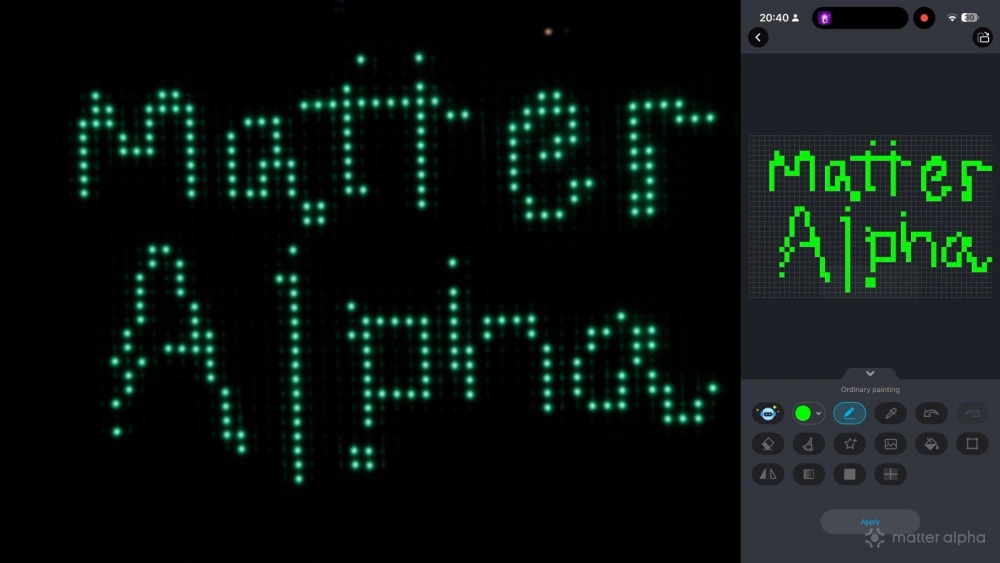
There is also a finger-sketch DIY mode, though unless I missed something, there does not seem to be a clean way to add text to that, which feels like an obvious missed opportunity.
Scene Stage is the killer feature
I've left the best part until last, because this is where the Lightwall goes from very cool oversized novelty to something really special.
Alongside the usual 10 or so standard music-reactive modes (those are, as always, stunning), Govee has introduced a new coordinated show mode called Scene Stage. It is currently in beta, and it only works with a limited range of products, but when it works, it's a game changer. Up to 10 products can be paired with the Lightwall as the controller device; Bluetooth range will be the limiting factor here.
Scene Stage is not just standard DreamView-style audio syncing where everything flashes the same color at the same time. Scene Stage lets you map compatible lights into a 2D space, so animations can move across them in a coherent way. You tell the system that your fairy lights are above the Lightwall, or that icicle lights are hanging below it (they don't have to be centred; you can drag them around to reposition), and it spreads elements of the animation across all of them accordingly.
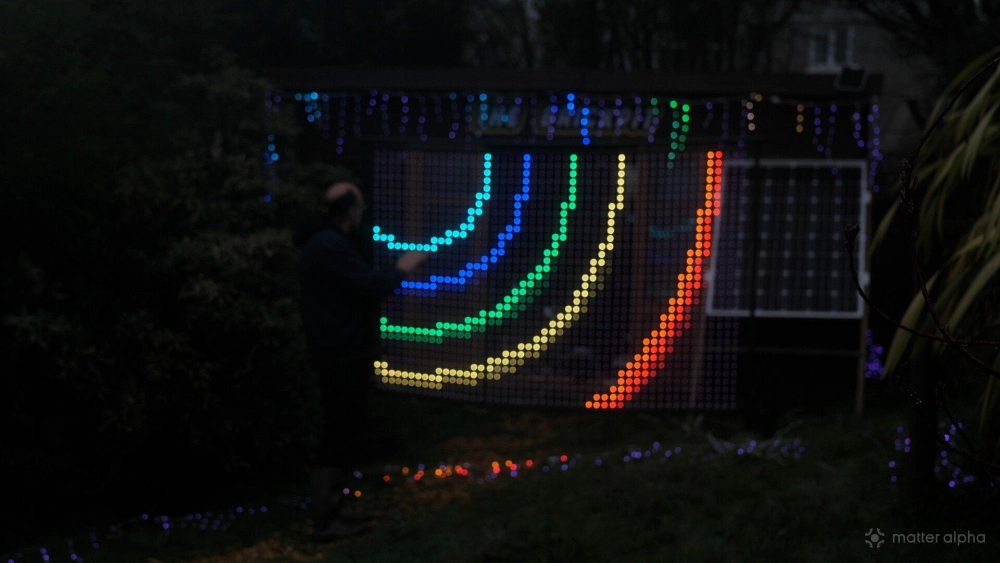
That means the whole setup starts behaving like one big composed lighting scene rather than a bunch of separate products trying their best to look coordinated. When it works, it looks incredible.
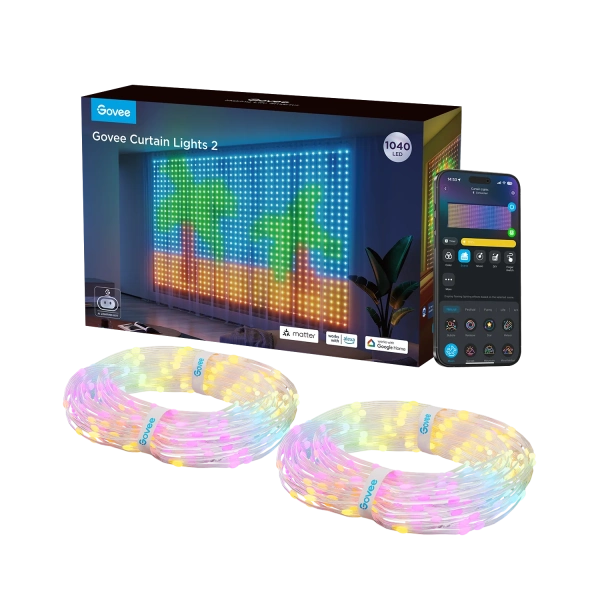
Govee Curtain Lights 2
A customizable, AI-enhanced curtain light system that displays animated scenes and user-uploaded visuals, ideal for expressive decor and smart home integration.
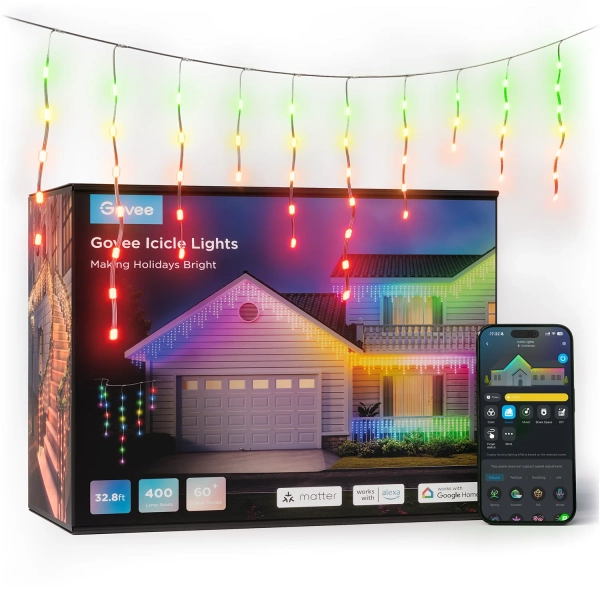
Govee Icicle Lights (33ft)
Govee brings its interactive lighting magic to traditional Christmas icicle lights
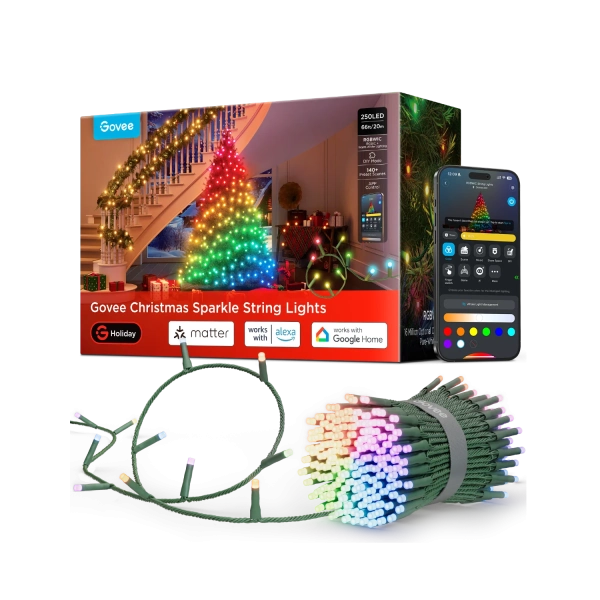
Govee Christmas Sparkle Lights (66ft)
Customizable RGBWIC string lights that create starlike illumination with individually mapped LEDs, dynamic scenes, and AI-generated effects.
Supported products include the Curtain Lights 2 and Curtain Lights Pro; I don't have those. The Chromatic string lights (our review) are shown as supported too, but I couldn't get them working, which I am putting down to the fact this is still beta. The Christmas String Lights 2 (our review), Christmas Sparkle (our review), and the icicle lights (our review) are also supported, and I used two strings of icicles above and below the Lightwall to test it out. Placing the icicle lights on the ground gave a suprisingly pleasing lightning effect, crackling haphazardly as the animations hit the grass. If you are using the Christmas strings, you will want to shape-map those first so the Scene Stage effects align properly to the structure you have wrapped them around. That's right: the animations can be seamlessly played on your Christmas tree.
This is, for me, the real reason to care about the Lightwall. On its own it's already impressive. Combined with other fixtures in a mapped scene, it becomes something else entirely. This is now the centrepiece of your whole event.
Price and value
The Govee Lightwall launches at $450, which is expensive. No point pretending otherwise.
Govee Lightwall
That said, there are not many directly comparable products. You can find generic pixel nets and outdoor LED matrices online, but they usually don't include any mounting hardware, they don't come with a bag, frame, app ecosystem, music sync, or anything like Scene Stage. Once you start pricing up DIY alternatives (Neopixel comes to mind for those who want a custom install), the Lightwall actually starts to look less unreasonable.
Compared to Govee’s own curtain lights, the pricing is roughly in line with buying three of those, and you're getting about the same sort of pixel count ballpark. But again, this includes a full freestanding mounting solution, portability, and a more event-friendly design. So while it is expensive, it is not stupidly priced for what it is.
Yes it supports Matter, but ... why?
The Govee Lightwall supports Matter for power, brightness, and color control. And while that would normally be at least of some benefit on any smart lighting product (turn it off from bed is my most common use case for Matter control), I can't think of a single compelling reason to bother here.
This is not that kind of product. Assigning it a static color through Matter feels almost comically pointless. If you are using the Lightwall, you are using it for animated effects, custom content, music sync, or Scene Stage. Either it is staying inside the Govee ecosystem as part of a bigger setup, or you are taking it out to events and controlling it over Bluetooth anyway. Matter support is one of those bullet points that exists because it can, not because anyone sane will use it. Perhaps it's just futureproofing for a time when Matter does eventually support pixel control (though that's not on any roadmap for now).
Final verdict
The Govee Lightwall is big, bold, and beautiful, and it feels like a genuinely new kind of niche product.
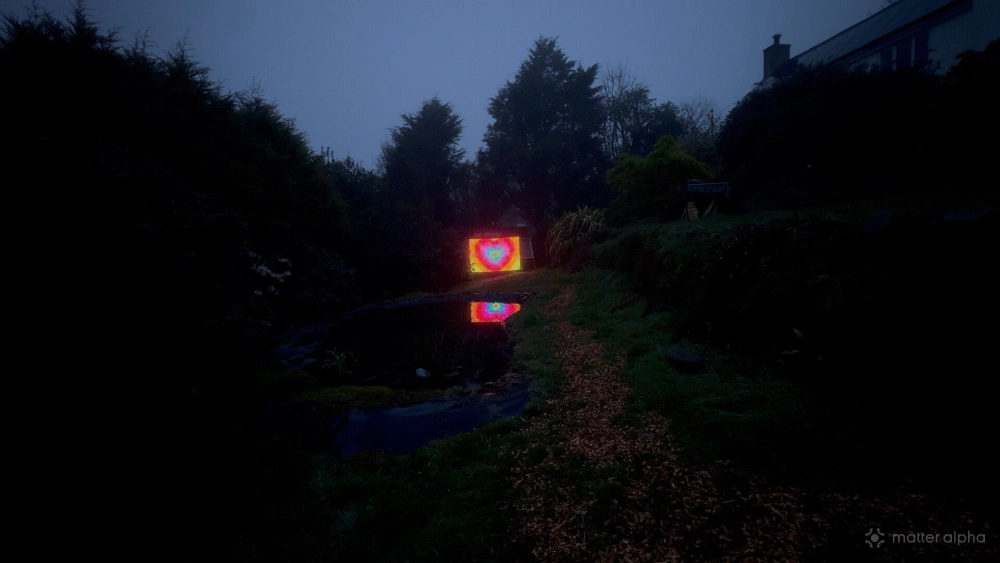
It is probably the most impressive thing I have seen from Govee yet, especially once you start combining it with other fixtures in Scene Stage. That is where it stops being a giant novelty light and starts feeling like a proper visual showpiece.
It will definitely appeal to some home users, especially the sort of people who go all-in on holiday displays or have struggled to make the existing curtain lights look the way they want. But the carry case, the fast setup, the portability, and the new multi-light mapping features push this much more toward events, pop-ups, and semi-professional display use. That is mainly where I see myself using it too, I'm already planning around this as a centerpiece at the biggest halloween disco we've ever held.
The Lightwall is ridiculous, expensive, and a little bit precarious if you do not set it up properly. But it is also kind of incredible.
And yes, it supports Matter. No, you probably should not care.