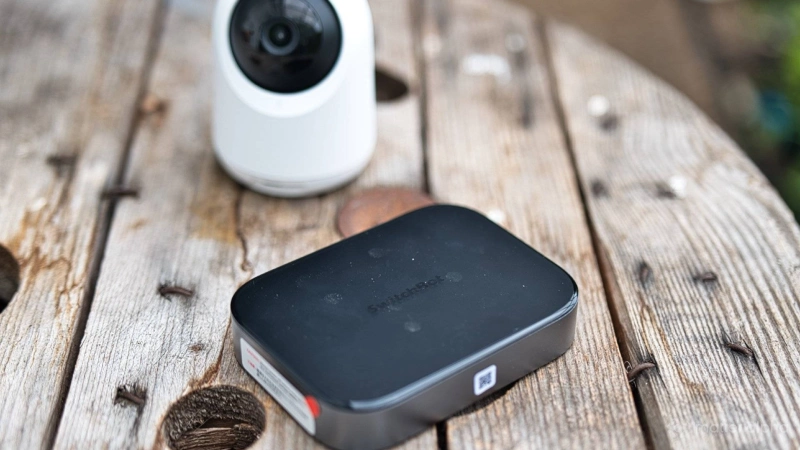
Testing the SwitchBot AI Hub has been a rollercoaster. I first tried it last year during an early feedback round, when it promised local AI video processing but seemed to require cloud AI for nearly every advertised AI feature. At the time, it felt suspiciously close to a bait and switch. It has improved since then, with more local capabilities now available, but there’s still an AI subscription hanging around for some features.
The bigger issue is that the AI Hub feels like a troubled teenager trying on every personality it can find. It’s an NVR. It’s a Matter bridge. It can run Home Assistant. It can run Frigate. It has USB-C video out. It can use Ethernet through a dongle. The SwitchBot AI Hub can even run OpenClaw, for… reasons.
Some of it works. Some of it doesn’t.
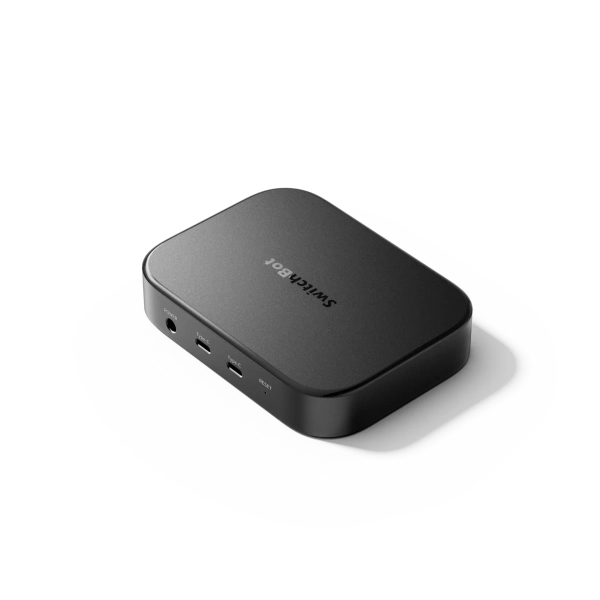
SwitchBot AI Hub
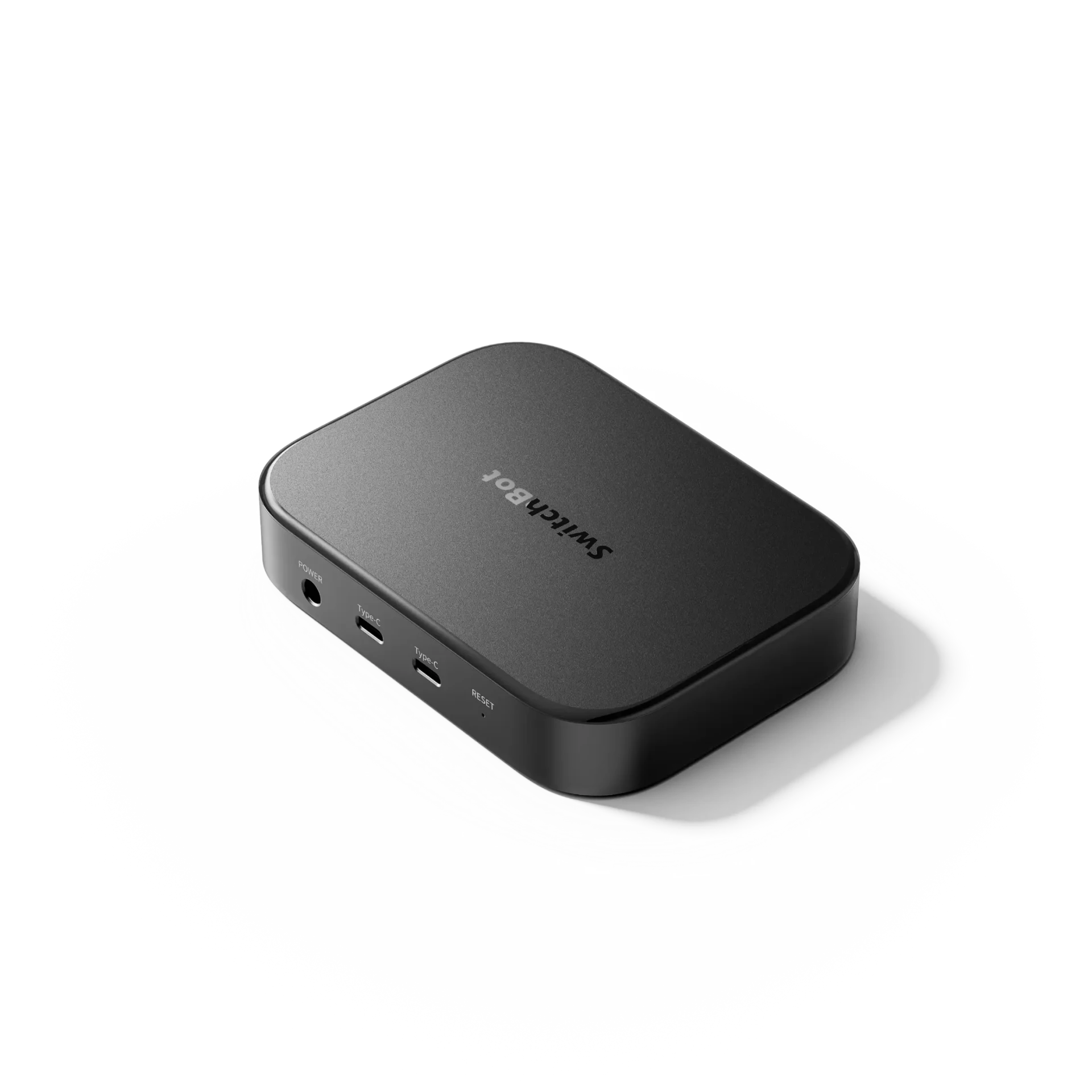
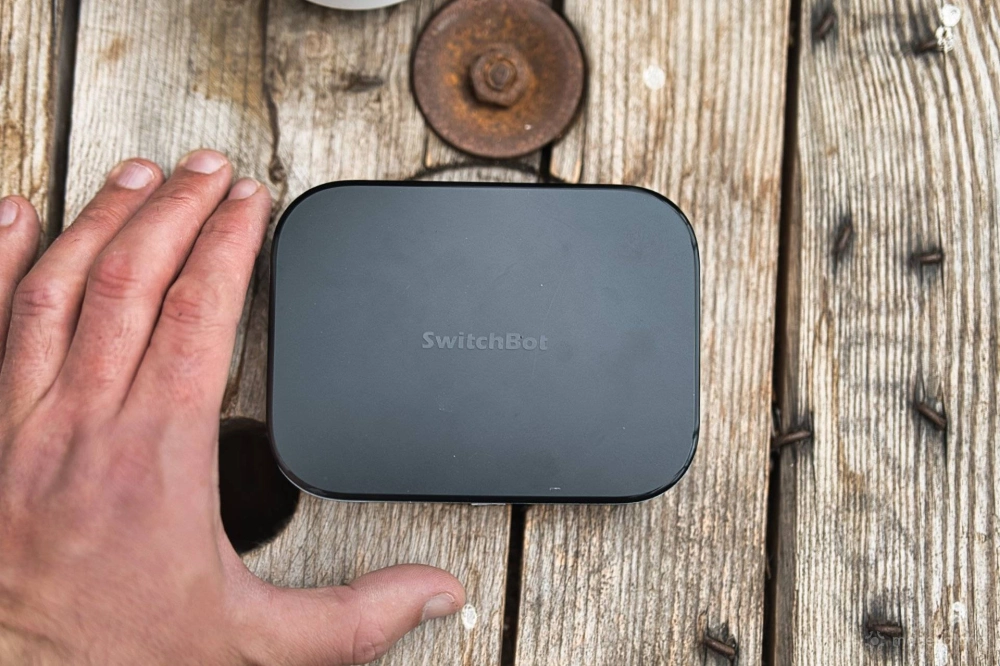
At its core, the SwitchBot AI Hub ($260) is a half-decent little Network Video Recorder (NVR) for SwitchBot cameras (and in theory, other cameras). It adds local microSD storage, some smart detection, and a usable interface. But as an “AI Hub”, it’s a messier proposition.
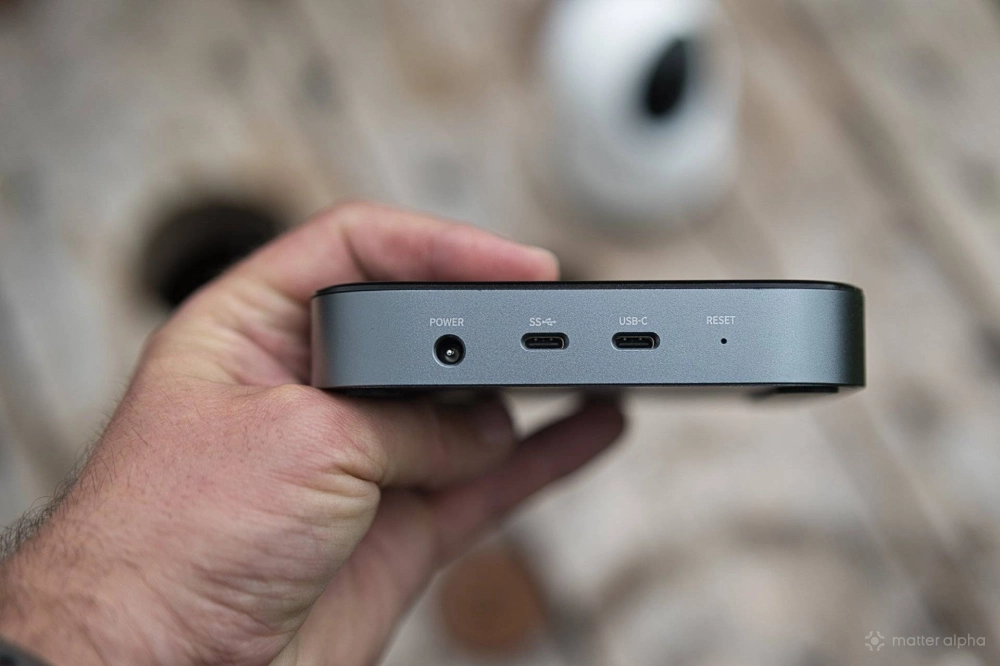
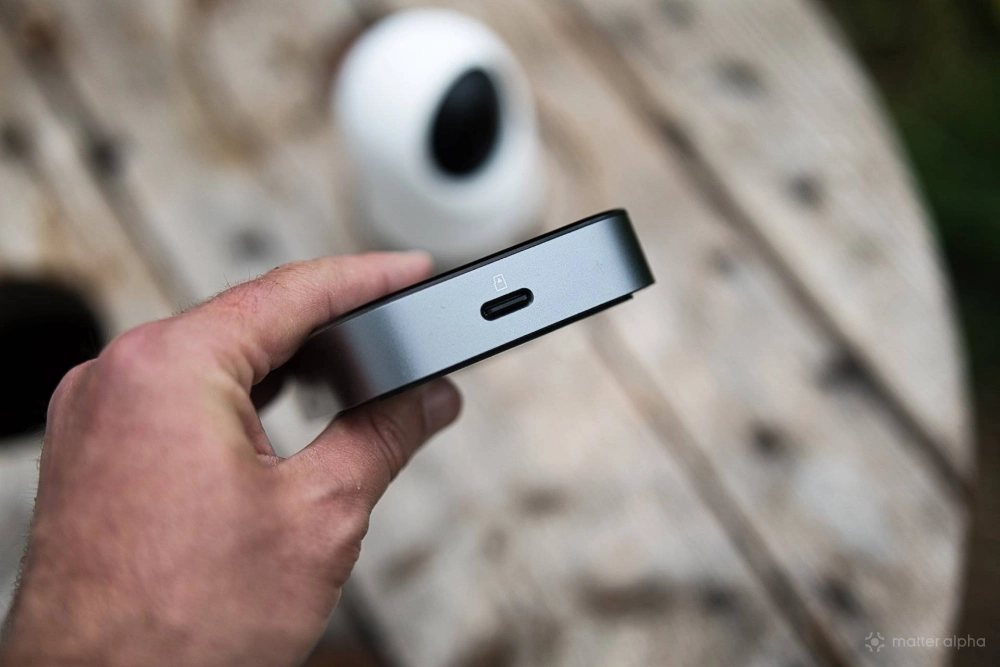
The hardware is minimal: two USB-C ports, a microSD card slot, and a DC power input. Weirdly, there’s no Ethernet port, which feels like an odd omission for a device designed to ingest video from around your home. Thankfully, you can use a USB-C Ethernet adapter, though SwitchBot doesn’t exactly shout about that in the documentation.
It’s an NVR
Setup is straightforward enough. You add your SwitchBot cameras, motion-detected footage is recorded to the microSD card, and the Hub performs some basic local analysis. It should also work with RTSP cameras in theory, though I couldn’t get live view working with mine, even though event previews did appear.
There’s nothing remarkable these days about detecting a vehicle, pet, or person on a camera feed, so the big extra feature is facial recognition. Once a face is detected, you can label it as a specific person or leave it as a stranger, then trigger automations based on who was seen and where.
That sounds brilliant until you realize those automations are mostly trapped inside the SwitchBot ecosystem, and you're unlikely to have a house full exclusively of SwitchBot devices. I even tried to come up with a hacky workaround of flipping a virtual switch when a face was detected, and exporting that virtual switch to Apple Home. Unfortunately the status could only be written to, not read, rendering it pointless.
The local AI detection can also get a bit squirrel-brained. In our cluttered kitchen, it detected almost everything as an important event. Furniture! Package! Dog! Electronics! Another dog! But I can assure you that the little soldiers on the biscuit tin were not, in fact, unknown intruders. The dog also hadn’t moved from his beanbag in hours, but the camera still proudly confirmed that yes, he remained a dog. The downlighter on the ceiling was not a package, and it had in fact been there for the entire time that the camera had been installed. In fairness, it did once correctly identically an Amazon box... but it labelled it as electronics, not a package.
In its default state, the intelligence on this AI Hub feels quite stupid.
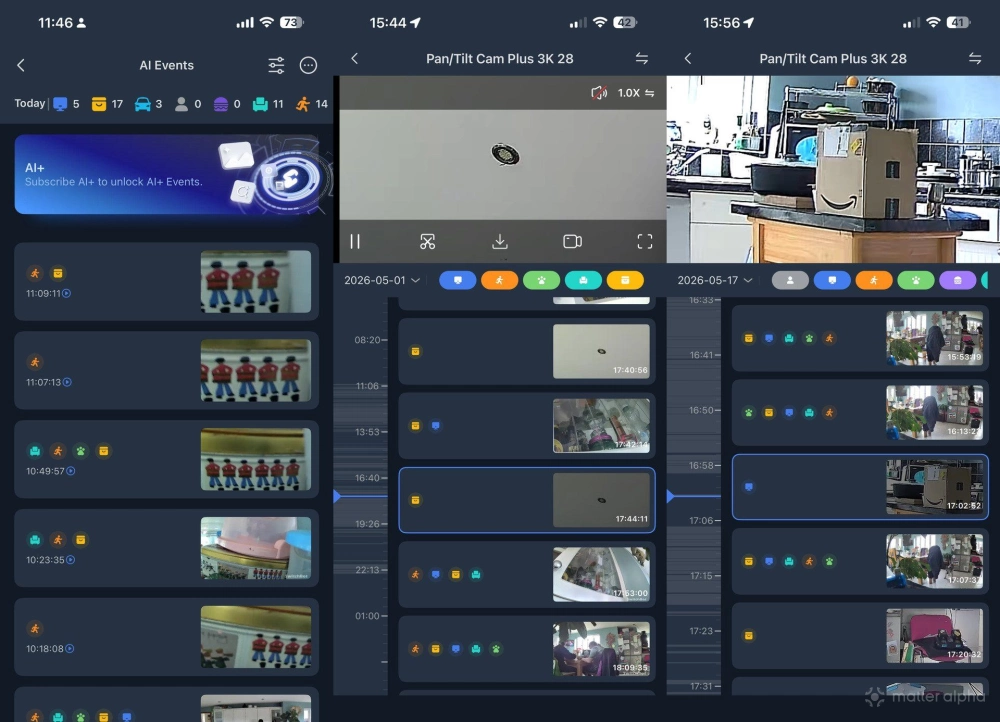
There are seven intelligence event types: human, vehicle, animal, furniture, object, electronics, and food. Despite the camera being in our kitchen, it never once detected food, which was mildly insulting given that we cook everything from scratch. Perhaps it’s only trained on burgers.
You can filter the event view, but I couldn’t find a way to disable specific detection types entirely.
There are more advanced AI features available, including contextual descriptions of events, but I declined to test those because they require a subscription. From the product name and marketing, you’d assume this box can handle the AI locally. Spending just shy of $300 on a device and then being nudged toward another $5/month subscription is not a practice I want to encourage.
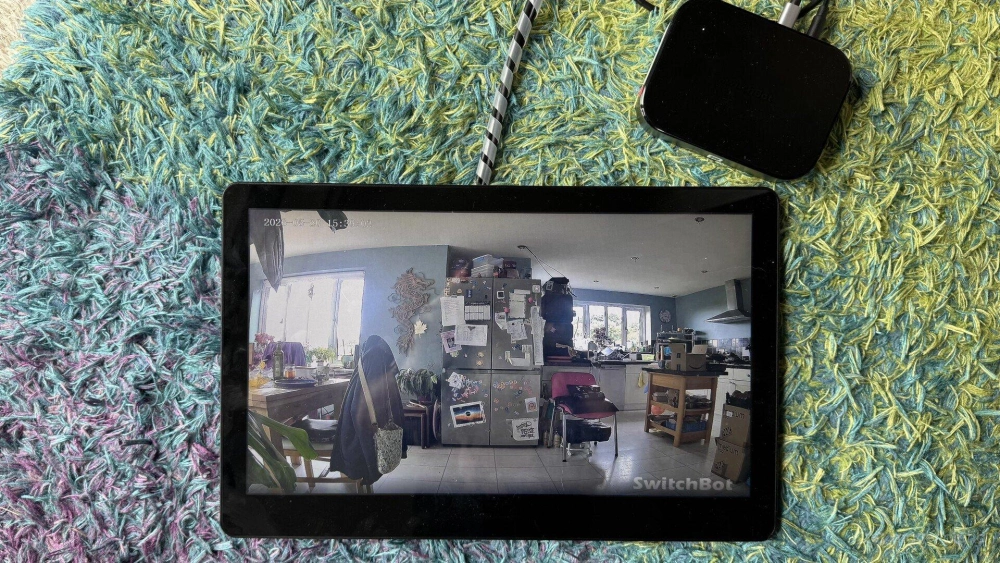
The good news is that the USB-C video out seems to work with little effort — just be sure to use the port labelled "SS" , rather than "USB-C". As a quick way to live monitor up to 8 SwitchBot cameras, this is great.
Matter support, but not for cameras
Because much of the SwitchBot ecosystem is Bluetooth-based, the AI Hub can act as a Matter bridge for nearby SwitchBot devices, much like the Hub Mini. Up to 30 devices can be exposed, and any automations involving the connected devices will be run locally.
But this feels like a massive missed opportunity. Matter camera support is now established in Matter 1.5, and if the AI Hub could expose SwitchBot cameras as Matter devices, that would have been a killer feature. Maybe there’s a technical or security limitation.
Either way, it doesn’t do that currently.
Frigate and Home Assistant
SwitchBot has also crammed in containerized versions of Frigate and Home Assistant, which run alongside the rest of the Hub’s features. Home Assistant is limited by the hardware, though: there’s no Thread or Zigbee radio, so you’re mostly working with Wi-Fi devices unless you add other bridges elsewhere. If you do want to run Home Assistant, a dedicated first-party Green box (our review) is a much better way to go about it.
Frigate gives you a more familiar CCTV-style interface and web access, though it has a steep learning curve. If you specifically need web access to monitor camera events (for sure, it's easier than a smartphone app), you'll want to spend the time learning it. Otherwise, it's safely ignored.
OpenClaw and the SwitchBot skill
OpenClaw is where things get weird. For those who missed the memo, OpenClaw is an agentic AI system that can interact with services through “skills”. In theory, that means the AI can control your smart home, connect to web services, and do clever AI-assistant things.
In practice, it’s painful.
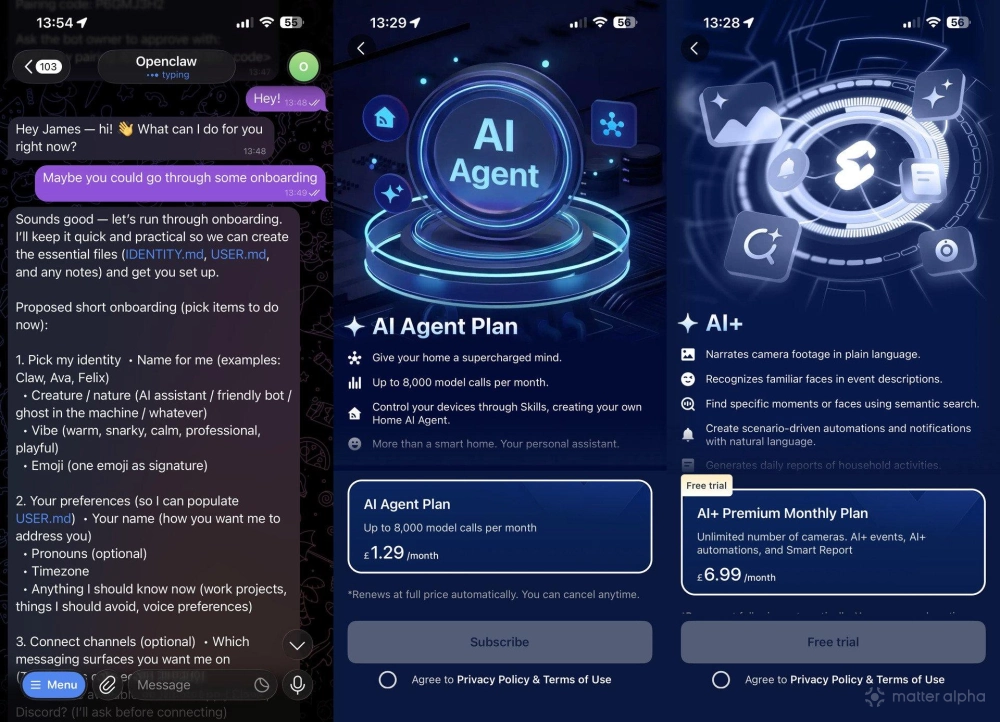
The OpenClaw base software can run on the AI Hub, but you still need a model to power it. I tested it with OpenAI 5.2, 5.2 Mini, and later SwitchBot’s own free limited-use model (and there now appears to be another subscription available for model calls). Results varied from “almost useful” to “why are my messages disappearing into the void?”
I went into OpenClaw mostly clueless, and after months of testing, I remain so. I expected a chat interface where the agent could configure itself. Instead, almost every attempt to install skills or configure anything ended in errors. It can't even search the web without extra API keys, which cost money.
At one point, I did get the SwitchBot skill installed using my own API keys. And unlike most, I'm ready and willing to hand over control of my home to an AI. Naturally, the first thing I tried was giving it access to unlock my front door. What could possibly go wrong? To its credit, it required a very specific confirmation before unlocking, which is sensible, though it also rather defeats the point of casual chat control. Still, it worked. I told it to unlock the door, and it did.
Then I asked it to install more skills, and it promptly corrupted its own config. Everything stopped working.
Is this thing on?
To SwitchBot’s credit, setup has improved since then. There’s now a “one click” setup that should configure OpenClaw automatically. After around twenty minutes, you can open the interface or hit “Try OpenClaw Now” in the app and get a chat window preconfigured with the SwitchBot skill. Initially it seemed to have a free, rate-limited option; now that seems to have changed into a one-month free trial.
The first time I tried it though (after a complete firmware upgrade and wipe), the premade config was wrong. Support had to tell me how to manually fix the agent. That was the point where I started wondering if anyone was actually using this thing.
Eventually, I got it running and asked it to connect to Apple HomeKit or tell me the next steps. It found a skill, ran some tool calls, and then seemingly did nothing. When I asked if it was finished, my messages started disappearing into the void. Opening a new chat just queued everything forever. Had I hit a rate limit? Corrupted the config again? Who knows!
Sorry, but this feels broken on every level.
Some of that is down to the AI Hub’s limitations. This isn’t a powerful desktop machine. It can’t really run local LLMs, and the agent can’t use a built-in browser to search or operate the OS. In reality, most of the clever stuff depends on remote models and API access, which means ongoing costs and a lot of fragility.
That’s a problem, because so much of the marketing has focused on OpenClaw. I was genuinely excited by the idea of a preconfigured smart home AI agent. But what I found was a half-working experiment bolted onto an already confused product.
Should you buy the SwitchBot AI Hub?
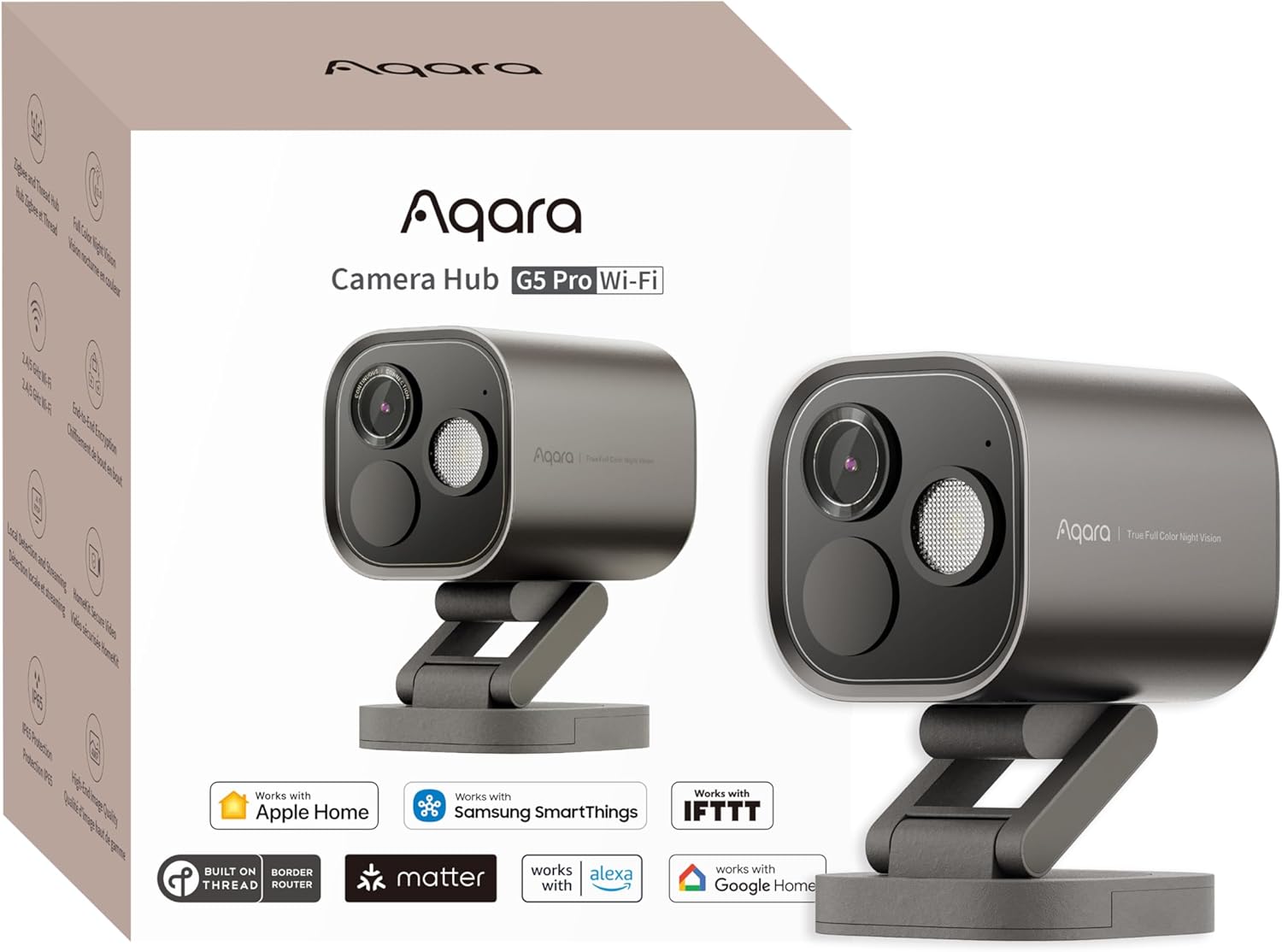
Don’t buy it because you want a reliable "local AI" box to experiment with OpenClaw. The smart detection here isn’t much beyond what many decent security cameras already offer on-device. Facial recognition and object detection are useful, but they aren’t magic anymore. The Aqara G5 Camera Hub, for instance, already offers meaningful smart detection and facial recognition without needing to shout “AI” quite so loudly.
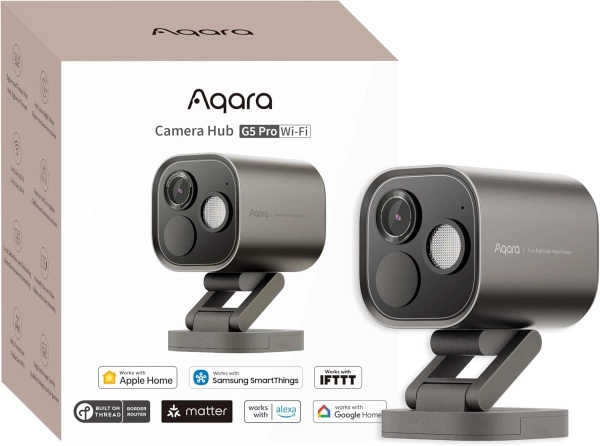
Aqara Camera Hub G5 Pro
Also available at
The problem then is that there’s nothing truly unique here. Yes, it can run Home Assistant and Frigate. But so can a $300 mini-PC, and a mini-PC would be more flexible. You could run a media server, a Valheim server, and whatever other nonsense you fancy. Spend a bit more and you could get a more capable NVR setup from a Synology network storage system.
If SwitchBot had called this the SwitchBot Home NVR, added Ethernet, focused on local camera recording, and treated AI event labelling as a bonus, it could have been a good product. Fundamentally, it's a half-decent NVR for SwitchBot cameras, especially if you want to plug in a monitor to view events or live streams easily.
Instead, it tries to AI all the things, and ends up feeling confused, unfinished, and oddly out of place in the SwitchBot lineup. Combined with the subscription upsell for a lot of features, and it's difficult to recommand.