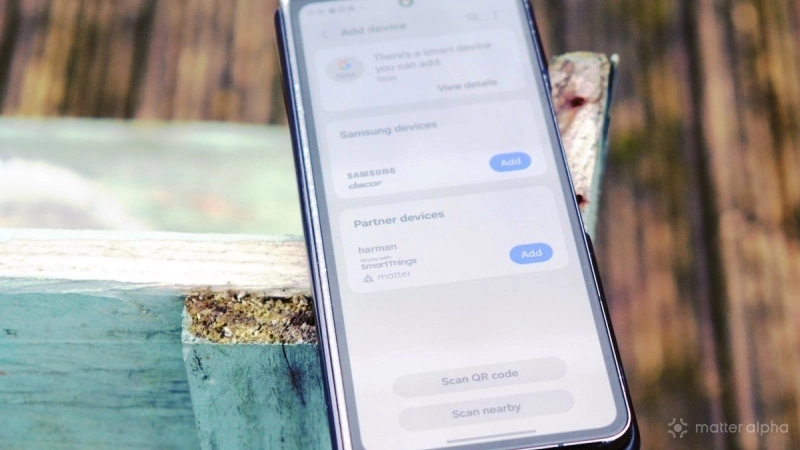
Almost all new smart home devices are Matter-compatible, which means control of them can be achieved via a mobile app or smart assistant, assuming you’re using Apple Home, Google Home, Samsung SmartThings, IKEA Home Smart, or Amazon Alexa. (You might even by using Home Assistant, but if that’s the case, you probably know everything that is about to follow...)
As the platform becomes more widely available and accommodates an increasing number of devices and features, it might be time to upgrade your smart home to Matter.
What you need first
No smart home can work without a wireless network. Ideally, it should operate on the 5GHz band, although for older devices (or smart home equipment build on older chipsets), you’ll probably need a 2.4GHz network. As modern routers can handle both bands, this shouldn’t be a problem in most cases.
You will also need a Matter controller.
This is important: you can use any Matter-compatible smart home device with any controller, but the controller is key to a Matter smart home. At the time of writing, the controller is typically a standalone hub (such as a Google Home Nest Hub, or an IKEA Dirigera) with integration with a partner app.
However, not all such devices are standalone. For example, some hubs are integrated into other devices, such as Samsung TVs with Samsung SmartThings.
Configuring a Matter hub and controller
You'll need to start by setting up a Matter hub with the controller. This is straightforward, and is essentially a case of plug in, power up, and sync to your network via the app.
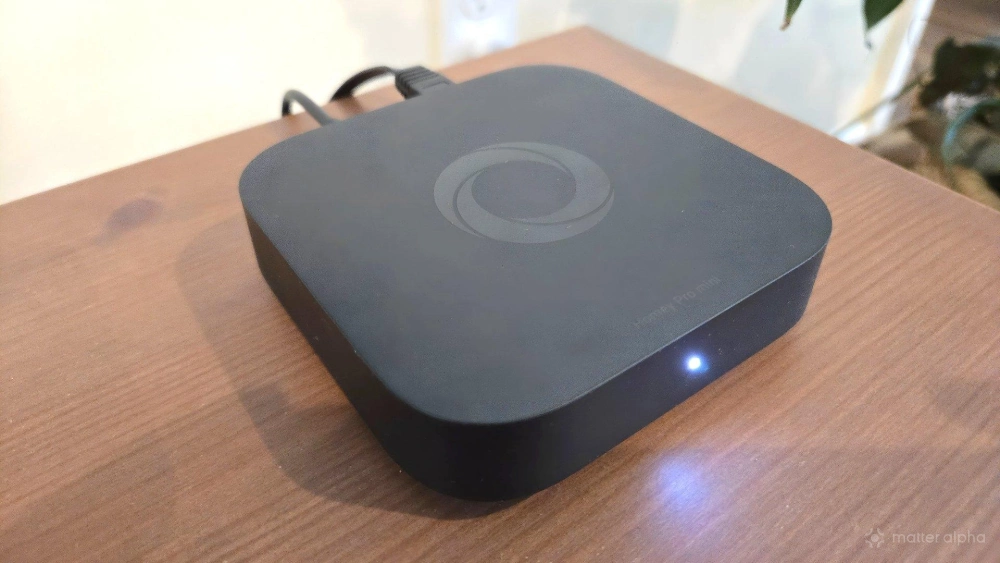
However, usability will differ depending on how you want to connect to it. While Matter offers compatibility across smart home platforms, this has its limitations. So, while you can connect to a Google Home controller via the Samsung SmartThings app, it is best to rely on the Google Home app. Connect to a SmartThings controller using the SmartThings app, and so on. This is best for day-to-day reliability and compatibility with other, non-Matter devices.
In short: Ensure your controller and your favored smart home app match.
How to add a smart home device to Matter
Enrolling a smart home device to Matter is straightforward, and relies on a QR code.
Usually, this is found on the smart home device. For example, a lamp might have the QR code on the base or rear. However, some devices will include the QR code on a printed card – relays, for example, that are usually installed in a wall. Our guide to finding a Matter QR code explores all the possibilities.
Within the Matter-compatible smart home app, tap the button to add a device, then scan the QR code. Depending on the type of device, further steps may be required – returning to the example of a light bulb, you will typically be instructed in the app to turn the device on and off to a specific rhythm so that it can be detected on the network.
Your phone and the controller will then synchronize the device, securely adding it to Matter via the local network. In the background, a commissioning process ensures the device is legitimate, with steps including:
- Credential verification checks
- Wi-Fi access granted
- Control access rules assigned
Once the device’s capabilities are confirmed, it appears in your app. All of this should take around a minute, although network issues and other challenges can slow this down. Repeated issues connecting are best dealt with by restarting both the device, the phone, and the controller, while ongoing issues are best dealt with via a web search before requesting manufacturer support.
Set up smart home automations with Matter
With your smart home device set up with Matter, you can begin looking at automations. These might rely on time or temperature, on presence, or on the activity of other devices in your Matter smart home.
Returning one more time to the example of a light bulb, you can initiate this to switch on and off at a particular time of day. Matter supports some more interesting uses for bulbs, and combining these with other devices for interesting smart home scenes can take your automations to a new level.
However, beware: some devices are more Matter-compatible than others, and in some cases you might have more success relying on features in the device’s native app, rather than your Matter app.