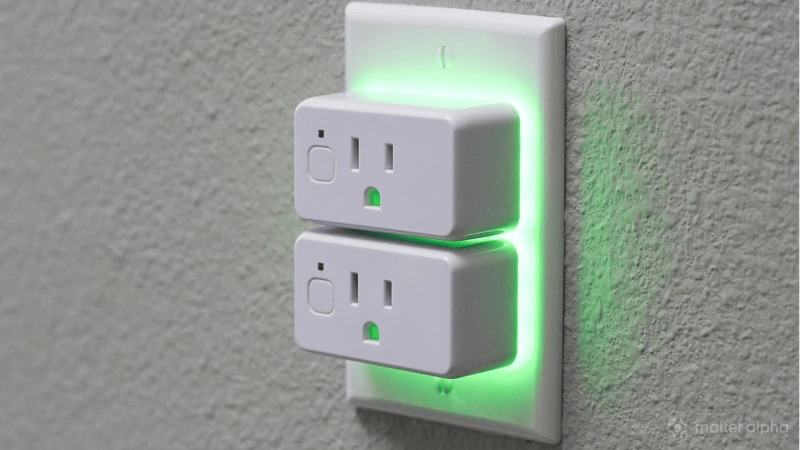
Smart plugs are great for turning things on remotely. But over the past decade, they have changed, and that remote access feature has been added to. After all, many appliances already have timers and schedules and apps. Many of these don’t even work with a smart plug because they require a program to be manually entered, or need a button press to start when power is restored.
So, while smart plugs still give you the option to turn things on and off from the next room, city, or continent, they’re actually pretty useful for something else entirely, too: they’ve evolved into energy sensors.
A smart plug knows far more than whether something is on
Modern Matter-compatible plugs with energy monitoring don't just supply electricity. Beyond the on/off control that you expect with a smart plug, these devices can report on:
-
current power draw
-
voltage
-
current
-
accumulated energy use
-
whether power consumption has changed
You can use the smart plug to detect a change in status of the connected hardware, not just on and off. The important metric is no longer watts, but change.
Not every smart plug can do this
Some older Matter-compatible smart plugs many list energy monitoring as a feature, but this may not be available to the Matter ecosystem.
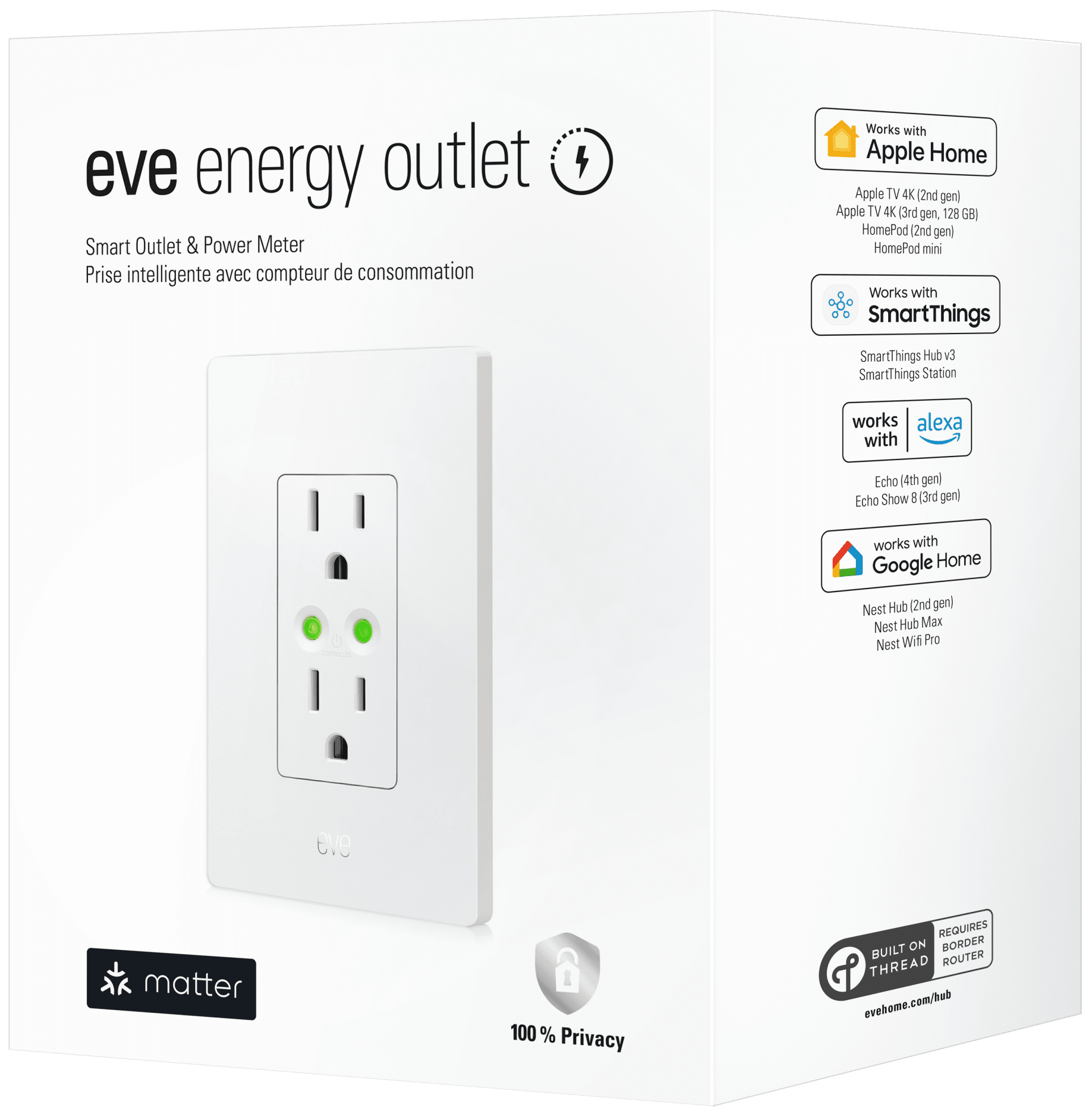
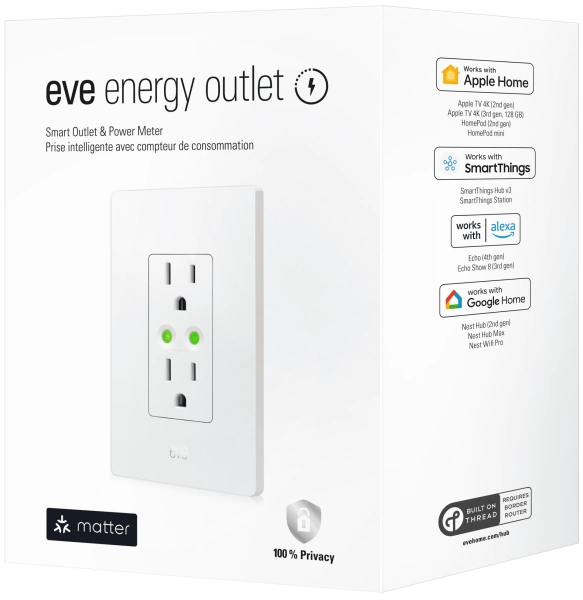
You can now also buy smart outlets, such as the Eve Energy Outlet. These are less flexible than smart plugs, and are mounted in the wall to replace your old power outlets. Smart outlets and smart plugs are particularly suited to specific tasks, with some overlap.
When buying either, look for the following features:
-
Energy monitoring
-
Matter compatibility
-
Local automation support
-
Reporting frequency
-
Historical usage
Although Matter standardizes communication, simply being "Matter certified" isn't enough. However, if you stick with plugs issued in 2025 and later, you should find they offer the energy monitoring and automation support you’re looking for.
The magic happens when power changes
Standard smart plug automations take a traditional pattern: if X, then Y. So for example, “Turn plug on at 7pm.”
With power monitoring smart plugs, you can get a different type of automation, one that can help you to determine if there is a problem, or if a change in state is necessary. So, you can specify something like:
IF appliance drops below 3W for two minutes THEN send notification.
That's a completely different way of thinking about home automation, and one that can prove really useful.
Five genuinely useful automations
We’ve compiled a collection of five automations that you can use with a power monitoring smart plug. These might be useful while you’re at home, or while you’re out of the house – perhaps at work.
They all require a power monitoring smart plug to be connected to the device in question. Be sure to check that your smart plug is suited to the task, as some appliances (such as those in the kitchen) may demand greater load than the device is capable of.
1. Washing machine finished
If you have a washing machine in a laundry room, you might not see that it has finished. But that can change with a power monitoring smart plug.
The idea here is simple: Detect when power consumption drops from 400W to under 2W.
All you need to do here is configure your preferred Matter-compatible app to send a notification: “Your washing is ready.”
It’s as straightforward as that.
2. Dishwasher complete
Never certain when the dishwasher is done and finding yourself opening the door repeatedly?
A smart plug can change that, detecting when power stays low for several minutes.
Simply configure the power monitoring smart plug to act when that moment comes. That’s when a notification is sent to your device to inform you: “Dishwasher cycle finished.”
3. Tumble dryer
You can use the same principle to determine when the tumble dryer is done, too. Because drying times vary depending on the load, this is particularly useful, and power monitoring can help to identify what washing uses the most power – and what items are best off left on the radiator or the washing line.
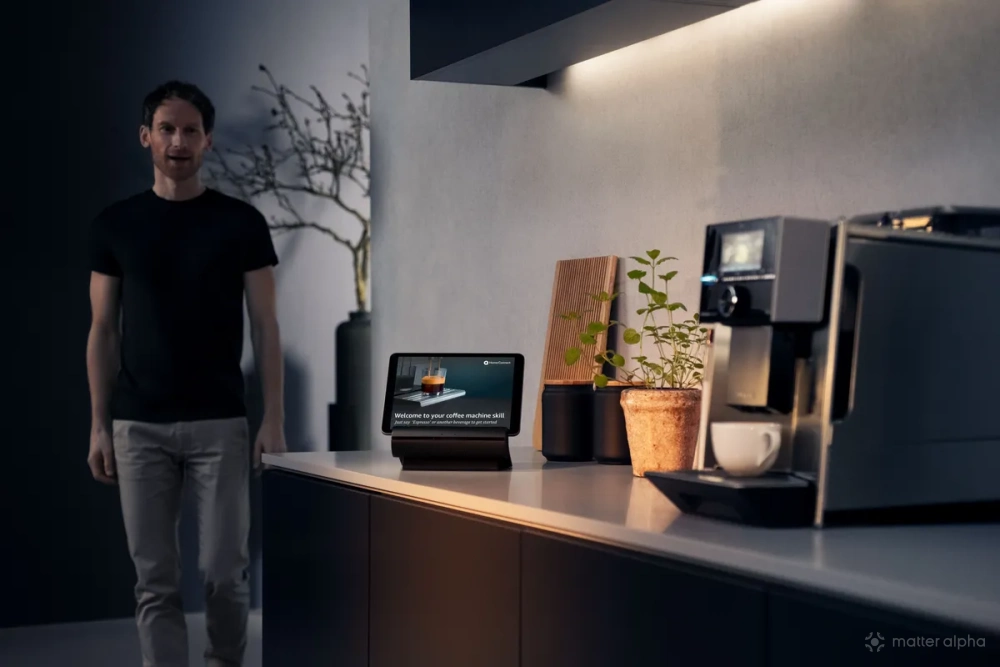
4. Coffee machine ready
Many home espresso machines consume high power while heating the water, much like a kettle. So, you can configure the smart plug to issue a notification when the machine goes into standby, indicating that the “Coffee machine is ready.”
You’ll need to be quick to take advantage of this, of course…!
5. 3D printer complete
As with the other devices listed here, 3D printers use a certain amount of power in motion and extrusion, and when they stop, the power falls.
If your 3D printer doesn’t already have an app, you can use a power monitoring smart plug to set up notifications when the power drops below a defined threshold for a specified period. You might also use this feature to switch off the printer depending on the project or time of day.
Beyond notifications
As I alluded to above, power monitoring also helps answer questions:
-
Which appliance costs the most?
-
How much does the dehumidifier actually consume?
-
How expensive is it to run the gaming PC or console?
-
How much energy does the old fridge use – and is it time to buy a new one?
So instead of estimates, you get real numbers.
(I had some serious issues with my fridge-freezer recently, which was pushing out immense amounts of heat… and then stopped. We managed to get it repaired after a few weeks, but a smart plug with power monitoring could have alerted us to the problem before it became obvious.)
The future: smart plugs as occupancy sensors
After years treating smart plugs like remote-controlled sockets, they’ve evolved into something much more useful. They’re now affordable sensors that let your smart home understand what's happening inside and around it.
Turning devices on and off is still handy, but knowing what they're doing, when they've finished, and how much energy they're using is where smart plugs start to justify their place in a modern Matter home, especially as an increasing number of devices has its own built-in remote timer and automatic on/off.
Soon, we could be looking at automations that inform and adapt – things like "If kettle reaches 1,800W, someone is making tea," or "If TV exceeds 80W, switch lounge lighting to Movie mode."
This feels like something we might experience in the near future. Until then, it’s time to maximize the functionality of your Matter smart plugs.