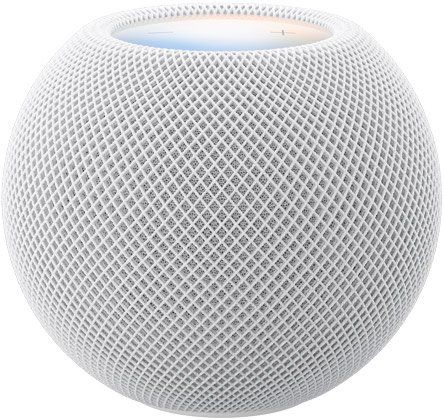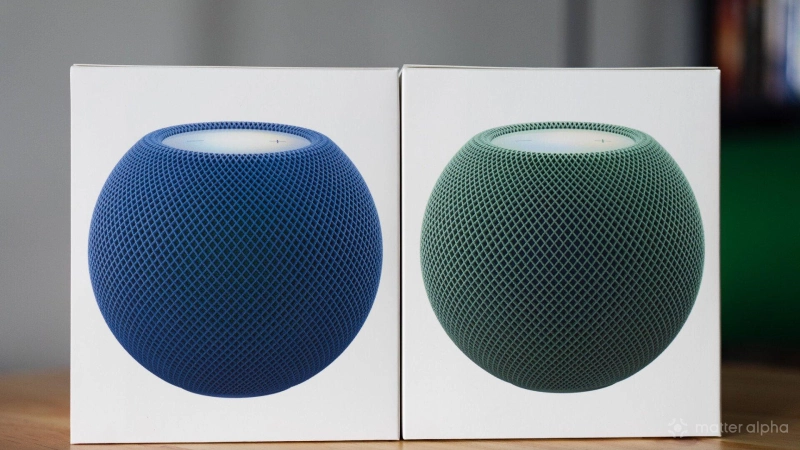
Apple’s HomePod mini 2 officially launches this Friday for $149. Ahead of the release, I spent some time testing the new colorways, the latest HomePod Software 27.2 features, and its performance as a smart home hub and multi-room speaker.
For users looking to build or expand an Apple smart home, the updated speaker remains the most accessible entry point. While its audio quality is mostly utilitarian for the price, its fast wireless performance with Matter and Thread devices, combined with seamless multi-room syncing, makes it a practical everyday hub.
And here are my quick takes on HomePod mini 2:
Dual-layer fabric and softer colors
The exterior still uses a durable, stain-resistant woven fabric, but Apple added a subtle twist to the construction. The mesh now uses a dual-layer design with contrasting colors underneath. The green model features a blue inner layer, while the blue model hides a green layer underneath, creating a nice sense of depth under different lighting.
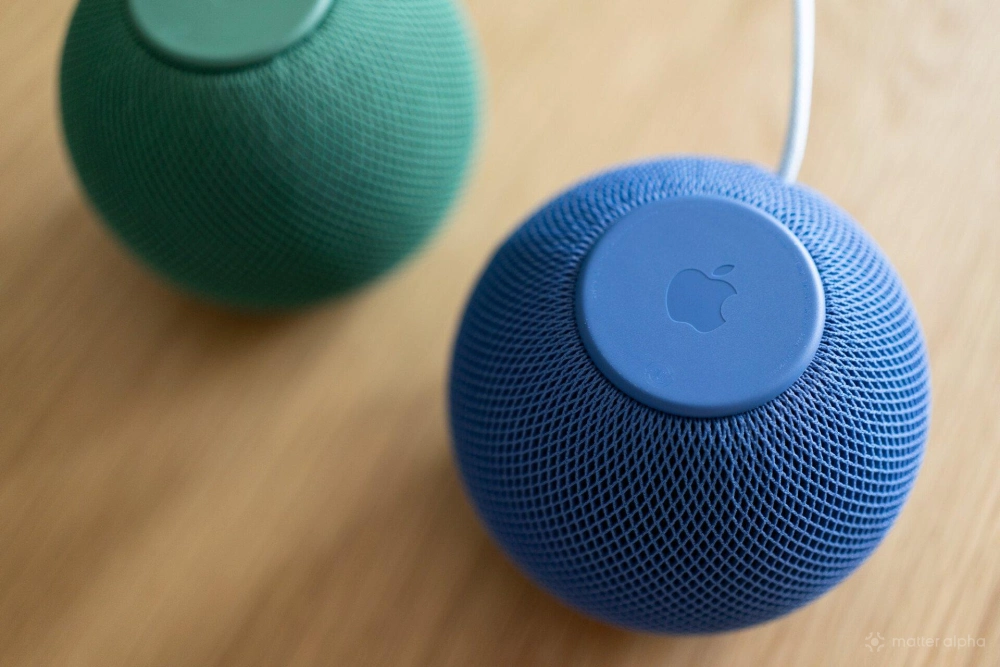
Overall, the color palette is slightly softer than the first generation, making it easier to blend into a living space. The new green is lively without being loud. It works well with almost any room palette and looks especially good on a wooden desk. The power cable retains a matching woven finish so it does not look out of place, though a darker cable would still hold up better against everyday dirt.
Fast setup and solid Matter hub performance
Setting up the speakers takes just a few minutes. Bringing an iPhone near the speaker triggers an automatic setup prompt, which also walks you through creating a stereo pair or linking the speakers to an Apple TV.
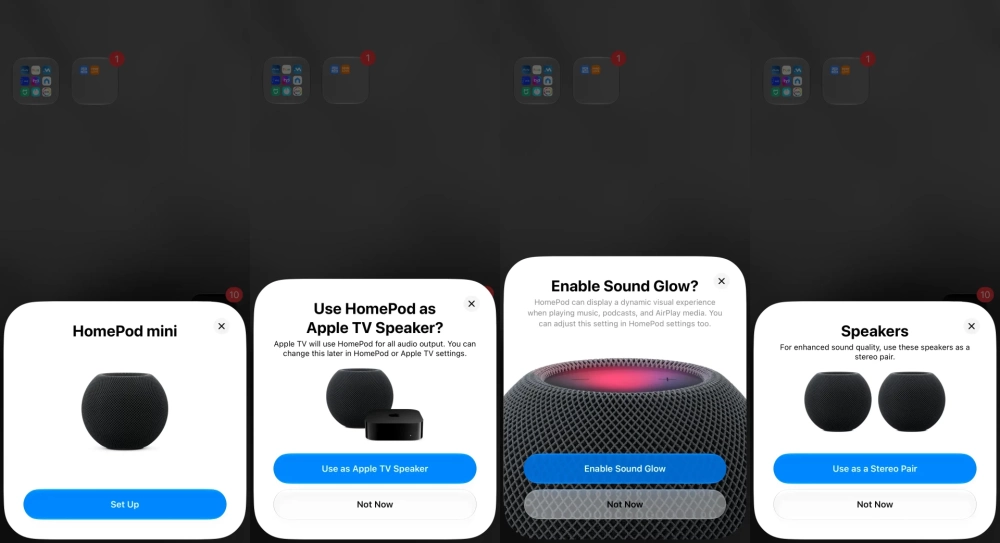
As an entry point to the Apple Home ecosystem, the HomePod mini 2 integrates legacy HomeKit, Matter, and Thread and handles automation along with remote access.
Most Matter devices on the market connect to it without issue. In daily use, voice control responds almost instantly, executing commands right after I finish saying the device name. To test its reliability, I switched my primary home hub from a wired third-generation Apple TV to the wireless HomePod mini 2. Even with more than 40 smart home devices connected, the speaker handled the load without any performance bottlenecks.
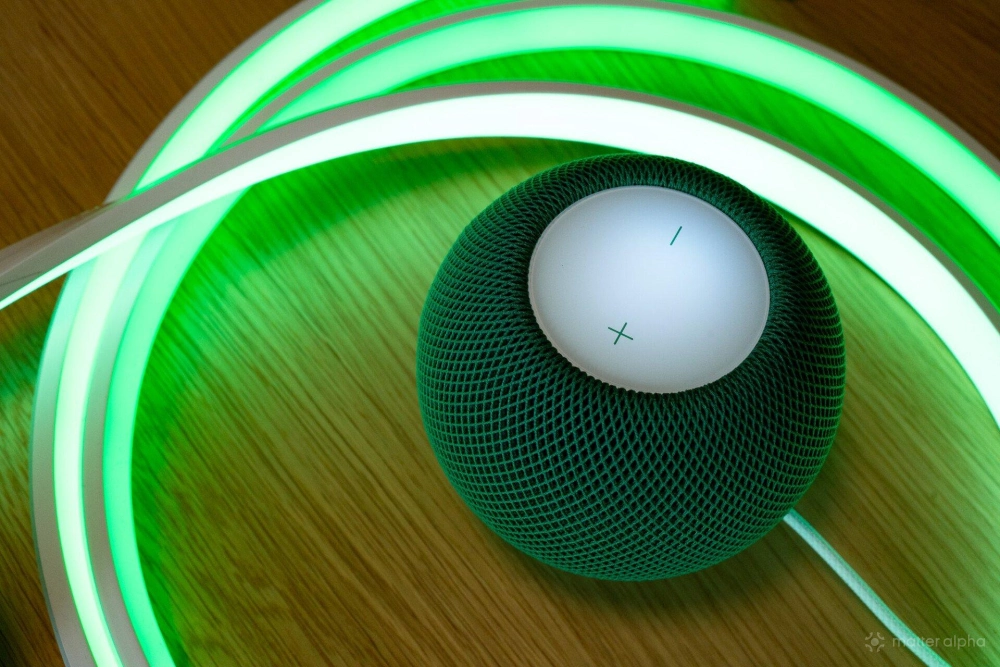
With HomePod Software 27+, the HomePod mini 2 acts as a Thread 1.4 border router for your home devices, and Apple has enabled credential sharing capabilities for approved Apple developers. New HomePods also automatically join your existing preferred Thread mesh. In my case, it joined the SmartThings-created one and works seamlessly.

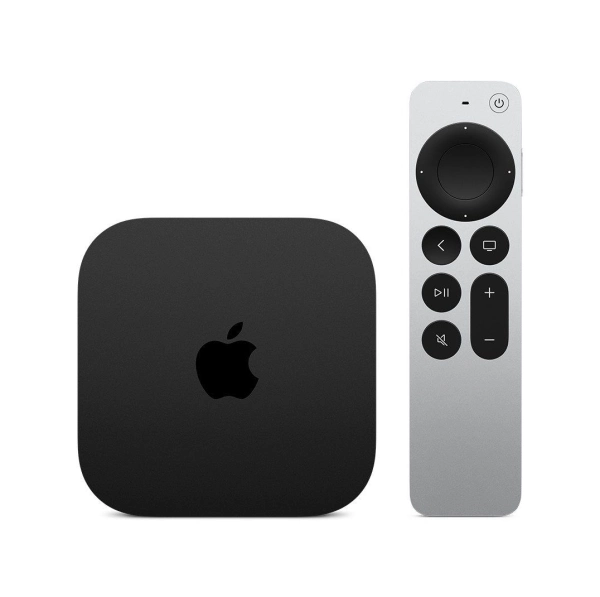
Apple TV 4K (4th Generation)
A 4K streaming and smart home hub with A19 performance, conversational Siri AI, hands-free controls, and four-speaker HomePod surround sound.
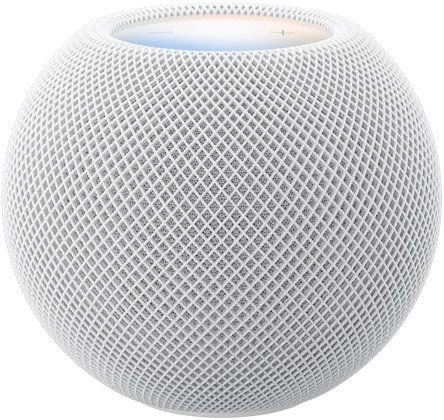
Apple HomePod mini 2
A compact 360-degree smart speaker with S10 computational audio, music-reactive lighting, smart home controls, and upcoming Siri AI capabilities.
Clear vocals and seamless multi-room sync
From an audio perspective, the $149 speaker earns a passing grade. The sound profile is balanced, flat, and somewhat dry, though it offers high clarity and prominent vocals. By comparison, the full-size HomePod 2 delivers much stronger bass, richer atmosphere, and higher volume.
Placed on a kitchen island in an open living room, the HomePod mini 2 easily fills the space evenly at 70 percent volume.
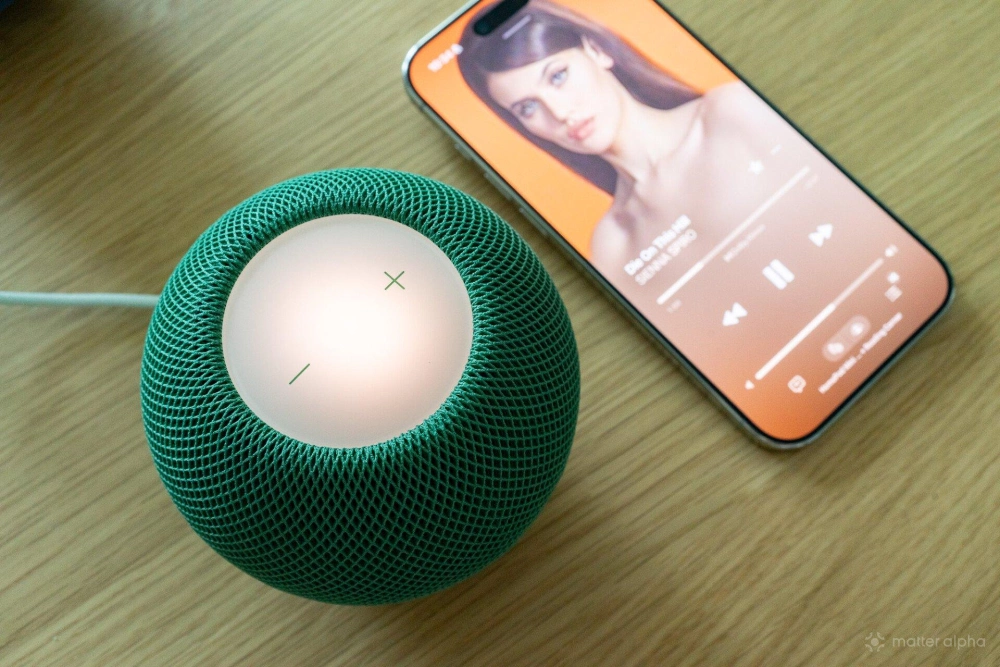
I find it works best for background music and as a voice control access point. Multi-speaker synchronization is also excellent, with zero noticeable latency. Grouping, ungrouping, and playback controls in Apple Music happen instantly.
Having spent the past few months mainly using Music Assistant and Sonos for whole-home audio, where actions often lag by a few seconds, returning to a native Apple setup feels noticeably faster.
Two practical additions in OS 27.2
HomePod Software 27.2 introduces a new Sound Glow feature that visualizes album art and music on the top touch surface. The animations are smooth and dynamic rather than repetitive.
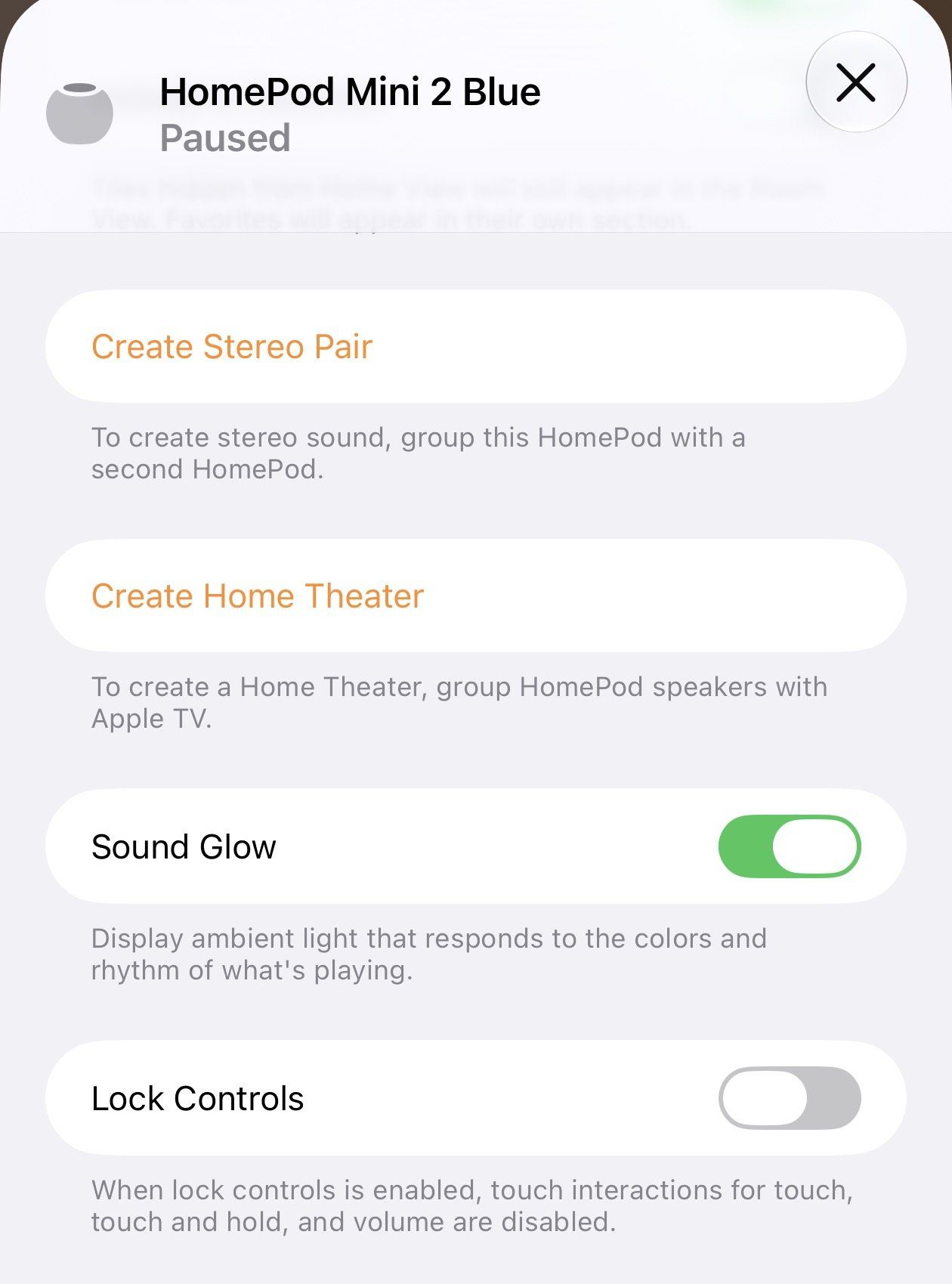
The lighting shifts continuously based on volume, rhythm, and album cover colors, with smooth transitions between tracks.
The update also adds an option to disable the top touch panel. If you have curious kids, pets, or have dealt with ghost touches setting off music in the middle of the night, locking the touch surface is a welcome fix.
Connectivity and target usecase
Like Sonos speakers, the HomePod mini 2 relies primarily on Wi-Fi rather than Bluetooth. This ensures stable audio quality and allows the speaker to stream independently without needing to pair with a phone every time. If you previously had issues with 5GHz connection, the new speakers have Wi-Fi 6E, meaning it can connect to a more clean 6GHz wireless band in supported regions.
However, like other HomePods, you need Apple devices to unlock its full feature set. It is not a portable Bluetooth speaker, and because there is no built-in battery, it has to stay plugged into the wall unlike some Sonos offerings.
The HomePod mini 2 makes the most sense for three types of users: newcomers looking to try out an Apple smart home, existing smart home owners who want affordable voice control in multiple rooms, and Apple users who just want a simple speaker for background music.
The HomePod mini 2 will be available globally this Friday for $149.
(Image: Ward Zhou)