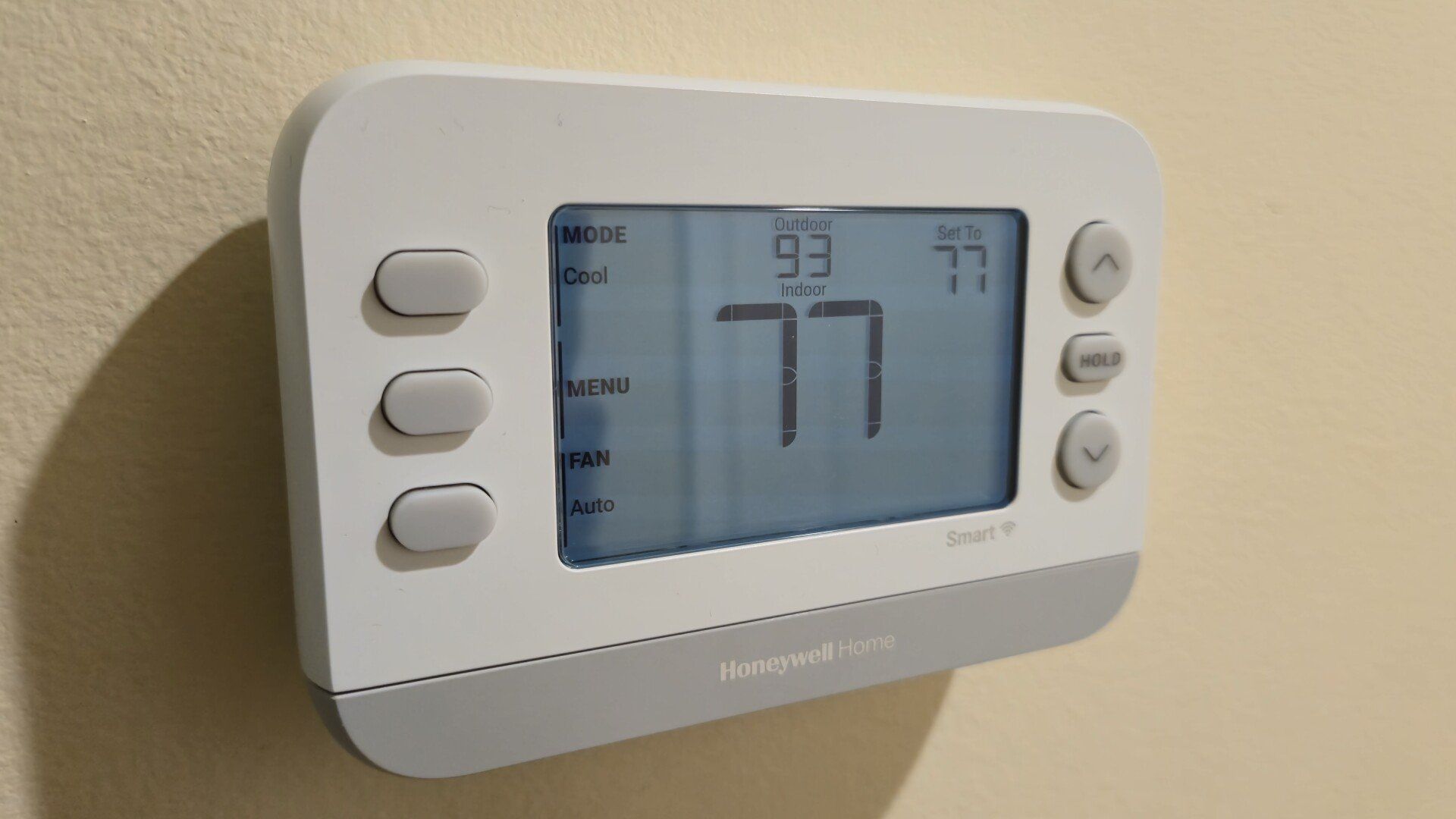
The Honeywell Home X2S is a Matter-compatible smart thermostat in the body of a conventional one. It attracts zero attention on a wall, and in some ways, that’s part of its appeal. The newer Honeywell Home X8S is a different story. The visual appeal that the X2S lacked is here in spades, and the X8S is a better Matter thermostat for it.
What’s changed? At $220, the X8S is nearly three times the price of the $80 X2S, which remains one of the best ways to connect your home HVAC to Matter on a budget. To justify that cost, the X8S provides a wide range of additional functionality. While the X2S is purely a thermostat, this latest release also serves as an air quality monitor that measures CO2 and particulate matter, in addition to temperature and humidity.
This information can be gathered directly from the unit itself as well as from satellite sensors placed throughout the home, one of which may come included if you buy the $250 bundle. There’s a new color screen that only serves as a visual overhaul but allows you to view video from a connected video doorbell. How well does all of this play with Matter?
Unboxing and setup
Installing a thermostat mat sounds intimidating, but these units are designed to be DIY friendly. There are printed instructions on the box, along with a video guide you can follow online. I installed the X2S myself, and it wasn’t the ordeal that I feared.
Installing the X8S was even easier for me since it shares an identical backplate with the X2S. This meant that all I needed to do was turn off power to the thermostat at the breaker, slide the X2S off, slide the X8S on, and then turn the power back on. But since most people probably won’t be replacing a recently installed Honeywell Home thermostat, the backplate and all other necessary parts do come in the box.
Sadly, you must still install a vendor companion app before you can use Matter
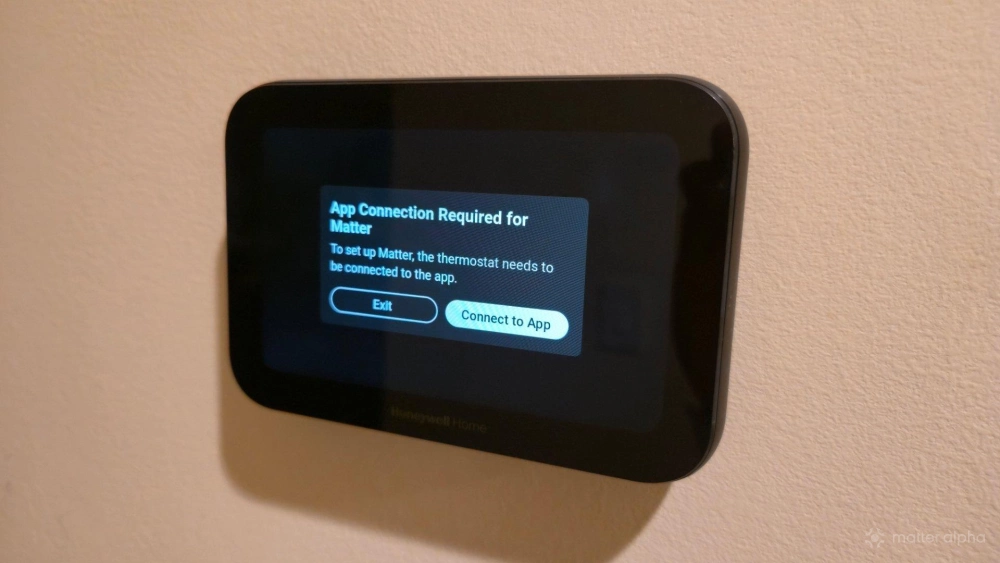
One of my favorite things about Matter is my ability to set up smart devices without needing to first download vendor-specific and cloud-dependant companion apps. Most Matter devices can be added to a platform like Apple Home or Samsung SmartThings simply by scanning a QR code or manually entering a pairing code included in the box. Sadly, there are still those that that require you install a bespoke app.
The need to download Resideo's First Alert app before the thermostat will allow you to generate a Matter code was my biggest issue with the X2S, and it remains my biggest complaint with the X8S. I can fully set up the thermostat, create schedules, and customize its appearance all without downloading a companion app—but if I want to connect the thermostat to my local smart home hub, I must first download the First Alert app, create an account, and identify my thermostat.
At this point, I don’t even need to continue using the app. I can then generate the Matter code directly on the thermostat’s screen and uninstall the First Alert app entirely.
Not only did it feel like an unnecessary data grab, but it makes the process of using Matter unnecessarily complicated.
The difference a color screen makes
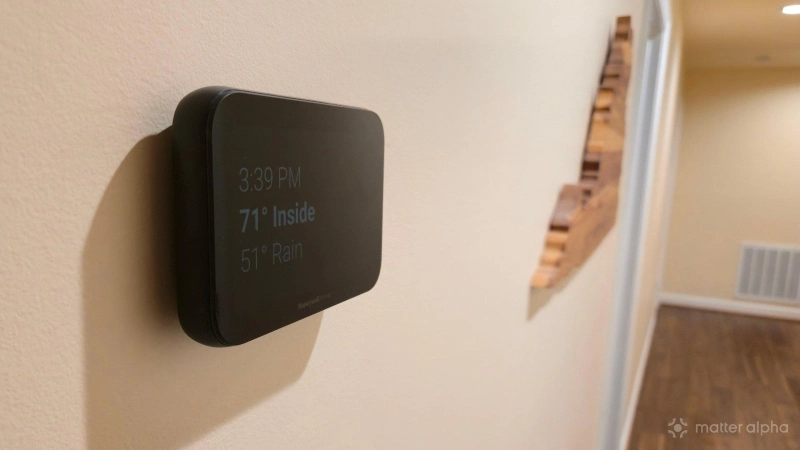
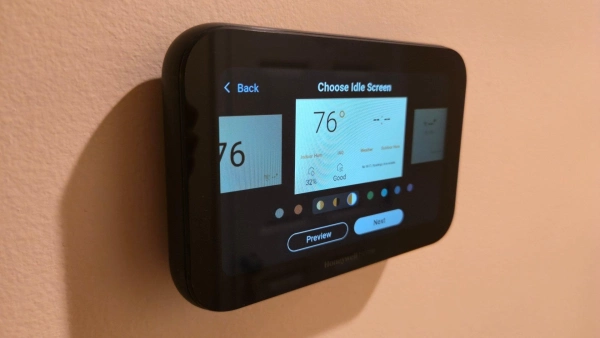
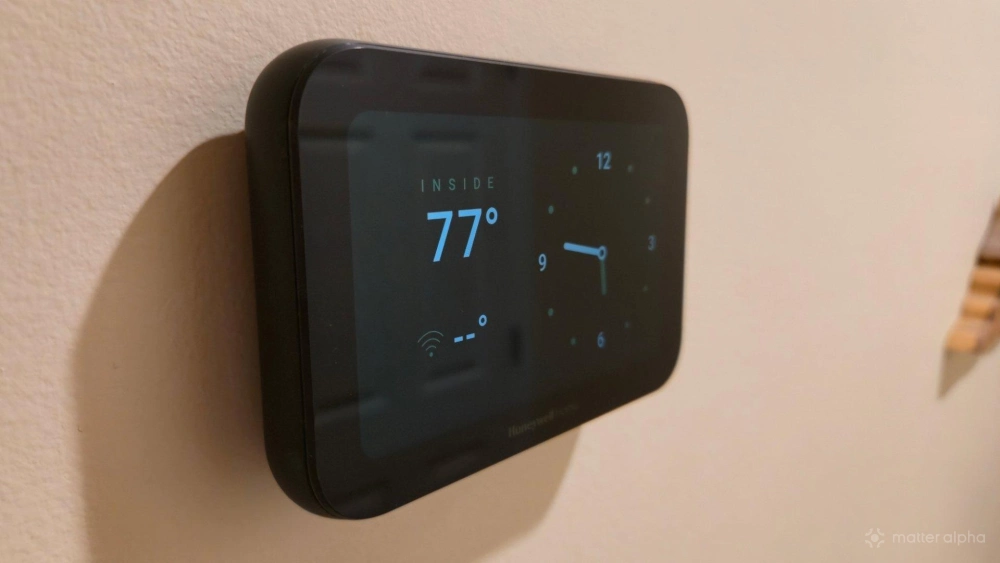
In my line of work, new tech flows through our house quite regularly. My wife, like many spouses of tech journalists, is pretty ambivalent about most of it. The X8S is different. My wife appreciates how it looks on our wall. Not only does it have a more modern profile that is quite striking for a family like ours that has never owned a Nest, but the screen is legitimately useful.
Yes, the thermostat shows indoor temperature, but it contrasts this with the temperature outdoors and also shows the weather, all in a large font that makes all of this accessible as we walk by without having to stop and squint at what’s on the screen.
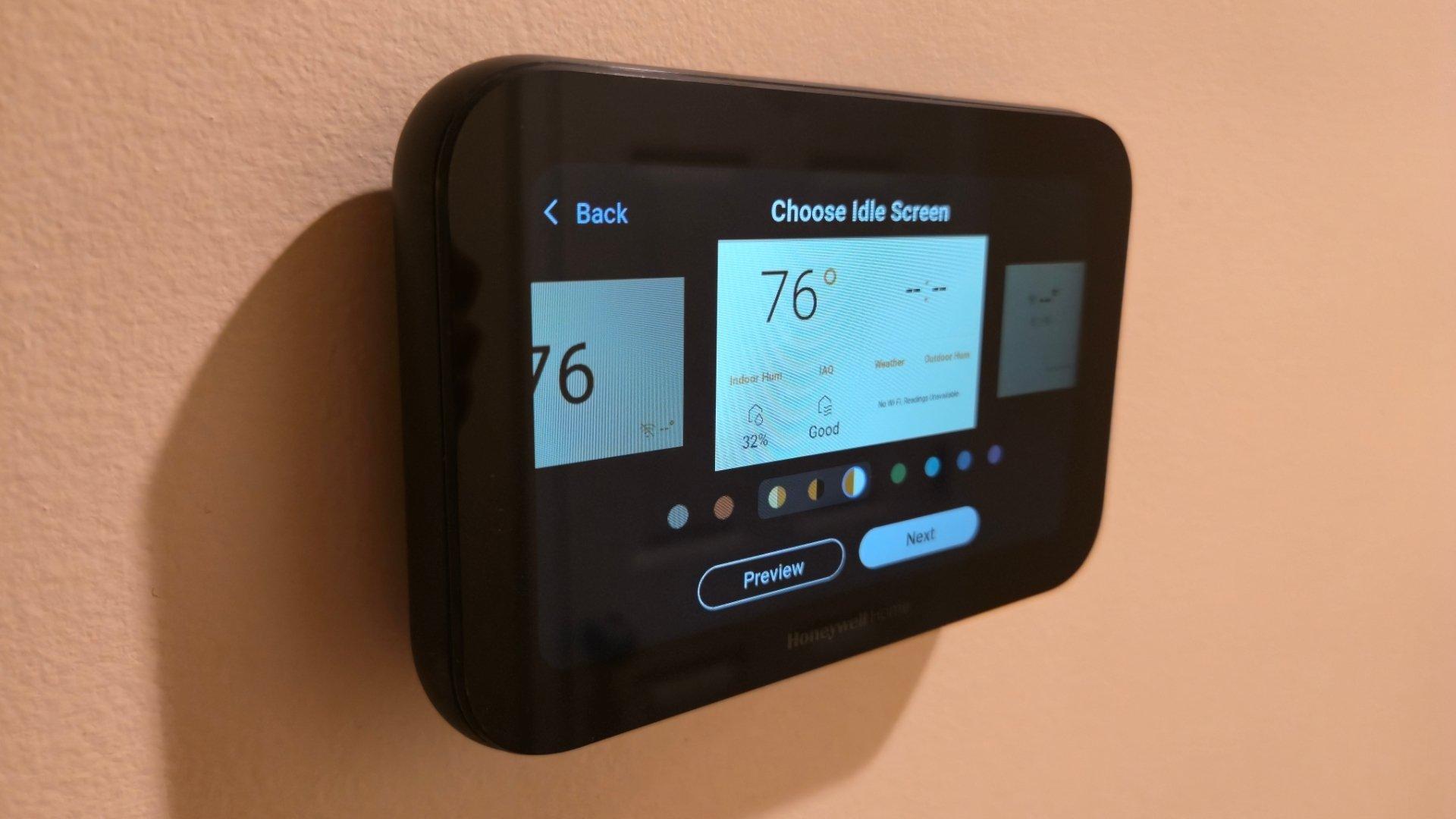
The thermostat comes with several themes. Some look like giant phone widgets, while others offer an extended weather forecast. The options are varied enough to fundamentally change how the thermostat feels.
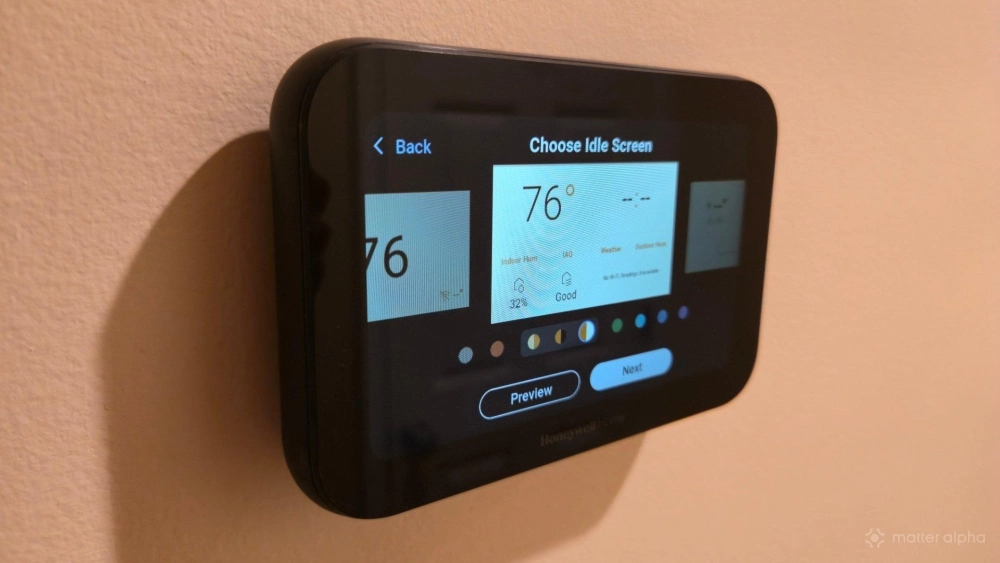
The thermostat comes in two colors: black and white. I opted for black, and I quite like the look of white text on the black screen. It’s an LCD panel, so you can easily make out the bezels, but it’s attractive nonetheless.
This screen can be used to display footage from a video doorbell. That’s functionality I am unable to test, since our house isn’t wired up for a doorbell, and I’m not sure if I’d feel comfortable with one even if it were. First Alert’s own video doorbell is supported, as is Ring.
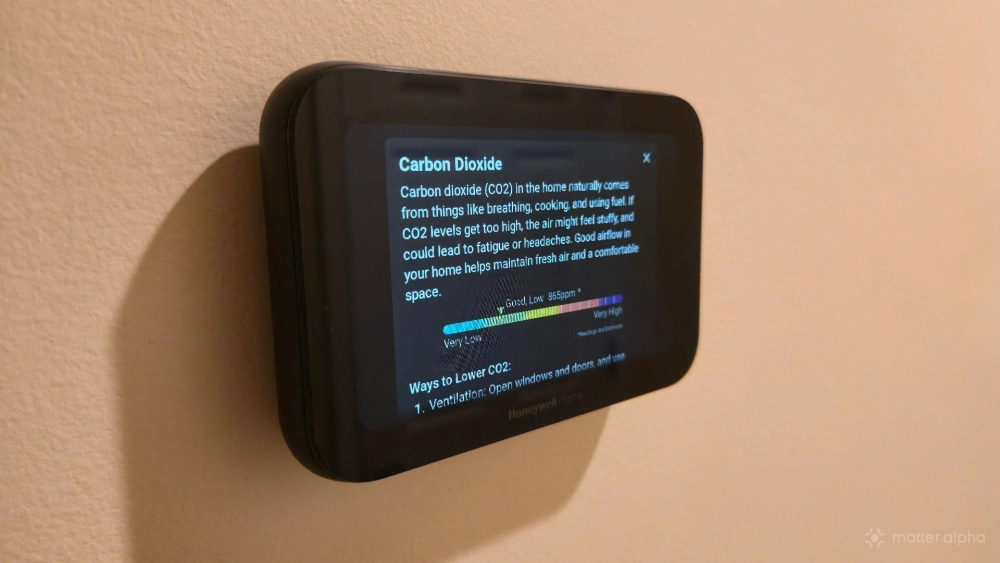
The thermostat also serves as an air quality monitor. The built-in display is a good way to view CO2 levels in our home, check the humidity, and see if we’re being exposed to too much particular matter. The screen also uses colors to help clarify whether we’re being exposed to safe levels and provides helpful information about what each of the metrics mean.
What’s accessible over Matter
Here, there hasn’t been a notable change from the X2S. That’s not a flaw in either model. The Matter controls for thermostats were set in place before the release of the X2S, and they haven’t changed in the time since.
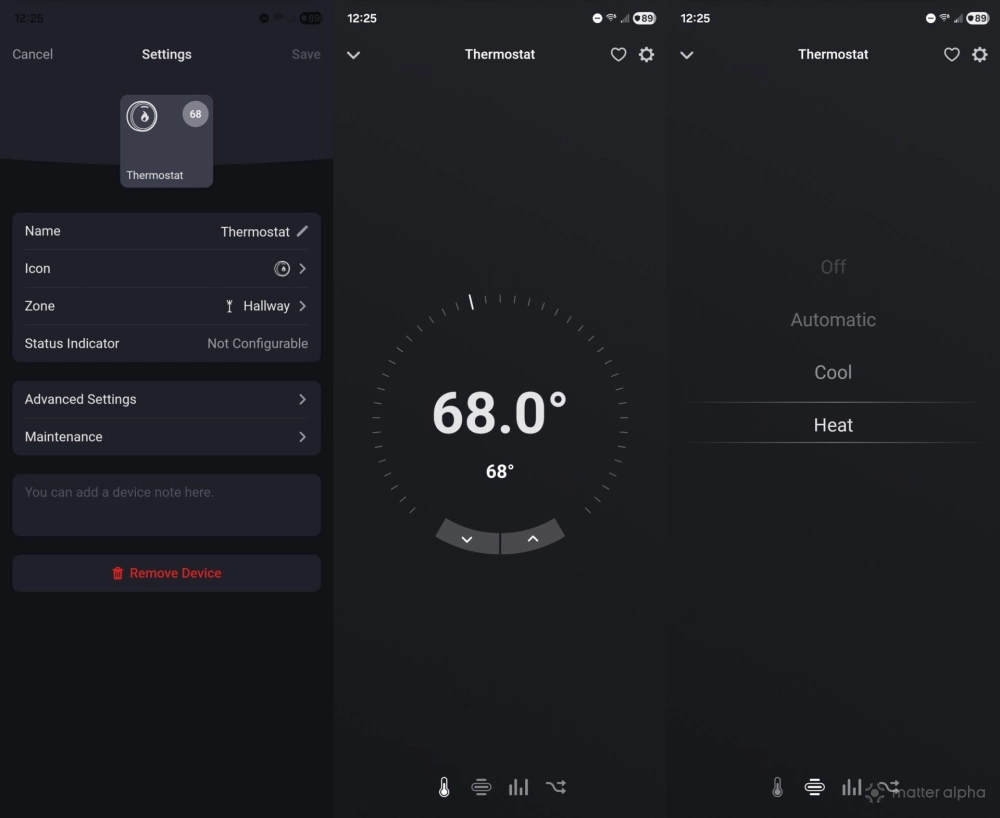
If you add the X8S to your smart home platform of choice, you can expect to be able to view the indoor temperature, set it to a new number, and switch the thermostat between heating and cooling. You can set heating and cooling thresholds, but if you want to create scheduled behavior, you will need to make this change directly on the thermostat or within the First Alert app.
That said, if you're determined to do everything via Matter, you could set up time-based automations instead. This allows you to take advantage of other Matter devices, such as turning up the heater when presence sensor near the entrance detects that you’re back home.
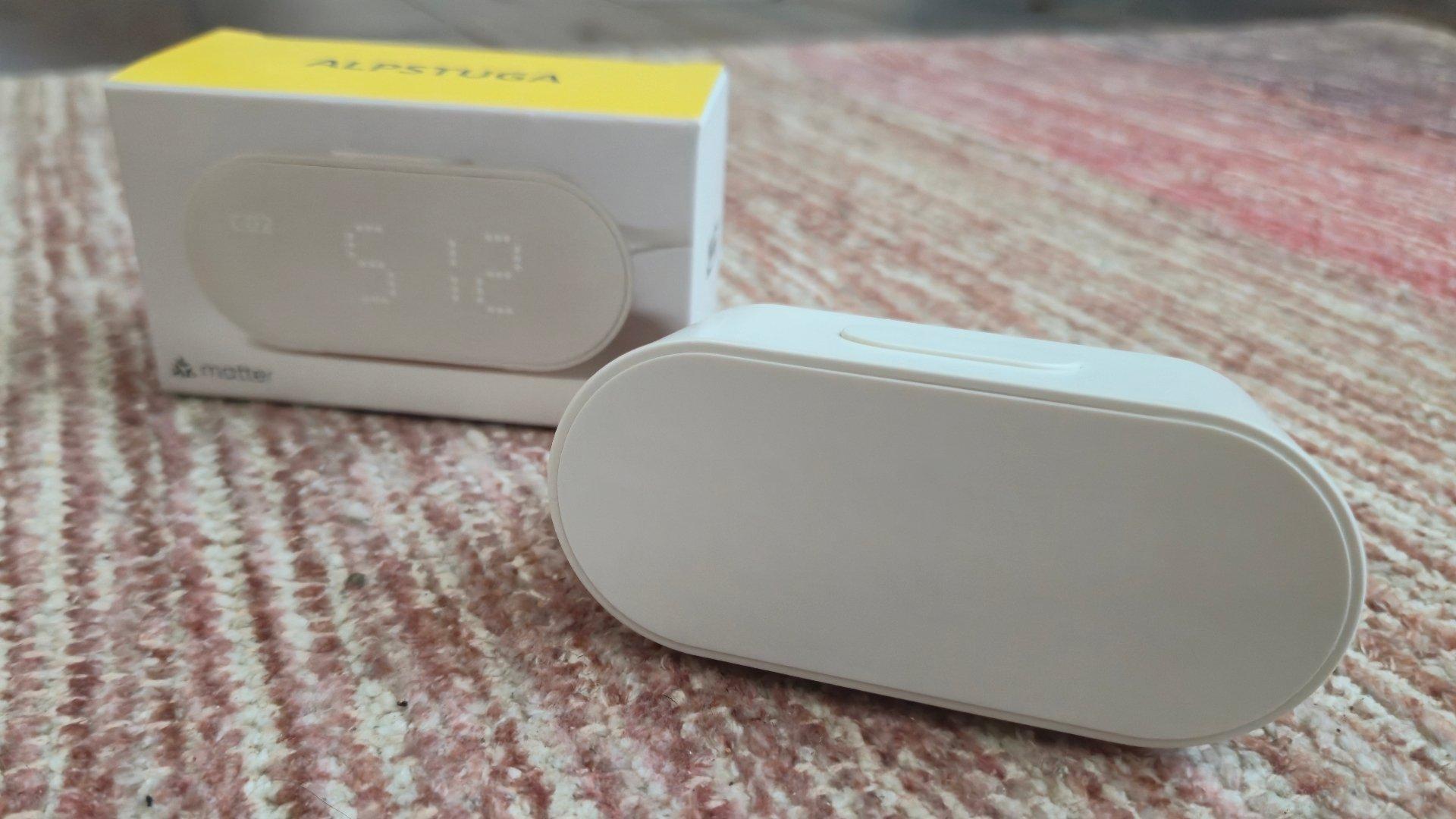
Sadly, air quality measurements are not accessible via Matter at all. While I can see the amount of carbon dioxide or the presence of pollutants directly on the thermostat, I can't access this information via Homey or Samsung SmartThings. I find this to be my second-biggest disappointment with the device, as it could possibly mitigate the need to buy dedicated air quality monitors like the IKEA ALPSTUGA.
Should you buy the Honeywell Home X8S smart thermostat?
While the Matter integration is barebones and leaves a few changes to be desired, such as the ability to connect without needing a First Alert account and the option to view air quality metric over Matter, I am overall very happy with this thermostat. The hardware itself it well-designed and the most important aspects of a thermostat—the ability to set the temperature and control the HVAC—are here.
The hardware is attractive, it's easy to control both directly on the unit itself and remotely. Its $220 price is a big jump from the simpler X2S but still undercuts the $280 MSRP of the comparable 4th generation Google Nest learning thermostat, which sits at the high-end of our list of best Matter thermostats. The X8S isn't perfect, but among the options in its price range, it's the one I'd buy.