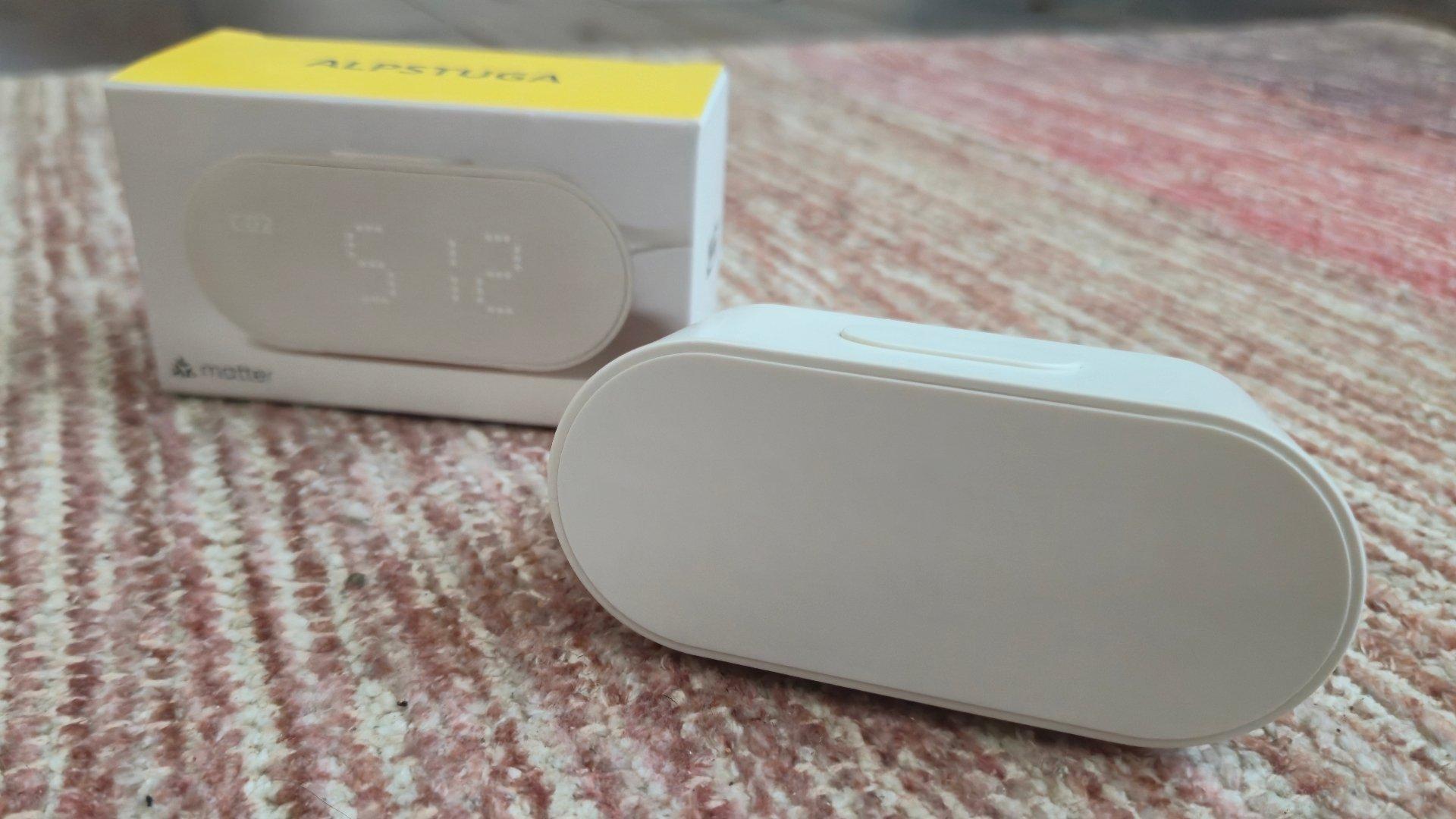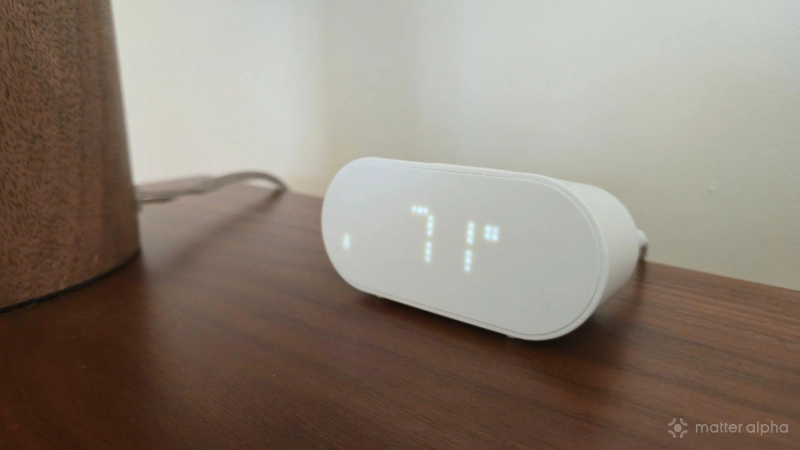
The IKEA ALPSTUGA is an air quality monitor the size of a digital clock. It measures temperature, humidity, carbon dioxide, and more. It also happens to be a Thread router.
At $30, like the rest of IKEA's new Matter lineup, the ALPSTUGA is quite a steal. But what struck me the most about this device is what it taught me about the way I feel.
This brand helps to support our site to remain ad-free.
Read more about our ethics policySwitchBot Air Purifier
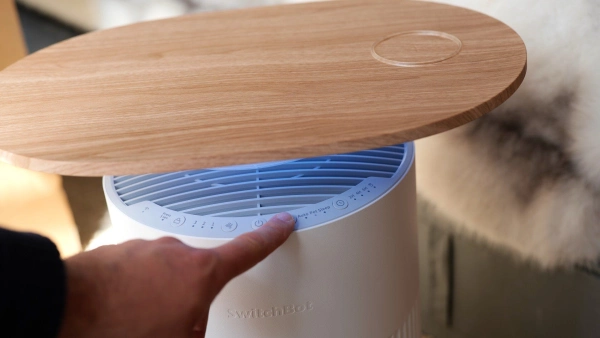
The SwitchBot Air Purifier Table is a smart, multifunctional device that combines efficient air purification, wireless charging, and atmospheric lighting, with seamless Matter integration for compatibility across major smart home ecosystems.
AirGuard 08P
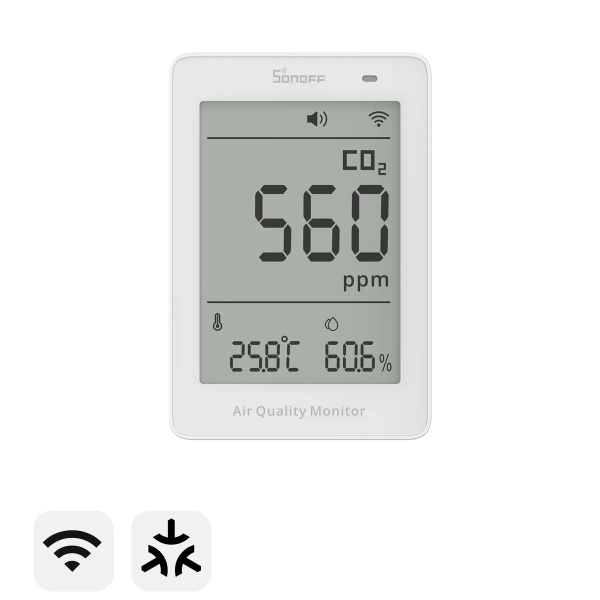
A smart CO₂ air quality monitor measuring carbon dioxide, temperature, and humidity, with Matter-enabled Wi-Fi integration.
Unboxing and setup
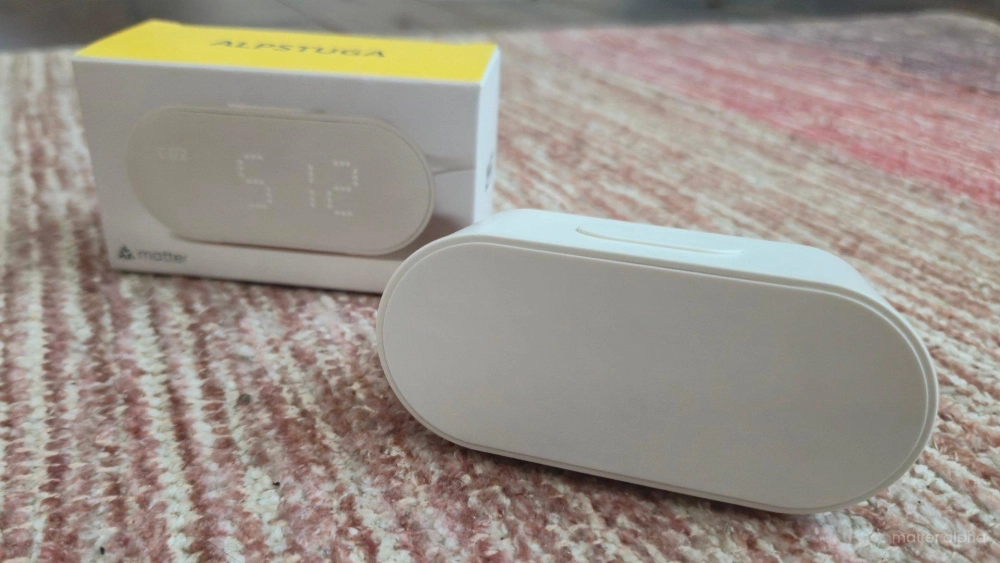
IKEA's latest line of Matter-over-Thread devices are as minimalist as they come. These products come in small cardboard boxes that are only a fraction larger than the gadget contained within. There is minimal paperwork—just some warranty information and a QR code that leads to a downloadable manual with instructions. Fortunately, every IKEA device I've reviewed so far has been intuitive enough to figure out on my own. There has been just one aspect of the ALPSTUGA that is an exception, but we'll get to that.
Unlike the likes of the BILRESA smart remote or the TIMMERFLOTTE climate sensor, the ALPSTUGA does not run on batteries and instead requires a USB-C wall adapter. Neither a wall adapter nor a USB-C cable come in the box. This is one of the ways IKEA has cut the cost of this device. To buy a USB brick and cable from IKEA, you can add another $8 to your purchase.
ALPSTUGA Air Quality Sensor
On the flip side, chances are you already have these lying around. I certainly do, and the ALPSTUGA fired up just fine from the nearest one I had lying around. Once plugged in, the device immediately comes on, but it takes a while before it can display initial measurements. Fortunately, no action is required on your part while it does its thing.
After some patience, your room’s current temperature and humidity will appear, which you cycle through by tapping the button at the top. The time has to be set manually using a clock button found on the bottom. Pressing this allows you to adjust the hour in increments. Tapping the clock button again allows you to adjust minutes. Tapping it a third time finalizes your decision.
This is an easy process, thankfully, because the ALPSTUGA did once forget the time I set, requiring me to enter it again.
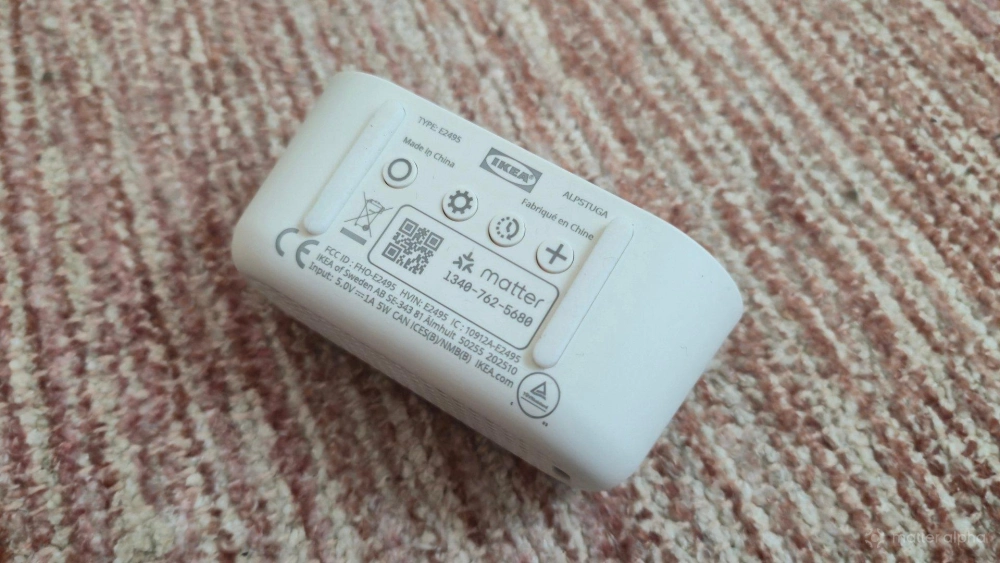
There's a mode button that switches between 24-hour and 12-hour time. What's less intuitive is how to switch temperatures from Celsius to Fahrenheit. For this, I ended up searching in the downloadable manual. It turns out, instead of tapping the button that adjusts the time, you hold it down. This is easy to remember, but it has also been the first feature in IKEA’s new Matter line I didn’t figure something out intuitively on my own.
On the bottom, there’s also a pairing button. When you first power on the ALPSTUGA, you have 15 minutes to add it to your Matter hub. If you do not take action in that time, you will need to go press this pairing button in order to re-initiate pairing mode. I'm currently using a 2026 Homey Pro as my Matter hub. I was able to add the device as normal just by scanning the QR pairing code printed on the bottom of the device.
This is ideal, as it means you do not have to hold on to any paperwork. That said, I personally do write down a master list of all of my Matter codes, since this makes my smart home easier to maintain.
The ALPSTUGA’s Matter integration
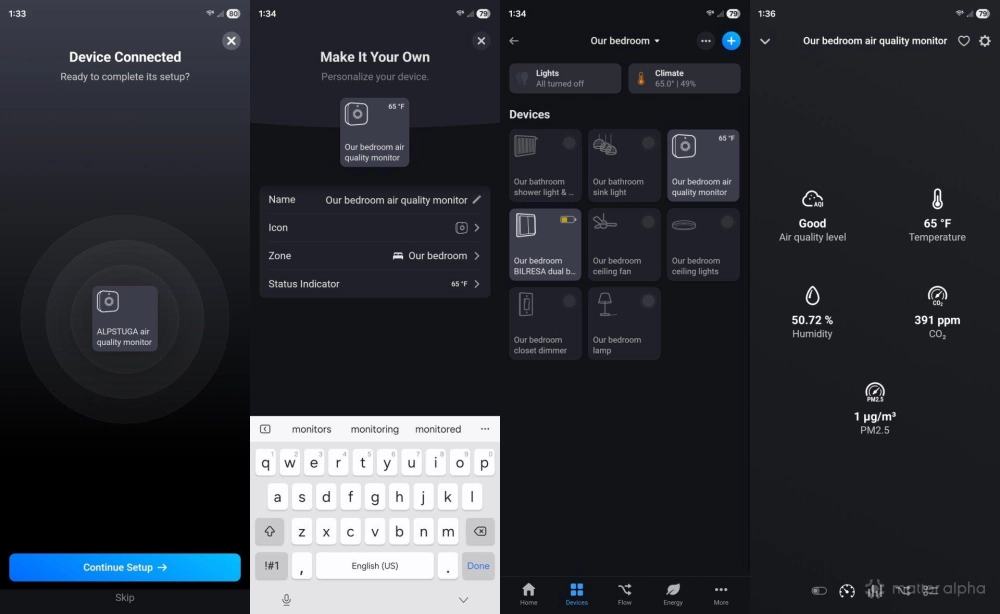
Once added to your hub, the ALPSTUGA allows you to view in your smart home app all the same information you cycle through on the device itself: temperature, humidity, CO2 levels, as well as particulate matter smaller than 2.5 micrometers (like dust, soot, and smoke).
In an app like Homey’s, I can view some of this information without having to search for the ALPSTUGA in a list of devices. That option is there, but when I view my bedroom within the app, I can now also just see the room’s temperature and humidity without needing to know which device is generating that information. There’s also a home climate dashboard that consolidates the temperature on my thermostat and the temperatures from my various sensors all in one place.
As I add more smart thermometers to the house, I can better monitor the spread of heat throughout the house and make adjustments accordingly.
Buying a Matter device opens up possible automations. For example, I can have a Matter-connected heater automatically kick in when the temperature in my room drops below a certain level, or I can tell a smart thermostat to turn on the HVAC based on the temperature in our bedroom, which is generally a few degrees cooler than out in the hallway where the thermostat is located. This is one way to control the climate for the living spaces that the thermostat doesn't see.
As an air quality monitor, the ALPSTUGA doesn’t limit you to temperature and humidity like the cheaper IKEA TIMMERFLOTTE. By knowing how much pollution is in your air, you can tell a Matter-connected air purifier to automatically turn on, like the one from SwitchBot. I don't yet have a Matter humidifier, but it is possible to replicate the functionality somewhat by plugging a regular humidifier into a Matter-connected smart plug instead.
I've been using the ALPSTUGA for nearly a month, and so far it has maintained a stable connection to my smart home hub. No complaints there.
The ALPSTUGA as a Thread router
As a general rule, Thread devices that run on batteries, such as the IKEA BILRESA remote, depend on a Thread network but don't expand it or share it with others. Thread devices that are plugged in, like the ALPSTUGA, both connect via Thread and expand the mesh network.
My Thread network begins with my Samsung Frame TV, which is mounted in a living room. My bedroom is quite far away on the opposite end of the house. In theory, the ALPSTUGA should pick up on the signal from the Frame TV and extend it further throughout the home. I can't verify how well this works, since the BILRESA in my bedroom already worked before adding the ALPSTUGA, and it's about as far away from my Frame TV as I can get in the house. But I can confirm that the ALPSTUGA does connect via Thread device by digging through advanced settings within the Homey app, and I've seen verification elsewhere the product does indeed function as a router.
This Thread border router functionality is a reason to consider placing ALPSTUGA throughout your home, instead of the TIMMERFLOTTE, if you see yourself filling your home with various IKEA Thread sensors that benefit from a robust Thread network. I plan to have a mix of both.
The air you breathe matters more than Matter
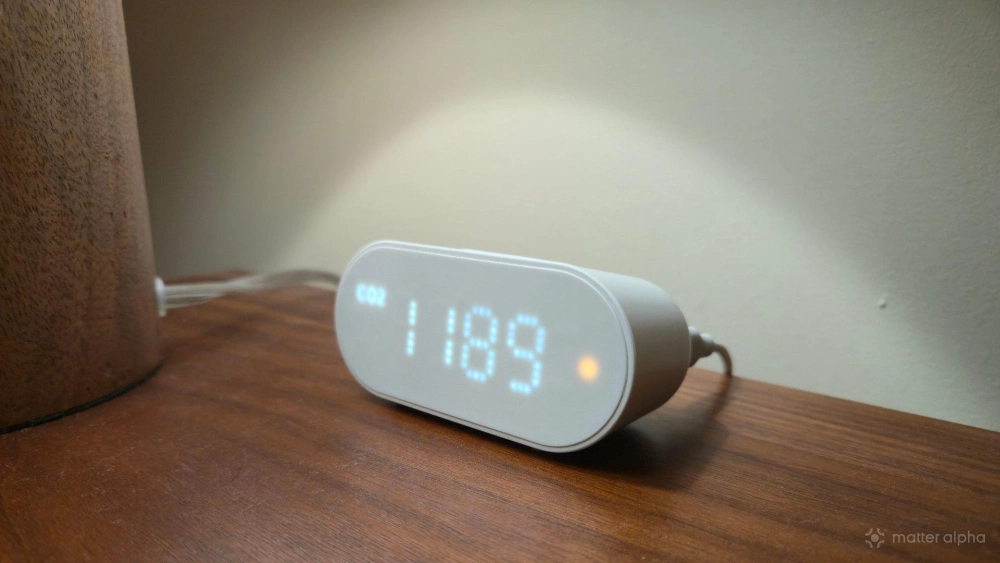
I purchased this device for the Thread border router functionality and to know if the wood burning stove in our living room was releasing too much smoke into the air, but it’s the carbon dioxide detection that has had the biggest impact. I noticed when we woke up in the morning the APLSTUGA showing readings of over 1000 ppm (part per million). As the number approached 2000 on some days, the air quality light on the front turned from green to orange. I didn’t know what this meant, but it wasn’t good.
This brand helps to support our site to remain ad-free.
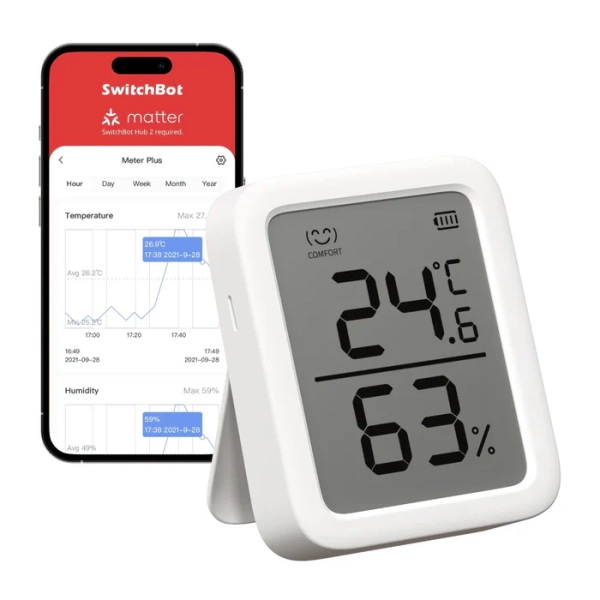
Read more about our ethics policySwitchBot Meter Plus
An accurate and versatile indoor thermometer and hygrometer with real-time tracking, smart notifications, and exportable environmental data.
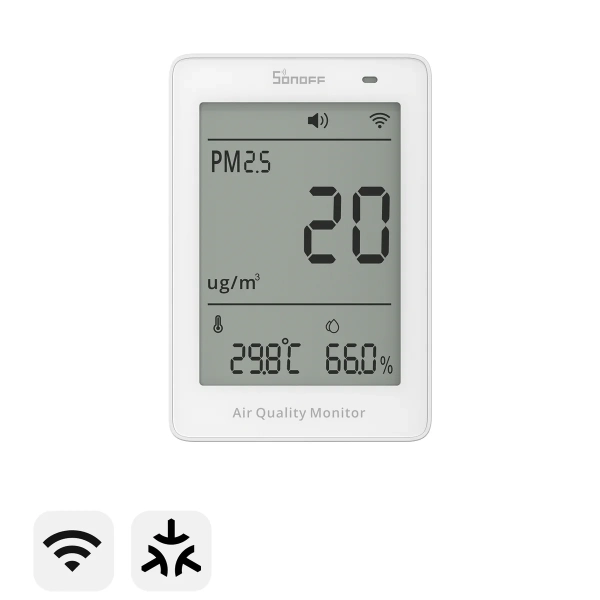
SONOFF SAWF-07P AirGuard 07P
A smart indoor monitor that tracks particulate pollution (PM2.5 and PM10) together with temperature and humidity, with Matter smart-home compatibility.
Apparently when the amount of carbon dioxide in the air goes over 1000 ppm, it leads to feelings of drowsiness and stuffy air. As the number surpasses 2,000 ppm, we start to feel headaches, fatigue, and have a more difficult time focusing.
Thankfully, spring is almost here, so I cracked open a window and allowed in overnight air. This made a difference in our air quality, keeping the number down to a healthier level while we sleep at night.
Should you buy the IKEA ALPSTUGA air quality monitor?
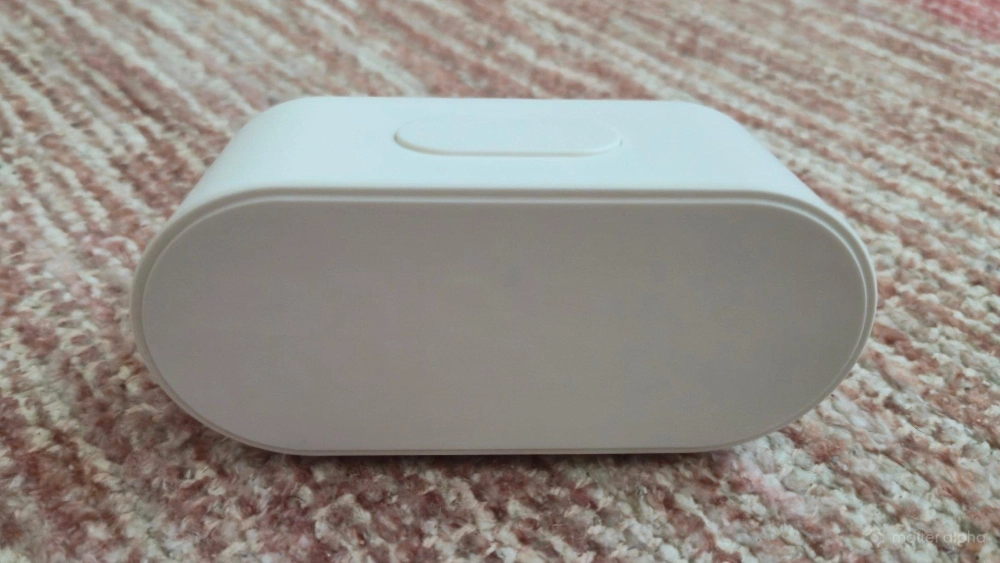
At $30, ALPSTUGA is one of the cheapest ways to purchase a Matter-based air quality monitor. A similar unit from SwitchBot costs nearly twice as much. That said, SwitchBot's smarter display shows much more information at one time and functions as a more useful dashboard, even if you don’t enable the Matter functionality.
IKEA's product is still useful without being connect to Matter, but by being shaped more like a tiny digital clock, you have to walk over and interact with it in order to see different bits of information. Which style is ultimately better is a matter of personal preference. Personally, I'm not checking this information often enough to need it all visible at once, so IKEA's approach works well for me.
That said, the ALPSTUGA is not as distinct and attractive as TIMMERFLOTTE, at least to my eyes. It does, however, still fade into the background on whatever surface it’s placed on. It’s neither the most attractive nor the most practical, but it gets the job done for a low price, and I entirely plan to purchase more than one.
Most importantly, it has taught me to pay more attention to the air I breathe, because the way I feel isn’t solely (or even primarily) the result of what’s in my head.