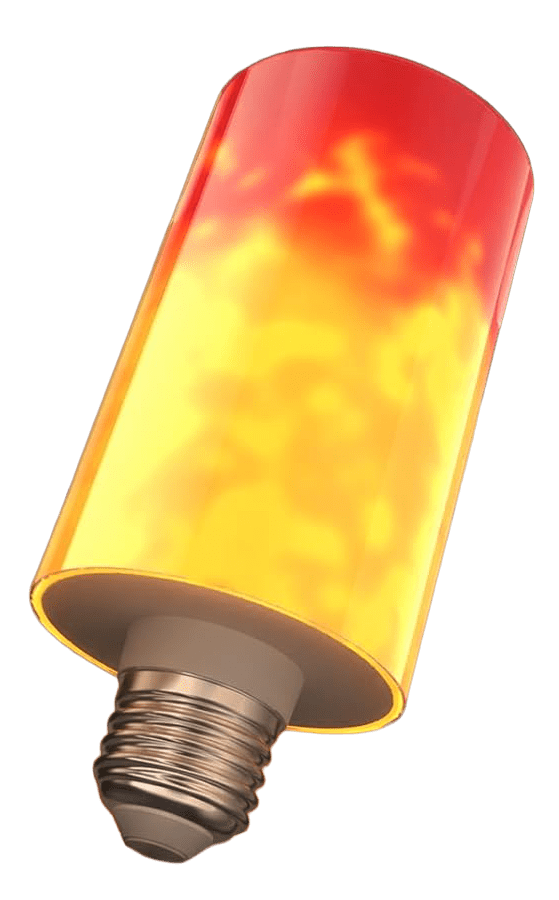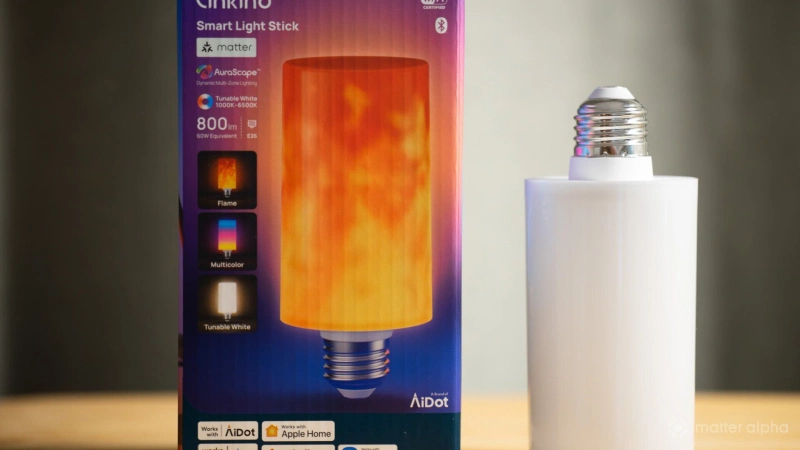
Decorating lights usually assembles in form factors that take more effort to arrange, and install like floor lamps and strip lights. It is where flexibility and accessibility matters more, and so we are with the Linkind Smart Light Stick that comes in standard E26 standard that fits most lamp and open fixtures.
It approaches that problem with a long frosted diffuser instead of a conventional bulb shape. Installed in an open lamp, the illuminated tube becomes part of the fixture rather than something that needs to be hidden.
I have been testing it across several lamps around my home, including a few IKEA lamps. The form factor gives exposed and glass-shaded lamps a distinctly different result from a regular smart bulb despite its average build. And here is my take.
TL; DR
Fors
-
Minimal design looks good when illuminated
-
Works well with open lamps and glass fixtures
-
Matter 1.5 with brightness, color temperature and RGB controls
-
Apple Adaptive Lighting support
-
Fast and reliable Matter-over-Wi-Fi connection
-
Customizable lighting effects in the Linkind app
Againsts
-
Plastic housing feels relatively cheap when switched off
-
Animated effects are not fluid
A bulb designed to be seen
The Light Stick itself does not immediately feel premium when you take it out of the box.
The housing is plastic, and without power it looks relatively plain. Compared with a decorative filament bulb or a proper glass light tube, you can quickly tell where some of the cost has been saved.
But once you toggle the light on, it changes the impression quite a bit.
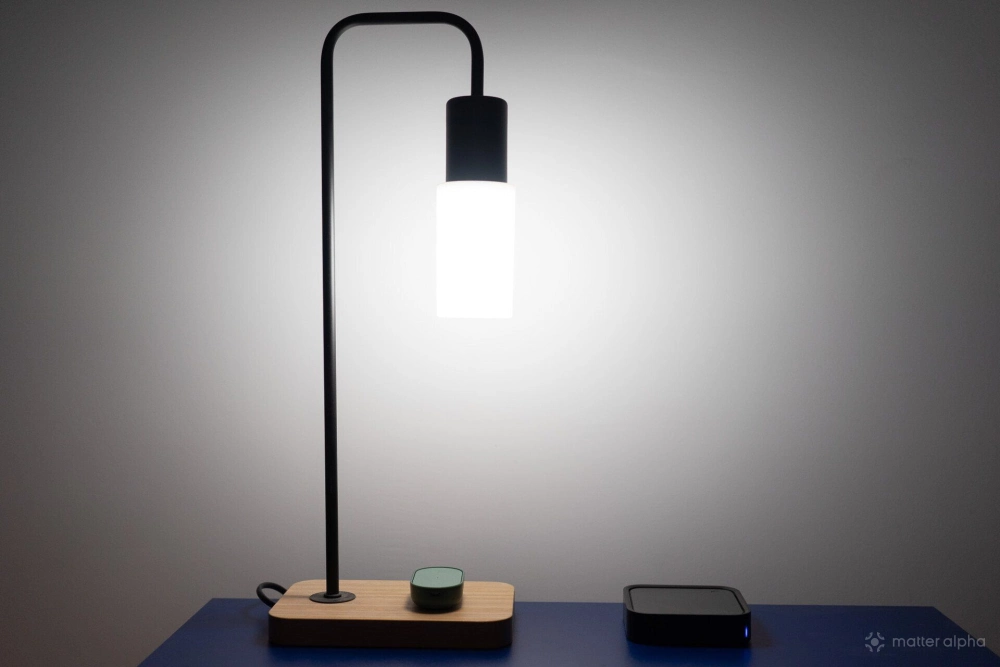
The plastic diffuser does a surprisingly good job at a distance. Rather than exposing individual LED points, most of the body turns into a soft glowing surface, which makes the Light Stick look like part of the fixture rather than simply a raw embedded LED matrix.
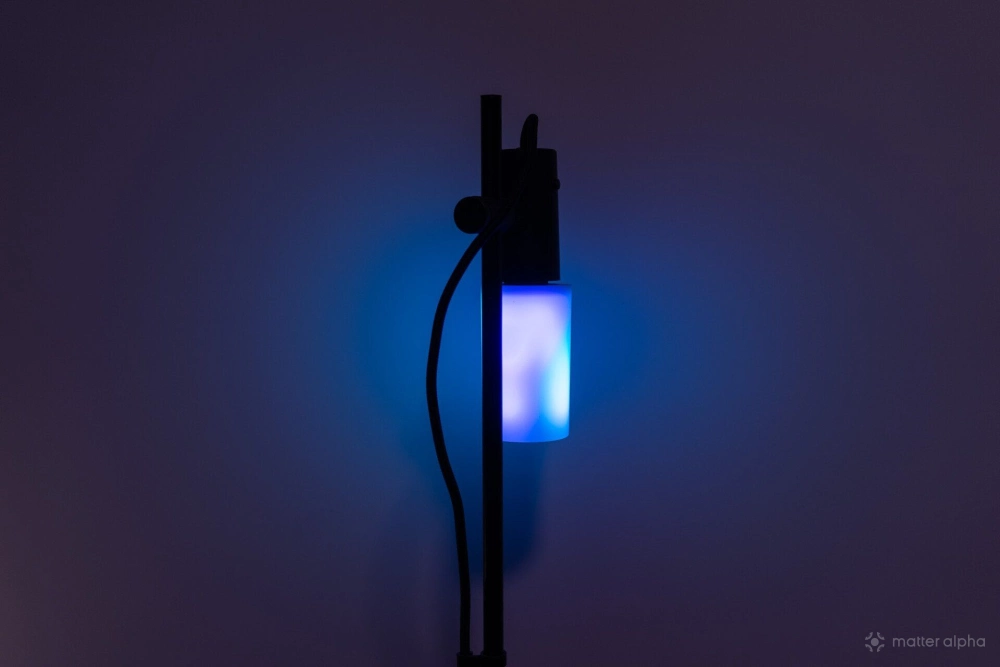
This design becomes especially interesting once you put the Light Stick inside an open fixture.
I tried it with several IKEA lamps that are designed around exposed or filament-style bulbs. Instead of adding another lampshade to hide the light source, the Light Stick can stay completely visible and use its own diffuser as part of the overall design.
It should also fit nicely inside larger glass-cased lamps, letting the shade extend and soften the light effects. You can get something closer to a decorative lamp while still keeping the convenience of a replaceable bulb. But my IKEA FADO is slightly smaller than expected to hold the light stick, so do look for options with a larger shade.
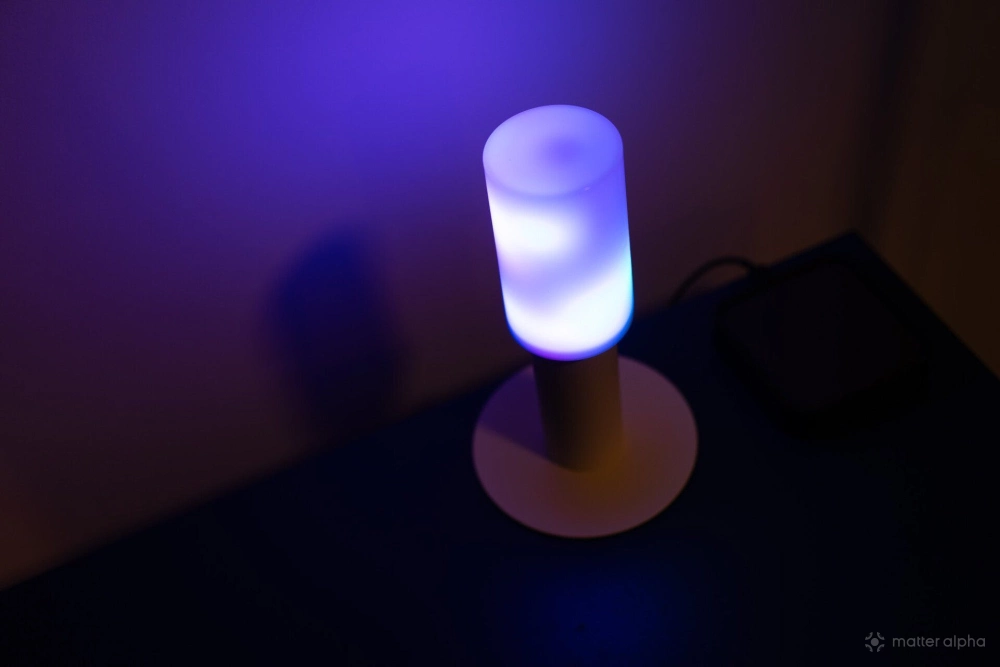
One minor complaint is that the light diffusion is not entirely uniform. The top and bottom sections are noticeably darker because of how the internal components are arranged.
It is visible when you look directly at the light, but it does not compromise the overall effect that much. Those darker areas have very clean boundaries instead of messy light leakage between the illuminated and non-illuminated parts, which can easily make cheaper lighting products look poorly assembled.
Seamless Matter setup
The Light Stick connects over Wi-Fi and supports Matter 1.5, with Bluetooth also available for setup and direct access through the Linkind app.
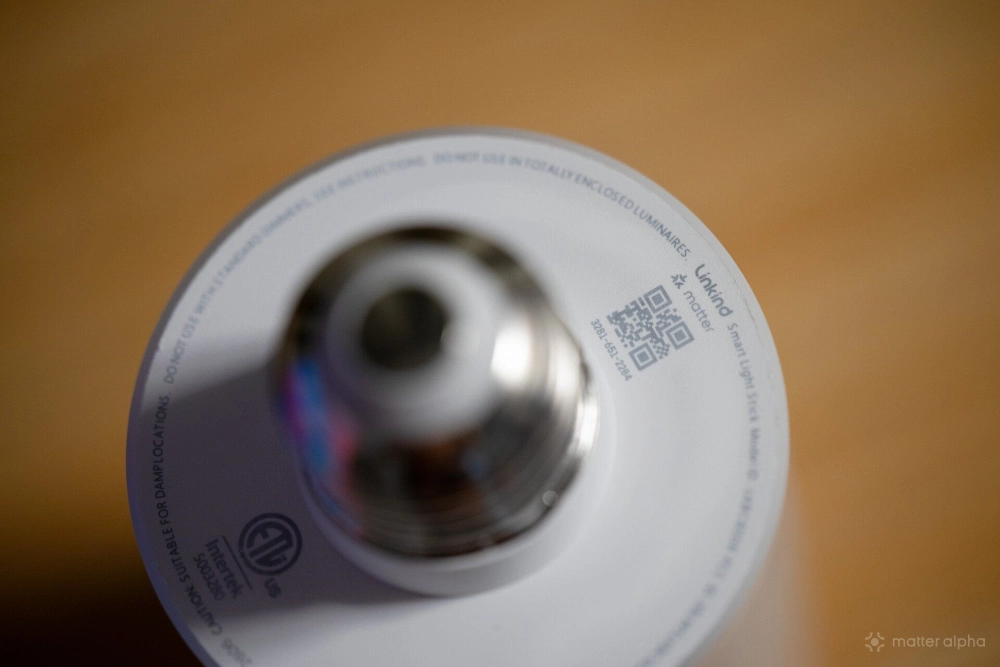
My initial Matter setup with Apple Home was straightforward. I scanned the Matter code and had it available in Apple Home without any extra steps or failed commissioning attempts. You can pick up the lamp later with the AiDot app when needed without messing up existing Matter setups.
Through Matter, the Light Stick is a standard RGB light. It exposes on and off control, brightness, color temperature, and hue controls.
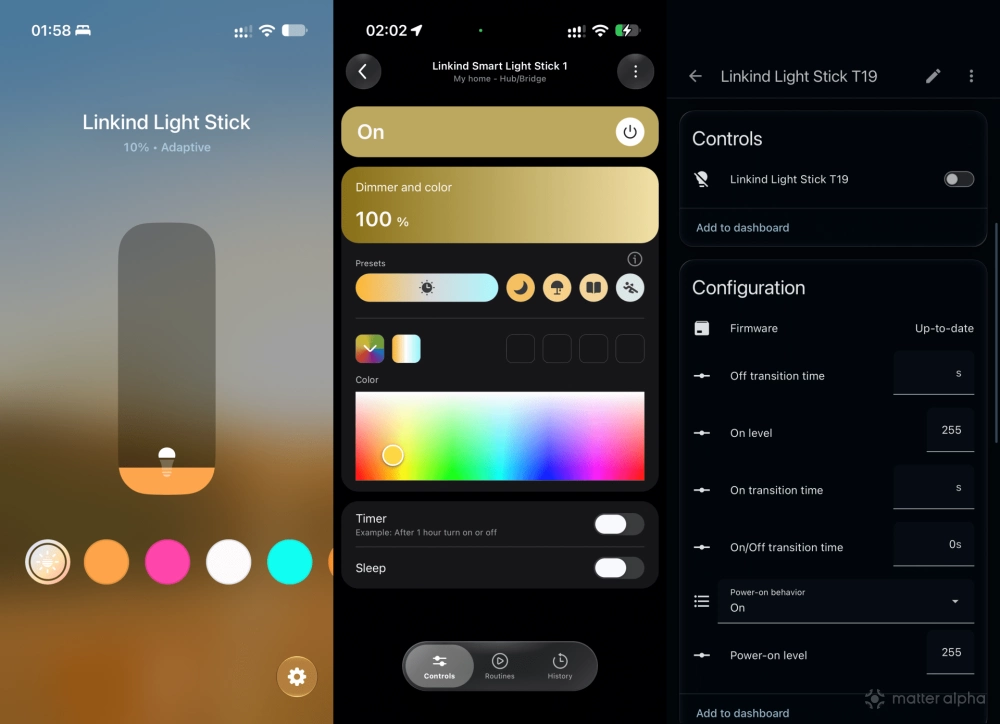
That means the basic lighting experience is fairly consistent across Matter platforms. The differences mainly come from what individual ecosystems build on top of those standard controls.
Apple Home supports Adaptive Lighting, which is one of the more interesting additions for this type of product.
Instead of leaving the Light Stick on a fixed white temperature or treating it entirely as an RGB decorative light, Adaptive Lighting lets it gradually shift its white color temperature throughout the day. Combined with its high 850 lm brightness, the lamp can be a brilliant secondary light source in a small home space.
SmartThings offers preset scenes for the light, while other Matter platforms primarily provide the essential lighting controls.
Vendor app experience
The AiDot app provides a collection of animated and multicolor effects that take advantage of the segmented LEDs inside the stick. And the options are so overwhelming that I lose the interest to create customized presets.
These advanced effects stay within Linkind rather than being exposed through Matter. I do not really fault Linkind for that, since Matter does not currently well standardize this type of segmented animated lighting.
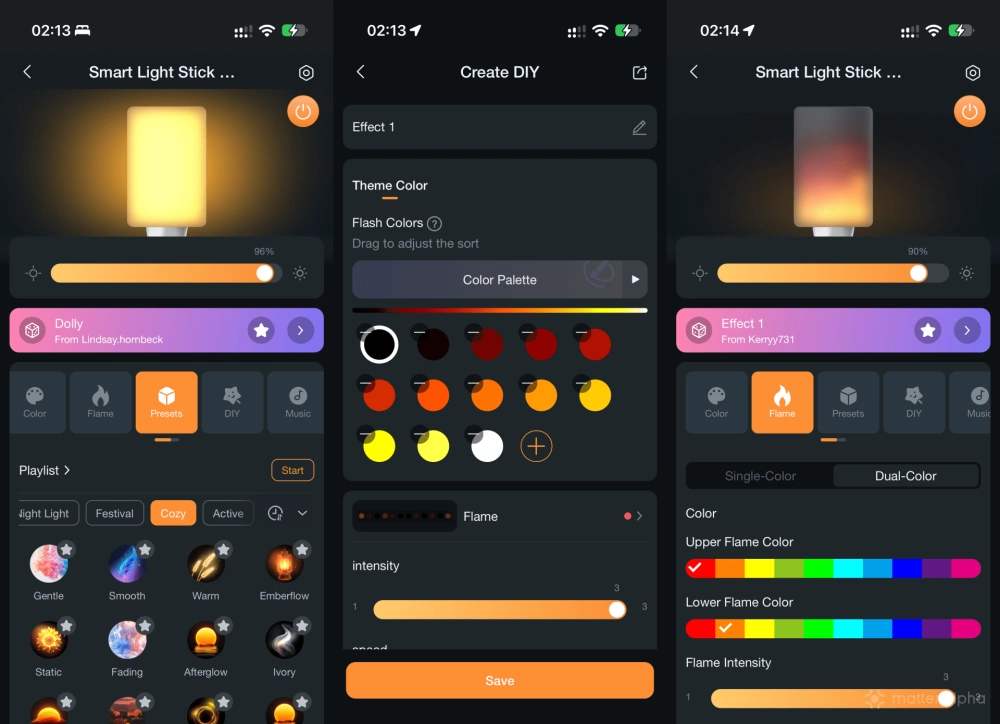
If you add the Light Stick only through Matter, it simply looks like a regular RGB bulb to the platform.
The more noticeable limitation is how the animations themselves perform.
They are not particularly fluid. Some effects feel more like an animated GIF on social media, moving through visible stages rather than producing a completely smooth flow of color.
For casual ambience, I would say that is fine. But if smooth, continuous RGB animations are your main priority, this one may disappoint you.
Reliable Wi-Fi connection
Wi-Fi is not always my first choice for Matter, especially once a network fills up with hundreds of 2.4GHz devices.
The Light Stick also appears to use a relatively budget Wi-Fi platform, so I did not expect connectivity to become one of its stronger areas. In practice, however, it has been stable.
I used a Heiman Matter sensor for automations. Response times have been fast, and I have experienced virtually no network drops during my testing. And it recovers well after power and network outage.
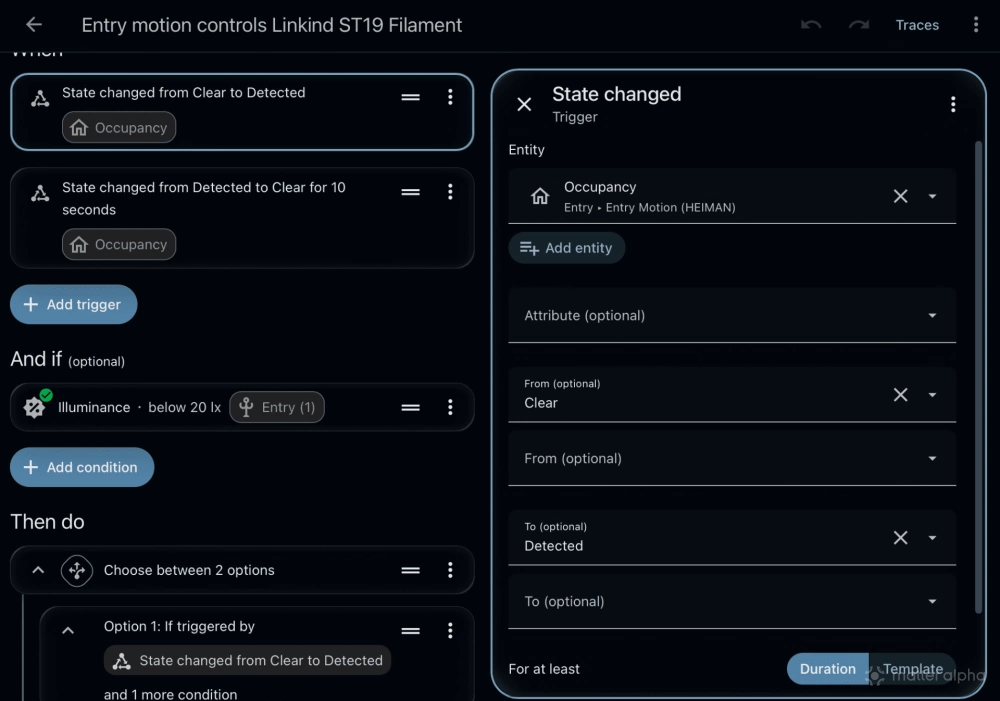
For connection stability, I would give it a 9 out of 10. There is also a practical benefit to using Wi-Fi here.
A Matter-over-Thread light requires access to a compatible Thread Border Router. The Light Stick does not. Someone without a Matter setup can still install Linkind and control it directly over Wi-Fi or Bluetooth, making it a good option for gifts. Matter then becomes an additional integration when the owner decides to do more with a smart home platform.
Final verdict
The Linkind Smart Light Stick is an unusual take on a category that normally does not leave much room for experimentation.
It has an average build at this price point, and the animated effects also expose some of the limitations of the hardware. But once installed in the right lamp, those compromises are much less noticeable.
The defusion design gives open fixtures a different look from a conventional smart bulb. Matter 1.5 covers the everyday lighting controls I need, and the Wi-Fi connection has remained very stable throughout my testing.
I particularly like it in lamps that were already designed around an exposed bulb, including several IKEA options. It can work as ordinary secondary lighting during the day and switch into something more decorative when you want color.
For someone new to smart lighting, the Wi-Fi and Bluetooth connection also keep the barrier to entry relatively low.
The Light Stick is not trying to replace a dedicated high-end ambient lighting system. It is a much simpler idea: take a regular lamp socket and give it a more interesting light source. In the right fixture, that idea works quite well.
The Light Stick has a regular US price of $39.99 on Amazon, with Linkind currently listing it for $32.99 on the vendor store.
(Image: Matter Alpha/Ward Zhou)