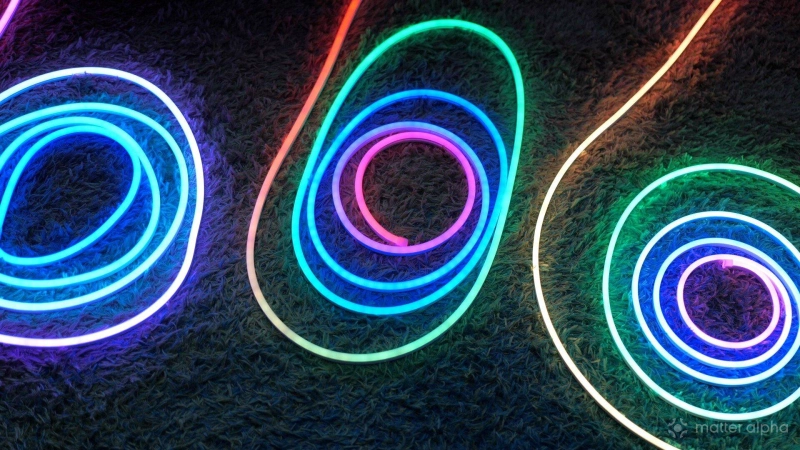
Putting together the ultimate cyberpunk gaming room, or perhaps an impromptu tiki bar in the garden? Neon rope lights offer a stunning visual aesthetic that goes well beyond what you can get from a basic LED strip.
Right now there are three major players offering Matter-compatible neon rope lights: Govee, Nanoleaf, and SwitchBot. At first glance they look remarkably similar. All are Wi-Fi connected, all support Matter, and all offer gradient lighting effects through their apps — and they make for great beginner Matter smart home devices with ease of use and high-impact. But once you actually start installing them, shaping them, and living with them, the differences become much clearer.
In this comparison I’ll be breaking down the three major Matter-compatible neon rope lights from Govee, Nanoleaf, and SwitchBot, looking at physical design, installation, visual quality, apps, ecosystem integration, and of course how well Matter actually works.
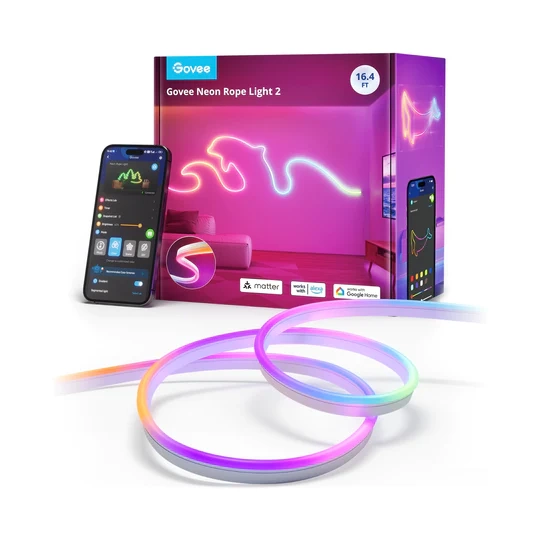
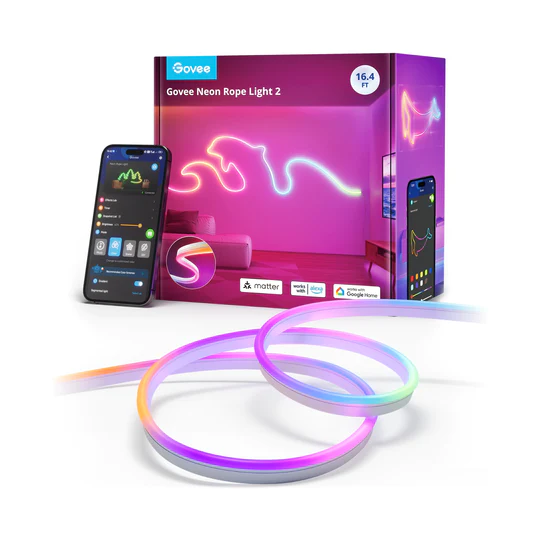
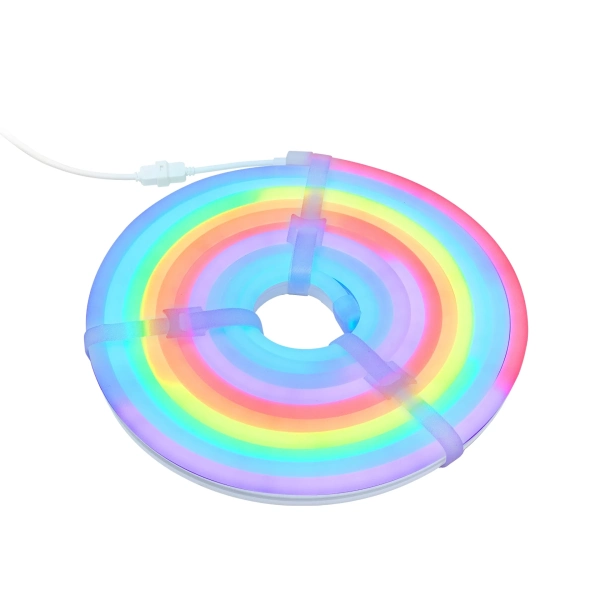
Govee Neon Rope Light 2 16.4ft
Version 2 brings upgraded clips, more flexible installation, Matter support, and automatic shape recognition using the app.
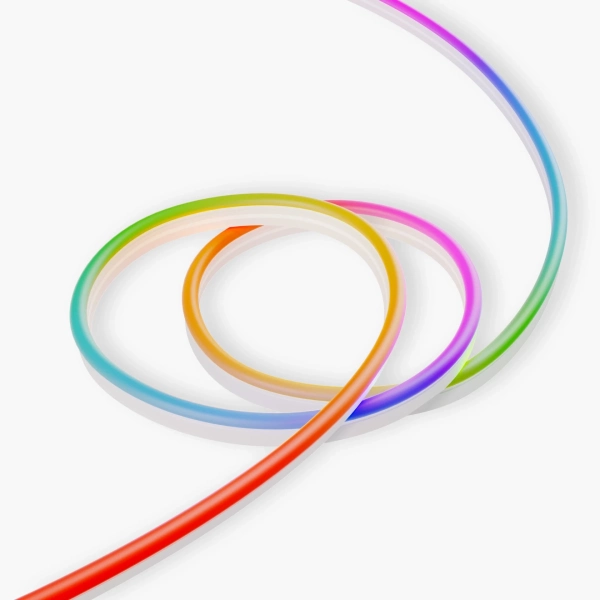
Matter Smart Multicolor Rope Light
A flexible, silicone-coated indoor rope light with addressable zones and Matter support, perfect for immersive, customizable ambient lighting synced with music or screens.
This brand helps to support our site to remain ad-free.
Read more about our ethics policySwitchBot RGBIC Neon Rope Light
A flexible neon-style smart LED rope light with multi-color segment effects and music-reactive lighting.
All three lights support Matter (in theory, anyway) and connect over Wi-Fi rather than Thread (which is a good thing, in my opinion). They also support Bluetooth for initial setup and close-range control. Each comes with its own smartphone app offering gradient colors, scenes, and various effects. So broadly speaking they all do the same thing. The interesting part is where they differ.
Physical differences and installation
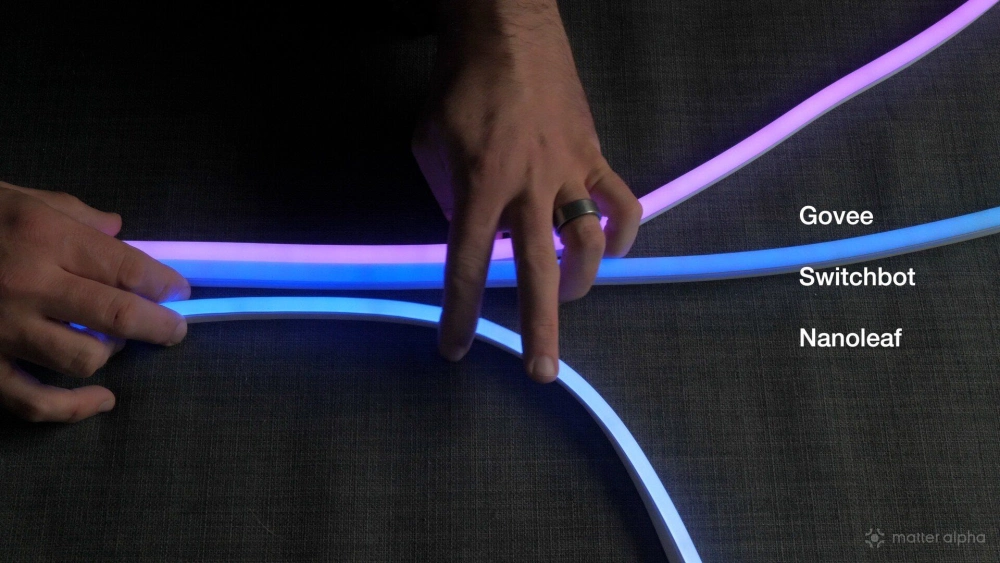
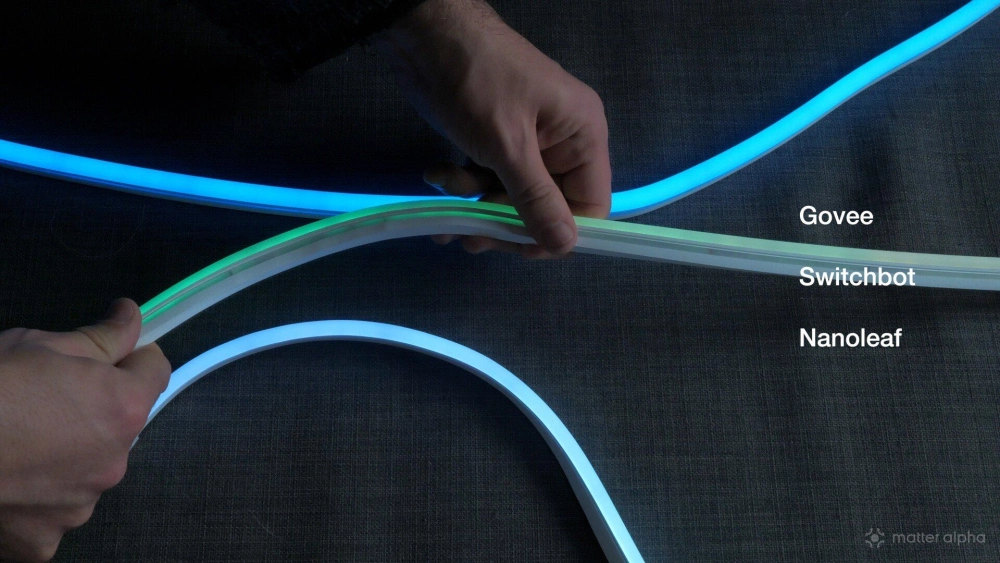
The first obvious difference between these lights is their physical design. The Nanoleaf rope is noticeably thinner than the other two, probably about two-thirds the width of the Govee and SwitchBot models. That does make a visual difference when mounted on the wall. It’s not necessarily better or worse, but if the thicker neon style feels too chunky for your taste, Nanoleaf will probably appeal more.
Nanoleaf also runs at 24W, compared to 48W for the Govee and SwitchBot lights. That results in a much smaller power brick. In real-world use though I couldn’t see any obvious brightness difference between them.
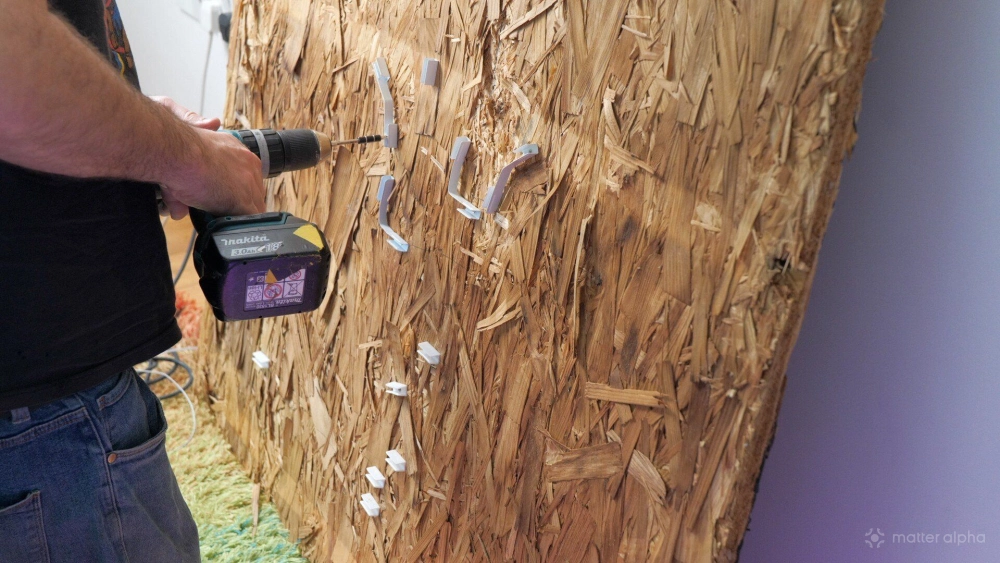
All three kits come with adhesive mounting clips which can optionally be screwed into place. Nanoleaf includes 30 plastic clips in the 5m kit, which sounds generous.
Govee and SwitchBot, however, include something more interesting: bendable metal clips. These are extremely useful for sharper corners or controlled curves, because neon rope lights naturally want to form smooth flowing shapes rather than tight angles. Both Govee and SwitchBot include about 10 of these bendable clips plus 15 normal ones.
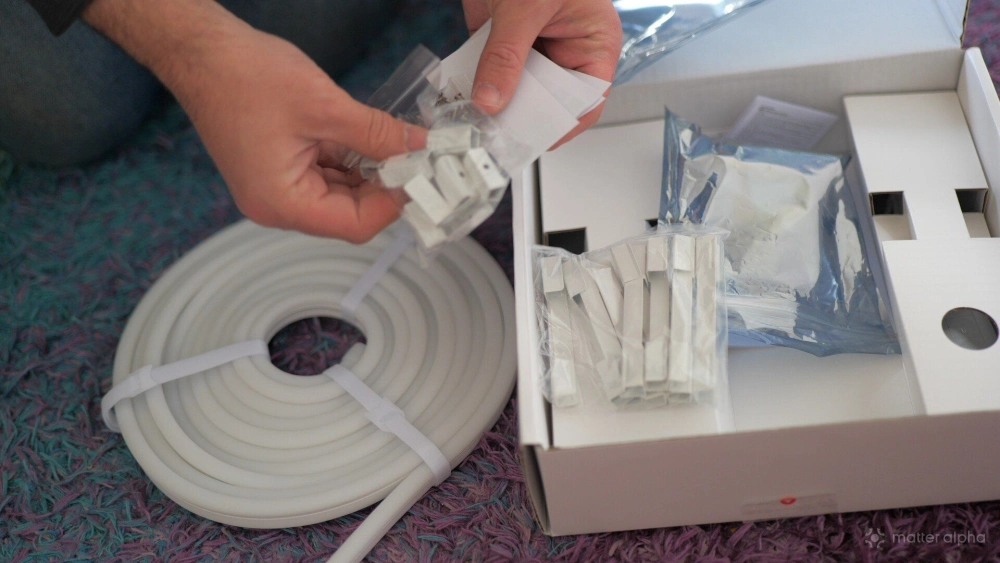
One thing I discovered while testing is that although the SwitchBot and Govee clips look identical, they’re actually slightly different sizes. They’re close enough that you’d assume they’re interchangeable, but they’re not. When I swapped between lights during testing I had to remove and replace every clip.
The other big challenge with neon rope lights is figuring out how big your design will actually be. You might have a cool shape in mind, or a design you found online, but translating that into real rope length is surprisingly difficult. So while working on this comparison I vibe-coded a free tool to help with that: Neon Rope Designer. You upload an image or SVG, trace roughly where the rope will go, and the tool will calculate the final dimensions and rope length.
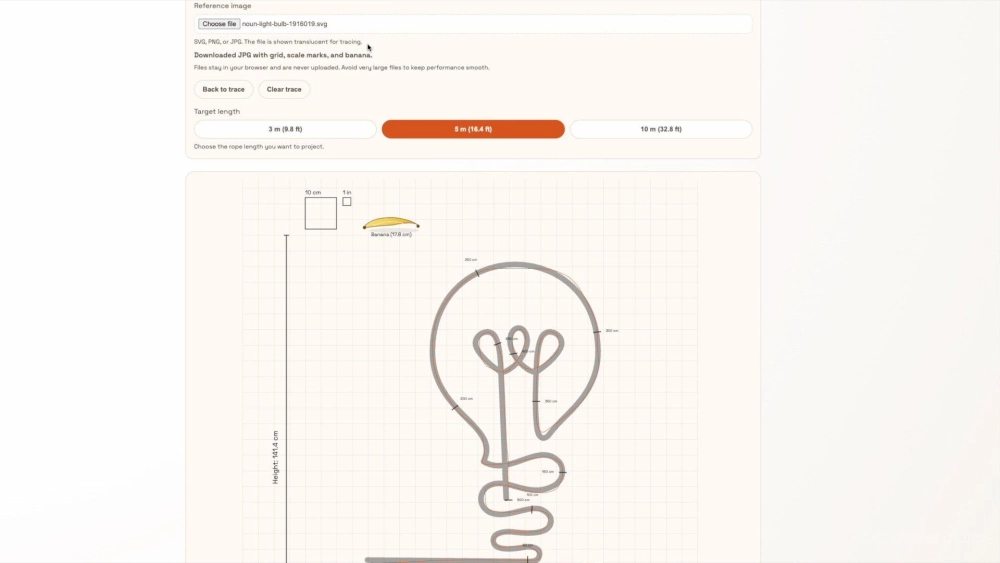
You can then project that onto your wall, size it according the included scale, and be confident that you'll have enough for your design.
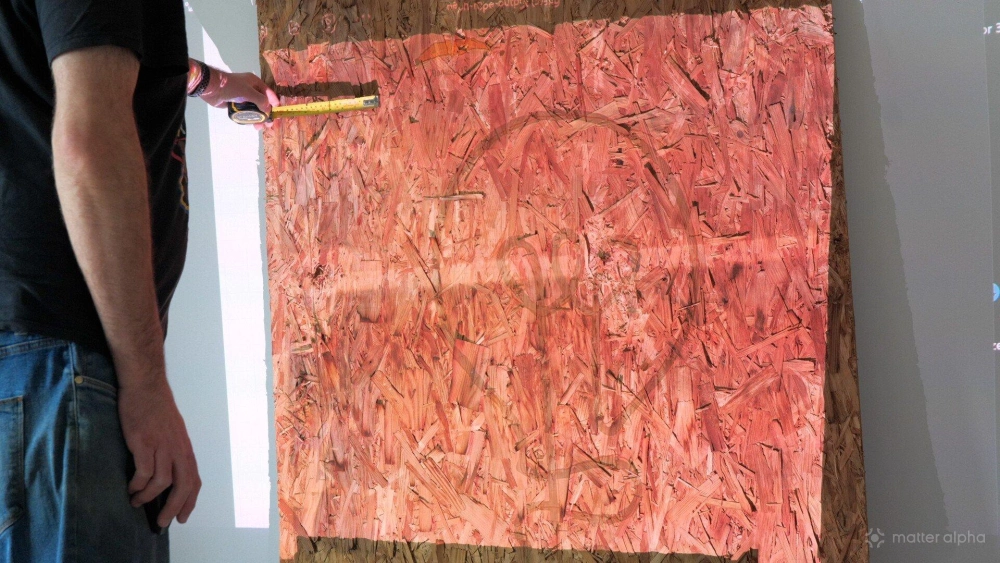
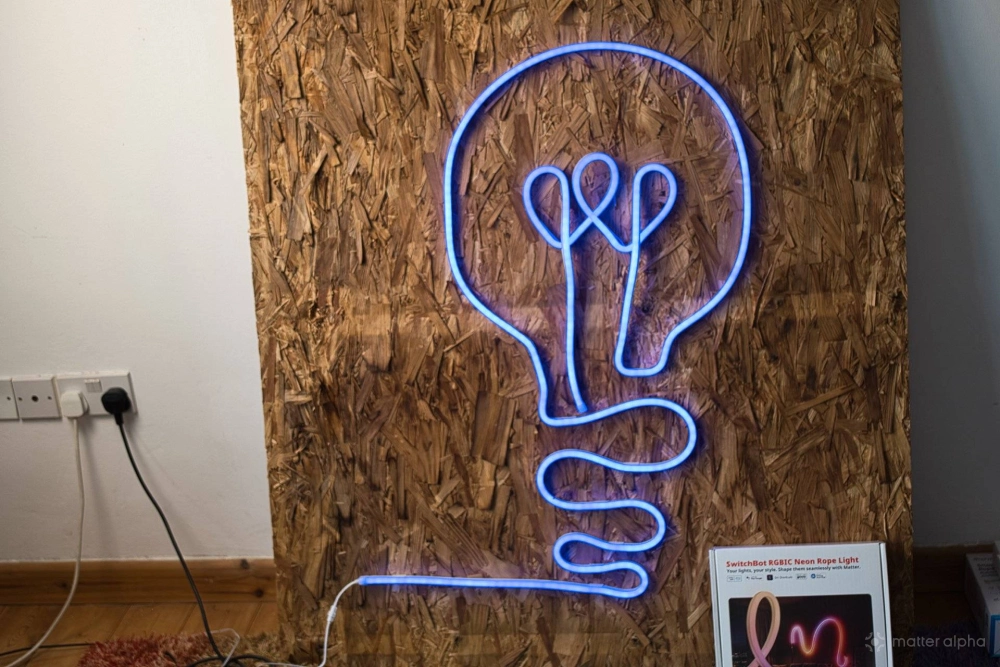
Using that tool I recreated a one-line lightbulb design from The Noun Project and installed it with all three lights.
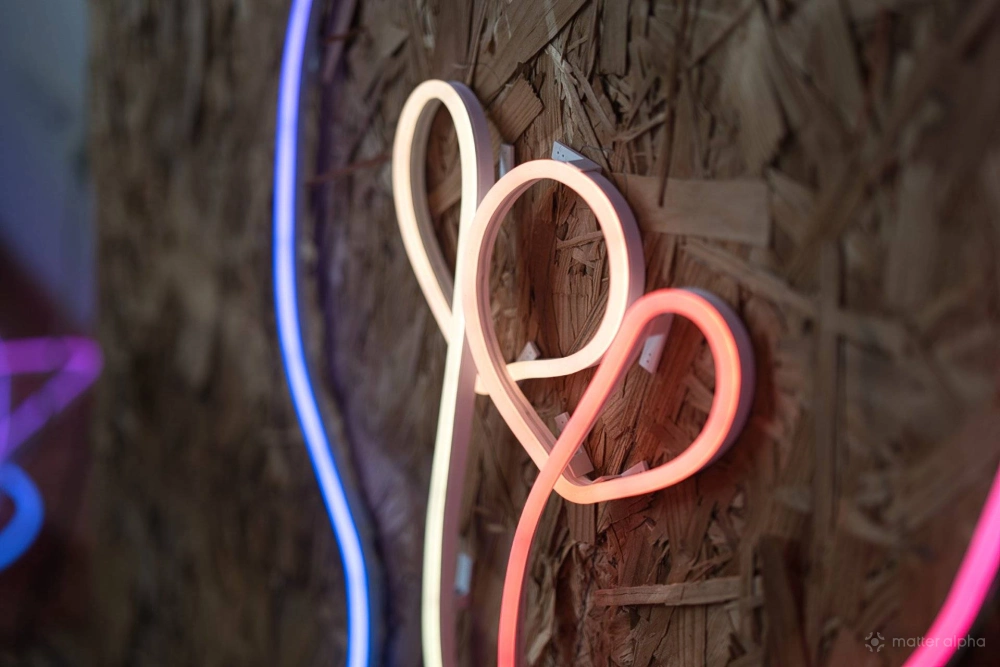
For complex shapes with overlapping lines, SwitchBot turned out to be the easiest to work with. It felt slightly more flexible in both directions and the clips had excellent grip. While Nanoleaf and Govee just twist out of shape when bending up or down, SwitchBot maintains its shape better:
The metal clips also helped enormously for sharp angles. Switchbot:
Govee came a close second, but the rope itself felt slightly stiffer; overlapping parts were much trickier. Govee:
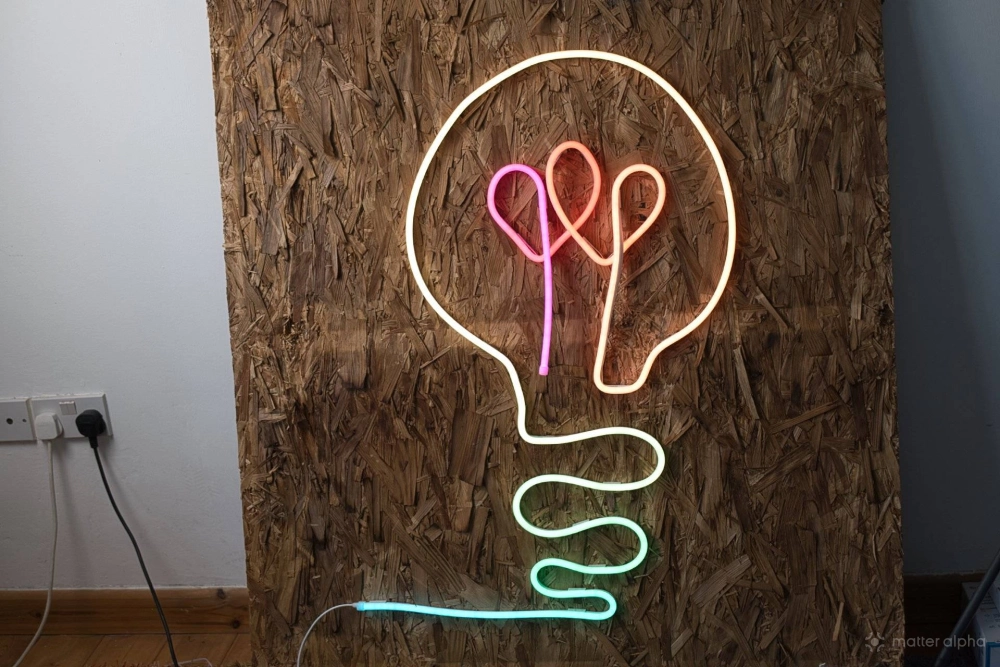
Nanoleaf was the most difficult for complex designs. The rope bends easily thanks to its slimmer profile, but the clips didn’t grip as firmly, which also made overlapping shapes harder to keep in place. Nanoleaf:
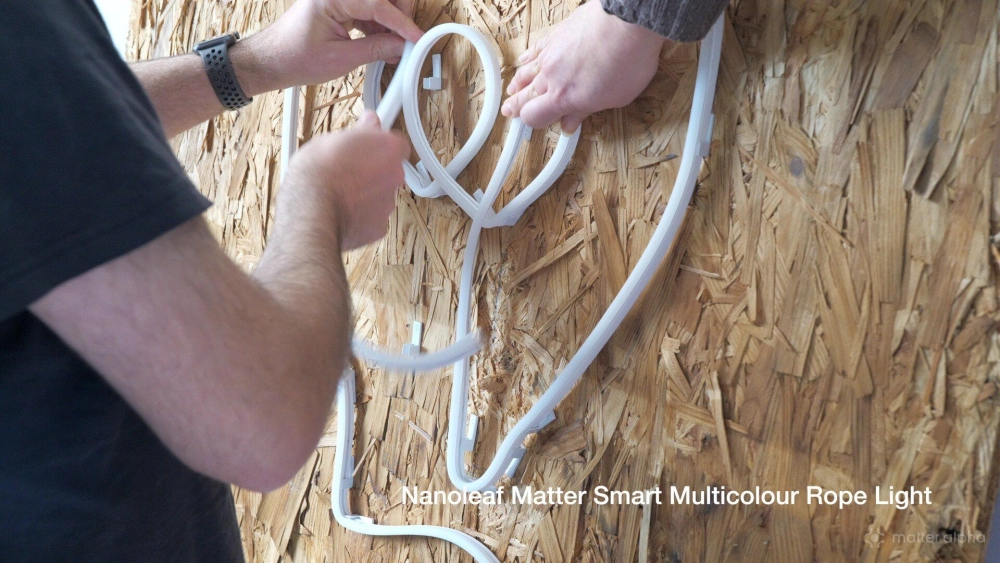
- SwitchBot is the easiest for complex shapes, good grip, metal clips, and flexibility in both directions.
- Govee comes a close second with good grip and metal clips, but less flexibility.
- Nanoleaf is better suited to simpler designs; the clips don't grip strongly enough, especially for overlapping designs.
Lengths and model options
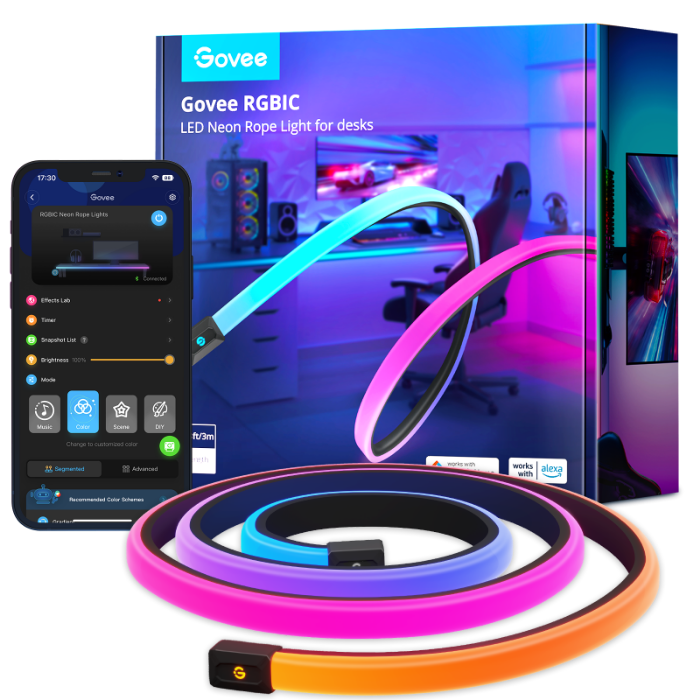
When it comes to product variations, the three brands take very different approaches. Govee offers the most choice. Their Neon Rope Light 2 is available in both 3m (9.8ft) and 5m (16.4ft) lengths, and with either black or white rubber backing. They also offer additional neon-style lights designed specifically for desks or wall installations, which either sit flush in the corner or lay flat against the side of a desk.
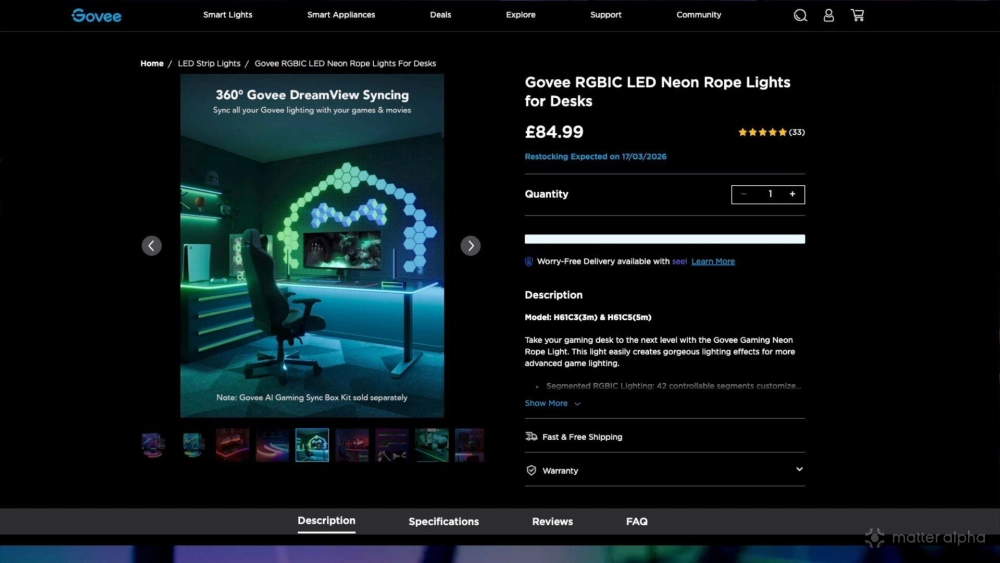
SwitchBot keeps things simpler. Their main neon rope is a 5m white model, but they also offer a unique product called the Neon Wire Rope Light, which is a shorter 2m version with a semi-rigid internal wire. That allows it to hold its shape without being mounted to a wall.
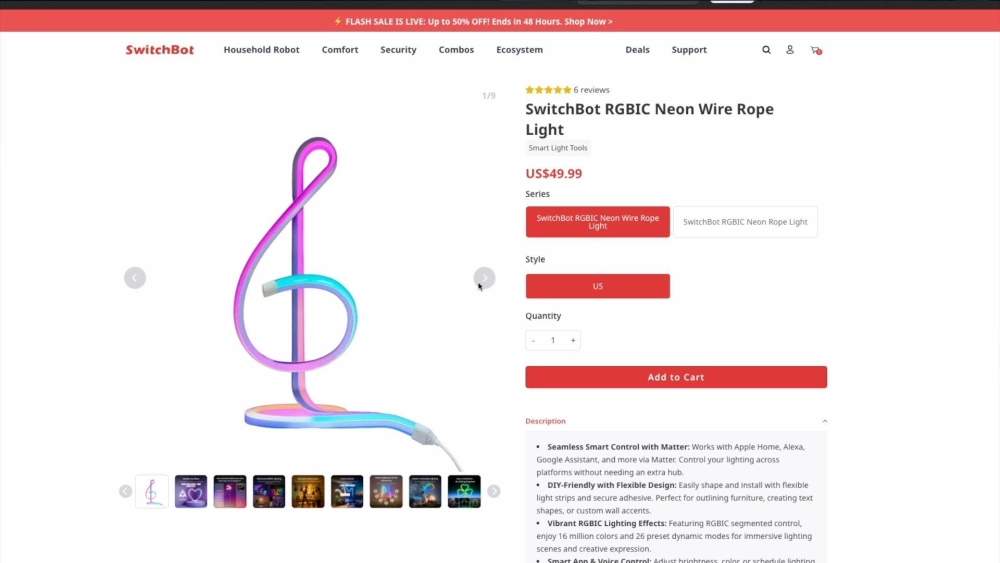
Nanoleaf currently offers just a single 5m white model. That said, Nanoleaf’s wider lighting ecosystem is much larger than SwitchBot’s. Govee still takes the overall crown for sheer number of lighting products though.
- Govee offers the most variants, suitable for desks and walls.
- SwitchBot has the unique freestanding wire version as well as the basic 5m white strip.
- Nanoleaf currently offers just one rope light model, though it does have a range of other lighting products.
Visual quality
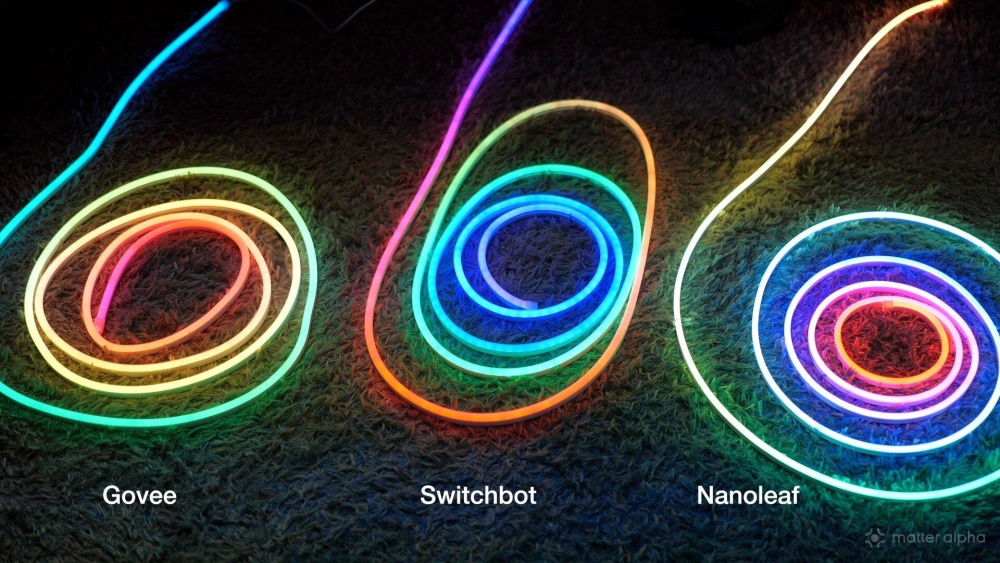
Visual quality is somewhat subjective, but there are still noticeable differences. Both Govee and Nanoleaf produce smoother gradients, with transitions between colors appearing more blended. The individual LED segments are much harder to see. Govee:
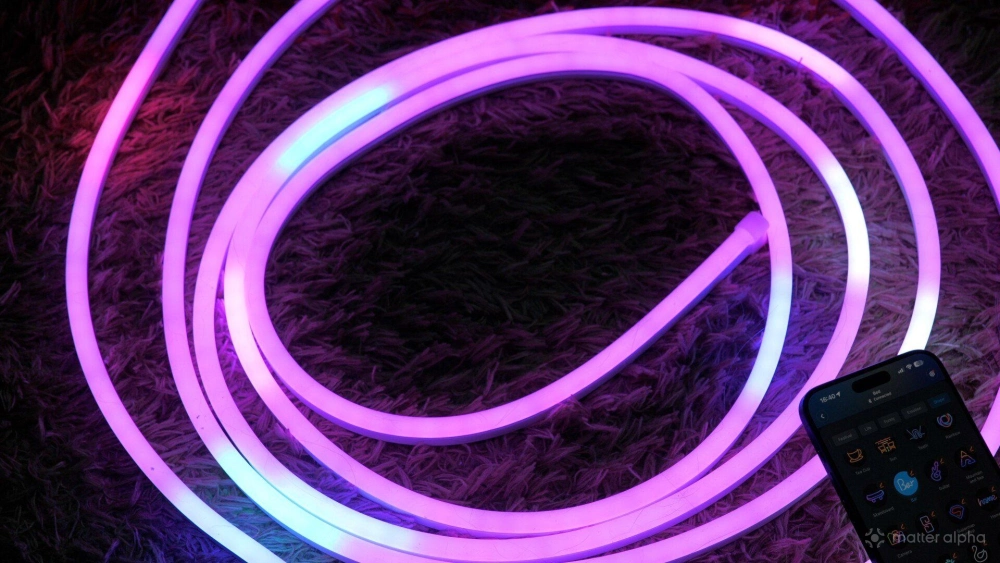
SwitchBot’s rope light shows slightly more segmentation. You can sometimes see the individual pixel groupings inside the diffuser. Interestingly though, SwitchBot produced what looked like the brightest and cleanest pure white mode.
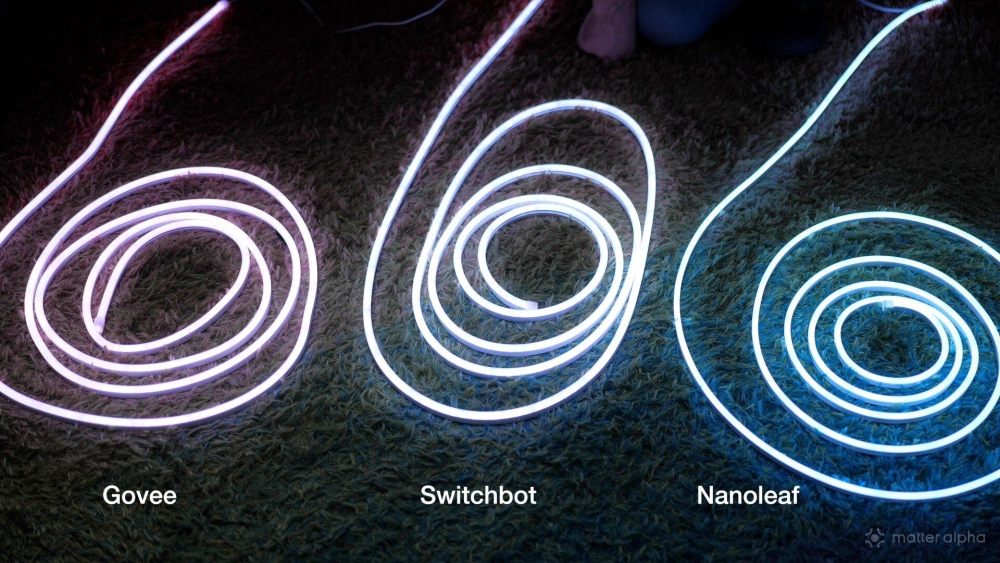
Solid colors like green, pink, and blue also had a very authentic UV neon feel. SwitchBot:
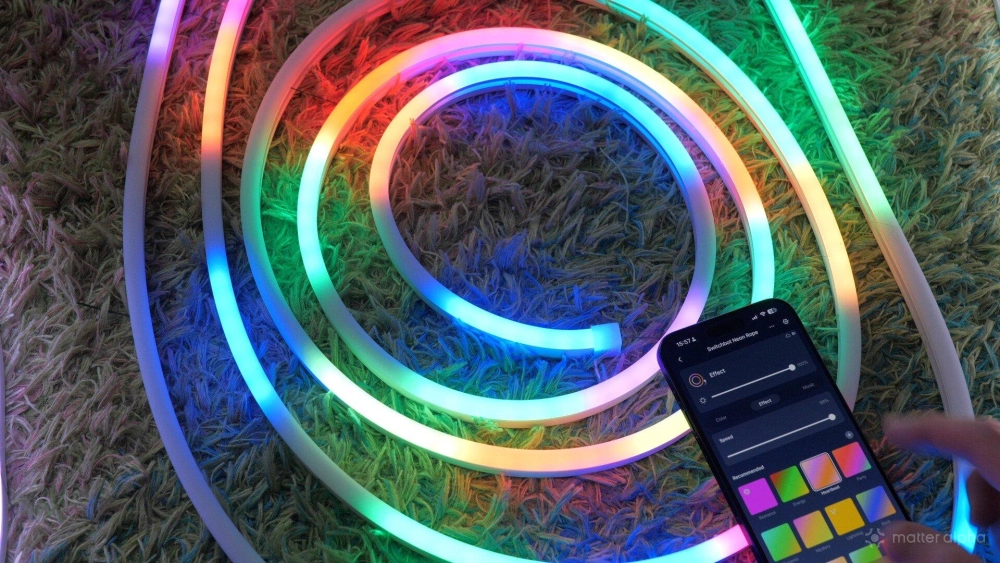
Nanoleaf offered the smoothest transitions overall, with almost no visible pixel segmentation in most scenes. So while all three look good, Govee and Nanoleaf win on gradient quality, with Nanoleaf slightly ahead. Nanoleaf:
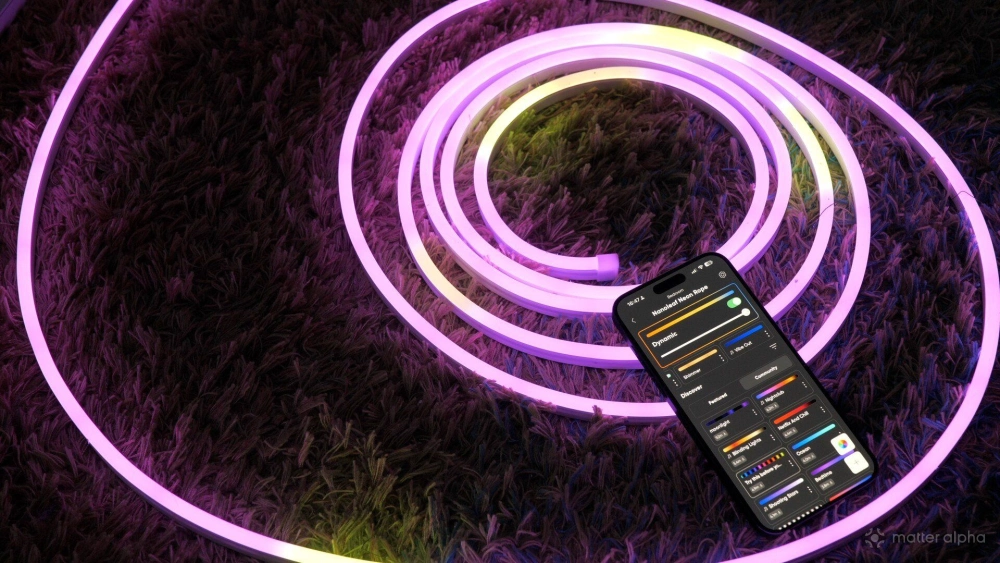
- Nanoleaf has the smoothest gradients.
- Govee close behind.
- SwitchBot shows more segmentation but strong solid colors.
Inline remote controls
All three lights include an inline controller on the power cable so you can control basic functions without opening the app. One thing they all share is double-click color switching, which lets you cycle through single colors quickly.
The differences are mostly in how the buttons are arranged. Nanoleaf has the best-designed controller of the three. It includes separate brightness up and brightness down buttons, which makes quick adjustments much easier. It also separates music-reactive scenes and normal lighting scenes, so you’re not constantly cycling through everything just to get to the mode you want.
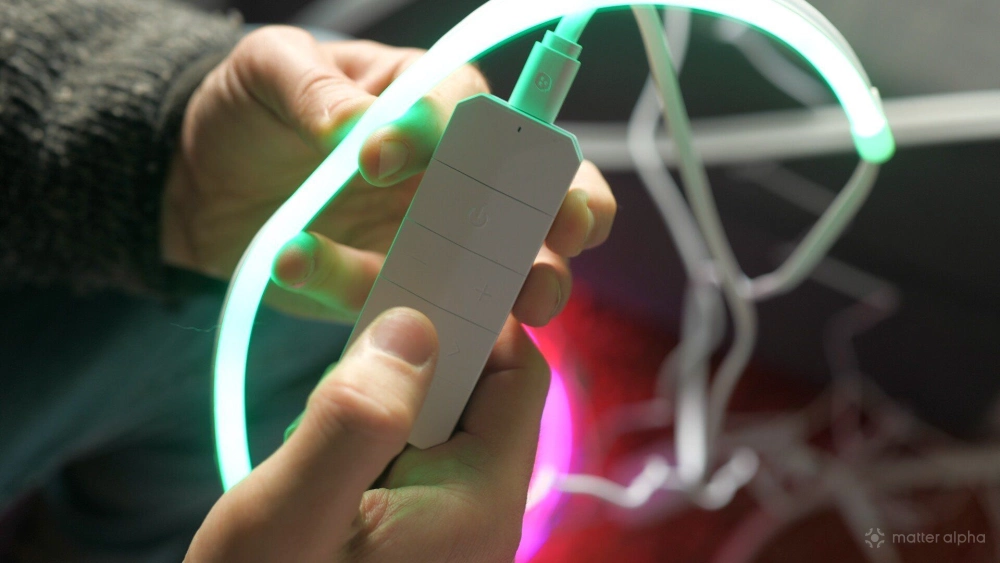
Govee and SwitchBot both offer more limited controls with a single button for brightness adjustment and scene cycling, and they also support the same double-click color switching. They work fine, but the layouts aren’t quite as clearly organized.
- All support double-click color switching.
- Nanoleaf has the most intuitive controller layout.
- Separate brightness buttons make a real difference.
App controls
Although these lights support Matter, you’ll still need the individual apps for anything beyond simple brightness and color control. A quick tip here: add the light to the manufacturer app first before adding it to Matter. Doing it the other way around can sometimes cause weird behaviour.
The Govee Home app offers both a simple and advanced mode scene builder (enabling you to layer effects on each other), as well as hundred sof built-in scenes. It’s incredibly powerful, but also utterly bloated and confusing, especially for new users.
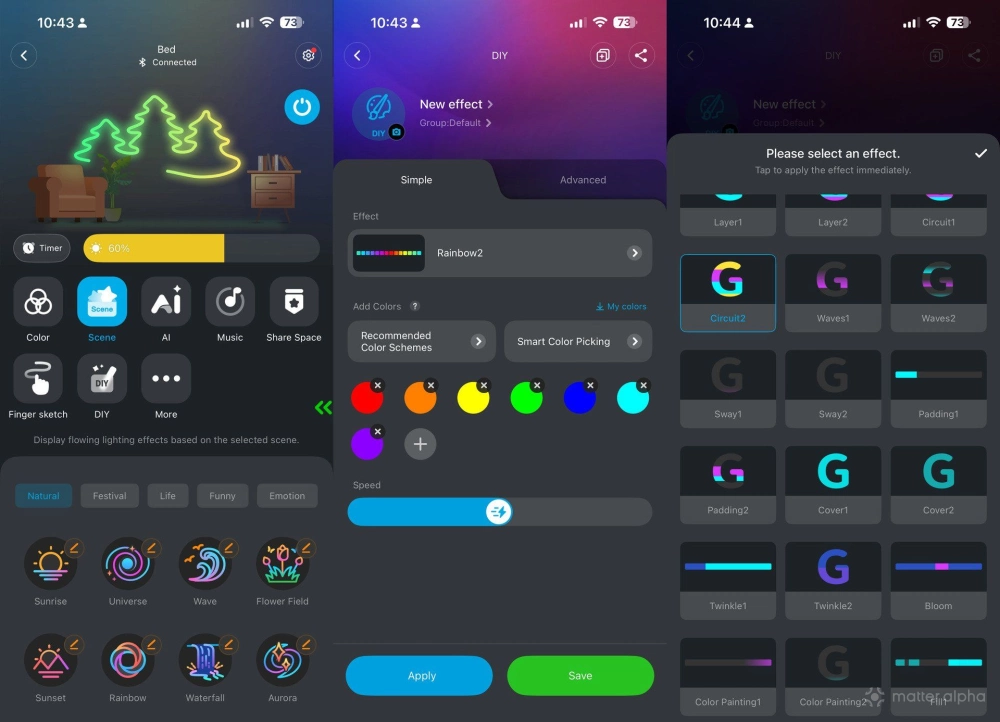
Nanoleaf’s app impressed me the most. Their scene creation workflow is much simpler: choose a color palette, pick an effect, then adjust the parameters. It just flows better. While it doesn't front-load as many dynamic scenes as Govee does, the community library is extensive, and all can be downloaded to the device.
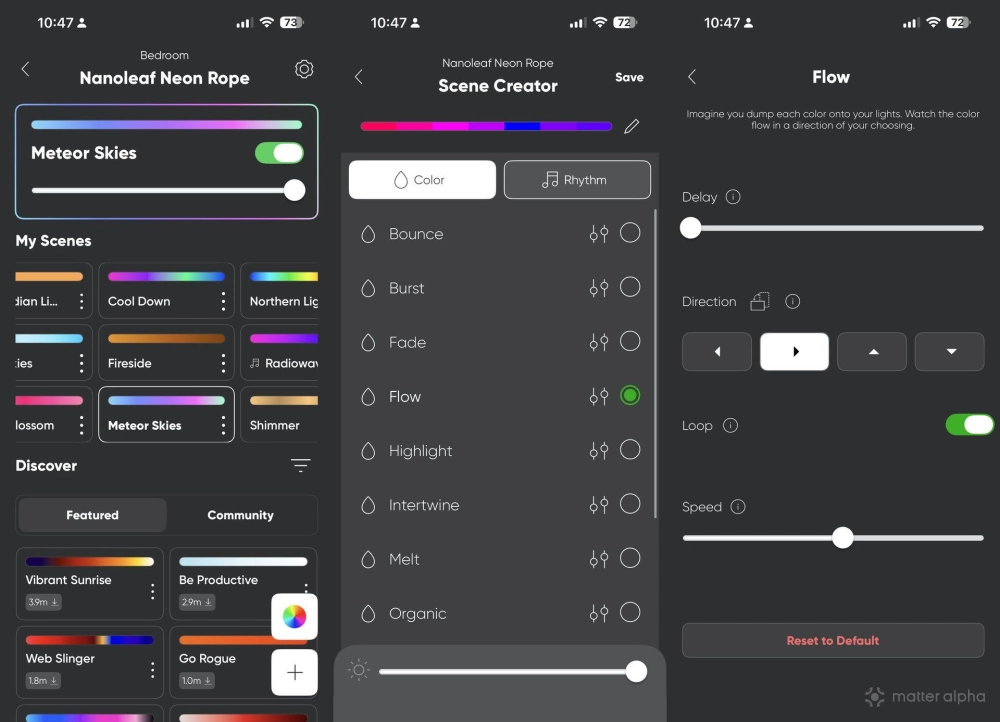
SwitchBot’s app is designed for a much wider ecosystem of products, so lighting is only one part of it. The result is that lighting controls feel simple enouigh, although slightly less polished, and the built-in scenes aren’t as nearly strong (nor is there a user library for more).
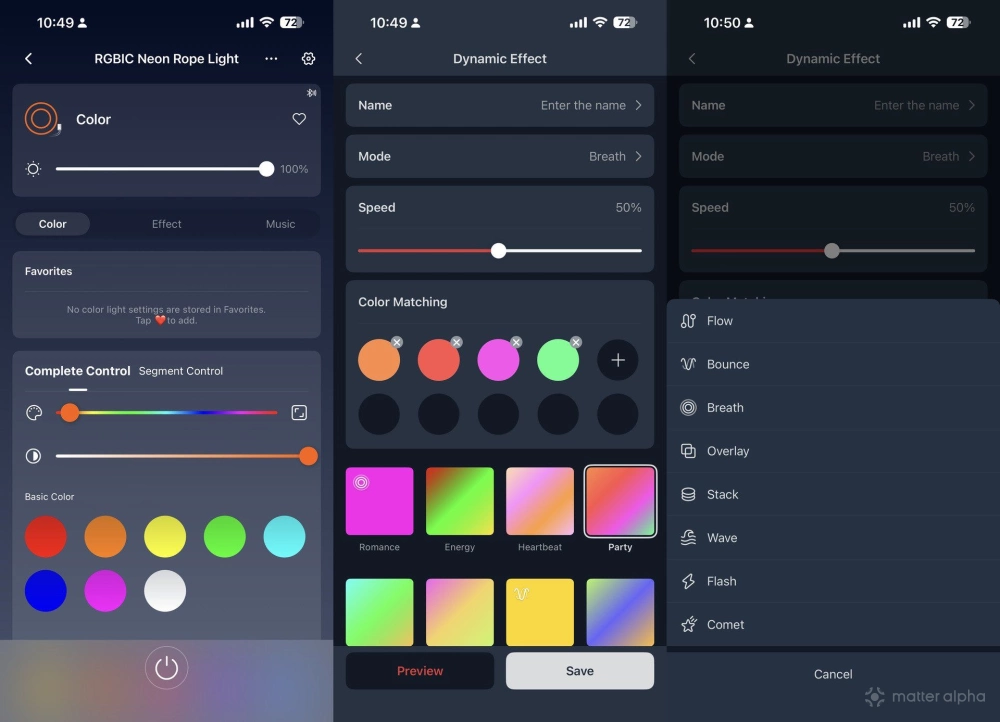
- Nanoleaf is the easiest to use with simple custom scene creation.
- Govee technically has the most powerful scene creator and extensive scene library, but overall it's confusing and just not as user-friendly as Nanoleaf.
- SwitchBot offers the weakest app experience for lighting.
Ecosystem integration
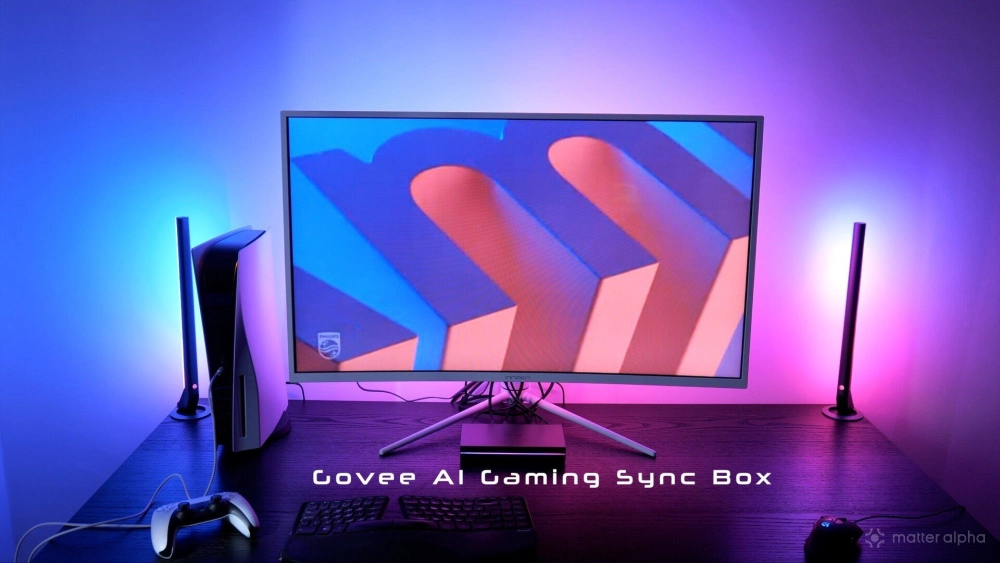
Both Nanoleaf and Govee support integrations that go far beyond simple app control, with screen syncing systems that match your lighting to your TV or monitor content, either through desktop apps or HDMI sync boxes (sold separately).
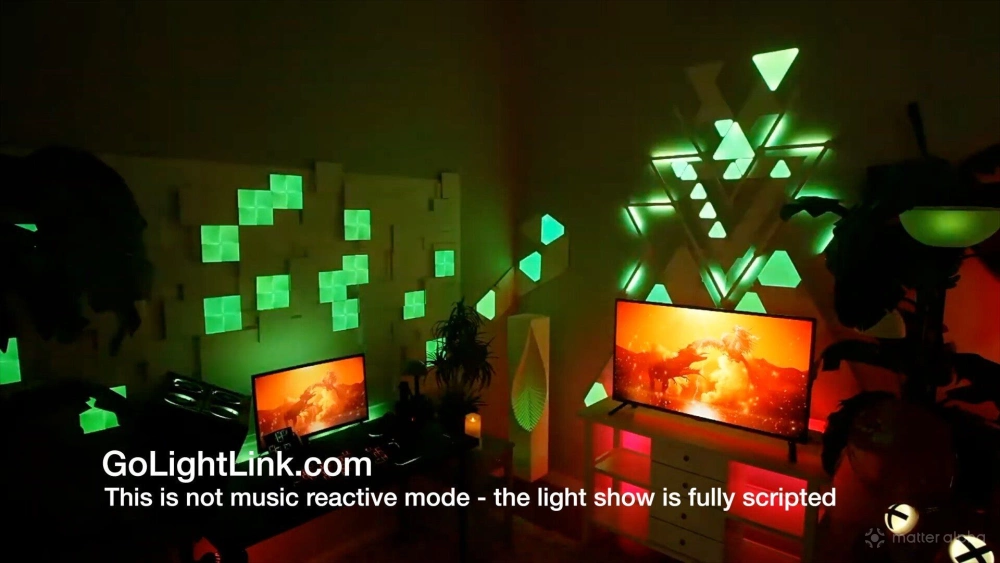
They also provide APIs that allow third-party software to control the lights. For example, software like LightLink can run complex music-reactive shows across multiple lights (including a mix of Govee and Nanoleaf at the same time).
SwitchBot doesn’t currently support anything like this. While it does offer automation through its ecosystem and an API for developers, there’s no integration with third-party lighting software or advanced synchronized light shows, nor is there likely to be given the limitations of their API (no pixel or segment control).
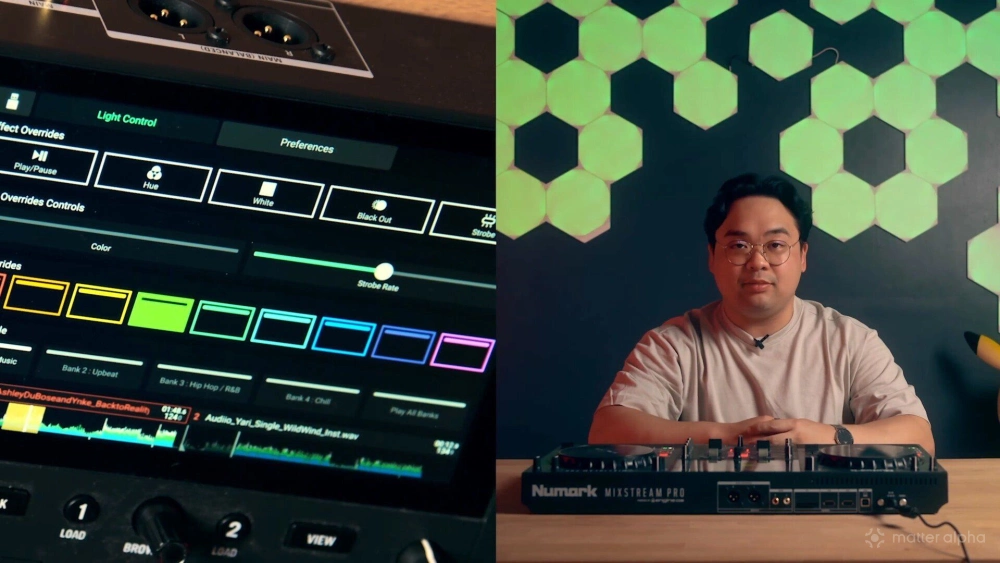
Nanoleaf also appears slightly more open to professional lighting environments, such as direct integration with EngineDJ. There are also references to DMX integration with some earlier Nanoleaf products (though not the neon rope light), which is the standard used in stage and theatre lighting systems. I asked Govee about DMX support, and they said that their focus has always been on the consumer side of things, so professional protocols like DMX would likely not be implemented.
- Nanoleaf has the strongest integrations, with TV backlight syncing and scripted musical shows.
- Govee has a strong ecosystem as well, but slightly less third-party integrations.
- SwitchBot currently limited to app and Matter control only.
Matter support
In theory, Matter should make all lights behave identically. In practice, that’s mostly true. All three expose the same controls through Matter: power, brightness, and color. But that means a single color across the whole strip. No gradients, effects, or music modes.
For those features you’ll still need the apps.
During my testing, Nanoleaf and Govee paired instantly with Apple Home using Matter. SwitchBot was less reliable. I tested two units, and pairing took multiple attempts. One eventually worked after some trial and error, but the second never connected successfully. I'm still not sure exactly what I did to make it connect, but it was some combination of attempting to pair with Home Assistant and crashing the light controller in the process, power cycling, pressing random buttons, and spinning around three times whilest reciting the sacred debugging mantra in binary.
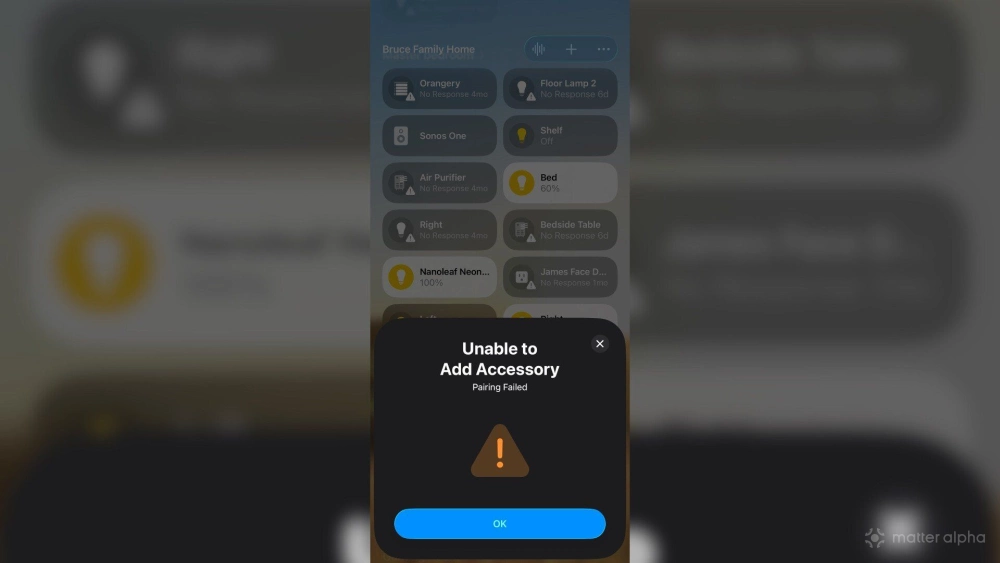
Once connected though, they behaved exactly as expected. Nanoleaf also deserves a small bonus for printing the Matter QR code directly on the hardware, rather than relying on stickers like Govee and SwitchBot.
- Feature support is identical once connected.
- Nanoleaf and Govee paired instantly.
- SwitchBot pairing was unreliable during testing.
Which neon rope light is best?
At the time of writing, the prices for the 5m models are roughly:
Each of these lights has clear strengths. The obvious recommendation is that if you already have a room full of Govee lights, then sticking with Govee makes sense for compatibility with their DreamView system; the same is true for Nanoleaf. While some software allows you to mix and match lighting fixtures (like Razer, or Light Link), if you're relying on Matter-compatibility to give you similar dynamic scenes across different devices, you'll be disappointed. You can group different lights over Matter, but you'll only get one color (which may not match, anyway), and brightness (which also may not be the same).
Govee Neon Rope Light 2 16.4ft
Version 2 brings upgraded clips, more flexible installation, Matter support, and automatic shape recognition using the app.
Matter Smart Multicolor Rope Light
A flexible, silicone-coated indoor rope light with addressable zones and Matter support, perfect for immersive, customizable ambient lighting synced with music or screens.
This brand helps to support our site to remain ad-free.
Read more about our ethics policySwitchBot RGBIC Neon Rope Light
A flexible neon-style smart LED rope light with multi-color segment effects and music-reactive lighting.
If you’re starting fresh, Nanoleaf and Govee both offer deeper ecosystem integration, music syncing, and more advanced lighting setups. Govee has the widest range of products overall, including other neon ropes suited to walls and your desk. Nanoleaf ends up offering the best app experience and the cleanest gradients, but has less choice when it comes to accompanying products.
SwitchBot stands out mostly for its price and ease of installation, especially with the more flexible rope and metal clips. The standalone wire-frame model is also unique, making SwitchBot a good for simple, one-off installations where you don't plan to build out further or make use of complex scenes.
There’s no single winner for every scenario.