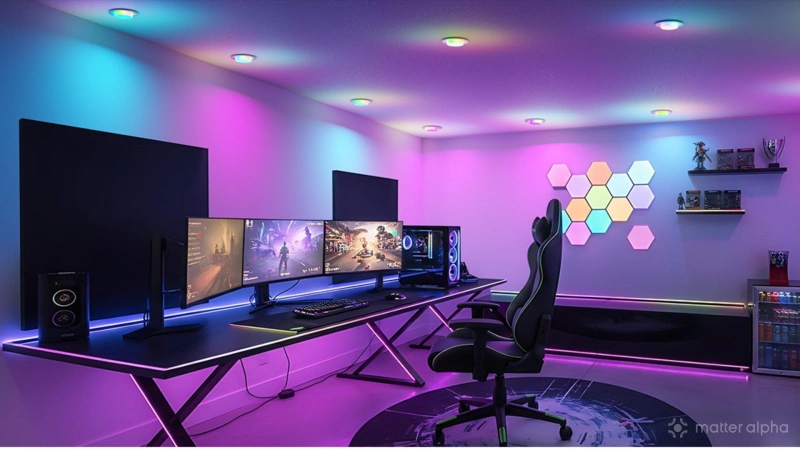
Smart lights are the foundation of a smart home and Matter does a good job of supporting them—but Matter can't handle everything. Even if a smart light has a Matter logo printed on the box, that doesn't mean you can bring it home without any need for installing an additional app. Let's level set and establish precisely what it means to buy a Matter-compatible smart light.
Matter's lighting controls cover the basics
Matter has been able to control smart lights since the very first version. When you add a smart light to your home, there are certain baseline features you can expect to be available regardless of whether you're using Samsung SmartThings on a TV or you manage your smart home via a Home Assistant Green hub. I've recently transitioned my home to a Homey Pro Mini, and the same controls are available. The same would be true if I were using Amazon Alexa, Apple Home, or Google Home.
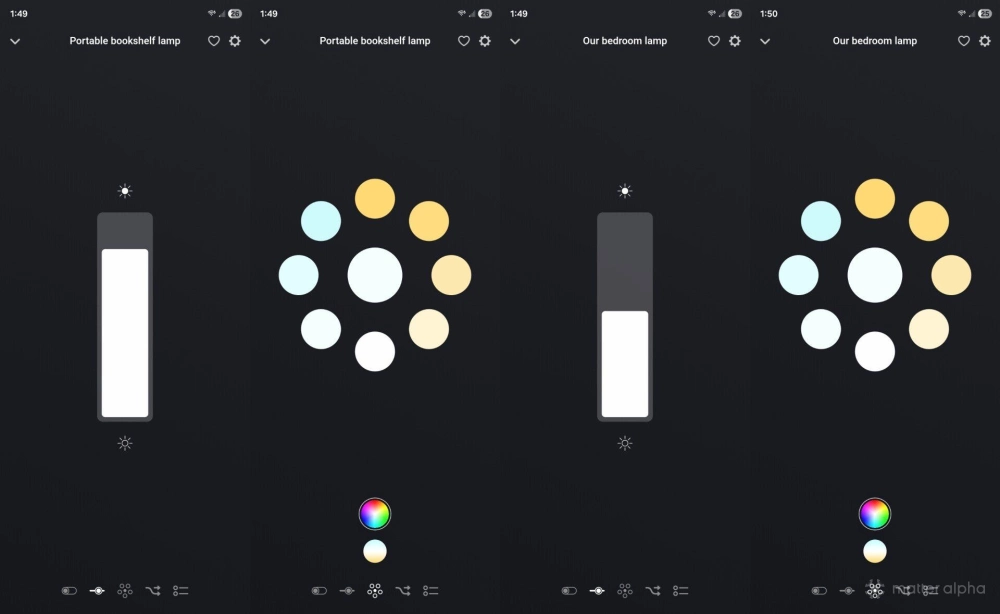
What controls am I speaking of? If your smart light can dim, then Matter will allow you to dim that bulb on a range of 0 to 100% within your chosen smart home app. If your light can change colors, Matter will also allow you to select a color from a color wheel. These controls can also pair with timers and automations. If you want your lights to come on at a certain time of day, Matter can do that. If you want them to progressively get dimmer as the sun goes down, Matter can do that, too. And, if you want to pair a light with a motion sensor so that your light automatically comes on when you enter the room, that's something else that Matter can accomplish.
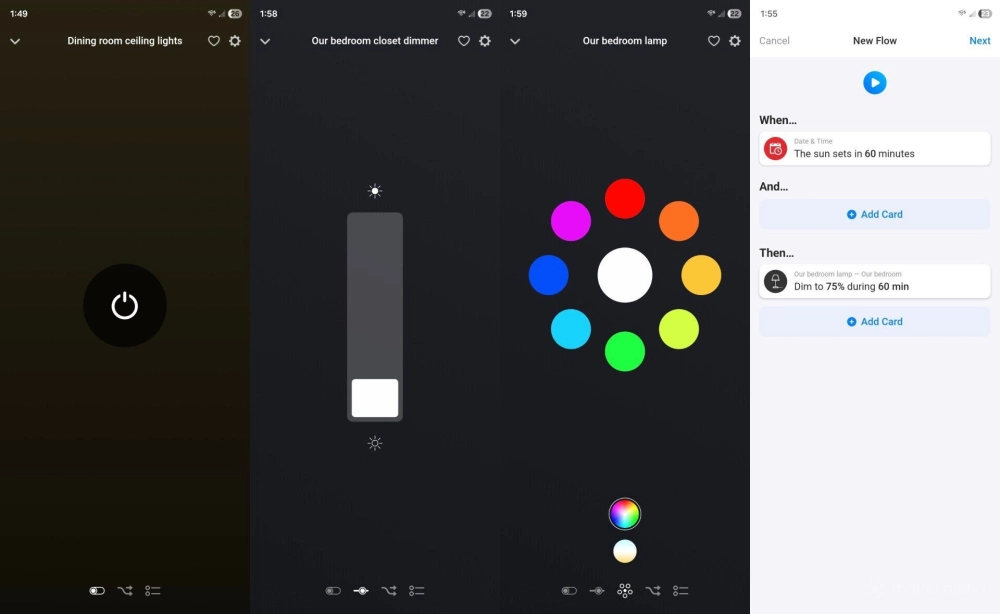
If this sounds like a lot of functionality, it is. Most of the lighting controls I care about are exposed via Matter, but there are still plenty of features that aren't.
A growing number of features require a vendor's companion app
The features I listed above could be described as the fundamentals. This is the functionality that comes to mind when people think of color-changing light bulbs, dimmable lights, and smart homes in general. Except companies are now experimenting with ever more innovative ways to incorporate lighting into the home.
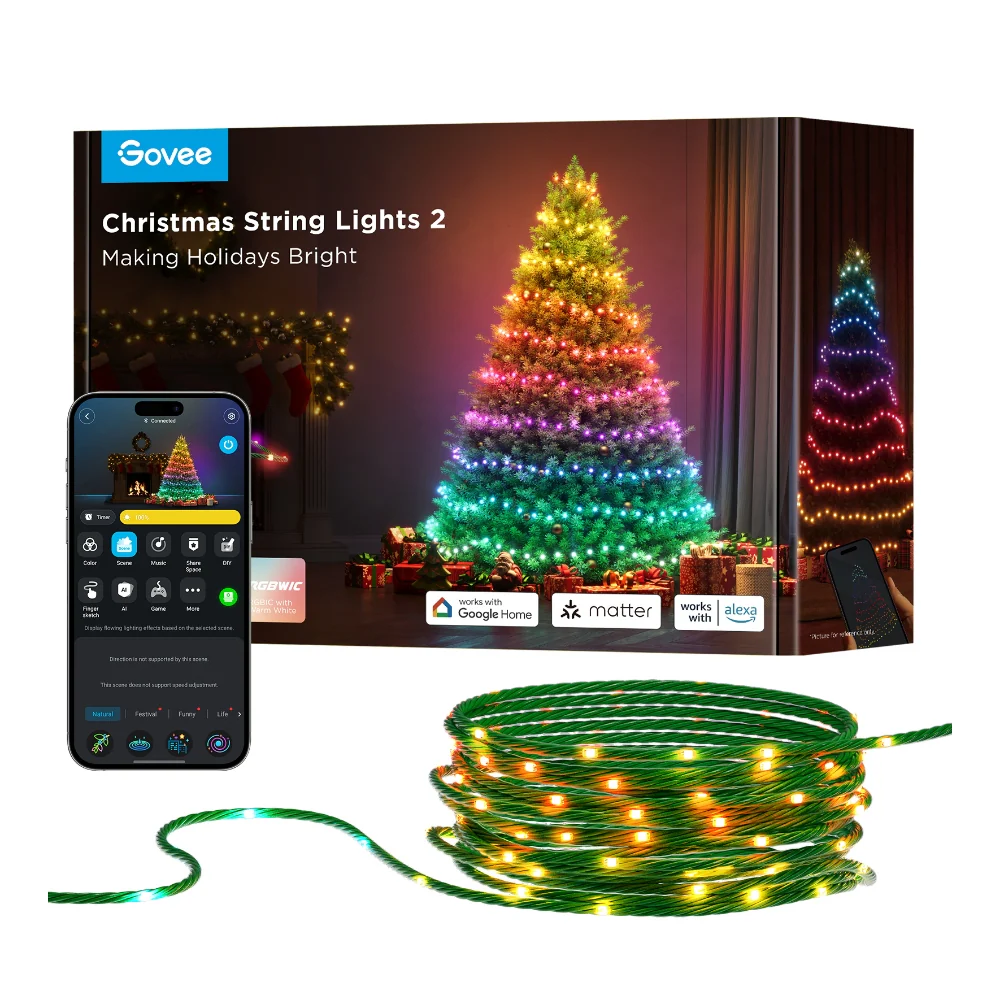
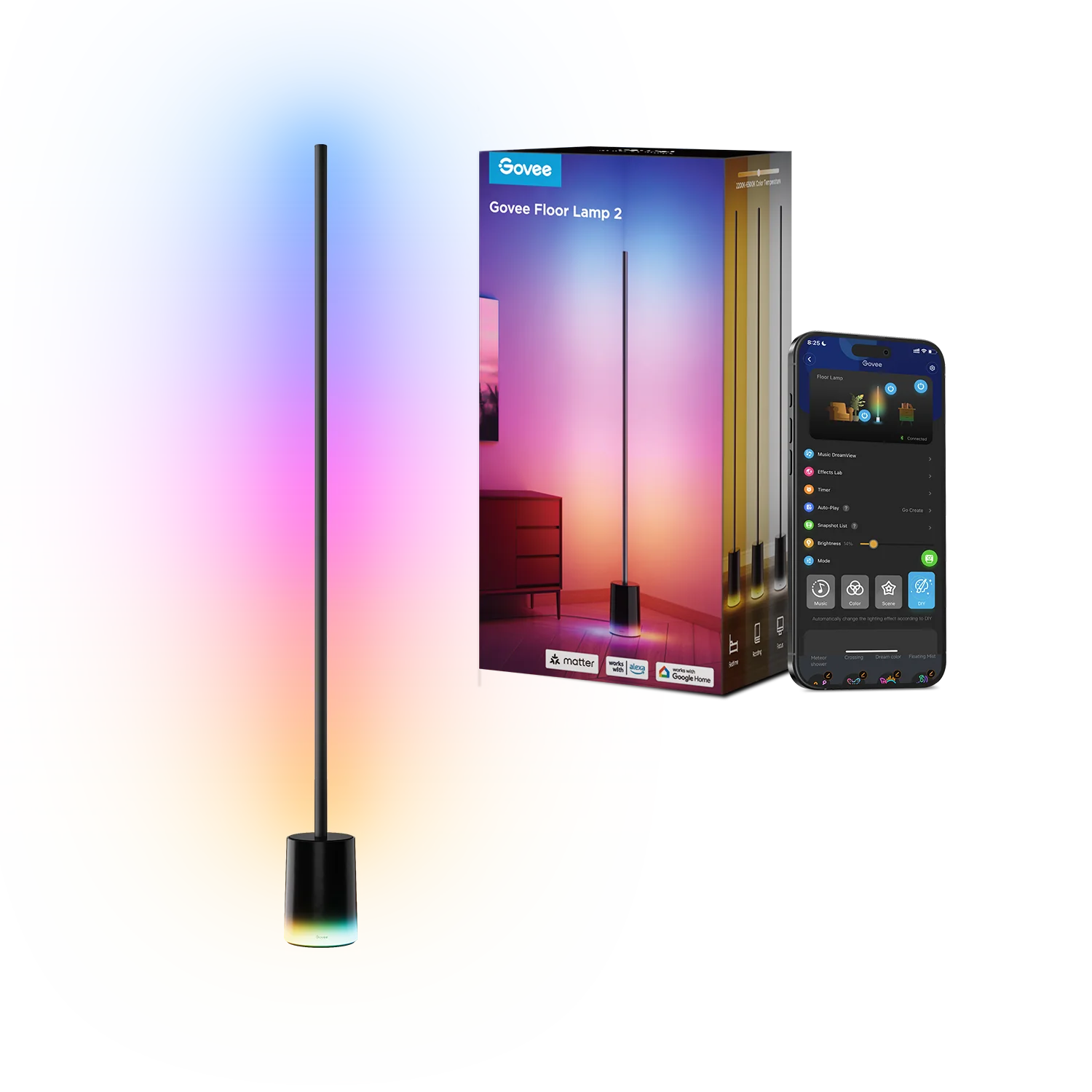
This year, I used Govee Christmas tree string lights to decorate our tree for the holidays. These are lights that are animated, and you can select from well over 100 presets or create your own. I can also sync these lights to music so that they pulse at just the right times at a party. This feature is available across many Govee lights, including the Govee Floor Lamp 2, which I keep year-round in my living room.
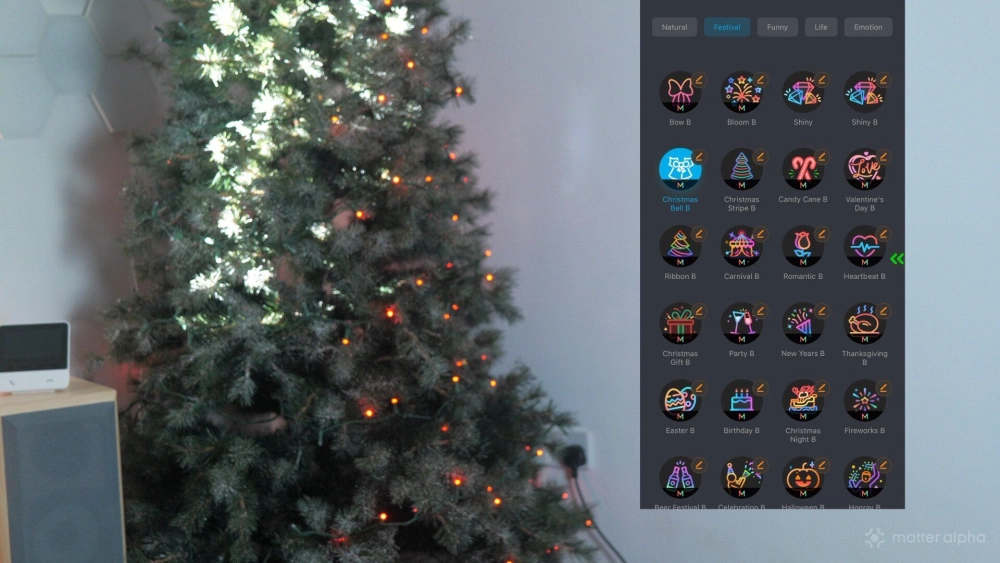
Govee lights come with the sensors they need to detect changes in sound, but the companion app is required. None of this is available via Matter.
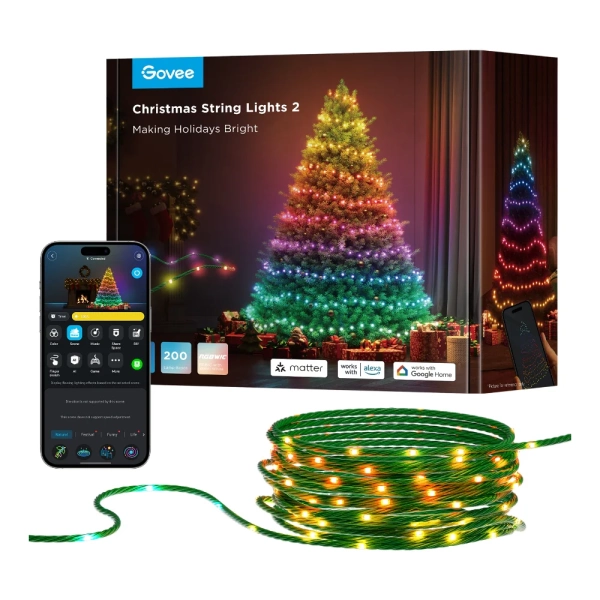
Govee Christmas String Lights 2 (66ft)
The ultimate smart Christmas tree lights, with hundreds of shape mapped scenes for your festive displays
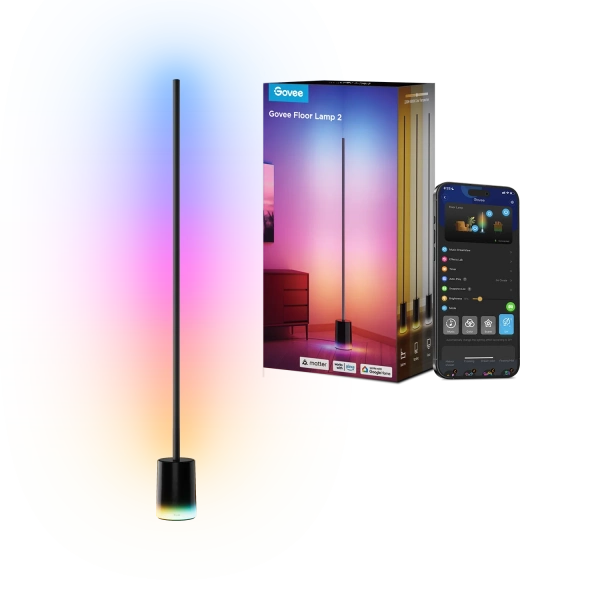
Govee Corner Floor Lamp 2
A high-brightness smart floor lamp with separate base and post lighting, Matter support, and immersive, music-synced RGB effects.
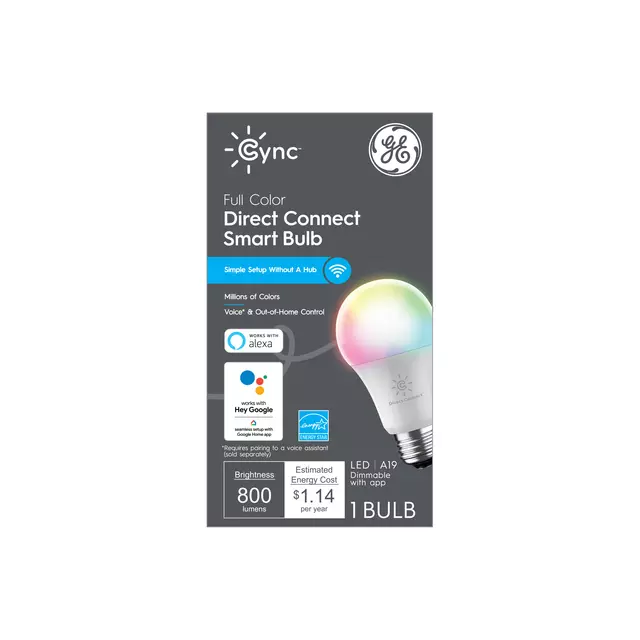
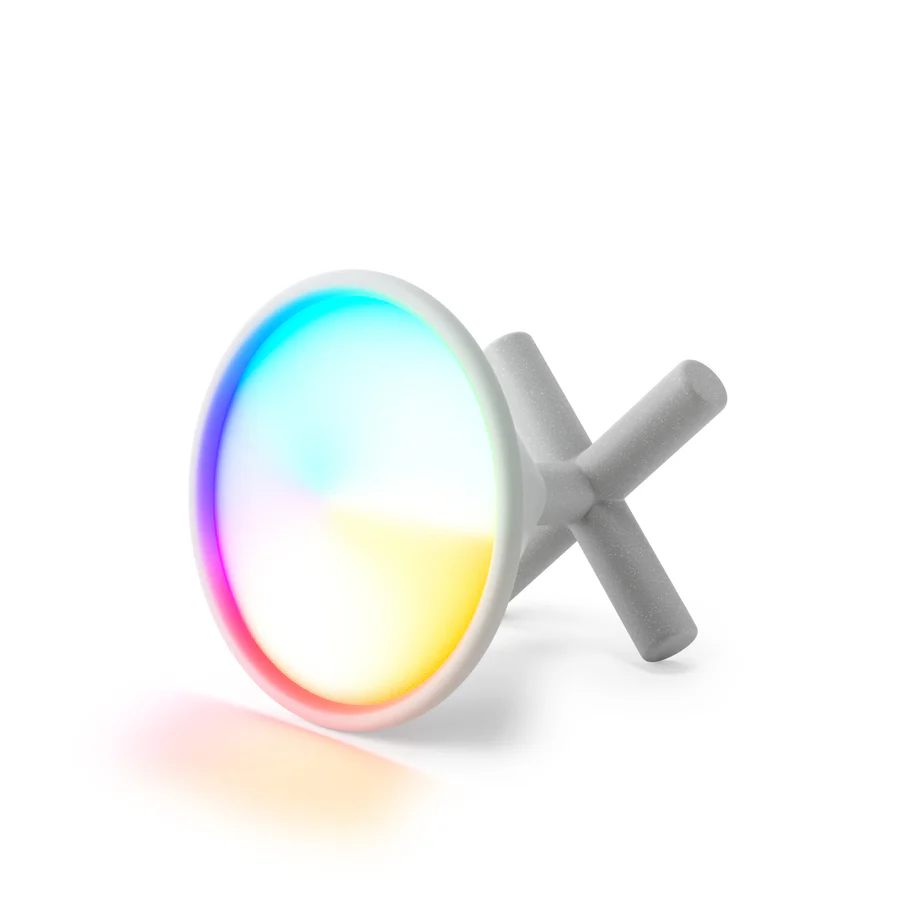
When I add the same lights via Matter and attempt to control them directly from Homey or SmartThings, I only see the fundamental controls I listed at the beginning. Not only that, the controls look the same across all smart lights. My Govee floor lamp, my Umbra Cono portable smart lamps, and my Cync light bulbs are all the same. They can dim, and they can change color, but my smart home app is not aware that some of these lights can sync to music.
These days, you can buy light strips that go behind your TV to synchronize with whatever you're watching or the video game you're playing. The same can be done for your gaming desktop. But none of this functionality is available over Matter. To use it, you will need to install other apps from the likes of Govee, Nanoleaf, Philips Hue, and so on.
A Matter label doesn't mean you won't need a separate app
Seeing the matter label on a box does mean that you can bring a smart light home and control it via your smart home platform of choice. It also more than likely means that you can add this bulb without needing to install a companion app, though that isn't guaranteed. It does not mean that the full set of features you see on the box will be available over Matter.
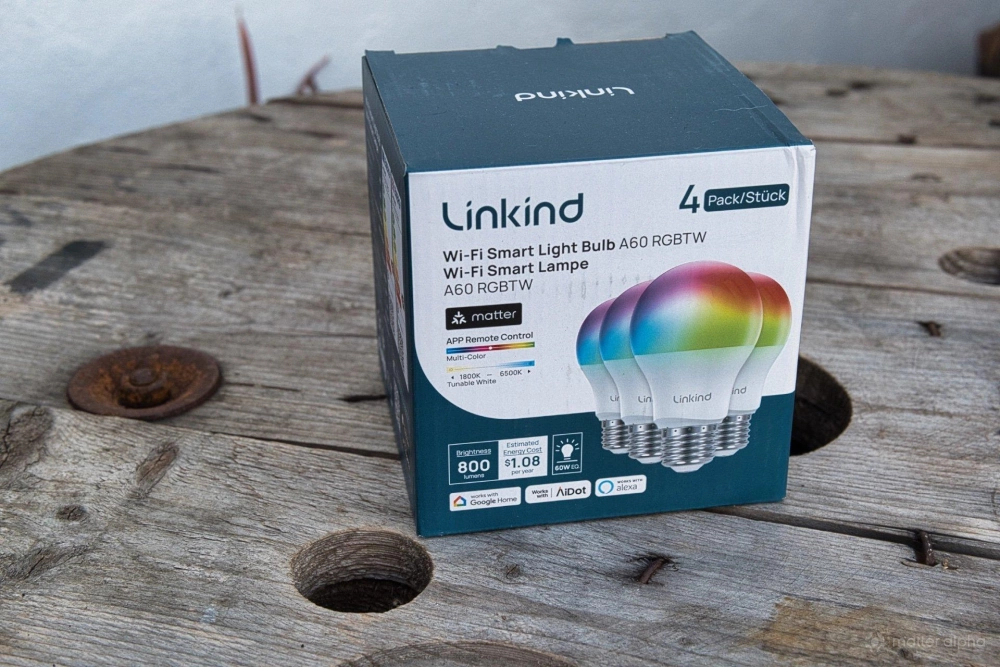
In some cases, those features are fully supported. I could set up the Cync light bulb in my bedroom using the Cync app, but doing so offered virtually no advantages over just adding it directly in my smart home app.
This smart bulb is capable of a lot more than a regular bulb, but compared to some of the newer lighting options hitting the market, it's relatively straightforward. The same cannot be said if I were to buy a light from Nanoleaf. I can pretty much guarantee that I will be missing out on certain features if I opt to exclusively stick to Matter--if the Nanoleaf lighting supports Matter at all.
This Matter exclusion is not the result of anything nefarious on Nanoleaf's end. Those lights are simply capable of doing far more than the Matter standard currently supports. Companies could either wait for Matter to catch up or they can continue to innovate, putting extra functionality in their own apps for those who want them now, leaving core Matter functionality available for those who want that instead. I personally prefer to avoid externally connected IoT devices enough that I am willing to sacrifice the vast majority of features to stick exclusively to what Matter offers me.
It's important that you evaluate your needs and desires before purchasing a smart light. Are you looking simply for a good Matter light, or are you looking for certain features that Matter may not support? Are you willing to install yet another app? These are questions that only you can answer.