I recently purchased a Samsung M8 smart monitor, a device that is many things at once. Yes, it’s a monitor, but it’s also a TV—and with SmartThings baked it and Matter support, it can also be the foundation of your smart home. But does it make sense for a monitor—any monitor—to fill this role?
A monitor that doubles as a SmartThings hub

I can see why someone would turn a monitor into a hub. A monitor is usually plugged in, and they’re designed to fall asleep when idle without needing to be fully turned off. This kind of always-on device is an ideal fit for being a reliable hub that your Matter devices can expect to be able to access. A monitor, perhaps more than any other device, also comes with a great screen for managing it all.
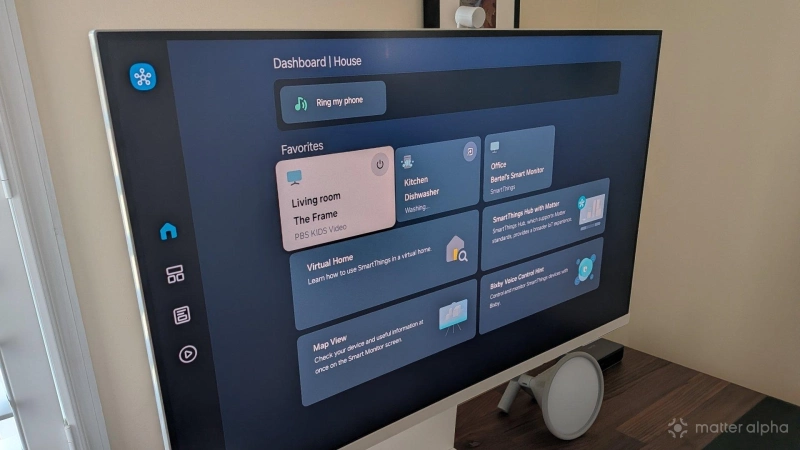
Samsung’s smart monitor uses the same SmartThings interface that you find on Samsung TVs. We are quite familiar with this software here at Matter Alpha. The Samsung Frame TV on my wall was the first smart home hub I’d ever used, back before I tried my hand with Home Assistant and now Homey. Editor Christian Cawley first used Matter the same way. His review of Samsung SmartThings centers around the TV, so I don’t need to re-tread that ground here. The software you see there is the same you see here.
Just like a TV, the M8 can serve as the hub that you can control your devices from, and it can be the Matter controller that all your Matter devices communicate to. This monitor’s implementation of SmartThings can display your Matter devices in either a grid or a map of your house. The latter is actually an intuitive way to manage a smart home one you’ve added as many devices as I have, though it does require some upfront effort on your part. Unless you have a Samsung robot vacuum that can map your home for you, you're either going to have to take a photo of your home’s layout or create it by hand using the mobile app. I did the latter.
Adding Matter devices to your hub

For a Samsung smart monitor to serve as your Matter controller, you’re going to need to rely heavily on the Android or iOS app. There is much you can’t do on the monitor directly, including adding new devices. This feels a bit like a limitation for a monitor, but it’s par for the course among Matter controllers in general. Virtually all require the use of a companion piece of software. In the positive side, this does mean the process is the same as it is elsewhere.
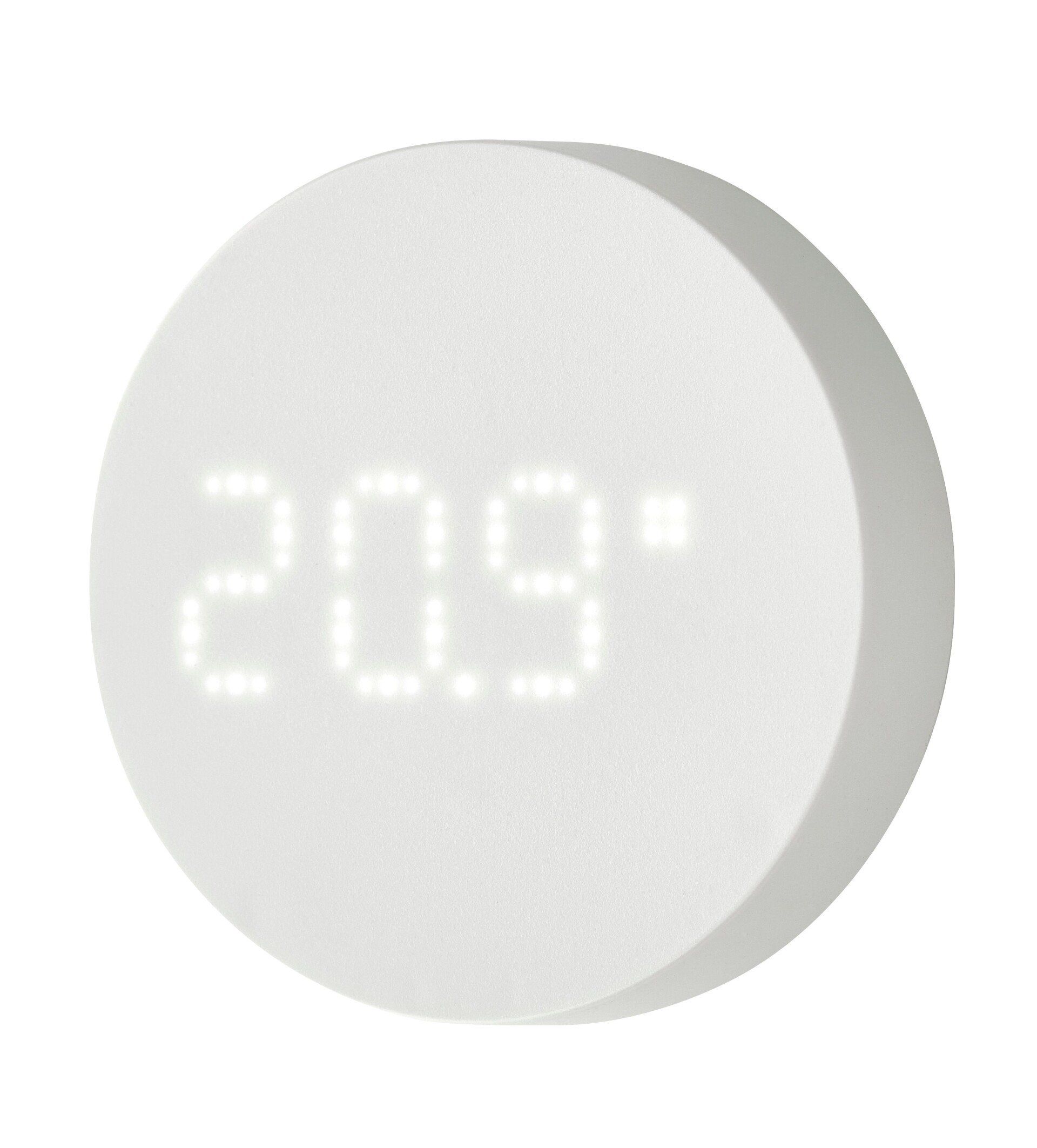
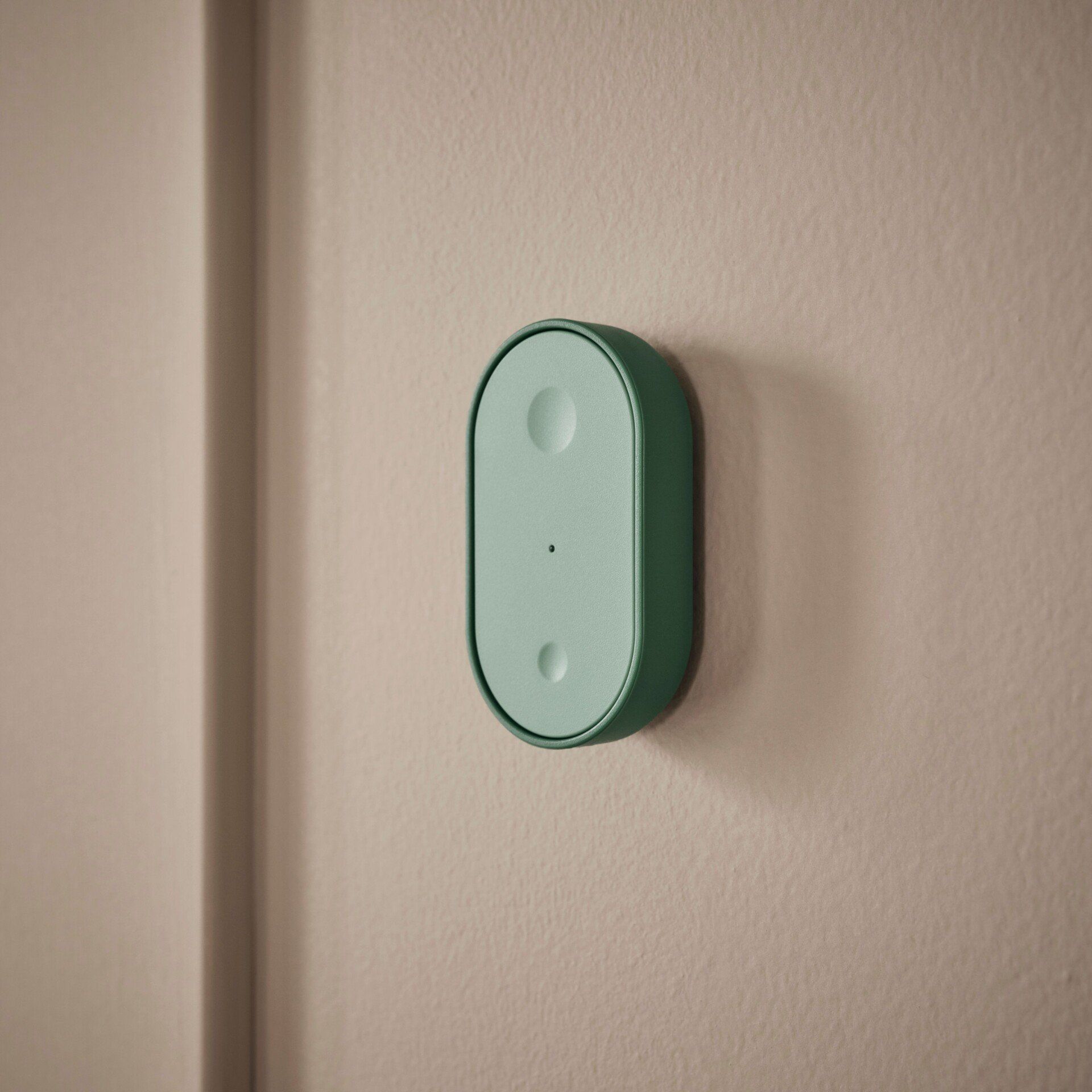
This particular monitor supports Matter over Wi-Fi, but it is not a Thread router nor a Thread border router. This is its largest difference from the Frame TV in my living room. Out of the box, it isn’t able to form a Thread mesh network for devices such as IKEA’s latest smart home line, which includes battery-powered buttons like the BILRESA and climate sensors like the TIMMERFLOTTE. The monitor does state that you can add this functionality by purchasing a SmartThings Thread dongle to plug into one of the two USB-A ports on the back of the monitor, assuming you can get your hands on one. The Samsung website currently shows them as out of stock in my area, as do other retailers like Best Buy and Walmart.
Voice assistants come baked in
Like a smart speaker, you can use your voice to tell the smart monitor how to operate your home. Unsurprisingly, Samsung’s Bixby comes included. More surprisingly, Alexa is available as well. I've chosen Bixby, so at any time, I can say “Hi, Bixby” and tell the monitor to “turn on the living room ceiling fan” or “turn off the lights in the dining room.”
I find, as a means of controlling Matter devices, Bixby is quite helpful; I’m already accustomed to using Bixby to control my Matter smart home via my Samsung Galaxy Watch. As a general rule, the experience is reliable as long as you remember what you name your Matter devices. Saying “turn on the Office Desk Lamp” is likely to get the result you want, whereas “turn on the light on my desk” is not.
Built-in sensors to add to automations

Even if you already have a smart home hub or don’t need another way to control your devices, there are still advantages to owning a smart monitor. Mine comes with three built-in sensors that can be used to trigger other devices. There’s a sound sensor that can detect sudden sounds, a light sensor that detects variation in luminosity, and a camera sensor for picking up movement.
As an example, I can have the monitor activate the ceiling fan in my office if it detects motion or when the light comes on. If the room goes dark, and there is no motion or sound, then it can turn the fan back off. It won’t deliver the accuracy you would get from buying a dedicated mmWave presence sensor, but it’s something to work with in the meantime.
Other monitors
Samsung isn’t the only company making smart monitors, but it is the first to fully embrace Matter integration. That said, LG is starting to make inroads, and you can find Matter support in some of its newer models. You can use the ThinQ app to add Matter devices to newer LG MyView monitors. The company’s StanbyME 2 portable monitors also come with some degree of Matter support. LG acquired Homey specifically to build a stronger smart home platform to integrate with its devices.
For the time being, that’s about it. Google in general has lagged behind other platforms in baking Matter support into Google Home, so while smart monitors running Google TV like the HP Omen can access the Google Home app, that does not make them Matter controllers. But if there’s any product that makes sense to have as a giant home dashboard, well, it’s worth considering a monitor on your desk.