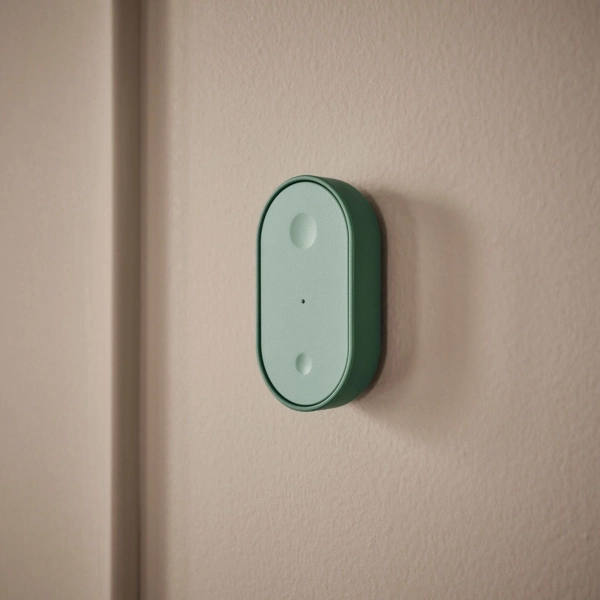
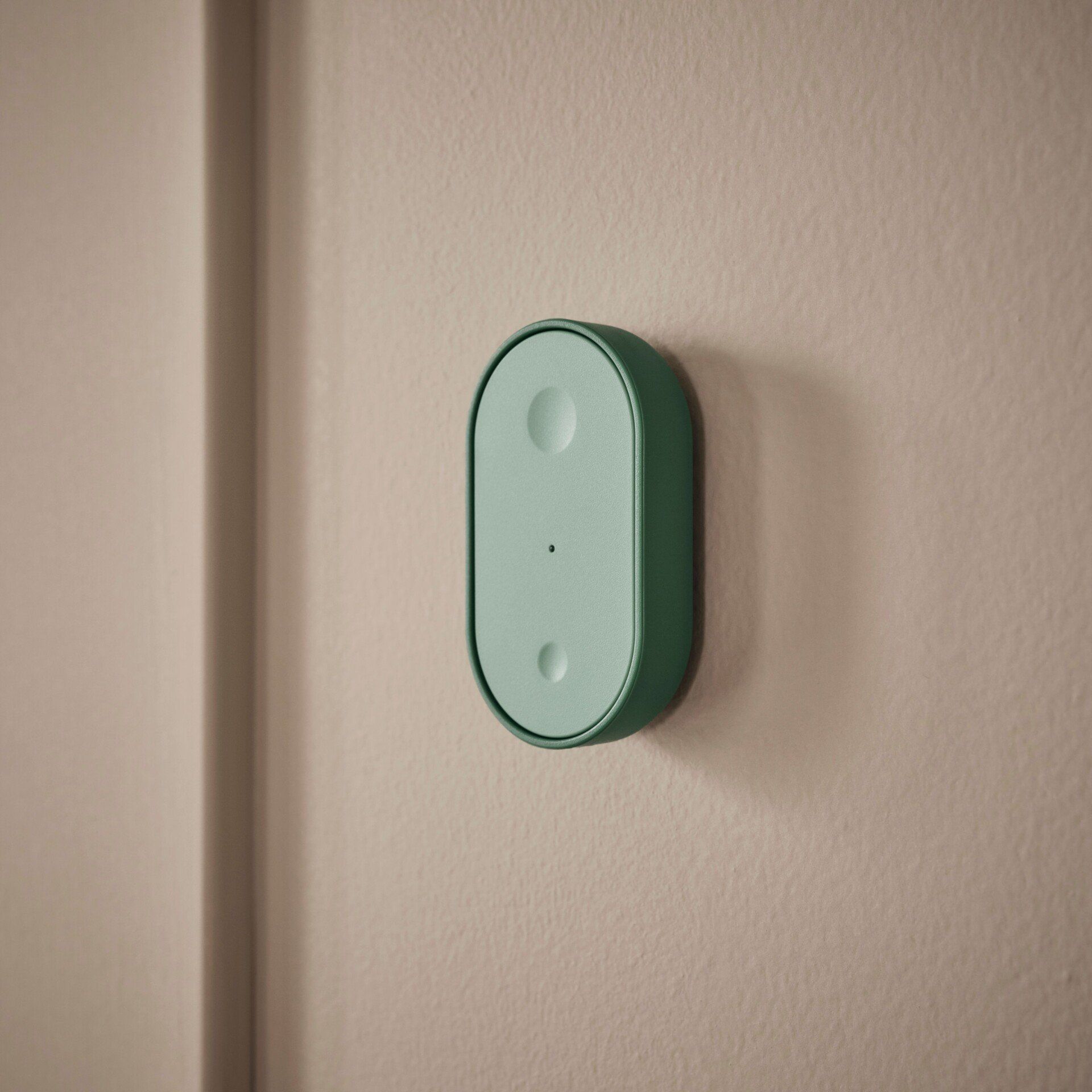
A few months ago, I did not think a Matter-compatible smart button would be the product I’d start the new year most excited about, but here we are. At only $6, IKEA’s dual button smart remote is a mere fraction of the cost of its competitors and it even comes with Thread support—but is it actually reliable enough to set up all over your home?
Unboxing and setup

The IKEA Bilresa remote control with dual buttons comes in a box not much larger than the device itself. Inside you’ll find the Bilresa, a paper manual with a Matter pairing code, and not much else. It’s a functional but spartan presentation.
The Bilresa does not come with batteries, so your first order of business will be learning how to remove the front plate in order in insert them. To remove the plate, you are instructed to insert a flat-head screwdriver into a small slot at the bottom, which will press down on a clasp.
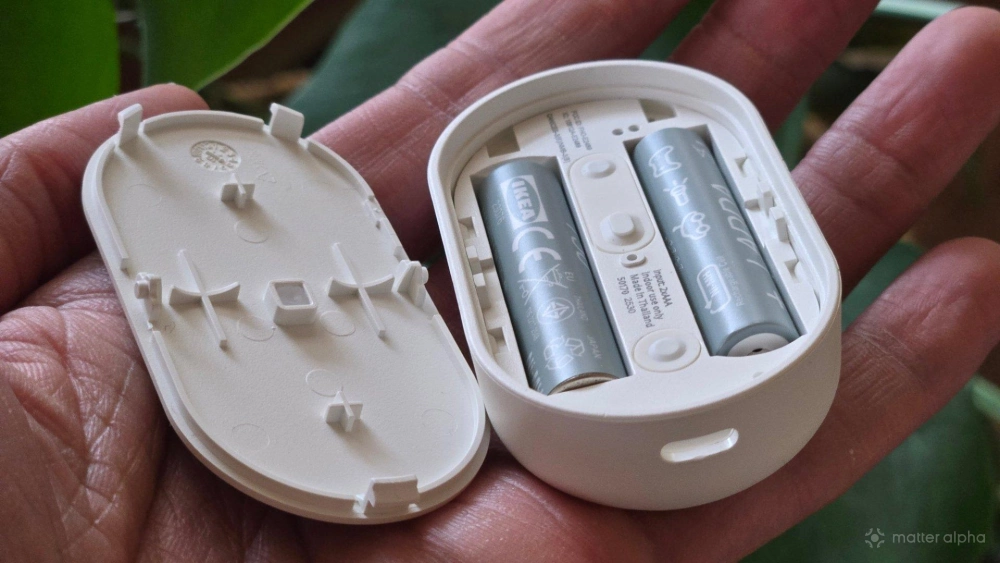
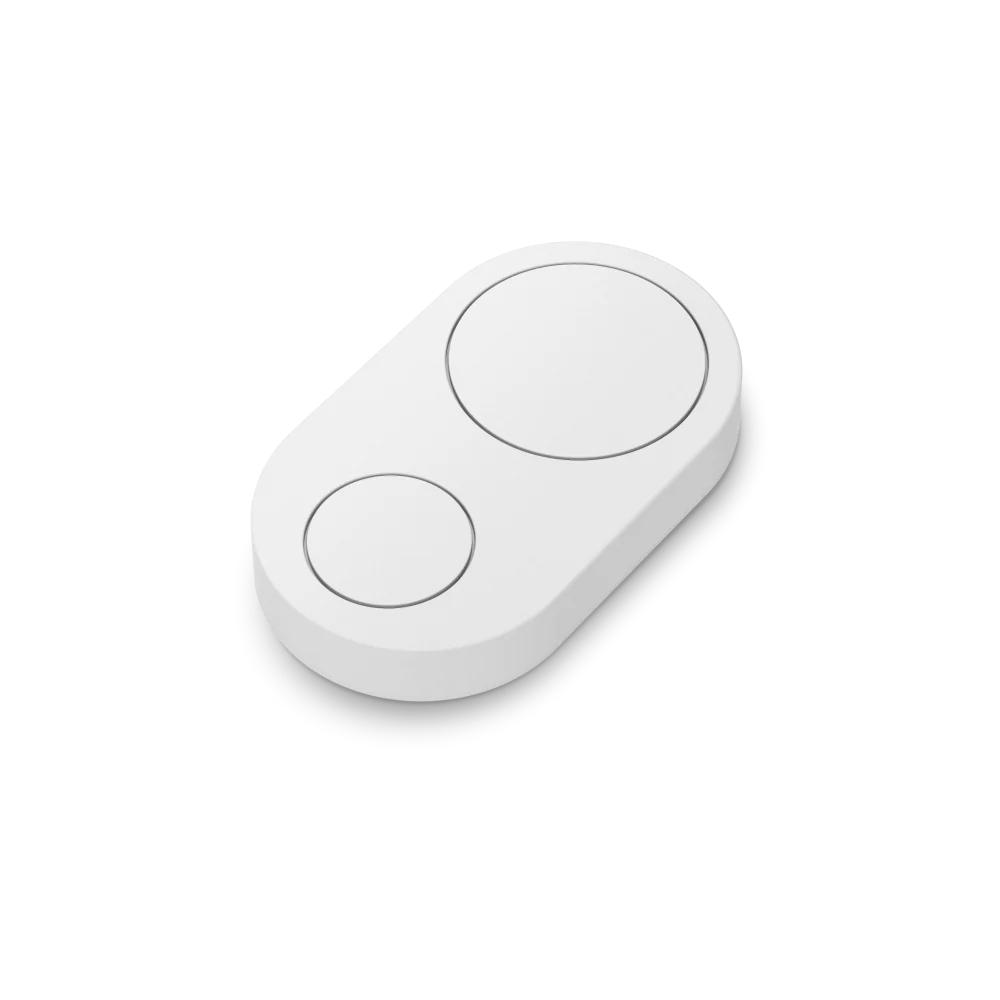
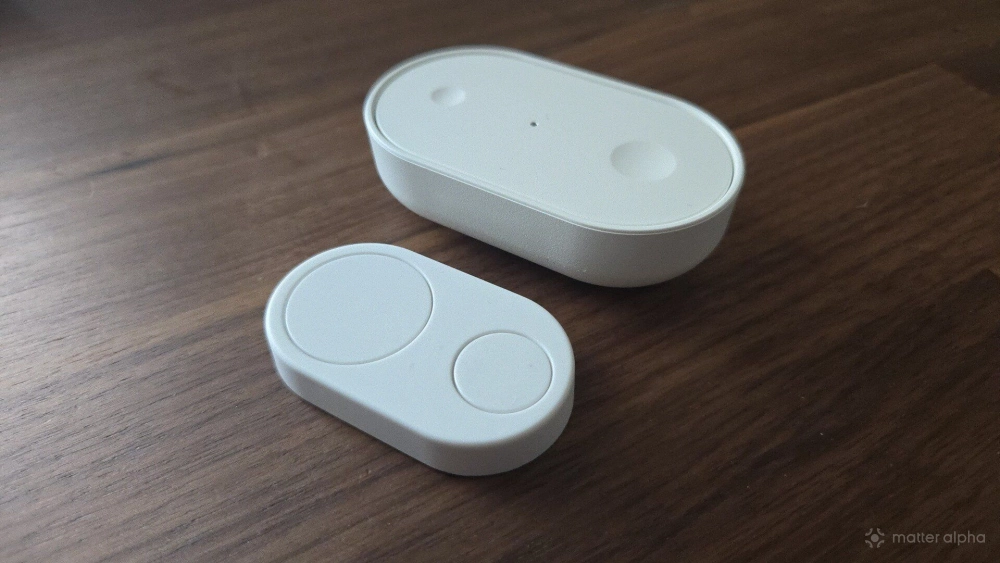
In what is one of the best things about the BILRESA, you need to supply two AAA batteries, rather than a less accessible circular cell battery. The decision to use AAA batteries is also why the button is as large as it is. The difference isn’t immediately apparent from pictures, but the Bilresa is gargantuan next to the similar Flic Duo smart button. IKEA’s option is easily over twice as thick and nearly twice as tall. While the Flic Duo’s smaller size is better for some locations, for the most part, I’d rather go with AAA batteries.
Adding Bilresa to your smart home
If there’s something I love about the Bilresa even more than the choice of AAA batteries, it’s that this smart button does not come with any companion app of its own. This does, admittedly, come with some downsides. You have to be familiar with how Matter works in order to use this product. This is no QR code you can scan that will provide setup instructions that are the same for every customer.
Likewise, what every customer sees will vary depending on their smart home platform of choice. I primarily use Samsung SmartThings, which is the fastest of the major corporate platforms to adopt new Matter specifications. Samsung has already put out a blog post detailing how well IKEA's new Matter devices work in SmartThings. By contrast, Amazon and Google have poor support for the full range of functionality that the button provides. So while I’ve very happy with this product, if your smart home runs on Amazon Alexa, you might not be. Unfortunately, that’s outside of IKEA’s capacity to fix short of shipping their own app or requiring you use their hub instead.
In SmartThings, I tap the plus icon to add a new device. Then I either scan the included QR code or manually type in the pairing code number. If you misplace the paperwork, that’s not a problem. You can find the QR code and the pairing code on the back of the device underneath the removable magnetic backplate.

Once added, SmartThings prompts me to assign functions to each of the three ways of interacting with each button: single press, double press, and hold. I have the option to control devices directly, activate a pre-existing routine, change the status of my home (such as “home” or “away”), or send someone a notification.
The Bilresa can trigger a routine, such as setting a timer for five minutes, then turning off the lights in the home. A button press can control up to 10 devices at once. The Bilresa in my home office controls three battery-powered Umbra Cono smart lamps that I have placed in different parts of the room.
I haven’t tested it out for myself, but based on our prior reporting, Amazon and Google don’t yet offer support for all three ways of interacting with the buttons, limiting how Bilresa can be used on those platforms. Home Assistant apparently has full support, but it’s much less intuitive. I can personally vouch for it being confusing, and I did not have success attempting to control the Bilresa using two platforms at once. Instead, Home Assistant merely reports to me a history of when each type of button press was last active.
What I’ve used the buttons to do
The buttons have proven reliable for me so far, though there is a clear delay between pressing a button and seeing the result. Given that Samsung SmartThings is a cloud-based platform, it’s difficult for me to determine where the latency begins and ends. The important part for me has been that the action happens.
I currently have three Bilresa, which I purchased with clear use cases in mind. I’ve already explained the one in my home office, which is the simplest in scope. One in our living room is set to turn on our two Govee Floop Lamps when the bigger button is tapped once, and turn them off when that button is held down. Double-tapping the same button turns on the ceiling lights instead. Double-tapping again turns those lights back off. Tapping the smaller button turns on the ceiling fan, and tapping that button again turns the ceiling fan off. This provides us with the full range of actions we generally like to do when sitting at our couch.

The Bilresa in our bedroom is set to turn the bedroom lamp on and off when we tap the big button. Double tapping the same button toggles the light in a closet near our bed. Holding the button down turns both off. I plan to set the smaller button to control our ceiling fan, but that ceiling fan is currently controlled by Home Assistant instead of SmartThings, and I haven’t had much luck getting Home Assistant to share devices with other platforms. That, again, is no fault of the button, but it's another example of the issue you might run into that have nothing to do with the Bilresa, but Matter itself.
The remote in my office has endured the most punishment. I have it attached to the side of the drawers underneath my desk, and my knees have knocked it off its magnet several times. It’s a two-foot drop, and so far the Bilresa has weathered this abuse with no visible physical or mechanic signs of damage.
Should you buy an IKEA Bilresa remote control with dual buttons?

If you understand Matter and utilize Samsung SmartThings, Apple Home, Home Assistant, or IKEA’s Drigera—buy these buttons, but buy several of them. They’re an absolute steal. You can fill a home with light switches and buttons in all the places where you wish you had a switch, and you can do so for less than the price of having an electrician even come look at your house. Just remember to factor in the additional cost of batteries, if you aren't already sitting on a stockpile of AAAs.
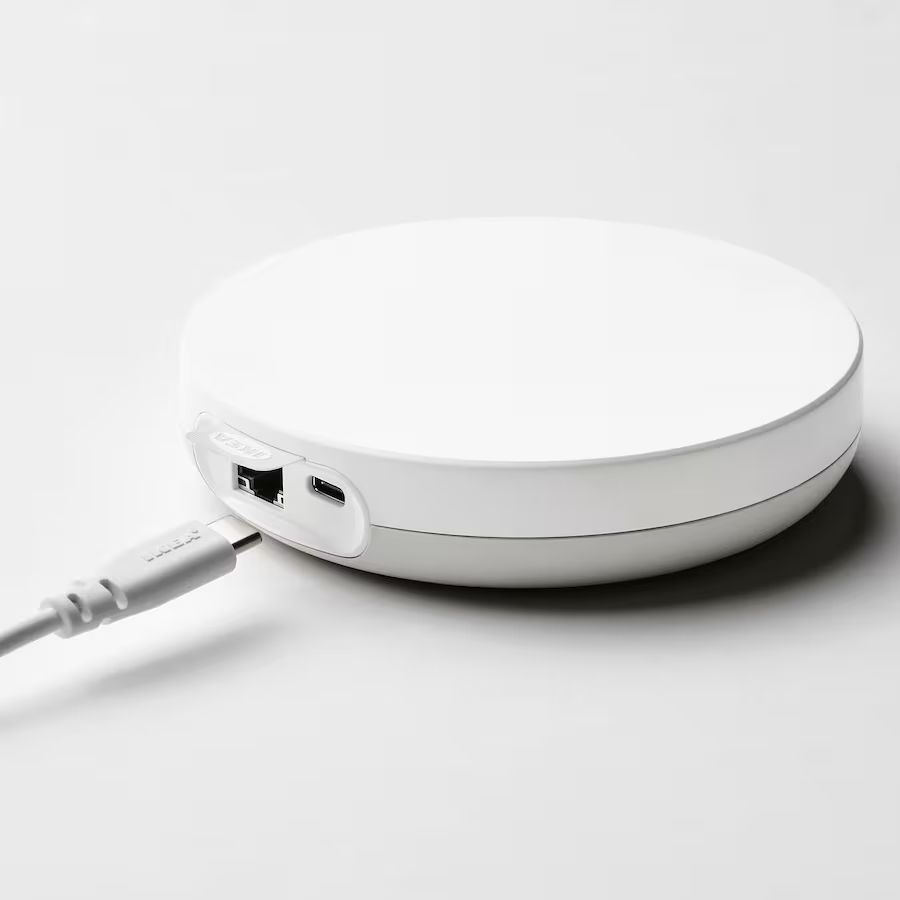
If you use Google Home, you should skip this product until Google adds support, which may not be a priority given how many years now Google has gone without implementing smart buttons already. If you use another platform, make sure to do your research beforehand. Unfortunately, as a barebones Matter product, making sure the apps work is for the platforms, not IKEA, to solve. Though, to make sure your purchases all work as intended, an IKEA store rep might suggest you add a Dirigera smart home hub to your cart as well.