IKEA has replaced many of its former Zigbee-based smart home devices with Matter-over-Thread alternatives, and I’ve got my hands on an IKEA Timmerflotte temperature and humidity sensor. I'm happy to say it’s both one of the simplest and best tech products I’ve used in a long time.
Unboxing and setup
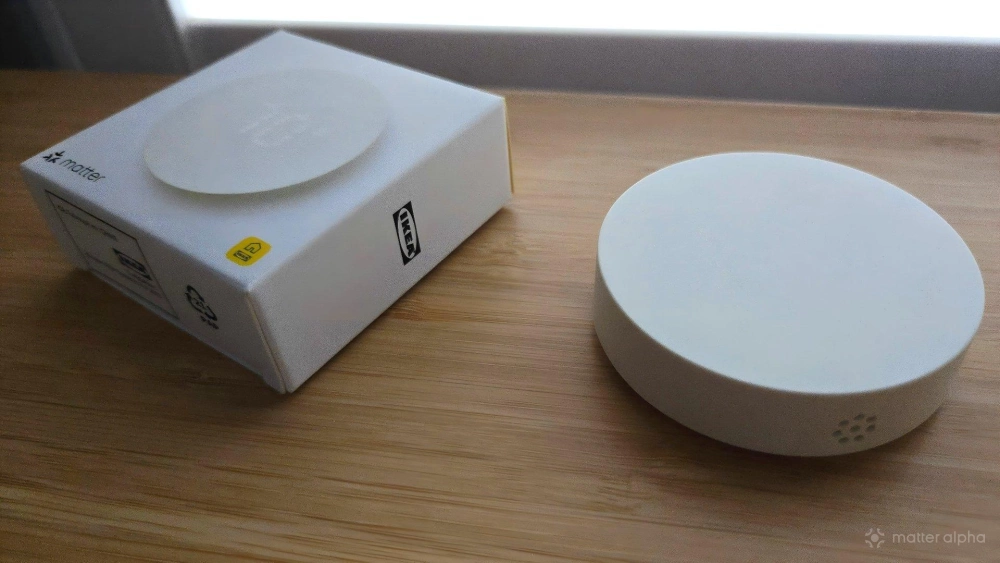
Like the IKEA Bilresa button I recently reviewed, the Timmerflotte comes in a box that’s only marginally larger than the product itself. Inside, you’ll find the Timmerflotte, a paper manual containing instructions, and a small warranty booklet complete with the Matter QR code and pairing number.
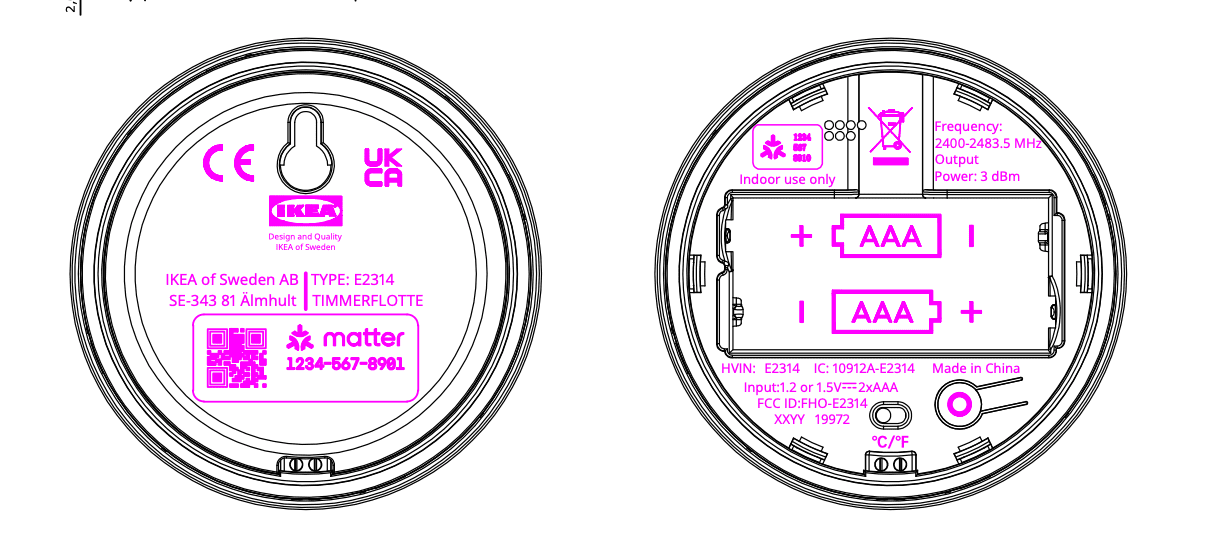
Thanks to my familiarity with the Bilresa, I hardly needed to look at the setup instructions. To insert batteries, I insert a flathead screwdriver into a slot in the back and pried the back cover off—much like removing the front plate in the Bilresa. Likewise, this product also runs off two AAA batteries.
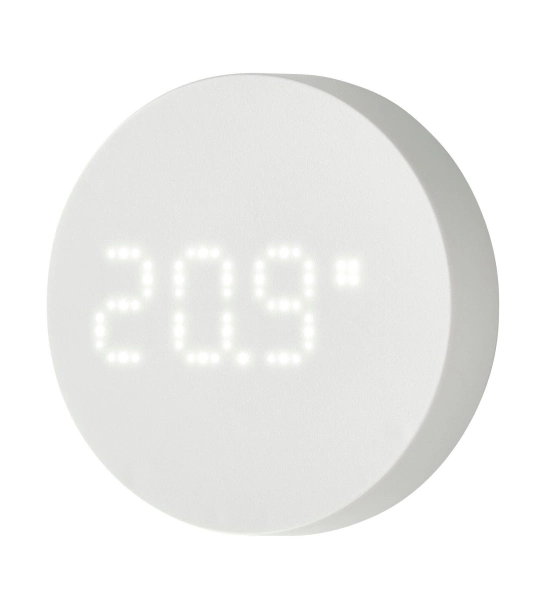
TIMMERFLOTTE Temperature and Humidity Sensor
Once the batteries are inserted, the Timmerflotte immediately powers on, though it may not be immediately obvious. While there is a light at the bottom that indicates the device is ready to be paired, the product spends most of its time with all lights off. It looks like a white puck, not dissimilar from IKEA’s own Dirigera smart home hub.
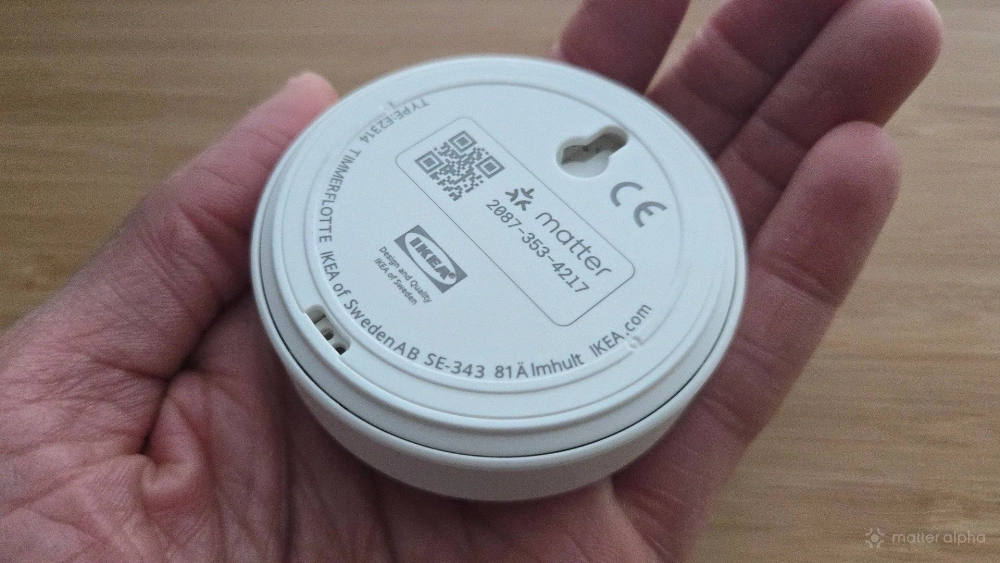
There’s a hole on the back that allows the sensor to hang from a nail. This way you can easily mount it to a wall, which is what I've chosen to do.
Using the Timmerflotte
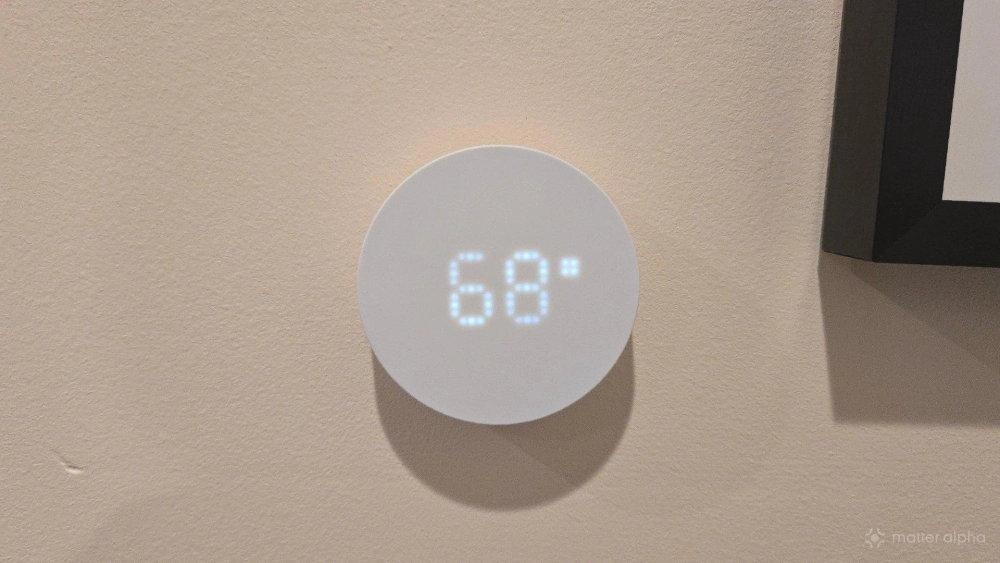
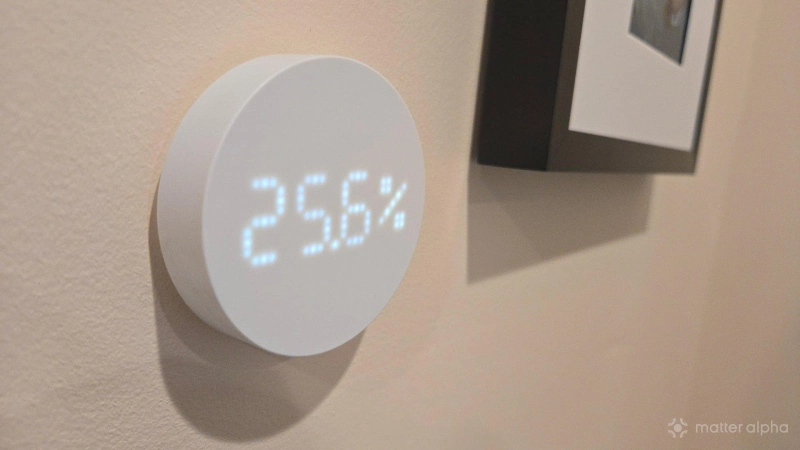
The Timmerflotte is entirely functional as a simple sensor, even if you never connect it to a smart home platform. You can display the temperature and humidity at any time by tapping on the front of the device. The front physically presses in, triggering a button. This is not a capacitive touch panel.
When you press down on the Timmerflotte, you will first see the temperature of the room you’re in. Two seconds later, you will see the humidity. Two seconds after that, the device returns to being a white puck.
These numbers will initially be in Celsius, which doesn’t communicate much to my thoroughly American brain. To address this, I only have to pry the back panel back off and flip a small switch present directly below the batteries. If I switch it from left to right, the numbers will now be in Farenheit going forward.
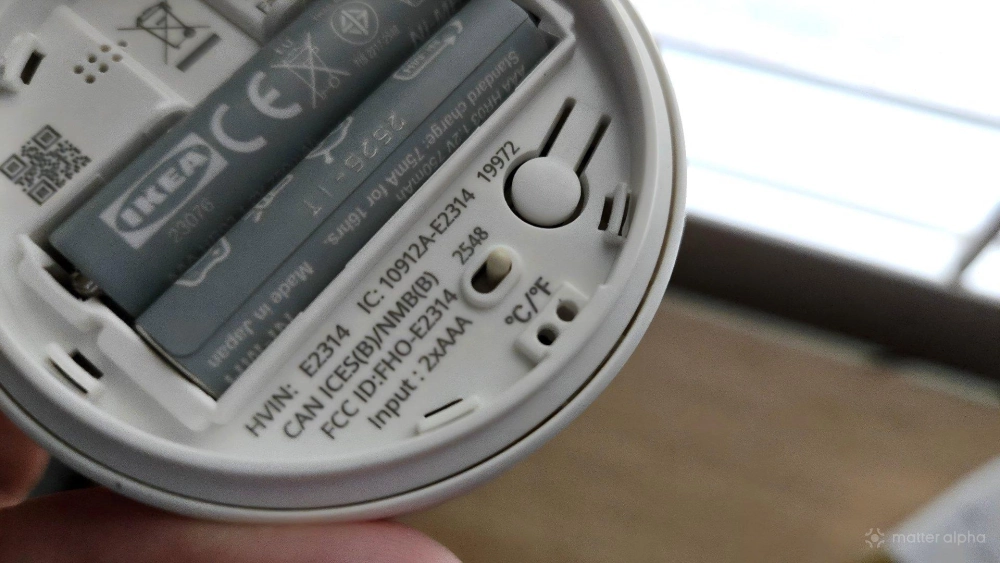
Before you connect the product to a smart home platform, this is the full range of its capabilities. Quite frankly, given the low price tag, I would consider this a worthwhile purchase already simply as an attractive way to check the temperature. After all, if I head to my local Lowe’s in search of a basic digital thermometer, the prices start at $13, with the number going over $18 if I want one that also shows the humidity. At only $10, the Timmerflotte doesn’t need to be a smart product to justify its cost. That makes it all the more impressive that it is.
Incorporating Timmerflotte into your smart home platform
Timmerflotte is a barebones Matter device, which means there is no cloud-based companion app that goes with it. Even if you have an IKEA Dirigera hub, you won’t gain any additional functionality over using the device with Samsung SmartThings or Home Assistant instead.
To connect the device, you merely have to flip it over to find the QR code and Matter pairing number. The former is for scanning with your phone, and the latter is for entering by hand whenever scanning isn’t an option. You can do either inside your chosen smart home platform.
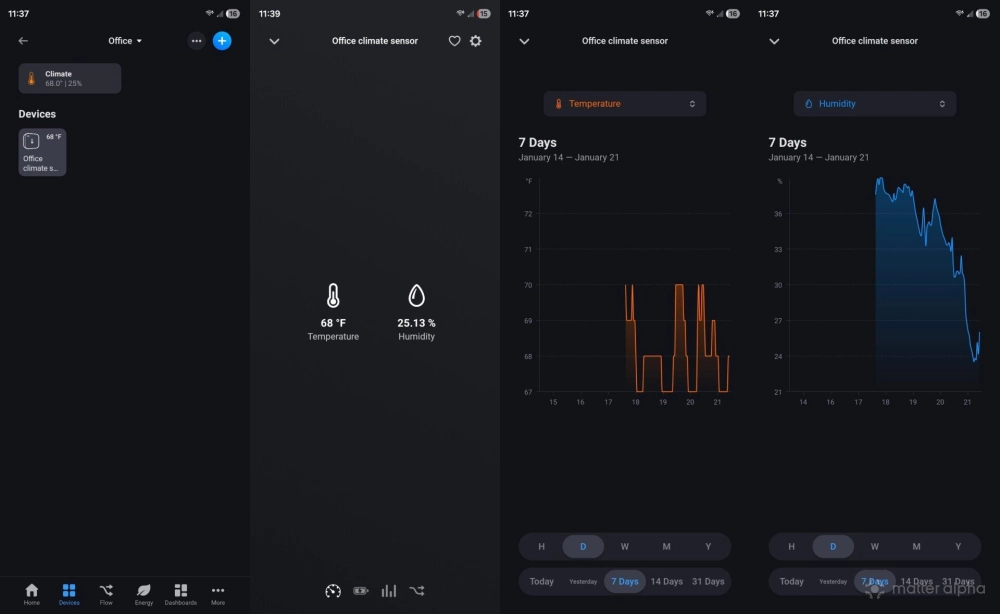
For a different change of pace from my usual routine, I tried importing the device into Homey, a Matter-compatible hub that is still quite new to me. The device immediately appeared, displaying the temperature and humidity of the room it's in. This information appears when I click on the room, without my having to look for the specific device within the app.
If I do tap on the Timmerflotte within the app, I can see the device’s battery life and view historical data. I have the ability to view on a graph how temperature and humidity have fluctuated over periods of time going up to a month. I can even view historical data for battery life. For a device whose battery life is measured in months rather than days or weeks, I’m not sure if that’s a chart many will have much reason to consider.
Is the Timmerflotte reliable?
Over the past week, I haven’t had any reason to grow frustrated with the Timmerflotte. Quite frankly, I haven’t had much reason to think of it at all. The device doesn’t announce its presence. The numbers aren’t even visible until you choose to press down on the device. But whenever I do press down on the front plate, the temperature and humidity appear without delay in a way that feels almost foreign in our cloud-based software-laden world.
Inside of my smart home app, the temperature and humidity appear where I want them to with the Homey app. I haven’t yet created any automations, though I could feasibly make an air humidifier come on whenever the humidity drops below a certain level. Regardless, the success or failure of automations triggering would have more to do with the reliability of the smart home platform, rather than the Timmerflotte itself. Once it has delivered the temperature and humidity to your smart home hub, the rest is out of its hands.
Should you buy the IKEA Timmerflotte temperature and humidity sensor?
While I was most excited for the IKEA Bilresa smart remote with dual buttons, I love this temperature and humidity sensor every bit as much. It is exactly what I want the product to be, delivering all the features I care about from the SwitchBot Meter Plus without the annoying dependency on yet another cloud service for setup and full functionality. Its design is appealing enough to justify a purchase even without the smart features, and it’s incredibly easy to connect to any smart home platform that supports Matter-based thermometers.
I have no notes. We don’t assign scores here at Matter Alpha, but this one would currently get a perfect score from me. If it turns out the battery life drains faster than expected a few months from now, or the connection suddenly stops being reliable, that would be a different story—but so far, I'm quite in love.