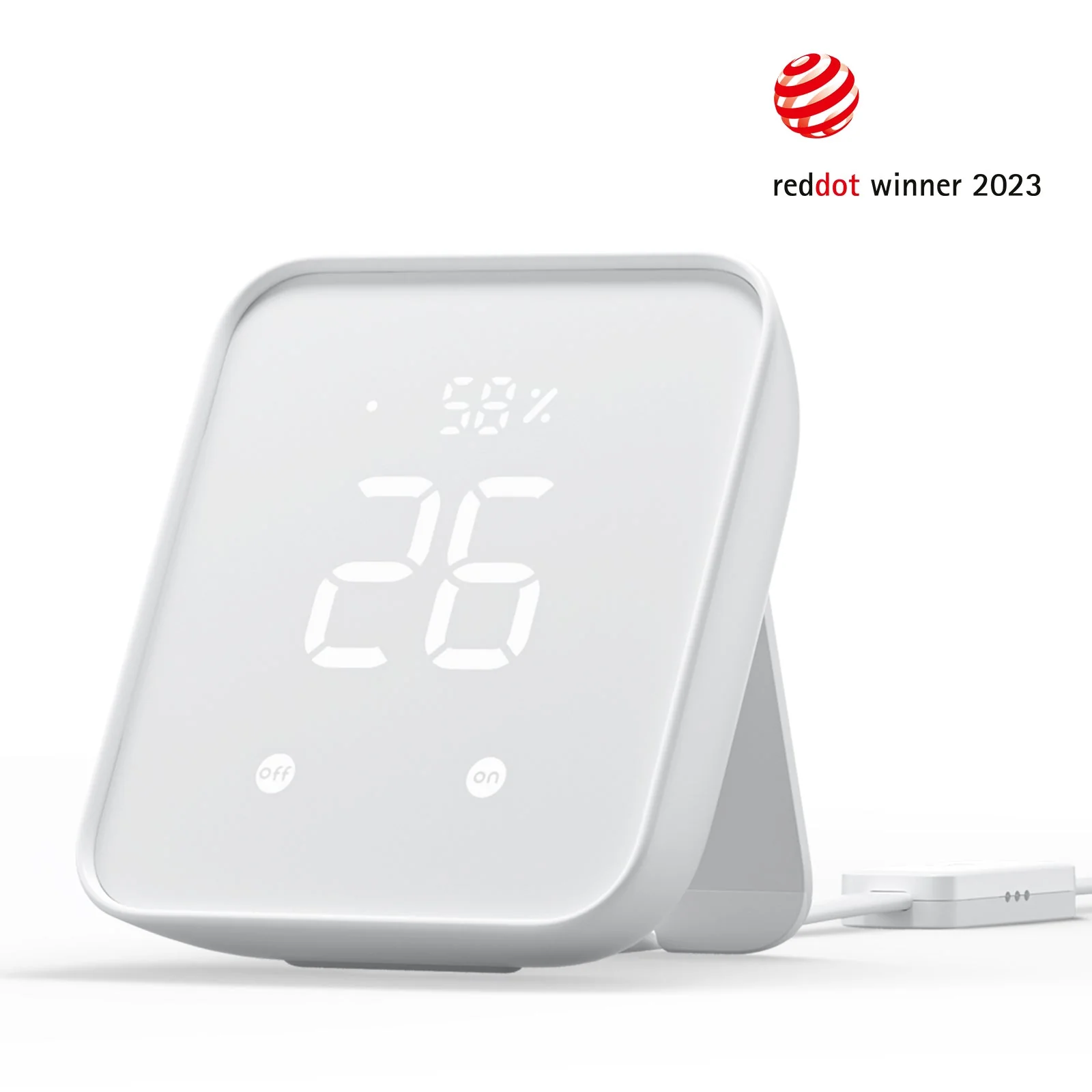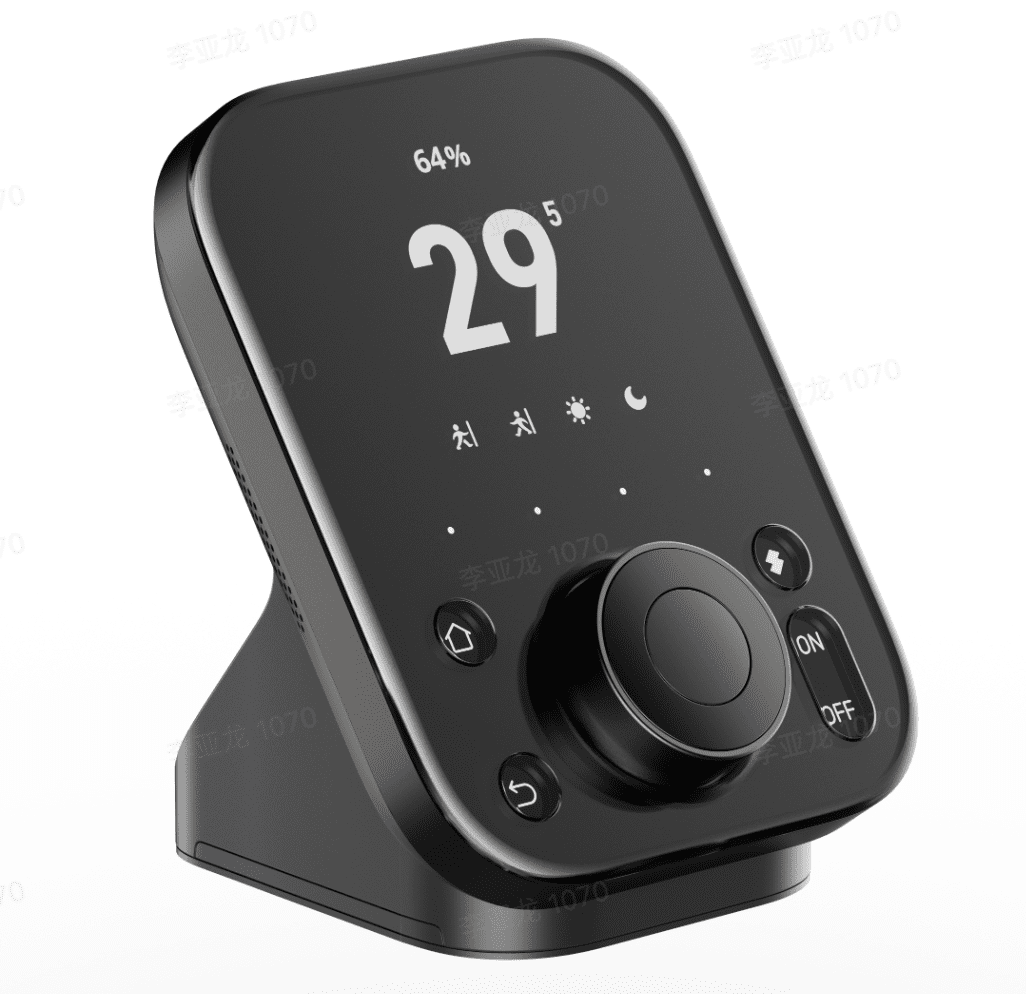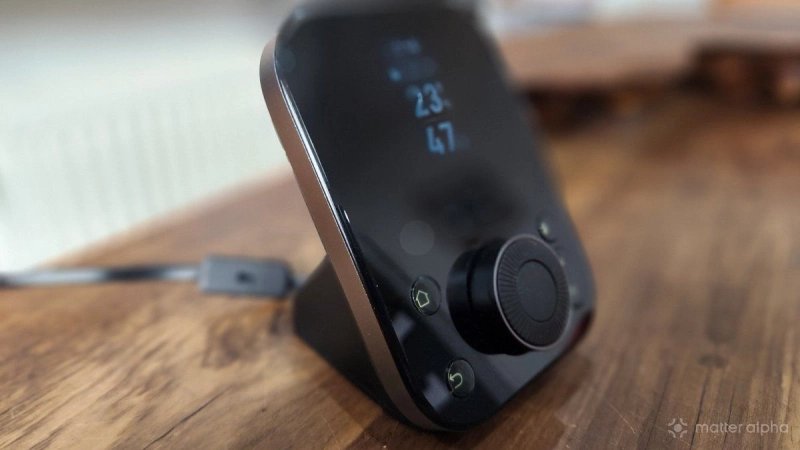
I recently picked up the SwitchBot Hub 3, and it is now a solid component of my growing smart home set up. It has a few interesting features, not least the physical dial, which adds a new level of control (although our SwitchBot Hub 3 review felt that it might be “too much”).
But while that might seem a good way to manage almost 30 devices, the Hub 3 is more than just a glorified smart home gateway. The tactile dial and smart LCD might be the most visible features, but beyond Matter connectivity, it hides a collection of sensors that can really change how you interact with your smart home .
So, how did this device manage to become the centre of our smart home?
1. The cable-integrated sensor array
I’ve been using devices with built-in sensors for around a decade, but there is always the sense that – when it comes to temperature, at least – the device isn’t quite as accurate as it should be.
Internal heat has been a problem with sensors intended for temperature and humidity, as they get warm as the processor works. The immediate temperature on the device is then slightly higher than the rest of the room, and dryer, too.
SwitchBot’s solution is to move the sensors out of the hub and mount them instead on the USB-C power cable. The lead features a dedicated module housing Sensiron sensors, which can deliver more accurate data on the room’s climate, which can lead to better integrations with HVAC systems.
Result: The Switchbot Hub 3 has become the go-to for quick climate information in our home.
2. Motion-activated "stealth" display
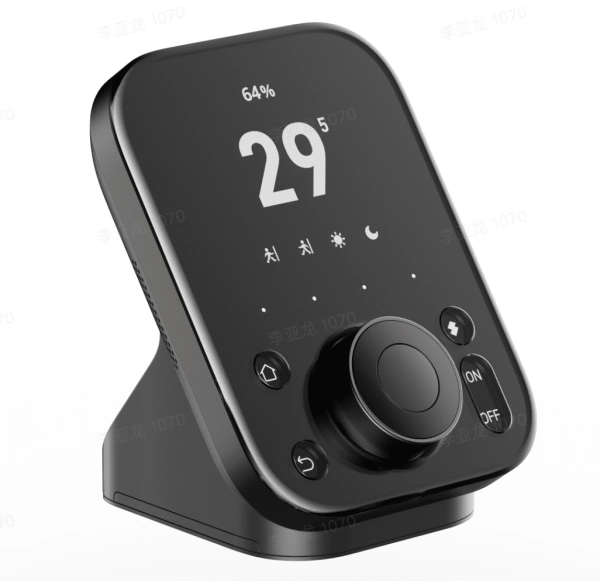
SwitchBot Hub 3
Also available at
Something that confused me at first was the motion sensor built into the SwitchBot Hub 3’s display. Most importantly, the LCD can switch off when the hub is not in use, which is useful if you don’t want to see a glowing screen in the corner of your eye when gaming, watching a movie, or reading.
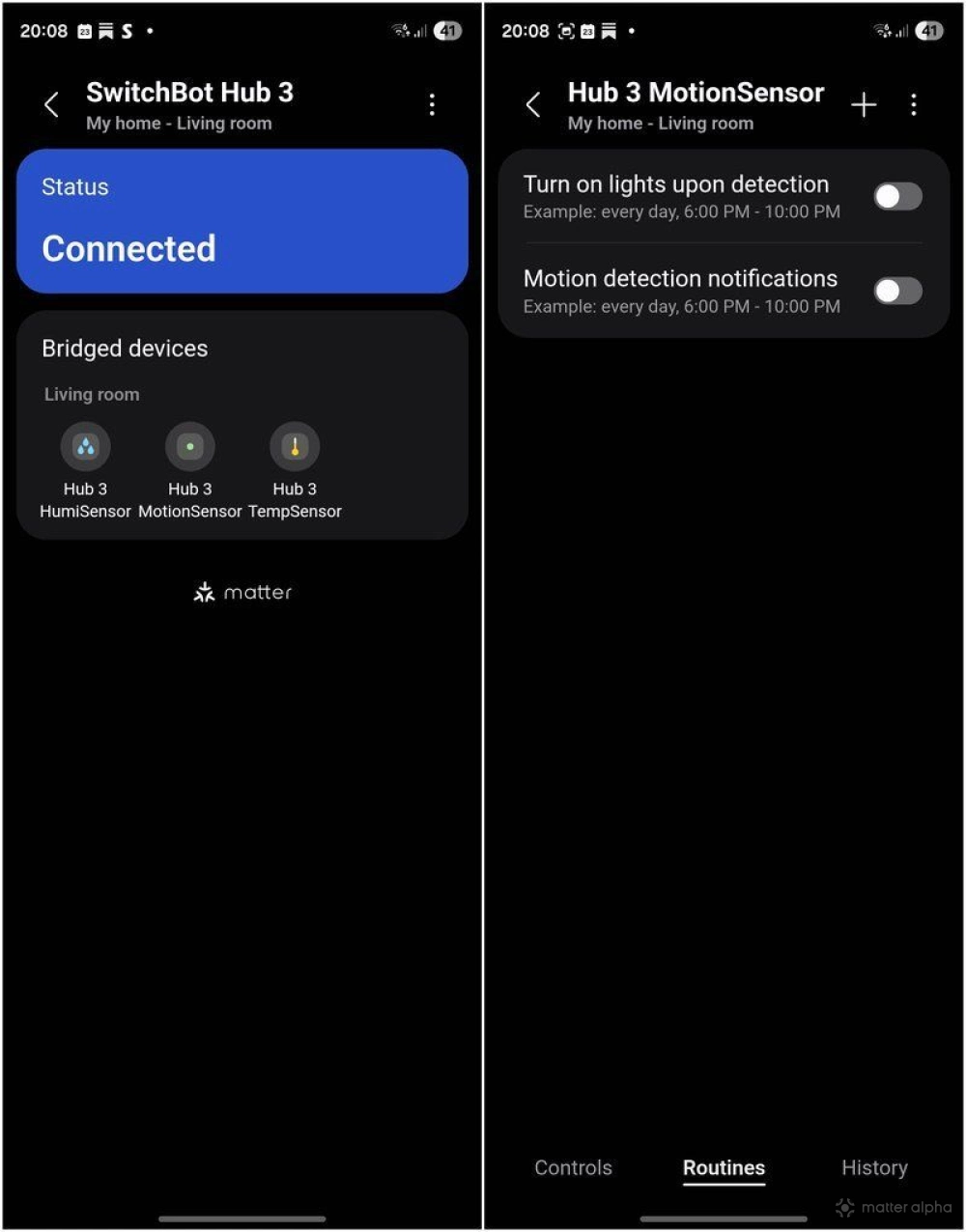
By default, the Approach to Wake feature is enabled, with a configurable standby timeout (30-120 seconds, but if you need the display on permanently, you can disable this). Plus, once integrated with Samsung SmartThings, the sensor can also be used with external integrations.
Result: Approaching the Hub 3 activates it, and this can be used to create automations with other gear..
3. Ambient Light Sensing
Another feature that means amazing automation that makes life simpler is the Hub 3’s ambient light sensor. This is a feature that has been enhanced with a firmware update, and features a light scale of 1-10 which can be used to trigger integrations.
Instead of setting your smart curtains or lights to a fixed time, you can trigger scenes based on the actual brightness of the room. This is particularly useful for "Adaptive Lighting" setups—closing the blinds only when the afternoon sun hits a certain intensity, rather than just guessing based on the sunset.
Result: We’re taken the simplistic option to activate lights when the living roo is dim, but I’m considering some more elaborate options.
4. The IR blaster's 360-degree reach
Research into setting up the Hub 3 reveals that the Hub 2 wasn’t adept at controlling “dumb” appliances, but the SwitchBot Hub 3 has improved infraread emitters. It now features six infrared emitters arranged to provide nearly 360-degree coverage, which means that devices without Wi-Fi can be controlled!
This relies on you first “training” the Hub 3 with the remote control for the device; once the commands are learned, you can then access the dumb device via your phone, or the Hub 3’s dial. It’s an incredible advantage, although it does rely on positioning the Hub 3 where it can successfully interact with devices. For out-of-sight devices, a smart plug or relay is more suitable.
Result: In our home, I’ve been able to switch on a fan using the Hub 3, by substituting its remote for the SwitchBot smart home hub.
5. Virtual button mapping
On first glance, the Hub 3 looks like a clock and thermometer with a useful tactile dial for controlling smart home gear. But in fact, it can support 27 sub-devices (the advertized 30, minus the humidity, motion, and temperature sensors). These virtual buttons connect to smart devices (or smart plugs with dumb devices attached) around your home, creating a bridge to your prefered smart home app.
But because it is also a Bluetooth bridge for your smart home, you can add any suitable kit like smart lights that connect over Bluetooth. And to demonstrate the possibilities, it has some built in automations.
Result: We use the pre-configured “Movie Night” scene to dim the lights (and when we get some smart curtain controllers, they’ll be added to the automation) and switch on the sound bar.
The SwitchBot Hub 3 is a bit of a game changer
My family demands a smart home that just works, and I I think we can all agree that this is one of the pressure points of running a connected home. Problems frustrate, and can even be embarrassing if they occur after achieving buy-in from the rest of the family. But I think with the SwitchBot Hub 3, everyone is pretty much on board.
After all, it's a useful smart home device that is more than a hub, and more than a bridge; it’s a multifaceted environment sensor that happens to have a very satisfying knob. If you aren't using the light sensor or the cable-bound climate data to trigger your routines, or using the IR blaster, you’re only using half the device you paid for. More importantly, as Matter evolves, having a device like this in your home will really help to sell it to your family.