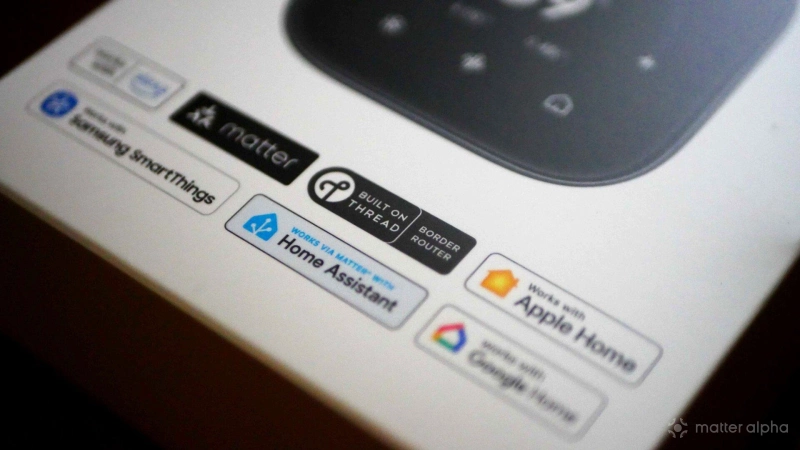
Thread is a relatively new mesh network system, designed to replace Zigbee and Z-Wave in the smart home (but with potential applications beyond). It’s the poster child of the Matter standard — though it’s not the only networking system that Matter works with.
But while Matter offers the high level system definition of how smart home devices should be managed or what feature a particular type of device must offer, it doesn’t get into the nitty-gritty of precisely how they should all talk to each other. If you could send Matter codes over carrier pigeon and have someone type the results back in, Matter wouldn’t care as long as it followed the standard (but for the record, domesticated birds of any kind are not an official supported transport method).
You’ll find all manner of lights, sensors, and plugs which are either Matter over Thread, or Matter over Wi-Fi. Ethernet is also an option. But they’re all Matter, and just connect to your home in different ways. But what exactly is Thread, where does it come from, and why does it matter?

Where does Thread come from?
Thread wasn’t originally built for Matter. It was built as a modern, low-power IPv6 mesh network for the Internet of Things. Matter simply adopted it because it fits perfectly. Thread was launched in 2014 by the Thread Group, an industry consortium originally backed by Google’s Nest division, Samsung, ARM, Qualcomm, and others. The goal was simple: to fix the architectural mistakes of earlier smart home protocols.

(Image credit: XKCD - Standards)
It’s also closely tied to the Zigbee Alliance — now renamed the Connectivity Standards Alliance (CSA), the same organization behind Matter. In fact, Thread uses the same 2.4GHz IEEE 802.15.4 radio hardware as Zigbee. On a physical level, the radio chips are often identical.
The difference is not the radio — it’s the networking philosophy. Zigbee created its own addressing and transport system, like a completely alien language. Instead of re-inventing the wheel, Thread adopted IPv6 from the start. That means every Thread device is a native IP device, just like your laptop or phone. So while Zigbee devices require translation at a hub, Thread devices speak IP natively. They just happen to transmit it over a 802.15.4 radio wave instead of Wi-Fi or Ethernet.
Meshing, and Border Routers
Thread is a mesh-forming network, which means that Thread devices will discover and talk to their nearest neighbors then pass on messages, rather than having to seek out the origin of the signal.
Since Thread is a special kind of wireless network that’s separate to your existing Wi-Fi and Ethernet home network, you need a router for it — just like you need a Wi-Fi router to have Wi-Fi. The so-called Thread Border Router acts as a gateway between your regular home network, and your Thread network.
Here's the good news: You probably don’t need to go out and buy a special Thread Border Router. It’s built-in to lots of common voice assistants and home hubs. Apple TV, for instance, or Google Home Hub, are actually 3-in-1 devices that also offer Thread Border Routing, as can be your Matter Controller. But it’s probably worth knowing which of your existing devices do that job so you can ensure your first Thread devices are within range of it. Here's our complete list of Thread Border Routers.
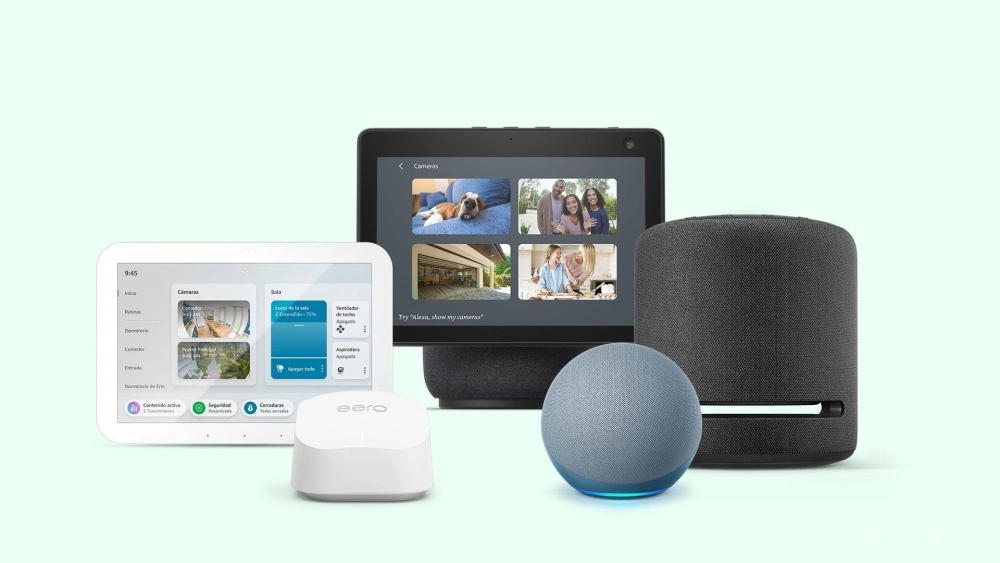
If you have more than one of these home hubs that also offer Border Routing, they will all form part of the same Thread network, expanding your coverage without needing to add additional meshing points. But this typically only works if the devices are from the same manufacturer; try not to mix Google Home Hubs and Apple TVs in the same house, for instance, or you may end up with multiple Thread networks.
The only other technical snag you might run into is that your main router — that's usually the one your ISP provides — needs to have IPv6 enabled on your local network. You don't need to have an IPv6 from your ISP (in fact, that can often complicate things), but it does need to support it for your internal network. Most of the time, this will just work invisibly. It's only if you're still rocking an ISP's router from a decade or two ago that this might be a concern.
Sleepy Endpoints
We mentioned that Thread devices form a mesh network; one that’s self-healing, and grows with the more Thread devices you add to it, like a spider’s web. It’s self-healing because if a Thread device drops off the network that was helping to form the mesh for other devices, they will automatically seek out another meshing point.
Unfortunately things get a little confusing here, because there are two main types of Thread devices: full Thread devices, and Sleepy Endpoints. Sleepy Endpoints only wake up to send or receive their own messages. They won’t contribute to expanding the mesh, they don’t relay messages, and they don’t add coverage. Only full Thread devices — which are typically powered on all the time via a mains socket or lighting circuit — help to build out your mesh and make a more robust Thread network (technically, they become "Thread Routers", but that's easily confused with Border Router).
As a general rule, anything battery-powered is a Sleepy Endpoint; things like motion sensors, or door and window sensors. Lighting, plug sockets, and smart light switches are all usually powered.
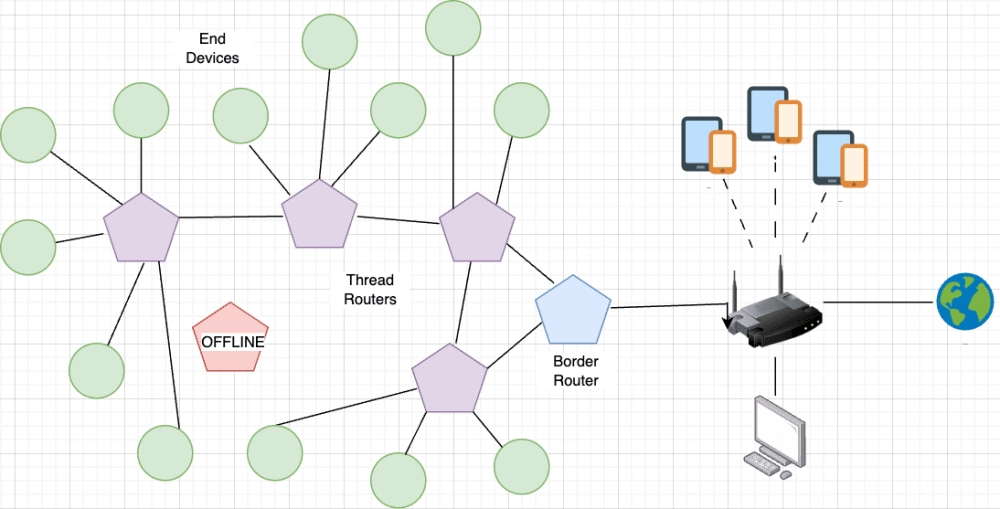
This is important to know because having a full house of Thread devices will need some always-on powered devices interspersed in order to create whole home coverage of your Thread network. If you just go out and buy a houseful of motion sensors, you’ll be disappointed when half of them can’t connect.
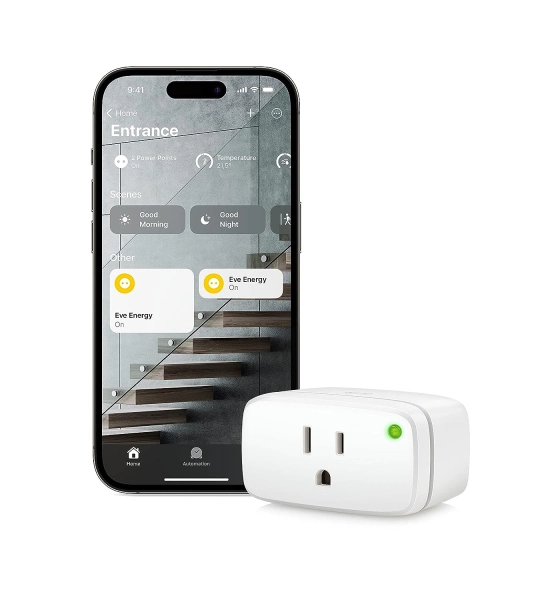
Eve Energy
Eve Energy is a smart plug that allows you to control your home appliances with your voice or an app, supports Matter for cross-platform control, ensures privacy with local connectivity, and enhances your smart home network's stability and reach with cutting-edge Thread technology.
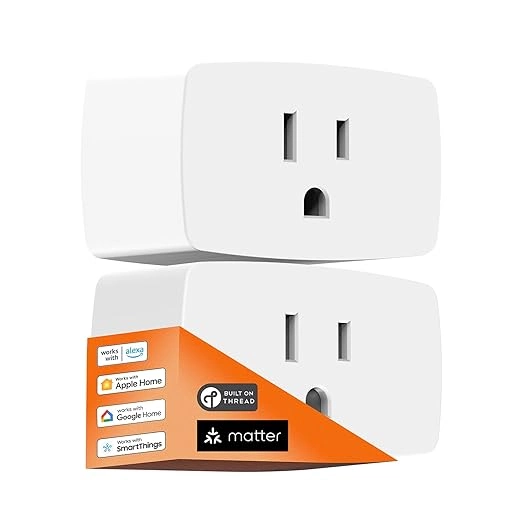
Onvis Smart Plug S4
The Onvis Smart Plug S4, designed by ChampOn, is a Matter-certified on/off plug-in unit that enables smart control of electrical devices.
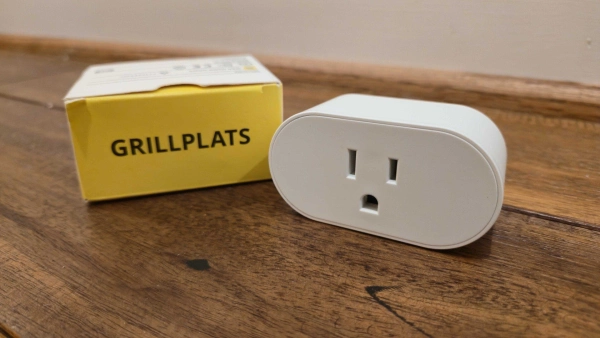
GRILLPLATS Smart Plug
A smart Matter over Thread plug with power meter support.
Why does Thread even exist, and why is it good for smart homes?
Smart homes can have hundreds of sensors and devices. While I’m a big fan of Wi-Fi due to teething Thread problems, typical consumer hardware can’t scale beyond about 50 devices. At that point the bandwidth becomes saturated, and your router finds it hard to keep track of them. Wi-Fi is also power hungry and usually congested.
In theory, Thread can handle up to 511 devices per router, and 32 Border Routers. While you can have multiple Thread networks, that means the practical limit for most people is 511 devices. That's still far more than Wi-Fi.
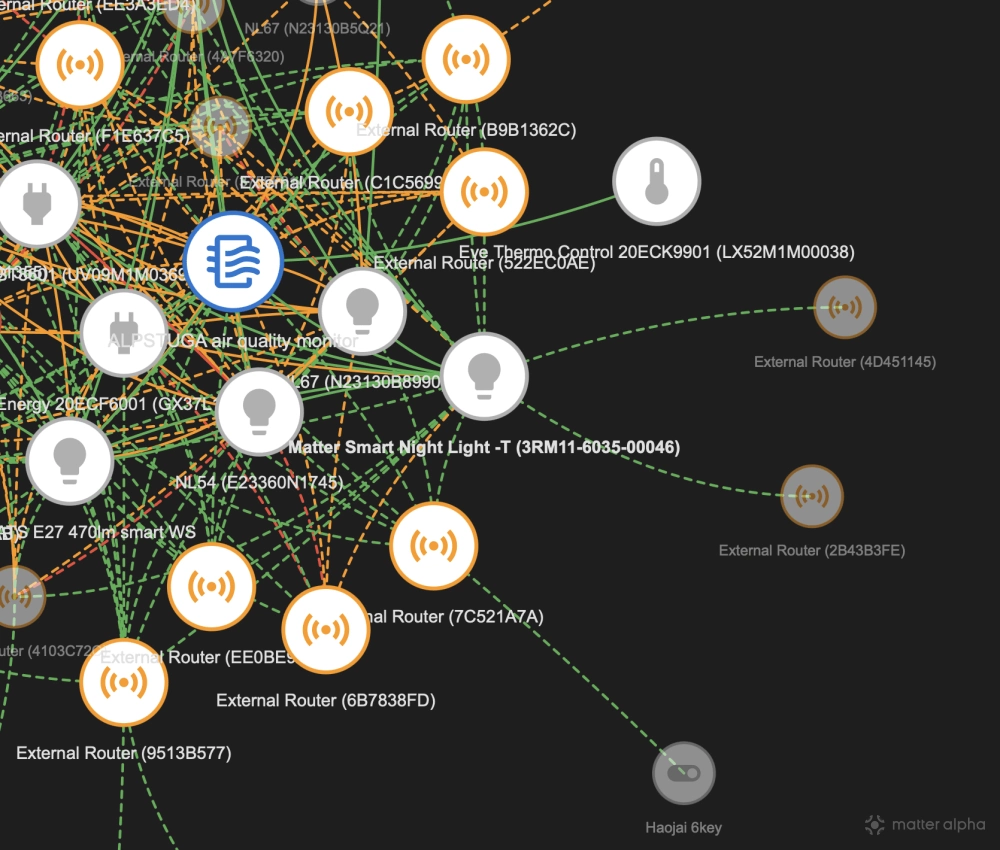
Mesh networking and self-healing is the key here. Batteries run out, plugs are pulled out, and light switches are turned off — despite telling the family multiple times that the bulbs are smart and could they please stop touching the light switch. Your sensors and things need to be able to route around that without issue, which Thread does.
Why not Zigbee, then? That offers the same basic features, after all — it’s designed for the smart home, scales to hundreds of devices, with low-powered mesh networking. That’s a good question, and one that a lot of smart home enthusiasts are currently asking due to the premium cost of Thread and relatively slow adoption. The main difference is that Zigbee has a central point of failure: the Zigbee hub. Although it creates a mesh network for better coverage around your home, you can’t add additional hubs to take on the bridging role. The Zigbee hub takes ownership of your Zigbee sensors and maintains a central list.
Which means if your Zigbee hub loses power or breaks, the whole Zigbee network mesh goes with it.
That’s not true with Thread; it's resilient, and will automatically replace its own Border Router with another one if it needs to. It doesn't keep any device lists because all it needs to do is pass on messages. If my Apple TV is unplugged for some reason, the HomePod Mini downstairs becomes the Border Router, automatically. My Apple TV takes over again when it’s plugged back in because it's set as my preferred device, but things still work in the meantime. That’s the sort of resilience that a modern smart home needs with hundreds of sensors and automations.
Whether that’s a common enough scenario in your home to justify a whole new networking layer is another question. Many have decided it isn’t. As the saying goes: if it ain't broke, don't fix it.