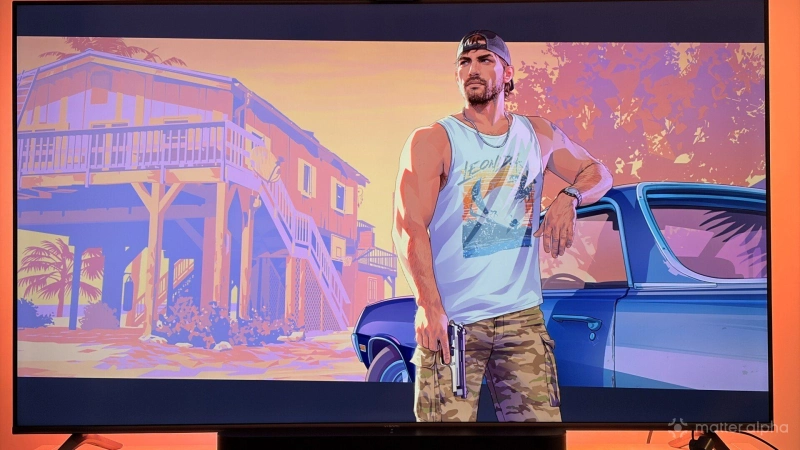
Vice City’s neon signs, late-night streets and colorful skyline are part of the appeal of Grand Theft Auto VI. With the right lighting behind the TV, some of those colors can spill into the living room, making a nighttime drive feel a little more atmospheric without changing the game itself.
A TV sync kit handles the changing colors on screen, while floor lamps and light strips can carry the mood farther into the room. That is where Matter becomes useful: compatible lights from different brands can share a smart home scene, even though the live screen effects still depend on each brand’s own system. From HDMI sync boxes to camera-based kits, these are the options worth considering.
Philips Hue Play HDMI sync box 8K
Philips Hue is an established choice for smart lighting. Its newer Play HDMI sync box 8K supports HDMI 2.1 passthrough at up to 4K/120Hz or 8K/60Hz, capturing screen colors directly from an HDMI source. Compatible Hue lights can react to changing scenes without a camera attached to the TV.
If you are using eARC and Dolby Vision & Atoms with HDMI 2.1, this one is a better option without compromise in video outputs.
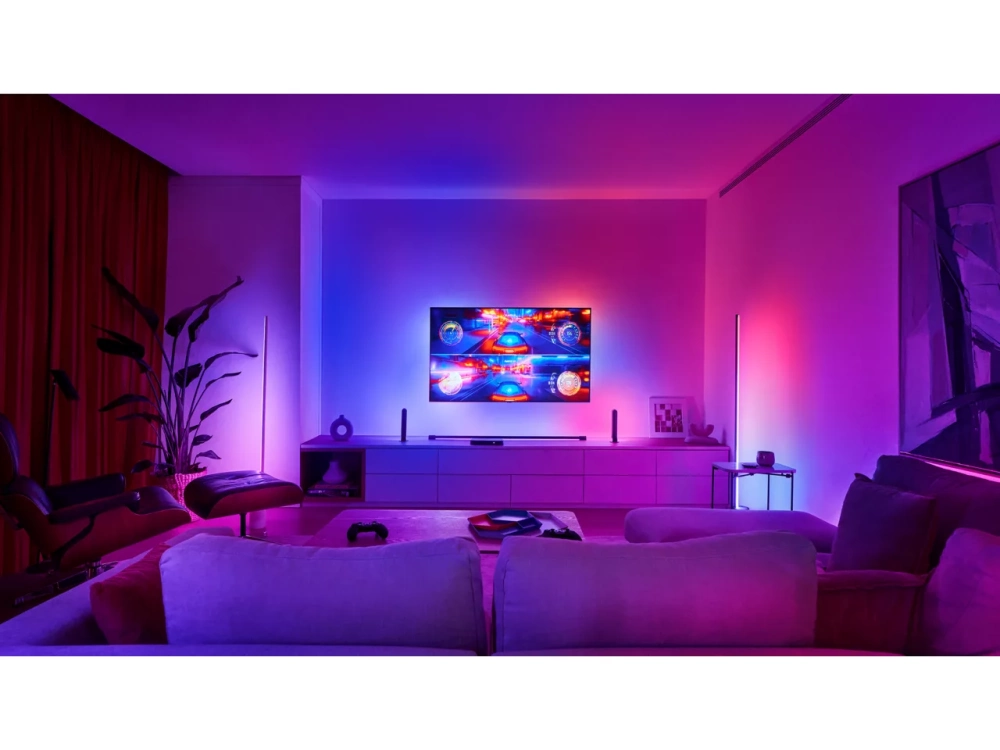
The original Play gradient lightstrip comes in versions for 55-64-inch, 65-74-inch and 75-inch or larger TVs. The Play gradient lightstrip covers the top and sides of a TV, rather than all four edges.
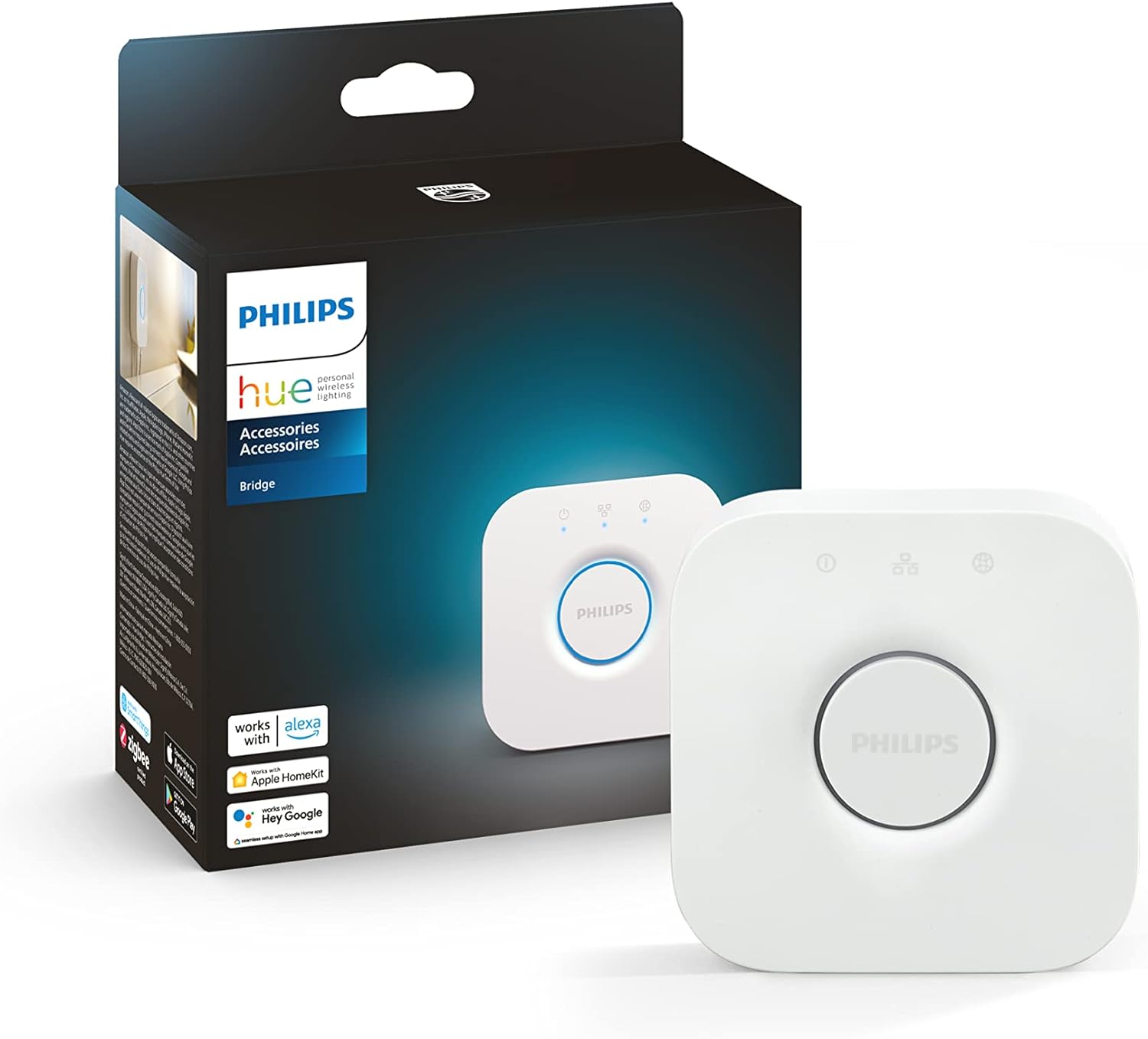
Additional Hue lamps can fill out the effect. The newer sync box can synchronize one compatible light strip without a Hue Bridge, but a Bridge is important for expanded Hue entertainment setups and Matter integration. The cost of the box, strip and potentially a Bridge makes this one of the more expensive choices.
Govee AI Sync Box Kit 2: HDMI sync with Matter support
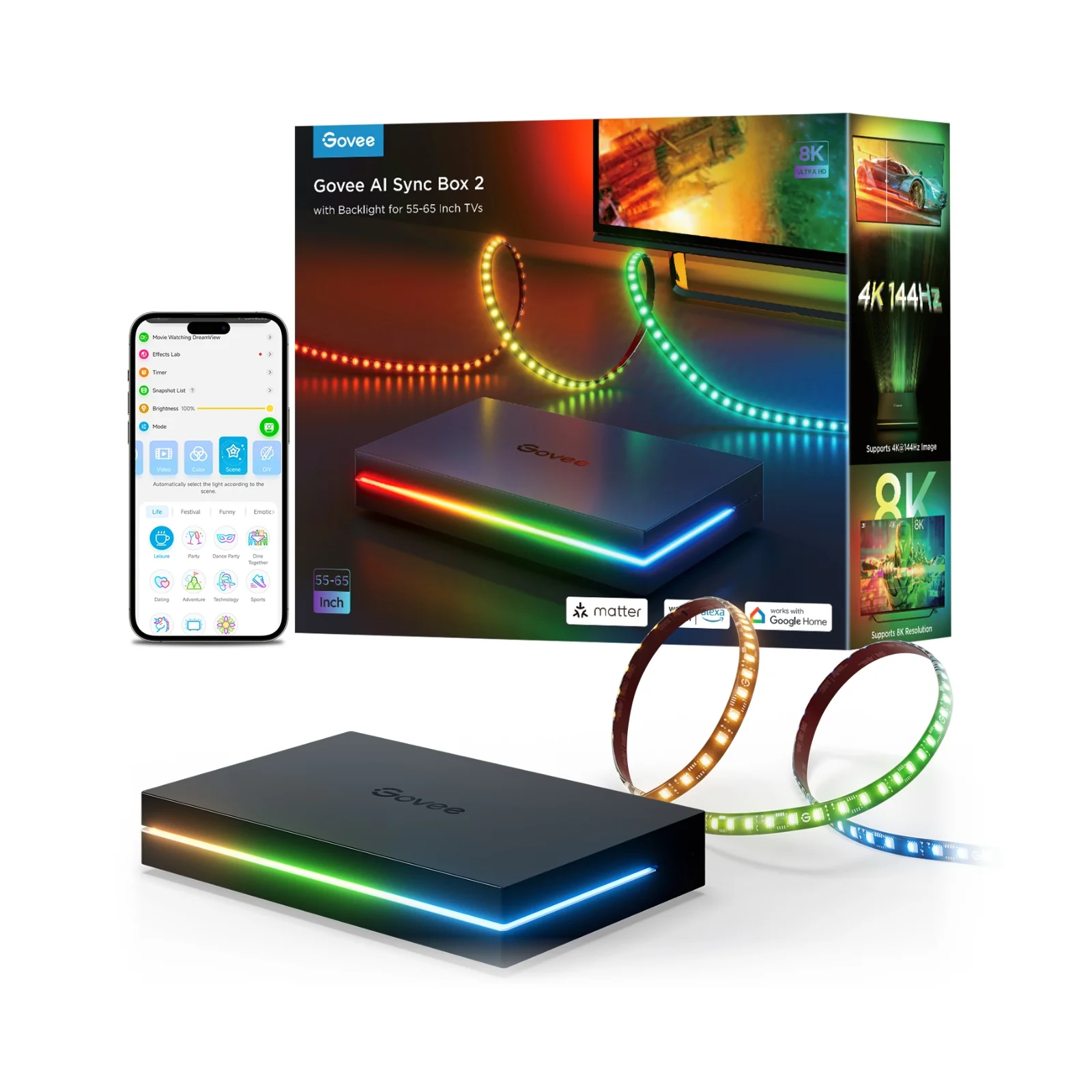
Govee’s second-generation AI Sync Box Kit offers HDMI 2.1 passthrough up to 4K/144Hz or 8K/60Hz, along with gaming-oriented features including VRR and ALLM. Its RGBWIC strip produces segmented colors behind the screen. Govee DreamView can extend the effects to compatible lamps, bulbs and light strips around the room.
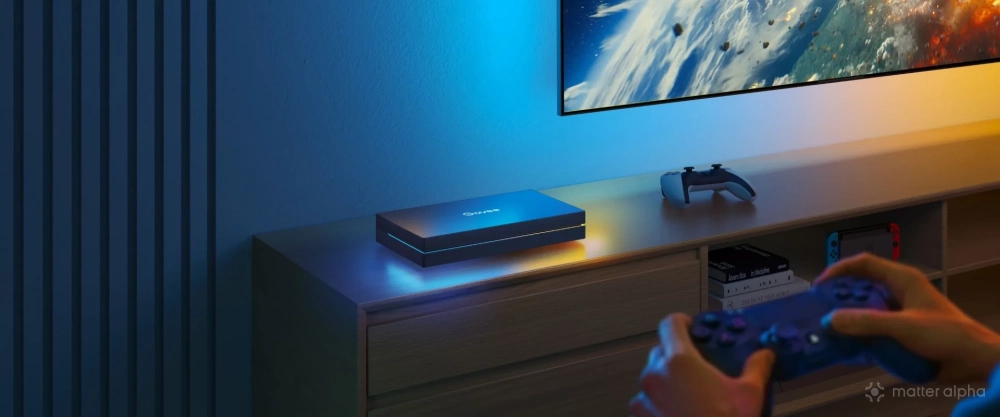
Govee also uses an AI processing chip to recognize certain game content and trigger lighting effects beyond straightforward color matching. Its AI Lighting Bot 2.0 can generate personalized effects from text, voice or image prompts, offering another way to build a neon-inspired scene. The kit supports Matter for basic smart home control, while these AI and screen-sync effects remain in Govee’s own ecosystem. It also adds another HDMI device and wiring to the entertainment center.
The TV kit comes in 55-65-inch and 75-85-inch versions, with a separate 27-34-inch monitor option.
Govee TV Backlight 3 and 3 Pro: Camera-based alternatives
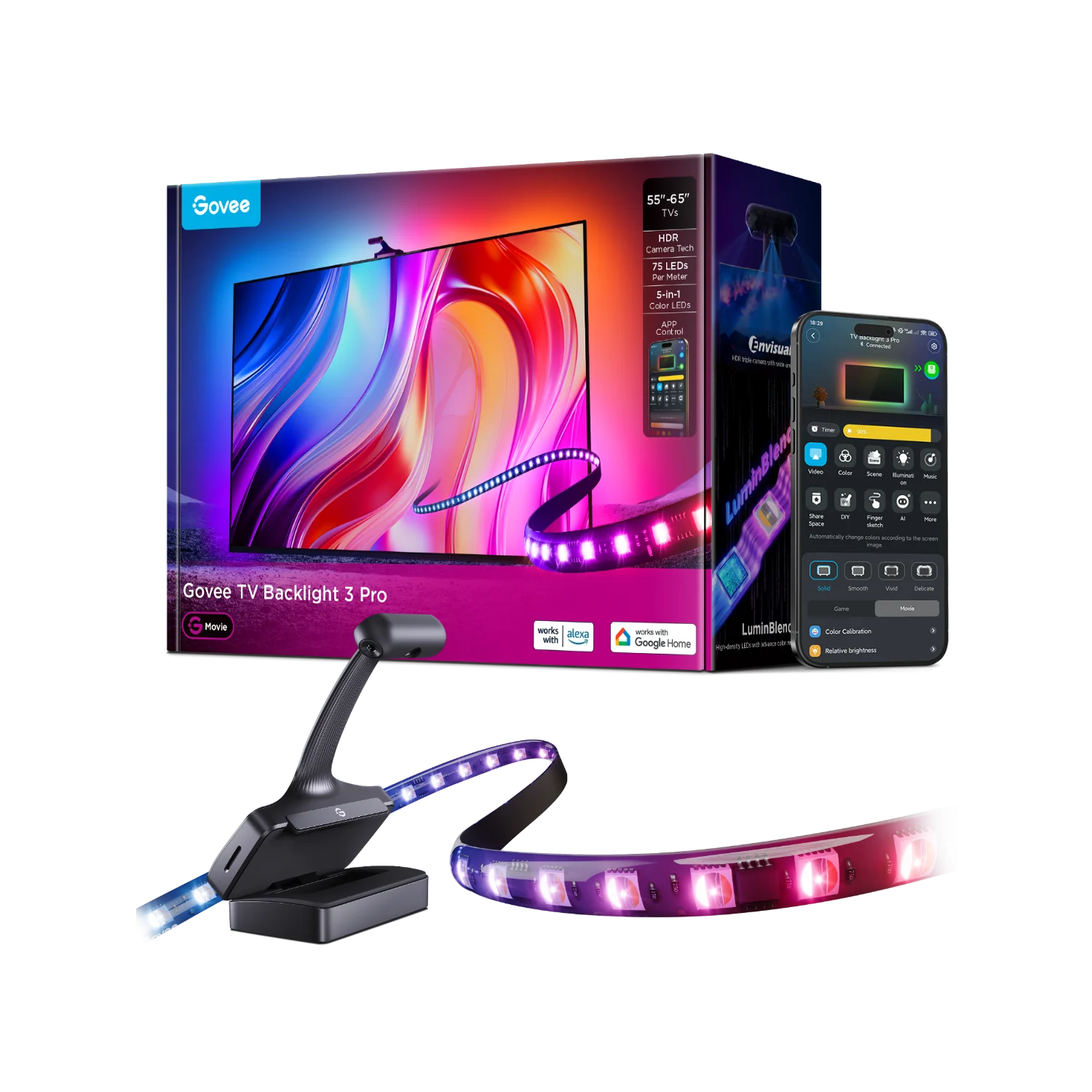
Both the TV Backlight 3 and 3 Pro have 55-65-inch and 75-85-inch TV versions. Camera kits avoid routing the console through an HDMI box, avoiding potential video issues. Govee TV Backlight 3 uses a camera mounted around the TV to sample screen colors and drive a rear light strip. It supports Matter and can work with compatible Govee DreamView lights. The more advanced TV Backlight 3 Pro uses a triple-camera approach for better image capture.
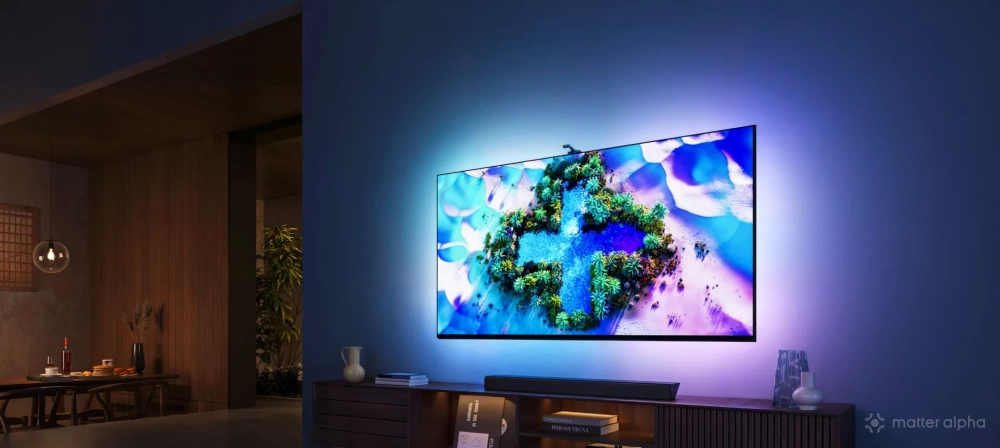
The lower price and compatibility with built-in TV apps make camera-based systems attractive. Their limitations are calibration, reflections, room lighting and potentially less precise color matching than direct HDMI capture. They are best treated as an accessible entry point rather than a direct replacement for every HDMI setup.
Nanoleaf 4D: Creative effects, with Matter limitations
Nanoleaf 4D comes in versions for TVs up to 65 inches and up to 85 inches, with trimmable strips. Nanoleaf 4D is another camera-based system, using a light strip around the TV and screen mirroring to extend on-screen colors.
Nanoleaf Sync+ can bring compatible decorative lights into the effect, including some of the brand’s wall-panel products. Separately, Nanoleaf’s AI scenes feature lets you enter a phrase such as “Vice City neon nights” to generate a themed lighting palette and animated scene on compatible lights.
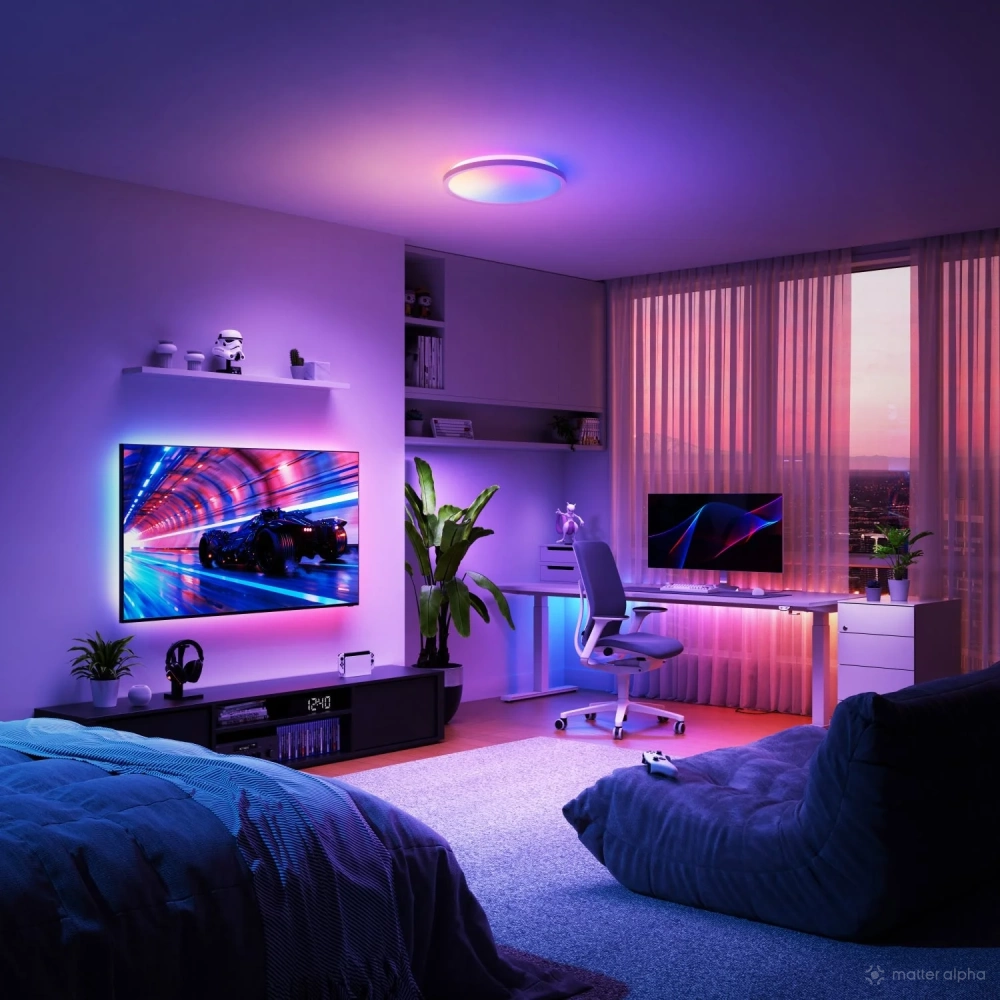
Nanoleaf also offers AI-assisted scene control through its desktop app and MCP integration. These are creative lighting tools rather than GTA VI-specific gameplay recognition or a feature of 4D screen mirroring itself.
Compared with Govee new releases, its single-camera option is slightly left behind, but Nanoleaf has a better designed light strip, optimized for installation on the back surface of TVs and monitors.
The 4D kit itself does not support Matter. Several established Nanoleaf decorative families, including Shapes and Elements, also lack native Matter support, even though other newer Nanoleaf lamps and bulbs offer Matter. The appeal here is the creative range of Nanoleaf’s own lighting ecosystem working together.
Expand the lighting
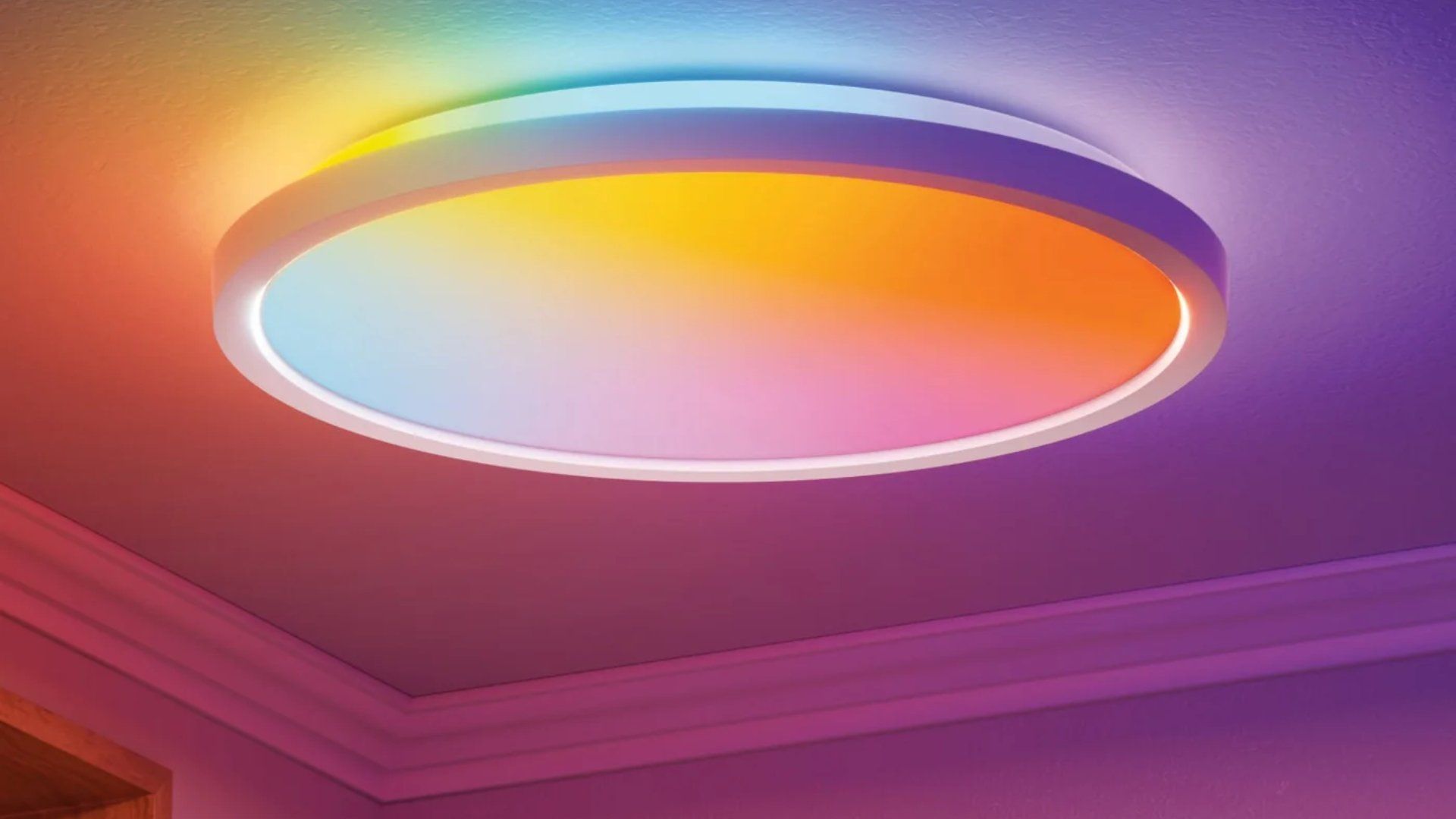
A reactive backlight is only the starting point. Floor lamps can wash a nearby wall with color, while ordinary LED strips can fit beneath a TV cabinet, behind a sofa or inside ceiling coves. Spotlights aimed toward a wall can add depth without shining directly into players’ eyes. There are also light panels and bars like those from Govee, Lifx and Philips Hue.
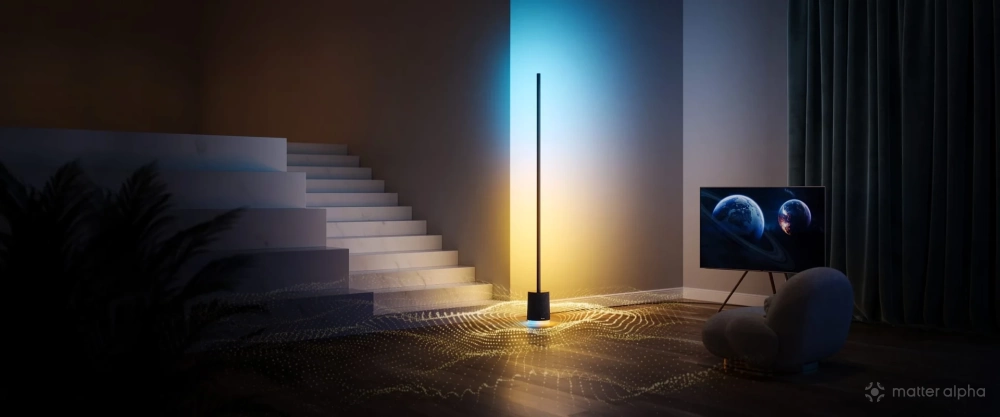
For floor lamps that extend color to the side of your entertainment space, Matter-compatible options worth exploring include Aqara’s Floor Lamp T1, which offers Matter over Thread, Govee RGBICWW Floor Lamp Pro, and Nanoleaf Floor Lamp.
What Matter actually contributes
The most striking TV lighting effects depend on addressable LEDs, which allow different sections of a strip to display different colors at once. That is also where the gap between Matter and manufacturers’ own lighting systems becomes clear. In most mainstream integrations, Matter gives users familiar controls such as on/off, brightness, color and color temperature, but not the full set of segmented effects available in a manufacturer’s app.
The Matter spec has developed beyond those basic controls. It includes mechanisms for lighting-related effects and mode selection, while work on more advanced addressable lighting continues within the CSA.
Yet a feature appearing in a spec does not guarantee that a product implements it, or that a smart home platform exposes it. Home Assistant and SmartThings have begun supporting parts of the broader functionality, but users of Apple Home, Google Home and Alexa still generally encounter a more limited set of lighting controls. Support also varies by device and software version.
(Image: Govee, Nanoleaf, Signify)