Home Assistant has released the first beta of version 2026.7, bringing a mix of Matter improvements, new diagnostic tools, and major updates to the Activity page and automation editor.
While the release includes dozens of changes across the platform, several revisions stand out for Matter users and anyone looking to better understand and automate their smart home. Here are the highlights worth a closer look.
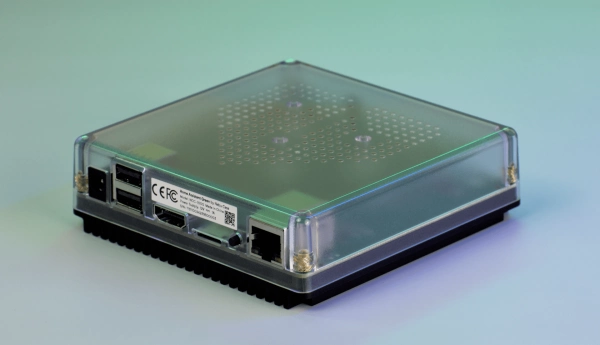
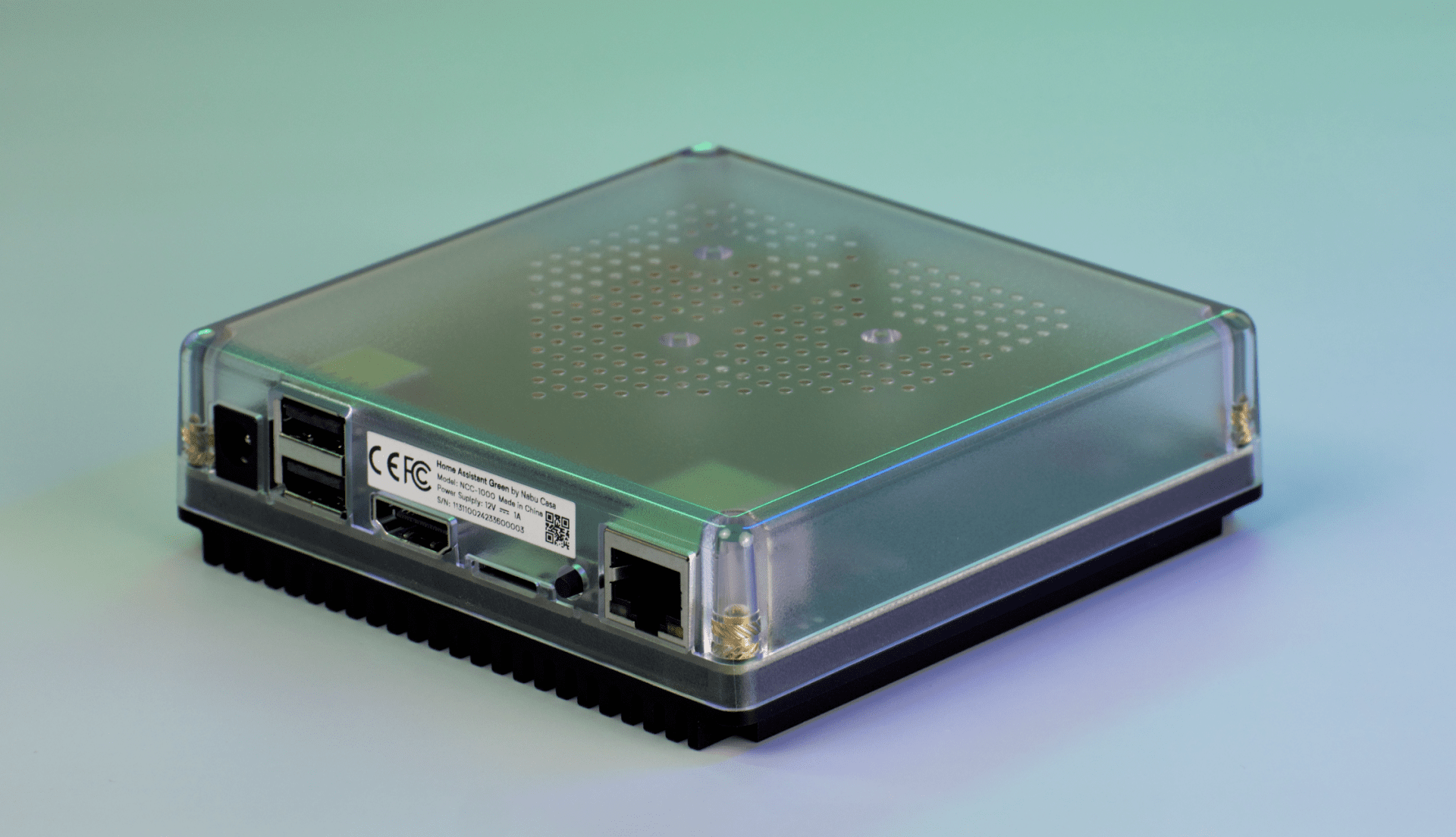
Home Assistant Green
Moist sensor support
Home Assistant contributor @lboue has added support for the Matter Soil Moisture Sensor device type. The device type was introduced in Matter 1.5 alongside new irrigation and smart garden features.
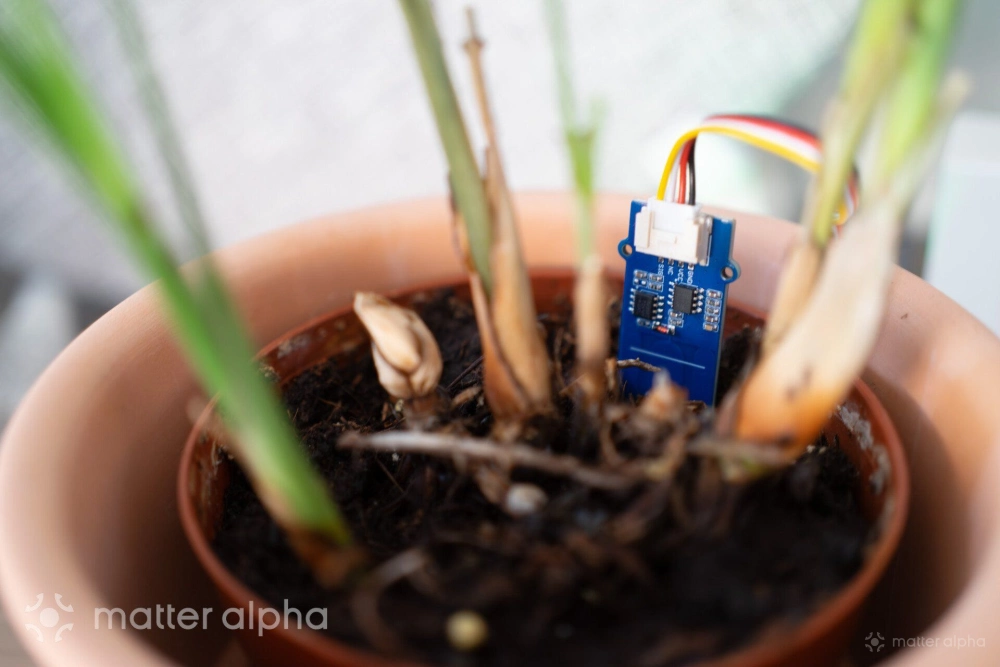
The implementation was tested using the luligu/Matterbridge project. While no commercial Matter soil moisture sensors have reached the market yet, the addition allows users to expose existing Zigbee and other protocol-based soil moisture sensors to Home Assistant through Matter bridges. This means existing garden sensors can already take advantage of the new Matter device type before dedicated Matter-native products arrive.
Advanced Matter diagnostics
More diagnostics features were added as well. Matter light’d transition blocklist warnings now have a clear identification with product and vendor name.
The new beta also adds optional Matter diagnostic entities that expose device health information previously hidden inside the diagnostics JSON export. The new sensors include Reboot Count, Uptime, and Boot Reason, giving users a clearer picture of how stable their Matter devices are. These sensors can help identify issues such as unexpected restarts, power problems, or firmware crashes without digging through logs.
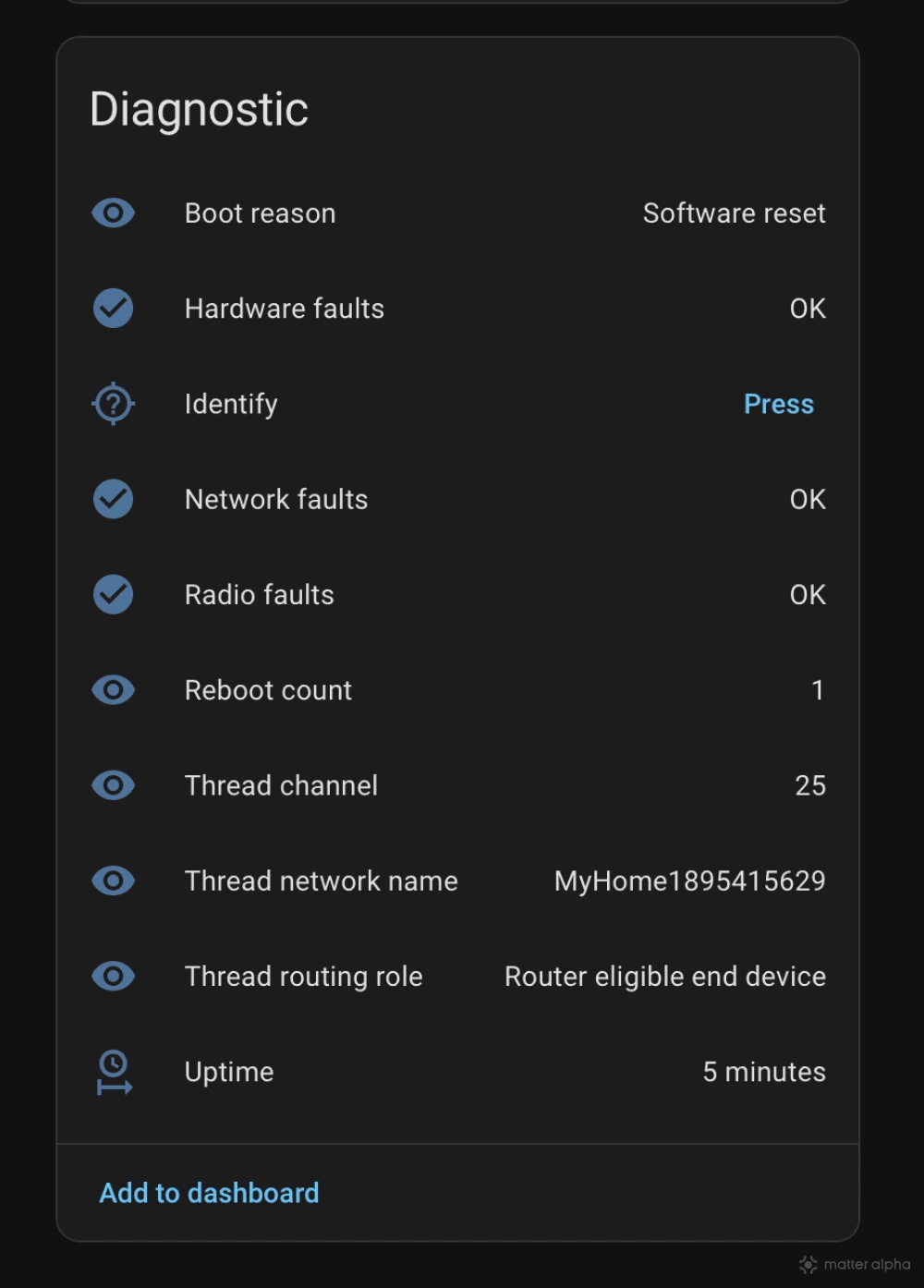
Additional binary sensors for Hardware Faults, Radio Faults, and Network Faults make it easier to spot device, wireless, and connectivity problems as they happen. This can help users troubleshoot unreliable Matter devices faster and understand why a device may be offline or behaving unexpectedly.
Home Assistant is also adding optional diagnostic entities that expose Thread and Wi-Fi network information from Matter devices, data that was previously only available through the diagnostics JSON export.
The new Thread sensors show a device’s channel, routing role, and network name, making it easier to verify network settings and troubleshoot mesh connectivity issues. A new Wi-Fi signal strength (RSSI) sensor helps users identify devices with weak wireless connections before they become unreliable.
All entities are disabled by default and can be enabled when needed for troubleshooting.
Some small fixes are also merged into this version, including Thread Border Router icons for Yeelight and Amazon Echo devices. And extra Dry and Fan-Only modes to Panasonic CS-CU-EZ18CKYXFM AC.
Activity log becomes truly useful
The Activity page, formerly known as Logbook, receives one of its biggest updates in years. What was once a simple list of events has been redesigned into a timeline that is much easier to look through.
This release replaces that logbook with a proper timeline. Events are now displayed on a vertical feed with timestamps, icons, and color-coded state changes, making it much easier to scan a busy day and spot what changed at a glance.
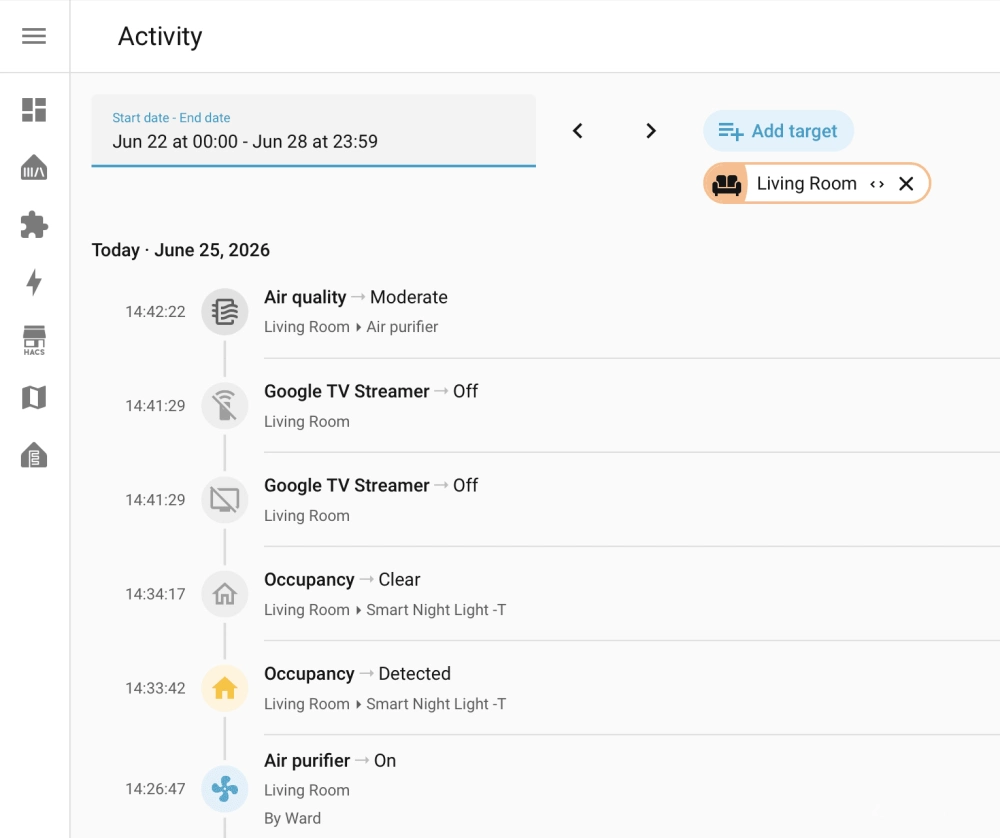
The redesign also removes unnecessary repetition. Device names, areas, and other context are automatically trimmed depending on where you are viewing the log, allowing the focus to stay on the event itself instead of repeating the same information over and over.
The Activity page now also does a better job explaining why something happened. User avatars appear for manual actions, automations show their triggers, and integrations display their brand icons, providing more context around each event without opening additional pages.
Together, these changes turn Activity from a raw event list into a useful tool for understanding what is happening across your home.
Building automations becomes easier
One of the biggest improvements in this release is a new set of triggers and conditions designed around how people think about automations.
Previously, creating an automation often required understanding basic Home Assistant concepts. Users needed to know whether they should use a state trigger, numeric state trigger, device trigger, or another option entirely, along with the exact entity and value they wanted to monitor.
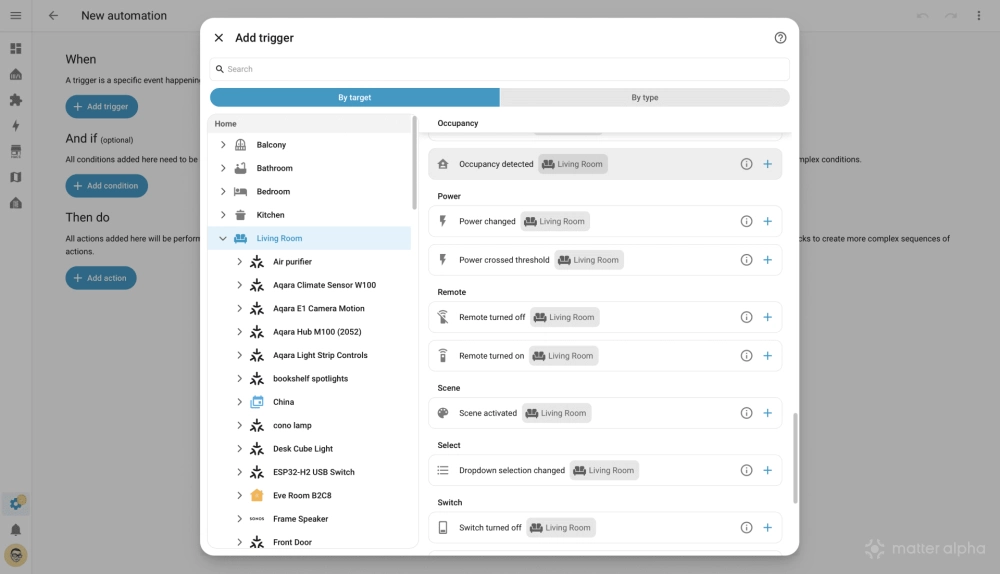
The new triggers focus on the outcome instead. Rather than configuring entities and states, users can create automations around area-based concepts such as a battery running low, a temperature crossing a threshold, or a door opening. Home Assistant handles the technical details behind the scenes.
The result is a more approachable automation editor that reduces setup complexity and makes common automations easier to create, especially for newer users.
(Source: Home Assistant, GitHub; Image: Home Assistant, GitHub/@lboue, APOLLO)