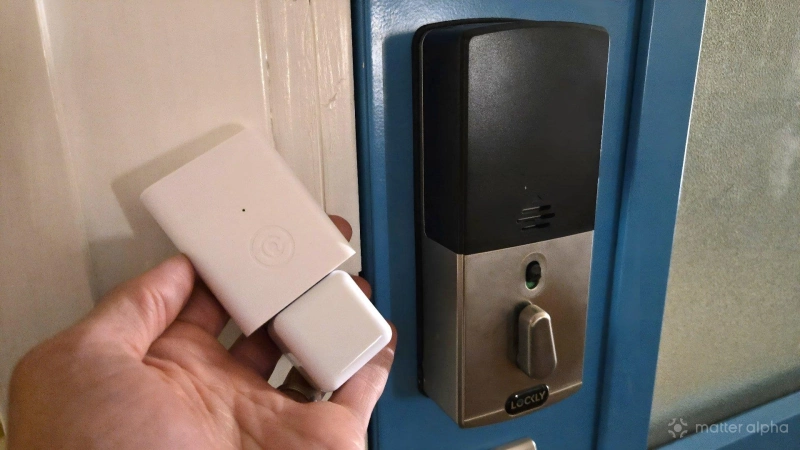
Matter-enabled smart locks are here, but as much as I love a Matter-connected home, I’m in no hurry to swap out all of my door locks. Fortunately, Lockly has made a Matter bridge that saves me the hassle. I can’t say the Lockly Secure Link Wi-Fi Hub has been the most reliable piece of tech, but it’s an upgrade I’m happy I made nonetheless.
Unboxing and design
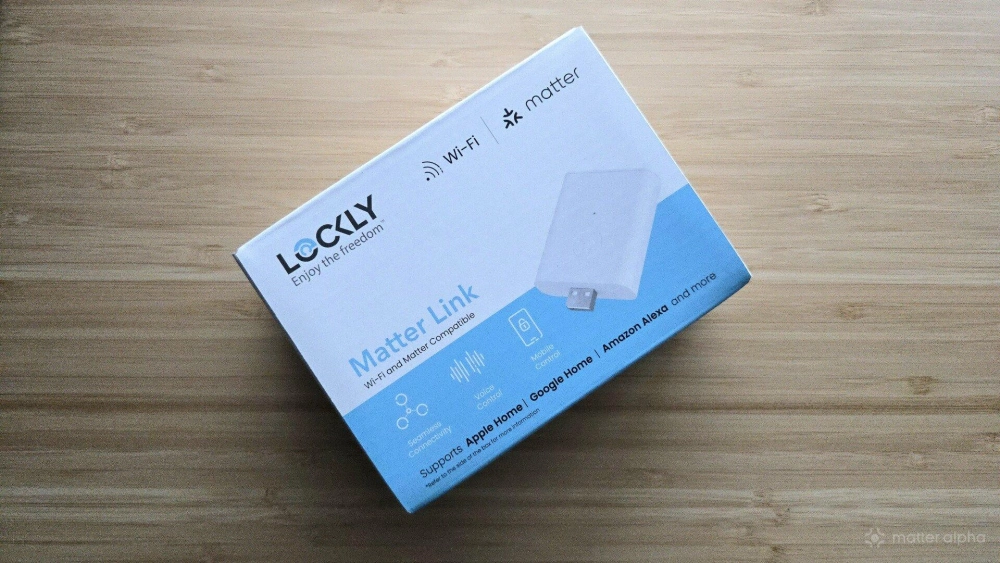
The Lockly Secure Link comes in a small box that advertises its ability to connect your Lockly smart lock to various smart home platforms via Matter. Apple Home, Google Home, and Amazon Alexa explicitly get mentions on the front and back of the box. Neither of my two chosen smart home platforms (Samsung SmartThings and Home Assistant) make an appearance, but that’s the beauty of the Matter protocol—they don’t have to.
The Lockly Secure Link supports various Lockly smart locks. I have the Lockly Secure Plus, which I purchased not for internet connectivity but the ability to enter my home by scanning my fingerprint. My wife and I also like the way this lock scrambles the location of the digital keypad numbers each time, so it’s difficult to learn our PIN by looking over our shoulders.
The unit comes in two parts, an AC wall adapter with a USB-A port and a separate Wi-Fi dongle to plug into it.
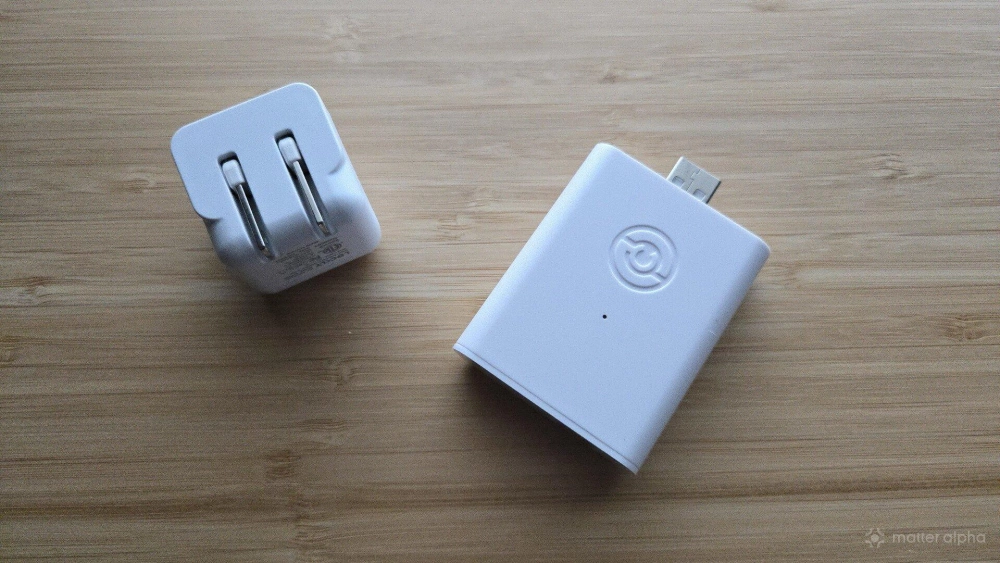
Once connected, the dongle stands upright. The box also contains a user manual that I found did a good job guiding me through the installation process.
Installation was as easy as I’d want it to be
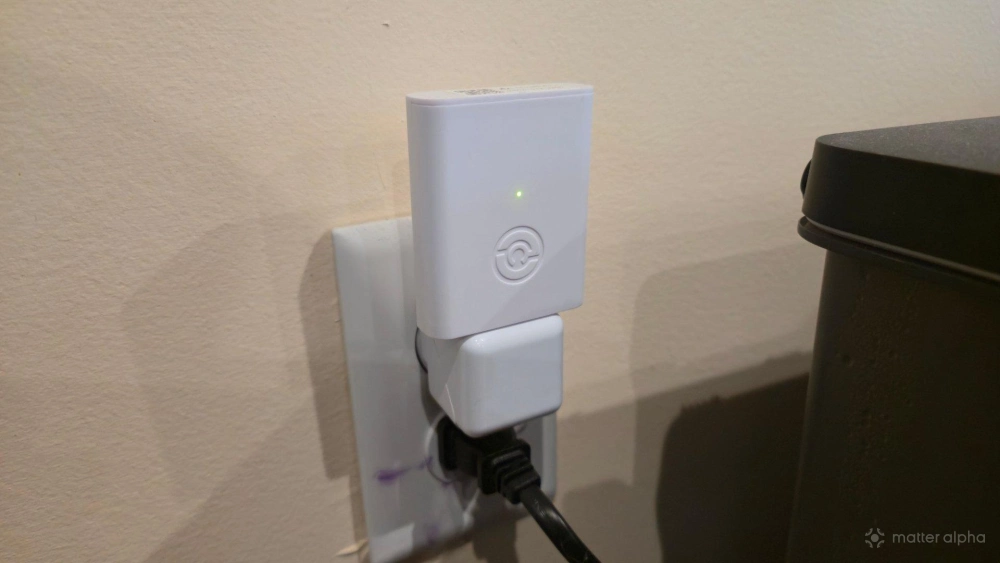
The Lockly Secure Link isn’t quite an ideal solution. You have to give up access to a power outlet, and you have to do so with a contraption that looks like a night light without the light. Fortunately, the product is fairly intuitive to set up. You plug the Wi-Fi dongle into the USB-A port of the AC wall adapter and plug the latter into the wall. It must be within 30 feet of your existing door and, ideally, point toward the lock.
Setting up the Lockly Secure Link involves downloading the Lockly Home app, which is available for both Android and iOS. If you haven't done so before, you must first add your locks to the app. You then select the lock you wish to pair to, put the Lockly Secure Link into pairing mode, then wait for it to appear within the app. I didn’t run into any issues with this part of the process.
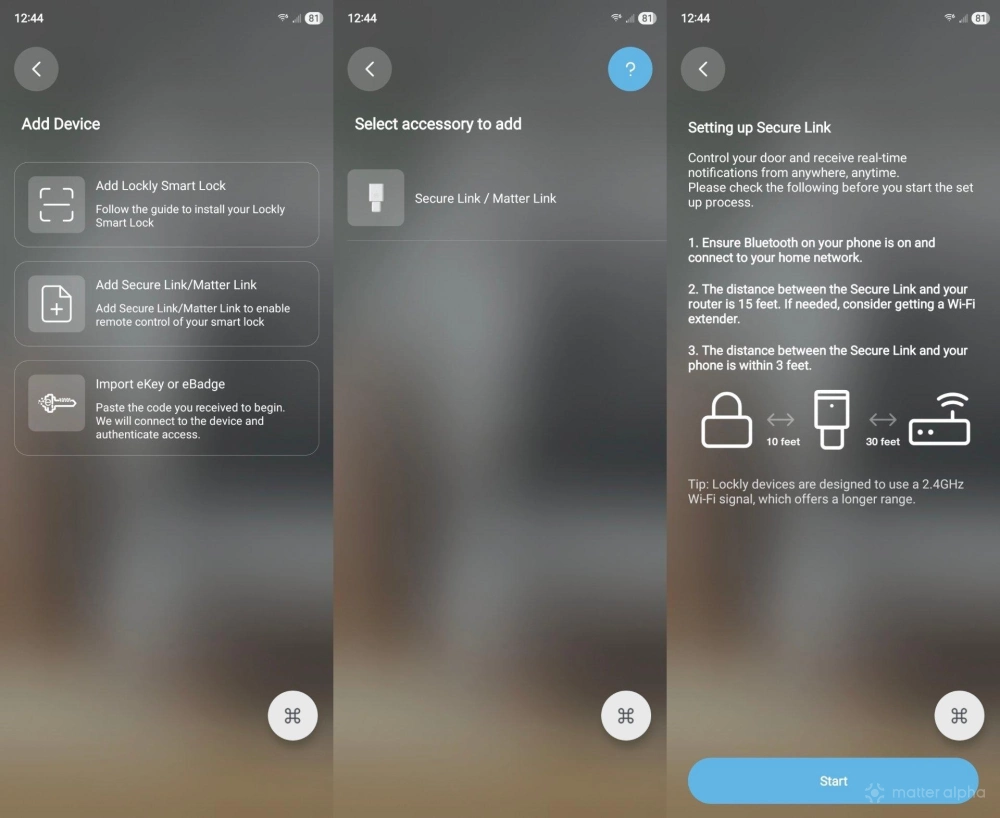
Easy to add to any smart home platform
The Lockly Matter Link comes with a Matter pairing code. You can start the processing of adding a new device in your smart home platform of choice, enter the pairing code, watch the device appear, then assign it a name and a room. Within SmartThings and Home Assistant, the Lockly Secure Link and the Lockly Secure Plus appear as two separate devices. The Wi-Fi hub appears as a bridge, and you'd only interact with it to check on notification history. It's the lock where the fun happens.
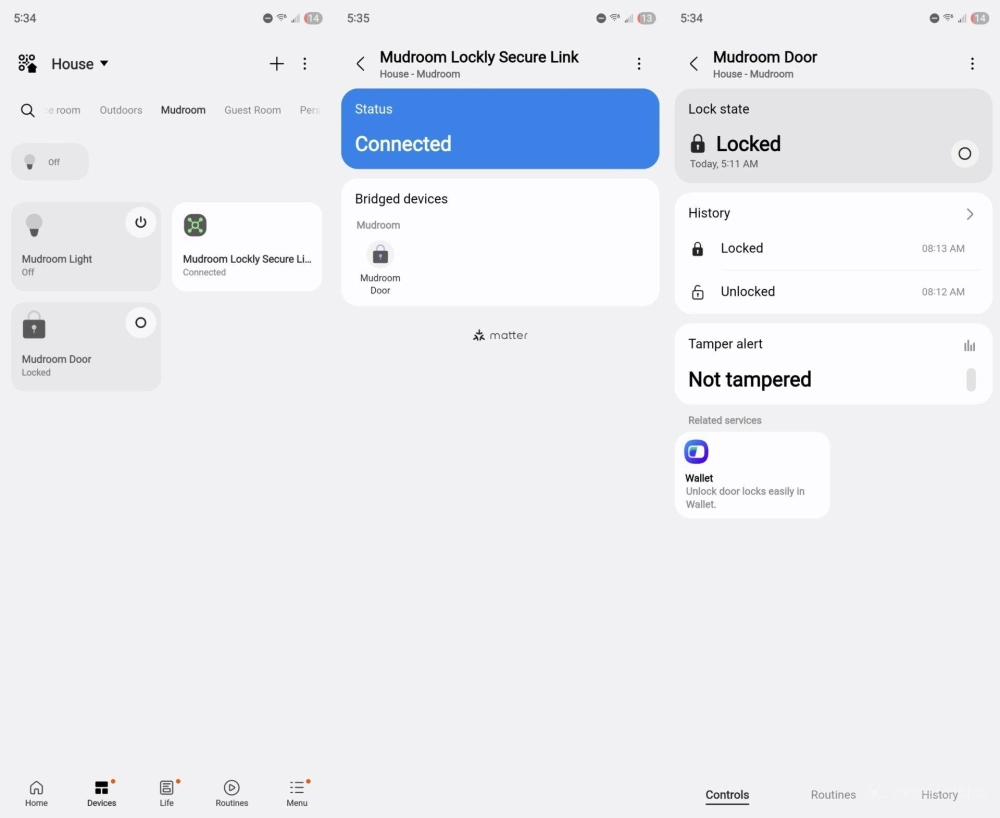
From here, you can now lock and unlock the door remotely, whether that be from elsewhere in the house or when you’re away from home. In theory, this also makes your door accessible to voice assistants, though when I tried to unlock the door with Bixby, it told me it could not for security reasons.
You can also try controlling your lock via an automation, such as automatically unlocking the door when your garage door opens. I don’t have a garage, but I have set the door to automatically lock at sunset. This provides an extra level of peace of mind in case in anyone in the home forgot to lock the door behind them. You could also set “goodnight” or “leaving home” routines that turn off the lights and lock the doors at the press of a button.
Don’t expect 100% uptime
My experience with the Lockly Secure Link has been hit or miss. When I initially set up things up, I had plugged into an outlet only a few feet away but perpendicular to the relevant door. The Lockly Secure Link worked intermittently, tossing up disconnect and reconnect notifications in Samsung SmartThings on and off all throughout the day. I’ve since moved the bridge to an outlet far on the other side of the living room but one that directly faces the lock. This location is closer to 35 feet away, thanks to the size of my large open concept living room. The notifications didn’t stop. Unclear to the cause of the issue, I simply disabled notifications.
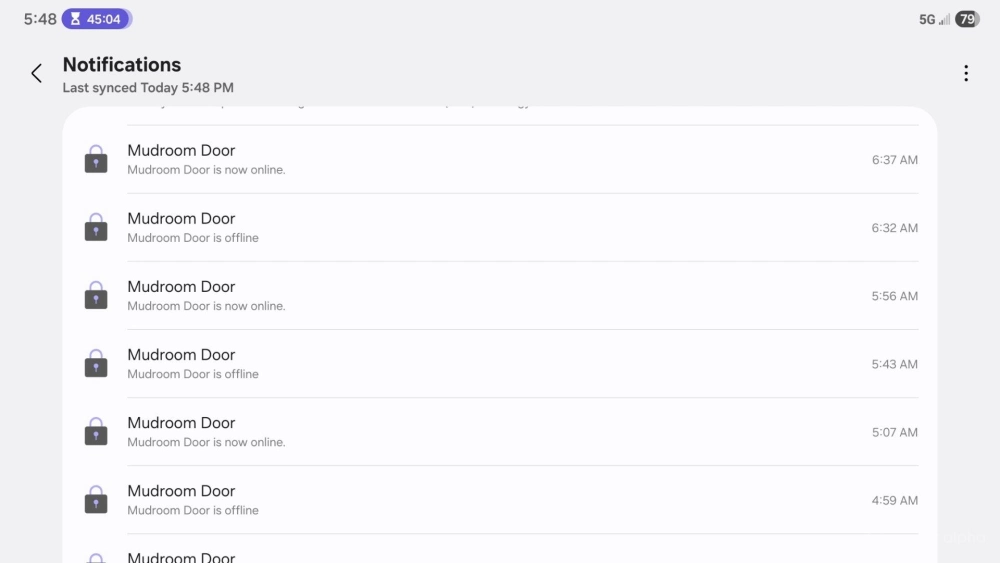
Unfortunately, disabling notifications doesn’t make the problem go away. The link disconnects for ten minutes at a time or so before reconnecting. It’s then online for around 35 minutes before disconnecting. I don’t know the reason for this behavior, but it’s fairly consistent. This means I can’t depend on being able to remotely unlock my door, as I might want to do for my kids after I’ve pulled into the driveway. Sometimes the bridge will simply be offline.
This is not great, especially when Lockly is asking $90 for the product. To be fair, I don’t have the bridge directly facing the door within the 30-foot range. On the other hand, power outlets aren’t something we can move.
Should you buy the Lockly Secure Link Wi-Fi Hub?
Ultimately, this Matter bridge reduces the urge to swap out my smart locks. I want Matter compatibility, but my family is otherwise happy with the locks we already have, and we don’t want to swap them out for another style or brand. I’ve tried out the SwitchBot Lock Ultra, and quite frankly, I was eager to uninstall it and put my Lockly Secure Plus back in its place.
The Lockly Secure Link's connection hasn’t been as reliable as the SwitchBot Lock Ultra, but at the end of the day, I’d rather have a smart lock I like with an intermittent Matter connection than do without a Matter connection entirely.
Sadly, the price is high enough, and the reliability low enough, that I can’t tell you to rush out and buy one yourself. If you think, like me, you’d be happier taking the plunge anyway, just be sure to take a long, hard look at the placement of your power outlets before you do.