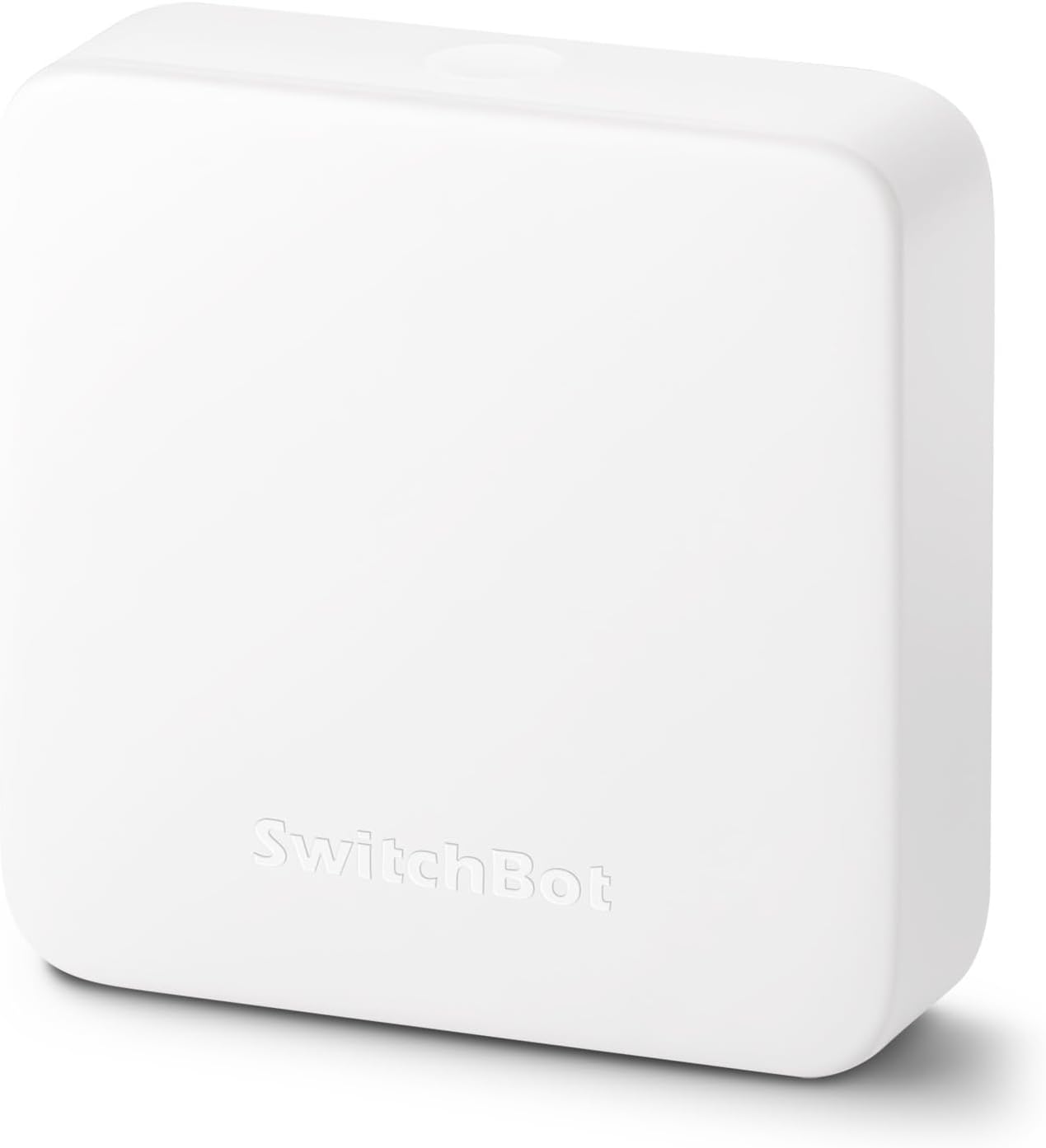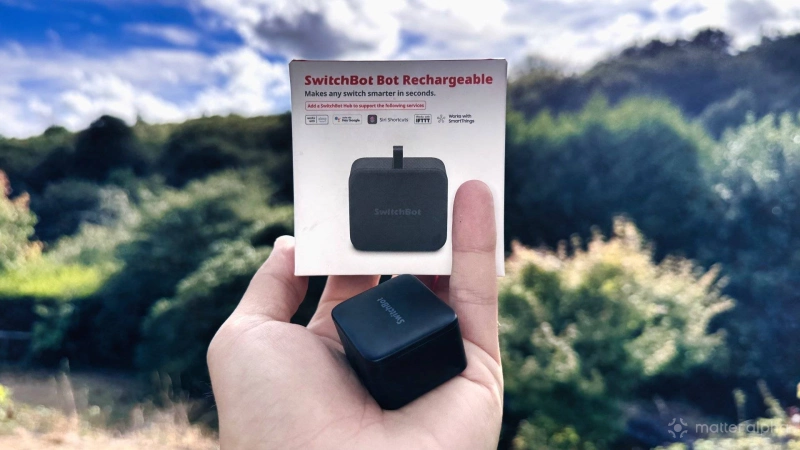
Your home is full of silly little buttons that aren’t smart. Coffee machines, computer power switches, legacy lighting that can't be changed, etc. The SwitchBot Bot (around $25 at the time of writing) is a tiny smart home button-pusher — a robot with one very simple function: physically push (and pull) switches.
The SwitchBot Bot is a pretty special product because it’s the device that got the entire SwitchBot company started — it’s literally in the name. Originally it was just "the Switch Bot" from Wonder Tech Lab, starting life way back in 2019 as a Kickstarter. It was only later that it had to be renamed the SwitchBot Bot as the company expanded into all sorts of other things, and, dare I say, lost its focus a little lately by delving into AI for ... reasons. For me, SwitchBot’s strength has always been automating the dumb things.
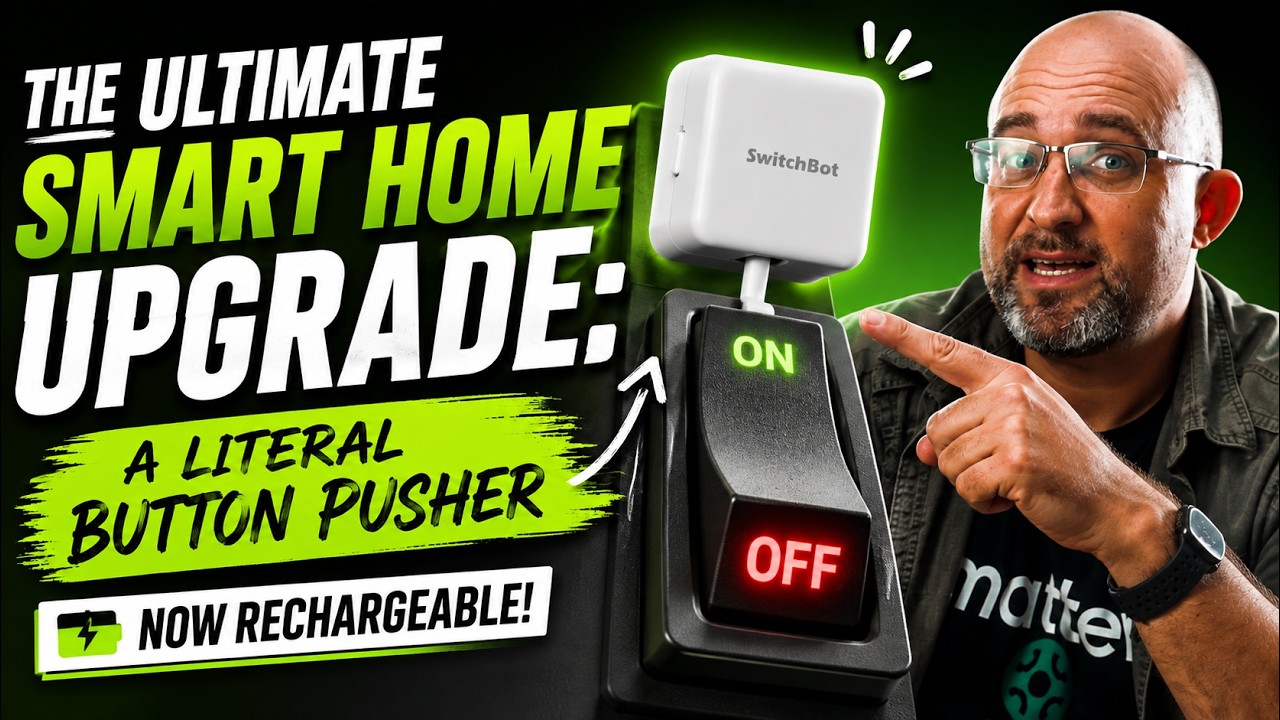
So if this is the device that got them started in 2019, why are we reviewing it today? Well, this one is the SwitchBot Bot Rechargeable.
Batteries in smart home devices are just a fact you have to deal, but usually it's a choice between AA/AAA, and coin cells. But the original SwitchBot Bot used an frustratingly obscure CR2 battery that nobody ever seems to have lying around; nor is it a “pop down to Walmart and grab a replacement” sort of battery. This latest iteration is rechargeable.
It’s still fundamentally the same button-pushing Bot, and nothing has really changed there. But perhaps this clever little device is all completely new to you, so let’s take a closer look anyway.
So what is the SwitchBot Bot?
The SwitchBot Bot has a comically small pushing arm, and it’s designed to securely stick to a surface and physically press a button. It can't press any button — there are some physical limitations, such as deeply recessed buttons or those requiring a huge amount of force. But for most household buttons, the only real limitation will whether you have space to mount the Bot around it, of 1.7W × 1.5H × 0.9D inches. The arm extends from the middle of the widest side.
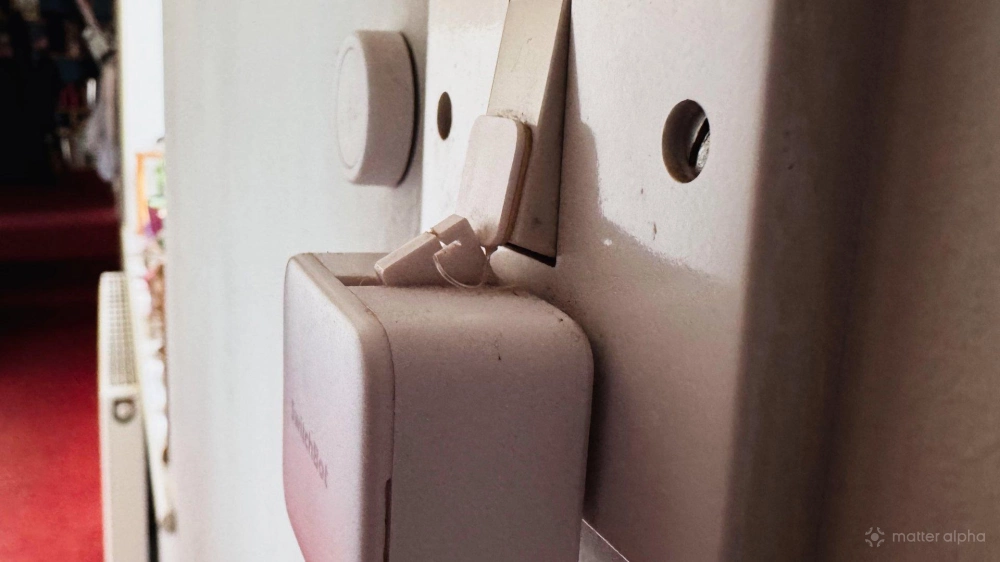
There are a few extra bits included to deal with stubborn or awkward switches, too. You’ll notice a little hook attachment, which can be used to pull a button back up if you’re dealing with a rocker switch. Normally a rocker switch would require you to press either side of it. With the hook attached, the Bot can instead push and pull the same side (pictured below, on the older model)
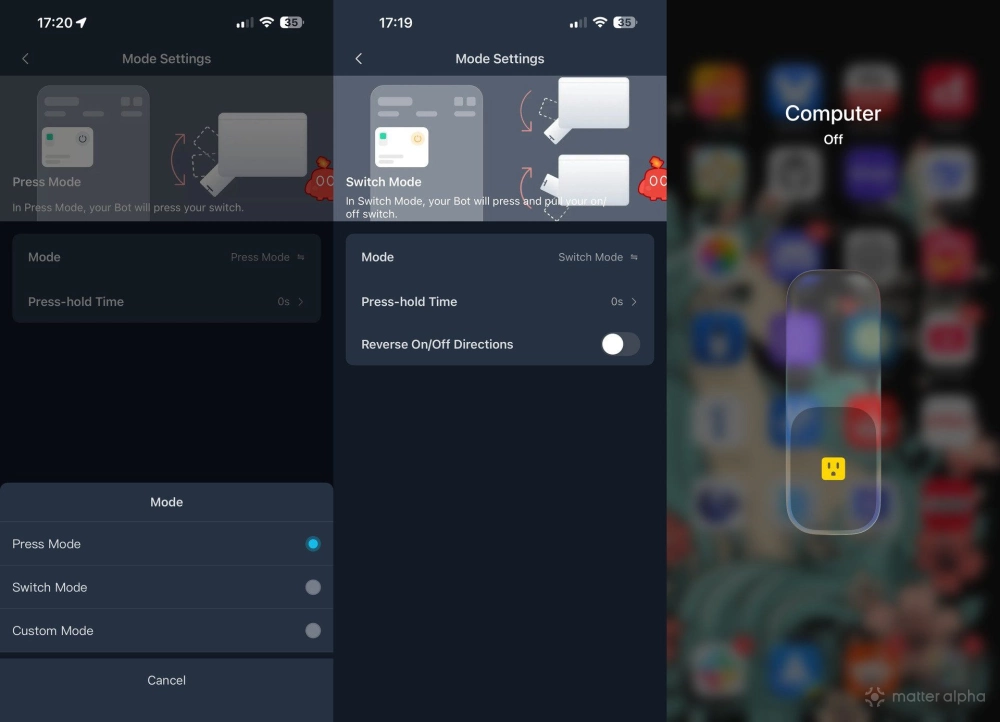
You can also configure the bot arm to stay pressed for a specific length of time if your button needs more than a momentary push, or create an entirely custom sequence of multiple presses if needed (though this will chew through battery quickly). You can press things on command, pair with a SwitchBot Remote, or even set it on a schedule.
In terms of physical design, though, it’s essentially identical to the original.
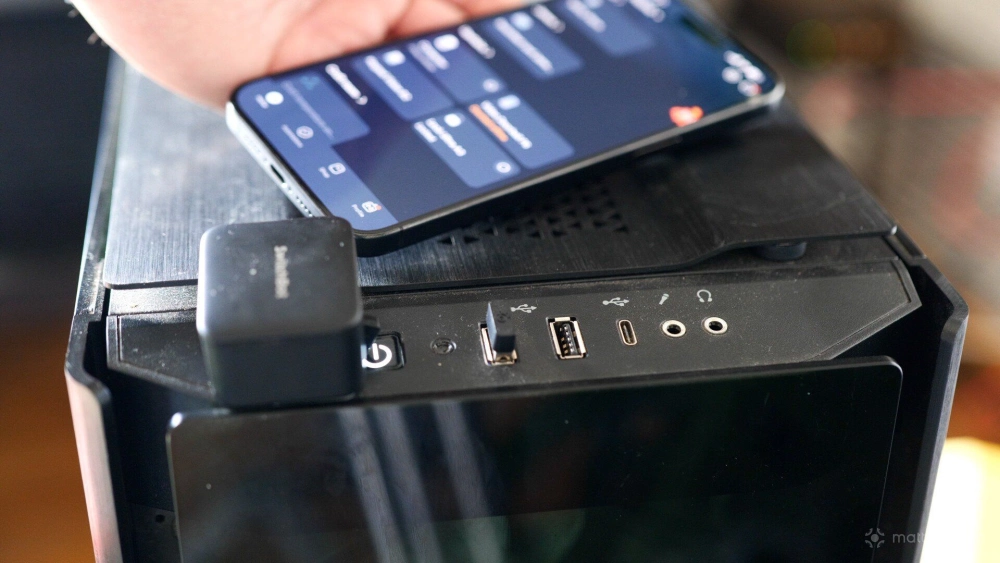
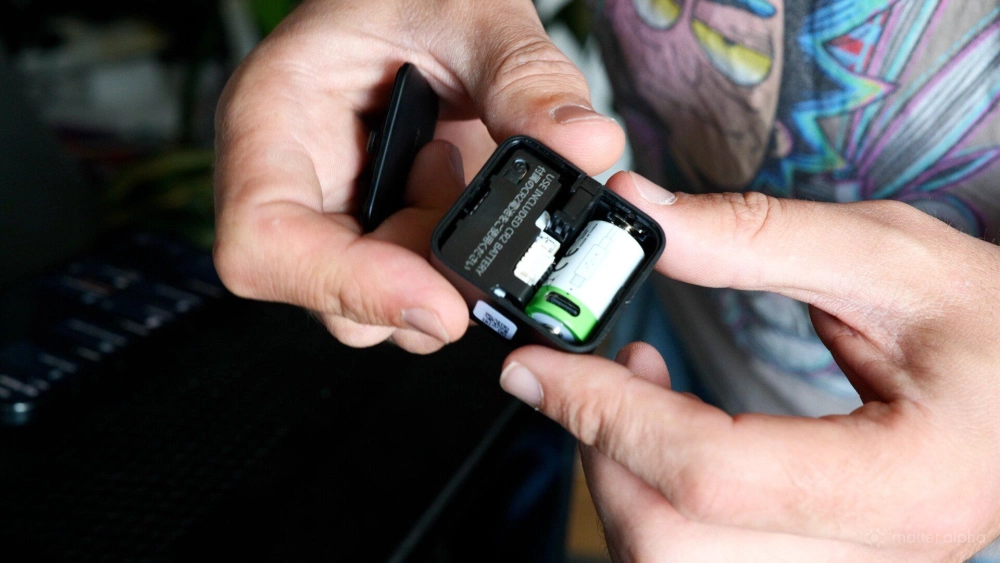
In fact, somewhat annoyingly, there isn’t even a USB-C socket on the Bot itself. Open the top and you’ll find that it still uses a CR2 battery. The difference is that the battery included with this model is rechargeable; the battery itself has a USB-C port on it. There is an upside to that approach. If the battery eventually dies completely, you can replace it rather than throwing away a the whole device if it were to use a built-in lithium battery. If the USB-C port were built into the Bot itself, you’d need an outlet or portable battery near wherever you’d installed it. As it happens, mine is right next to some USB ports on my PC, but obviously that depends entirely on where yours ends up.
I suspect SwitchBot also did this to avoid redesigning the entire product, but it makes practical sense. The Bot is intended to be a permanent installation. Once you’ve stuck it down, you can't keep removing the whole thing just to charge it, then re-attach it. Velcro wouldn't be strong enough. It ships with one spare sticky pad to relocate once, but I had to use it anyway as my computer button sits in an annoyingly tight crevice.
Using it to control my gaming PC
I wanted to automate turning on my cinema and gaming room rather than fiddling around with four or five different remotes and power buttons. I also wanted to be able to switch the PC off from bed if I’ve forgotten, which does occasionally happen. The Bot allows me to have a routine run around midnight, check whether the PC is still drawing power, and shut things down if necessary.
There is a slight sync problem to keep in mind, though. A PC power button is a soft power switch. Pressing it normally initiates a graceful shutdown, rather than instantly cutting power. But of course that doesn’t always work. An application might block shutdown, Windows might decide now is the best time for a system-breaking update, or other such nonsense. To be fair, that isn’t really SwitchBot’s fault. The Bot has absolutely no way of knowing whether the device it just pressed actually turned on. It’s a tiny plastic finger. It presses the button and hopes for the best. In my case, it was easy enough to resynchronise things by unplugging the PC, triggering the Bot again, then reconnecting the power; but you also need to remember not to use the typical Start -> Shutdown when you're done, or things will get out of sync again.
So for this particular use case, I’d recommend pairing the Bot with something else that can monitor power consumption, such as an energy-monitoring smart plug. That gives your automations some idea of whether the PC actually shut down rather than blindly assuming the button press worked. But you'll still end up with the on/off status being out of sync; there is no momentary pushbutton switch type defined in Matter.
Matter support
Like a lot of SwitchBot devices, the Bot itself is Bluetooth-only out of the box. If you want to expose it to Matter, you’ll need a compatible SwitchBot Hub.
I’ve been using a Hub Mini in my cinema. It’s a cheap little device (around $30), and once everything has been added to the SwitchBot app, you can then add the Hub to your favorite smart home controller using the standard Matter pairing process — it appears as a Bridge device. The Hub Mini can also control legacy IR devices, so it's handy for AV equipment.
Once added to your controller, head into the SwitchBot app and use the Hub -> Settings > Bridged Devices option to expose the Bot through Matter. I also renamed mine because otherwise it automatically appeared with a fairly meaningless name of “Bot 5F,” which isn’t especially useful when you’re building automations.
Should you buy the SwitchBot Bot Rechargeable?
If you don’t already own a SwitchBot Bot and you want to remotely press some random physical button through Matter, then this remains one of the simplest ways to do it. You will need a SwitchBot Hub of some kind for Matter support, but realistically a Hub is an essential purchase if you’re planning to use much of the SwitchBot ecosystem anyway. ThirdReality also does a "finger bot", but it's for a very specific type of light switch (and runs on Thread, which is a downside in my opinion).
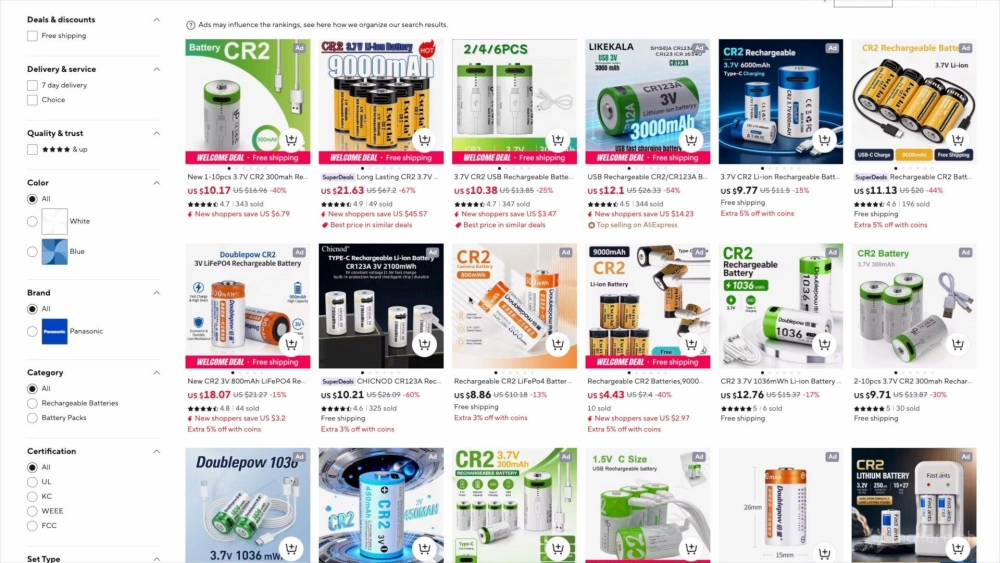
On the other hand, if you already own the original SwitchBot Bot, there’s absolutely no reason to upgrade. Literally the only difference here is the battery. You can even buy rechargeable CR2 batteries separately for roughly $11 for a two-pack, so if the obscure disposable battery was your only complaint about the original Bot, congratulations: problem solved.
There is one trade-off. Rechargeable batteries generally don’t last as long between charges as equivalent disposable ones, so you may find yourself opening the Bot and fiddling with the battery more often. But over the lifetime of the product, I’d happily take the lower running cost and reduced waste over the slight convenience of squeezing a bit more runtime out of disposable batteries.