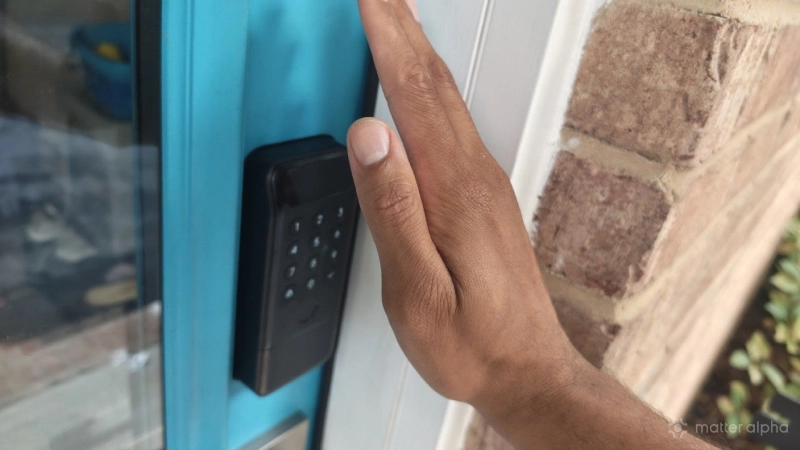
The SwitchBot Lock Vision Pro is one of the best Matter-compatible smart locks you can buy, one that can scan not only your fingerprint but also your face and palm as well. But technology slows down for no one. Without the native smartphone wallet credentials enabled by Aliro or ultra wideband Bluetooth, is this the best lock to place on your door for years to come?
An attractive lock that's remarkably easy to set up
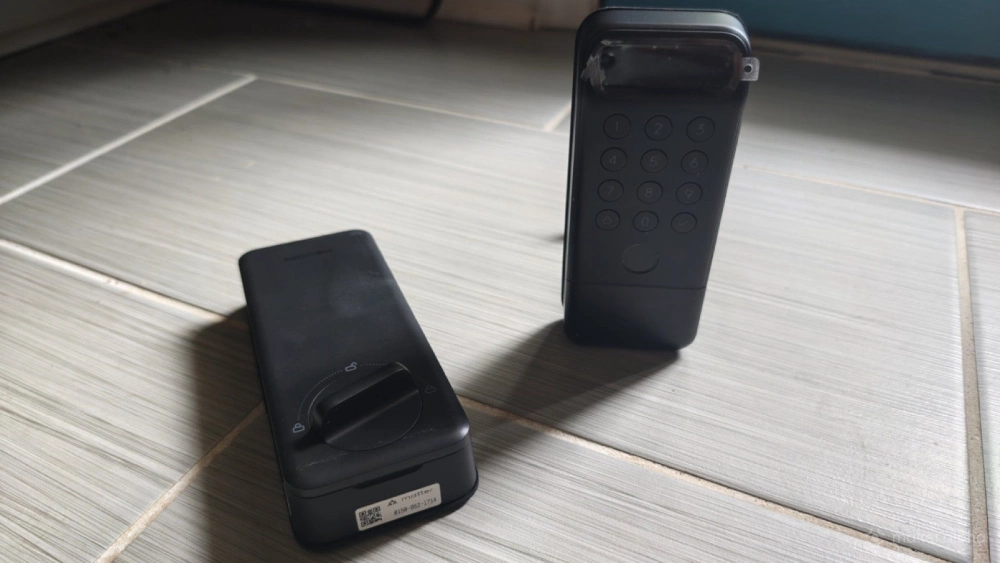
The SwitchBot Lock Vision Pro is a deadbolt replacement, not an add-on you can retrofit on top of an existing lock. This makes it non-viable for most renters, but it's preferable in my situation as a homeowner with the freedom to swap out the lock. When I previously tried out the retrofit SwitchBot Lock Ultra and Keypad Ultra Combo, I was dismayed to find the door wouldn't unlock one day because the Lock Ultra had fallen off and was lying on the floor, attempting to turn a lock it was no longer attached to.
That can't happen with the newer SwitchBot Lock Vision, which is screwed in place.
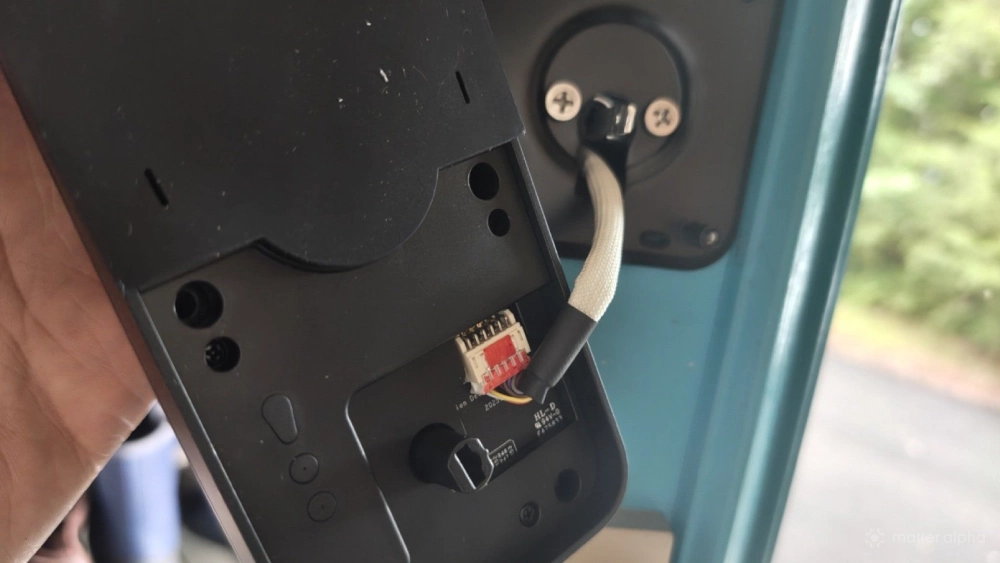
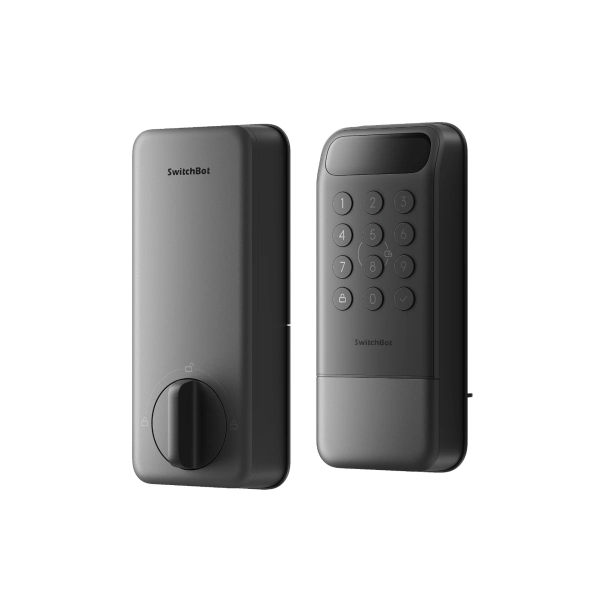
Inside the box, you will find the Lock Vision Pro split into two parts: the keypad half for the exterior and the interior half with the thumbturn and space for the batteries—a sizable 10,000mAh rechargeable main pack joined by a small CR123A backup battery. The box also includes a deadbolt and a catch.
SwitchBot provides both written instructions and a video guide for installation. I received two units, one of which came with screws too large for the plate they go into. I fixed this by screwing larger holes into the plate. Hopefully this was one unit that slipped through QA. That issue aside, I found the Lock Vision Pro to be one of the easiest locks I've installed yet.
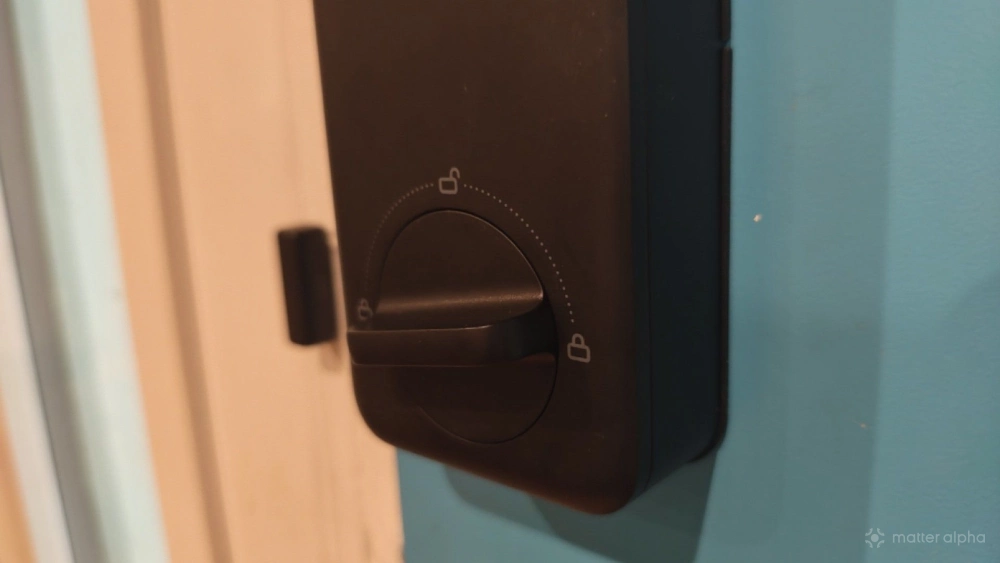
Once set up, I personally consider the Lock Vision Pro to be an attractive unit. I like how it looks on both the inside and outside of my door, and it's a much slimmer package than the Lockly Secure Plus unit it's replacing. I only have one issue with the design, and that's the feel of the thumbturn. It's plastic, and I do feel I could break it if I turned with too much force. Since it's all black, those who are unfamiliar with the lock may have a hard time seeing the thumbturn as they leave at night, as I discovered one day when guests were leaving.
Introducing over a half dozen different ways to unlock your door
When I bought my first home ten years ago, I felt fancy swapping out my simple keylock for a keypad alternative. Now that feels quaint. While this is at its core a keypad lock, in my home, those numbers are for the kids and guests. My spouse and I prefer to scan our fingerprints. Yes, while this lock adds other forms of biometrics, the fingerprint remains my favorite. It is faster to register than other forms of recognition, and since I need to reach for the door handle regardless, I might as well scan my thumb on the way. Unlike my previous lock, which placed a fingerprint scanner on the side, the SwitchBot Lock Vision Pro's scanner is on the front of the device. I find this makes the thumb the easiest digit to scan.
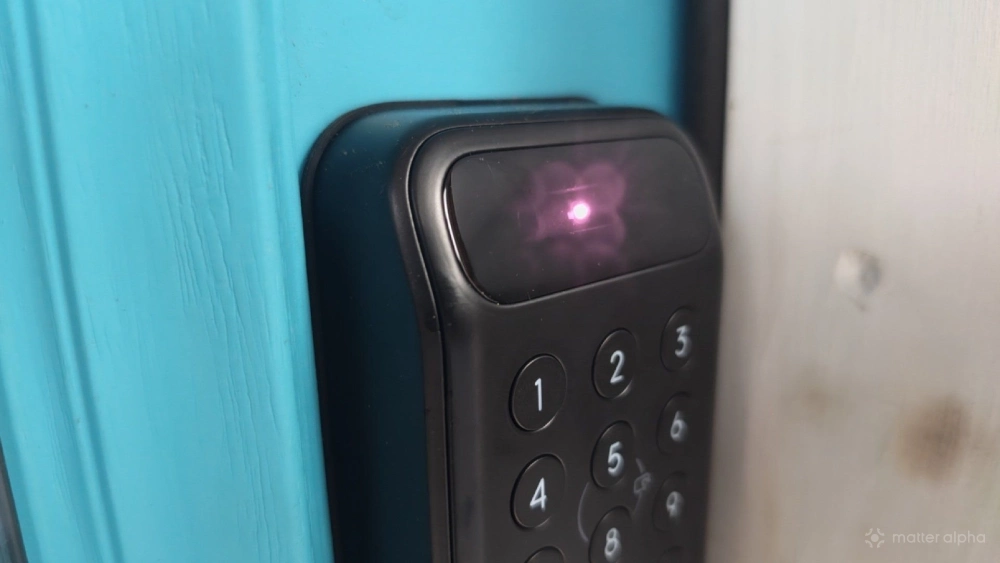
I think of the facial recognition as nice to have, but it's not fast enough for me to rely on. While SwitchBot advertises recognition that takes under a second, this is only true if you are the optimal distance from the lock. Each time it tells me to take a step back as it tries to read my face, I just reach my thumb forward instead. I found palm vein recognition even less practical. While it is cool that the camera inside the unit can detect the veins underneath the skin of my palm, the only time I don't want to scan my thumbprint is when I'm wearing gloves. Unfortunately, gloves obscure my palm veins as well.
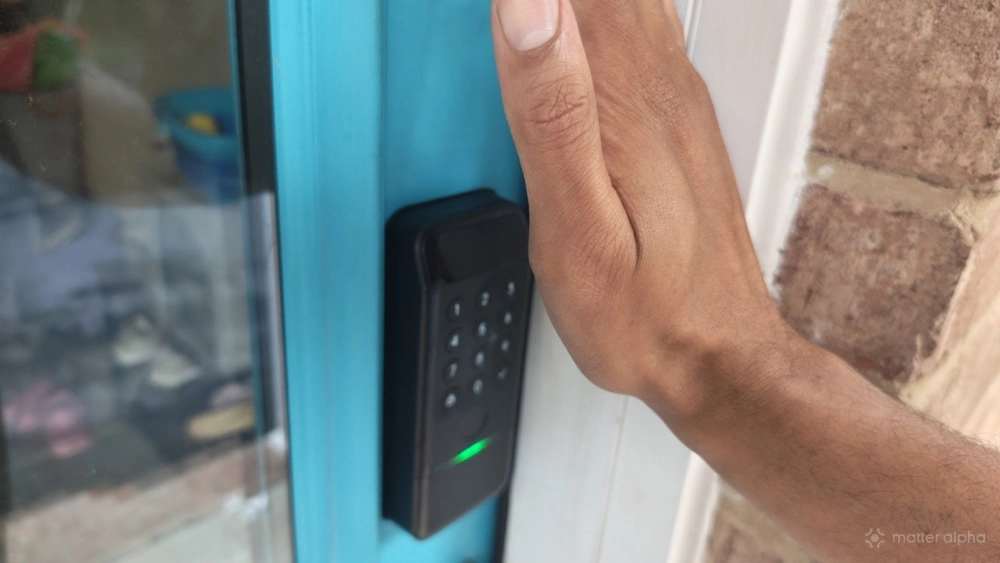
There is an NFC option that requires a separate card you keep in your wallet, but there's no option to create a digital key that allows you to tap your phone against the lock, due to the lack of Aliro support. That said, a Bluetooth proximity option is in beta, promising the ability to unlock the lock just by having the phone nearby. This doesn't use ultra-wideband Bluetooth and ultimately requires giving the SwitchBot app more permissions than I'm comfortable with for a feature that isn't yet being advertised. I chose to skip it.
The lock does come with good old-fashioned physical keys to keep on your keychain to prevent you from ever fully getting locked out. Lastly, you can open the lock from a distance using an app, which brings us to the main event.
An excellent lock for your Matter smart home
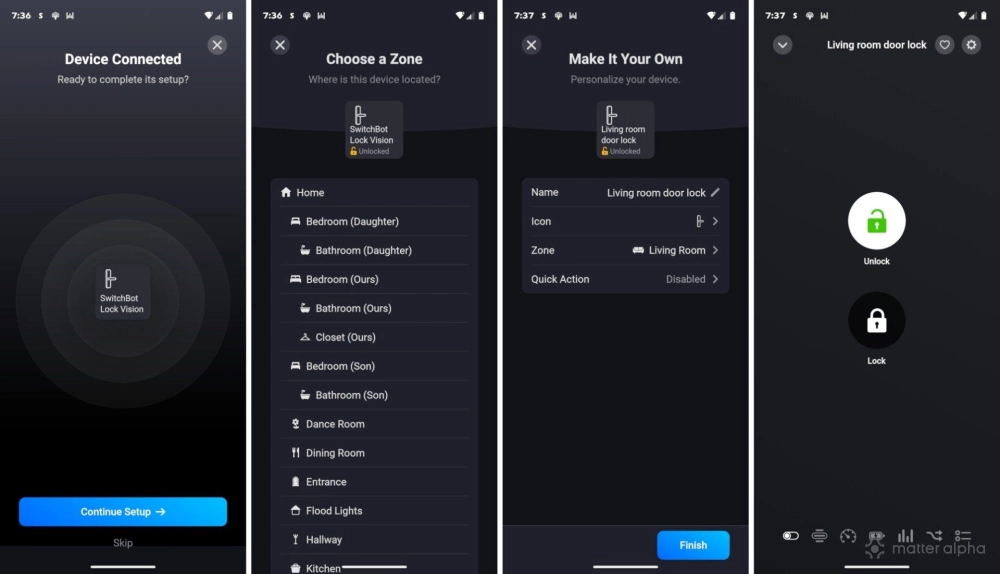
I could do without two-thirds of the methods for unlocking this lock, including the ones that are its namesake. What I appreciate the most is that this lock is Matter native. Unlike most SwitchBot products, it does not require that you own a SwitchBot hub capable of serving as a bridge. In fact, the Matter pairing code comes on a sticker adhered to the bottom of the interior half of the unit, though you still need the SwitchBot app to set up the device before you can add it to your Matter-compatible smart home platform of choice.
The Keypad Lock Vision Pro has proven very responsive to all of my commands from the Homey app. I also appreciate that I can see whether the lock is locked while scrolling through my devices without explicitly needing to tap on it. That said, Matter functionality is limited to locking and unlocking the door. Creating temporary passcodes for guests or adding more fingerprints is functionality reserved for the SwitchBot app.
Should you buy the SwitchBot Lock Vision Pro?
The SwitchBot Lock Vision Pro comes at an interesting time. On one hand, it's objectively one of the most feature-packed and futuristic locks you can buy. On the other hand, it's already dated. This is not an Aliro lock, the new standard from the Connectivity Standards Alliance that lock manufacturers have embraced. Nor does it have ultra wideband Bluetooth. If you want to use your phone as a key, allowing you to unlock your door just by walking up to it, then you'll be better off purchasing the Schlage Sense Pro.
But as a keypad lock with excellent Matter connectivity, it absolutely delivers. The "vision" components work well enough that it's better to have the option than not, but at the end of the day, I'd buy this purely as an attractive keypad lock with fingerprint scanning that happens to connect via Matter. The gimmicky parts are hit or miss in how reliably they work, but the essentials I care about—those are all superb.
SwitchBot Lock Vision