A presence sensor is the foundation of a smart home. This type of device turns various aspects of your home from objects you need to control into devices that act on their own—but for your home to reach this next level of automation, presence sensors need to be located in all the places where they're helpful, and that means they need to be affordable.
The SwitchBot Presence Sensor is neither one of the first nor one of the best Matter-compatible presence sensors, but it may just be the most reasonable option to build your home around, especially if you keep an eye out for one of its many recurring sales.
It may be cheap, but it doesn't look it
SwitchBot sent me some samples for review, but I purchased additional ones on sale when two packs only cost $30. That means I paid $15 per presence sensor. The regular price is $30 each with two packs costing $55. That price still undercuts most of the competition, but it is worth noting that you can get a Meross presence sensor for the same price. The latter supports Thread and doesn't require a hub.
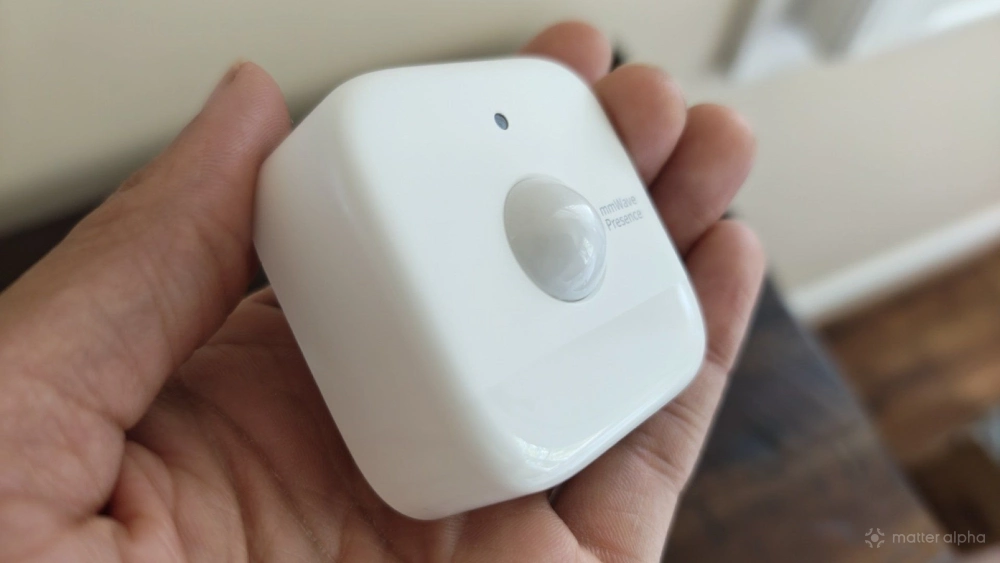
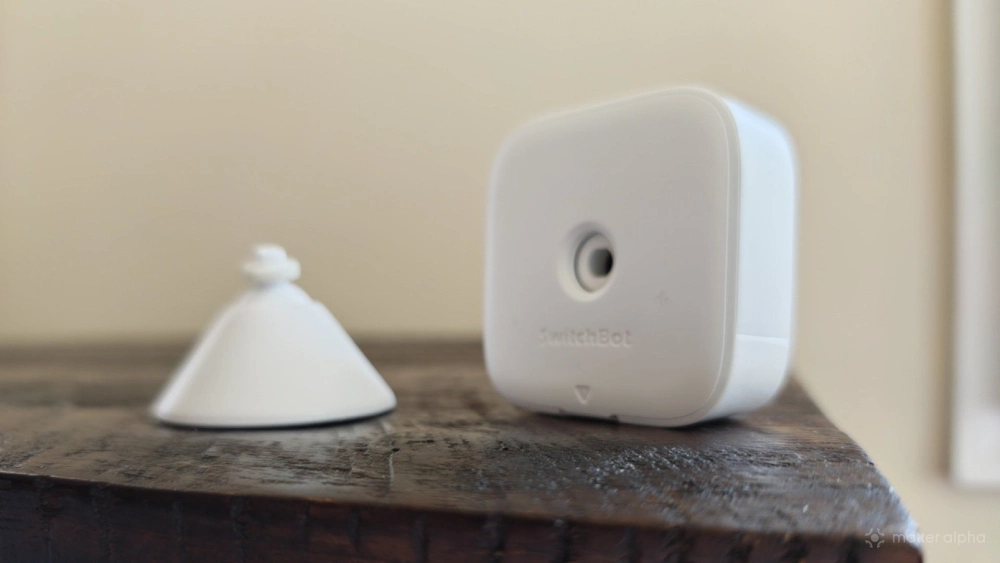
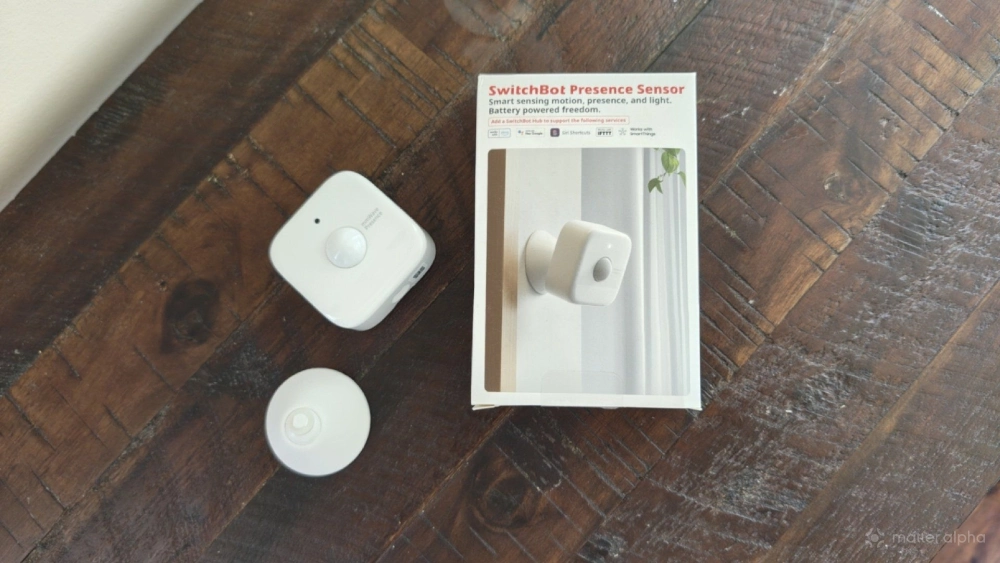
As is appropriate for a product of this size, the SwitchBot Presence Sensor comes in a tiny box with minimal packaging. You get the square-shaped unit itself, which has a dome in the middle with a small LED light just above. The design isn't quite as minimal as the Lafaer LWR01, but it's far more streamlined then the Aqara FP1E.
The back can be pried off using just your finger, and it’s here where you place the included AAA batteries.
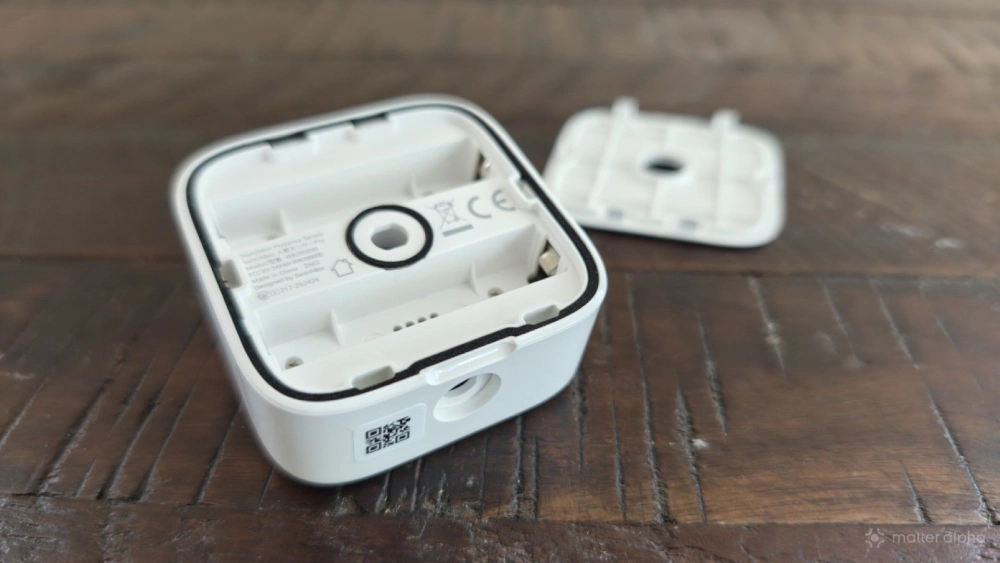
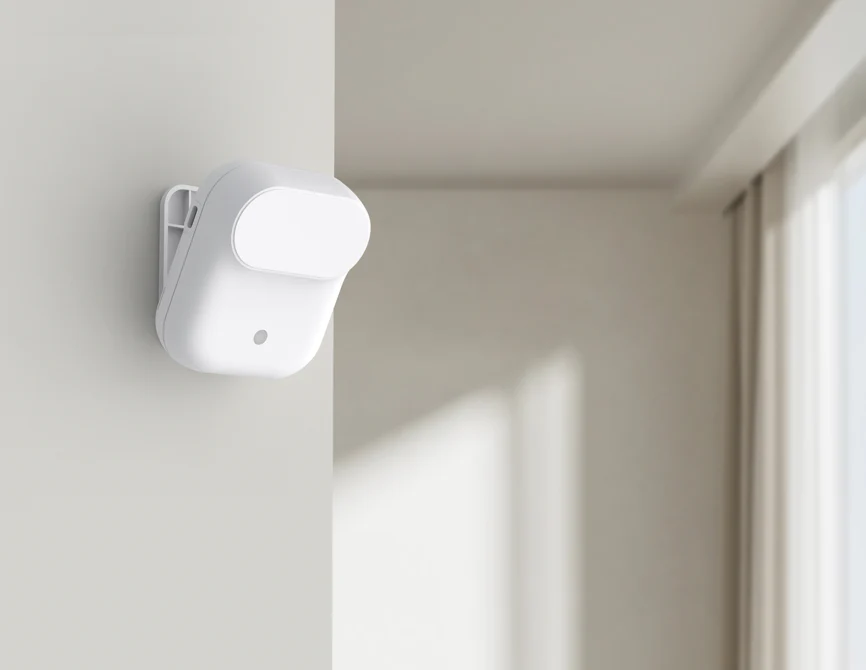
The sensor is designed to stand up on its own when placed on a flat surface, such as a bookshelf, but it also contains two slots where you can insert the included mount. You can stick in either the back or the bottom. Both will enable you to rotate and adjust the angle of the presence sensor so that it best covers the target area.
Bridging the presence sensor to your Matter smart home
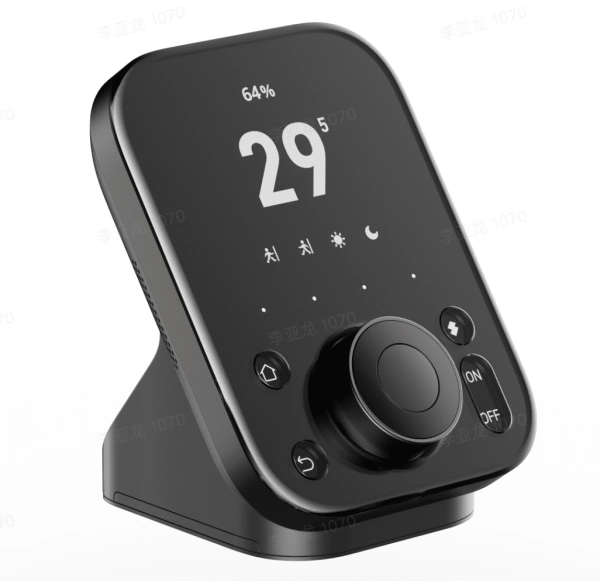
As soon as you've inserted the batteries, the presence sensor enters a pairing mode. You will need to download SwitchBot’s mobile app to pair the device. Since the sensor doesn't do anything on its own, you will also need to have a SwitchBot hub in order to connect it with the other devices in your home. If you plan to buy a bunch then it should probably be the SwitchBot Hub 3, which compare up to 30 devices.
SwitchBot Hub 3
Also available at
Once connected to a hub, the presence sensor can interact with any other SwitchBot devices connected to your SwitchBot account. SwitchBot has also created integrations that directly tie it to smart home ecosystems like Google Home and Amazon Alexa. I personally take advantage of SwitchBot’s integration with my Homey Pro for many of my SwitchBot devices. In the case of this sensor, those direct integrations are not required. SwitchBot's Matter compatibility is all you need to trigger automations with any Matter product.
The presence sensor does not come with its own scannable QR code or Matter pairing code for you to type in. Instead, you access the SwitchBot hub that the sensor is connected to within the SwitchBot app. From there, you can select the presence sensor as a device you wish to bridge.
120 degree coverage at up to 8 meters
SwitchBot's presence sensor can detect light, so it knows if a lamp is on or whether any rays are coming in through the window. It can detect sound, so it picks up on whether kids are stomping about. The passive infrared sensor paired with mmWave technology, a type of short-wavelength electromagnetic signal, is sensitive enough to pick up on the rise and fall of a chest. This means it can can detect your presence in a room even if you are just lying in bed reading. Most of the time it knows I'm there, but it has turned the ceiling fan off prematurely on occasion.
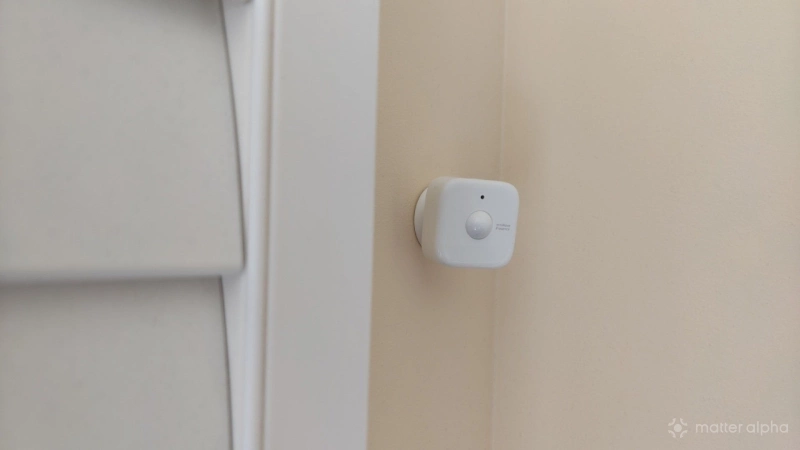
How well this all works depends heavily on placement. The SwitchBot app does a good job illustrating what the sensor can see. The 45-degree area directly to the side are blind spots, but the sensor can view a 120-degree field ahead to a distance of up to eight meters. With this knowledge in mind, it is up to you to best angle and place the presence sensor in a way to increase its effectiveness. SwitchBot advises that you place the sensor at chest height. If you have pets, it recommends that you mount the sensor upside down so that it does not regularly trigger when your little ones are running about.
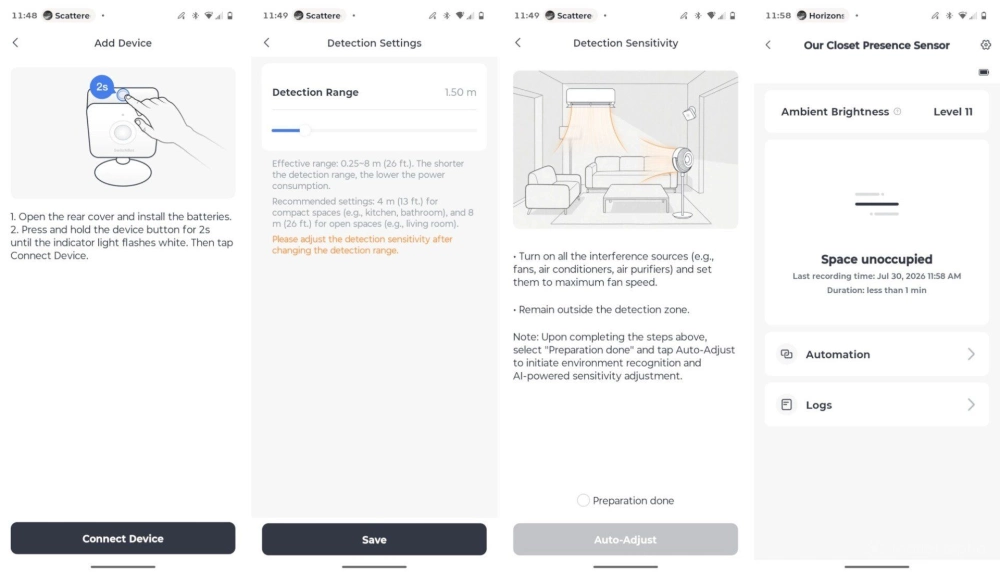
During setup, you will be instructed to turn on fans and any other sources of ambient movement. You should then leave the room. The sensor will then spend a few minutes studying the area. Afterward, you will be asked to select how much distance the sensor should cover. A large room may need the maximum eight meters, whereas a pantry or bathroom may only need two or three. The shorter the distance, the less power you draw, and the longer the battery will last. In any case, the battery life can last a year, but that’s not likely in large rooms that see a lot of use. I have a large open concept living room that sees constant traffic throughout the day. I've set the presence sensor in there to the max distance, and after roughly a month of use, I've already received a notification that is time to change the batteries.
I have found the SwitchBot presence sensor to do an accurate job picking up on when I enter and leave a room. In my weeks of testing, the devices have been a harmonious addition to my home. I have placed them in many of our main living areas, as well as in our bedroom and bathroom.
I have the presence sensor activate my ceiling fan and SwitchBot circulator floor fans when we enter a room, and when we leave. In the pantry, I have this sensor trigger the light to come on and turn off. In the bathroom, the sensor triggers when we leave and tells the bathroom exhaust fan to turn off after a set amount of time. This way, the fan can run for long enough after a shower to reduce humidity without being left on for hours at a time accidentally.
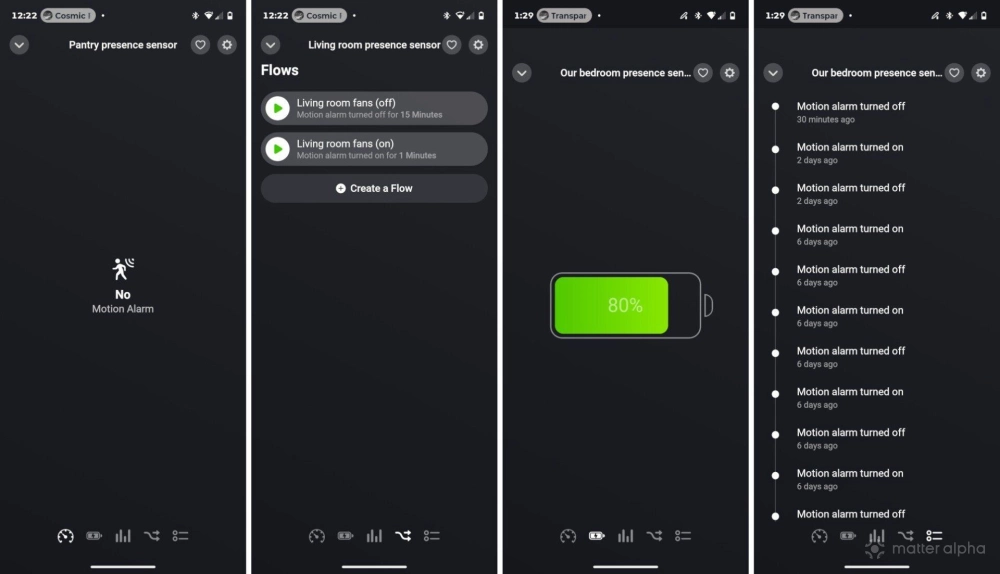
That said, there are some things to be prepared to work around when setting up the device. SwitchBot does not instantaneously send a signal from the sensor to the hub. The presence sensor may wait five seconds before confirming whether or not it detects movement. This means that when you are designing automations, at least five seconds will pass before anything happens. If you create an automation to trigger five seconds after detecting your presence, then that automation will actually take 10 seconds.
When I enter the living room, this delay is not a big deal. I actually baked in a longer delay before activating ceiling fans and a longer weight period before turning them off, to prevent the fans from turning on and off constantly just from us passing through the main living areas. This delay is more noticeable in the pantry, where I would like to see the light come on as soon as I enter a space. This is an area where SwitchBot’s own motion sensor has the advantage, since it can pick up on motion faster than the present sensor can determine your presence.
Should you buy the SwitchBot presence sensor?
The SwitchBot Presence Sensor is relatively basic and lacks the advanced functionality you can find in presence sensors like the Aqara FP2, such as the ability to know when multiple people are present or the capacity to divide a room into zones and detect which zone you're in. The Aqara presence sensor also comes with Matter built-in, meaning it does not need a hub. The catch? It costs over $80. That means Aqara's presence sensor costs quite a bit more than a two-pack of SwitchBot’s.
This is one type of device where, perhaps more than most, price cannot be ignored. If you need a dozen or two presence sensors to automate the spaces in your home, that price difference is enough to determine whether or not this project is even attainable at all.
With that framing in mind, I find SwitchBot's product easy to recommend. I find it easy to set up and most false positives have been easy to address simply by changing the angle and sensitivity of the sensor. SwitchBot's presence sensor is a compelling offering for all but the most discerning of smart home enthusiasts. It's not best in class, but it passes the bar of being good enough.