Homey can be described as Home Assistant without the complexity. This year, the company enhanced the Homey Pro with more memory and increased performance, all without changing the $400 price—that is, not until the RAM tax led to across the board price increases, resulting in a $50 bump.
At that price, is this the most premium off-the-shelf Matter experience you can buy?
The Homey Pro (2026) still makes a powerful first impression
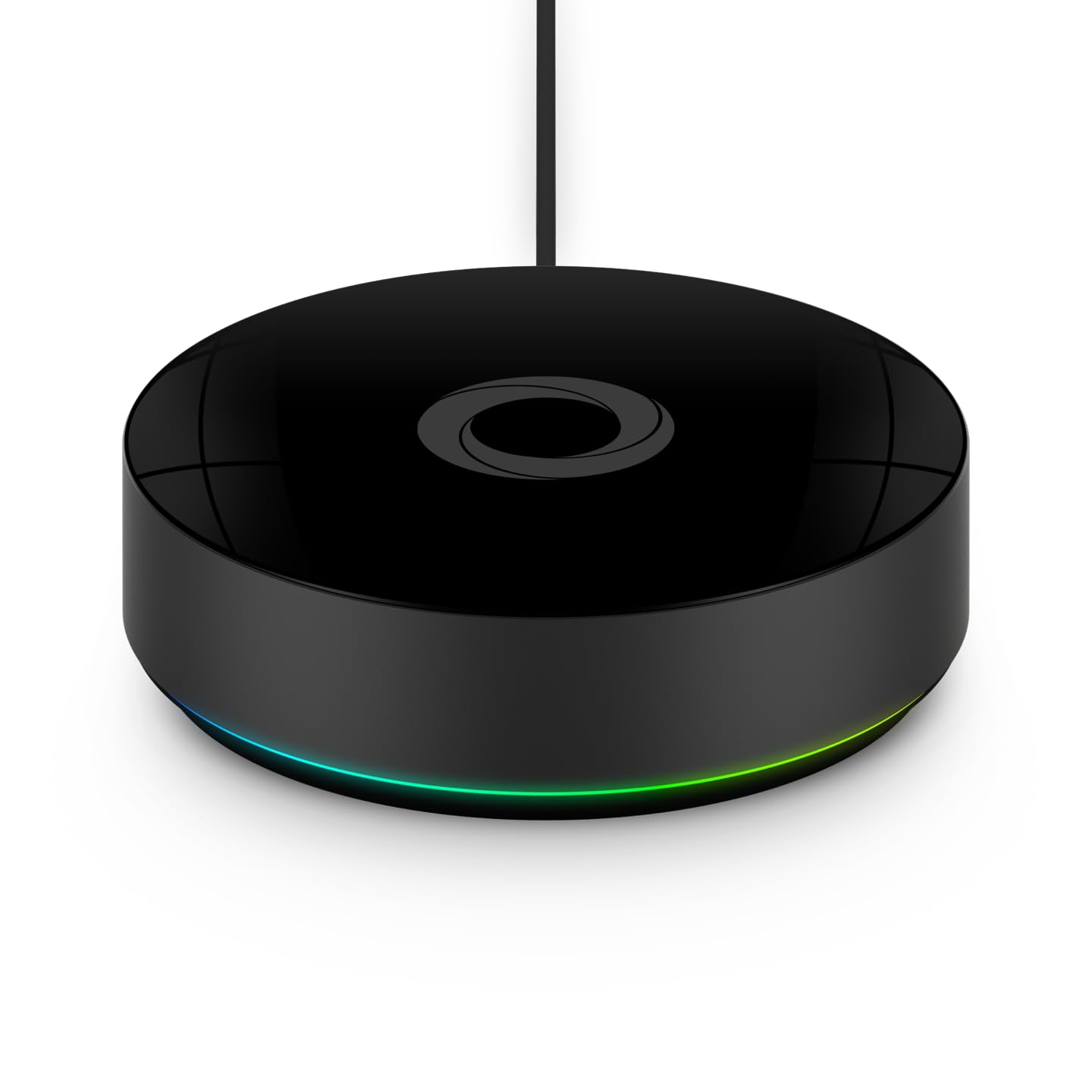
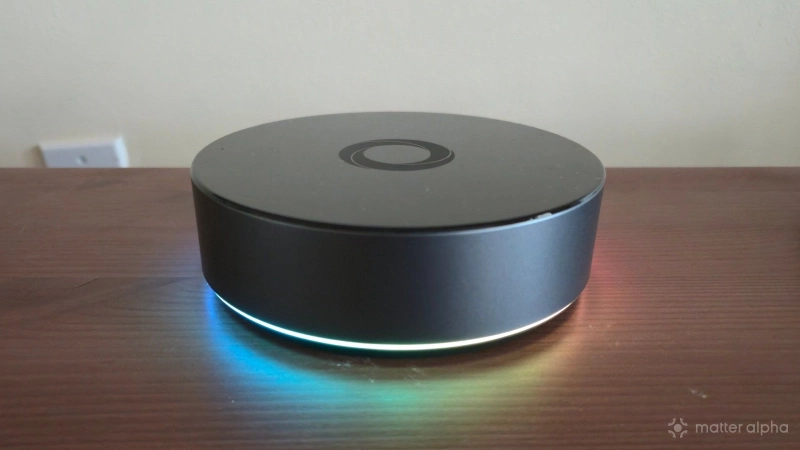
The Homey Pro comes in a small black box, but what's inside is a squat cylinder that is easily the most premium smart home hub I have ever held. There is a matte finish around the sides and a glossy one on top, with the Homey logo in the center.
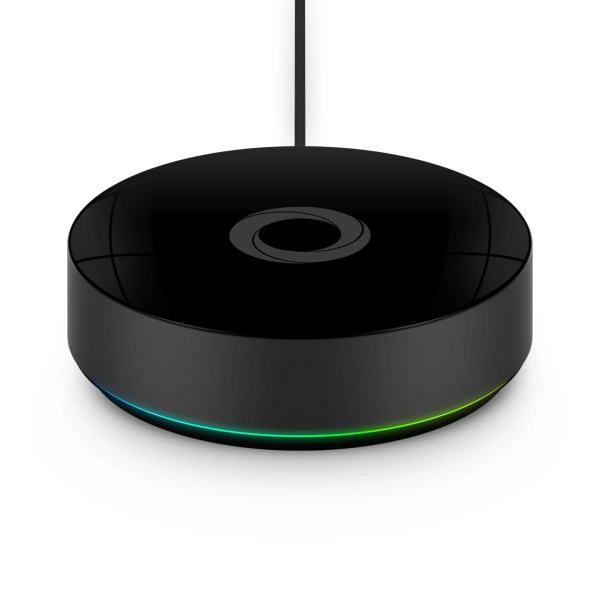
Homey Pro (2026)
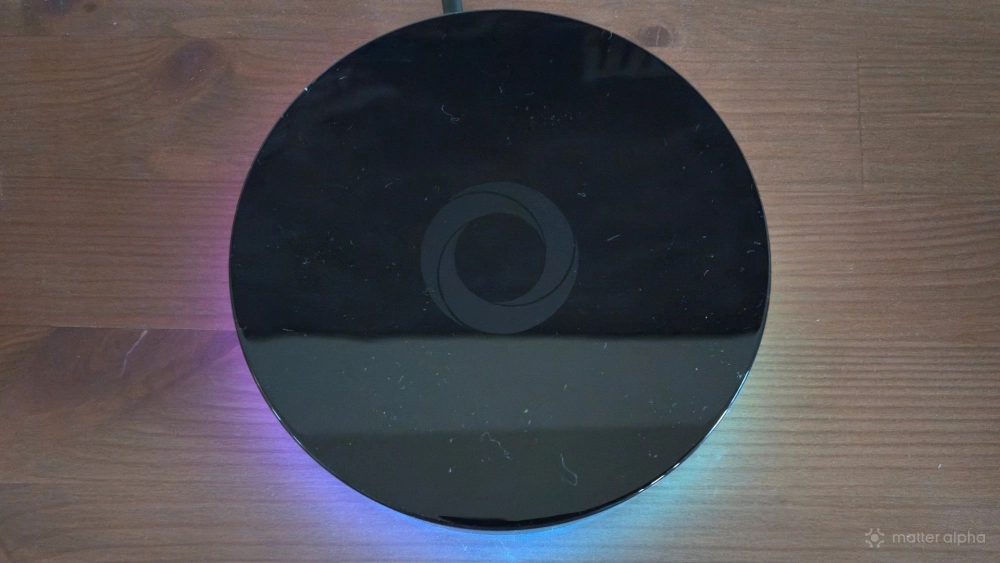
The most distinct characteristic is the glowing LED ring around the bottom, which is primarily aesthetic but also communicates the device's current status. As the Homey Pro boots up, this light forms a white ring that spins around in a circle. Once fully set up, it switches to a glowing rainbow hue, which is what you will primarily see day in and day out. This is novel at first, but I'm grateful there's a way to turn this LED ring off in the Homey app's settings.
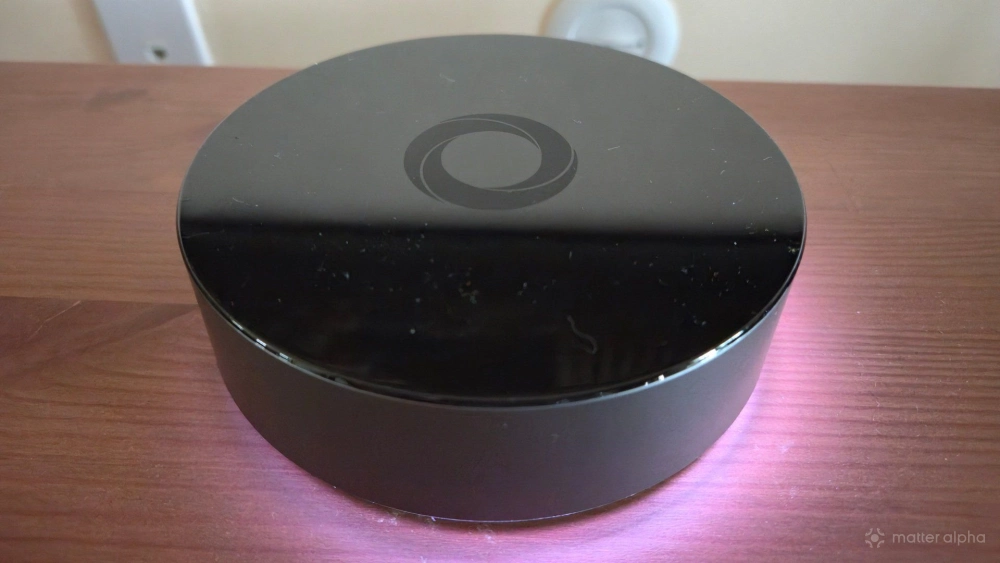
As for ports, that's an area where the Homey Pro doesn't feel particularly "pro." There's only a single one in the back, which is a USB-C port that supplies power. For comparison, my Home Assistant Green, which cost less than half the price, has an Ethernet port, an HDMI port, and two USB-A ports on the back, in addition to a DC barrel plug for power. That box still costs less than half as much as the Homey Pro even following Home Assistant's own recent price hike.
Getting started really is as simple as taking the Homey Pro out of the box, plugging it into the wall, and downloading the app. It is during the onboarding process with the app that you can connect the Homey Pro to Wi-Fi if you don't have an Ethernet adapter.
I won't spend much time discussing the onboarding process with the Homey app or even what the app is like to use. My colleague Ward Zhou recently reviewed the self-hosted version of Homey and his software experience is the same, so check out our Homey review for a deeper look at that part of the experience.
It’s worth picking up the optional Ethernet adapter
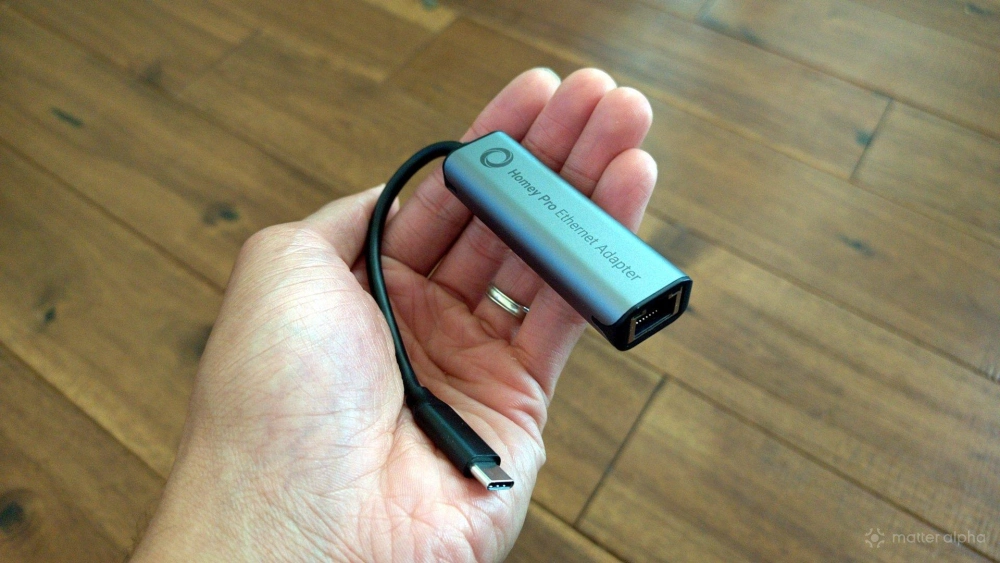
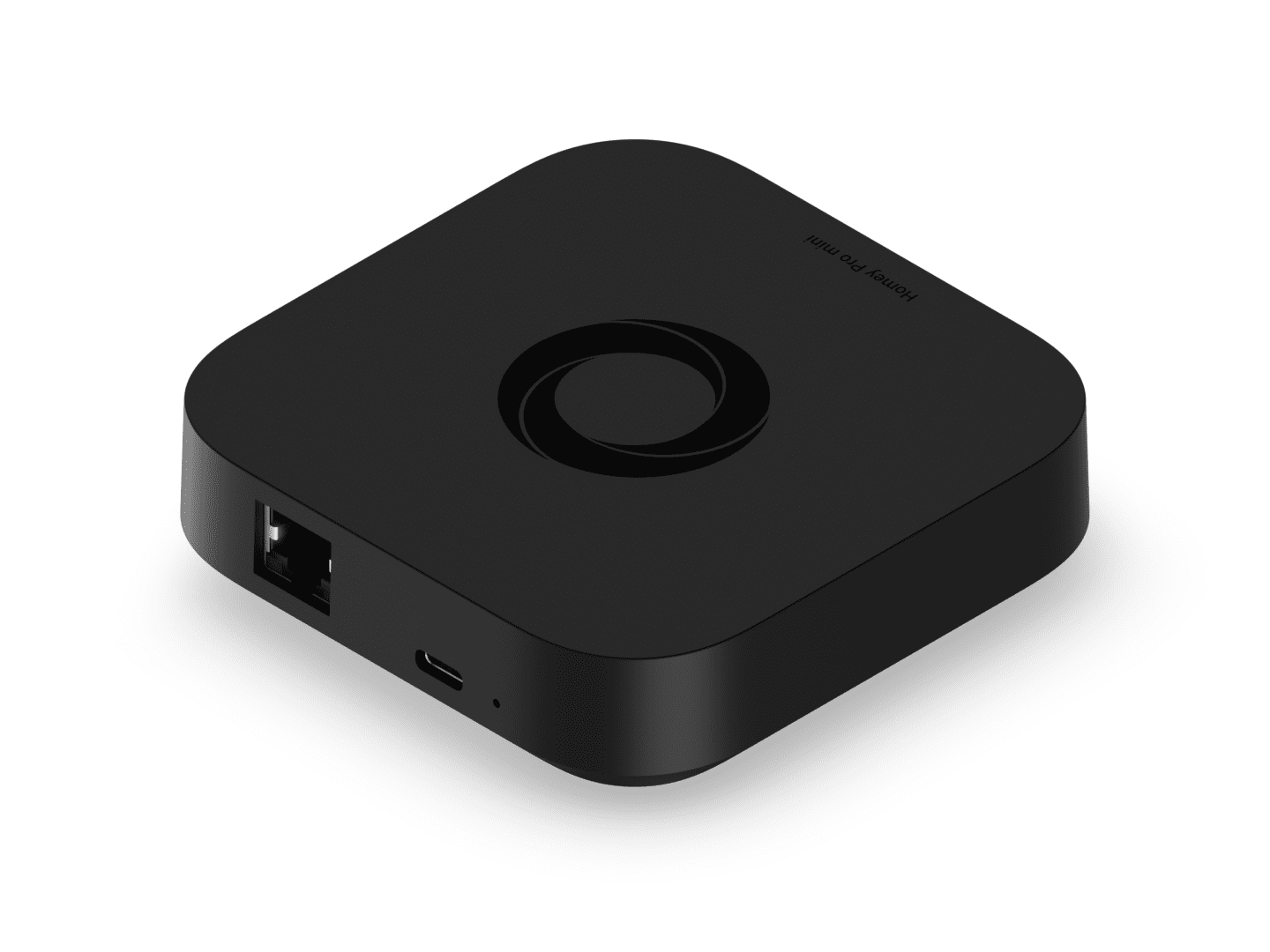
Unlike the Homey Pro mini, the Homey Pro doesn’t come with an Ethernet port. This feels like a glaring omission to me, but it's one that can be alleviated with the use of an optional Ethernet adapter. Homey, thankfully, supplied me with one for this review.
The adapter is a dongle with a USB-C plug for power input on one end, an Ethernet port on the other, and a USB-C port on the side. You plug the dongle into the power adapter that goes into your wall rather than the Homey Pro. This design decision allows the adapter to hang low down by the power outlet, where it's more likely to be out of sight. You then plug a USB cable into the side the adapter, which runs up to the Homey Pro.
I personally feel this adapter is absolutely worth it. I encountered more stability issues during my time with the Homey Pro than with the Homey Pro mini, but I eventually deduced that this was likely due to initially using Wi-Fi with the Pro whereas the Pro mini can exclusively connect over Ethernet. Once I connected the Homey Pro to Ethernet, it became as reliable as what I was accustomed to from the mini.
At $29, the Ethernet adapter isn't unreasonably expensive, but it's still an extra $30 on top of an already steep asking price.
What you're getting for your money
Let's go over the numbers. The Homey Pro costs $449, whereas the Homey Pro mini costs $249. If you treat the $29 Ethernet as a requisite purchase, then the Pro is effectively twice the price.
Is the Pro twice the smart home hub that the Pro mini is? Well, yes and no. The Homey Pro and the Homey Pro mini are functionally the same device, software-wise. The differences take the form of hardware capabilities. While the Pro lacks an Ethernet port, it does come with Z-Wave, Bluetooth, an IR blaster, and 433MHz support baked in.
Those wireless capabilities require purchasing the $69 Homey Bridge to add to the Homey Pro mini. Though, if you're doing the math, that still puts the Homey Pro mini and Homey Bridge combo at only $318, which is still the significantly more affordable route to take. So, what else justifies the price?
Quite frankly, it's RAM. The Homey Pro comes with 4GB of LPDDR4 RAM, compared to the 1GB of RAM you get with the Pro mini. Both have the same 1.5 GHz quad-core ARM processor and 8GB of eMMC storage.
Is an extra 3GB of RAM worth the price difference? I really want to crack a joke here and say yes, but even in this economy, 3GB of RAM isn't quite that expensive (not consumer RAM, at least). But I'm not here to evaluate the cost of the components. I'm here to evaluate the difference in everyday use, and, well, let's get into that.
Does performance make a difference?
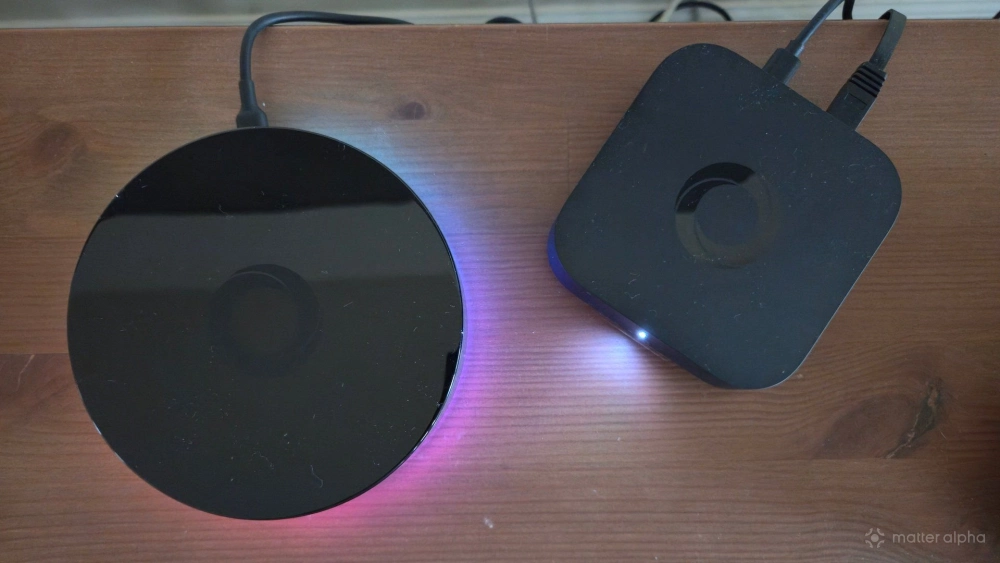
After several months with the Homey Pro, I can handily say that I'm not the ideal customer for this product. I have experienced virtually no difference in performance between this and the Pro mini. 1GB of RAM is apparently plenty for running Homey's software and automating my smart home.
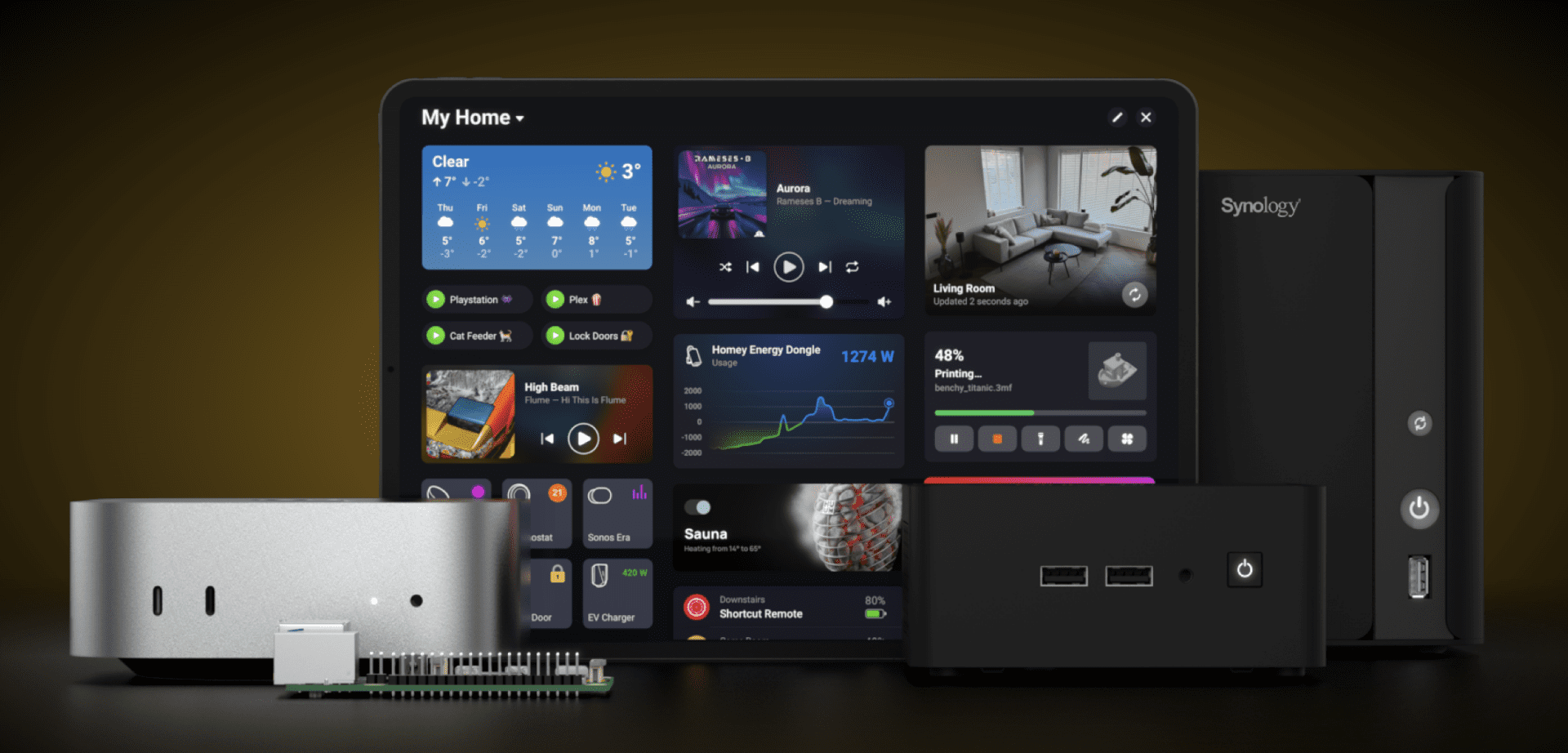
Where that additional RAM comes in is your ability to run more Homey apps at one time. Homey has an app store with apps you can run on your hub, ranging from those that integrate third-party ecosystems (like Google Nest or Samsung SmartThings) to those that add functionality, like incorporating OpenWeather forecasts into your automations or monitoring energy prices.
I tried to think up apps I wanted to run on the Homey Pro, but aside from integrating the solar panels on my roof so that I can monitor energy production via Homey (courtesy of the Enphase app), there just wasn't much I wanted to do. For the kind of automations I rely on, the built-in Matter features are enough, and I don't have a house filled with devices from other brands like Sonos and Amazon Alexa that I'm looking to tie in. As a result, the additional RAM is wasted on me.
Should you buy the Homey Pro?
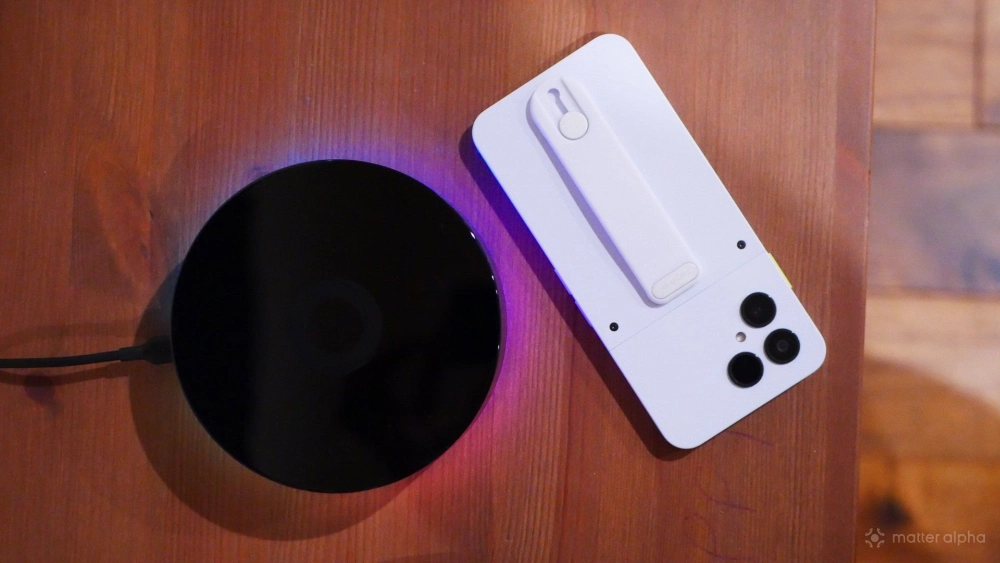
I believe the Homey Pro mini is the ideal foundation for a smart home and happily recommend one, even at its increased $249 price, over cloud-based options like Amazon Alexa, Google Home, and Samsung SmartThings. While I have come back around to preferring Home Assistant, Homey is significantly easier to set up and harder to break.
The Homey Pro is a different story. For nearly twice the price, you get minimal benefit, making it a much tougher sell. I can think of no one in my personal life who would benefit from the additional power, and even among smart home enthusiasts, if you're the sort to run this many apps at once, it's hard not to recommend installing Home Assistant on a cheaper yet substantially more powerful mini PC instead. Yet for those with more demanding needs who prefer the more hands-off experience that Homey provides, it's better that the Homey Pro exists than not.
Ultimately, I'd recommend starting with the Homey Pro mini and only opting for the more expensive model if you know from experience that you're pushing the limits of the smaller Homey can do.