So you've connected your ceiling lights to Matter and you can adjust your thermostat with voice commands, but what about your ceiling fan? Should you replace the one you already have with a Matter-compatible fan, or is there a cheaper alternative that will get you close enough? Replacing the switch on the wall with a smart switch might be all you need. I'll help you decide.
What are the advantages of a Matter-compatible ceiling fan?
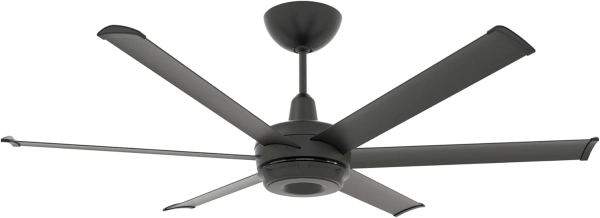
The promise of a smart ceiling fan is the ability to control your ceiling fan via a smartphone app, voice commands, or automations. Your fan will also still function in all the ways that a regular one does. You can still control it by flipping a switch, and it will likely come with a remote control.
What features you gain from your Matter fan depends on how much effort the manufacturer puts in. At a minimum, you can turn your fan on and off. Ideally, you can also adjust fan speeds. If the implementation is feature complete, then you can also reverse the direction of your blades as well.
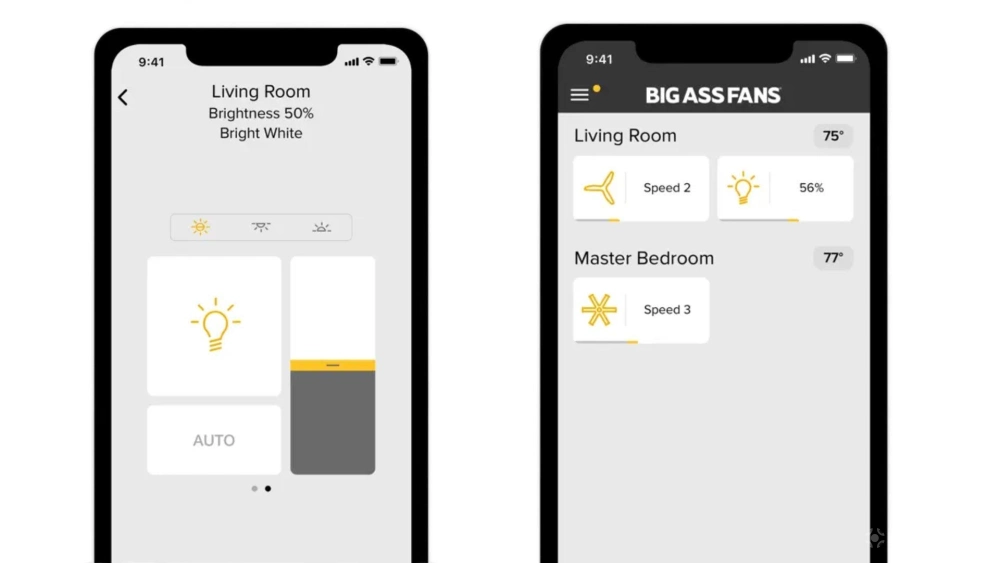
Fan automations that make the most of Matter
If your thermostat is set to cool, then you can have your thermostat spin clockwise. Whenever your thermostat is set to heat, your fan can automatically switch to counter-clockwise. When a thermometer in your home says the indoor temperature is approaching 80 degrees, you can set your ceiling fan speed to high. When the temperature is in the 60s, you can set it to low.
If this degree of automation appeals to you, then your easiest option is to go all-in and replace your ceiling fans. Smart switches can only turn your ceiling fan on and off. They can neither adjust speeds nor switch directions.
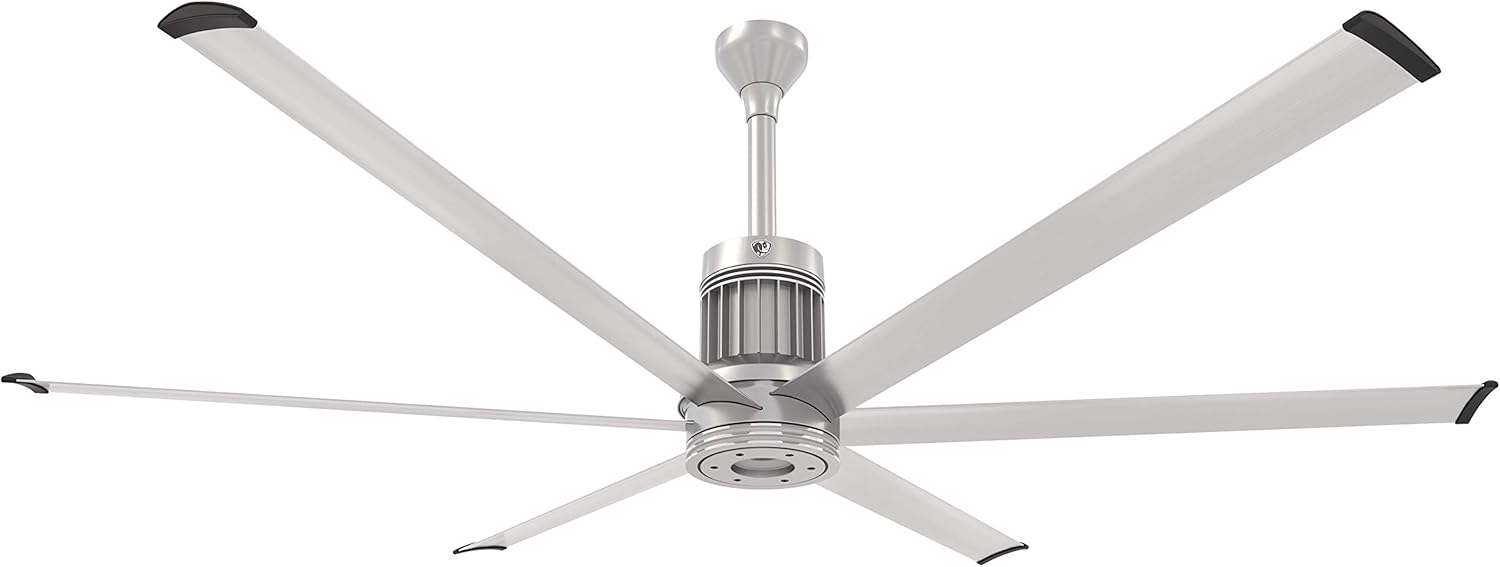
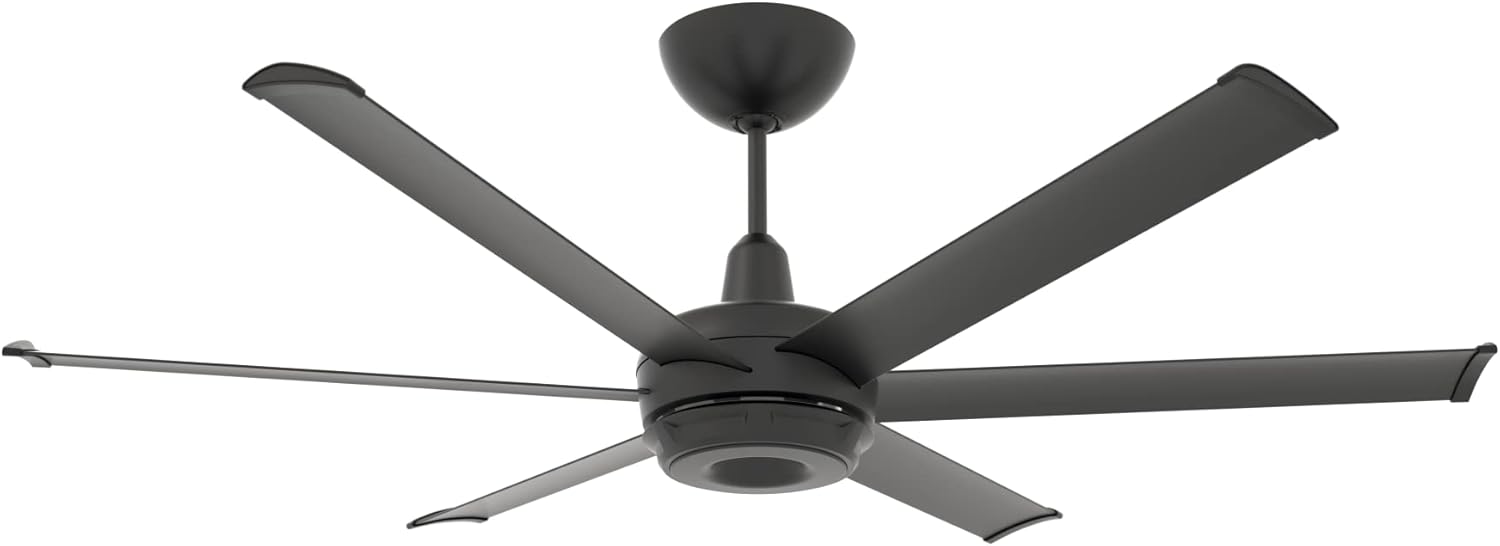
There aren't yet many Matter-compatible fans to consider, and only some of those are ceiling fans. Fortunately the ones available come in many different styles. If money is no object, consider a Matter fan from Big Ass Fans. You can get a fan that's white that blends in with the ceiling or one with wooden blades.
Fortunately, while there still aren't many Matter ceiling fans out there, you can snag a far more affordable option from Lowe's. The company's Matter-compatible ALTITUDE fans comes in various styles and costs around $200.
A smart switch will cost much, much less
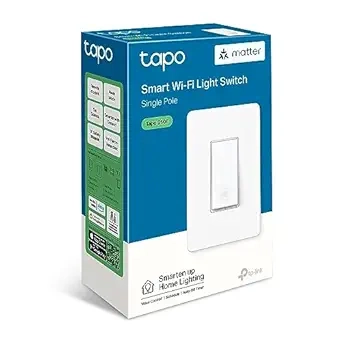
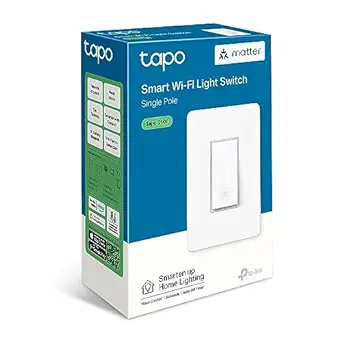
TP -Link Tapo S505 Smart Wi-Fi Light Switch
The Tapo Smart Wi-Fi Light Switch S505 enables control of lights and ceiling fans through the Tapo app, supports voice commands with Alexa or Google Assistant, and can be automated with Tapo sensors, without the need for an internet connection.
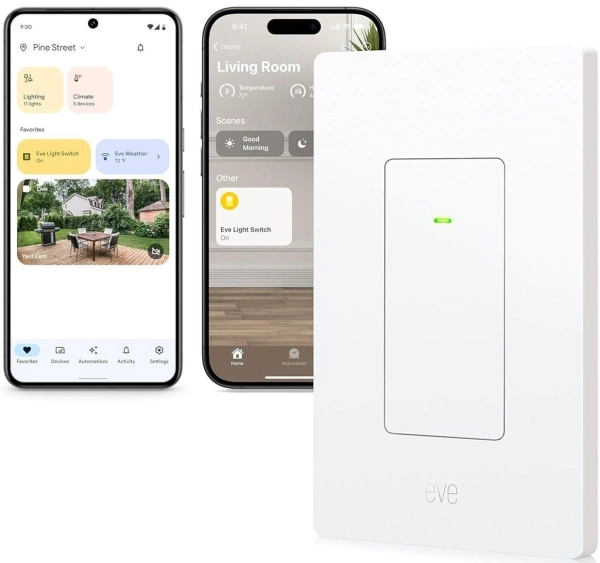
Installing a smart switch won't snag all the benefits of a fully Matter-compatible fan, but it's a good place to start. All the ceiling fans in my home are currently wired to TP-Link Tapo S505 smart switches. These are simple on-off switches, but they allow me to turn off the fans that have been left running from the comfort of my bed at night. I can also experiment with other automations, such as turning on my ceiling fan automatically if a contact sensor detects that I've opened a window.
Buying a single Matter-compatible ceiling fan is either a multi-hundred or multi-thousand dollar investment. By contrast, if you wait for a sale, you can get a smart switch for under $10. My home has seven ceiling fans. I can connect them all via smart switches, spending under 100 in cash from my wallet. Replacing that many fans with Matter-compatible options is enough money to make me consider financing.
The flexibility to use whatever ceiling fan you like
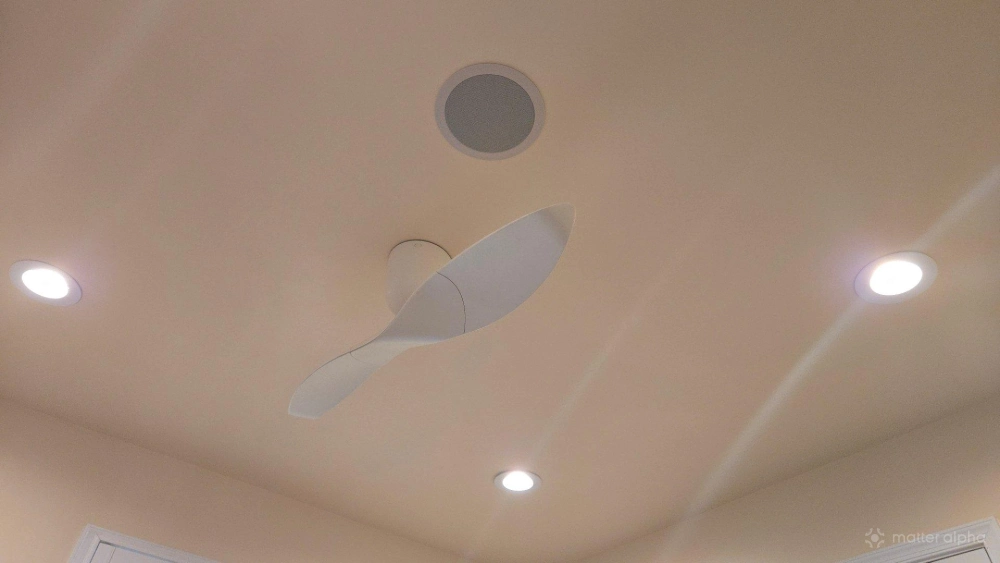
I very deliberately picked out my current Aeratron AE+2 ceiling fans, and they weren't cheap. These were the most energy-efficient ceiling fans available—they use under 3W when spinning on low. My desktop uses more power in an hour as these fans do running 24/7.
Smart switches enable me to keep my existing fans. You can use any fan you like in any style, and you aren't limited to only the few models available with Matter support.
On the downside, smart switches require neutral wiring. My house was built only a few years ago, so while this isn't a problem for me, it's an issue that plagues many older homes. In such a situation, replacing the ceiling fan may be your best and only option.
If you're comfortable with DIY, a smart switch may be all you need
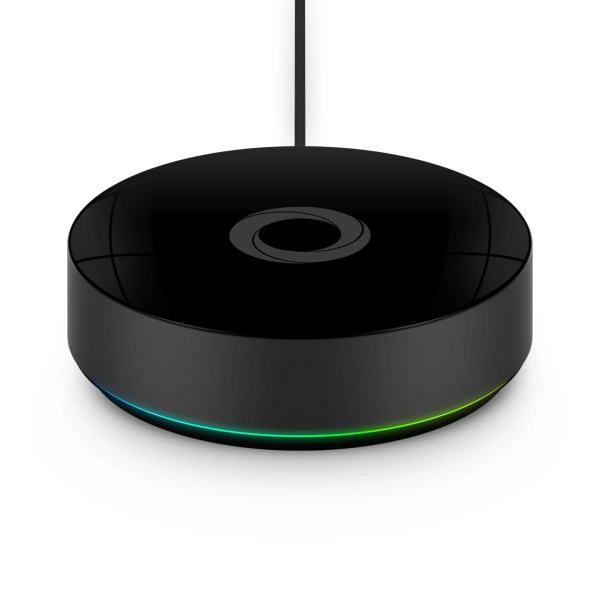
Homey Pro (2026)
While smart switches are more limited compared to having a native Matter fan, you don't necessarily need to replace your fans to get full functionality. Some smart home hubs like the SwitchBot Hub 3 can control IR devices. A Homey Pro has the ability to control devices via a 433MHz radio frequency. This approach is not as easy, but work to improve the process is underway.