I love Home Assistant. The idea that our Matter devices should be managed by a box in our home with software that is open source and trustworthy is a project I can get behind. Unfortunately, there are a few issues that keep it from being my exclusive smart home hub, and one particular deal-breaker is easier to trigger than you might expect.
Everything falls apart as soon as I unplug my Home Assistant Green
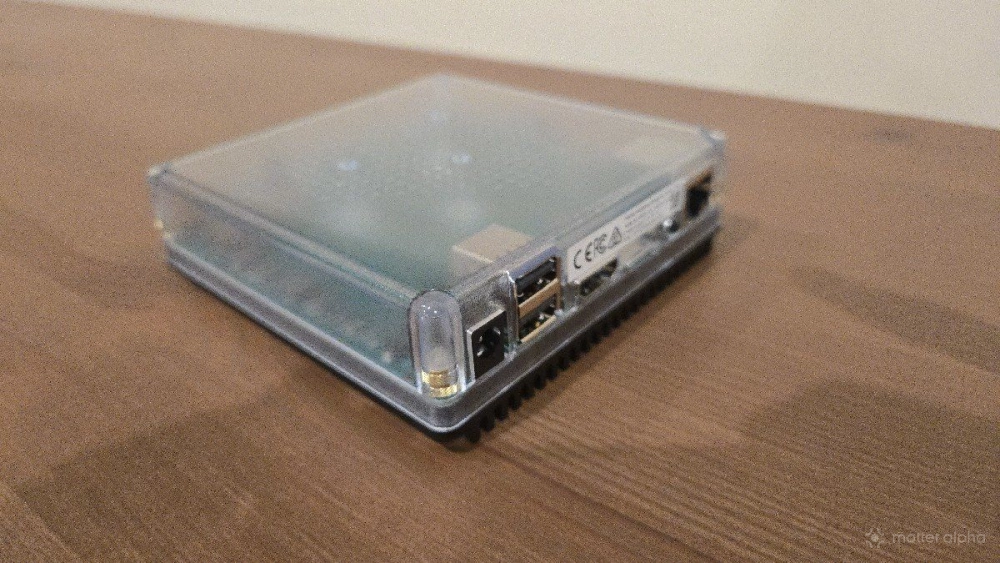
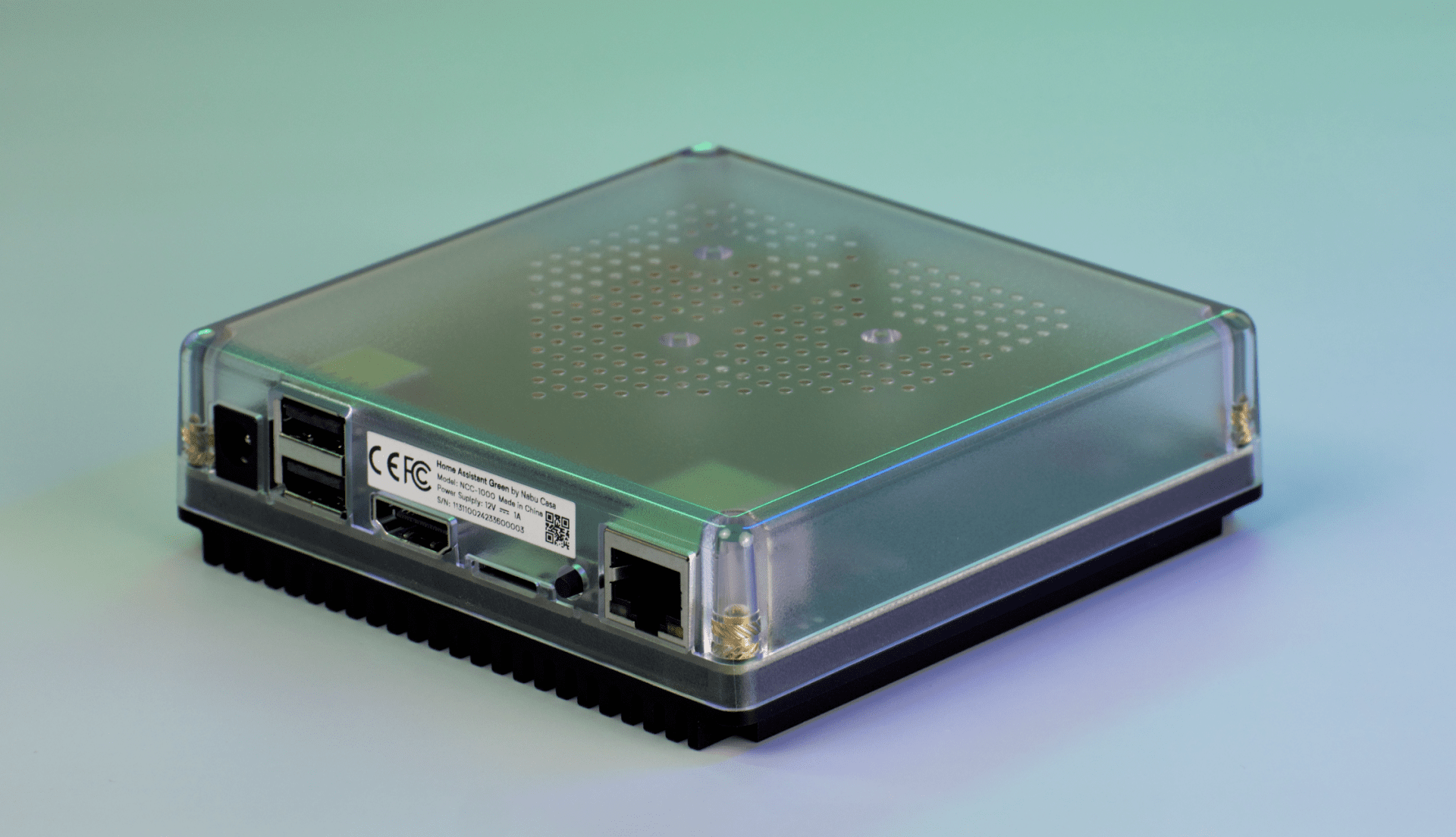
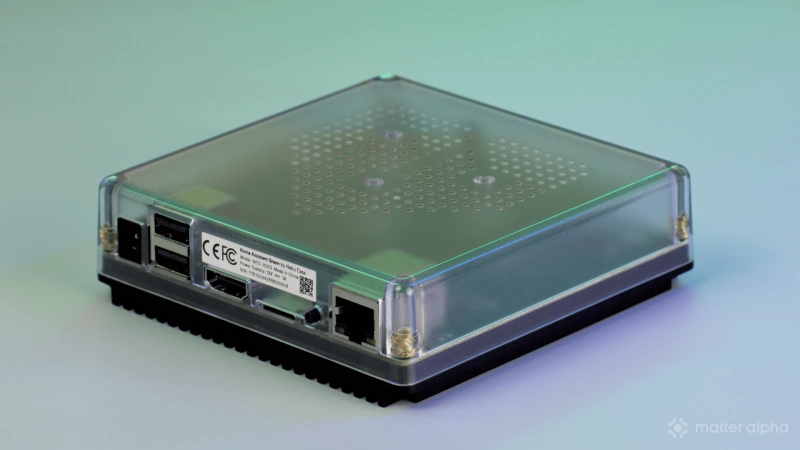
Last year, I purchased and reviewed Home Assistant Green, the closest thing to a consumer-ready version of Home Assistant. Instead of having to install the software on a device yourself, everything comes pre-configured in a product around the size of a TV streaming box.
Home Assistant Green connects to the internet via an Ethernet cable. Since it lacks Wi-Fi, when an Ethernet cable is not plugged in, nothing works. The problem is that when I plug the box back in, I still can't control my Matter devices.
When I try to open the Home Assistant app after unplugging and reconnecting my Ethernet cable, I am greeted by an error message. The app is unable to find my Home Assistant Green server.
This is not an uncommon issue
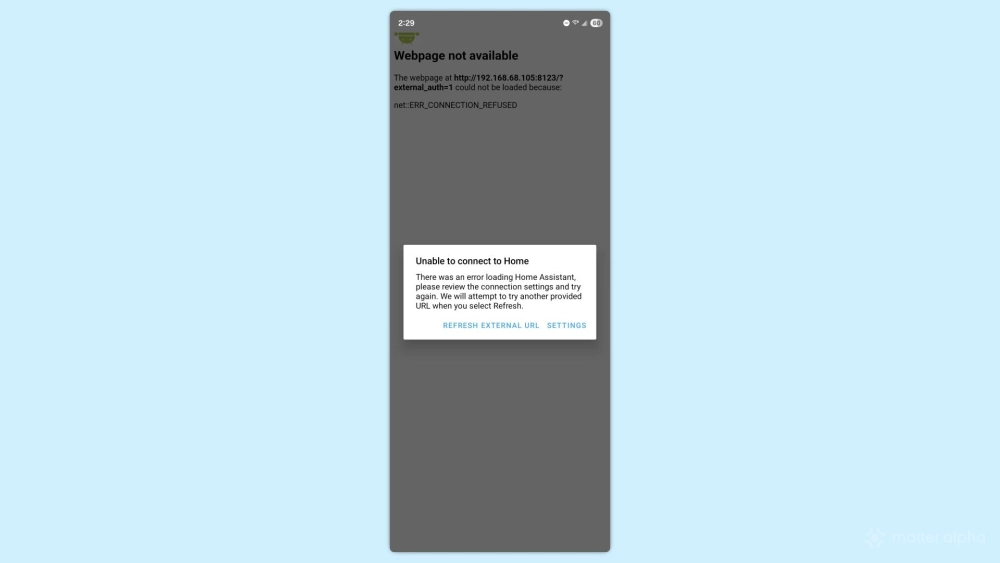
I am currently setting up my Home Assistant box from scratch. During this time, I've moved Home Assistant Green from the networking cabinet where our cable modem and router are located to an easily accessible spot in the living room. After moving it, the app got confused, showing an error message that prohibits me from loading any aspect of the app.
To make matters worse, the problem doesn't only surface when a box is moved. Sometimes the disconnection can be triggered by a power outage. In either scenario, I can imagine family members calling me, trying to figure out why our smart home no longer works. I don't want to depend on a system that may just fall apart and can't be fixed when I'm not home. After replacing every light switch in my home with a smart one, I don't want my family dependent on my well-being in order for certain parts of our house to function.
How do you fix the issue?
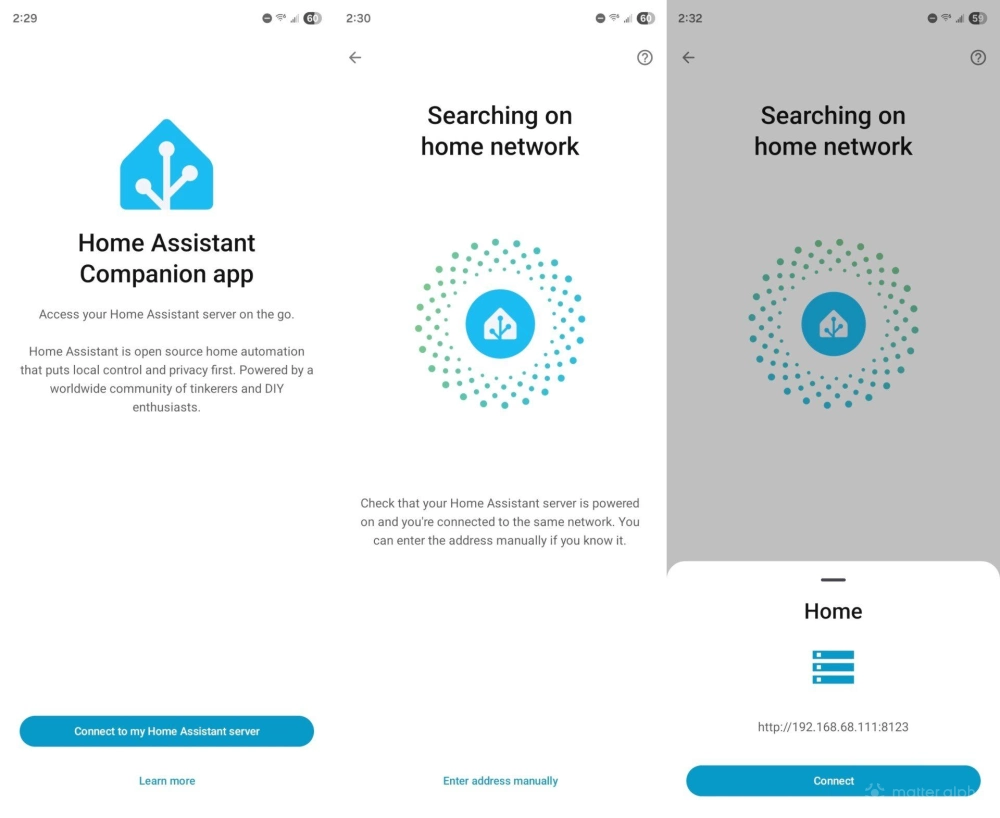
If you're familiar with basic networking, then the cause of this problem and the potential solution may both be quite obvious. Otherwise, it's not clear at all.
You see, whenever you connect a device to Wi-Fi, your router assigns that device an IP address. Most IP addresses are dynamically generated, meaning a device may get a new IP address each time it connects. When the Home Assistant app fails to locate your Home Assistant server, it's typically because your server has been assigned a new address. You can open the Android app's settings directly from the error message and manually type in the new IP address to resolve the issue. You can find this address by logging into the admin panel for your router.
To keep this problem for happening again, you can assign Home Assistant a static IP address. This means it will keep the same number so that you can more freely move your server around without issues.
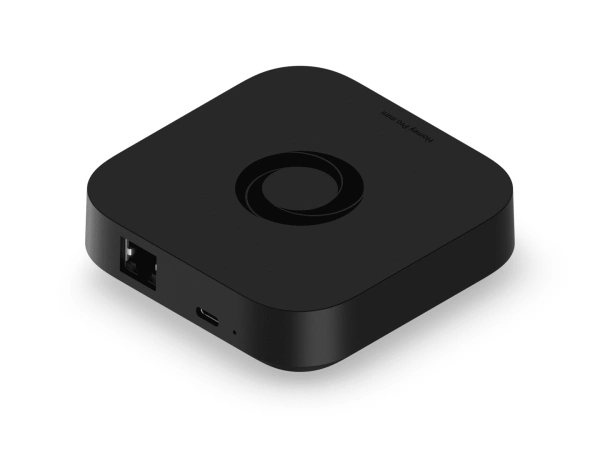
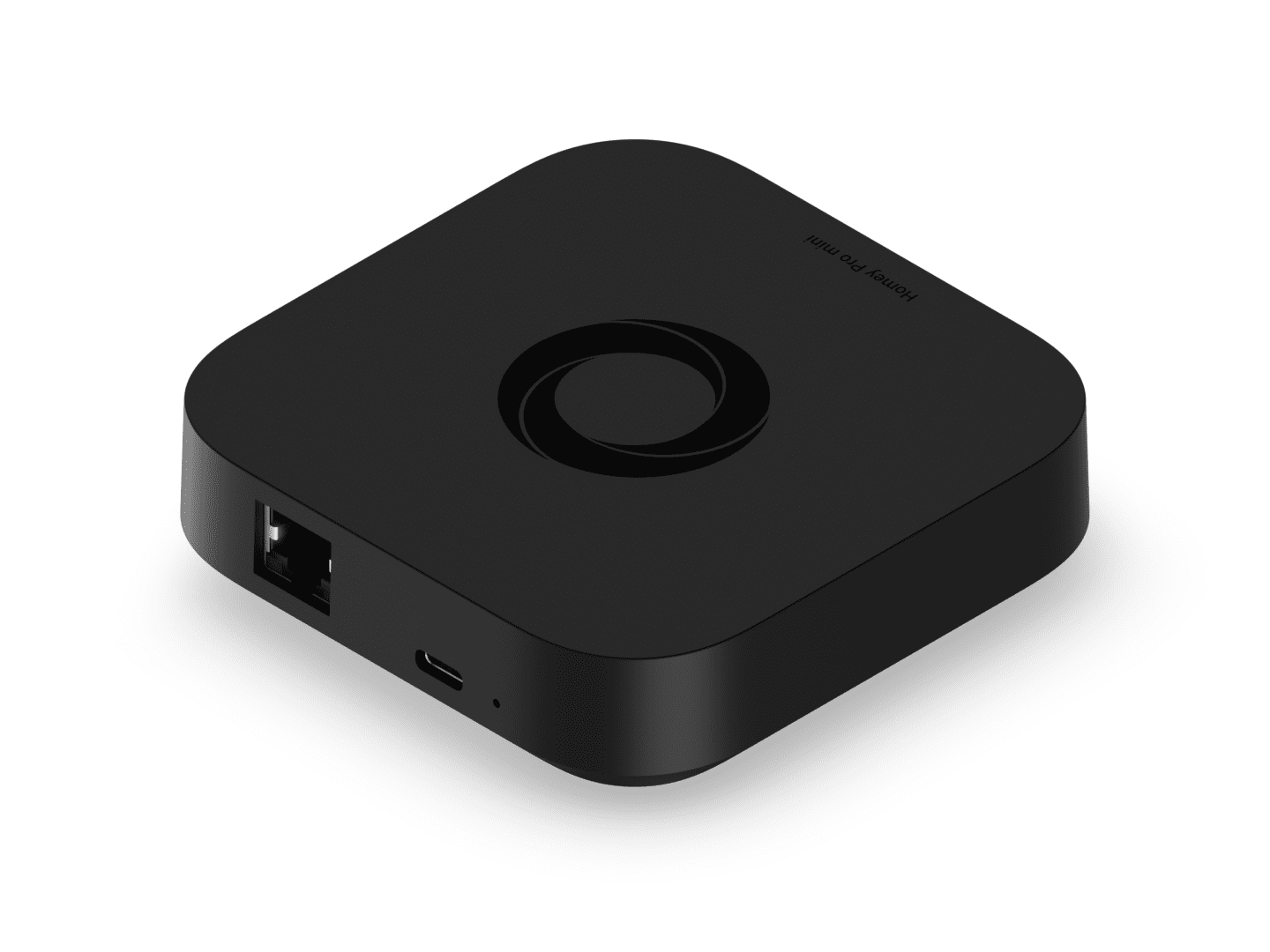
Homey Pro Mini
Smart home hub with Matter, Thread, Zigbee, and Ethernet built in, expandable via Homey Bridge, featuring Homey Flow automation, energy monitoring, alerts, voice integrations, and local or cloud backups with no subscription.
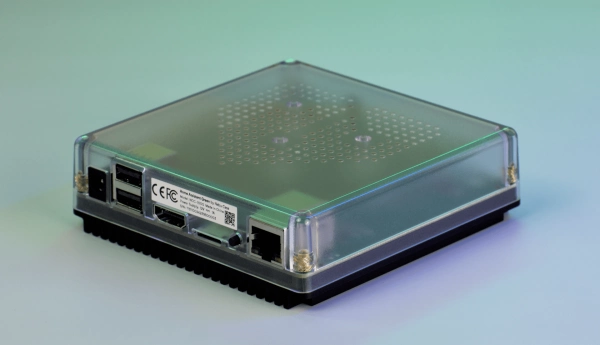
Home Assistant Green
A compact, fanless Home Assistant hub with quad-core processing, 4 GB RAM, 32 GB storage, local data control and Thread USB expandability.
Should a smart home owner need to understand all of this?
I wouldn't be surprised if both the problem I've described above and solution seem a bit inscrutable. We don't need to understand IP addresses in order to get online or connect a smart bulb, which sadly makes it that much harder for me to recommend Home Assistant to the people in my day-to-day life. Home Assistant already has a steeper learning curve than other smart home platforms, but being too easy to break is an even bigger liability.
Technically, my Home Assistant box is not actually broken, but if I bought a Homey Pro mini to control my Matter devices, and it stopped working merely because I moved it from one room to another, I'd feel inclined to return it. This also happens to be an issue that cloud-based platforms like Google Home and Samsung SmartThings circumvent entirely.