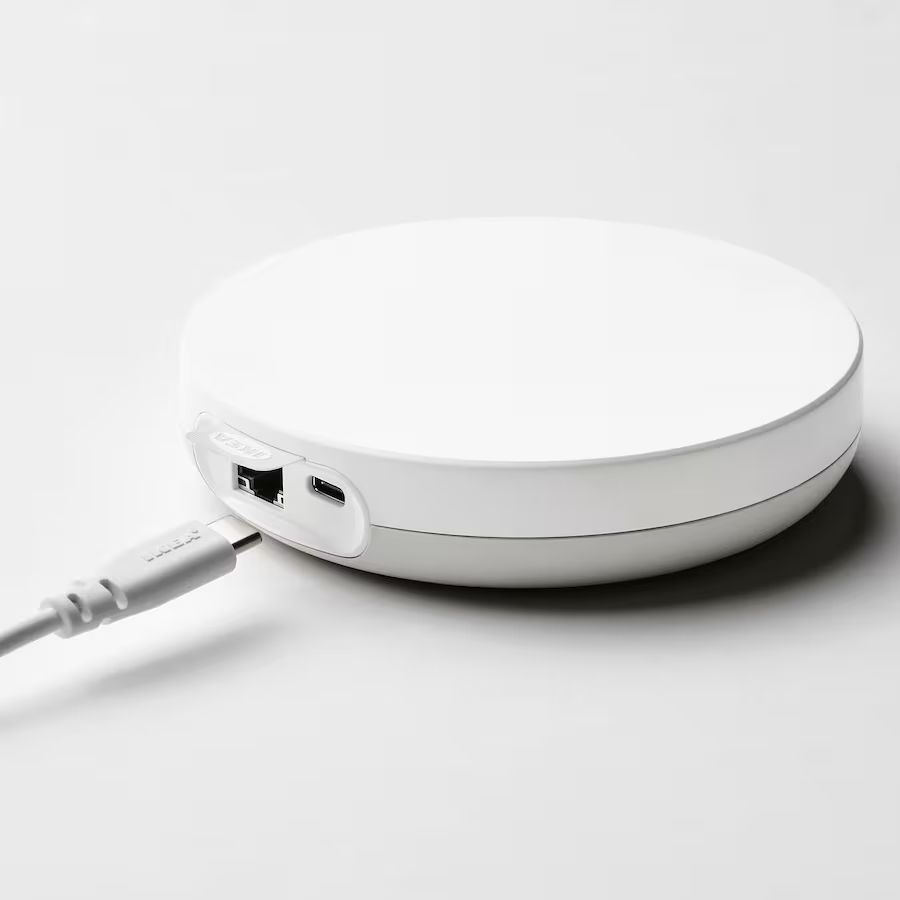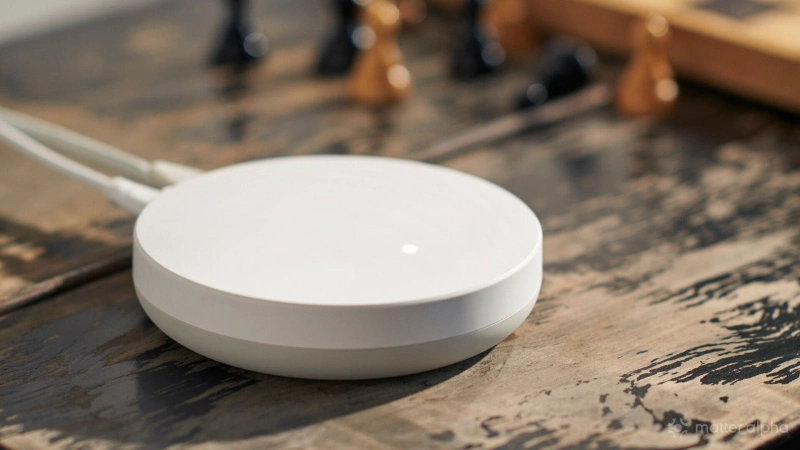
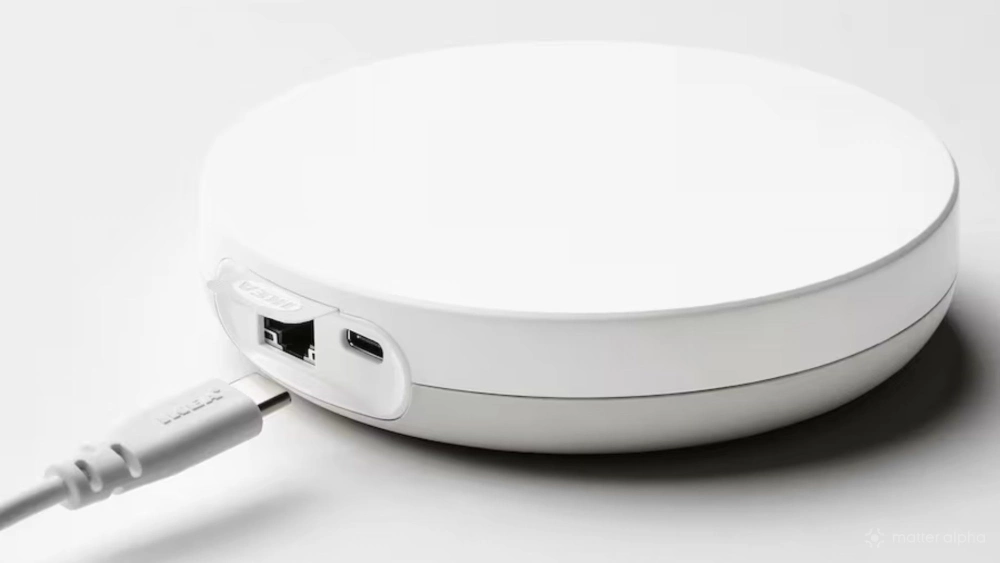
Available for under $100, the IKEA DIRIGERA is the most affordable smart home hub out there. But it isn’t just a plain off-white puck. Within the DIRIGERA is all the hardware you need to control an average sized smart home.
Although launched in 2023, the DIRIGERA has been hiding features that have been slowly unlocked with firmware updates. While essentially the same device, it can now do so much more than when it was first introduced. Are you using all the DIRIGERA’s features? Check through this list to find out.
The bonus feature you should already be using: Matter controller mode
Considering it launched as a Zigbee device with Matter bridge functionality, the DIRIGERA has come a long way -- its main feature now is as a Matter controller. If you have bought one of these devices and plugged it into your home network, it should be ready to pair with the IKEA Home smart app, which will then allow you to add IKEA and third party Matter devices.
DIRIGERA
While the Matter controller feature should work out of the box, this isn’t always the case. Similarly, if there is some chance that your DIRIGERA has not been updated and is not running Matter Controller mode, you have a few options. First, remove the power cable, wait 30 seconds, then plug it back in.
You can also check the IKEA Home smart app on your phone is up-to-date, forcing an update on the Play Store or App Store if necessary.
Other hidden features of the IKEA DIRIGERA
Keeping your IKEA DIRIGERA updated means you get access to these features, which will considerably improve your overall smart home experience with Matter. Some are obvious, but others you need to go looking for.
Energy Monitoring
Recent upgrades to the IKEA DIRIGERA firmware have delivered energy monitoring support, as specified in Matter 1.3. With newer Matter-compatible smart plugs (including IKEA’s own) also adhering to the specification, this means you can monitor just how much power is being used by devices on your network.
Older smart home devices and non-smart devices won’t provide this information, of course. However, where a smart plug is appropriate, you can monitor and record energy use by dumb devices, and act accordingly to manage your usage.
If you have a Matter-compatible energy monitoring device paired to your IKEA DIRIGERA, simply open the IKEA Home smart app and tap the device to view its usage.
Thread Border Router
One of the most important elements of a Matter smart home is the presence of Thread, a mesh networking protocol that can run on minimal power.
Matter and Thread are separate, but the fact that Matter supports Thread is hugely significant. It means battery powered sensors with low power requirements can communicate and be used in the creation of useful smart home integrations. For example, presence sensors can determine whether a radiator is switched on or off.
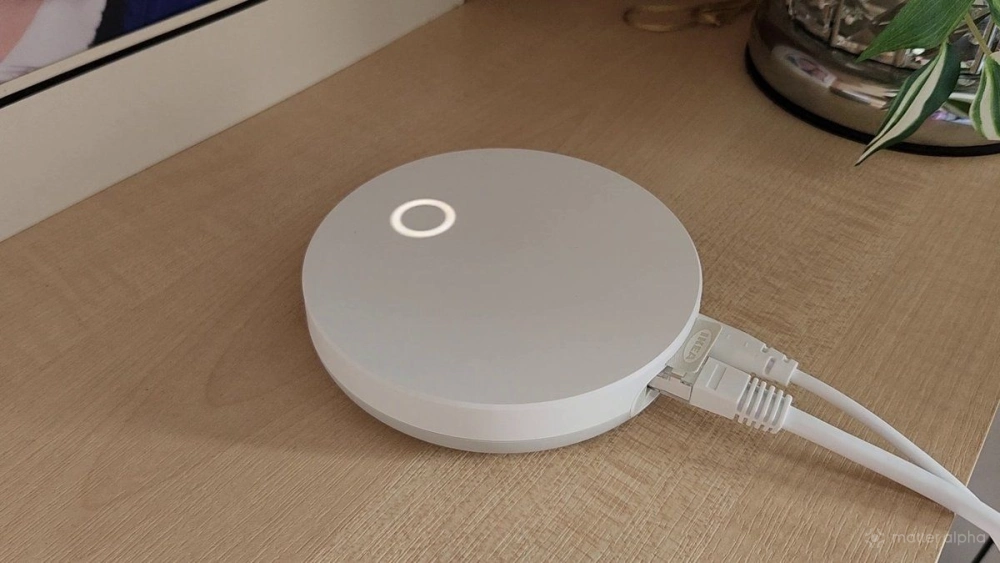
For Thread devices to operate correctly, a Thread Border Router is required. This isn’t typically a standalone device; rather, it is something that ships integrated within other hardware. Should you wish, you can build your own Thread Border Router.
The IKEA DIRIGERA has had Thread Border Router compatibility since mid 2025. You can check if this has been added to your DIRIGERA in the IKEA Home smart app, via Settings.
Continued Zigbee support
Incredibly, the DIRIGERA remains compatible with Zigbee devices even after the upgrades to full Matter controller and Thread Border Router. This doesn’t just mean older devices remain connected to it, either; the Matter bridge persists through the firmware updates (although some reconnection *may* be required), which means you can control Zigbee devices from other Matter-compatible controllers that don’t have Zigbee.
For example, this gives you full control over Zigbee devices connected through the DIRIGERA from a Samsung SmartThings TV. Other smart home ecosystems that support Matter can also control the IKEA devices in the same way.
In addition, the Zigbee2MQTT protocol eases the pain of binding – adding new devices – and is almost an additional bonus feature!
Offline Local Control
One of the big concerns slowing smart home adoption has been the cloud aspect: how does my smart home work if the internet goes down?
Smart home ecosystems that use Matter are increasingly moving toward a local control provision, taking the smart home out of the cloud. IKEA is no different, and the DIRIGERA has local control, designed to run within your own network, and no requirement to connect to any remote server or cloud storage to remain functional. Updates will need an internet connection, of course, but a DIRIGERA Matter controller can run your smart home without one.
The Workshop
Within the IKEA Home smart app is a screen called The Workshop. This is where the DIRIGERA development team introduce new features. For example, the Matter controller function was first showcased here as an opt-in. Other features have been showcased here, and everyone has the option to use them or not.
Currently, you can try a “pin your favorites” option, and a Christmas-themed “snowy background theme.” These may not be as advanced as toggling Matter or Thread support, but The Workshop remains nice to have in the app.
DIRIGERA: The Matter controller everyone needs
When I first bought the DIRIGERA, it was to use as a Matter bridge for IKEA smart home devices to connect to my Samsung SmartThings TV; it was a feature that had only just been introduced. These days, however, it has surpassed that function, and now sits alongside my SmartThings TV as a Matter controller.
Back then, the DIRIGERA was around £60 (roughly equivalent to $80, although I understand geographic pricing is used). Now, it costs around £10/$10 more, which I think is an incredible deal for tech that has these secret features ready to unlock.
If you already own a DIRIGERA and these hidden functions have not yet been enabled, check how to ensure the DIRIGERA has been updated, and what to do if it hasn’t.