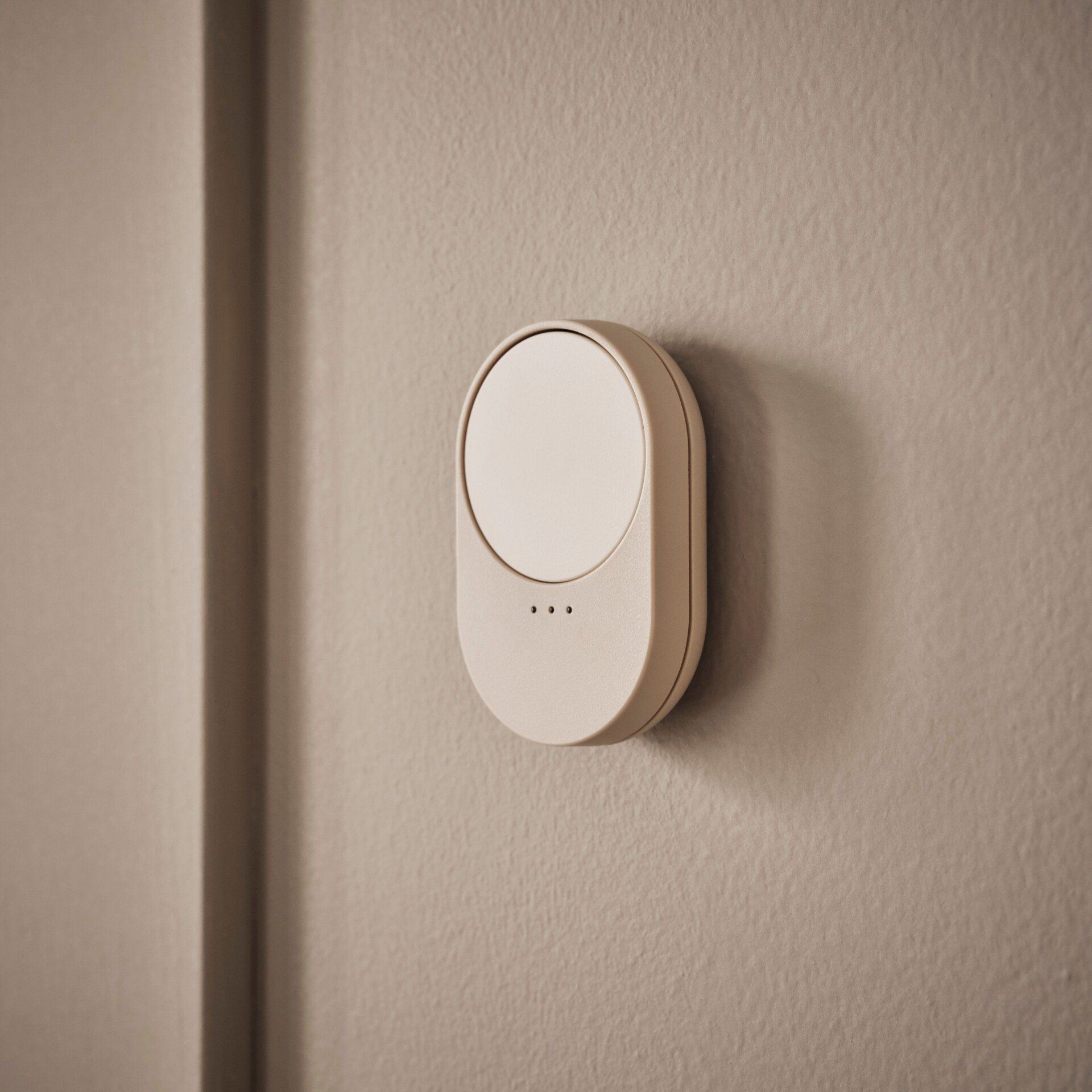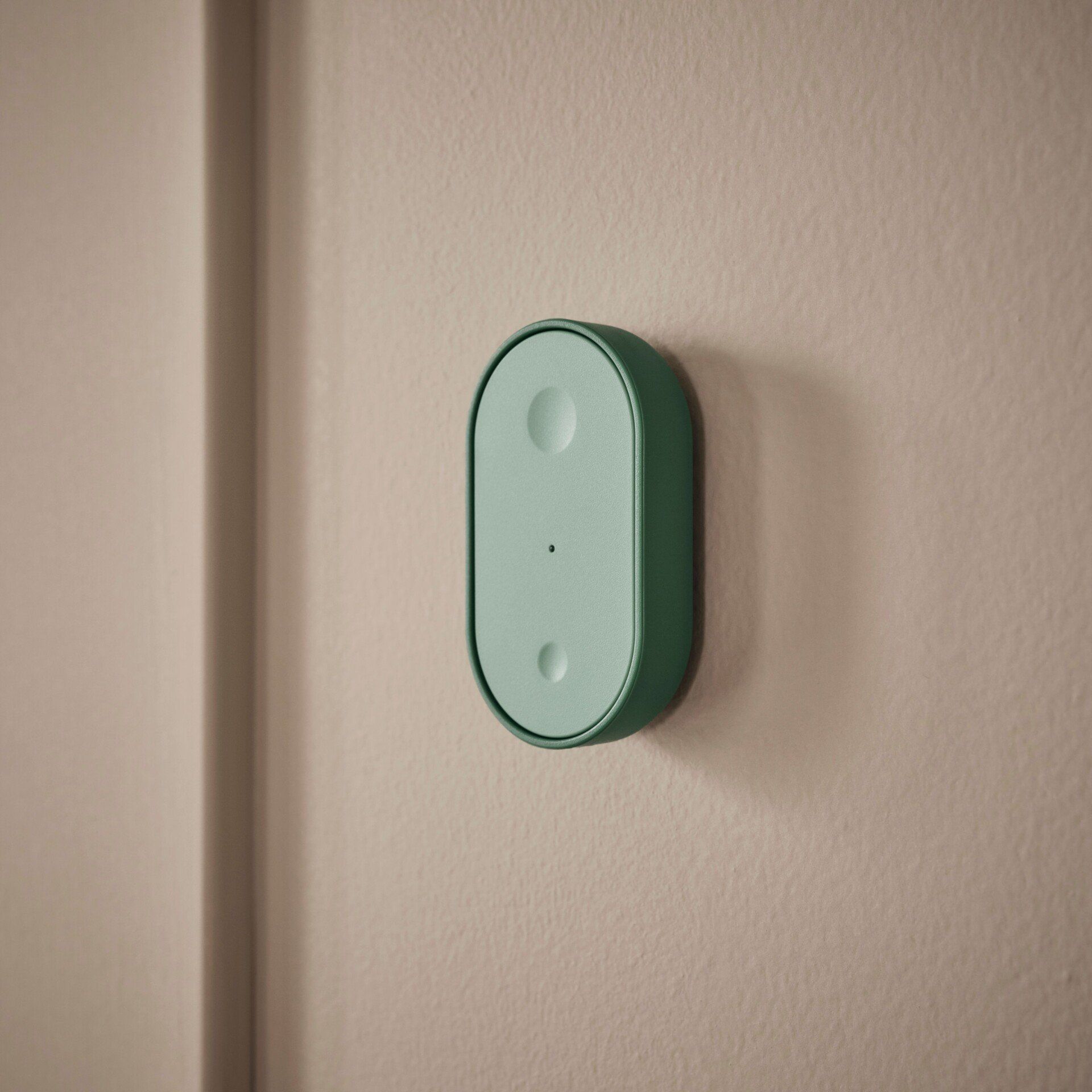
Unless you've been living under a rock, you'll know that IKEA'S BILRESA smart remote is one of the hottest Matter-compatible devices currently on the market—and for good reason. For just $6, the BILRESA provides much-needed physical controls for smart home devices, and does so without the need for an account, app, or hub, through Matter-over-Thread connectivity.
As great as IKEA's remote is, though, a few simple omissions keep it from achieving perfection—such as the lack of an included stand or button labels, to name a few. Thankfully, the 3D printing community has swiftly come to its aid with a wide variety of models available for free that overcome the remote's shortcomings—all with just a few grams of filament.
In this guide, we will highlight five prints that take IKEA's BILRESA to the next level.
Before we begin
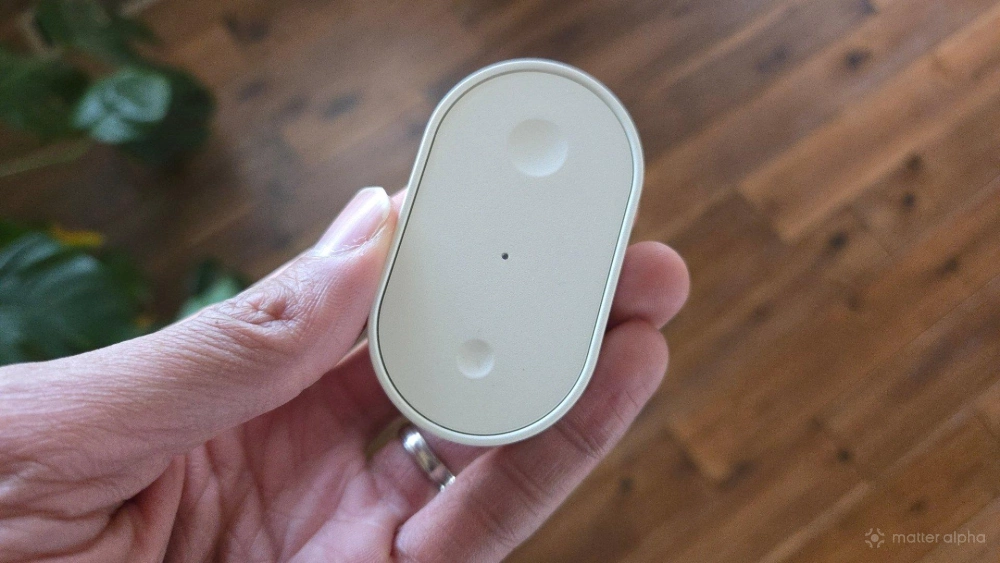
Before we get to the print files, this guide assumes that you already own or have access to a 3D printer. If you don't, many public libraries make them available for free onsite as long as you provide the file—just load them onto a USB flash drive and bring it with you on your next book run.
Another thing to note is that while many websites host 3D print files, all the models in this guide are from creators from makerworld.com, which offers seamless print configuration profiles for Bambu-branded 3D printers in the 3MF file format. It also provides commonly used formats, including STL and CAD, so that everyone can download and print them regardless of their printer manufacturer.
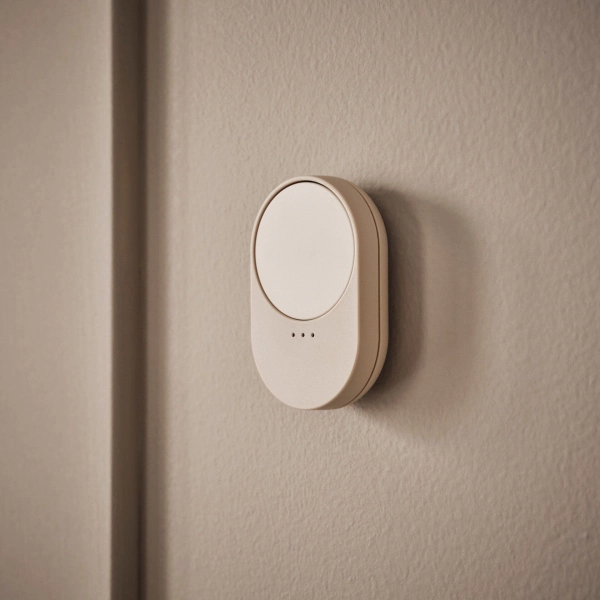
BILRESA scroll wheel
A tactile scroll-wheel remote that lets you adjust light brightness, colour, and scenes with a simple turn or press.
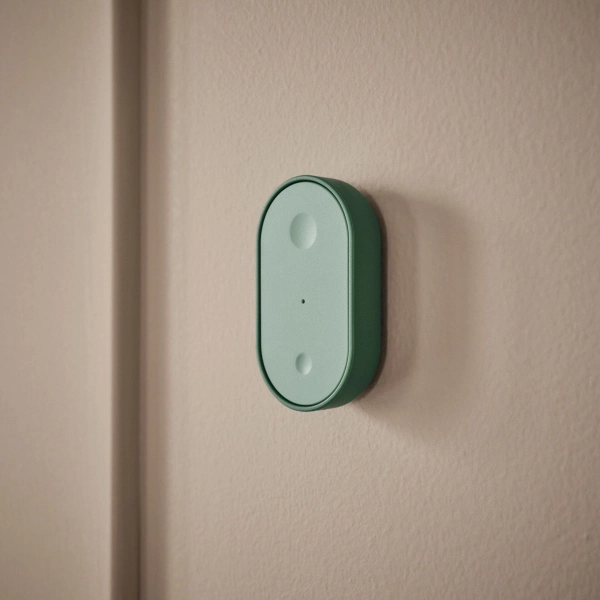
BILRESA Remote Control with Dual Button
A simple, two-button remote that lets you control smart lighting functions like power, brightness, colour, and scenes from anywhere nearby.
Each of the models listed below can be downloaded for free, and while we recommend signing up for a MakerWorld account for bookmarking purposes, it isn't required. And last but not least, we are also assuming that you own and are comfortable with potentially voiding the warranty of your BILRESA, as some prints may require opening up the remote.
With that out of the way, let's move on to the downloads.
1. Customized buttons and faceplate

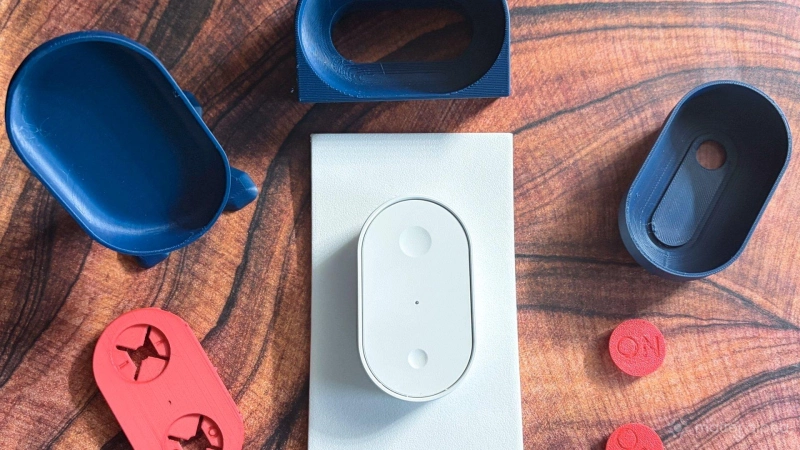
One of the BILRESA's biggest flaws is that it doesn't have clear visual indicators for button actions, leading to potential confusion for others in your household. The New customizable BILRESA front with description print solves this issue for the standard two-button remote with a model consisting of a faceplate, swappable buttons, and a label insert.
Creator Arkadiusz provides several button options to choose from, including phrases like ON or OFF, as well as simple glyphs for the sun, moon, smileys, and more. In its center, the model accommodates a 27x9mm paper strip for naming your remote or the device it controls, and since all the pieces can be printed individually, you can customize it even further with the use of different color filaments throughout.
2. Keyboard companion stand
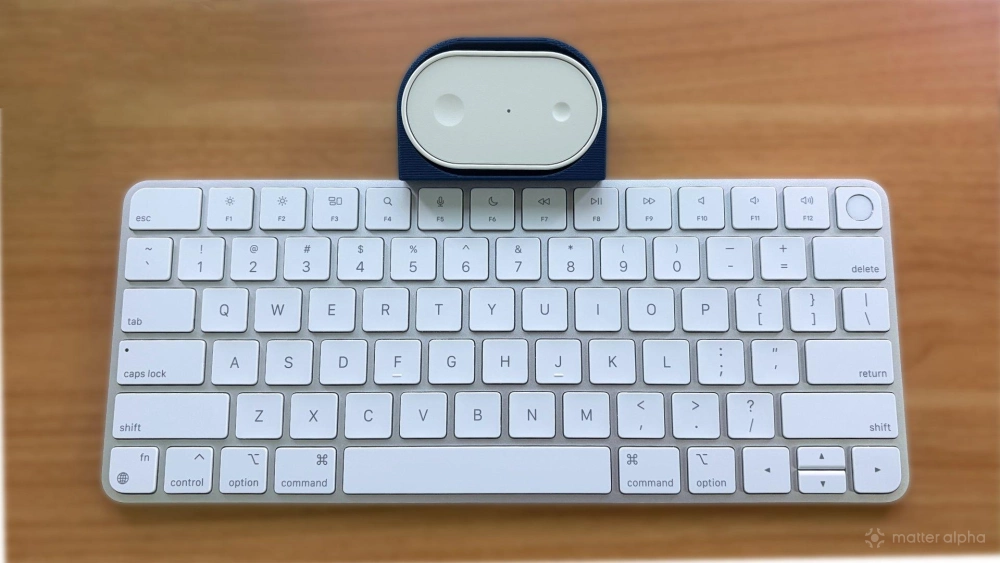
The BILRESA is an excellent desk-side companion, however, out of the box, it takes up precious desk space and can easily be lost in piles of paperwork or other work-related items. One way to reclaim lost desk space and keep track of the remote is the BILRESA Desk Stand, a sleek solution with a slightly tapered design that rests neatly above your keyboard.
Despite being designed specifically for creator wphilipsen's Logitech keyboard, we found that it works just as well anchored on top of our Apple Magic Keyboard. For a cleaner look, you can always modify the model to better suit your particular keyboard using your favorite slicer software.
3. Tabletop stand
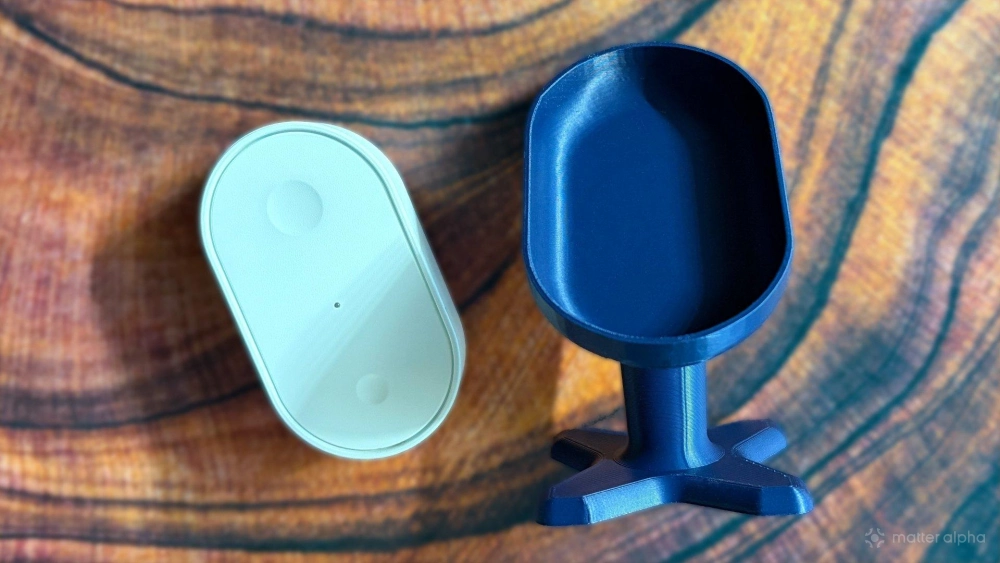
Another great stand option to consider is the IKEA Bilresa desk remote stand by nickjac98. Even though it has the word desk in its name, we believe that this print is best for tables and nightstands, as it gives the remote a more natural angle and how its lifted profile sets it above other items on flat surfaces.
After printing, the creator recommends using the stand with the metal plate that comes with the BILRESA. By placing the metal plate inside the stand, you can quickly swap the remote in and out of the stand magnetically.
4. Printable protective case
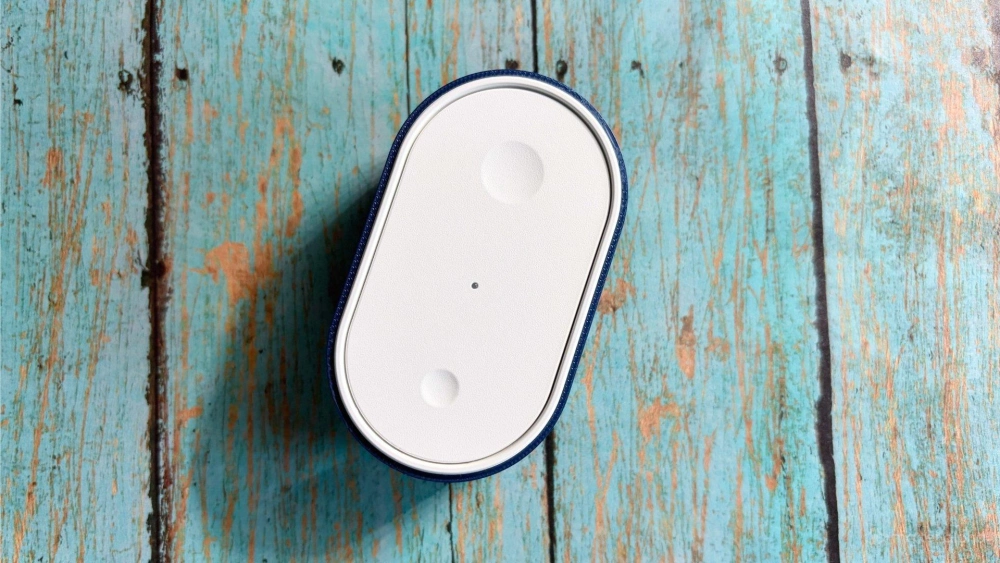
Although the BILRESA is incredibly affordable, you may want to protect your investment by printing a case for your shiny new remote. As its name suggests, the Bilresa Case - Quick Print from user Barnacle gives you extra peace of mind with a model that prints in as little as 25 minutes.
We printed this case with basic PLA filament to match the same hardened, rigid surface that BILRESA features. But you can give the case a grippier, softer feel and better drop protection by using TPU if your 3D printer supports it.
5. Light switch look-alike wall mount
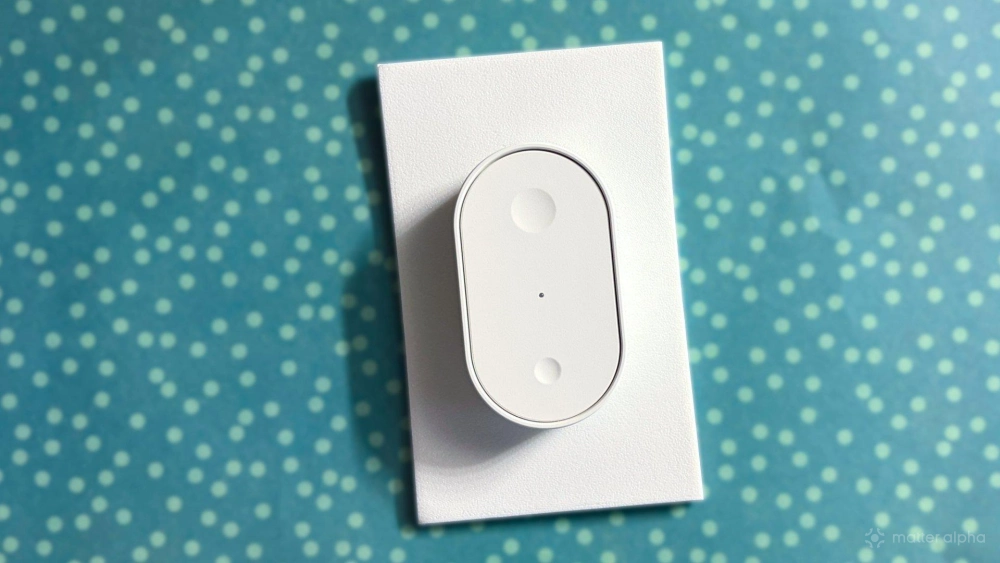
Based on our own experiences with the BILRESA, we suspect that many owners of IKEA's remote will be using them as stationary fixtures on the wall to control smart lighting or window blinds. IKEA provides adhesive strips and a metal plate that allows for wall-mounting, but for a more complete look, try slotting the remote alongside other switches with the IKEA Bilresa Remote Holder with Wall Plate by Gullwingdmc.
This print works with standard North American electrical boxes using the Decora-style mounting layout. When mounted into a recessed cavity in an electrical box, the remote sits almost completely flush with the wall plate so it sticks about the same distance as a traditional rocker switch.
Enhance your BILRESA experience with your 3D printer
Although it has only been on the market for a couple of months, numerous useful 3D models are already available for download, enhancing the BILRESA remote experience. For busy households, printing custom buttons can make actions easily identifiable to everyone, or for the ultimate work companion, a printable desk dock puts the BILRESA always within reach.
With the sheer amount of creativity already shown with the BILRESA, we can't wait to see what the 3D printing community has in store for another one of IKEA's hottest devices—the TIMMERFLOTTE temperature and humidity sensor.