With electricity costs reaching all-time highs all across the world, understanding your home's energy consumption is now more important than ever. Fortunately, smart home technologies like Matter smart plugs and software such as Apple Home offer new ways to see where your energy is going and help to identify opportunities to save money.
In this guide, we'll show you just how easy it is to track your home's consumption through Apple Home.
Apple Home energy monitoring: what you can track and what you’ll need
First introduced in iOS 27, Apple’s Home app lets you view your home’s energy usage through several read-only methods, including real-time usage tracking, historical logs, utility provider integration, and the location-based Grid Forecast feature. As you might have guessed, Apple Home’s real-time data depicts live current draw in the form of total wattage from smart accessories, while historical logs visualize consumption in charts and graphs that span multiple time periods: day, week, month, six months, and year.
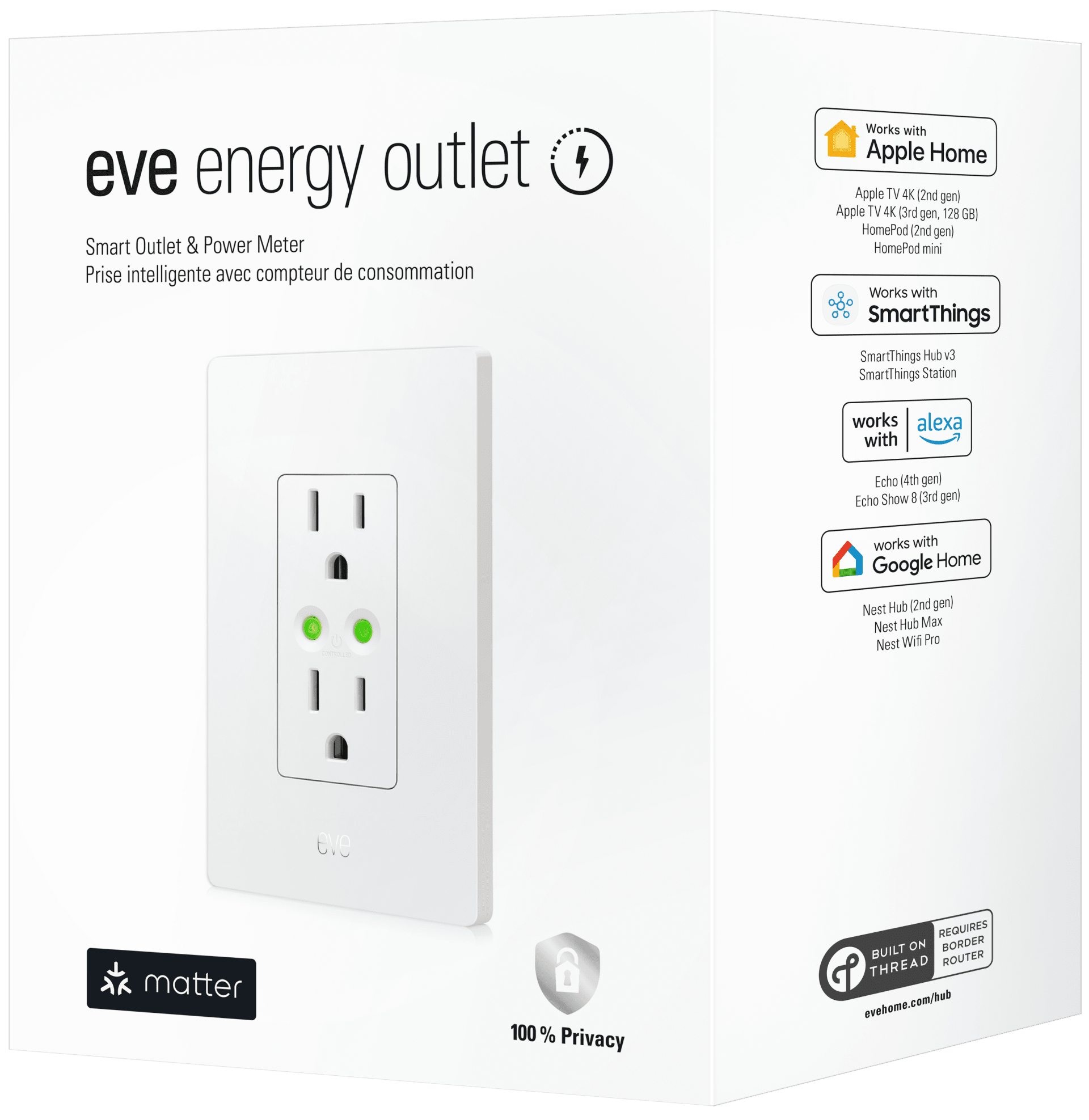
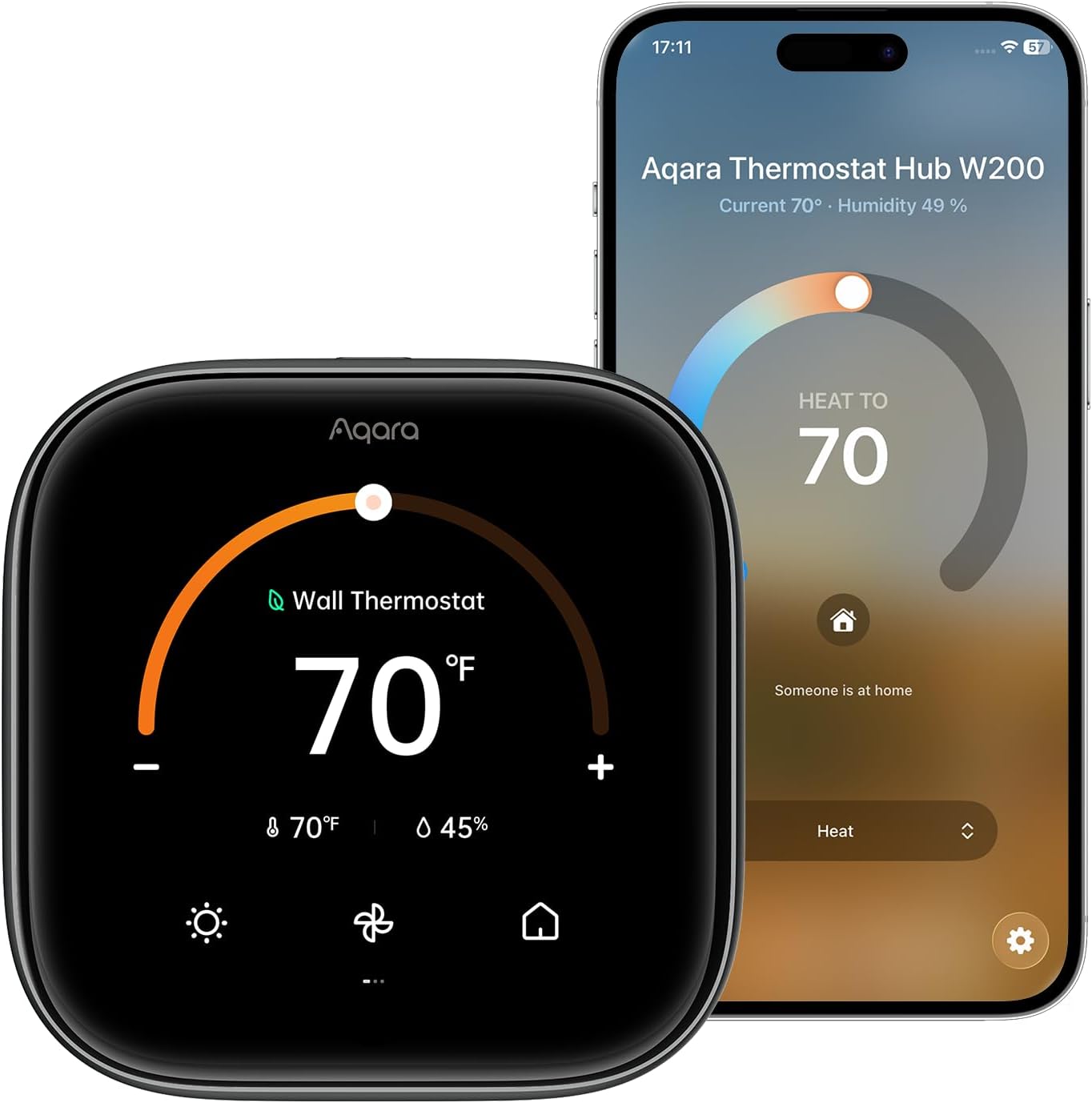
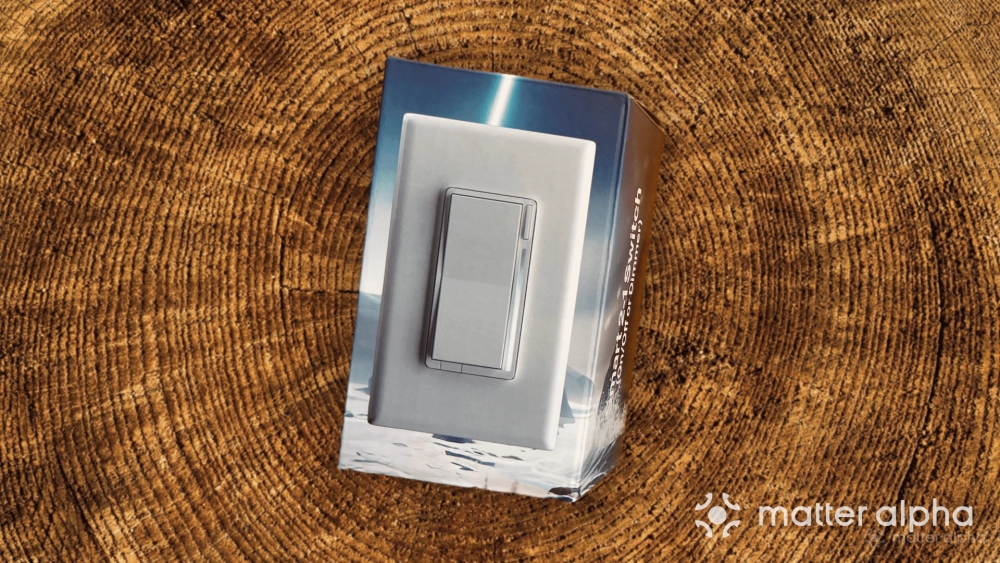
Of course, to take advantage of real-time usage and logs, you’ll need a compatible Matter accessory with energy monitoring capabilities. Some devices that we have seen working with the Apple Home app are the Inovelli White Series Smart Dimmer Switch, Aqara Thermostat Hub W200, and the Eve Energy In-Wall Outlet.


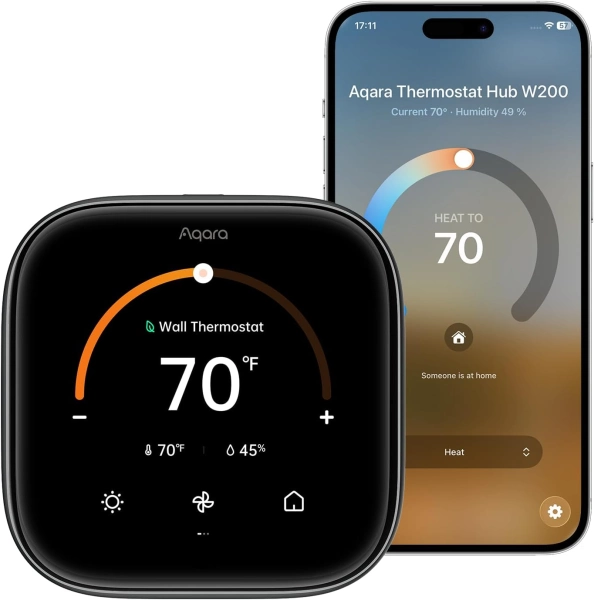
Aqara Thermostat Hub W200
Aqara Thermostat Hub W200 combines smart climate control, presence detection, and Matter hub capabilities in one compact device.
Another method of tracking energy consumption through the Home app is through Apple’s Grid Forecast feature, which offers guidance and notifications that highlight when your local utility is using renewable or “dirty” energy sources in a handy timeline view. Offloading energy usage to cleaner times can impact carbon emissions and may reduce your costs if your utility plan incorporates time-of-use billing.
Apple Home Grid Forecast is currently available to all homes in the contiguous United States (sorry, Alaska and Hawaii). To enable it, you’ll need to make sure that you have Location Services turned on for the Home app and for the Home Service in the Settings app on iOS/iPadOS/macOS.
For complete home energy monitoring, you can link your local utility company directly to the Apple Home app. Although it is currently limited to just two providers in the United States (Pacific Gas and Electric, and Southern California Edison), this integration takes into account all of the electronic devices in your home—not just the smart ones—and puts them into easy-to-understand charts right into the familiar Apple Home interface.
How to view real-time energy consumption for Matter devices
Once you add an energy monitoring-capable Matter device to Apple Home you’ll find its real-time consumption right alongside its icon. To view all of your compatible devices in a handy list view, follow the steps below.
- Launch the Apple Home app.
- Tap Energy or Grid Forecast.
- Tap Power.
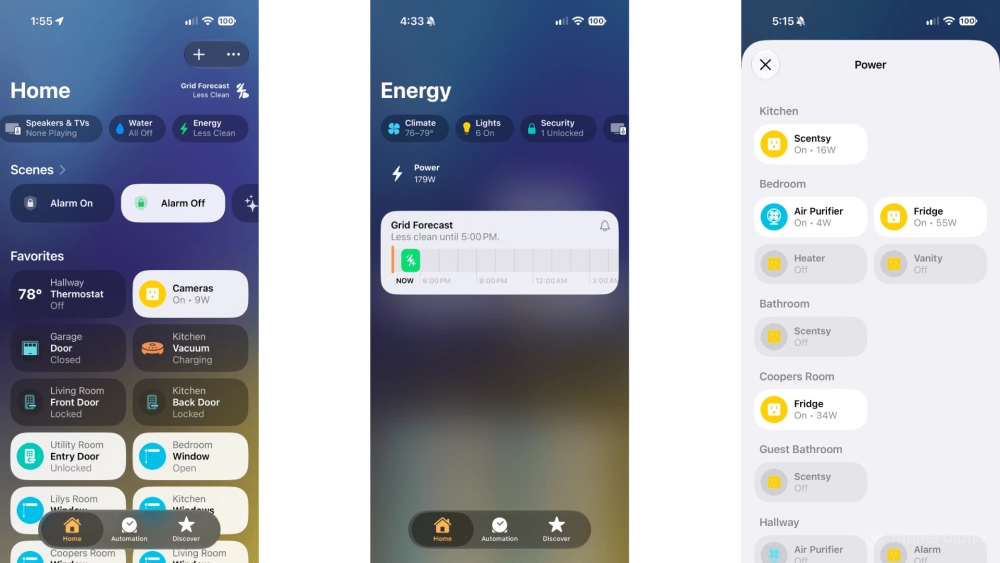
On the Power screen, you’ll find all the energy-monitoring-capable Matter devices currently linked to Apple Home. When a device is actively drawing power, real-time energy consumption data will appear underneath its name.
If you want to view the total amount of energy usage for all of your devices, head back to the Energy screen. A live total will be displayed on the Power button.
How to view historical energy usage data for your devices
Apple’s Home app keeps historical records of your home’s energy consumption, but it can be tricky to find—especially if you have a lot of Matter light switches or other devices. As with other energy data, you can track it down by going to the Energy tab.
- Launch the Apple Home app.
- Tap Energy or Grid Forecast.
- Wait a few moments until Usages appears (beneath the Grid Forecast timeline).
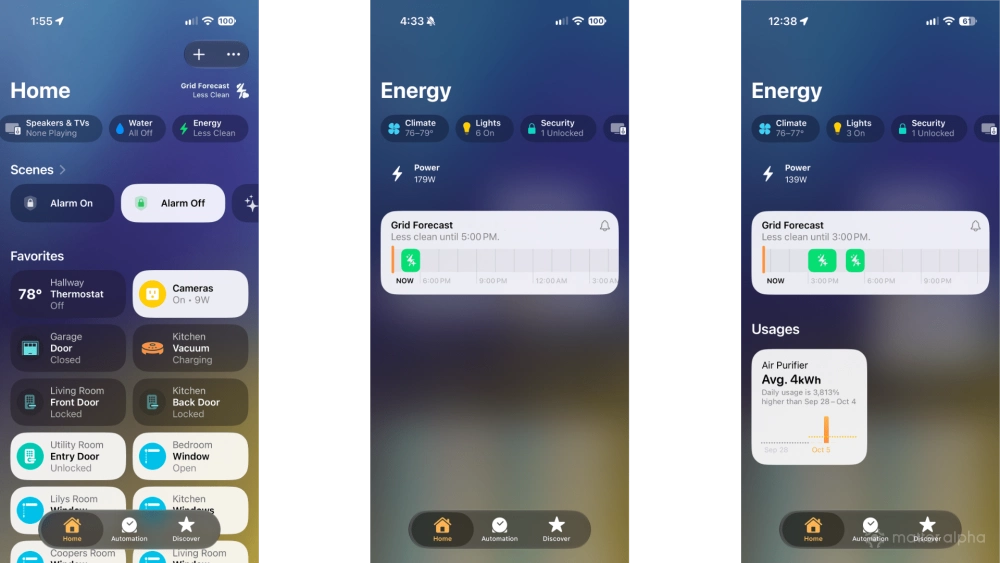
- Tap Usages.
- Tap the device drop-down menu.
- Tap your desired device.
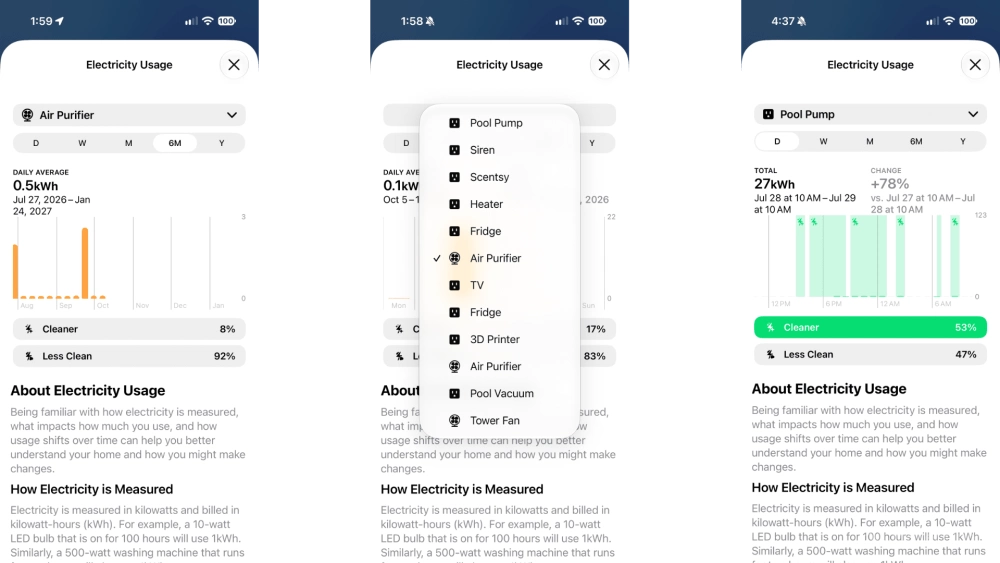
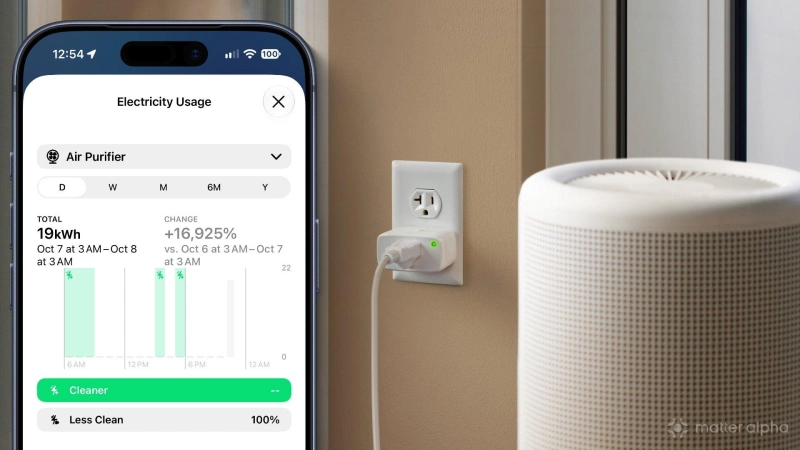
From here, you can view a bar graph of energy usage totals and averages sorted by day, week, month, six months, and year. You can also tap Cleaner or Less Clean to highlight times when your device was consuming energy during peak and off-peak grid hours based on your location.
How to enable Apple Home Grid Forecast
The Home app makes it easy to determine when your local utility company is using renewable or less clean energy sources with Grid Forecast. You can enable it for your home with the following steps:
- Launch the Apple Home app.
- Tap the … button near the top of your screen.
- Tap Home Settings.
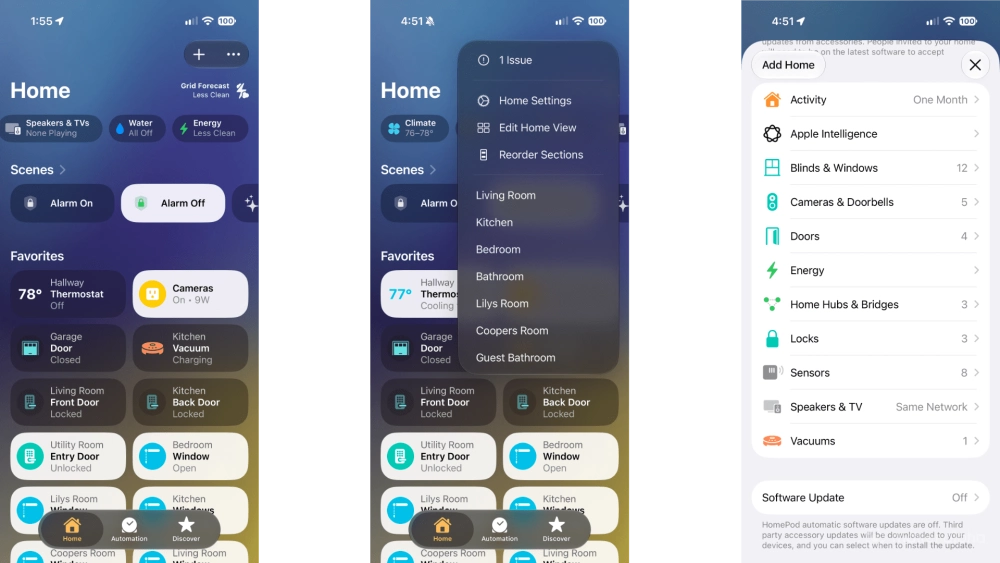
- Tap Energy.
- Tap the Show Grid Forecast toggle.
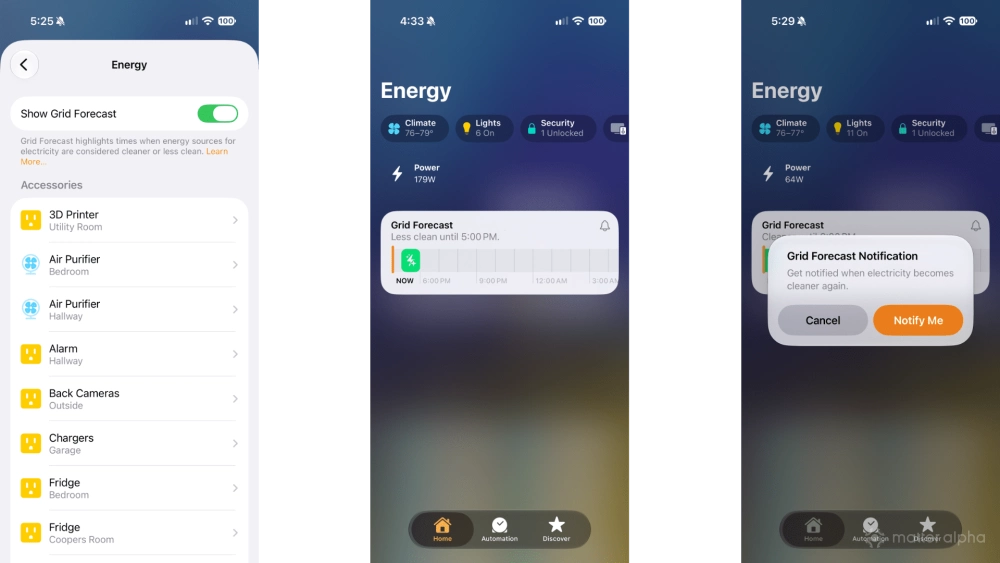
After enabling, a new Grid Forecast button will appear near the top-right corner of the Home app. Tapping it will bring you to the Energy tab where you’ll find a timeline highlighting the peak and off-peak hours for your local utility.
To enable notifications for clean energy times for your location, tap the bell icon, then tap Notify Me. You can also add a Grid Forecast widget to your iOS and macOS devices if desired.
How to link your electric utility account to Apple Home
As previously mentioned, the Apple Home app can also display the total electrical usage for your entire home by linking your electrical utility provider account. However, this feature is currently limited to only a few providers in the U.S., so if you are one of the lucky ones, you can follow the steps below to get started.
- Launch the Apple Home app.
- Tap the … button near the top of your screen.
- Tap Home Settings.
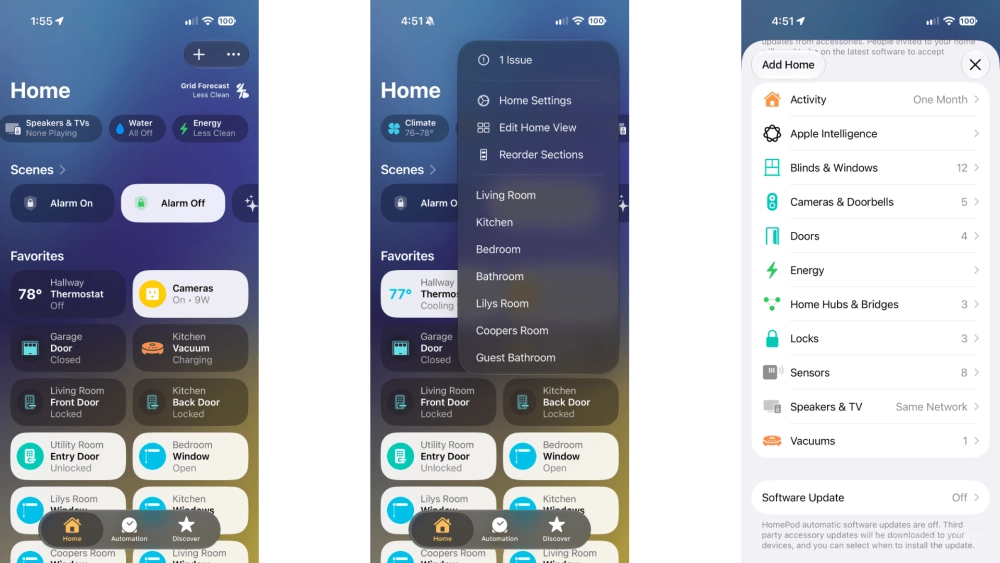
- Tap Energy.
- Tap Connect Account.
- Tap Continue, then follow the prompts to enter your utility credentials.
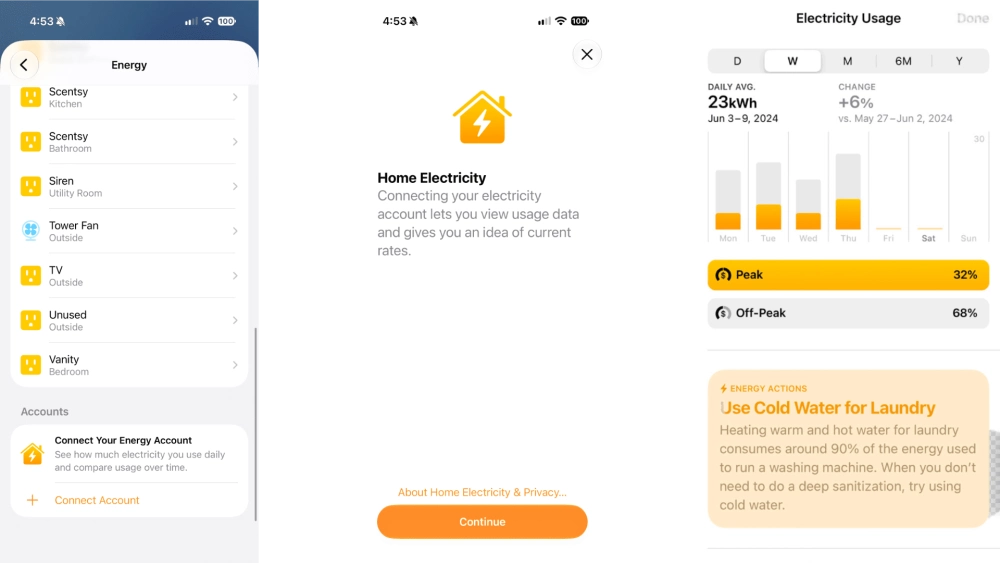
Once your account is synced to Apple Home, you can view total consumption data by tapping Energy or Grid Forecast from the Home tab of the app. Unlike smart device consumption, data from utility services does not flow to the Home app in real time and can take 24-72 hours before daily usage appears.
Save energy—and money—with Apple Home and Matter
As you can see, Apple Home’s comprehensive suite of energy monitoring tools gives you access to valuable insights designed to reduce consumption, lower your utility bills, and potentially help the environment through Matter. With real-time monitoring of Matter devices, you can see exactly how much connected appliances or lights truly cost to keep up and running, while Grid Forecast notifies you when your local grid is utilizing cleaner energy.
While its data is purely read-only at the moment, the latest energy monitoring additions to the Apple Home app are laying the foundation for a future with a more hands-off approach and even more savings potential. We expect to see energy data fully incorporated into Apple Home automation soon, unlocking scenarios such as turning off a smart plug the moment a phone is fully charged or Siri automatically shutting off the lights based on room presence, without the need for an additional device.
(Source: Christopher Close/Matter Alpha)