Home Assistant has released its 2026.10 beta, adding alarm settings for supported Matter leak sensors, one-touch locking controls, and more electrical measurements.
The additions bring more device settings into Home Assistant, including controls that previously were not exposed through its Matter integration. The update also reorganizes the Map dashboard and makes it easier to build and maintain automations with multiple triggers.
More controls for Matter devices
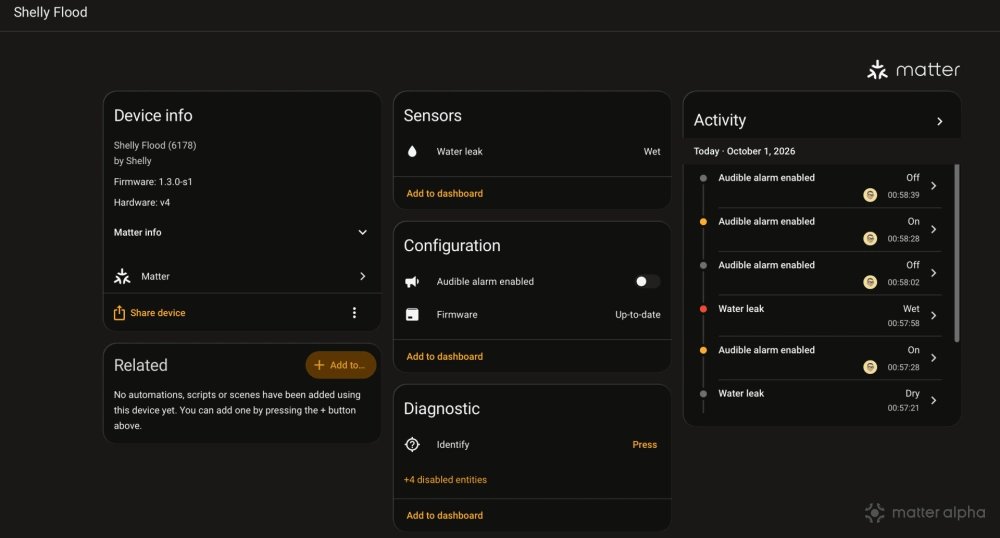
Supported Matter leak sensors now get separate switches for enabling their audible and visual alarms. IKEA KLIPPBOK is one confirmed example, with the controls appearing according to the alarm modes the device supports.
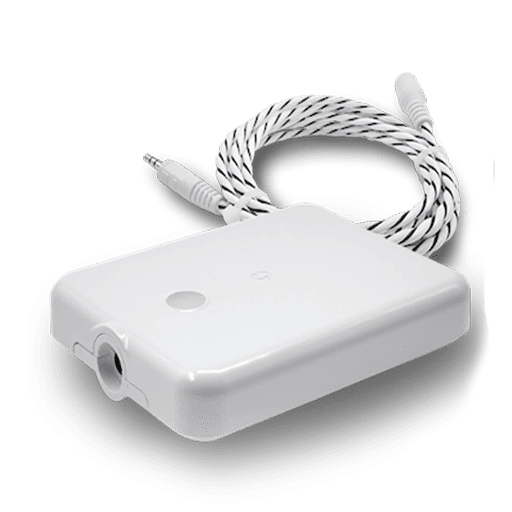
Shelly Flood Gen4
A smart water leak detector with a leak-sensing cord for broader coverage, real-time mobile alerts, and customizable safety protocols.
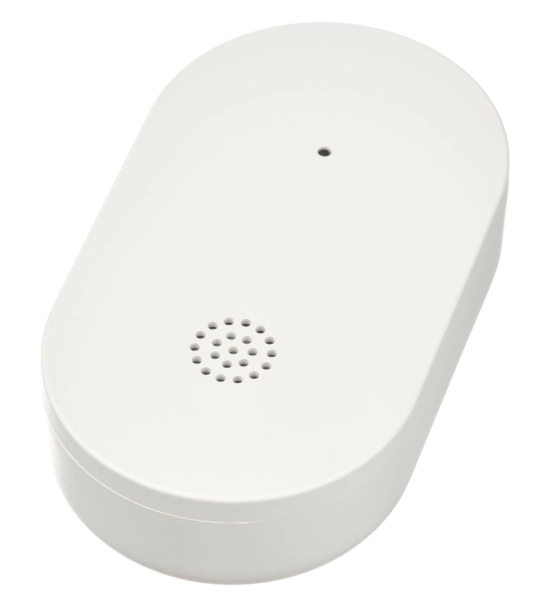
KLIPPBOK Water Leakage Sensor
A small, smart water leakage sensor that detects leaks, sounds an alert, and can notify your phone when connected to a hub.
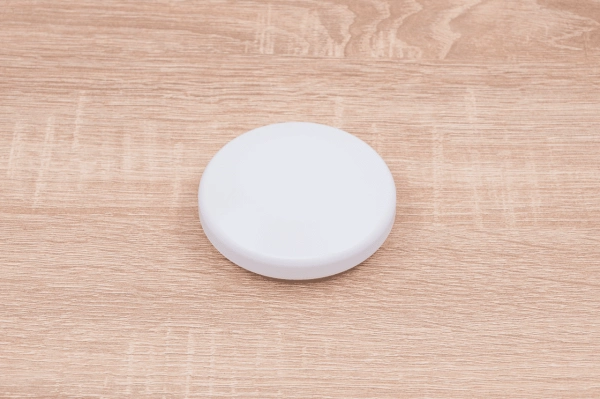
Shelly Flood S Gen4
Compact water leak sensor with Matter support plus Wi-Fi, Zigbee, and Bluetooth, featuring stainless steel detection surfaces, smartphone alerts, and built-in light and sound alarms.
The two settings work independently, so changing the audible alarm setting preserves the visual alarm setting, and vice versa. These configure the device’s alarm behavior rather than acting as buttons to sound an alarm.
In my testing, the new alarm controls worked with both IKEA KLIPPBOK and Shelly Flood. Supported devices get separate switches for their audible and visual alarms, so users can change one without affecting the other.
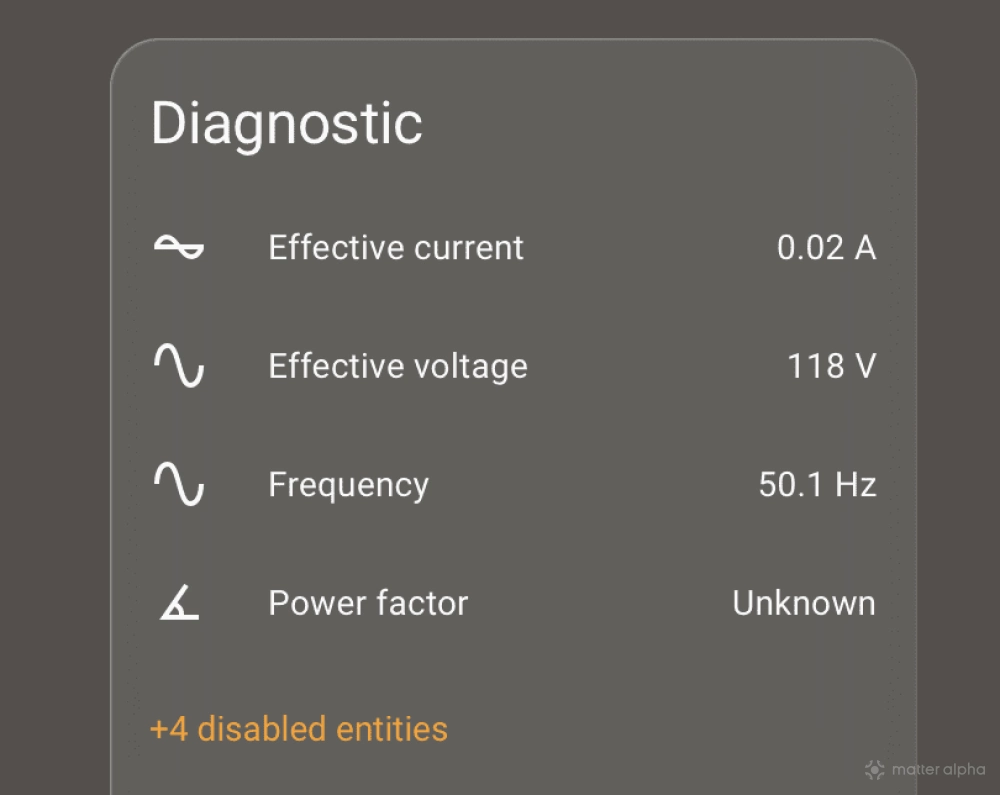
Compatible Matter locks also gain a one-touch locking switch, letting users decide whether a single touch on the keypad can lock the door. Devices that expose the relevant electrical measurements can now report frequency and power factor.
WAGO Home Blind Control devices gain settings for upward travel time, downward travel time, and slat rotation time. The change covers the 2757-1105 Wi-Fi and 2757-1106 Thread models, exposing the reference timings used to position the blind. The devices can also update their travel timings after a full run between end positions, with those changes reflected in Home Assistant.

Several smaller changes and fixes address Matter setup and device information. Bluetooth commissioning now processes the newest cached advertisement first, helping the device currently being paired appear without working through older discovery history.
Another change removes a cache that could leave Google Assistant without a device’s Matter identifiers until Home Assistant restarted. The same cache could retain outdated information after a device was commissioned again.
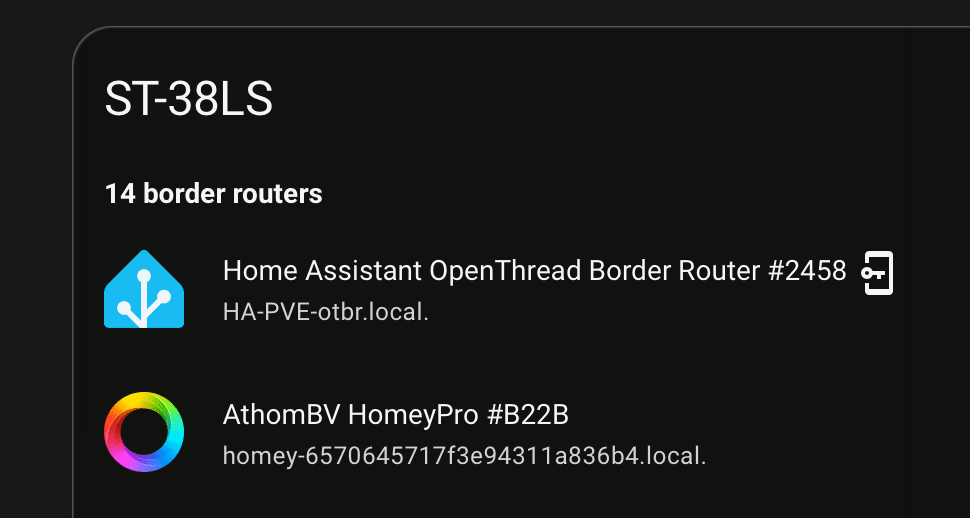
The update also includes safeguards against out-of-spec values reported by Matter devices and adds Homey icons to the Thread integration.
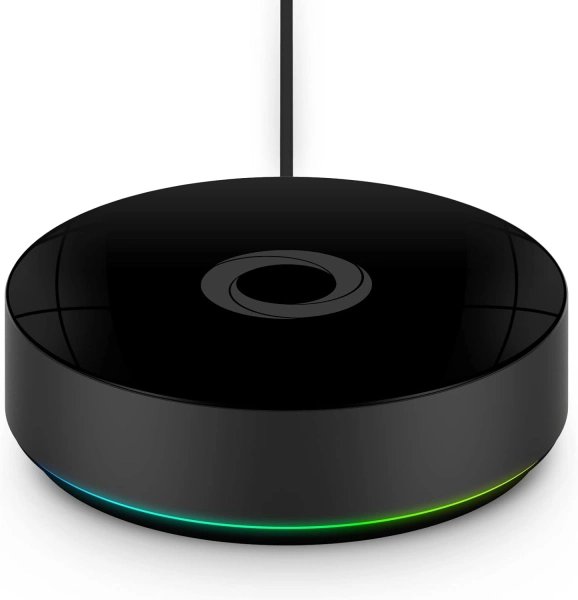
Homey Pro (Early 2023)
Homey Pro is a local-first smart home hub that unifies thousands of devices and technologies into one intelligent, privacy-focused automation system.
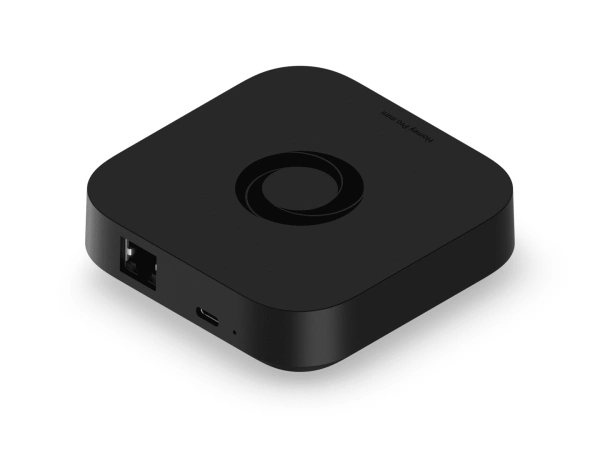
Homey Pro Mini
Smart home hub with Matter, Thread, Zigbee, and Ethernet built in, expandable via Homey Bridge, featuring Homey Flow automation, energy monitoring, alerts, voice integrations, and local or cloud backups with no subscription.
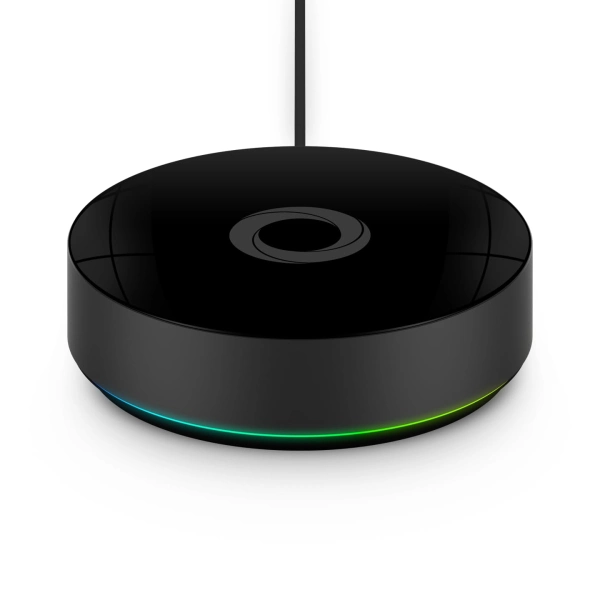
Homey Pro (2026)
Homey Pro (2026) is a local-first smart home hub that unifies seven wireless technologies into a single, powerful controller for advanced home automation.
A clearer map for people and zones
The Map dashboard gains a People, Devices, and Zones overview, displayed beside the map on desktop and in a pull-up sheet on phones. Selecting a person shows recent activity, while selecting a zone shows who is there.
People use photo markers, and zones have their own icons and colors. People in the same zone share a bubble, while overlapping bubbles merge when zooming out. The vector map keeps labels sharp, with a classic-map fallback for older devices.
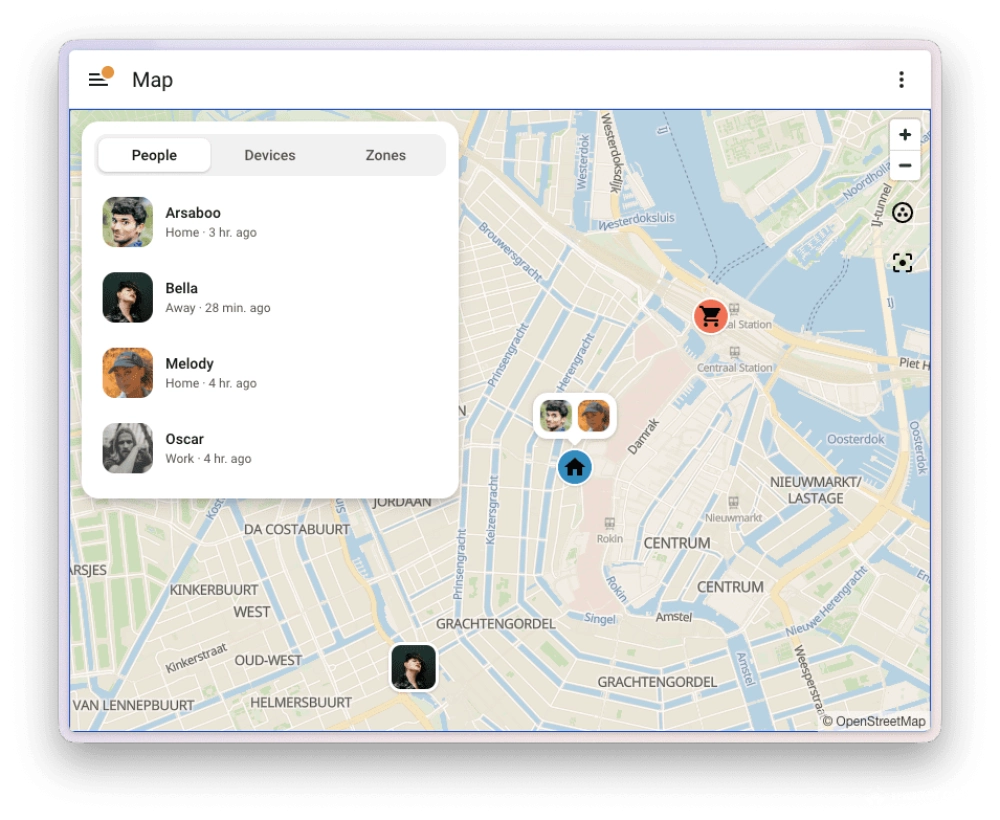
The redesign builds on the Map tiles integration introduced in 2026.9. It retrieves OpenStreetMap Foundation tiles through Home Assistant and caches recently used tiles, helping the map remain usable during brief internet interruptions. That cache does not amount to a complete offline map.
The zone editor under Settings > Areas, labels & zones adopts the same map and matching icons and colors. Zones are alphabetized, with Home pinned first.
Multiple automation triggers become easier to manage
“Triggered by” is an existing condition getting a more approachable interface. Previously, users had to reveal a trigger’s ID field, assign an identifier, and then select that identifier in a condition. The Open Home Foundation’s roadmap identified that process as unnecessarily complicated.
Users can now select triggers directly in a “Triggered by” condition, with Home Assistant managing the IDs. This makes it easier to keep related behavior in one automation. For example, a leak notification and an all-clear notification could use separate triggers and action branches within the same, single routine.
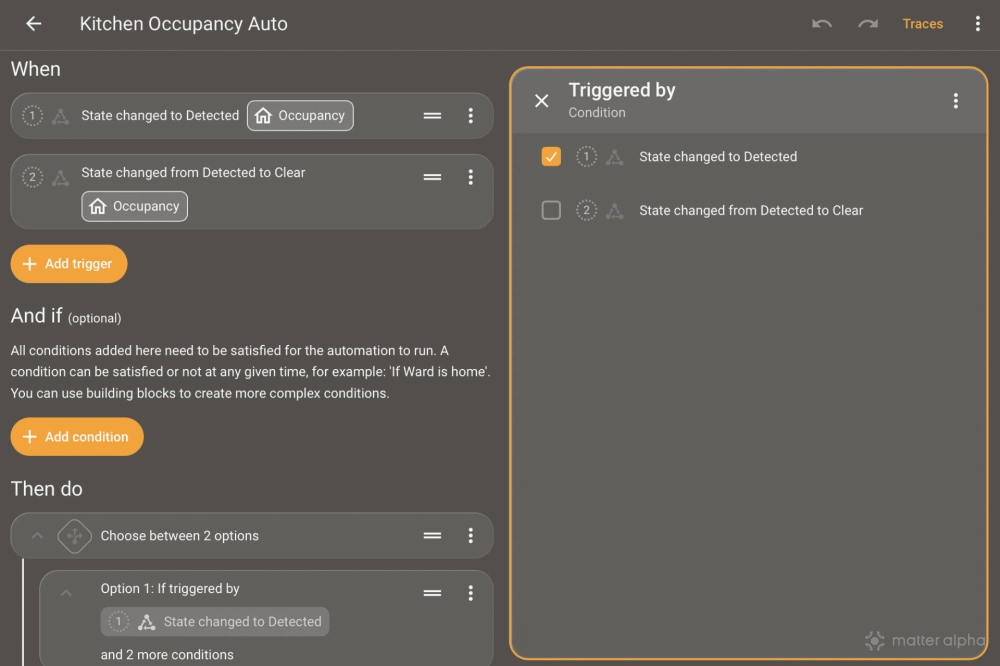
The editor warns about missing trigger references and offers a fix for shared IDs that updates affected trigger conditions. Users referencing trigger.id directly in templates or action data still need to maintain those references themselves.
When is the update available?
Home Assistant 2026.10 is in beta testing, with the stable release expected Wednesday, Oct. 7. Features may change or be removed before release.
Home Assistant OS users can join through Settings > System > Updates, open the three-dot menu, and select “Join beta,” then install the offered update.
Testers can discuss the release in the official community forum or Discord’s #beta channel. Bugs should go to the relevant GitHub issue tracker, including the exact beta version being tested.
(Source: Home Assistant, GitHub, Open Home Foundation; Image: Matter Alpha/Ward Zhou, Open Home Foundation).