Not every smart home product can be glamorous. Some, by design, should go unnoticed. IKEA's KLIPPBOK water leak sensor is one purchase that, if you’re lucky, you’ll never have to interact with—but if you do hear its alarm go off, you'll be glad it's there.
IKEA’s little sensor has a few things going for it. At only $10 each, it’s affordable, which is a big win for a sensor you'll need to buy multiples of. You can quite possibly get all the sensors you need for your home for under $100, but what's just as important is the fact that this cheap little gadget works, as long as your Thread network is robust enough.
KLIPPBOK Water Leakage Sensor
A design you may have seen before
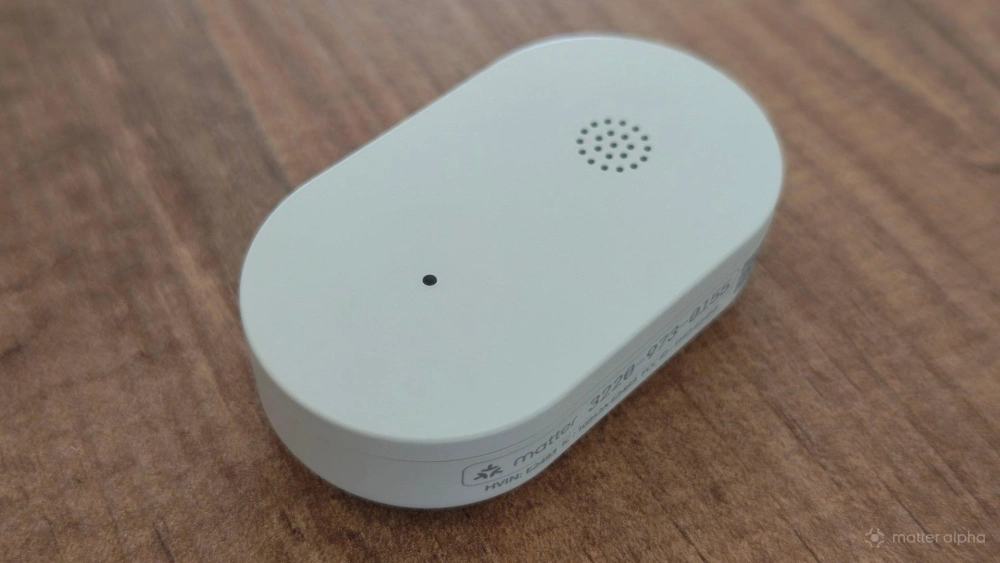
The IKEA KLIPPBOK comes in a small and barebones package, like the rest of IKEA's Matter-over-Thread product line. Inside, you’ll find the water sensor and a small piece of paper with product information. That’s it. You must scan a QR code if you want a guide. Fortunately, there isn't much need for one.
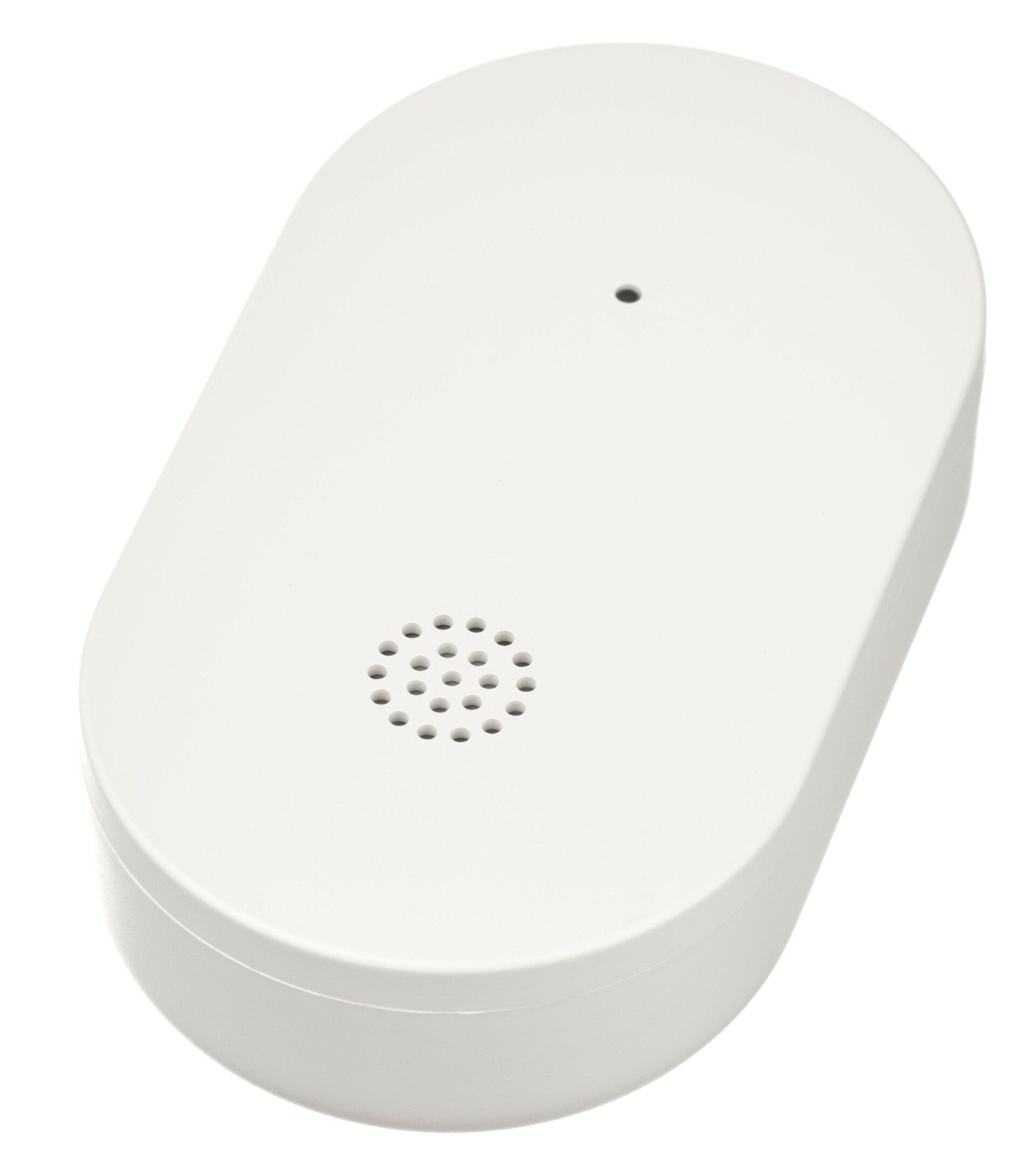
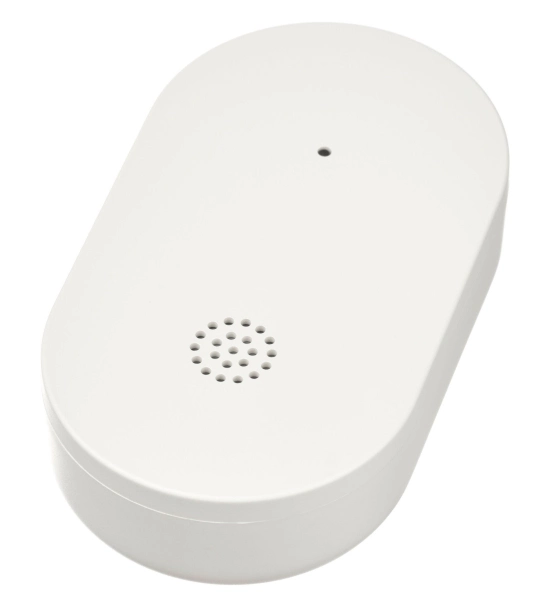
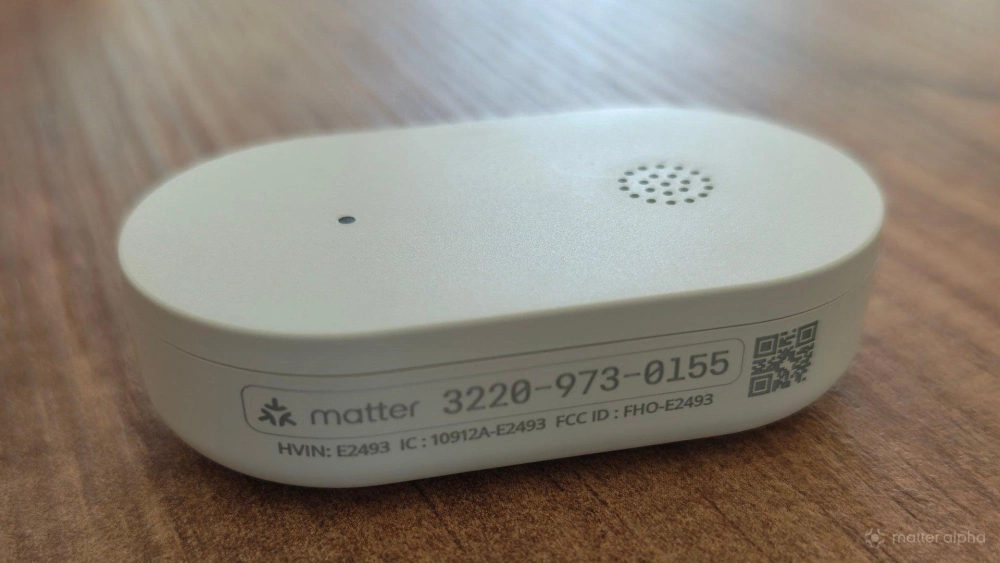
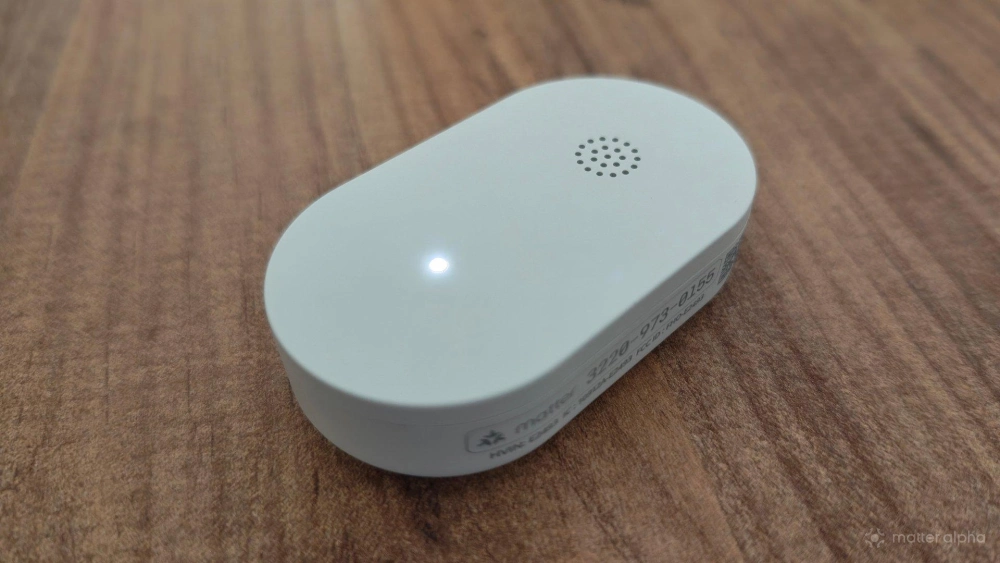
This sensor is minimalist. You would be forgiven for mistaking this sensor for IKEA's BILRESA smart dual button, which we considered a $6 miracle. Unlike that device, there are no buttons to press on the front, as this is an entirely passive piece of kit. The front is spare except for a small speaker grille and a small, circular light.
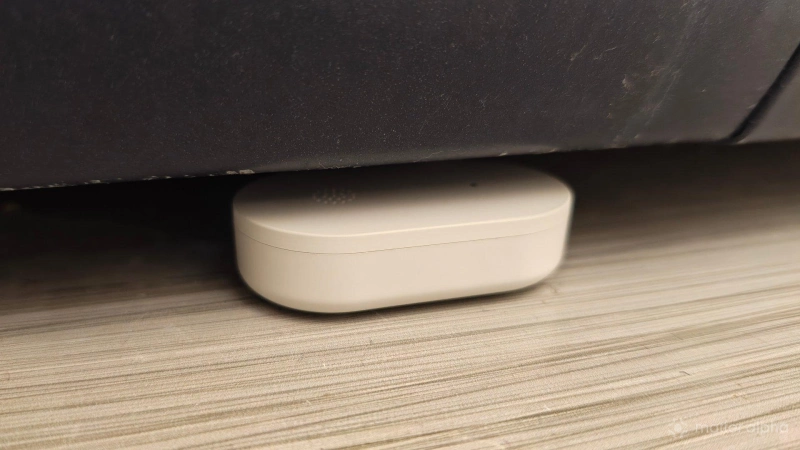
At roughly two inches long and an inch wide, the KLIPPBOK will fit where you need it, but don't expect it to disappear out of sight. It is noticeable sitting at the bottom of your fridge or in front of a washing machine. Fortunately, there's nothing particularly attention-grabbing about its design. It fades into the background effortlessly.
There isn't much setup, but what's there is foolproof
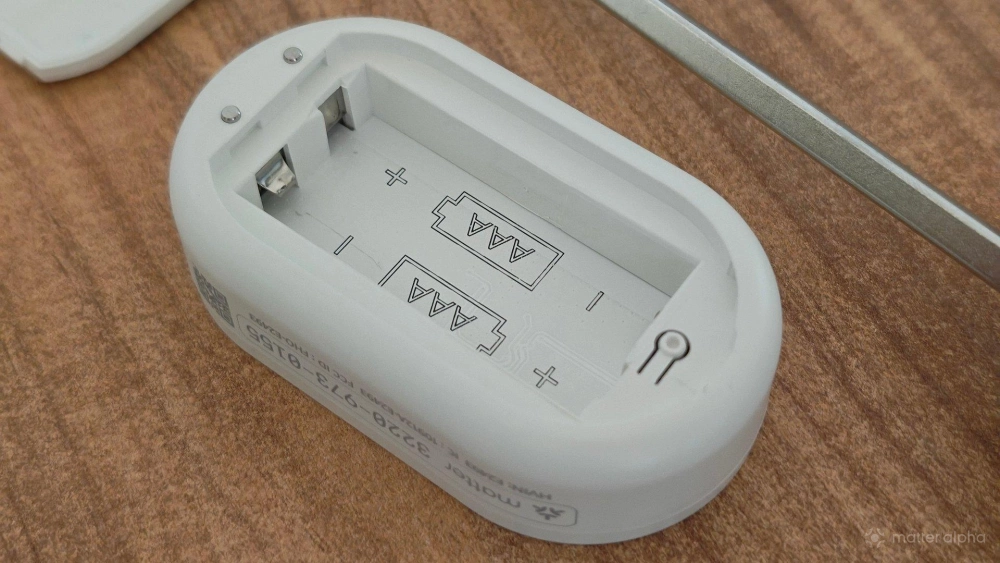
To get started, you pop open the back cover to insert two AAA batteries, which you can do using a flathead screwdriver. At this point, the LED on the front lights up, letting you know the product is active and ready for use.
What you do next depends on your smart home platform of choice. How you add a Matter device to IKEA Home is largely the same as the procedure you follow in other smart home apps. You pull out your phone and scan the QR code on the side of the device. Alternatively, you can type in the Matter pairing code manually.
Each KLIPPBOK I set up connected quickly, and connectivity has been reliable in the weeks that followed. I have not had any issues with them showing up as offline when I open up my smart home app, which in my case is the companion app to my Homey Pro. The KLIPPBOK connects via Matter-over-Thread, so you need at least one Thread border router.
Thread connections are more energy efficient, making them ideal for battery-powered devices like the KLIPPBOK. The Thread network also becomes more resilient as you add more Thread devices that aren’t powered by batteries, such as the IKEA ALPSTUGA air quality monitor. But from my experience, Thread also introduces added complexity. While the KLIPPBOK has been reliable for me so far, I have encountered issues with other Thread devices, including those from IKEA. I would not be surprised if I ran into issues with these down the line as well. An option like the ThirdReality water leak sensor kit may prove more robust if you don't have a strong Thread network.
A smart home product that requires zero configuration
The IKEA KLIPPBOK doesn't require any additional setup. It has one job: when it gets wet, it sounds an alarm. This functionality is active even before you pair it to your smart home. You do not have to go into an app to enable any functionality.
In fact, there isn't much that you can configure about this water sensor. When I open the Homey app, I can merely see the remaining amount of battery life, and I can see whether this alarm is currently sounding off (a visual indicator that can be useful if I'm too far away to hear the alarm). I also have the option to suppress the alarm after it begins to blare.
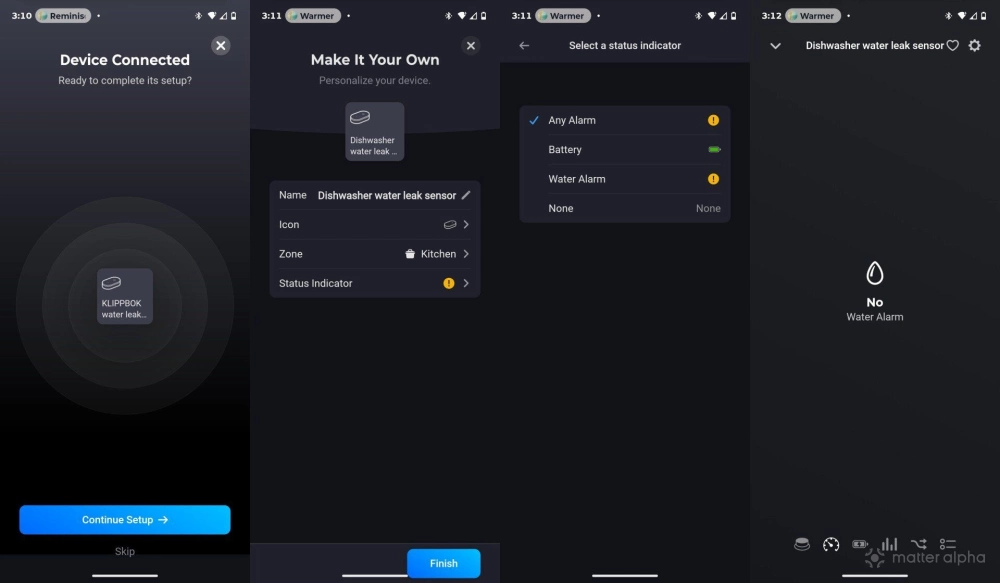
If you wish to tinker, that's where automations come in. You can set the KLIPPBOK to trigger other actions, such as causing lights to flicker in addition to the alarm whenever there's a leak. You can also enable remote notifications in case a leak happens while you're away from home.
A sensor that works even without Matter
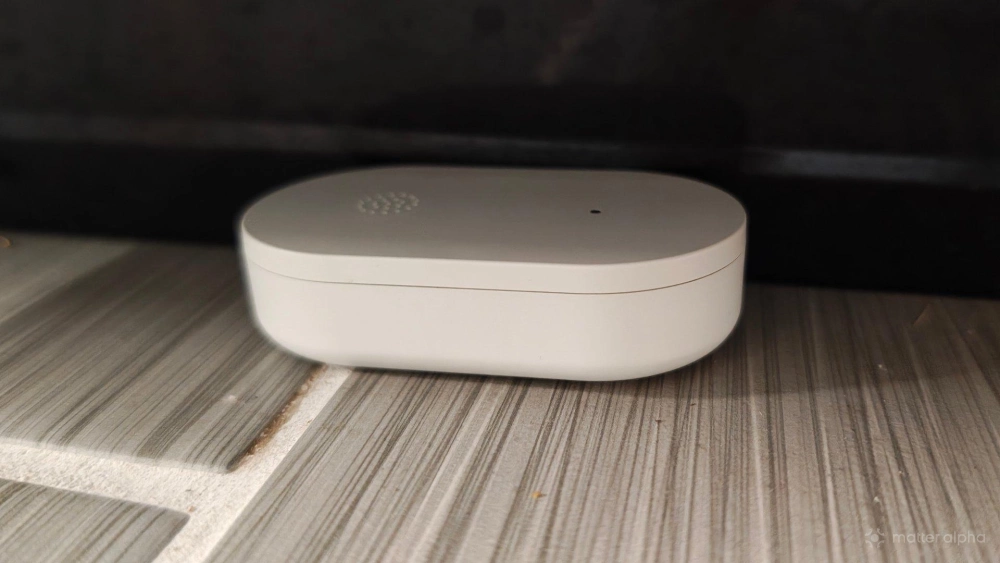
While this may be a smart home water sensor, you don't need a smart home hub to use this product. If you're in the very beginning stages of building a smart home and have not yet chosen between Home Assistant, Samsung SmartThings, or Apple Home, there is little reason to wait before making a purchase. Why not put batteries in the KLIPPBOK, and place it under an area that might leak? It will sound off if it gets wet. The loud noise it sends out is a better warning system than having nothing at all.
I placed one under the front of our washing machine, which currently leaks whenever we run a load. We could hear the alarm go off from the other end of the house. I live in a single-story home that is well over 2,000 square feet, so the sound covers quite a bit of distance. This device would have no problem covering the distances of a small apartment or condo. That said, I can't speak to how well you hear the alarm if you're on a different floor.
Should you buy the IKEA KLIPPBOK?
So far, it's hard for me to think of a good reason not to. Water leaks can cause thousands of dollars in damage and are easy to go unnoticed. It is easy to justify spending under $100 to place a few sensors under each of the sinks and major water appliances in my home. Personally, I also recommend investing in rechargeable batteries. Once you've decided to fill your home with dozens of battery-powered smart home sensors, it's worth spending a little extra to make sure replacing batteries isn't an ongoing maintenance cost. That's an easy investment to make when a product costs as little as a KLIPPBOK does.