Matter devices usually require a Bluetooth Low Energy (BLE) connection for their initial setup phase before transitioning to their primary Wi-Fi or Thread networks. In the past, users often relied on their smartphones to handle this initial Bluetooth handshake, essentially letting an Apple or Google ecosystem do the heavy lifting of commissioning the device before sharing it over to Home Assistant.
Bypassing the smartphone entirely and using Home Assistant as the primary commissioner was possible, but it came with strict hardware limitations. The newly released Matter Server 0.7.1 update changes this dynamic by introducing support for Bluetooth proxies, lifting a major hardware hurdle for Home Assistant users.
Extending reach with proxies
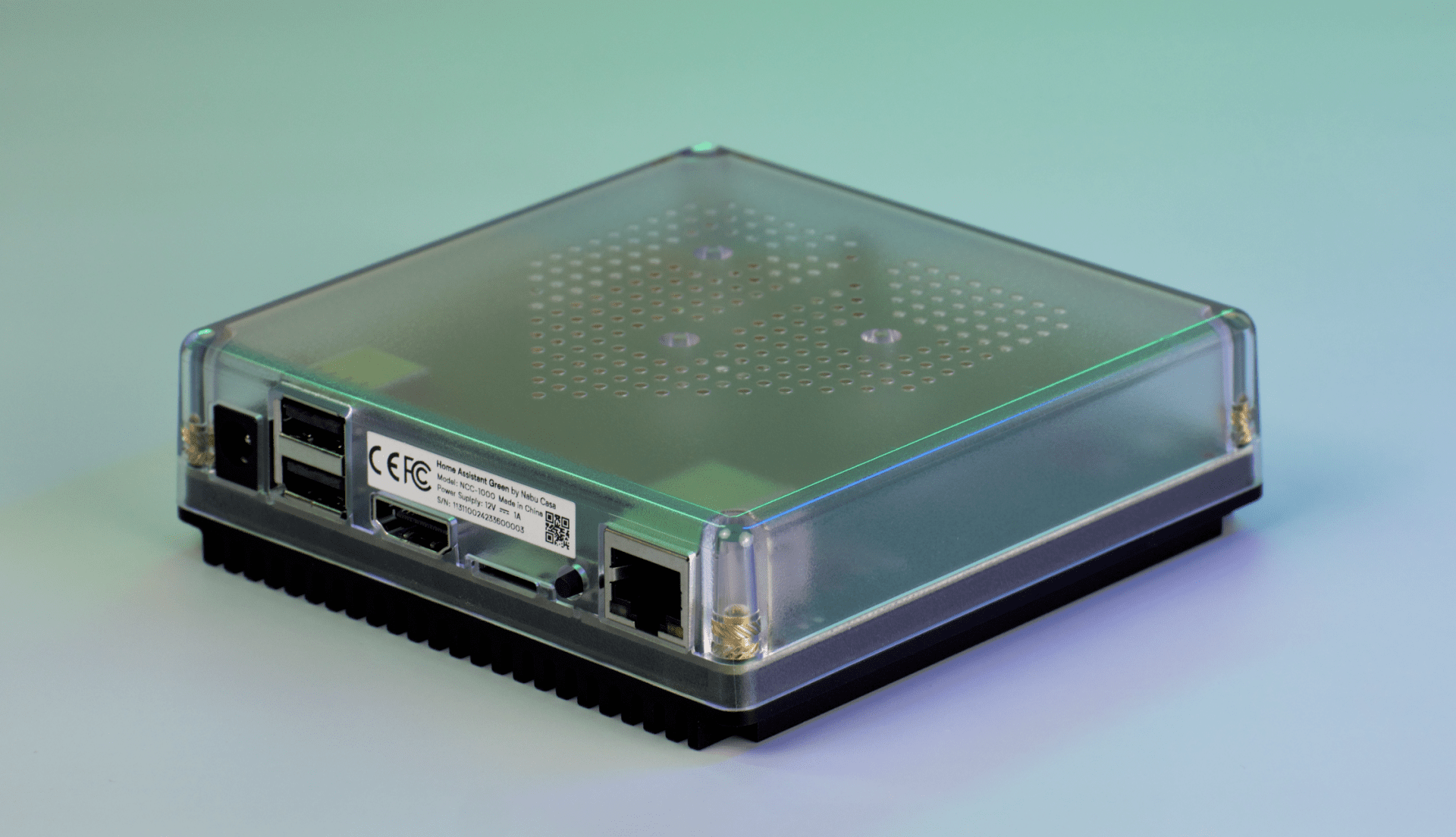
Before this software update, adding a device directly meant installing a physical Bluetooth USB dongle or a PCI-E expansion card directly into the host machine that runs Home Assistant. For users running Home Assistant inside virtual machines or containerized environments, this required configuring tedious hardware passthrough rules just to get the Bluetooth radio communicating exclusively with the Matter Server.
Because Bluetooth has a notoriously limited range, you had to bring the new Matter hardware physically close to the server closet just to complete the initial pairing process. This often meant plugging a smart switch into a temporary extension cord near the main server rack before finally deploying it to its actual permanent location in the house.
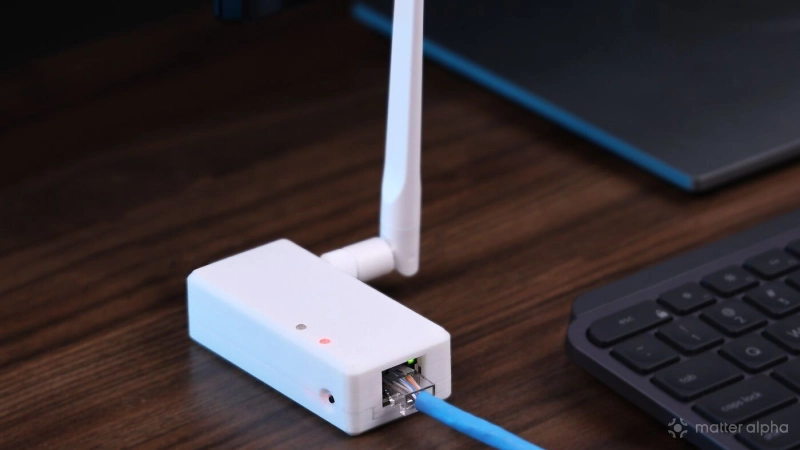
The introduction of Bluetooth proxy support completely bypasses those old connectivity hurdles. A proxy device acts as an invisible wireless extension cord, capturing the Bluetooth pairing traffic from a new device and relaying it over the local network back to the main Home Assistant server.
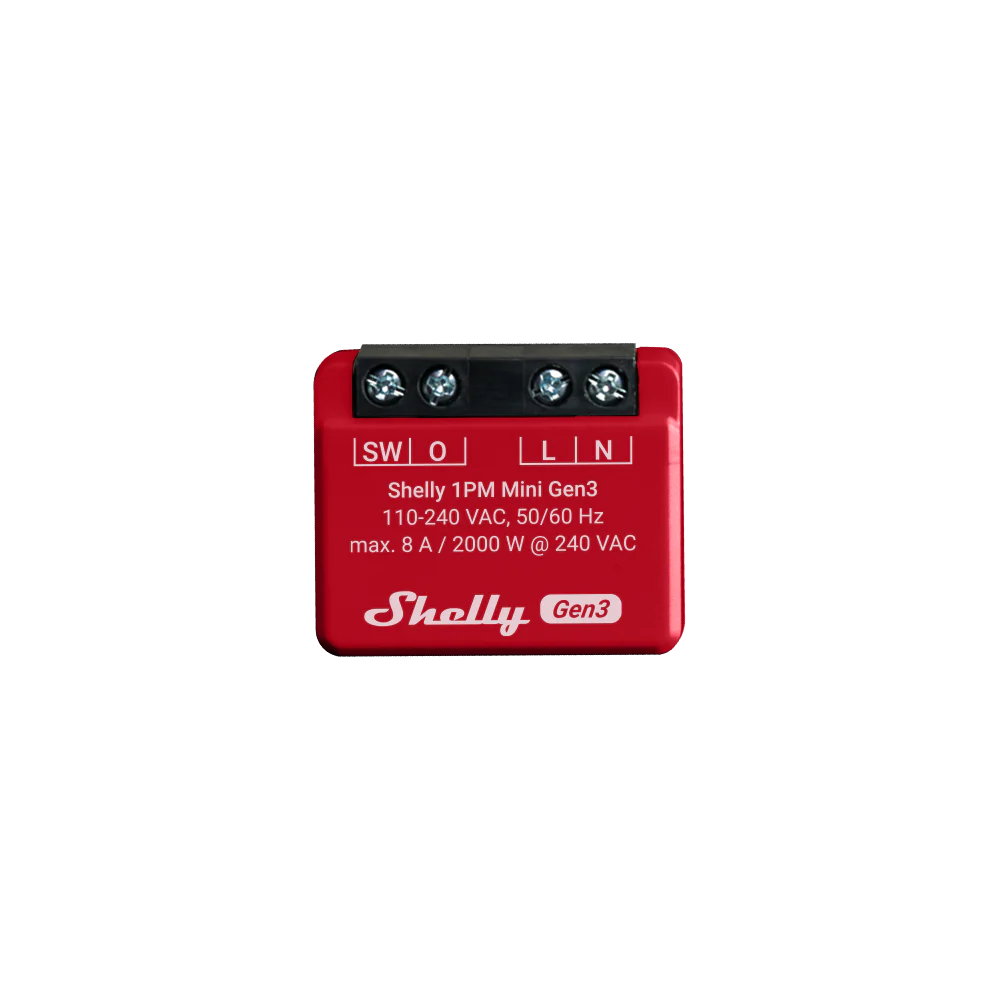
Many smart home deployments already contain compatible hardware without requiring any extra standalone purchases. Popular devices running ESPHome firmware or modern Shelly smart relays come equipped with built-in Bluetooth radios capable of acting as proxies. Home Assistant can now utilize these distributed devices to extend Bluetooth discovery across an entire property.
These proxy features are typically enabled by default on compatible hardware. You can manually verify the proxy toggle directly on the specific device configuration page.
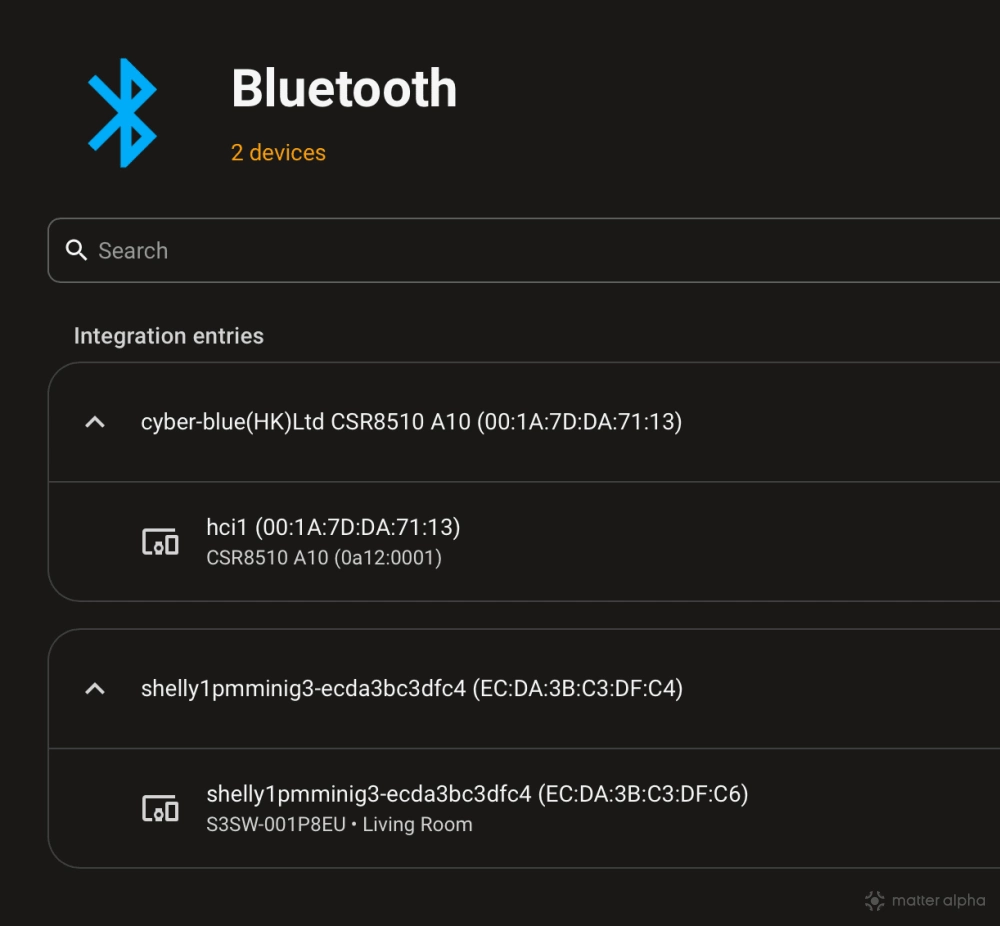
To view the entire network of available proxies, users can navigate to the Bluetooth integration menu within Home Assistant, which neatly lists all active local Bluetooth interfaces and proxy nodes. This means a new Matter lightbulb can be paired directly in the garage using a nearby Shelly relay, without ever bringing the bulb near the host machine.
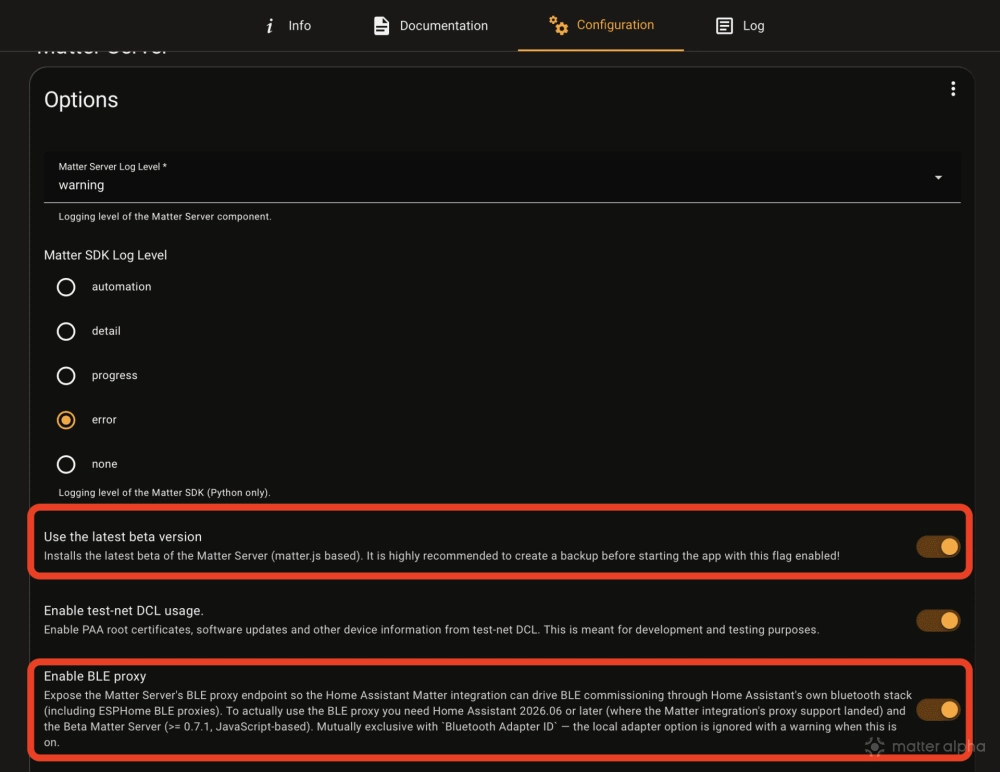
You can toggle on “Use the latest beta version” and the “Enable BLE proxy” options in the Matter Server Configuration page to try this feature.
Other updates in version 0.7.1
Alongside the new proxy support, the Matter Server 0.7.1 release brings several other technical enhancements and bug fixes. On the dashboard side, the user interface now displays the Thread spec version on Thread node details. The development team also updated the dashboard to always show the Thread and Wi-Fi navigation tabs, removing a previous interface restriction that hid them on smaller screens. Troubleshooting on your phone is now easier with the OHF Matter Server.
Under the hood, the server software was updated to use the official Matter.JS 0.17.0 release which officially upgrades to Matter 1.5/1.5.1 and features a performance boost according to the changelog. The update also includes a critical fix for Docker health checks when a custom listen address is used, ensuring the server reports its status correctly in containerized deployments. Also, a small quality-of-life improvement ensures the dashboard automatically focuses on the pairing code field whenever the commission node dialog opens, improving the setup process.
(Source: GitHub; Image: Matter Alpha/Ward Zhou, SEEED Studio)