In the past, if you wanted to control your smart home using Apple Home, but your Galaxy-owning spouse preferred SmartThings, you had a situation on your hands. Only one of you could get what you wanted. With Matter, this problem is solved. Well, mostly.
Theoretically.
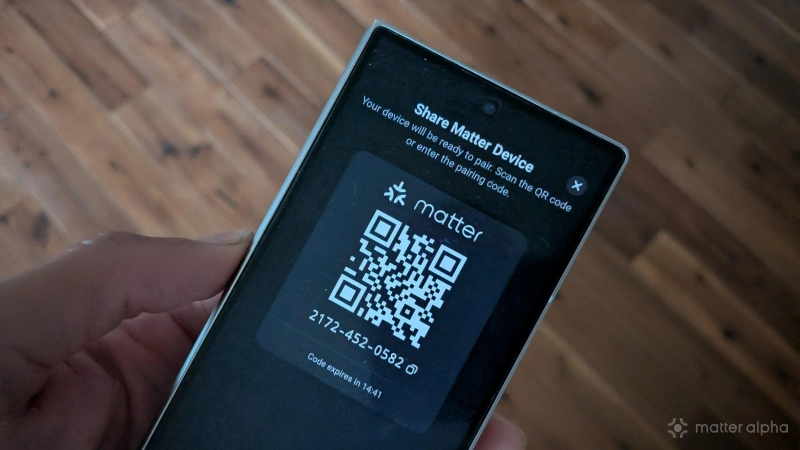
Matter’s multi-admin feature means you can control Matter devices from two smart home platforms simultaneously. Unfortunately, you can’t import all of your devices from one platform into another all at once, nor can you scan a product's original Matter pairing code to add it to each platform. Instead, the first platform must generate a code that can be used to import your device into the second, and you must do this for each device one at a time.
It’s here, sadly, where the process sometimes falls apart without explanation. If you find yourself stuck here, let me try to offer up an explanation.
If your phone and all relevant devices aren't on the same Wi-Fi network
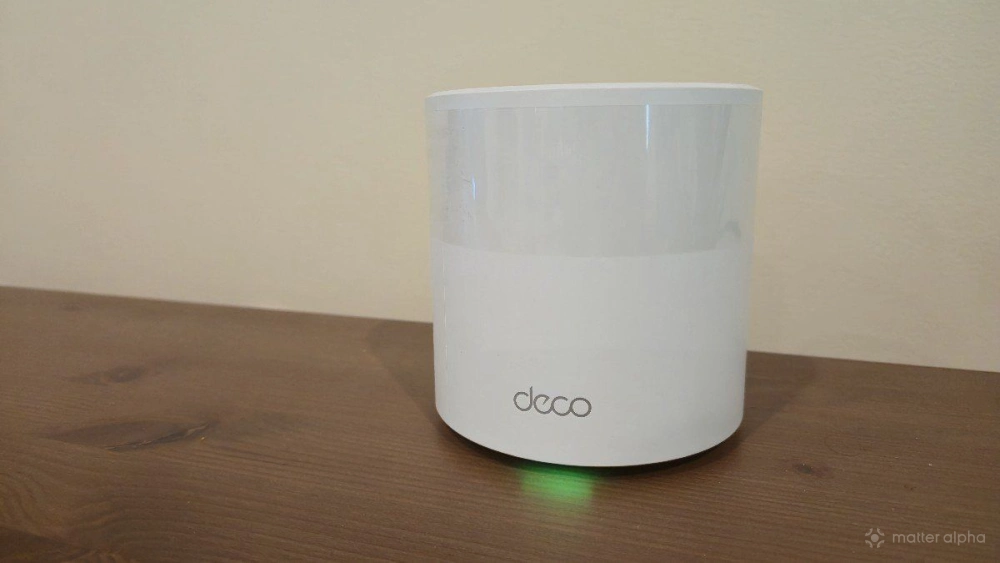
When adding a new Matter device to your smart home hub, your smart home platform usually relies on your phone to make the magic happen. A Matter device connects to your phone via a Bluetooth connection, then pulls information from your phone about what to do, including which Wi-Fi network to connect to.
For the multi-admin process to work, your phone and your existing Matter device must be connected to the same network. If you’re on a separate Wi-Fi network from the one you used to set up the device, the experience can quietly fail. This is a situation that has grown more common now that routers increasingly separate 5GHz networks from 2.4GHz networks. Some even provide the option for a 2.4GHz guest network and a separate 2.4Ghz network for your various IoT devices.
Matter devices often can only connect to 2.4GHz networks. If you’re attempting to pair from a 5Ghz network, the process is likely to fail and the device won’t necessarily tell you why.
If the device connects over Thread
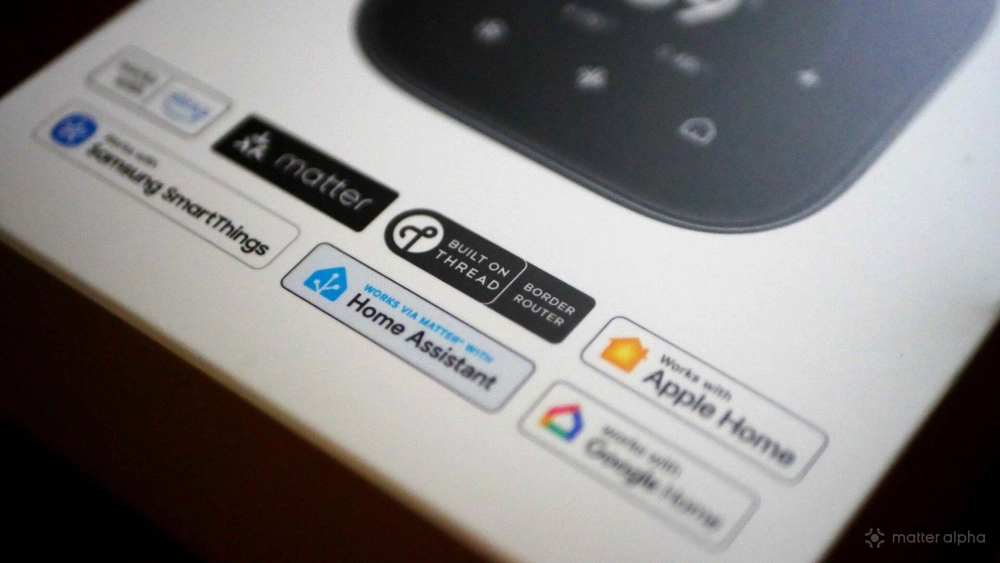
Most Matter devices connect over Wi-Fi, but a growing number connect over Thread. Thread is a mesh networking protocol that promises to make our smart homes more resilient. If one device loses connection, devices can route through other devices in the Thread mesh network to maintain their connectivity, avoiding a centralized point of failure.
This means Thread devices need something more than just a direct connection to your Wi-Fi network. They must connect to a Thread router or another Thread device. If a Matter device fails to find a Thread network, or you point it towards the wrong one (yes, Thread can get confusing), this can cause the process to quietly hang up.
If you're too far from the relevant hardware
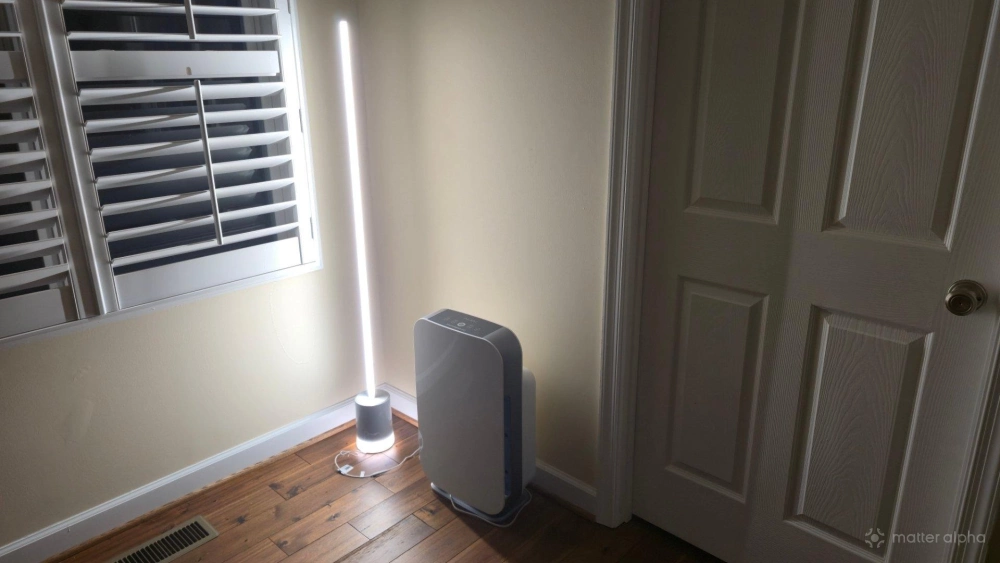
Matter devices use your phone to help them establish a connection to the hub. If you're trying to set up a Matter device that's on the other side of the house, your phone and said device can't reach each other.
To make the process go smoothly, make sure you're in the same room as a device you're trying to share from one ecosystem to the next. It may help to stand only a few feet away and leave your screen on, just to make sure everything is staying active. After all, your devices are communicating to one another via Bluetooth for this step in the process. Bluetooth has a limited range.
If you're still connected to a VPN
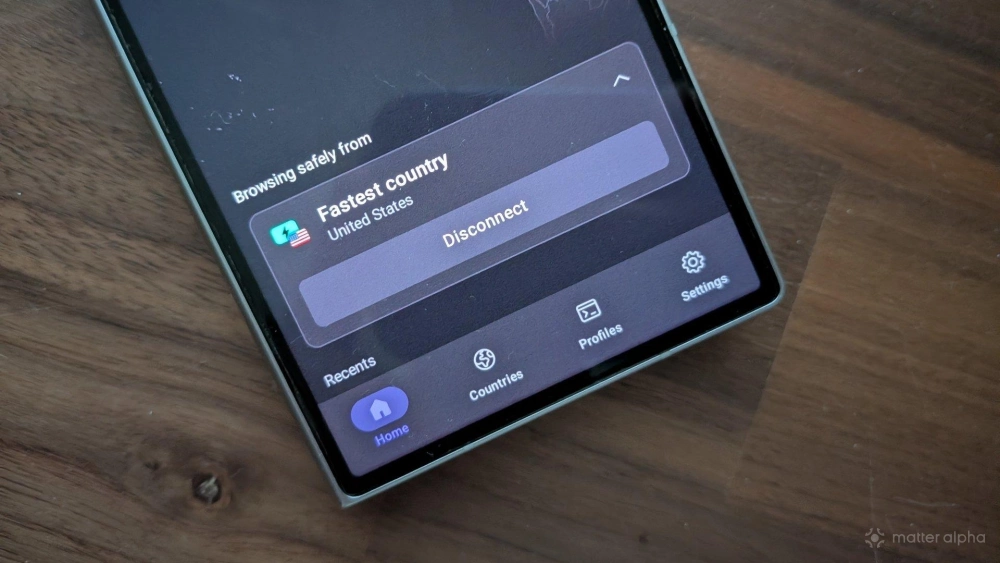
Your Matter devices all communicate over a local network. Your phone, your Matter device, and a hub all need to be able to see each other. This is precisely the kind of thing that a VPN can prevent.
A virtual private network makes your phone appear to be somewhere other than where it is, so your phone can't see your Matter device and your Matter device can't see your phone. This is a simple fix: if you have your VPN on after a period of private web browsing, just make sure to turn it off before you try to share one Matter device with another platform.
You can do all of these things and still watch the process fail
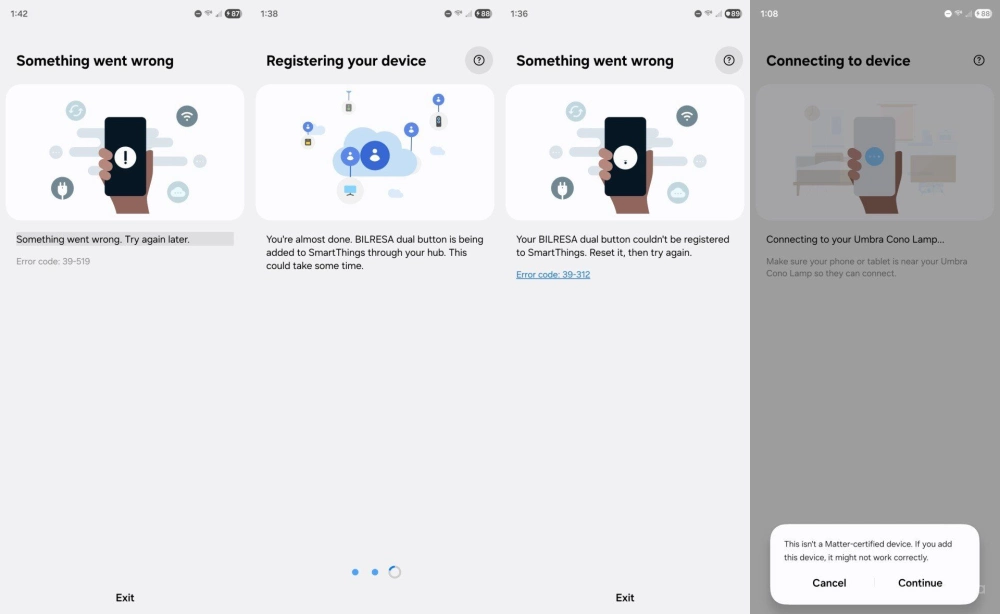
There are many ways Matter can fail during the setup process. This is true when setting up a Matter device for the first time or when trying to share Matter devices across platforms, as you do when you utilize Matter's multi-admin feature.
This is frustrating on its own, but the arguably bigger problem is that Matter does not yet do a good job of informing you what went wrong when the process fails. Unless you're comfortable enough to debug the software in the backend, figuring things out is largely a matter of guesswork.
To exacerbate the problem, the experience varies based on your smart home platform. SmartThings will usually tell you that something went wrong, but I found Home Assistant often didn't tell me anything at all (but you can more easily access a record in the logs, if you know where to look). The process can also take far longer than you might expect. As the devices try to communicate with one another, you might watch the Matter icon float around for minutes at a time, expecting it to fail, only to find that it succeeds.
I've successfully shared several Matter devices in a row only to see the fourth one fail when doing the exact same thing.
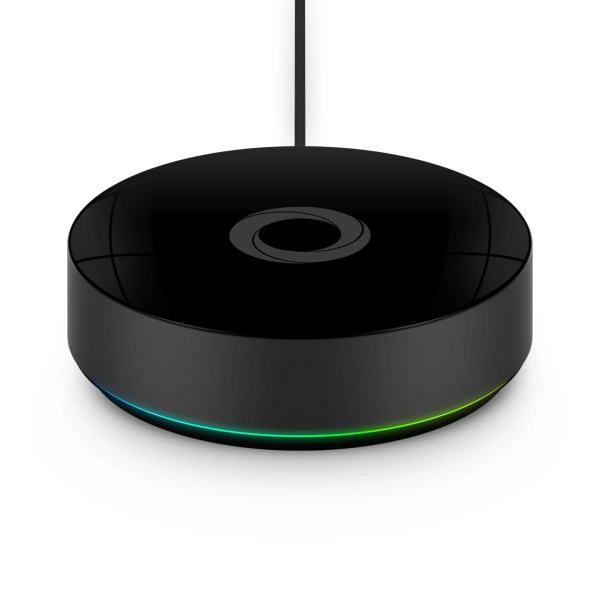
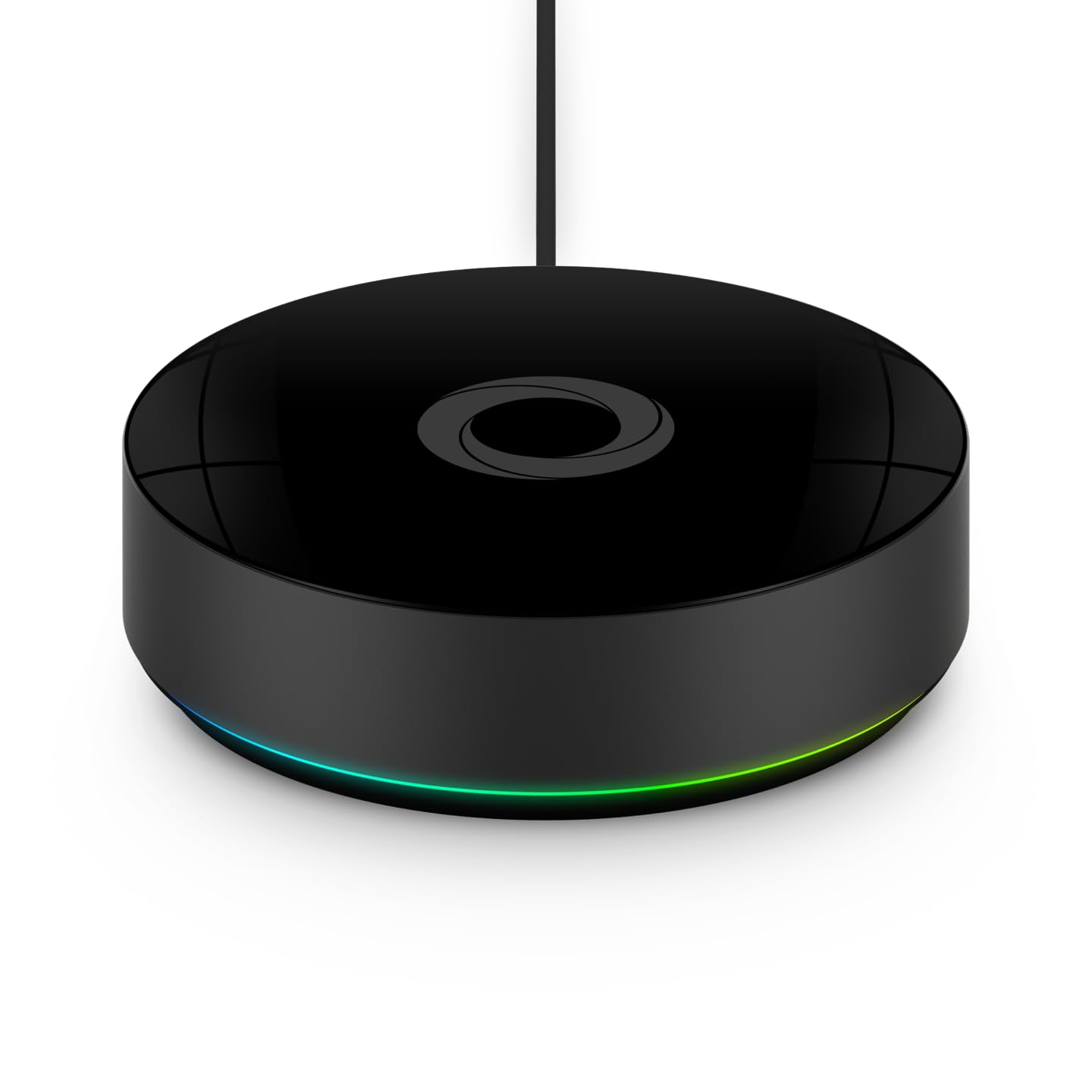
Homey Pro (2026)
None of this would be so frustrating if only smart home platforms would shed some light on exactly how to troubleshoot. For this reason, administering my home from two smart home platforms has taken longer than I expected. Sharing a device can take upwards of five minutes with no guarantee of success, which is time-consuming when many of my rooms have over five Matter devices in them. Sharing my home between Homey and SmartThings remains a work in progress.
It would be a delight to share all devices from one ecosystem to another in a single go—but that's not a feature that's been baked into Matter yet. If it does come, who knows how long it will be before all the smart home platforms support it?
In the meantime, I wish you the best of luck.