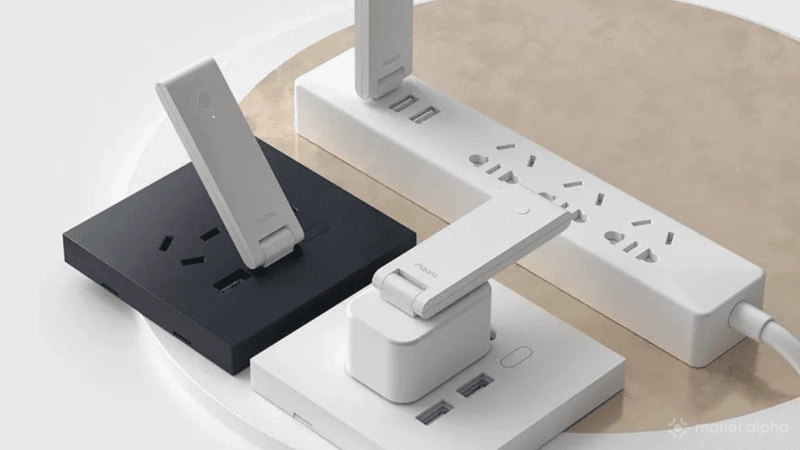
Virtual devices remain a relatively tinker concept and are still rare in major smart home platforms. But combined with Matter bridges, they can become surprisingly useful.
A virtual switch, light, sensor, or shade does not need corresponding physical hardware. Instead, its state can represent automation, a group of devices, or information from another platform. Expose that virtual device through Matter, and the same state can travel between ecosystems, creating surprising uses.
Here are five practical ways I have found to use them.
1. Better geofence triggers
Reliable geofencing can be tricky with platforms that depend heavily on their own mobile apps. iOS and Android often restrict background activity and location access, which can make GPS-based presence reporting slow or inconsistent.
Native platforms can sometimes handle this better. Apple Home and Google Home, for example, are closely integrated with their respective phone systems, while SmartThings can take advantage of its integration on Galaxy devices.
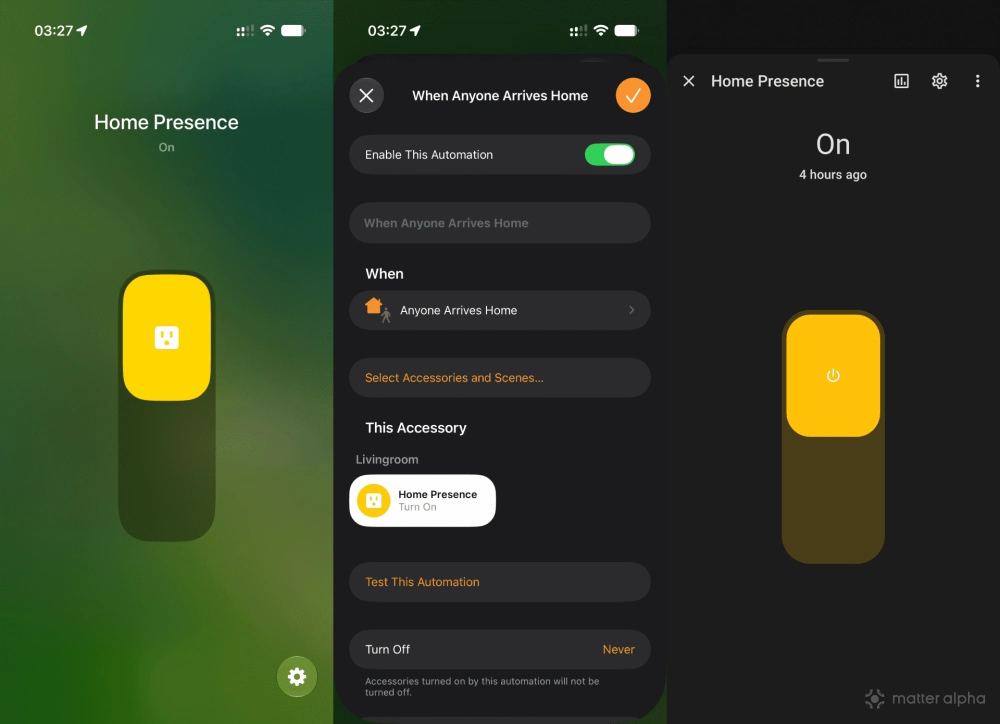
A virtual switch gives you a simple way to pass that presence state elsewhere.
Expose the same virtual switch to your main smart home platform and the platform handling presence. When the native platform determines that you have left home, it turns the switch off. Your other platform can then use that state as a trigger for its own automations.
Instead of asking every platform to independently work out where you are, one can handle presence while the others simply react to the result.
2. Sync devices across platforms
Virtual devices are also useful when products are split between ecosystems, particularly older devices without Matter.
For example, you may have Zigbee lights connected to an Alexa Echo and older Wi-Fi lights that only support Apple HomeKit. A shared virtual device can chain automations between them.
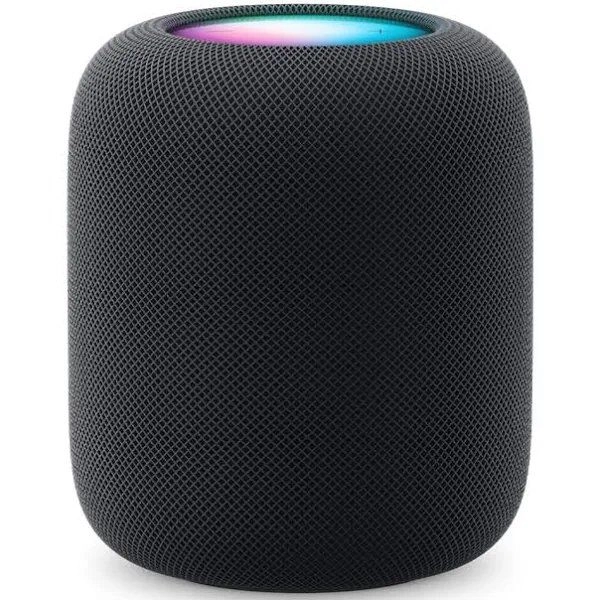
Apple HomePod (2nd Gen)
The HomePod (2nd Gen) is a powerful hub from Apple that delivers immersive, high-fidelity audio and intelligent assistance, while seamlessly integrating with your Apple devices and smart home accessories; it's also a key component for Matter compatibility, ensuring broad connectivity with a range of smart home devices.
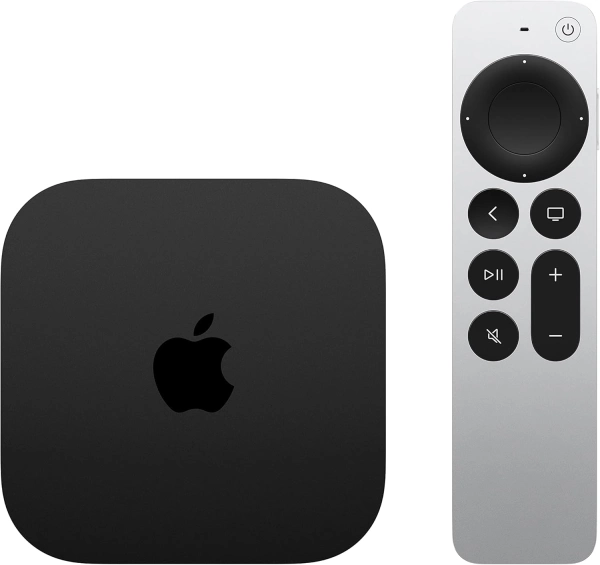
Apple TV 4K (3rd gen, 128 GB)
A powerful 4K media player with expanded storage, advanced video and audio support, and smart home hub functionality.
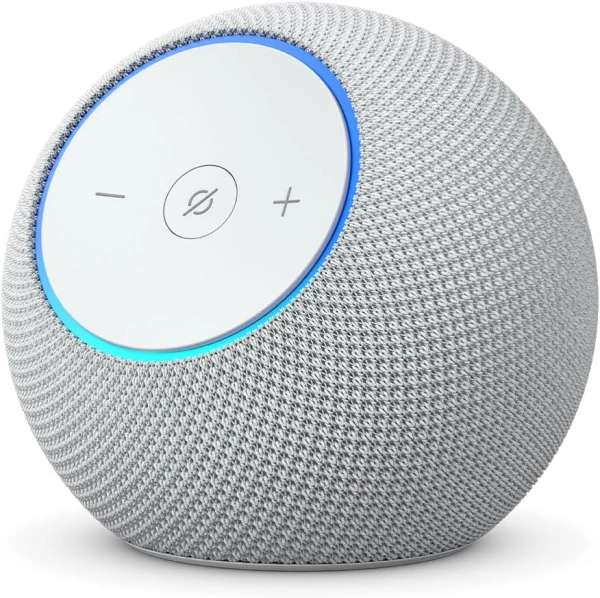
Echo Dot Max
A compact smart speaker with a two-way design that delivers deeper bass, clearer highs, and adaptive room-filling sound.
When the lights on one platform turn off, an automation can change the virtual switch. The other platform sees the same Matter switch change and turns off its own lights.
It does not have to stop on and off. A virtual Matter light can carry brightness or color temperature, allowing more detailed synchronization between platforms.
The same idea works well for groups. Several shades or curtain motors can remain individually controlled on the main platform, while a single virtual shade represents the entire room elsewhere. This is particularly useful for voice control, where one simple device is often easier to manage than several individual parts.
3. Minimize the network burden
Sharing every Matter device with every ecosystem is not always the best approach.
A home with dozens or even hundreds of Matter devices can generate plenty of network traffic, particularly when multiple controllers subscribe to states and events from the same devices.
Virtual devices offer a way to simplify that setup. You can keep individual devices and complex automations on a main platform such as Home Assistant or Homey, then expose only a few virtual controls to secondary ecosystems.
Instead of sharing ten individual lights, for example, you could expose one virtual light representing the room. Apple Home or Alexa gets the basic control needed for voice commands and quick access, while the main platform continues handling the actual automation.
This also makes management cleaner. A simpler ecosystem can handle basic controls, while more advanced logic stays on the platform better suited for it.
4. Alter awkward device types
Matter device types do not always translate into the experience you want.
Some platforms allow users to change how certain accessories appear. Apple Home, for example, can let a smart plug appear as a light or fan. But these options depend on the original device type and are not available in every case.
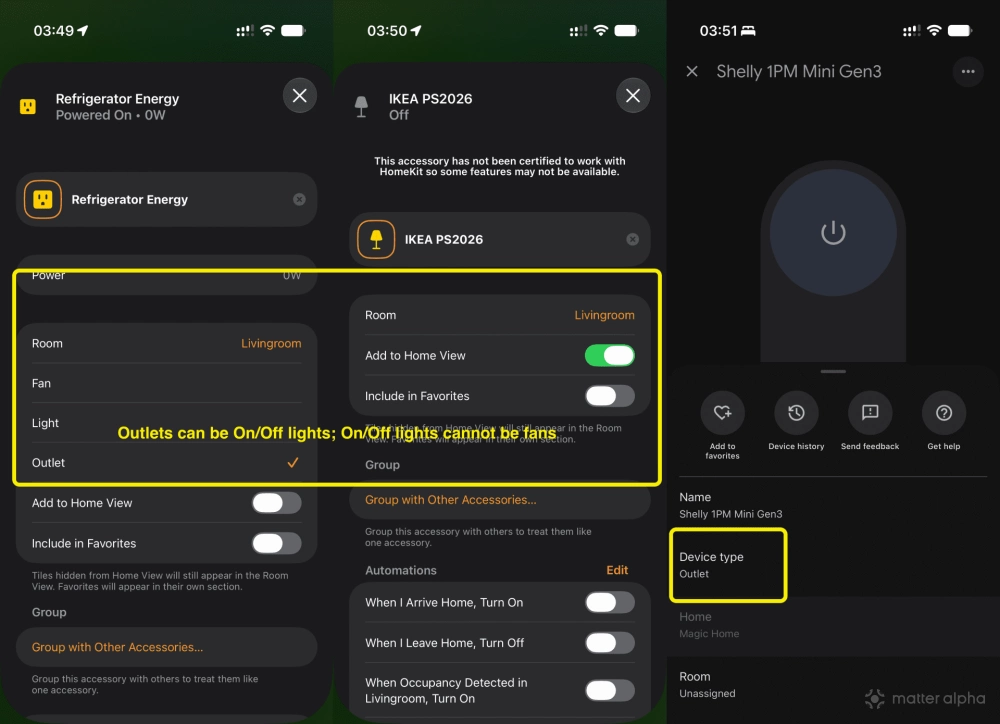
This can be more troublesome with Matter, as some device types may be overused by manufacturers to reduce development and certification costs.
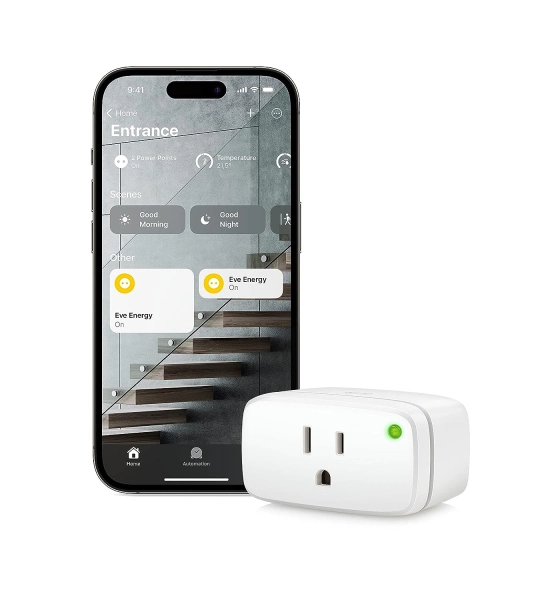
Eve Energy
Eve Energy is a smart plug that allows you to control your home appliances with your voice or an app, supports Matter for cross-platform control, ensures privacy with local connectivity, and enhances your smart home network's stability and reach with cutting-edge Thread technology.
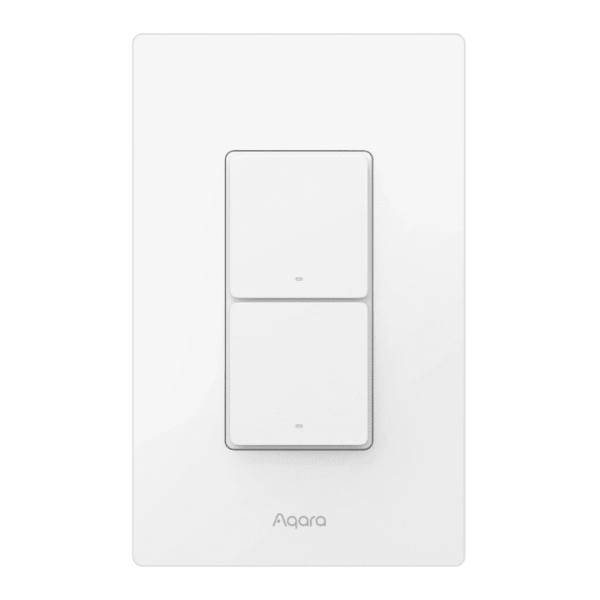
Aqara Light Switch H2 US
This Aqara H2 US Smart Light Switch supports Matter-over-Thread and Zigbee, enabling seamless integration across major smart home platforms while maintaining advanced features in Aqara’s ecosystem.
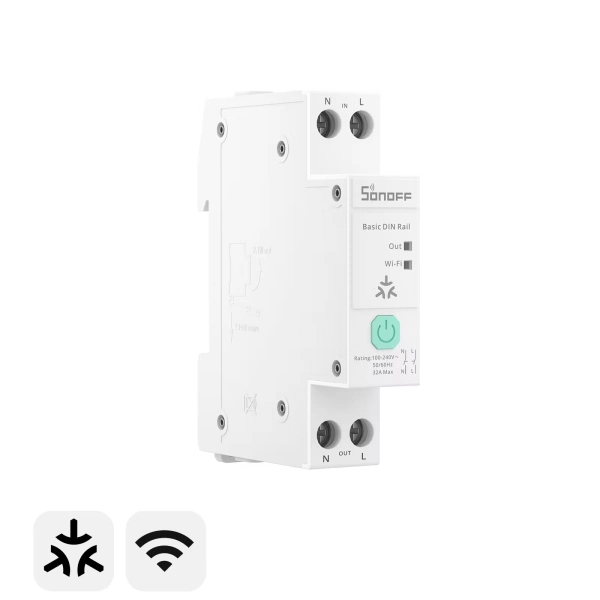
Basic DIN Rail
A DIN rail-mounted Matter smart switch that combines high-current circuit control, energy monitoring, and configurable protection features for managing and tracking power usage across entire electrical circuits.
A virtual device can provide a cleaner layer on top. If a physical switch appears as a light but actually controls a fan, you can keep the original device on your main platform and expose a virtual fan to the ecosystem you use for everyday control.
This is relevant for more than icons. Device types can affect grouping, controls, automations, and voice commands. You do not want “turn off all the lights” to shut down a switch or socket that is actually controlling a fan.
5. Pack non-Matter triggers into Matter
Many useful smart home features still cannot travel through Matter. Some are not covered by the specification, while others are proprietary features created by individual platforms.
AI-based events are a good example. A platform might combine cameras and sensors to determine room presence, recognize a package, or calculate another state that has no direct equivalent available to other ecosystems.
A virtual device can package that result into something simpler that Matter already understands.
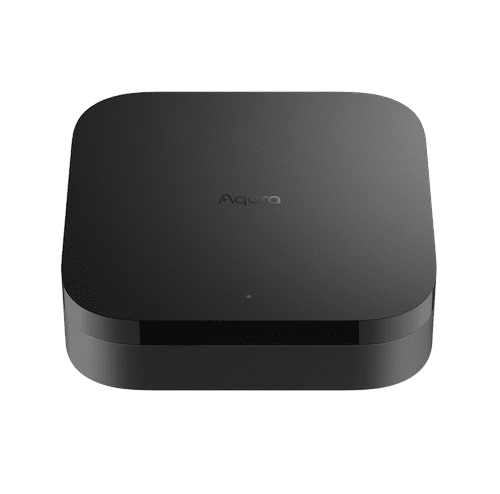
Aqara Hub M3
The Aqara Hub M3 is a Matter-compatible gateway that connects and manages up to 128 smart devices, facilitating local device automation without relying on Wi-Fi.
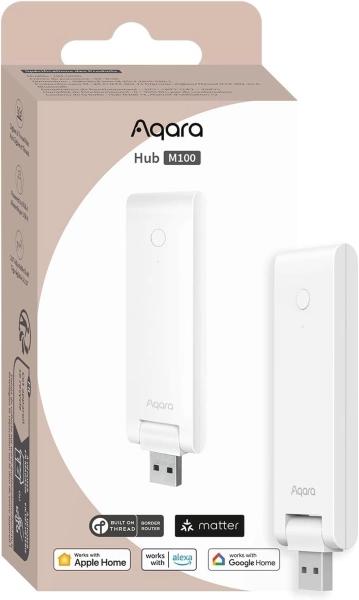
Aqara Hub M100
The Aqara Hub M100 is a compact, entry-level Matter Controller with Wi-Fi, Thread, Zigbee, and USB-A power, serving as a Thread Border Router and Matter bridge for Aqara and third-party devices.
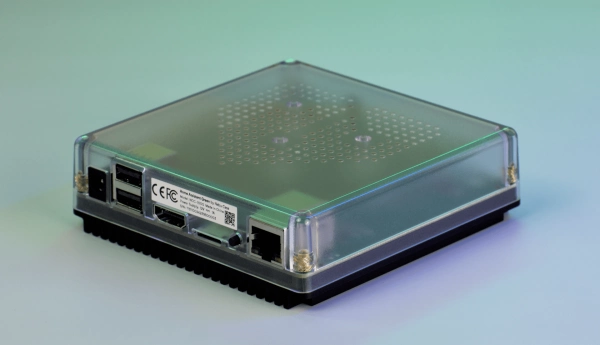
Home Assistant Green
A compact, fanless Home Assistant hub with quad-core processing, 4 GB RAM, 32 GB storage, local data control and Thread USB expandability.
Aqara’s Signal Sync is a good example. You can turn a platform-specific AI feature such as package detection into a virtual Matter sensor, expose it to Apple Home or Alexa, and use the Matter sensor to trigger notifications for family members through those platforms.
The intelligence stays where it was created, while Matter breaks the vendor wall and carries the result.
Where to create virtual devices
There are countless ways to create virtual devices and expose them through Matter.
Home Assistant users can create Helper entities and expose them through community Matter bridge solutions like luligu/Matterbridge. Additional integrations such as Spook provide more tools for grouping and manipulating entity states.
Homey also supports virtual devices. After enabling the required experimental feature, users can create one from the add-device menu and expose supported virtual devices through Homey’s Matter Bridge app.
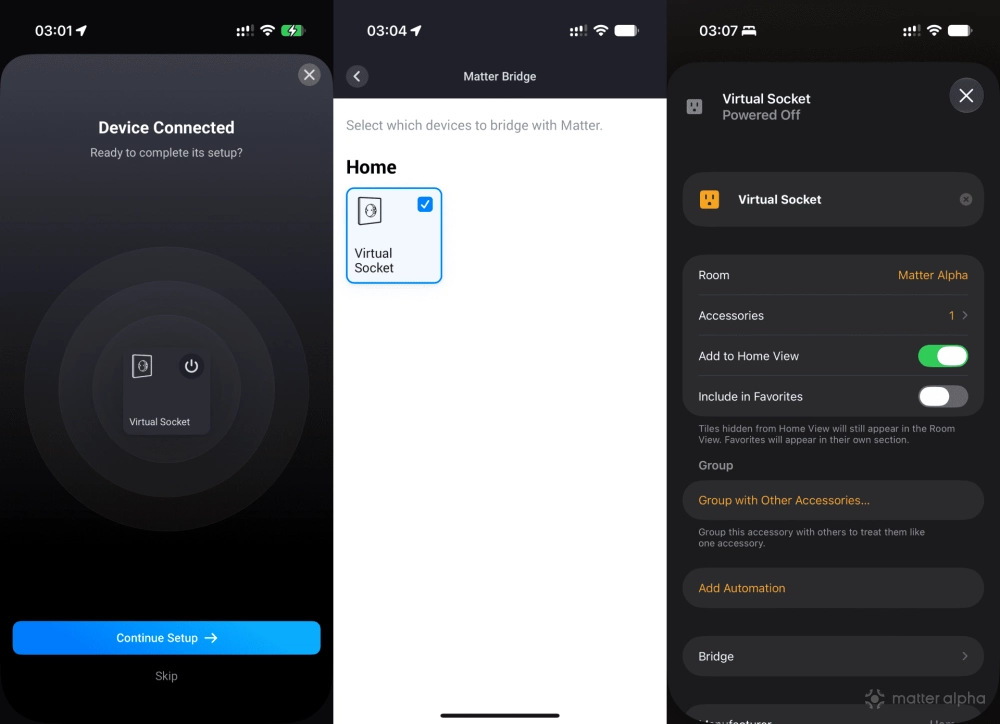
Aqara offers a similar concept through its Matter bridging features. Scenes can be exposed as switches and certain platform states as sensors, including through inexpensive hubs such as the Hub M100.
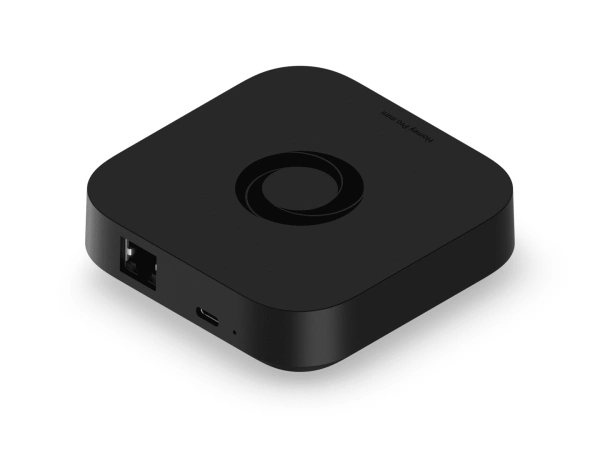
Homey Pro Mini
Smart home hub with Matter, Thread, Zigbee, and Ethernet built in, expandable via Homey Bridge, featuring Homey Flow automation, energy monitoring, alerts, voice integrations, and local or cloud backups with no subscription.
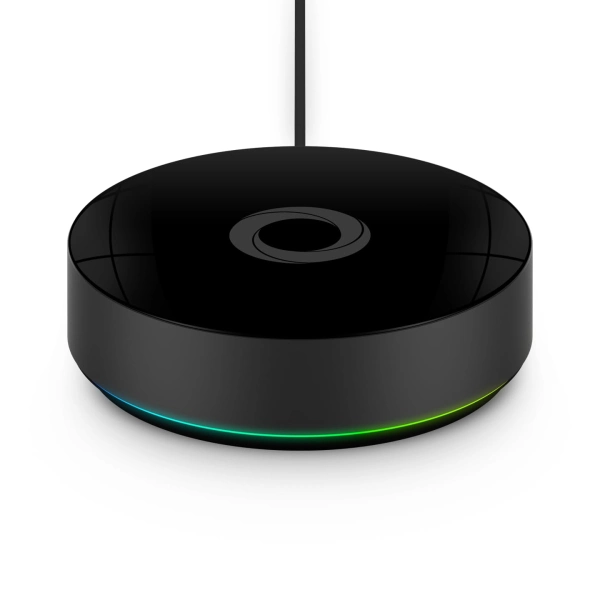
Homey Pro (2026)
Homey Pro (2026) is a local-first smart home hub that unifies seven wireless technologies into a single, powerful controller for advanced home automation.
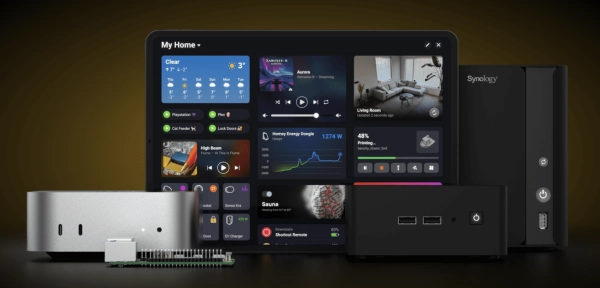
Homey Self- Hosted Server
Homey Self-Hosted Server is a software-based version of the Homey platform that runs on your own hardware, turning a Raspberry Pi, NAS, or server into a fully featured smart home controller.
If you have an old PC or Mac running at home, Google also provides an app called Matter Virtual Device, or MVD. You can create a virtual Matter device from the app, but the software needs to remain running all the time for the device to stay available.
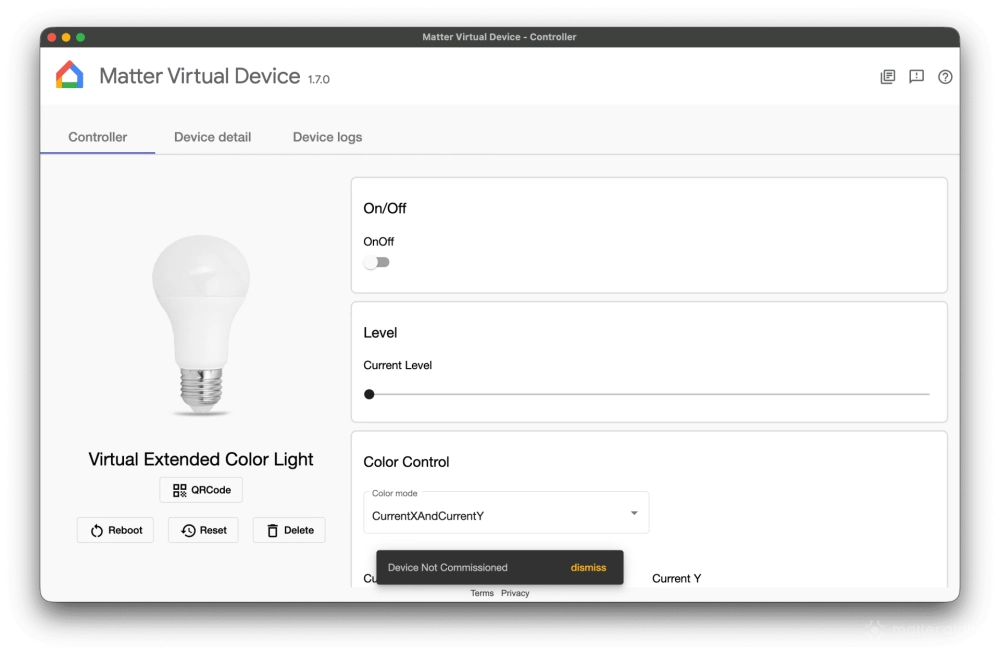
There are more advanced community options as well, but the basic idea remains the same: a virtual device does not have to represent a real piece of hardware. Pick the platform you already have and try one simple use first. Once different ecosystems can share the same virtual state through Matter, there are many more interesting automations you can build around it.
(Image: Aqara, Alexa, Matter Alpha/Ward Zhou)