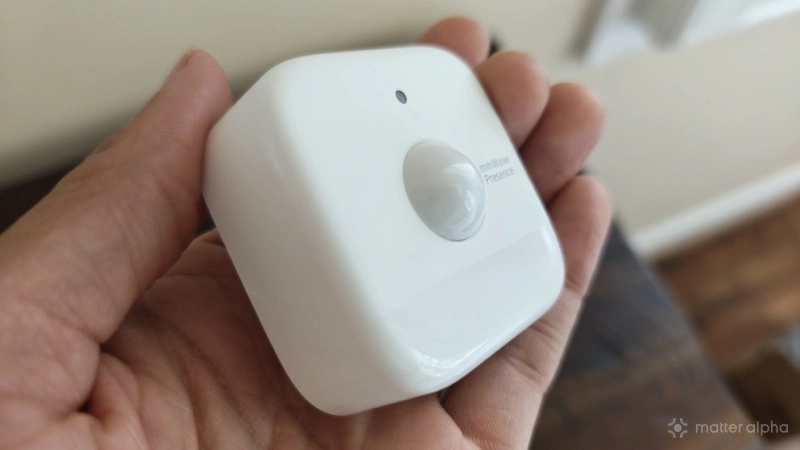
I thought my smart home hub was the center of my smart home, and while it is— that's not the whole story. There's a different device you’ll truly need if you want to take advantage of what a smart home can be, and you're gonna need more than one. This device is a presence sensor, and over the course of the past month, I've placed them in nearly every room of my home.
Why you need a presence sensor
A product can be marketed as “smart” once it's internet connected and able to be controlled by an app or voice commands, but this doesn't always make a product feel smarter. Sometimes an app is jankier than traditional physical buttons.
What really makes a home feel smart isn’t the way you control it—it’s not having to control your home at all. But before a home can automate itself, it needs to be able to detect you, and that means you’ll need to add sensors. A presence sensor is usually the best tool for the job.
While a motion detector can tell if someone has walked by, a presence sensor is needed to know whether they are still there or if they've left. Many of the automations we think will require a motion detector actually work better with a presence sensor.
A presence sensor works by combining different types of data to determine if you are present in an area. Some can detect luminosity and sound, in addition to motion. Presence sensors utilizing mmWave technology promise to be sensitive enough to detect your presence even if you aren’t moving.
While there are superior Matter-compatible mmWave presence sensors, I've opted for the SwitchBot Presence sensor, which is one of the more affordable ones and often goes on sale.
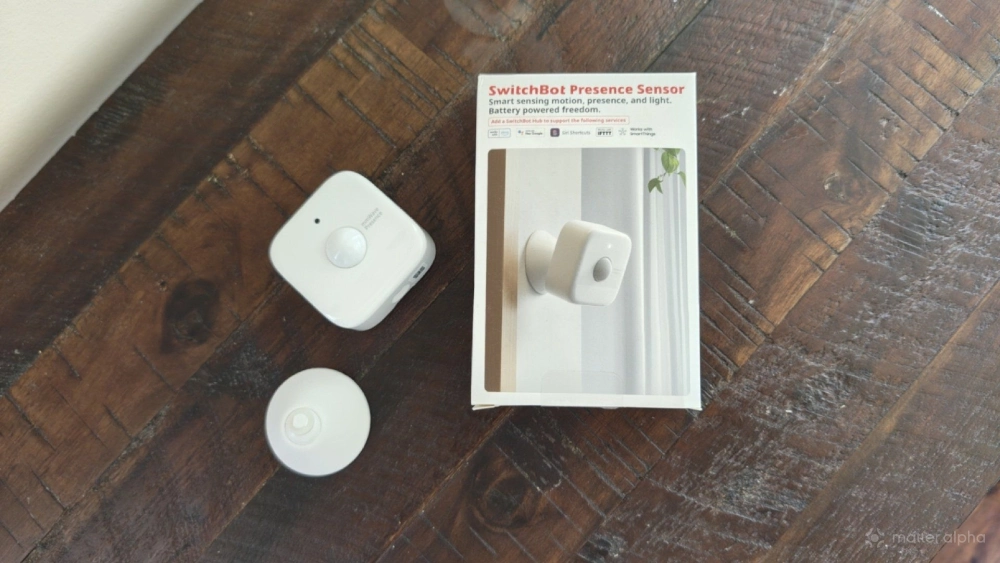
The company also sent me several units to review. While I appreciate a generous number that SwitchBot sent me, the majority of units now adhered to my wall are devices that I paid for.
My ceiling and pedestal fans now turn on automatically.
I live in a home with an abundance of ceiling fans. We have one in every room where someone is likely to spend a significant amount of time, except for the kitchen. I like ceiling fans because they use a fraction of the energy that the HVAC does, and they also help reduce how hard central air units need to work by helping to spread the air around. But if no one is in a room, there's little need for the ceiling fan to be spinning for hours (if not days) at a time merely because someone forgot to turn it off.
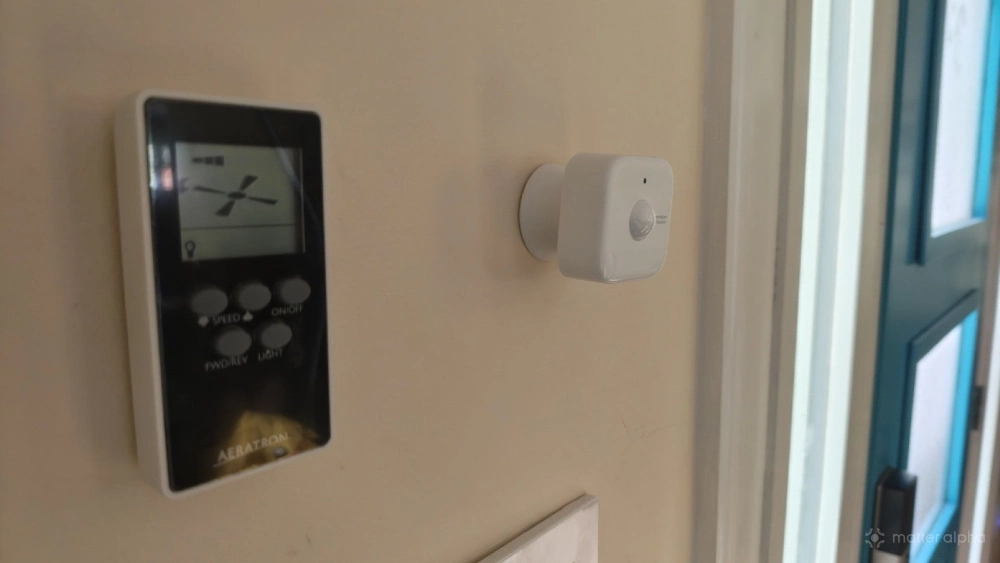
My ceiling fans are all connected to Tapo S505 smart switches, just like my ceiling lights. I now have presence sensors in our living room that tell the smart switch to turn on the fan when it detects someone. It then turns off the ceiling fan if no movement or presence has been detected for over 15 minutes. This buffer window keeps the fan from turning on and off continuously throughout the day as various family members pass through.
I'm a big fan of the SwitchBot circulator pedestal fan. I have placed a handful of these throughout the house, and I have them set to turn on whenever the ceiling fan does. This helps rooms stay cool and prevents air from ever feeling stale.
Our bathroom exhaust fan turns itself off after we leave the room
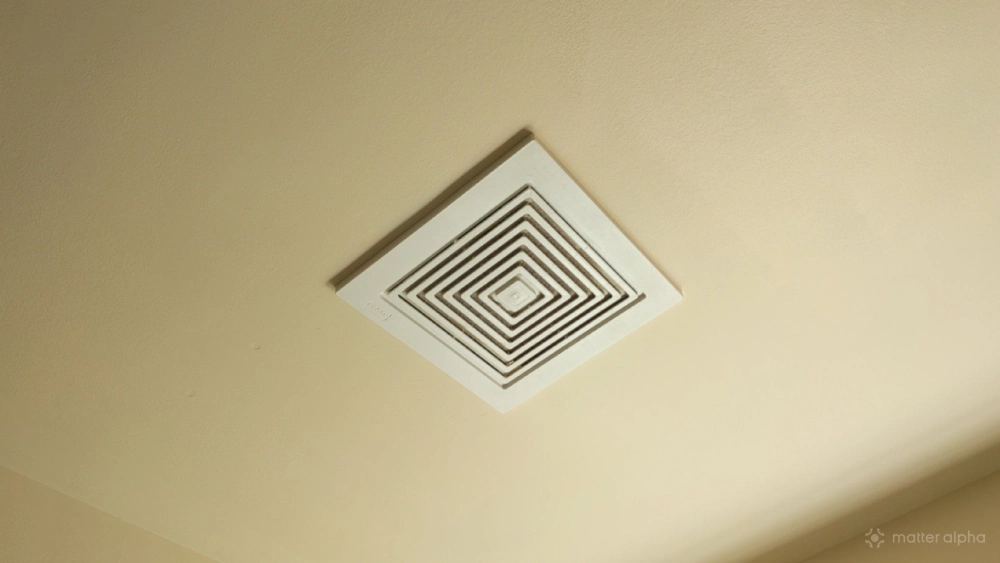
In my area, the housing code requires bathrooms to have exhaust fans in the ceiling. These fans suck up the moisture in the air during and after a shower in order to reduce the likelihood of mold buildup. Such fans are intended to run for a while following a shower, but they aren't meant to run for hours at a time. This means you're expected to remember to come back and turn them off.
I've used our new presence sensors to solve this problem. Now when we leave the bathroom, the exhaust fan is set to turn off 30 minutes later. Exhaust fans have irked me for years, but now I barely need to think about them.
Pantry and closet lights that turn on when you need them
We have a walk-in pantry that extends from our kitchen. It's not near a window, so the first thing anyone does when entering is flip on the light switch. Unfortunately, my family members don't always remember to flip the switch back off when they're done.
This is another task that a presence sensor is perfectly well suited for. Since the light has to come on every time we enter the space, it might as well happen automatically. Having the light turn off on its own prevents it from staying on all night, as it often does after the kids sneak in at night to get snacks.
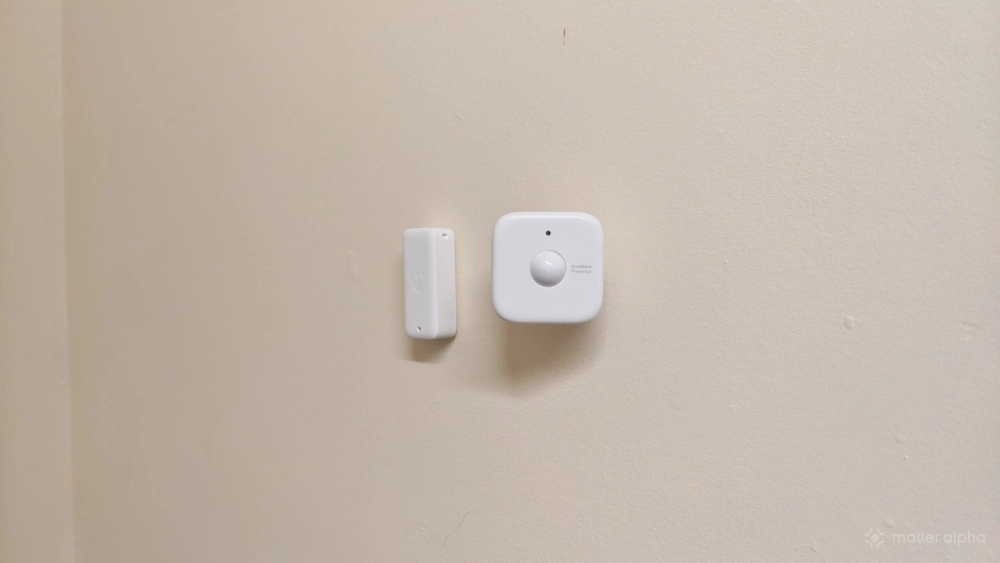
Our bedrooms also have walk-in closets. Since our closets are far from windows, we almost always immediately flip a light switch when we enter them. Unlike many walk-in closets, ours lack doors, so we can't automate the lights using a contact sensor that knows when a door is open or closed. For us, this is another space where a presence sensor is a natural fit.
I now reach for smartphone apps less often, and our home is better off for it
I have the Homey app saved as one of my favorites at the bottom of my phone. Likewise, I want quick access to it, particularly at night when I want to turn off certain lights right before bed. But I am happy to say that I no longer reach for this app nearly as much throughout the day. I've handed over some of the tasks I used to do manually over to automations, and there are more automations set to come. It's one thing to automate a home based on time of day or whether certain devices are on or off, but it takes things to the next level when you add physical awareness to the mix.