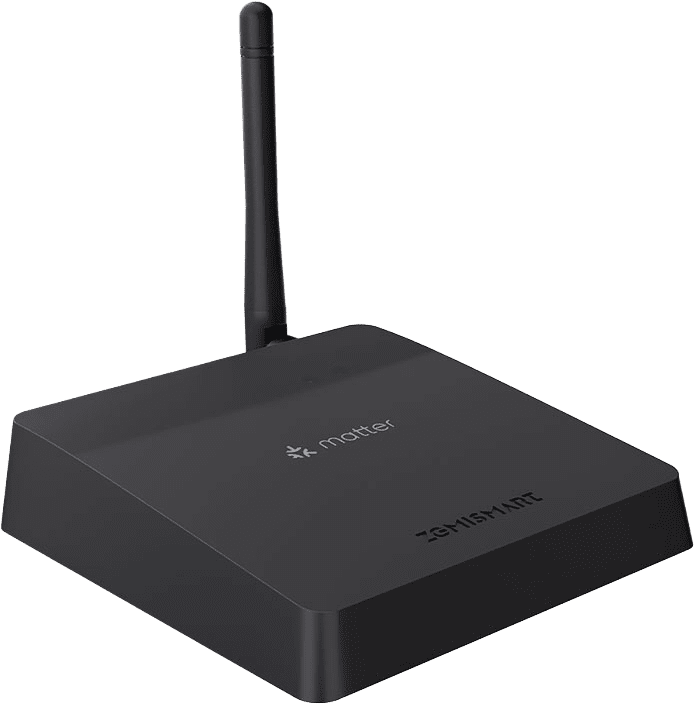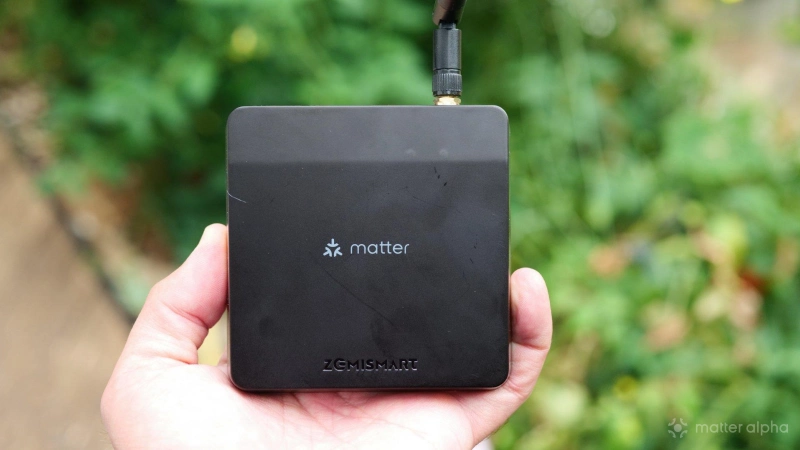
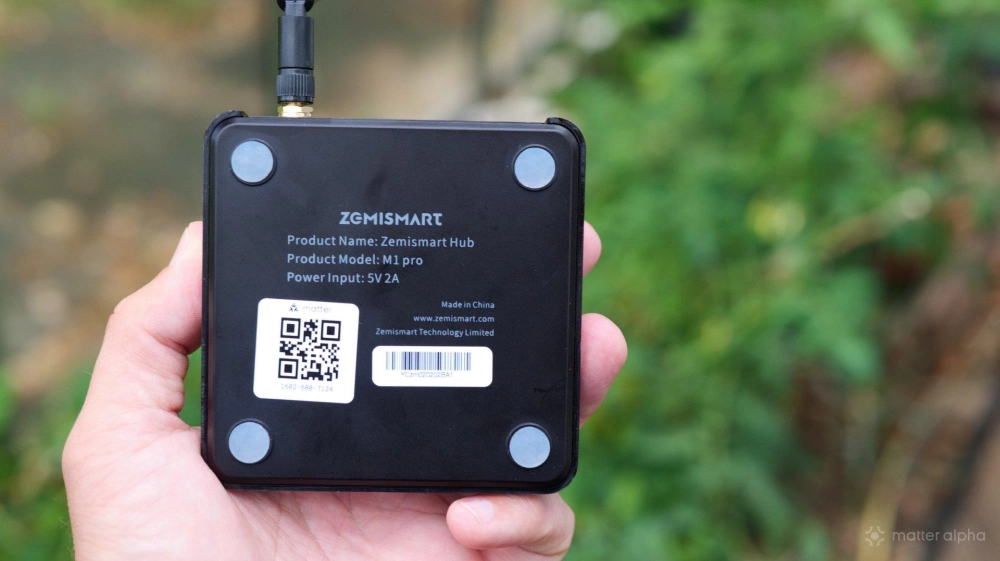
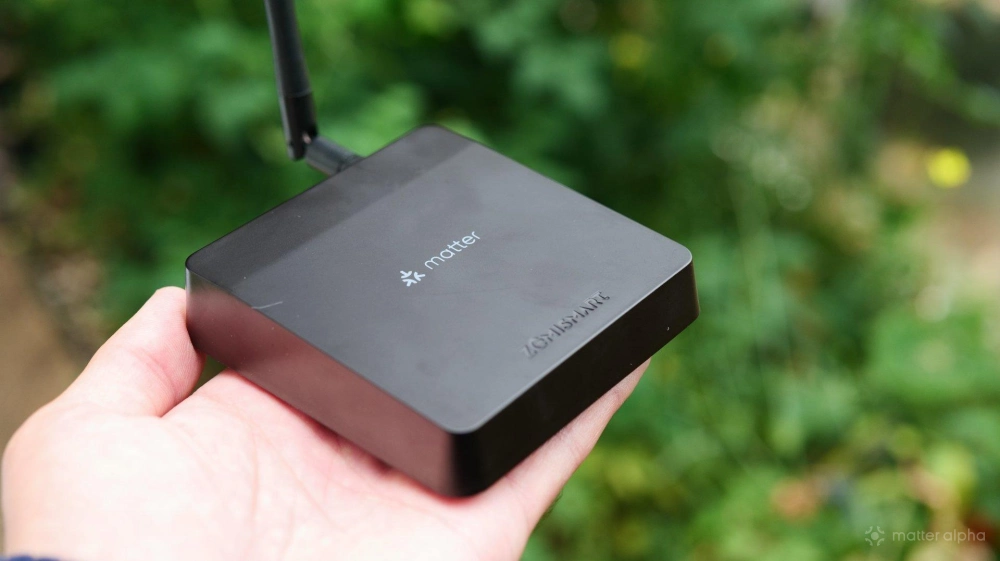
The Zemismart M1 Pro Hub is a small routing device that tries to do everything, and fails in the process. It’s an IR emitter for controlling your legacy devices. It’s a Matter controller for your Thread devices. It’s a Zigbee gateway and Matter bridge, over Wi-Fi or Ethernet. But when there are better devices available, it’s tough to recommend.
The one major flaw is that it creates its own Thread network, rather than joining your existing one. So don’t pick this up thinking it’s a budget way of adding another Border Router to your home. It also won’t bridge your IR devices — which other hubs can.
To be clear, I've been testing the Zemismart M1 Pro Hub as an addition to my existing Apple smart home, and that's how I think a lot of people might approach this product, rather than as their one and only central smart home hub. It's possible that it's a stronger product when used alone.
Yet another smart home app: Tuya
Tuya is one of those huge legacy Chinese smart home that works with a wide range of devices and does a million different things, by allowing manufacturers to create their own "sub-apps" that run within the Tuya framework. In doing so, it excels at nothing in particular. You’ll need this app to manage every aspect of the Zemismart hub, including the main feature of adding either Thread, Zigbee, or Infra-red devices. For initial setup, you’ll also need to plug the Ethernet cable into the Zemismart Hub, though you can move it to Wi-Fi later.
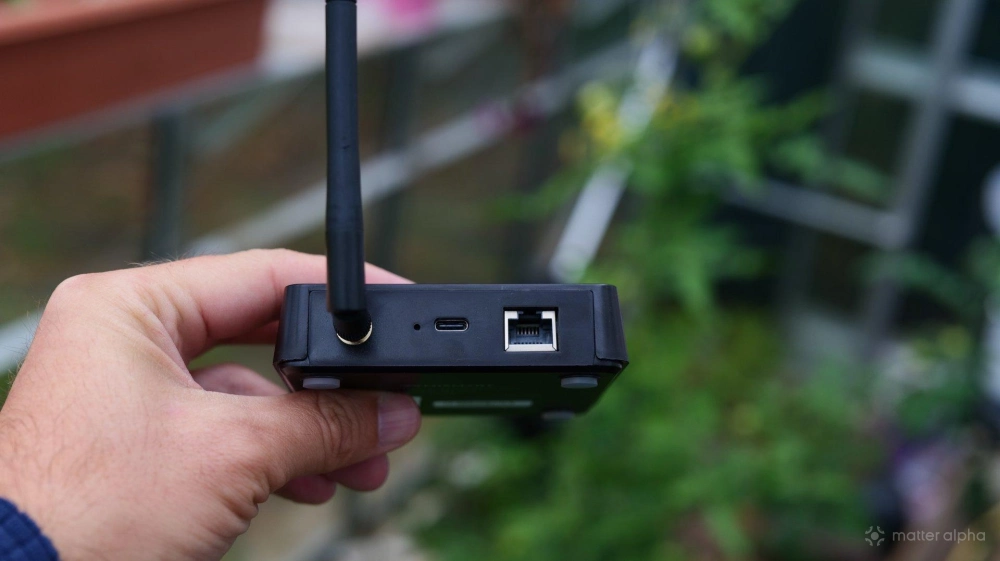
A short Ethernet cable is included, along with an antenna, and USB-C cable — though no plug socket.
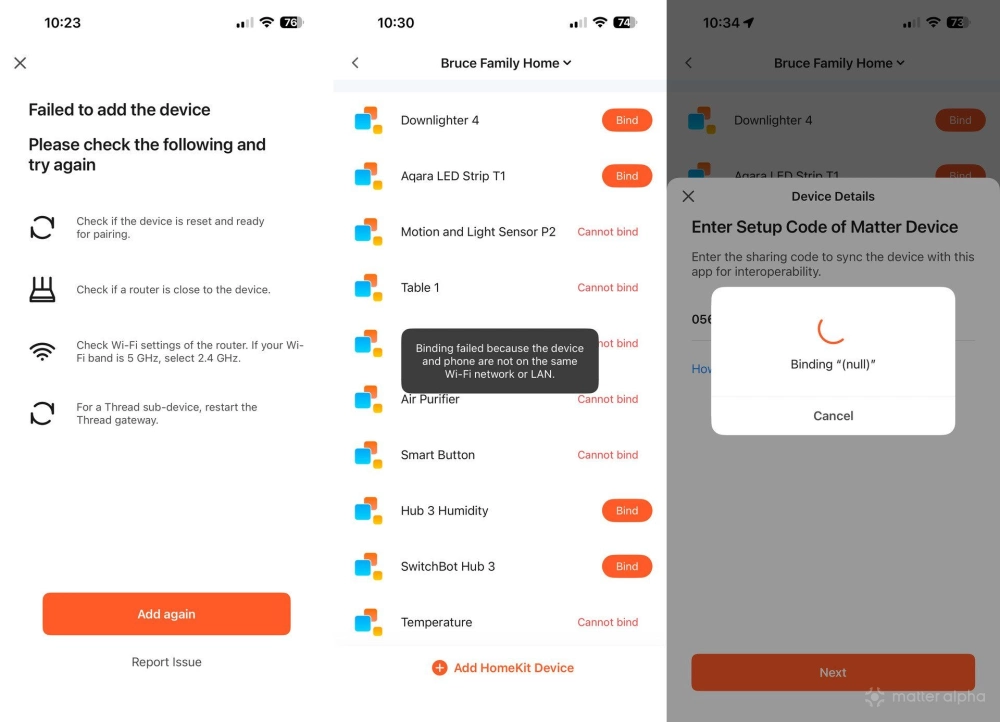
In theory, once linked to Apple HomeKit, Tuya should be able to adopt your existing Matter devices to control via its own automations; there's a helpful screen in the settings full of your devices, ready to import. In practice, you still need to put the device into pairing mode from HomeKit, copy the code, then paste it into the Tuya app, so it doesn't save any time at all. I tried a few of my online devices, but even then it failed, endlessly spinning on the “binding (null)” screen. Attempting to close that crashed the app, requiring a forced restart. For reference, all my devices are on the same dual-band Wi-Fi network; I don't isolate any IoT or have complex VLANs.
For going the other way — to use the Zemismart M1 Pro as a bridge to bring your Zigbee devices into another Matter controller — you’ll go into Settings -> Share via Matter Gateway. This puts it into pairing mode, and you can paste the resulting code into your other Matter controller. This all worked fine, and Apple warned that it was a bridge device and could therefore automatically create devices in your home. Any Zigbee devices (up to 128) you add will be automatically bridged into Matter.
Is IR Control still relevant in 2026?
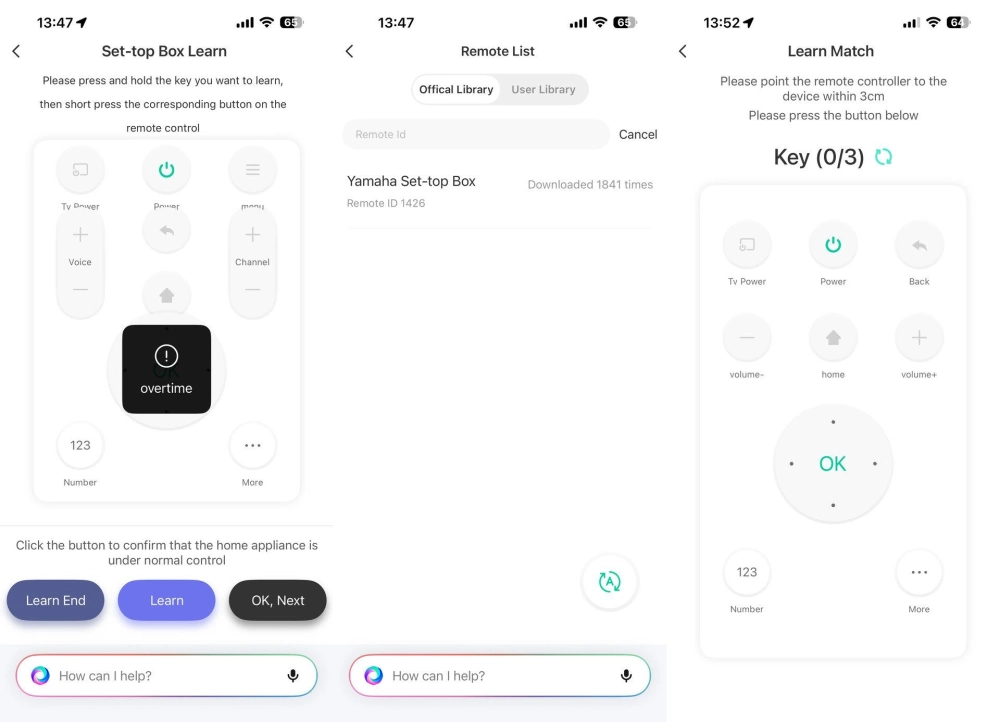
It’s surprisingly difficult to locate devices that actually use infra-red for control nowadays. I thought my home cinema projector was — XGIMI was listed as a brand — but upon inspecting the remote I couldn’t find an emitter. For the sake of testing this functionality, I eventually settled on my AV receiver. The single official profile for a Yamaha box successfully controlled power and volume, but nothing else. Attempting to use the built-in manual learning or quick profile matching didn't work either; it just didn't detect a single button press, despite holding the remote within 3cm of the front, top, and sides of the Zemismart Hub M1 Pro.
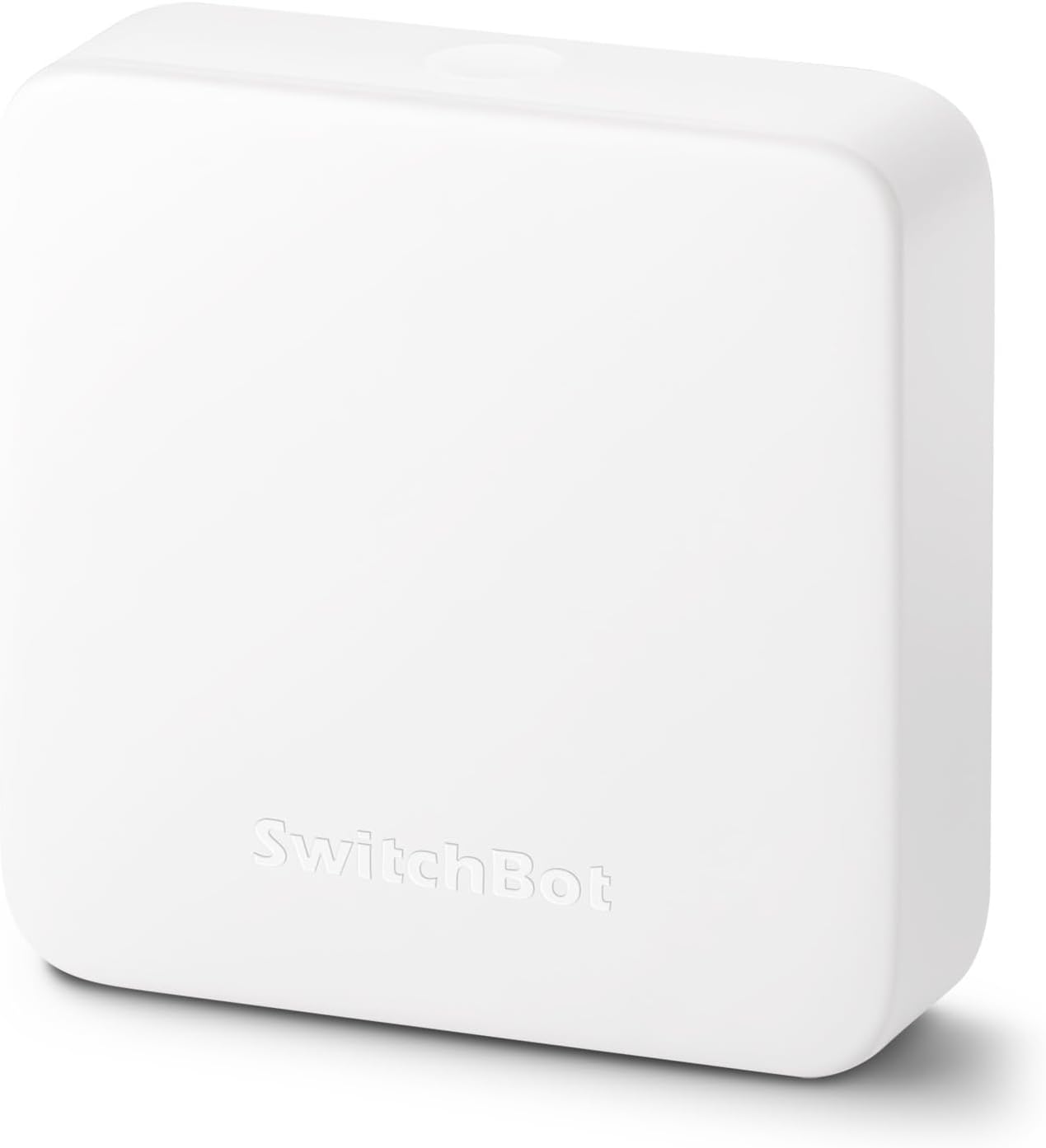
But even if it does work, there's a massive limitation here: the IR control is limited to the Tuya ecosystem, and isn’t bridged into Matter. By contrast, the SwitchBot Hub series also boast IR control, and it can be bridged into Matter (albeit in a limited on/off way).
The biggest flaw: Thread
I tried to pair a few different Thread sensors from Aqara. They were correctly detected, and the Tuya proceeded to the “Setting Up” screen, only to hang there indefinitely.Eventually I managed to add some SmartWings shades, but only after two hours of resetting my network, hard-resetting the blinds, fiddling with IPv6 (which probably did nothing), and offering a little blood sacrifice. That’s the trouble with Thread, generally; I much prefer Wi-Fi for everything. At least I can debug Wi-Fi. Thread is an invisible entity that’s wonderful if it works, and a nightmare when it doesn’t.
Unfortunately, after all that, the shade controls were reversed, with “open” in the app actually closed in real life, which is essentially useless for any kind of smart control. There is the option to Motor Reverse under the device settings, but every attempt to toggle that off resulted in it toggling itself back on again. The remote control worked fine, so I wasn't about to reverse the hardware side of thing.
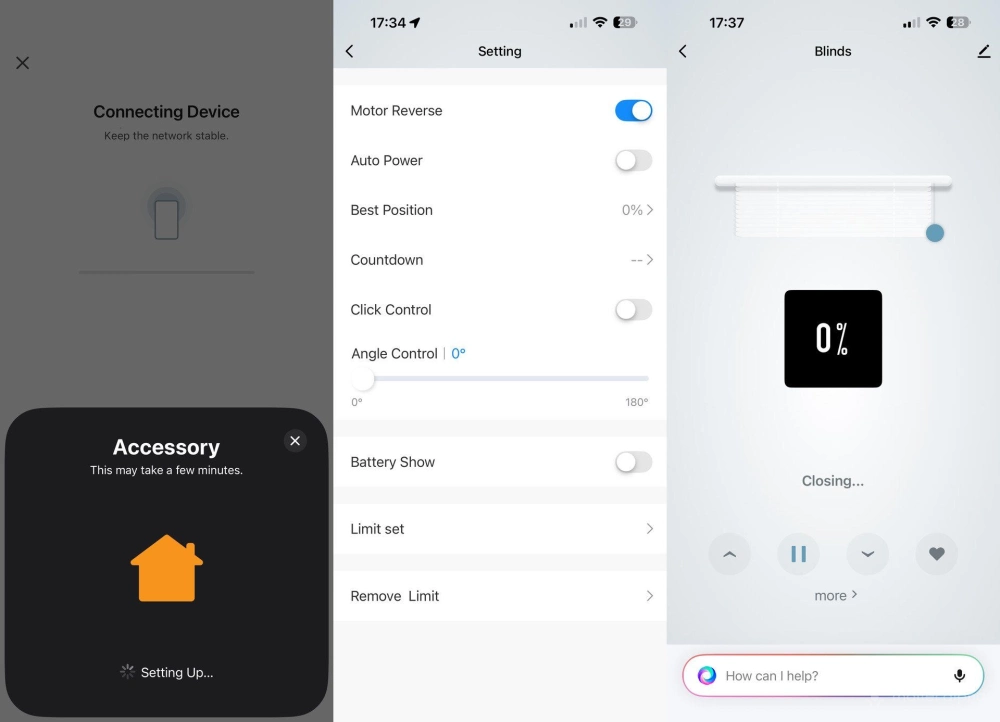
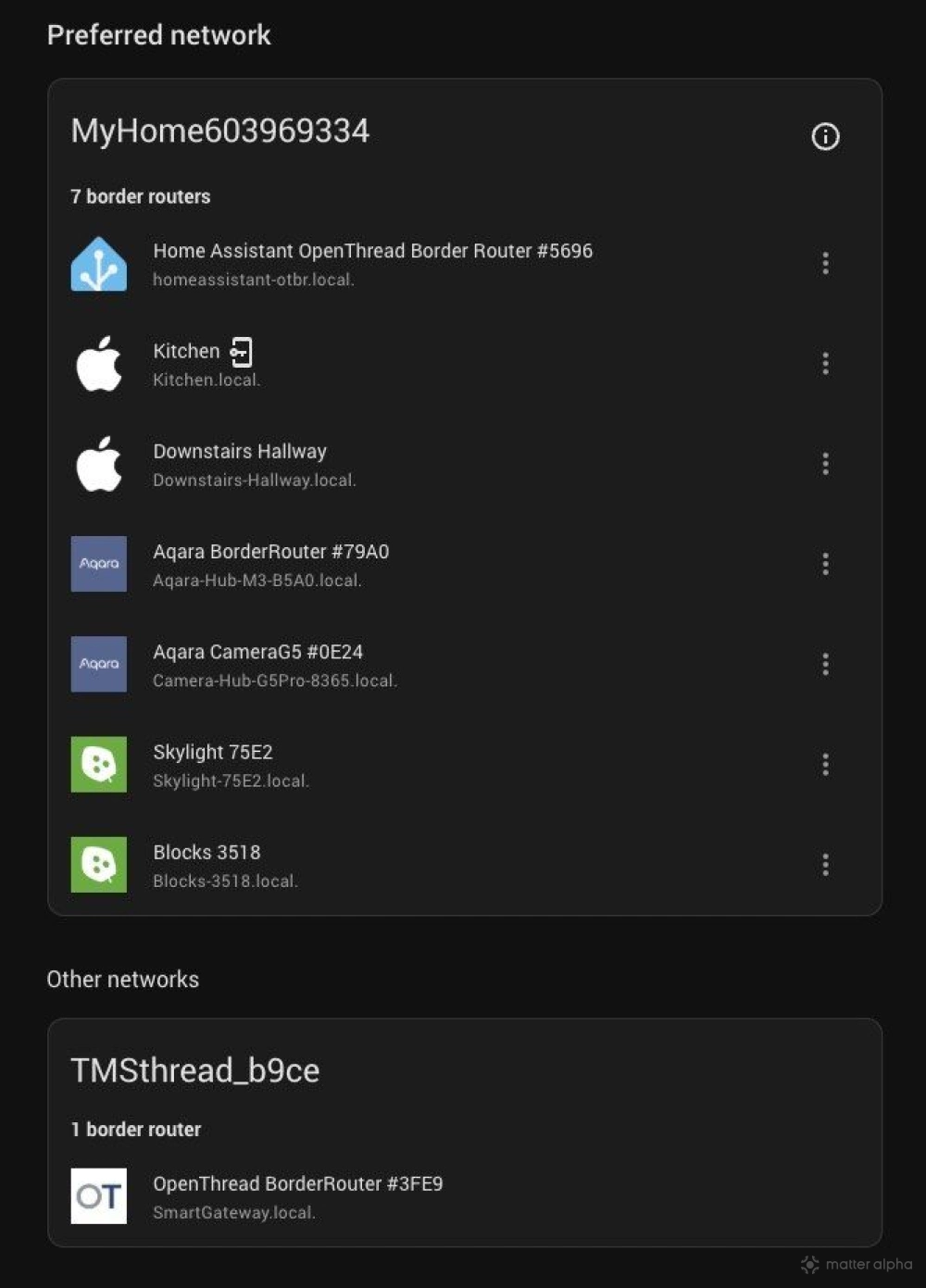
Also, despite Tuya requesting access to my HomeKit account, it proceeded to make its own Thread network, rather than fetching the HomeKit credentials to join existing one, which is the behaviour of every other Thread Border Router I’ve got in the house, including Aqara, Home Assistant, and various Nanoleaf TBRs. That’s a massive flaw that makes the Zemismart M1 Pro useless for extending your existing networks — and would you really want Tuya as your primary smart home platform? I doubt it.
Should you buy the Zemismart M1 Pro Hub?
I wouldn’t recommend it as part of an existing system. In all my years of reviewing smart home gear, I don't think I've come across something as buggy as the Zemismart / Tuya app integration.
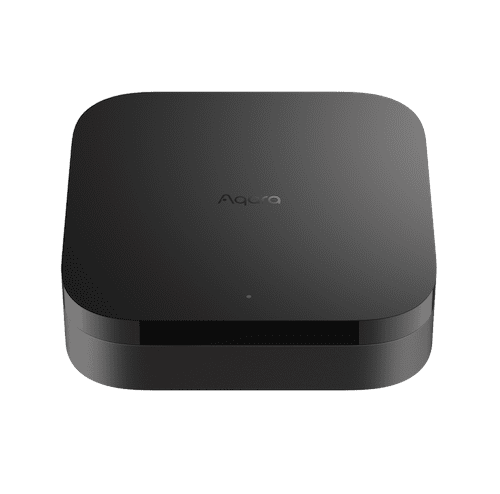
If you have a Thread network and you’re thinking this would be a great way to extend it; it isn’t. Stick with some pricier but reliable hubs from the ecosystem you’re already with. Unless you’re already invested in the Tuya app and ecosystem elsewhere, I just wouldn’t bother with this: the Aqara Hub M3 is superior in every way. It’s more reliable, the app is better, and it’ll happily join your existing network.
For infra-red device control, a SwitchBot Hub Mini offers much the same at a fraction of the price, though you’ll still be disappointed as neither is particular great — mainly because IR is a one-way system and there’s no reliable way of getting the status back.