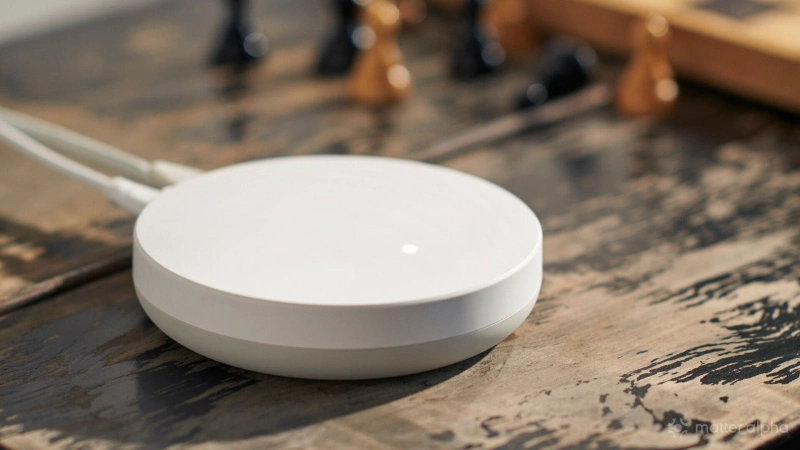
I began my smart home journey using a cloud-based platform. Now I’m in the process of transitioning to a local hub, in part for privacy reasons. But does this mean my smart home will be truly private? Well, yes and no.
What is a local Matter hub?
A smart home hub is a device in your home that maintains the connections to all of your other smart home devices. For many, it’s a smart speaker like Amazon Alexa or a Google Nest with Matter support.
A local hub is one that manages connections to those other products using software that runs directly on the device. Alexa and Nest speakers use cloud-based software, kind of like a Chromebook. They funnel every interaction to Amazon or Google’s servers, then send the commands back down. Not so with a local hub.
A Matter-compatible hub, known in technical terms as a Matter Controller, is able to manage your various Matter devices. One advantage of Matter is that devices communicate with one another over your local network, but you need a Matter Controller whose software operates directly on your own hardware in order to reap the privacy benefits.
If you must create an online account, some privacy is lost
Smart speakers that double as hubs require you to create an online account. Some local hubs do as well. I’m currently setting up a Homey Pro Mini, a smart home hub that is capable of managing Matter devices in addition to Thread and Zigbee devices. With an optional bridge, I could connect it to smart home products using Z-Wave, Bluetooth, infrared, and 433 MHz connections as well. My Homey Pro Mini requires an online account to use.
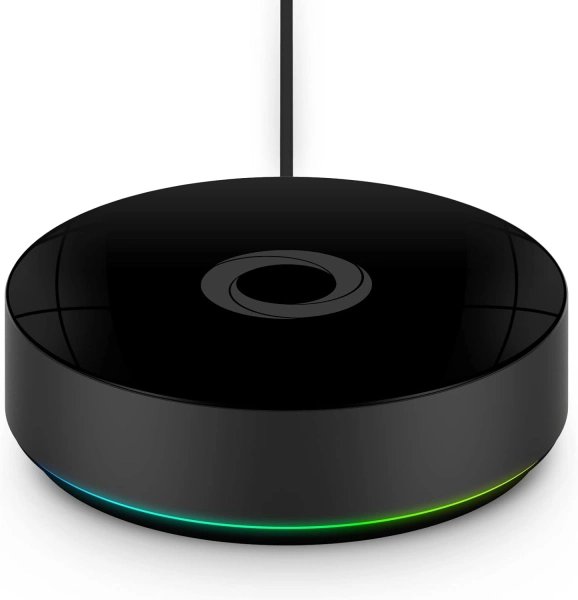
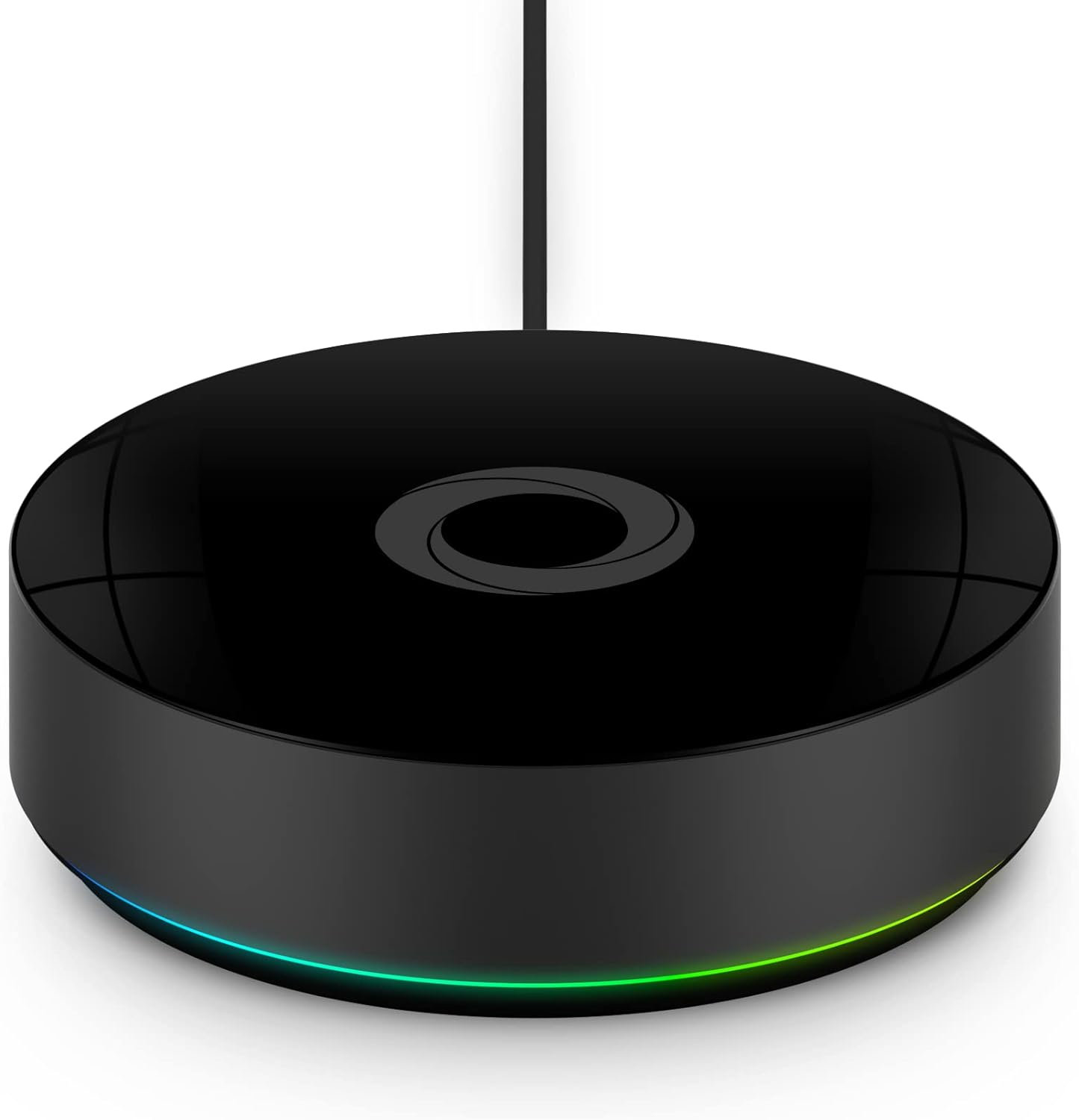
Homey Pro (Early 2023)
Homey Pro is a local-first smart home hub that unifies thousands of devices and technologies into one intelligent, privacy-focused automation system.
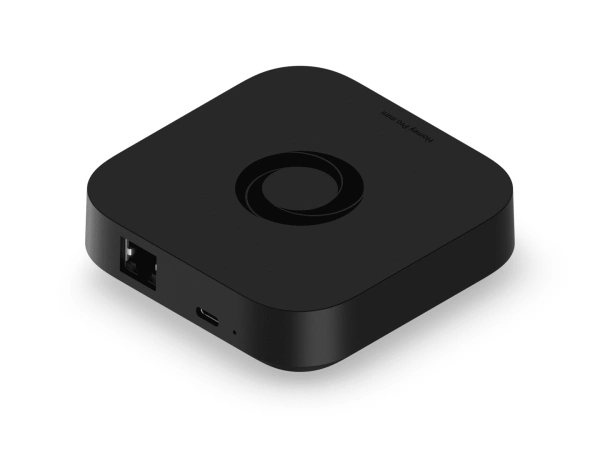
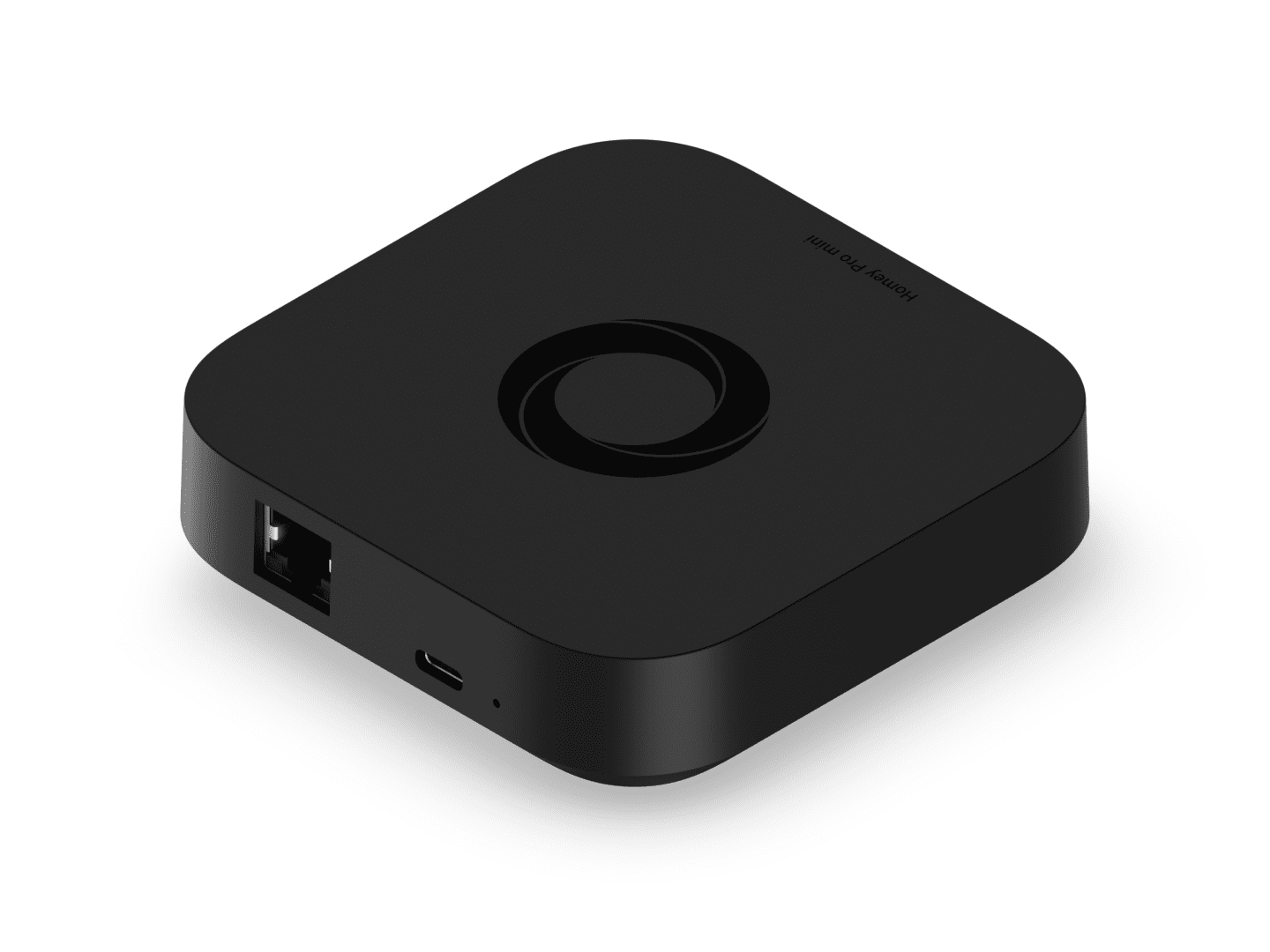
Homey Pro Mini
Smart home hub with Matter, Thread, Zigbee, and Ethernet built in, expandable via Homey Bridge, featuring Homey Flow automation, energy monitoring, alerts, voice integrations, and local or cloud backups with no subscription.
Homey advertises privacy as one of the reasons to buy a Homey hub, be that the Homey Pro or Homey Pro Mini. That’s because the company does not keep tabs on every time you turn on and off a device like a smart light switch or air purifier, which is an action that happens entirely on your local network. But a look at Homey’s privacy policy shows that the company does collect some information in order to deliver its features. They will get your email address, IP address, your mobile device, and which apps you've installed. They also collect a list of the devices you have installed on your Homey, though this particular bit of information is anonymized.
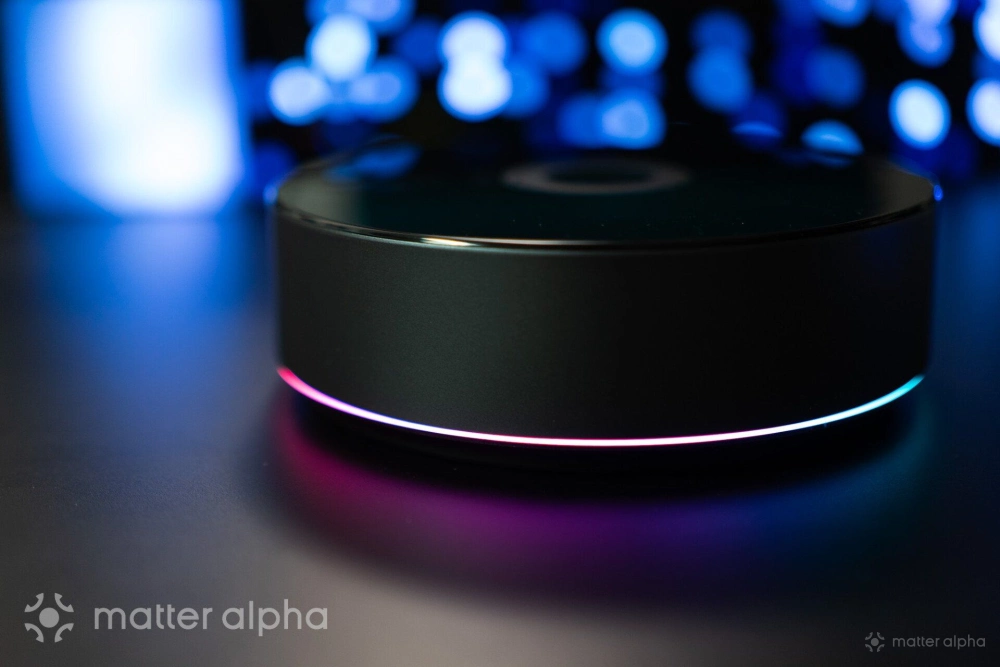
Such is the nature of cloud integrations. It is difficult to create a product that you control via an app, that works as most people expect, without collecting at least some data. But the amount of data that Homey collects is miniscule compared to fully cloud-based platforms.
Some hubs don't require an account
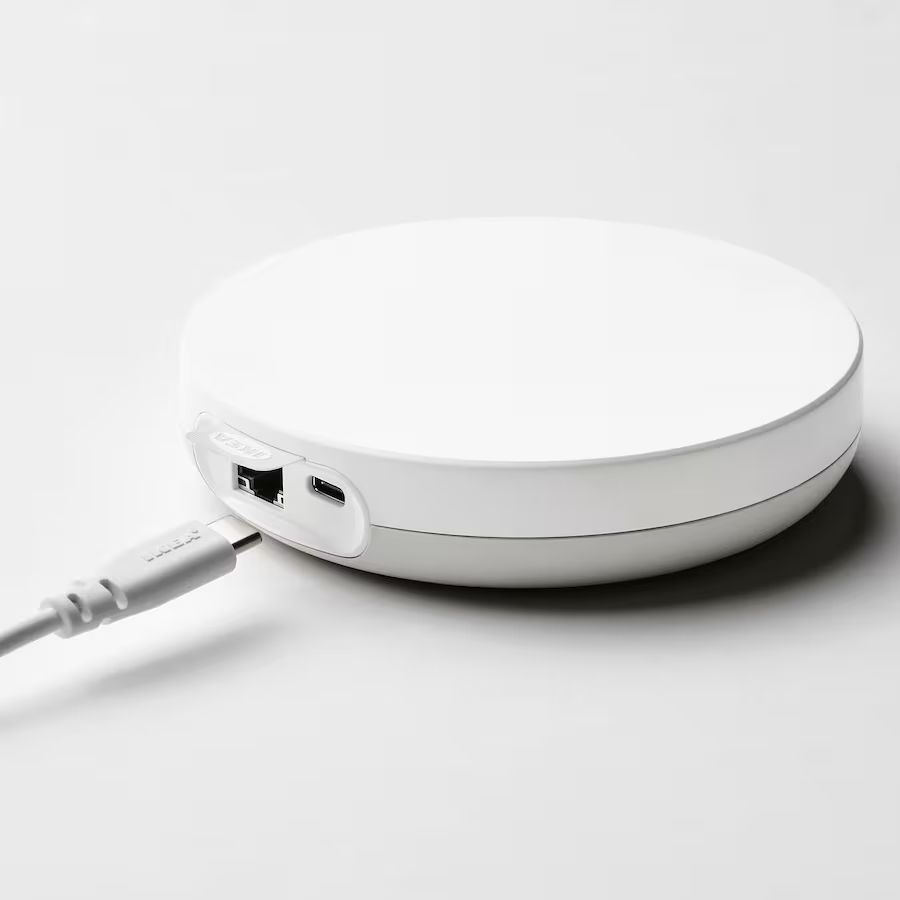
IKEA’s Dirigera hub requires a smartphone app, but somewhat refreshingly, it does not require an account. Instead, you must be near the hub during set up in order to establish a direct connection to the hardware. You can then add Matter devices and control them without sending any information to IKEA.
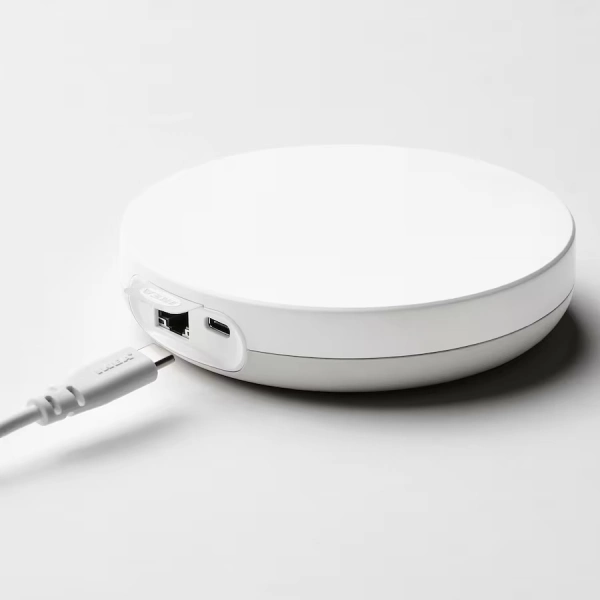
DIRIGERA
If you want the option to control your Dirigera hub from anywhere, it’s at that point that you must create an online account. This makes sense, and it’s my preferred approach for a smart home hub to take.
An open source hub is truly yours
If you want the gold standard in privacy, then you want a hub running Home Assistant. Here is a hub you can install directly on your own hardware without creating an online account. Since the code is open source, you’re free to audit it, make your own modifications, or install patches produced by the broader community.
Like with IKEA, Home Assistant has the option for you to create an account. It’s not free, but paying for a Home Assistant Cloud account is a way to fund continued development.
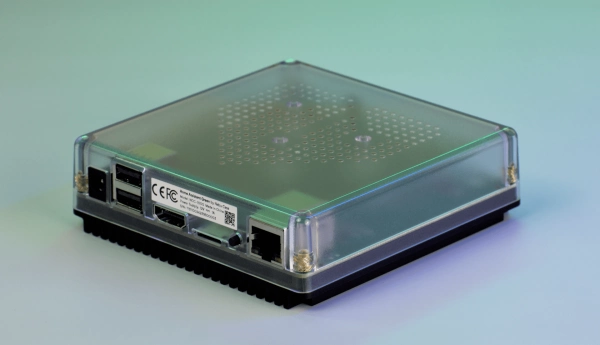
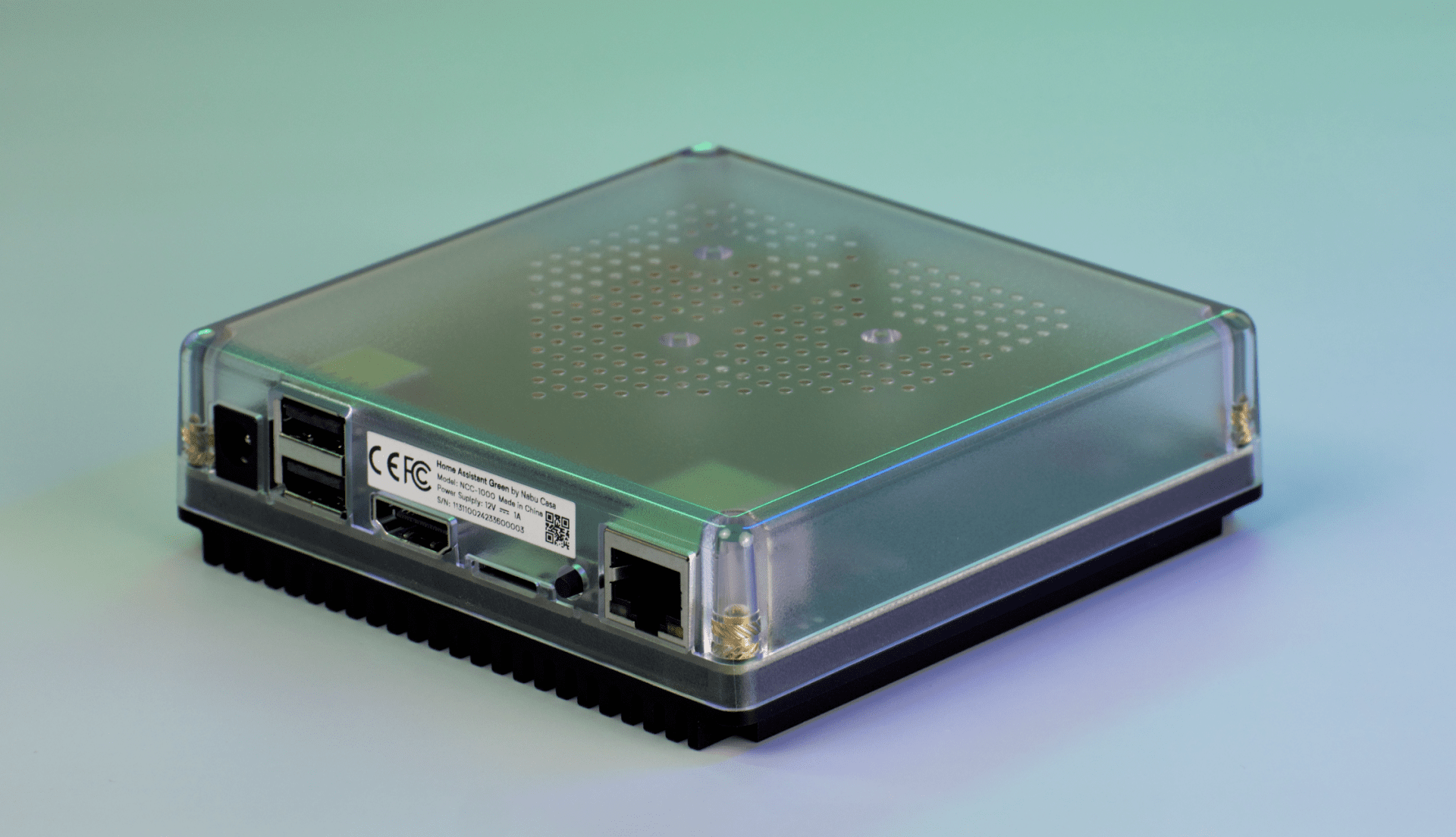
Home Assistant Green
Slightly less private is still more private
A local hub that logs some information is still a far more private setup than a cloud-based service that’s able to track everything. I love the experience of using Samsung SmartThings, but part of Samsung’s motivation for the service is using the information gained to market products.
By contrast, while Homey may collect some information to deliver various features, it ultimately doesn’t know nearly as much about what goes on in my home, nor is the company incentivized to try. That isn’t part of its current business model.
As someone who cares a great deal about privacy, I’d like to use Home Assistant myself and recommend it to others. Thing is, I’ve already run into more issues than I have time to devote to fixing and maintaining. I’m currently trying out Homey instead, but other local hubs I haven’t yet mentioned include Hubitat and Apple HomePods. If you want to try out Home Assistant but don’t want to install it yourself, you can also consider Home Assistant Green.