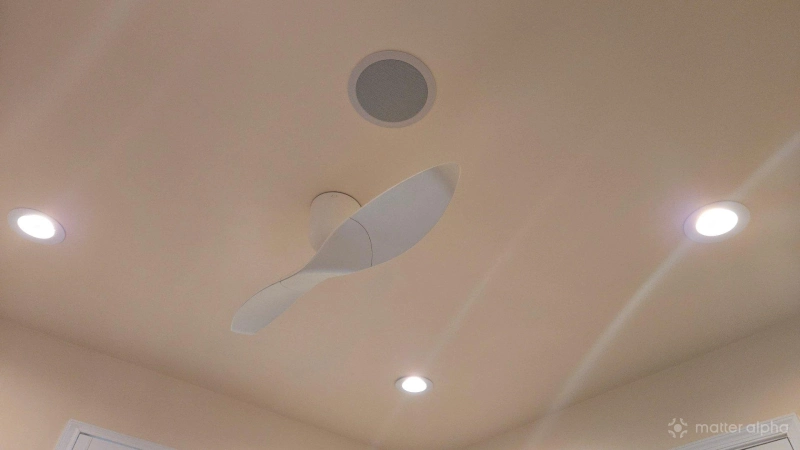
My house is packed with ceiling fans. We have one in every room that we regularly spend time in, from every bedroom to the dining room. The thought of replacing all of those ceiling fans to support Matter is daunting, but fortunately there may be another way.
Why I want to upgrade the fans I already have
Ceiling fans are the kind of investment that can last decades, and I splurged on Aeratron AE+2 ceiling fans before I had any thoughts of building a smart home. These fans are silent, use very little electricity, and are visually appealing. It would be a shame to do away with them.
That said, I do find it tedious to have to reach for the remote to perform the functions that my smart switches cannot. I can turn my fans on and off from my phone, but I can’t adjust their speed, nor can I reverse their direction. I’d like to be able to set up an automation that adjusts the speed based on the temperature, making air flow something I just don’t need to think about.
Plus, I have young kids, so the remotes have been prone to being misplaced and getting damaged. The lesser-used ones also tend to have dead batteries without me realizing.
Remotes may be preferable to a wall switch, but they feel like a step backward from the functionality I’ve come to expect from my time with Matter. I can only imagine how it will feel to interact with these same remotes ten years from now when Matter has been incorporated into even more of the rest of my home.
Upgrading smart hubs to communicate with existing fans
While Matter-compatible fans exist, even most smart home diehards aren’t eager to toss out their perfectly good fans. Work is underway to make smart home hubs able to control the fans we already have. Whether this option is already viable for you depends in part on the fans you already have. It also depends on your choice of smart home platform.
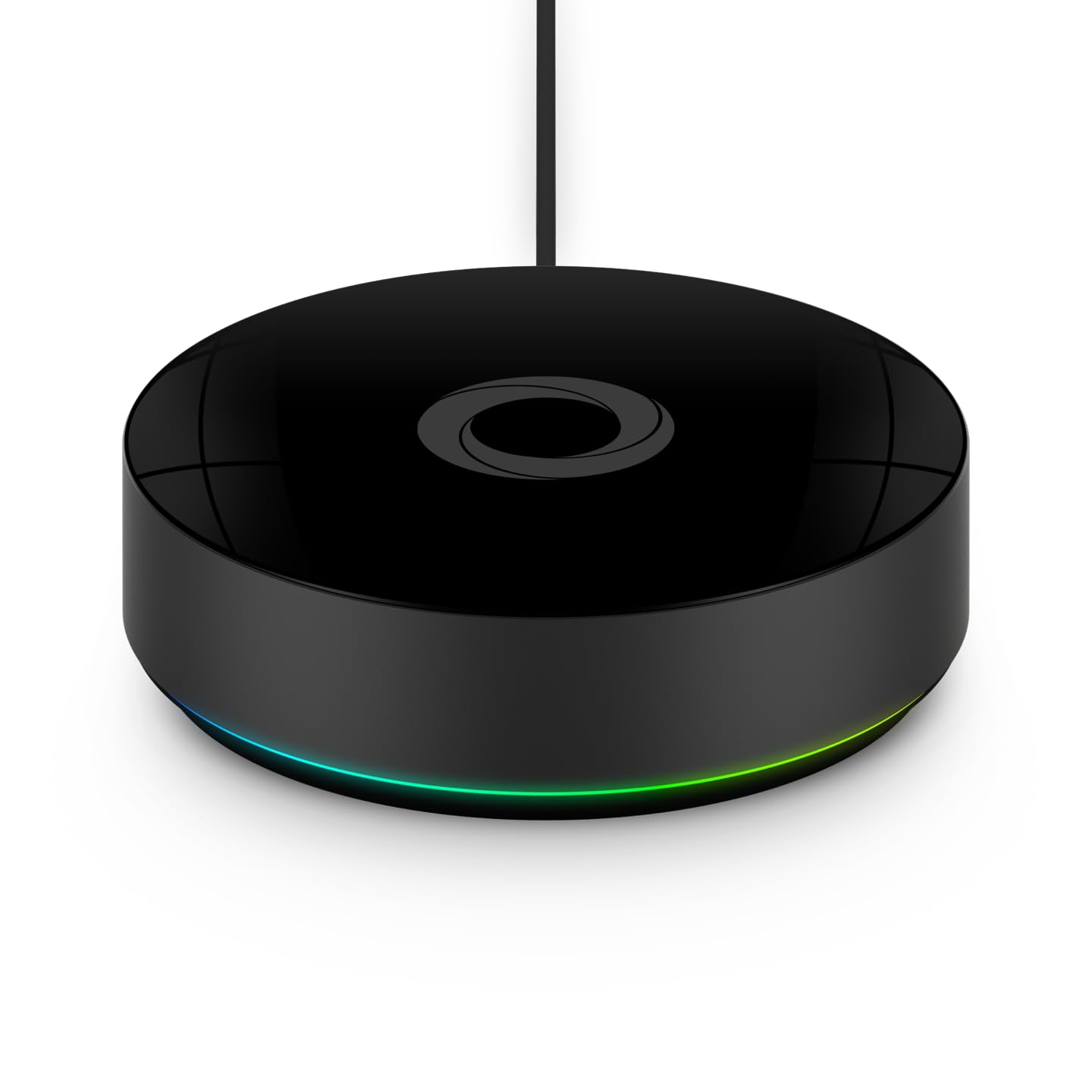
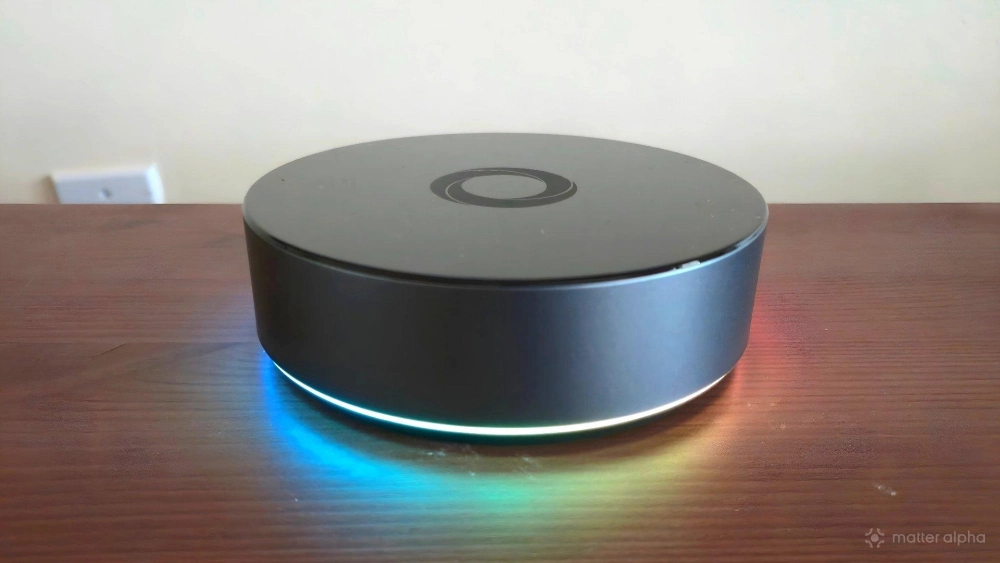
For example, I currently control my home using a Homey Pro. This smart home hub has the capability to send IR signals in place of your remote, assuming you have a ceiling fan that is controlled via IR. Homey is its own smart home platform, an alternative to the likes of Amazon Alexa or Google Home.
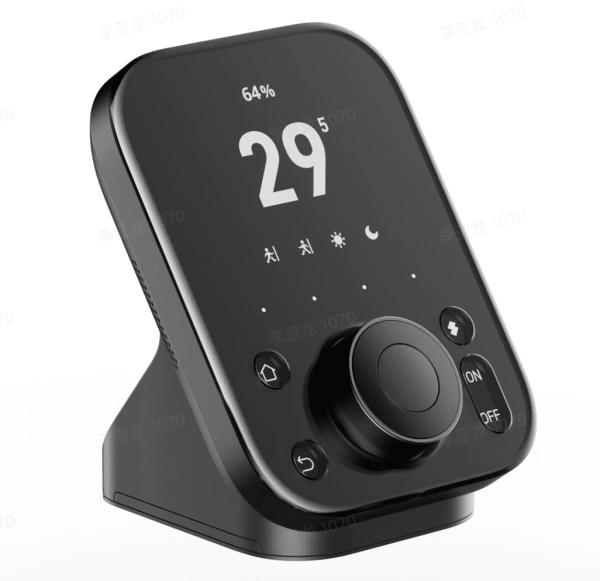
In contrast, there are hubs like the SwitchBot Hub 3 that can serve as a universal remote for your smart home devices and also be a bridge to your existing Matter controller. That means you could use Amazon Alexa or Google Home to tell SwitchBot to tell your fan to speed up or down, or other commercial ecosystems like Apple Home and Samsung SmartThings.
This brand helps to support our site to remain ad-free.
Read more about our ethics policySwitchBot Hub 3
A versatile smart home hub with real-time monitoring, intuitive controls, and voice assistant compatibility for seamless automation.
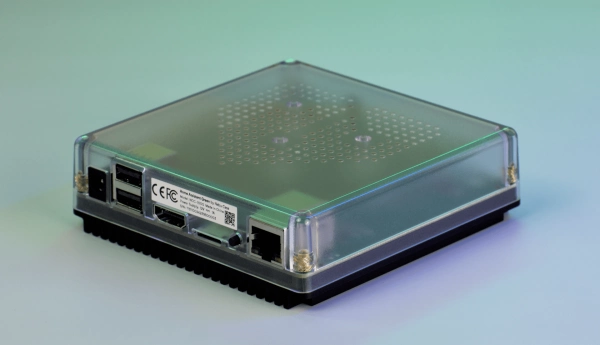
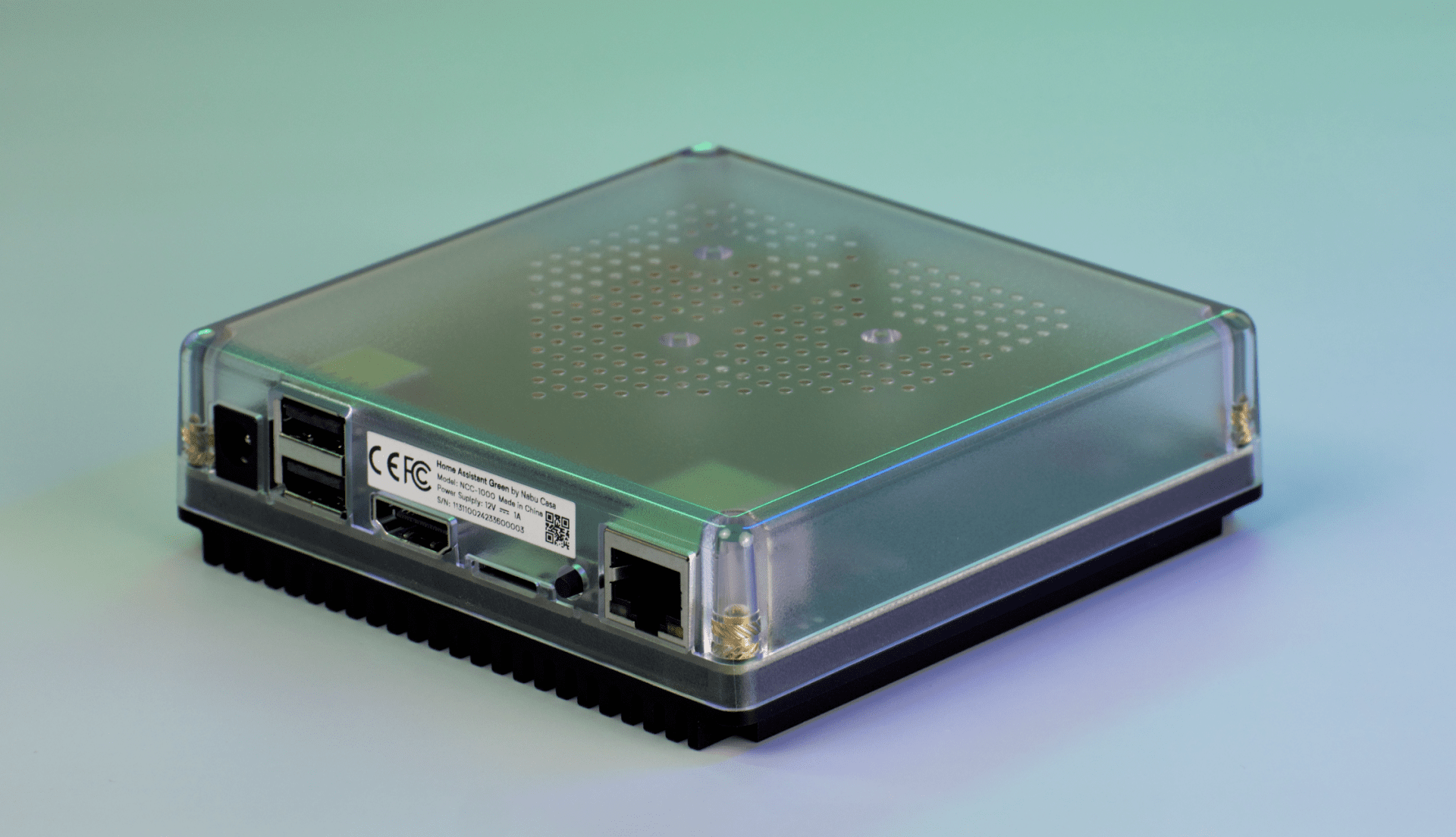
Home Assistant Green
A compact, fanless Home Assistant hub with quad-core processing, 4 GB RAM, 32 GB storage, local data control and Thread USB expandability.
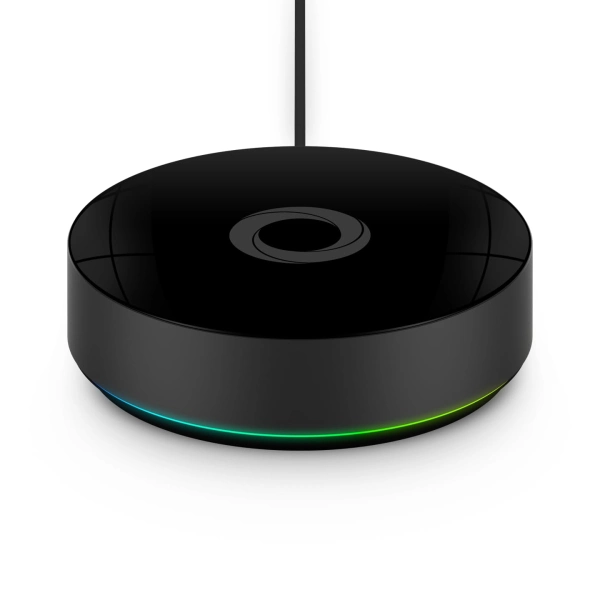
Homey Pro (2026)
Homey Pro (2026) is a local-first smart home hub that unifies seven wireless technologies into a single, powerful controller for advanced home automation.
My fans do not communicate via IR. Instead, my remotes talk to each fan via radio frequencies. On the positive side, I don’t have to aim my remotes at the fan to operate it, and that also means a smart home hub doesn’t need direct line of sight with each fan. On the downside, my hub needs to know which frequency each fan uses.
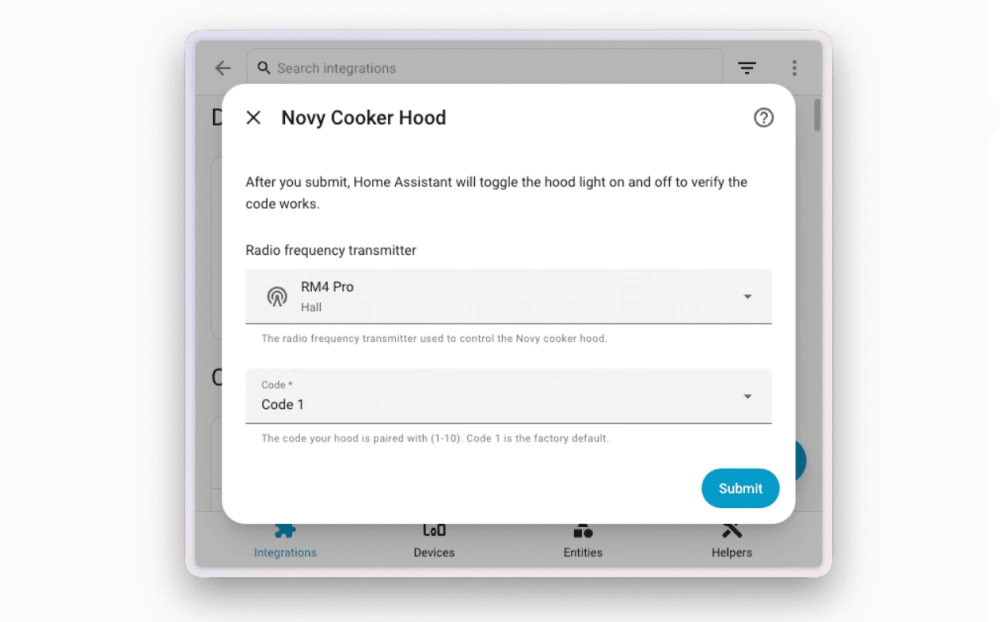
My Homey Pro comes with support for communicating via 433Mhz, and newer versions of Home Assistant have added support as well. The May 2026 Home Assistant update added native RF support, just like how the previous month’s update added IR support. You do have to invest in additional hardware that can function as a bridge between Home Assistant and the fans you’re trying to control, such as an ESPHome or Broadlink device. Unfortunately, this isn’t a simple out-of-the-box solution just yet, but work continues in that direction.
If I were starting out fresh–I’d buy Matter ceiling fans
If I were going into a new home that doesn’t have ceiling fans, or they’re all a prior owner’s fans that aren’t my style, then I would make sure that the ones I buy come with Matter already baked in. This way they can integrate with my smart home from the beginning, even as the hubs they interact with evolve over time.
Similarly, if you live in a home with only one or two fans, then it’s easier to swallow the loss and just buy a new one. It’s the easiest way to integrate a fan into your home with the full set of features.
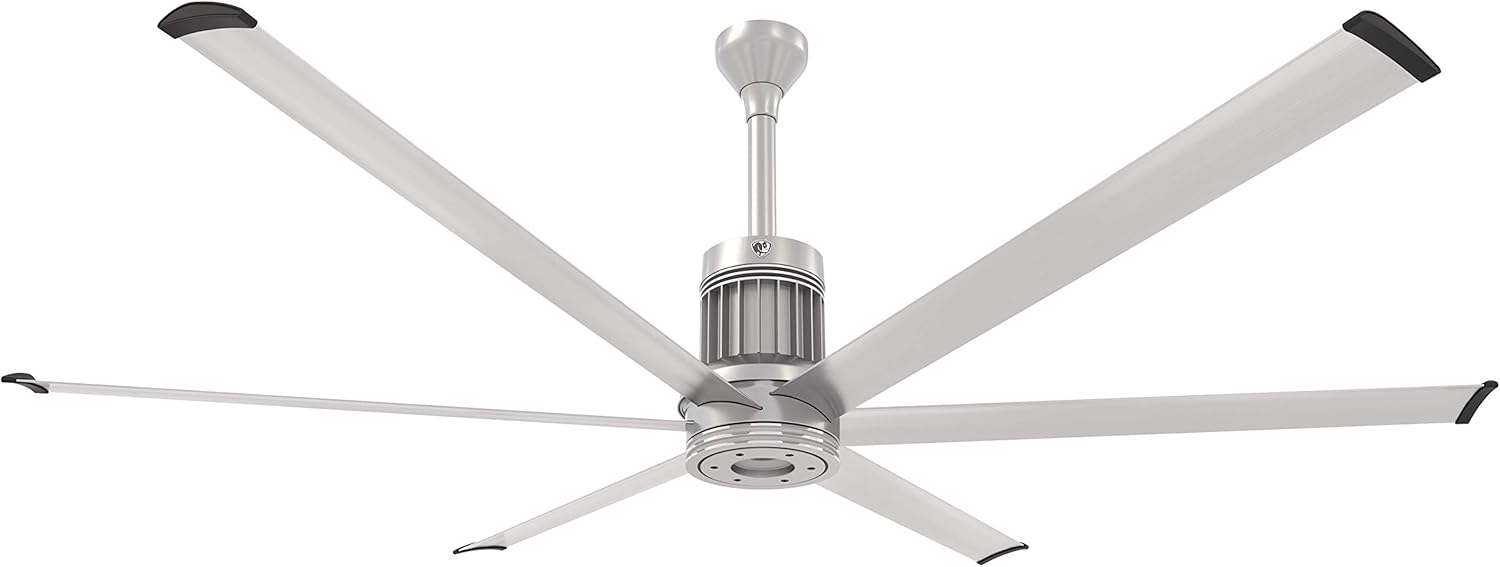
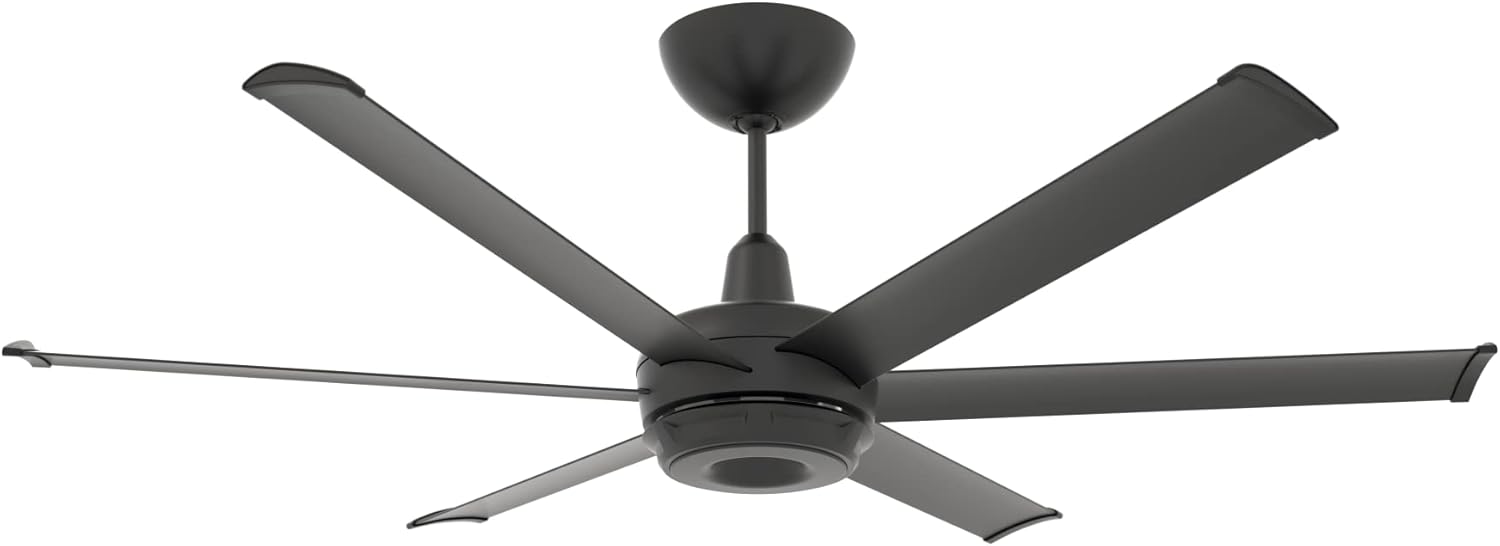
Some fans are what many of us would consider prohibitively expensive, such the Matter-compatible fans from Big Ass Fans. On the other hand, Lowe’s now markets Matter-compatible ALTITUDE fans that cost around the same as their usual offerings.
If you live in a house like mine with ceiling fans in nearly every room, then it’s hard not to recommend installing smart switches instead and taking the extra time to see if you can figure out how to bridge them, or wait for the release of a product that eventually makes the job simple.