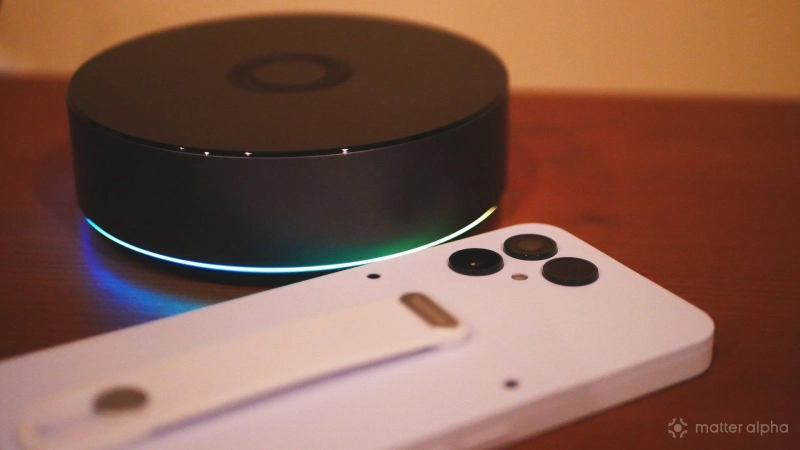
I recently spent a few weeks with a Murena Fairphone 6, a de-Googled smartphone that blocks trackers and runs an alternative version of Android. I expected this transition to come with some sacrifices, but I didn't think my smart home experience would be impacted. The precise way my Matter experience was degraded was quite the unpleasant surprise.
I do not live in a Google smart home
My smart home does not overly depend on Google. I don't use Google Home, nor do I integrate my smart home hub with Google Assistant or Gemini. In fact, I'm currently in the process of transitioning from a cloud-based hub like Samsung SmartThings to local-based hubs like a Homey Pro and Home Assistant Green. I have not purchased a single smart home product that relies on Google Home.
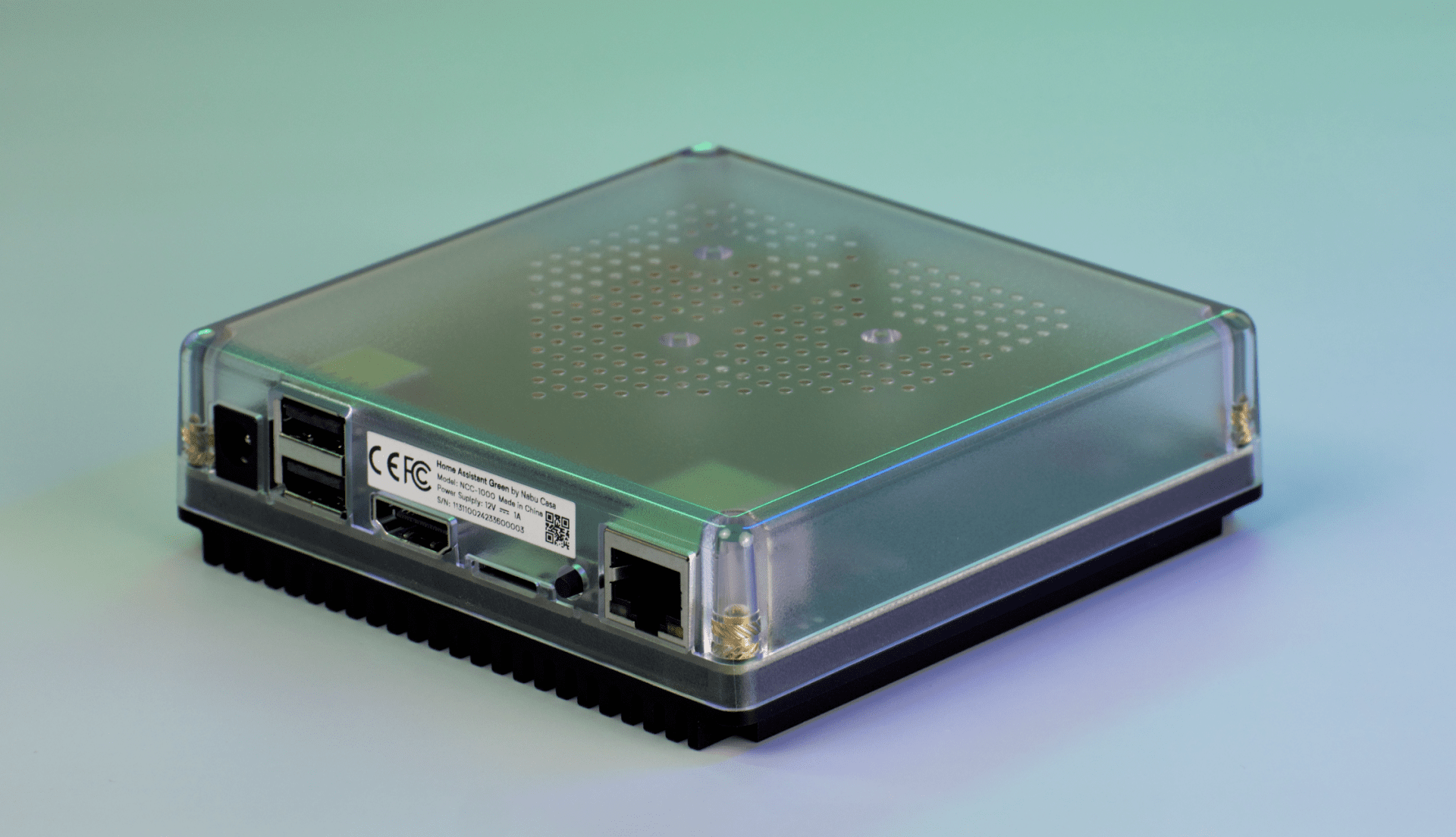
Home Assistant Green
A compact, fanless Home Assistant hub with quad-core processing, 4 GB RAM, 32 GB storage, local data control and Thread USB expandability.
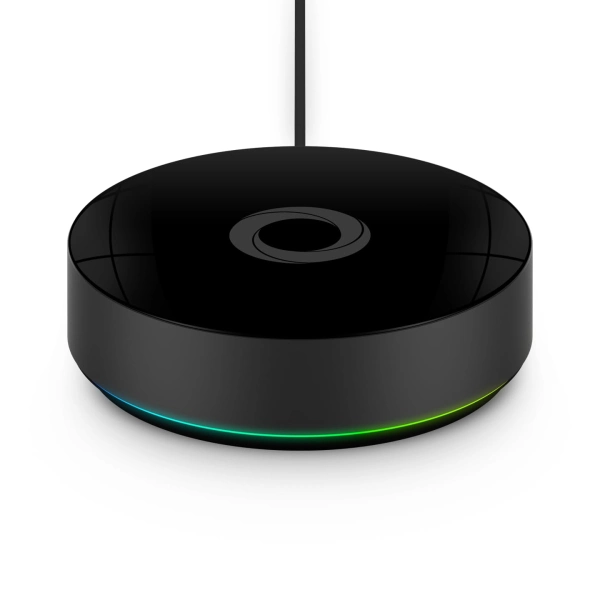
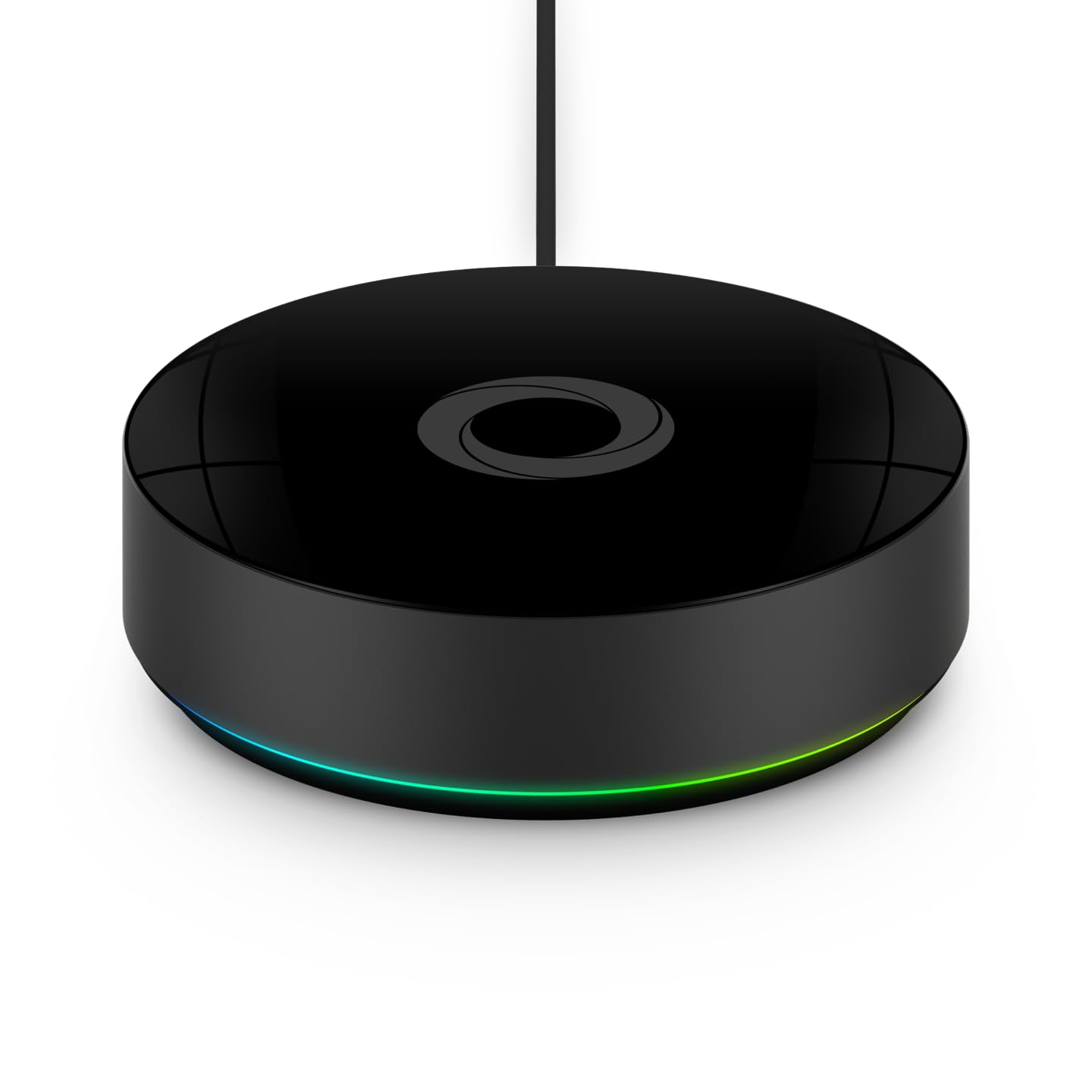
Homey Pro (2026)
Homey Pro (2026) is a local-first smart home hub that unifies seven wireless technologies into a single, powerful controller for advanced home automation.
Yet even in my case, Google still plays a surprising role in the functioning of my all-Matter home.
With a de-Googled phone, I can not scan Matter QR codes
Part of Matter's promise is its simple setup. To set up a Matter device, you just tap an icon inside your smart home app and point your camera at a Matter pairing QR code when prompted. Unfortunately, it's here where things fell apart.
While I could install the Homey app just fine via the App Lounge (the included app store on my Murena Fairphone 6), when the time came to add a new device, Homey could not load the camera to scan the QR code. It would instead immediately say that it is unable to connect.
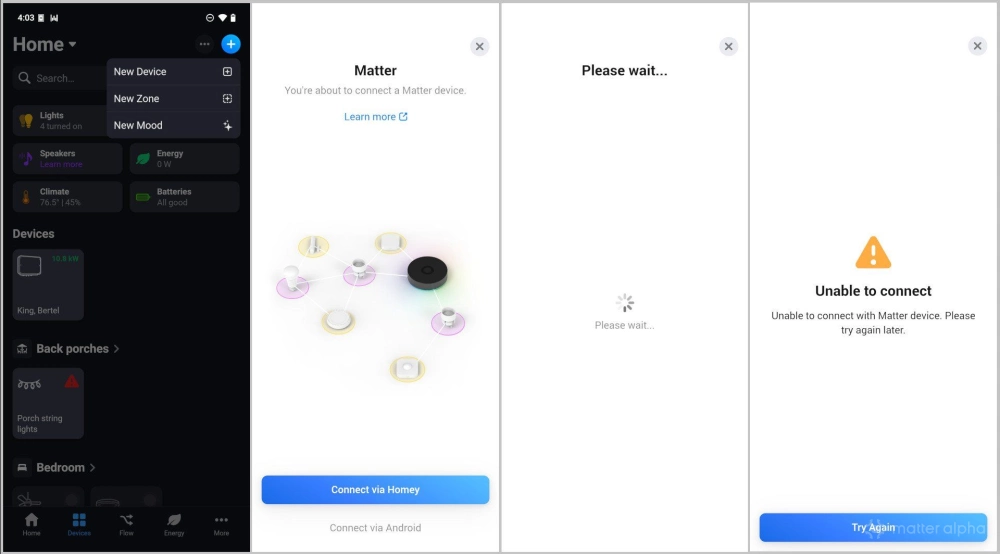
To make matters worse—the screen that failed to load is the same screen that would give me the option to manually enter my QR code instead!
Since I have a Homey Pro, there is a workaround available to me. I can attempt to add the device directly using a connection between the Homey Pro and the Matter device without my phone as a middleman. In this case, Homey provides its own interface for entering a QR code, and that works just fine in situations where the two devices are close enough together.
When I attempt to add a device using Home Assistant, the app displays a tiny pop-up notification that "Matter is not available" before spinning endlessly.
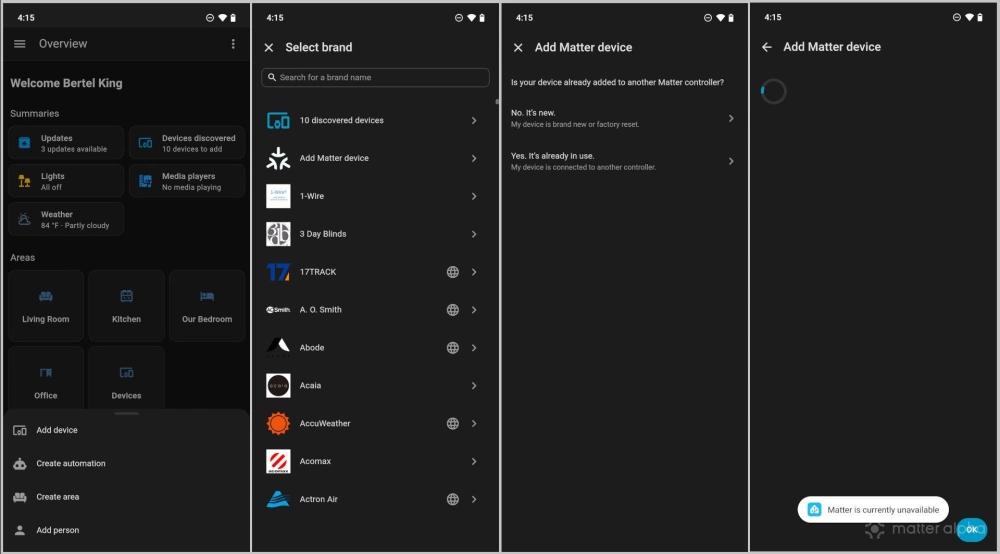
In the end, I pulled out a different phone and added the Matter device using that. Afterward, I could return to my Murena Fairphone 6 to interact with the device as normal.
Why scanning a QR code fails on de-Googled devices
De-Googled Android phones are phones that have stripped away all the Google bits. This means no Play Store, no pre-installed apps like Gmail, and, most importantly, no Google Play Services. Google Play Services is a background service that provides much of the functionality of modern phones.
The QR scanner that appears in many Android apps is actually provided by Google Play Services. This functionality allows an app developer to provide the feature without having to create their own private way to interact with your smartphone camera. This is one of many ways that Google standardizes behavior across Android devices and makes life easier for developers, while also expanding its control over the Android experience.
Matter is more dependent on your smartphone than you might think
Many of us don't build a smart home because we want to control everything from our phone. An ideal smart home relies on automations and sensors that quietly make things happen in the background. Voice commands allow us to turn on lights and turn off the fan without needing to reach into our pockets. Yet when it comes to setting up your smart home, your smartphone plays a vital role. You can work around this smartphone dependency by adding devices directly via a browser on some smart home platforms, but not all. In the end, this is just one more area where an effort to de-Google may leave you feeling more frustrated than not.