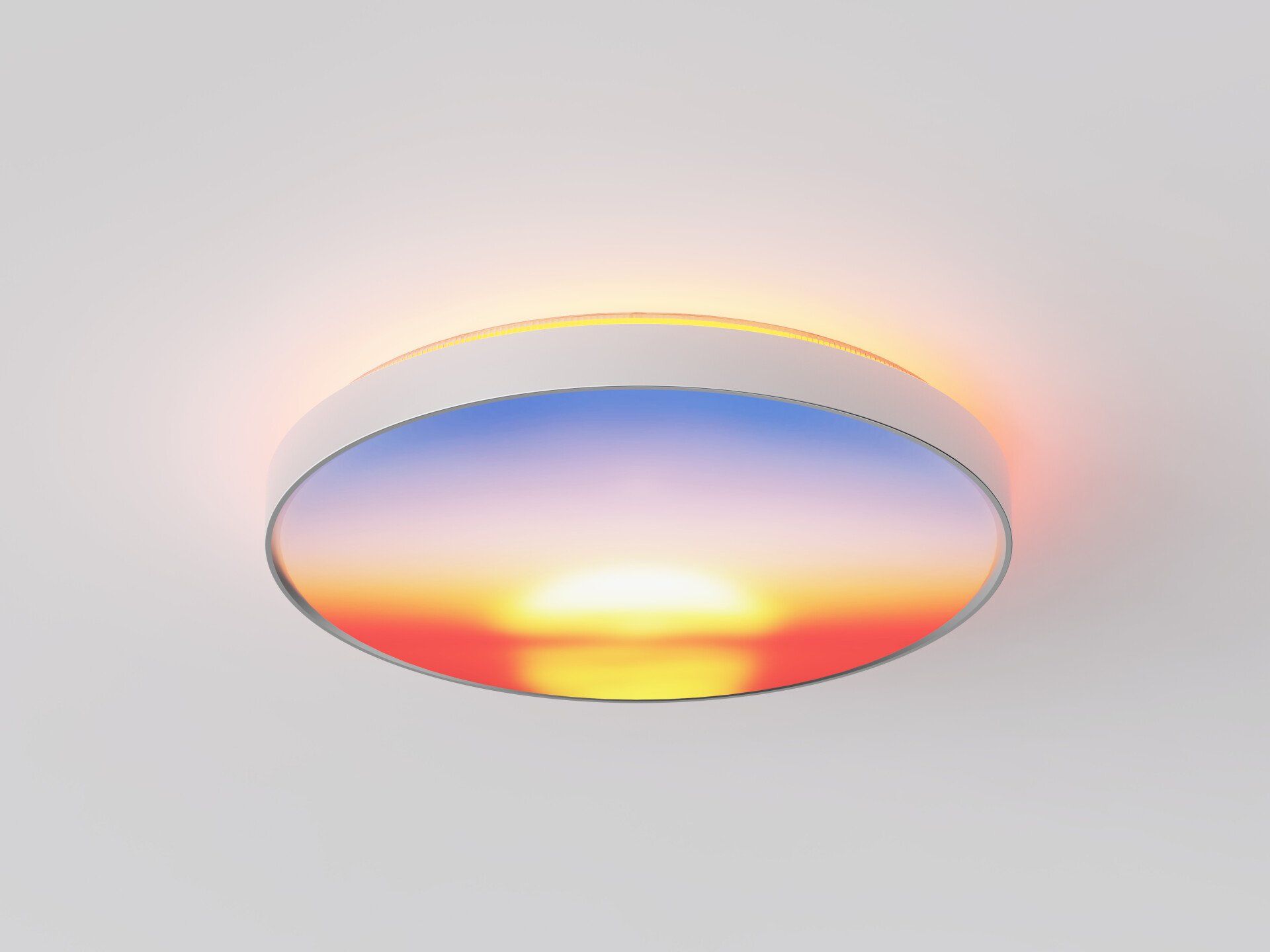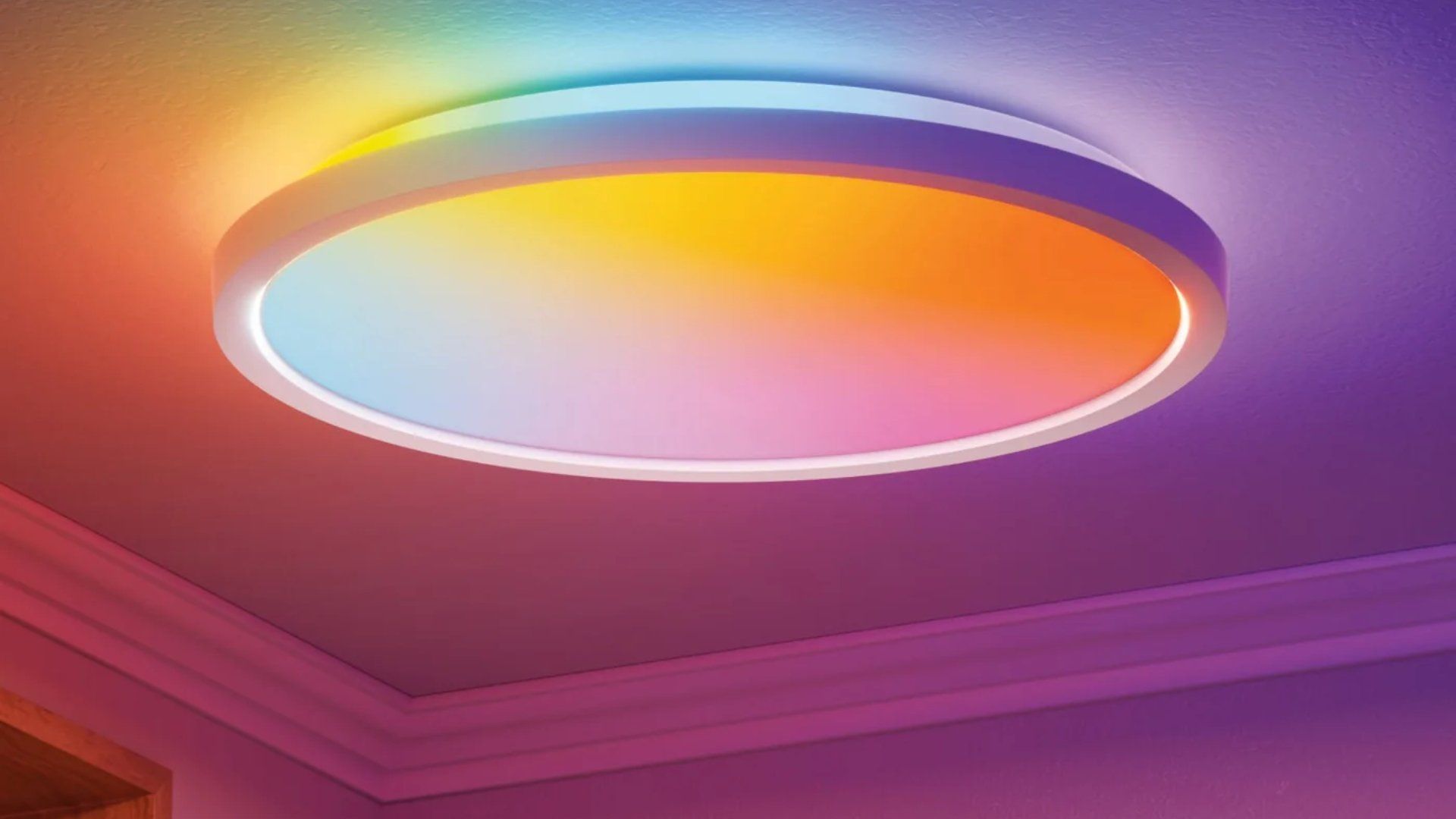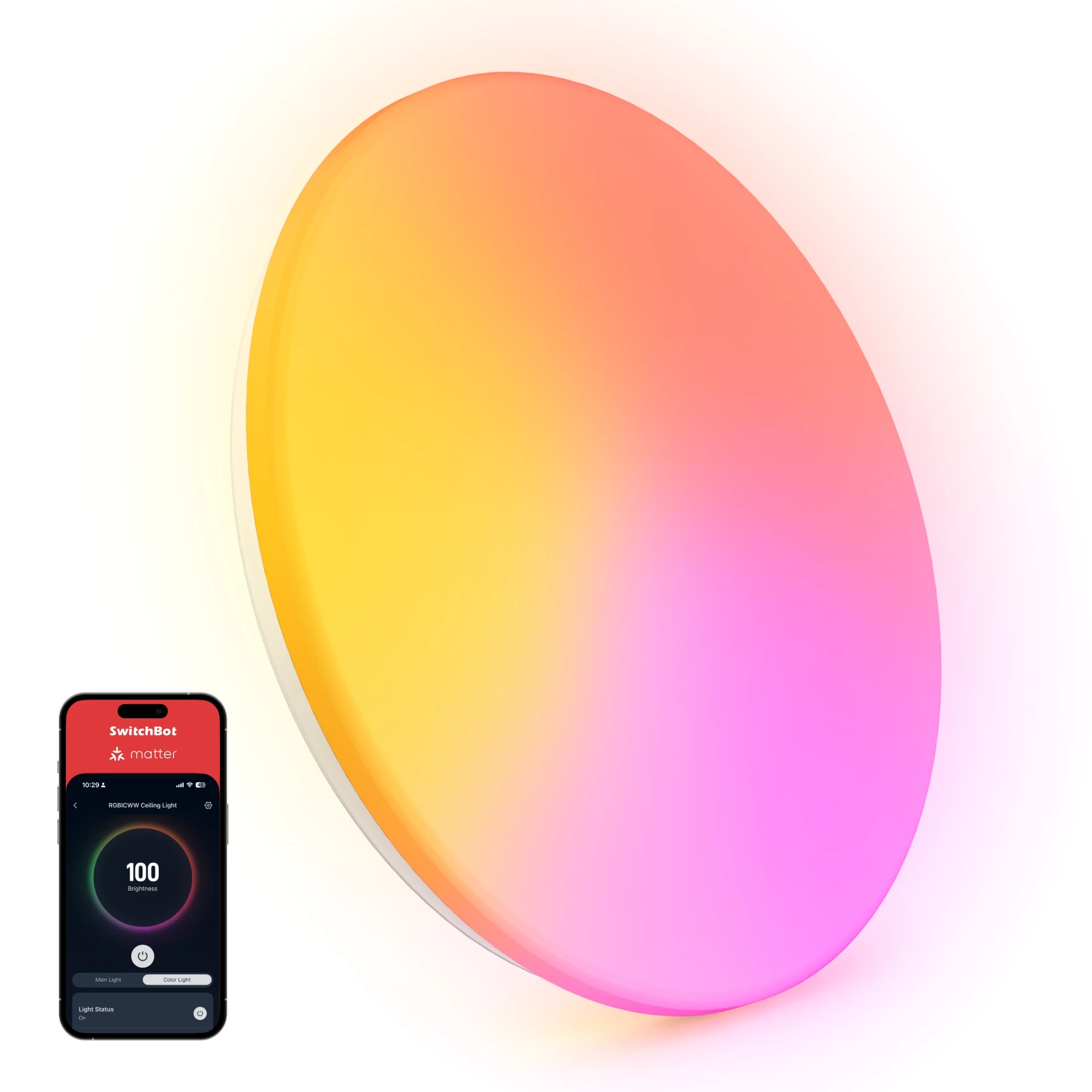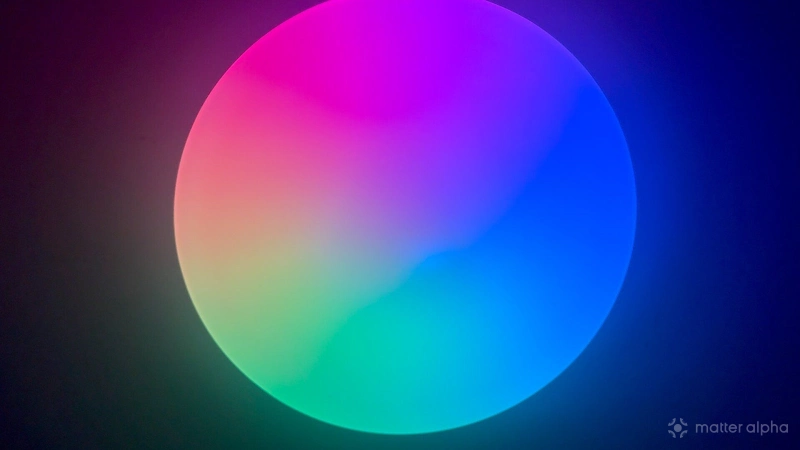
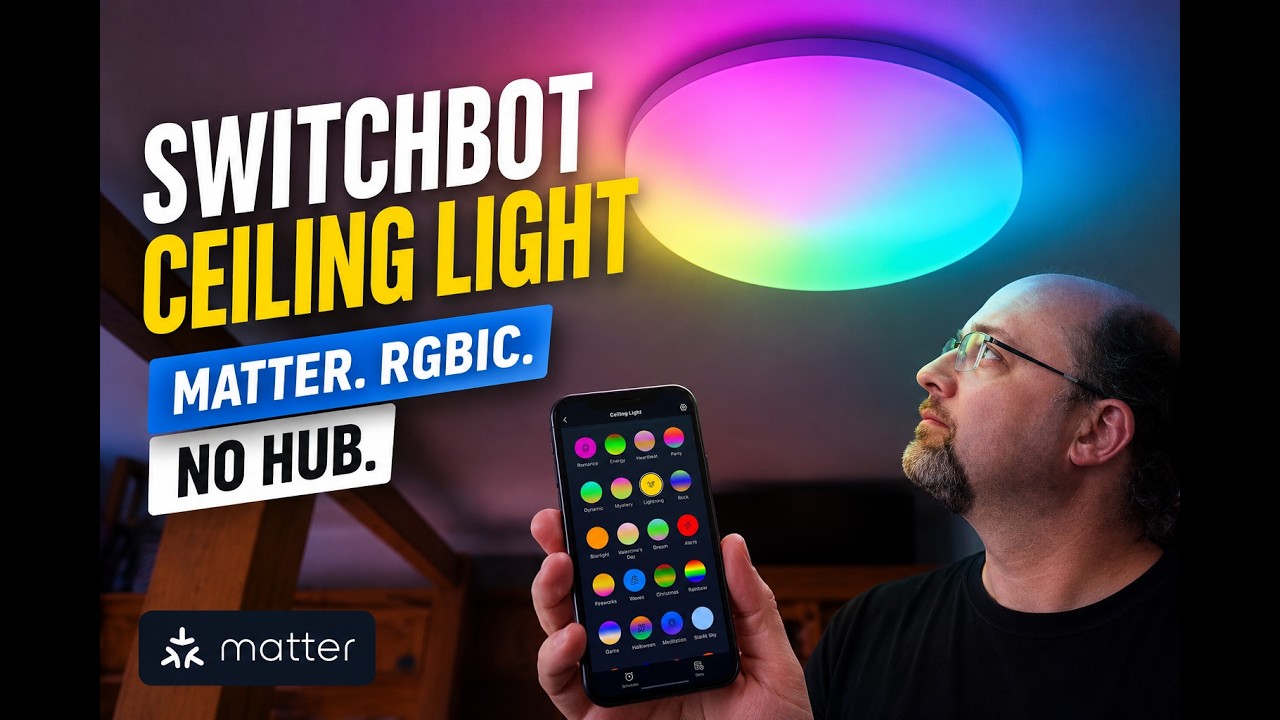
The SwitchBot RGBICWW Ceiling Light is a basic, native Matter-over-Wi-Fi lighting fixture. Its main selling point is that it’s cheap, but it’s also reliable, and to me those are the two winning specifications.
The SwitchBot Ceiling Light won’t reflect the weather across 600 pixels like Govee Ceiling Light Pro. It only has 50 white and 30 color pixels, actually. It doesn’t even feature a separately controllable uplighting ambient ring. It just, you know, lights the room up.
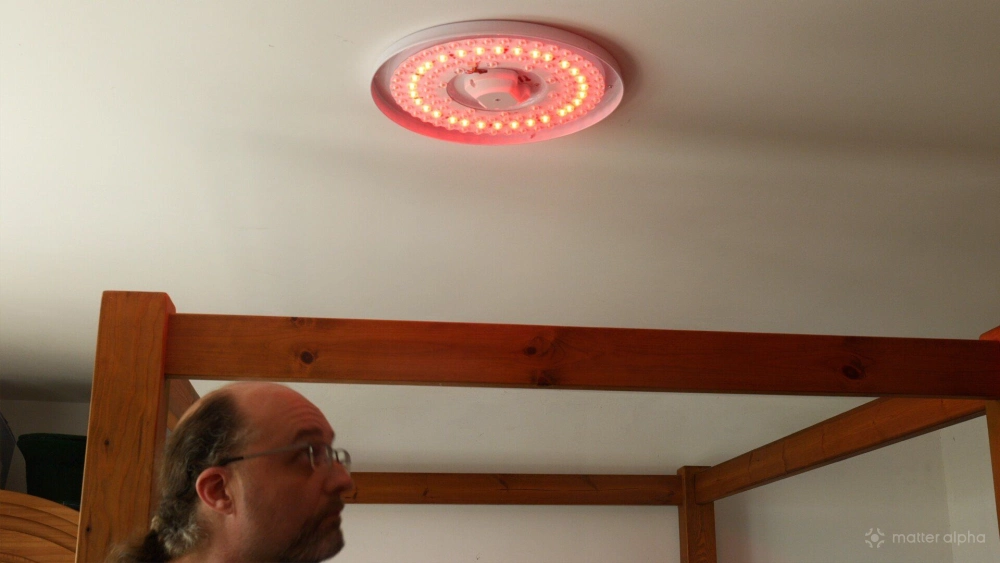
It has separate RGB, warm-white, and cool-white LED rings, and it’s reasonably bright, at 3,000 lumens for the 15-inch version or 2,200 lumens for the 12-inch version. Those are priced at $80 and $50 respectively.
Build quality and installation
In terms of build quality, it definitely feels cheap, and it’s a lot more lightweight than I was expecting. The translucent cover in particular feels quite flimsy, and I wouldn’t be surprised if the damage-in-shipping rate is high.
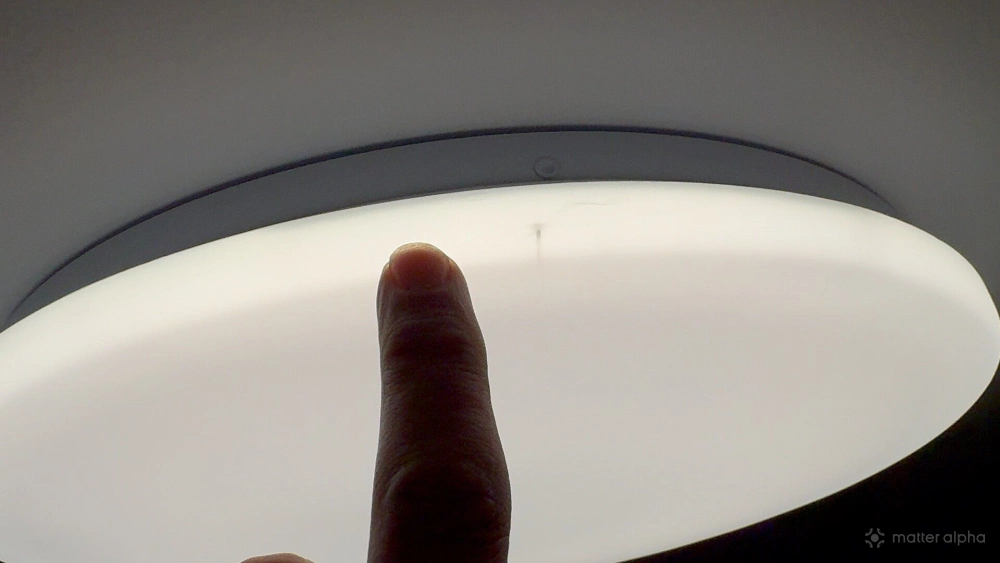
Be very careful with it before installation, because the slightest dent will appear as an obvious crease in the thin plastic cover. The same applies after installation if you have low ceilings and might be moving furniture around. It won’t take much to dent it and leave a permanent mark. I wouldn’t recommend this for somewhere like student accommodation or a child’s room. It just doesn’t feel durable enough, even if it would be cheap enough to replace.
The main body of the light is solid enough, but when it comes to installation, the SwitchBot Ceiling Light seems to have been designed with very little regard for the user. Unlike the Govee option I recently installed, which you could attach to the ceiling with a safety wire first, the SwitchBot Ceiling Light requires you to wire it up first, find somewhere for the wires to sit comfortably, and then attach the whole thing to the ceiling.
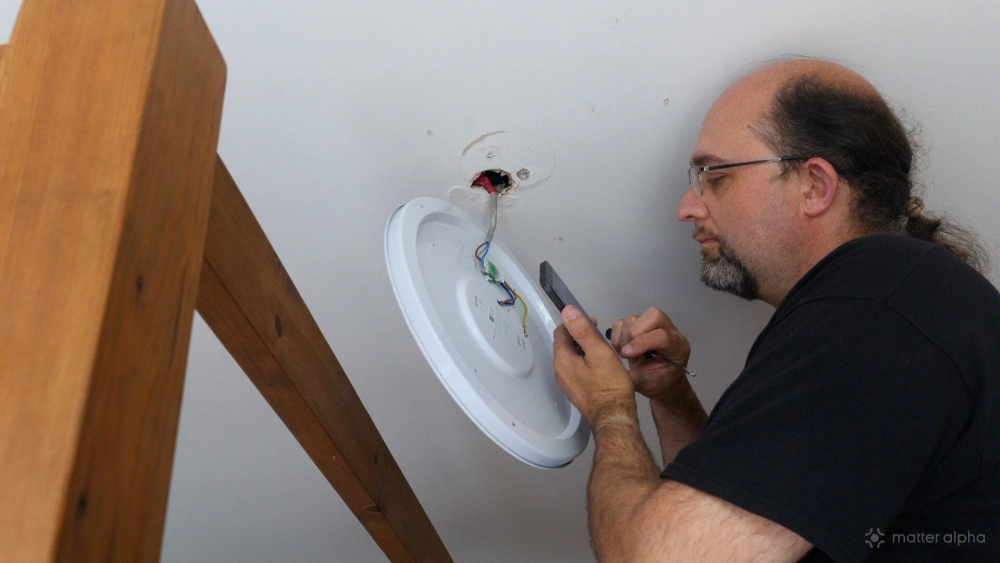
That means it’ll be hanging from the wires for a while, so make sure they’re secure. It does at least use push-fit wire connectors, and there’s an earth connection. There are three mounting holes around the edge, which you’re supposed to use with some ultra-cheap wall plugs included in the pack. Then there are also what look like two mounting sockets on either side of central main unit, which you could potentially use, but the required fixings aren’t supplied. I don’t know whether those are designed for some standard mounting system, but nothing in my home matches up with them, so it could just be a generic baseplate used for a range of products.
Most egregious of all is the fact that the Matter pairing code is on top of the device. That means that, having wired it up precariously, you’re presumably supposed to let it dangle while fiddling around with your phone camera up there. On other fixtures such as those from Nanoleaf, the code has always been sensibly placed on the underside, where you can mount everything first and then scan it from below.
As ever, a quick warning here: if you’re DIYing this for the first time, make sure you turn off the power at the mains breaker, not just at the light switch. It’s quite possible that your home uses a lighting circuit with permanently live wires, so simply switching the light off will not necessarily kill all the power at the ceiling fitting. If you only have three wires coming out of your ceiling, you’re probably fine. If you see bundles of red or brown cables joined together, then you may have permanently live circuits, so kill the breaker first. And if none of that makes any sense, please call an electrician.
Let’s talk about Matter support
The SwitchBot Ceiling Light uses native Matter over 2.4GHz Wi-Fi, which means you shouldn't technically need the SwitchBot app. There aren’t many advanced features on offer, though you will miss out on some dynamic scenes. Through Matter, you get brightness, color, and on/off control. Simple.
If you want to use any of the animated scenes, then you’ll need the app, but for reasons I’ll explain shortly, I wouldn’t bother. Well, in theory, you don’t need the app anyway. I was able to add it directly to Matter out of the box, but the firmware it shipped with was buggy. The previous color would remain active when you switched to white or warm white. Turn down the brightness and then turn it back up again, and the white would disappear, leaving only the color. You couldn’t actually turn the color LEDs off.
The light needed a firmware update, so I had to turn to the SwitchBot app. It’s possible that if I’d left it connected only through Matter for long enough, it might have received an update overnight, but I didn’t think of that at the time. Unless Apple Home is going to notify me that a firmware update is available, I’m not going to know. That’s just one of the downsides of Matter — everything is designed to be invisible to the user, which doesn't help when anything is broken. The Thread situation is even worse, but at least Home Assistant offers some diagnostic tools.
Of course, adding it to the SwitchBot app broke the existing Matter connection, which meant removing it and pairing it again using a new code generated through the SwitchBot app, rather than the code printed on the device. Suffice to say, this device may not work natively with Matter out of the box.
Scenes and effects
If you control the light using the SwitchBot app, you get access to an "exciting" collection of animated effects.
There’s Lightning, which you might reasonably expect to be random flashes of white, perhaps with a twinkling blue background to simulate rain. But no. It’s a block of yellow, and it goes around in a circle. Have you not seen that sort of lightning before?
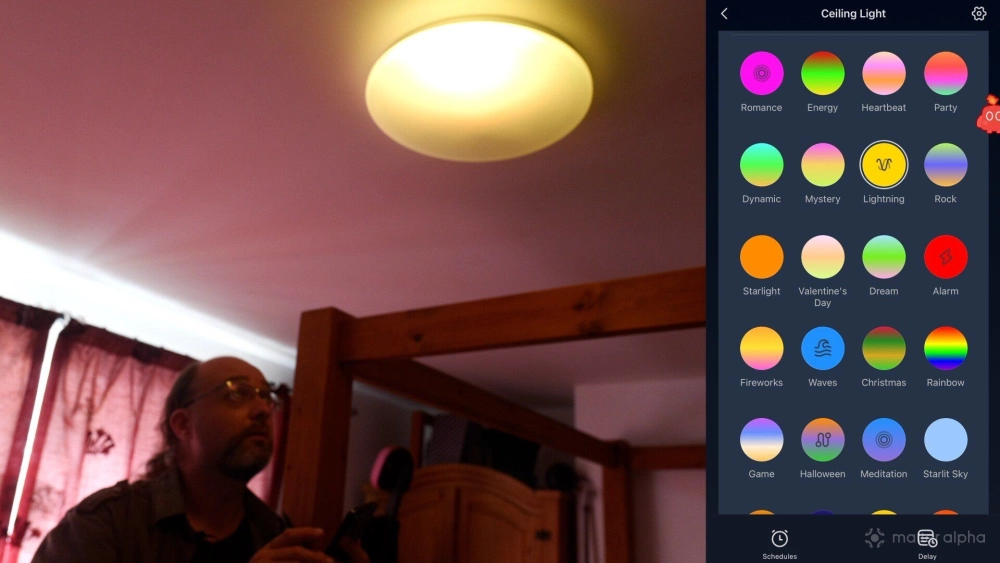
Then there’s Romance, which is a pulsating pink, for those moments of intimacy when one of you wants the lights off, the other doesn’t, and you can't decide who's right.
There’s also Meditate, which pulses through various shades of purple and blue, though I’m not sure if I could relax with that one; and Sleep, because something resembling a brightly colored, constantly ticking clock is exactly what you want while you’re trying to sleep.
There is an option to make custom scenes, but the scene creator is limited. I tried to make an actual lightning effect, but every flash happens at exactly the same interval. There’s no sound-reactive option, random timing, layering, or variables. You can choose multiple colors, but you’re still limited to the same eight basic effects.
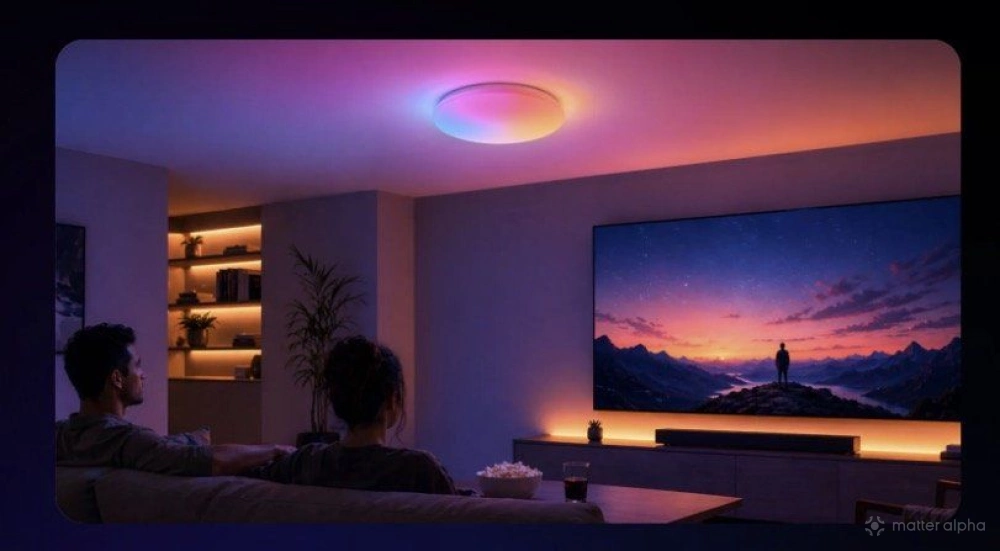
The marketing images are a little misleading, showing what appears to be a color-matched effect being used while watching a movie, but SwitchBot doesn't have any way of knowing what's on the TV screen. You’re just choosing three or four colors yourself and changing them manually every time the scene changes.
Should you buy the SwitchBot Ceiling Light?
I’m pleased to say it’s now been working solidly for at least a week, with no drop-outs or failed connections. Of course, you need to leave the power switched on at the wall for it to remain responsive, and in some homes, teaching the other humans who live there not to turn it off may be the most complicated part of installing any smart light.
The white and warm-white brightness is perfectly adequate, though certainly nothing outstanding. It won’t act as a SAD lamp during the winter months, and the color output is even more lacking. The Govee Sky Ceiling Light offers significantly higher output, designed to mimic daylight.
It’s smart in the most basic sense of the word. There are timers, schedules, and such, and it's somewhat Matter-native in that you don't need a hub (but might need the app to update it), so you can automate it in whatever other ways your smart-home system supports.
But SwitchBot doesn’t offer features such as synchronized color matching with TV or game content, like the Govee DreamView system that connects to the TV Backlight. There isn’t even a music-reactive mode, which Nanoleaf's similarly-priced budget option does feature. It is just a very basic, bare-bones "smart" ceiling light. If you already have a room full of SwitchBot automations and want your main room lighting to integrate easily with them, then it’s a good, cost-effective option.
For entertainment areas, or if you want advanced features such as TV or music syncing, you may want to increase the budget considerably and look elsewhere.