Do you live in a smart home? What defines a smart home can be ambiguous, but last year I embarked on a project that would absolutely cement mine as one—I began replacing every wall switch in my home with a smart switch. It was a big undertaking, with me unclear at the outset if I was choosing the right product. Now that I've had a year to live with my decision, was it worth it?
The cost was higher than I initially expected
I jumped on this great enterprise almost on a whim. TP-Link was having a sale on smart switches, enabling me to get most of them for around $10 each. This meant I could upgrade all the switches in my home for roughly $500. Considering that a plumber or electrician will charge around that much just to fix something broken, this felt like a steal.
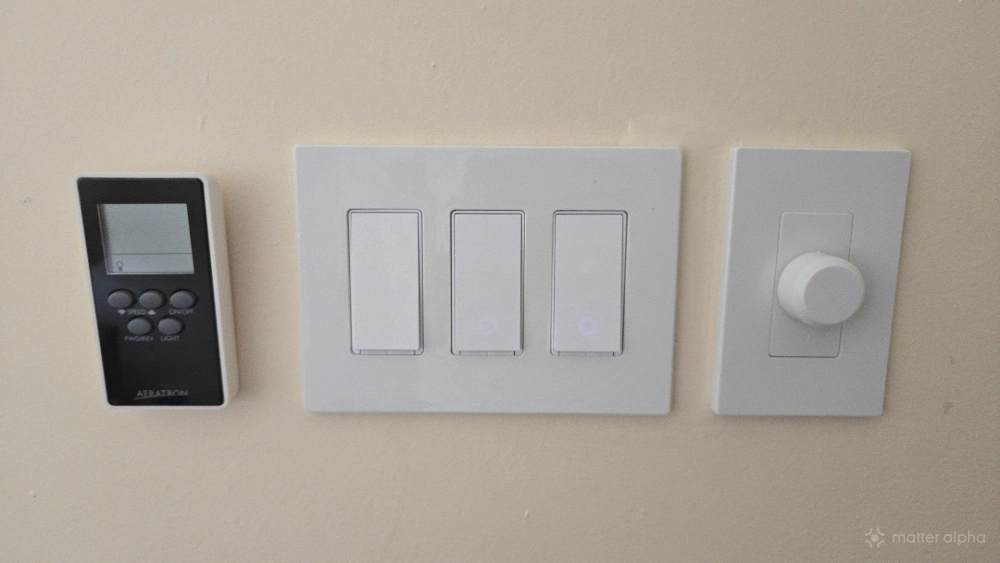
I later learned that this price wasn't all that I would need to pay. Since many of my light switches are lined up in groups of two, three, or four, I needed to buy an abundance of wall plates designed to fit more than a single switch. As a result, I swapped out all the ones TP-Link included just to make sure that everything matched. I also had to buy rocker switches for the lights that are controlled from multiple locations in a room. With so-called 2-way and 3-way switches, only one of the switches at the time could be a TP-Link smart switch. This has changed with the S515D, which comes with a satellite switch included.
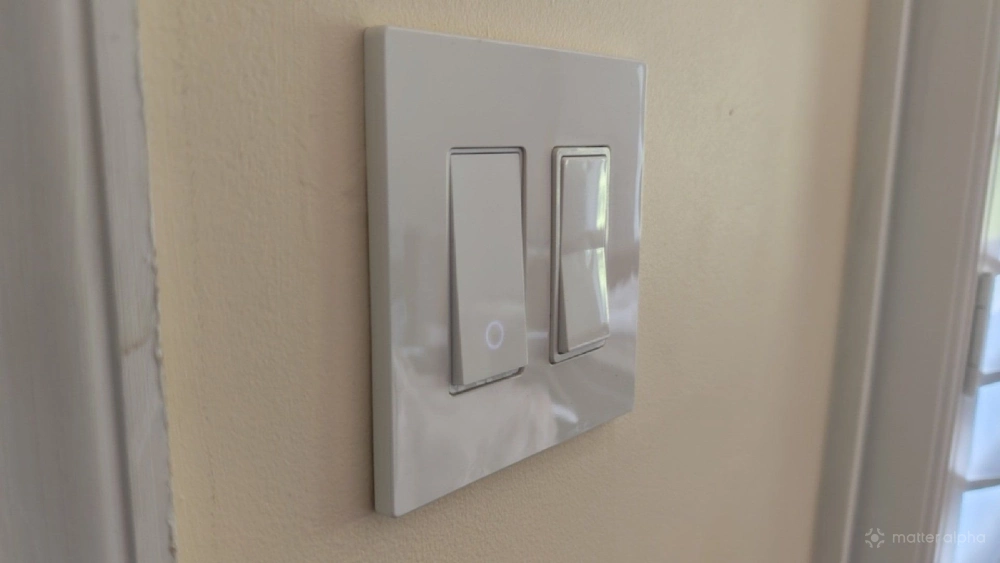
All in, the project cost me around a thousand dollars. Considering that some brands charge $50 per switch, I still came out ahead and don't regret my purchase—but I did have some explaining to do with my spouse when the related charges continued to roll in for a few months while I worked.
Keep in mind, these numbers are what they are because I opted to install my light switches myself. If you hire an electrician, don't be surprised if the cost of their labor eclipses the amount you spend on hardware.
My TP-Link Tapo light switches have proven consistent and reliable
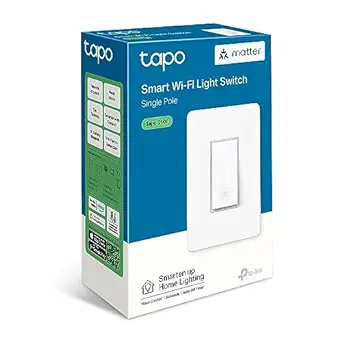
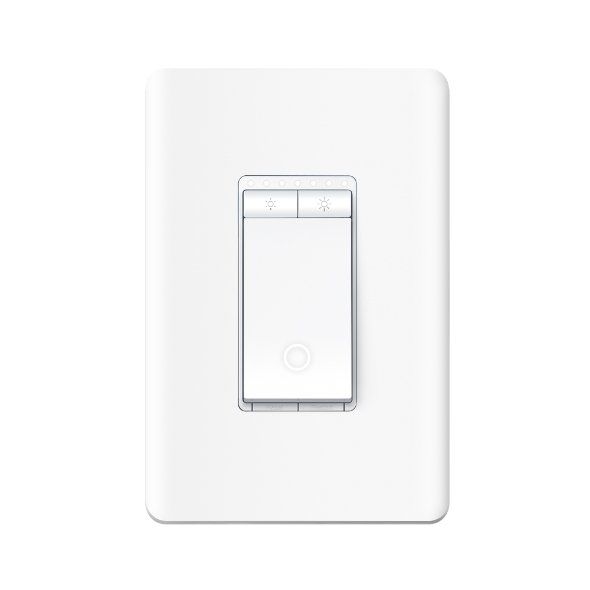
The TP-Link Tapo light switches I selected are Wi-Fi-only switches. I primarily purchased the S505 (for single-pole lights) and the S515 (for 2-way and 3-way configurations), with one S505D installed as a dimmer switch. These models lack some of the features that would be nice to have, like Thread support or energy monitoring, but their Wi-Fi connections have proven reliable over the course of the entire year.
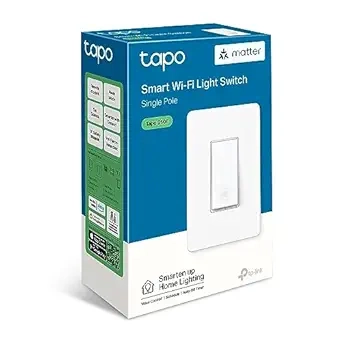
TP -Link Tapo S505 Smart Wi-Fi Light Switch
The Tapo Smart Wi-Fi Light Switch S505 enables control of lights and ceiling fans through the Tapo app, supports voice commands with Alexa or Google Assistant, and can be automated with Tapo sensors, without the need for an internet connection.
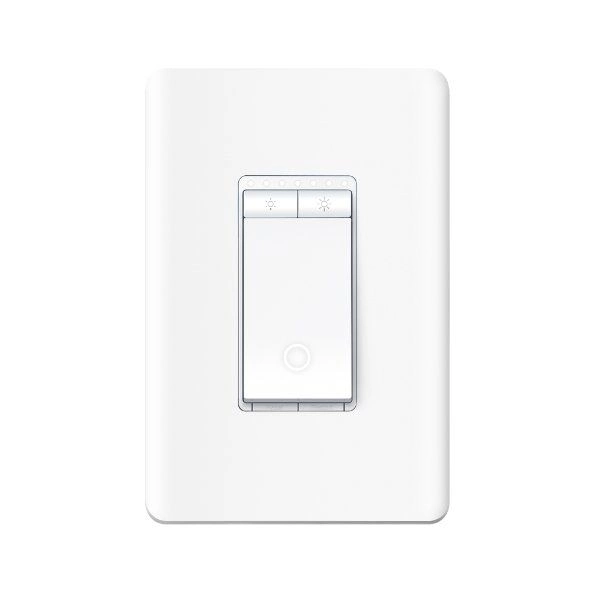
TP-Link Tapo S505D Smart Wi-Fi Dimmer Switch
The TP-Link Tapo S505D is a smart Wi-Fi dimmer switch that allows for adjustable lighting control and integrates with Matter for enhanced device compatibility.
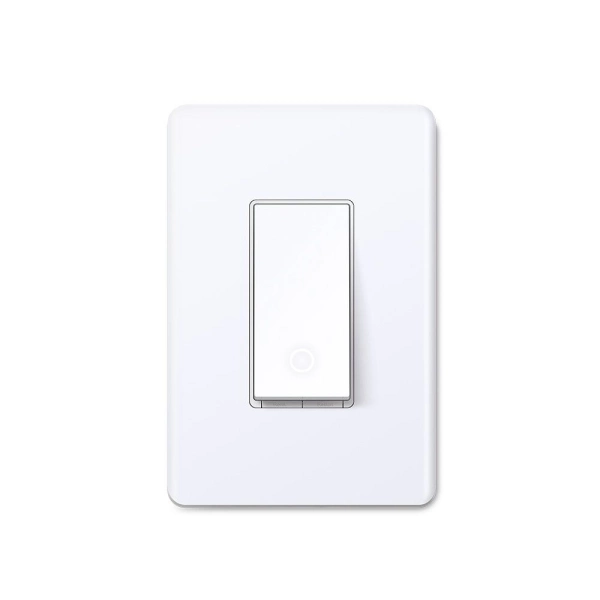
Tapo Smart Wi-Fi Light Switch S515
Matter-certified Wi-Fi light switch with voice control, remote app control, schedules, Away Mode, and sensor-based automations.
While I have regularly had issues with smart bulbs showing up as disconnected, my smart switches are consistently online. I've only had issues with them in the time periods immediately after an outage, when my smart home hub is trying to re-establish all of the many connections in my rather dense smart home network.
That said, I have noticed a decrease in speed on my 2.4 GHz Wi-Fi network. It has become congested, and browsing takes noticeably longer than it does when I switch over to the 5 GHz network. Ultimately, that hasn't been a big deal. We only connect our phones and computers to the 5 GHz network and leave the 2.4 GHz network to smart home devices. Since they're all transmitting only small bits of information at a time, the congestion hardly has a noticeable impact on how well they function.
I recommend investing in a mesh Wi-Fi network to reduce the burden on any one piece of hardware and to give yourself the option to expand your Wi-Fi network as needed. That said, we have not needed to increase our Wi-Fi network from the three nodes that our TP-Link Deco kit came with.
Installation may take longer than you expect
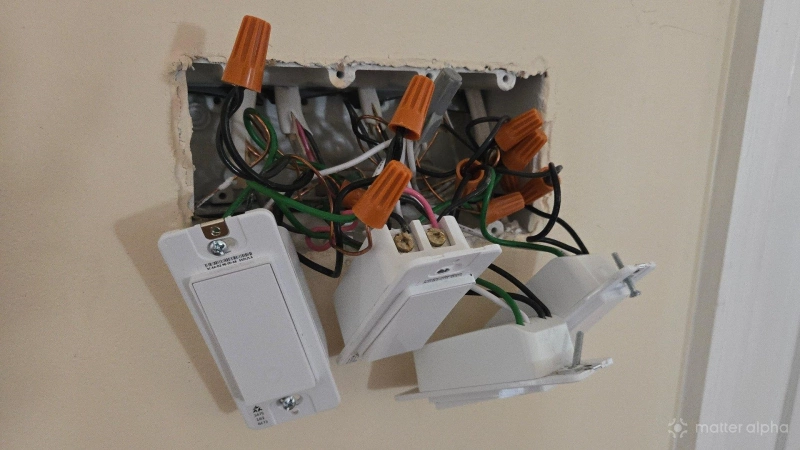
It's time to clear the air—I haven't actually replaced all the switches in my home. While the majority of switches have been swapped out in the rooms we use most often, there are a few that I have yet to get to. Replacing a light switch was easier than I expected but also more labor-intensive.
It wasn't difficult to follow along with an online guide and make sure that I connected all the wires to the right places, so if you have any concerns about that, I'd like to put your mind at ease. Just make sure you turn off the power at the breaker before you touch anything, and be sure to take your time. This is not a project to take on while distracted.
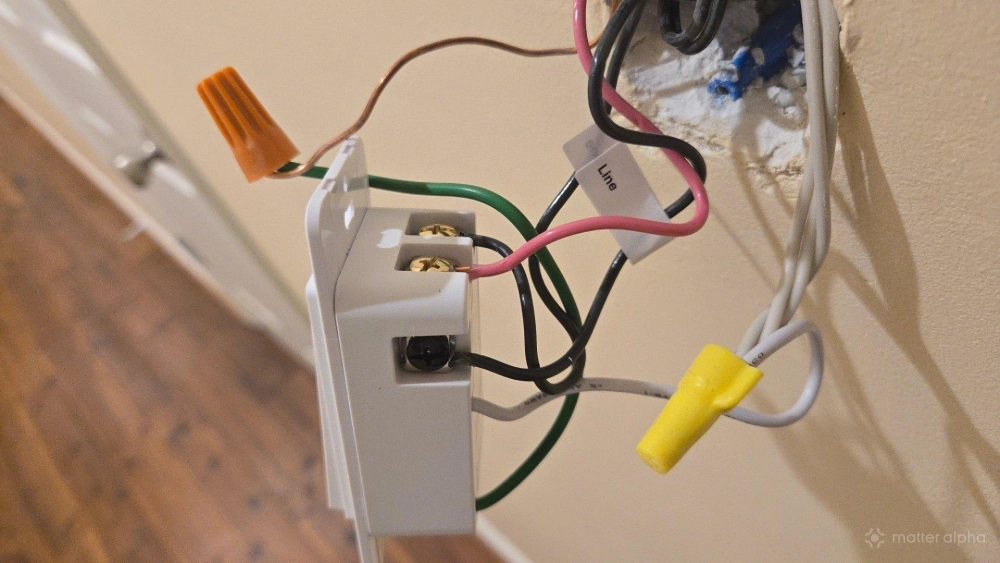
The physical labor involved in the effort requires more muscle strength than I expected. Replacing a switch also tends to take more time than I plan, and I can never fully predict what issues I might run into when removing the existing light from the wall and seeing what lies behind, even in my relatively newly constructed home. Other projects eventually took priority, so I still have roughly 20% of my switches still waiting to be replaced.
Naturally, this advice only applies to my fellow DIYers. If you hire an electrician to do the work, it's not going to drag out over the course of weeks or months.
Matter-compatible light switches have worked with every smart home platform I've tried
While I can control my Tapo light switches from the Tapo app, I have never opted to do so since I have no interest in cloud-based smart home products. It is due to the Matter standard, which provides privacy and the ability to control smart home products that a manufacturer might have abandoned, that I became interested in smart home tech in the first place.
Unlike some smart home products like my Honeywell Home X8S smart thermostat or my SwitchBot Lock Vision Pro door locks, my light switches do not require a specific mobile app for any part of the setup process. I can install each one and add them to my smart home hub simply by scanning a printed Matter QR code or typing in the pairing number.
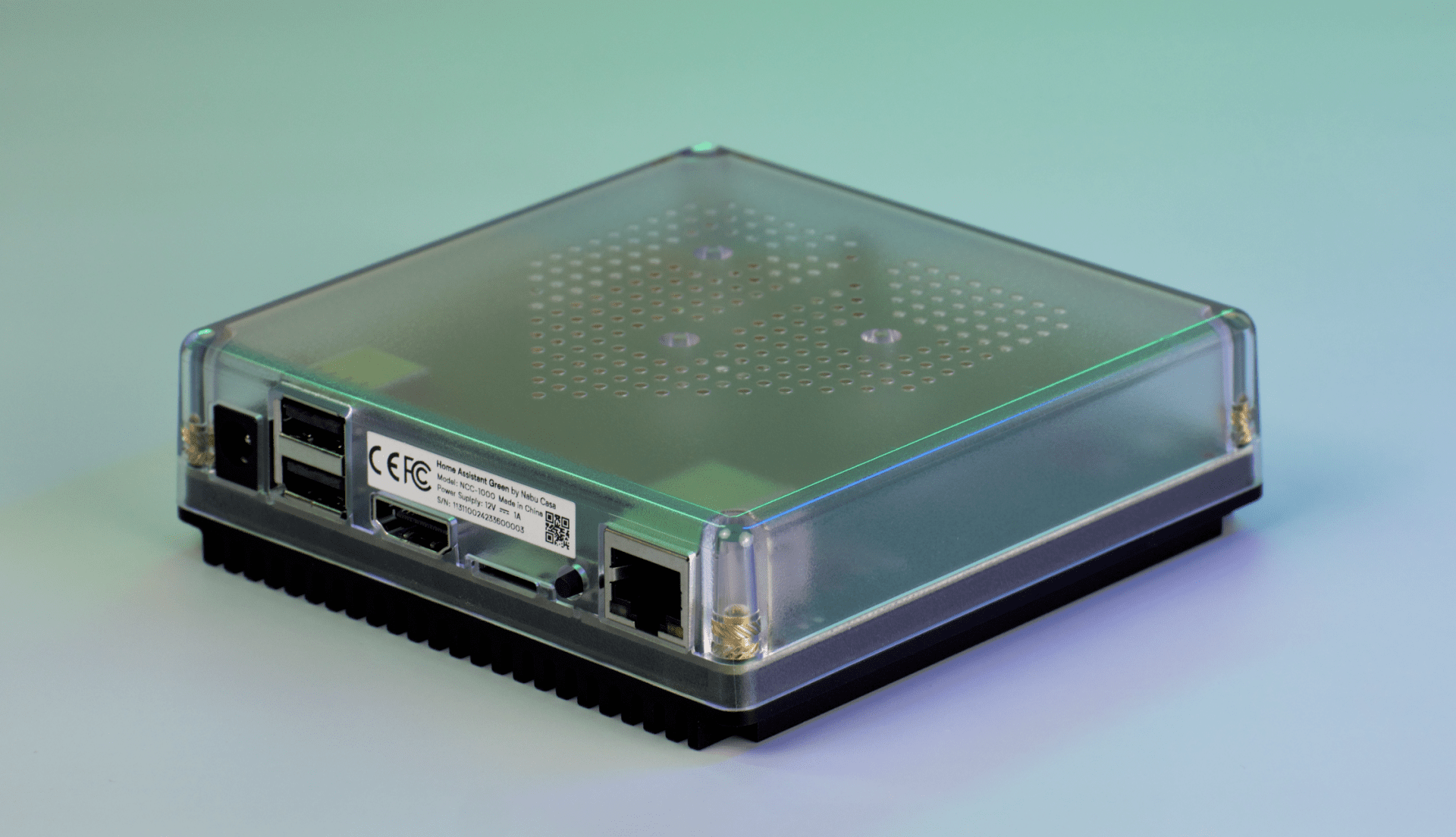
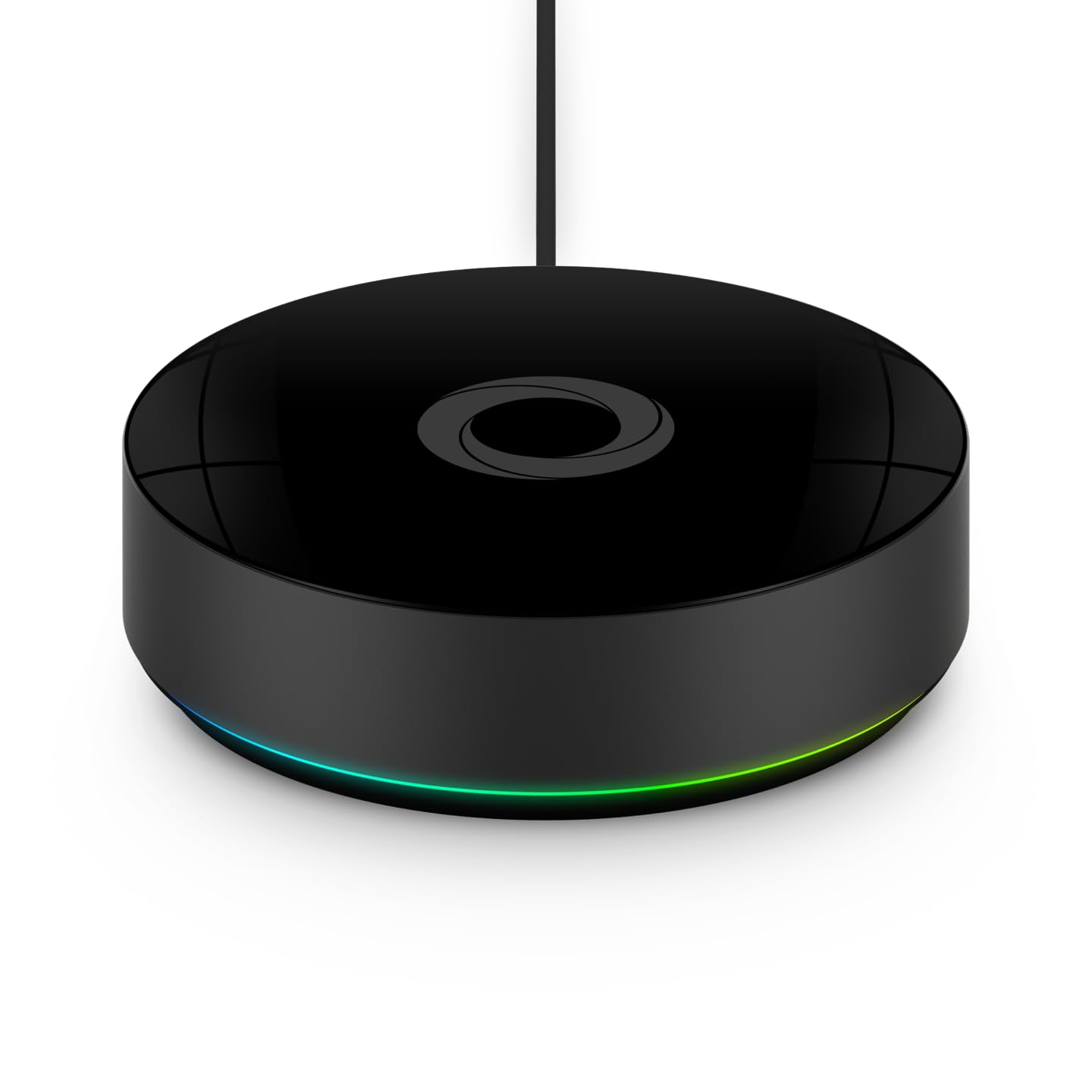
While the lights felt responsive when I initially set them up using Samsung SmartThings, they are even faster when using local smart home hubs like Home Assistant or Homey. Turning a light on using the Homey app feels every bit as quick as pressing the switch on the wall.
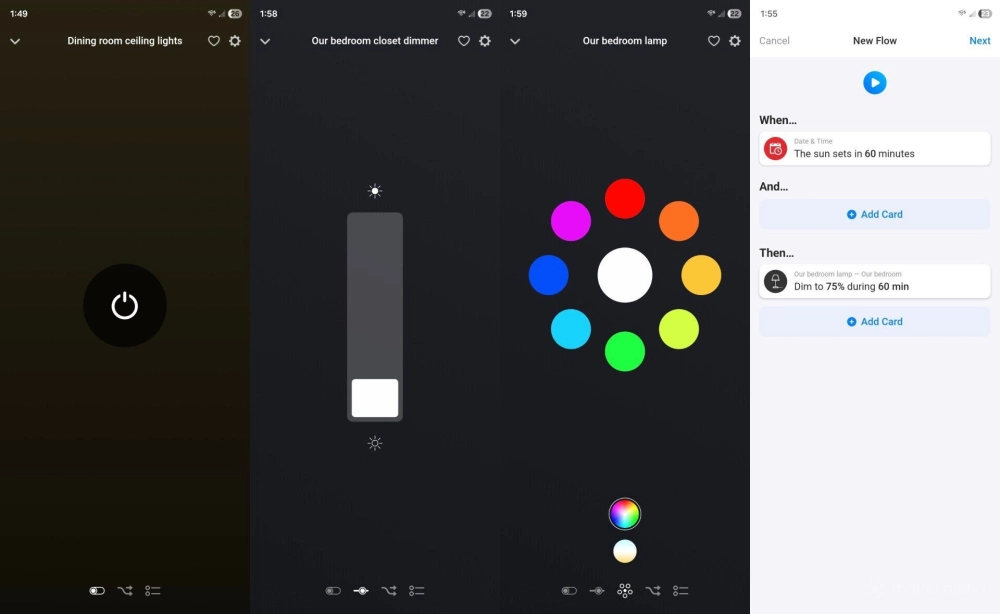
Having every light switch connected means I am free to fully explore automations. If there's a light I want to automatically turn on using a present sensor, I can. Likewise, I can turn on all the lights in the home as we leave without having to walk through the house flipping switches. Quite honestly, the upgrade was worth it merely for the ability to turn on the lights my kids left on from the comfort of my bed.
My investment shows every sign of standing the test of time
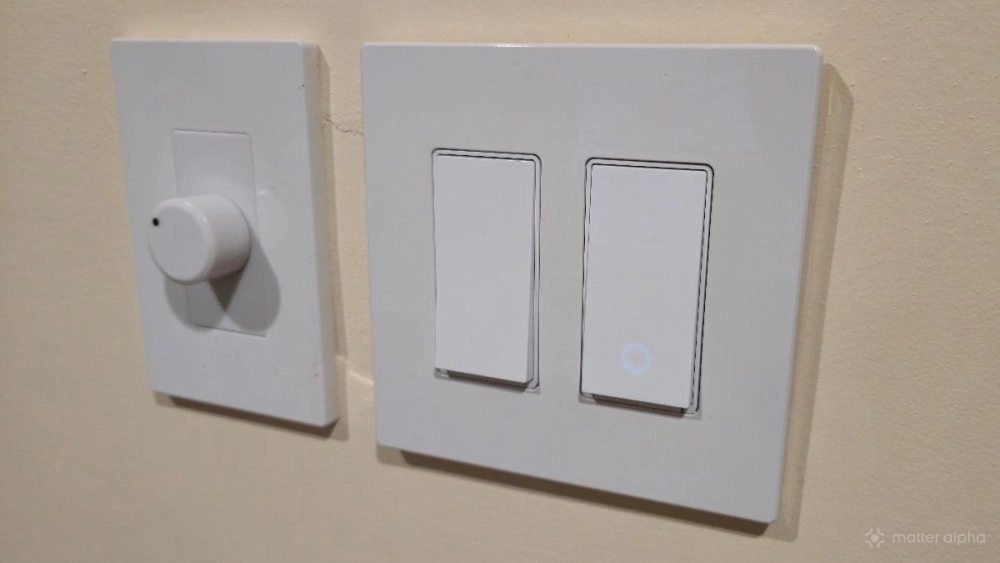
Will my smart switches last the decades that a basic wall switch can? I can't say. Wi-Fi based smart switches haven't been on the market long enough to see how well they hold up. What I do know is that as long as the each switch's hardware doesn't fail, connectivity shouldn't either. Just as you can still connect old Bluetooth devices, and we've seen innumerable ways to bridge Zigbee and Z-Wave devices to Matter, I can expect to still be able to connect to these switches even as technology and standards continue to advance. At this point, the switches do everything I need them to do. It's the lights themselves I can see myself replacing next.