Last year I replaced the majority of the wall switches in my home with smart switches. This year I embarked on a different major smart home upgrade—placing a presence sensor in every room. But there's a fundamental difference between these two types of Matter devices, one that has a major impact on the long-term viability and practicality of my decision.
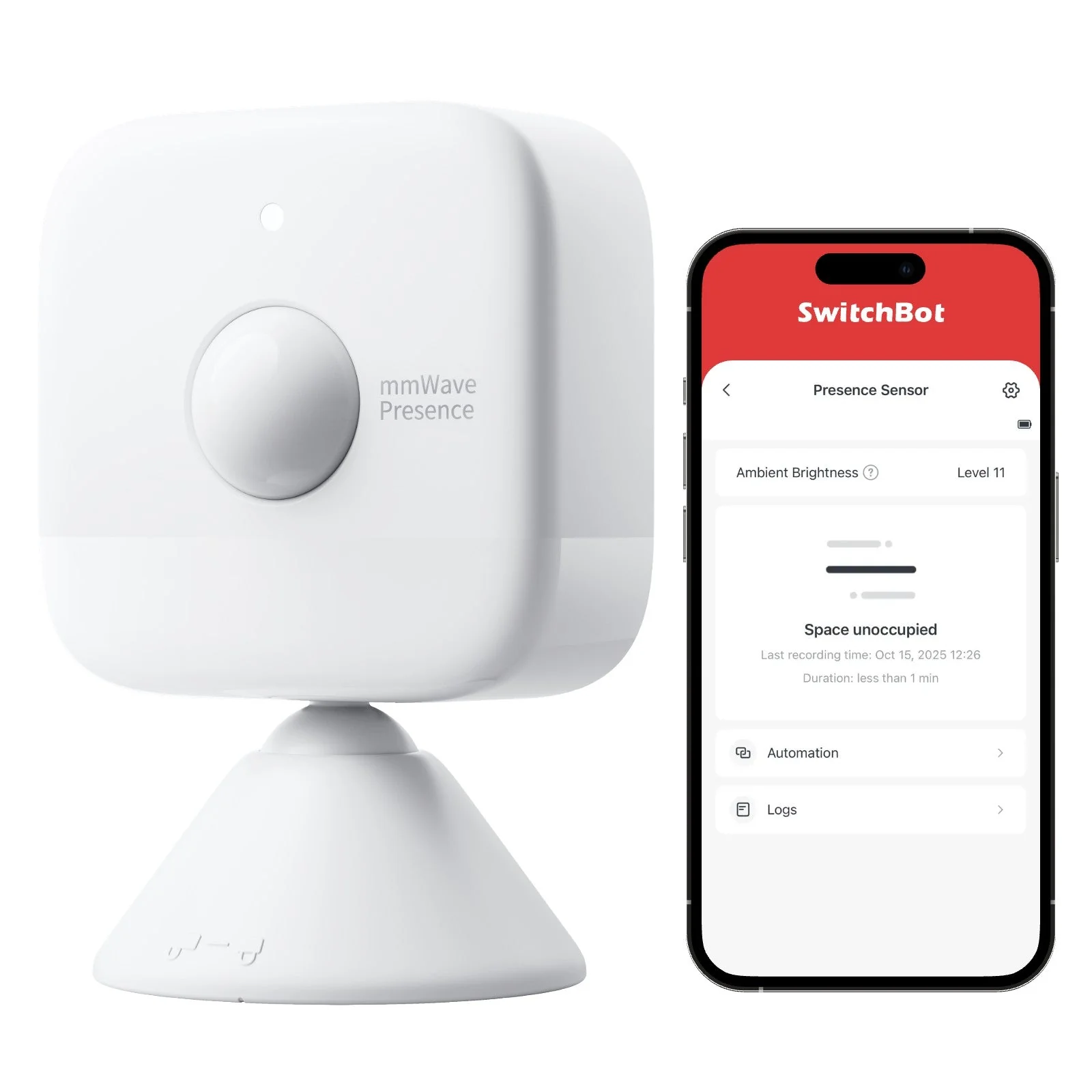
All of the Tapo smart switches I installed throughout my home are hardwired. As long as the power's on, light switches function as expected. The SwitchBot presence sensors I installed are all battery-powered, and as I've recently learned, they don't last nearly as long as one would hope. They also happen to be far from the only battery-powered sensors in my home.
It's easy to fill a home with battery-powered Matter devices
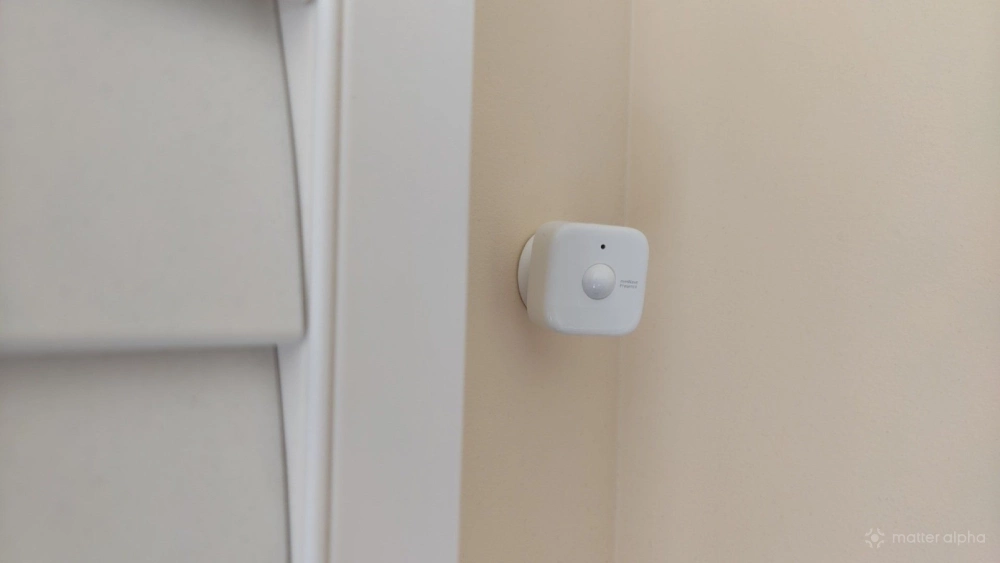
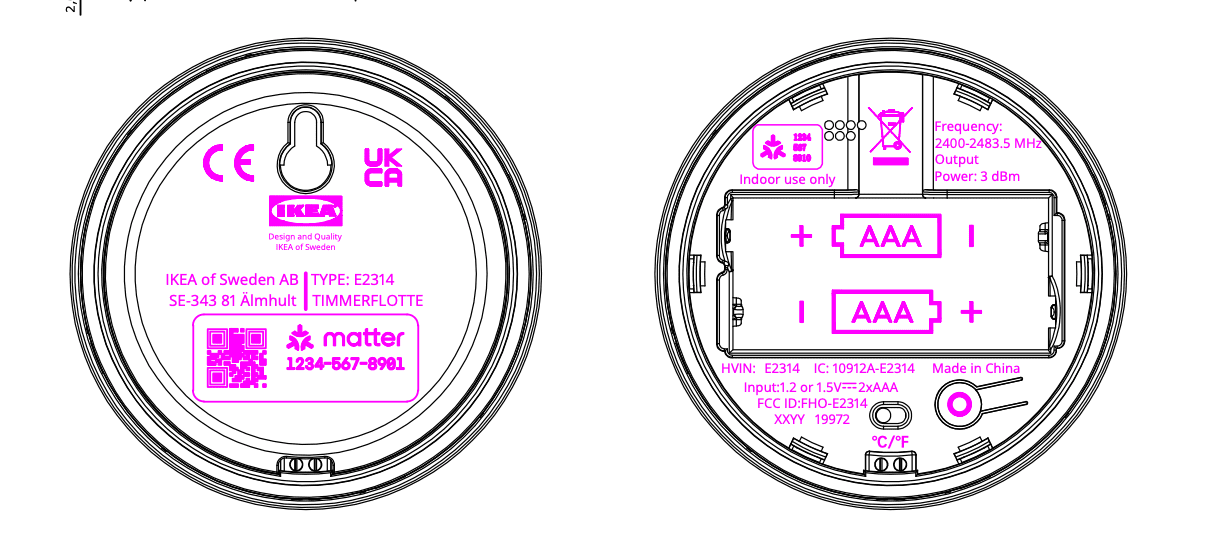
The SwitchBot presence sensors are hardly the only Matter devices running off batteries in my home. I've purchased most of IKEA's current Matter-over-Thread devices. I have an IKEA TIMMERFLOTTE temperature and humidity sensor in the home office I'm writing these words in. There are IKEA KLIPPBOK water leak sensors underneath various appliances. I've also set up some IKEA BILRESA smart remotes. Yet most of my battery-powered Matter devices actually come from SwitchBot, like our SwitchBot Home Dashboard.
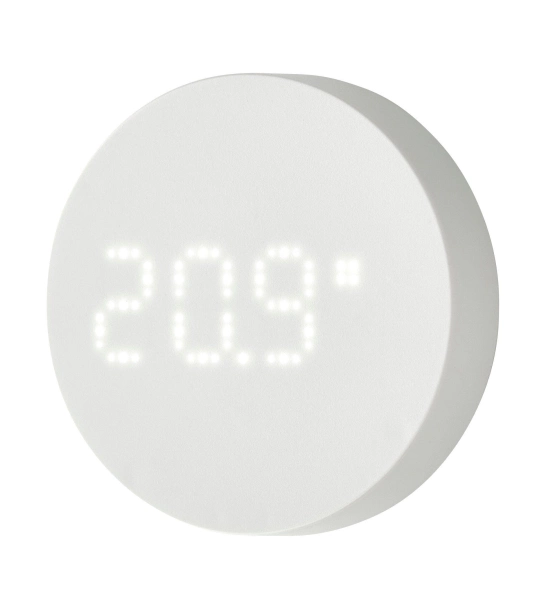
TIMMERFLOTTE Temperature and Humidity Sensor
A simple, compact indoor sensor that displays temperature and humidity levels at the press of a button.
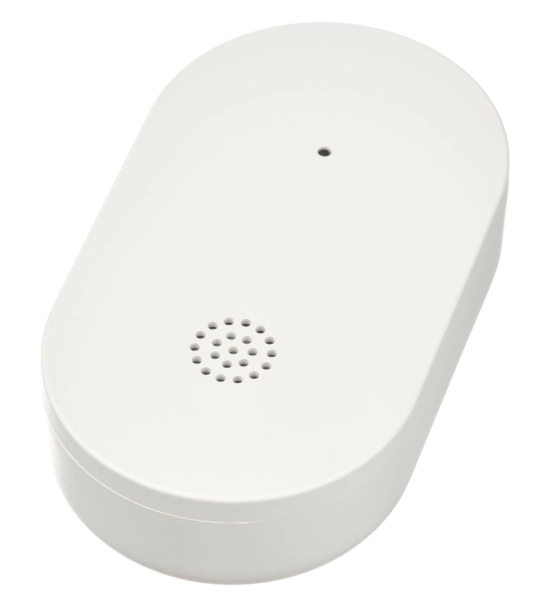
KLIPPBOK Water Leakage Sensor
A small, smart water leakage sensor that detects leaks, sounds an alert, and can notify your phone when connected to a hub.

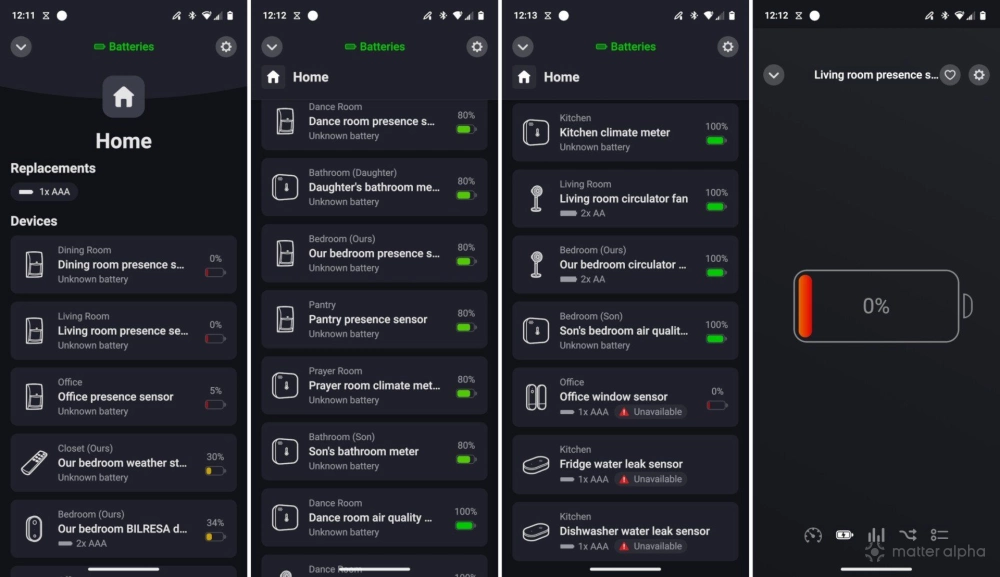
This means that when I switch to the battery life section of the Homey app I use to manage my smart home, I see dozens of devices listed. This is a useful page, and it alleviates the burden of having to walk to each device and check battery levels. Yet it's also overwhelming when you open the app to find that several batteries have died at once.
Suddenly my smart home doesn't function the way it used to
We recently experienced a death in the family, so life was overwhelming for a while. There is much we didn't stay on top of while we mourned. During that time, the ceiling fans in various rooms that used to come on automatically ceased to do so. The SwitchBot circulator floor fans I have spread about continued to light up at night and dim in the morning, but they no longer started to circulate air when someone was in the room. It turns out, during our month of mourning, the batteries within the presence sensors in two of our most frequented rooms both died at the same time.
This became a quick reminder that a smart home, despite expectations, doesn't take care of itself. Filling a house with sensors and batteries may add a degree of convenience and information, but it also vastly increases the number of things in your home that can break and will eventually die.
There is wide variation in how long batteries last
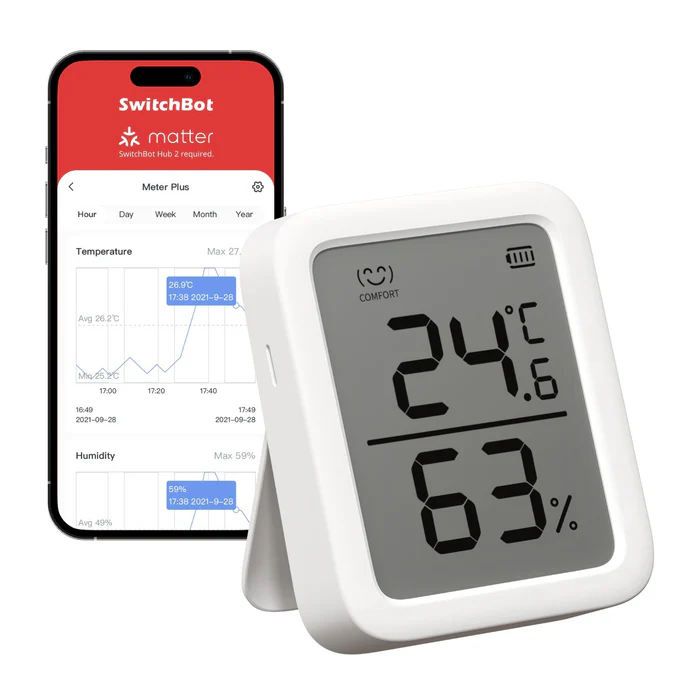
Some sensors are more power hungry than others. I have yet to replace the batteries in the Switchbot Meter Plus I reviewed over a year ago. In fact, all of the climate sensors I've installed, whether from SwitchBot or IKEA, still have power. Switchbot's sensors came with batteries. With IKEA, I had to supply my own.
Meanwhile, the presence sensors I installed in my living room and dining room have died, and the sensor in my office was at 5% when I replaced it just now. Yet these are hardly the only presence sensors in my home. When SwitchBot said during the initial setup that increasing the range of the presence sensor would reduce battery life, it wasn't kidding. My open concept living room requires a large range, and my dining room isn't far behind. Meanwhile, the one in my bedroom is still holding strong. My office is pretty tiny, so that battery being low shows how big an impact frequently entering and exiting a space can have.
Pay careful attention to how easy batteries are to replace
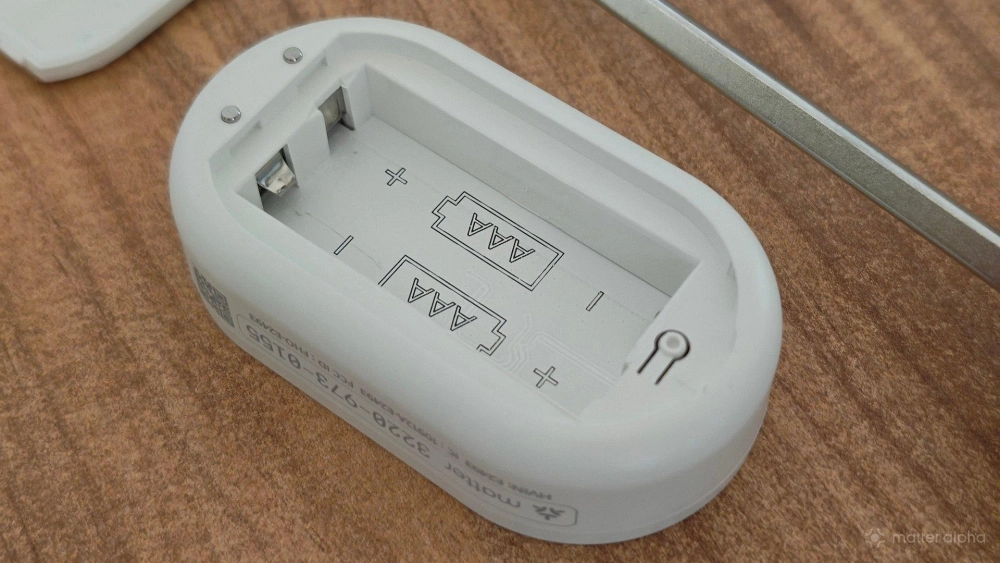
How big a frustration this is depends on the sensors you've chosen. In general, I find prying the back off IKEA sensors to replace their batteries to be very straightforward. The designs are all practical, with even a seemingly more complicated option like the wall-mounted TIMMERFLOTTE able to be hung on the wall from a nail, just like a picture frame. It requires mere seconds to take down, pry off the cover, and pop in new batteries.
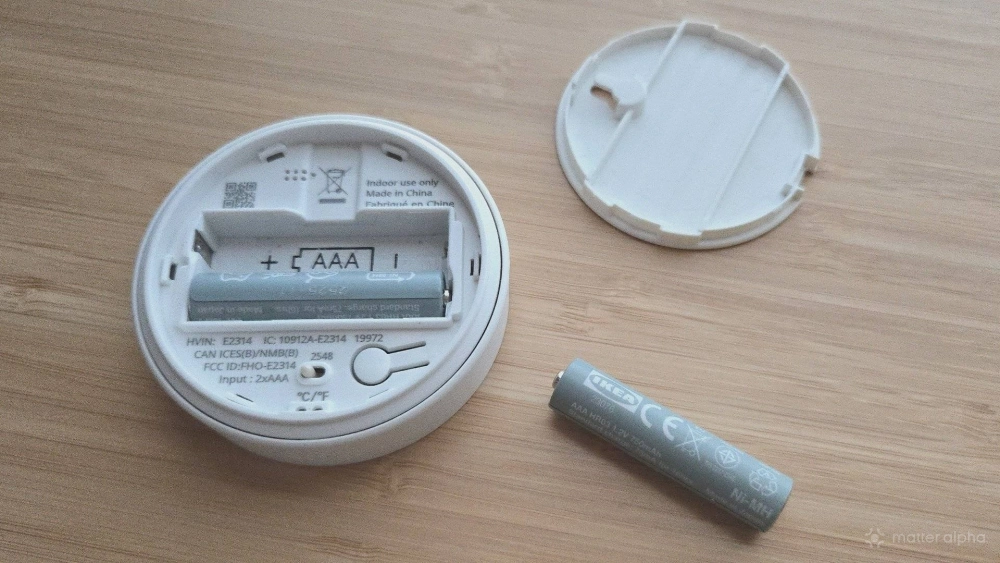
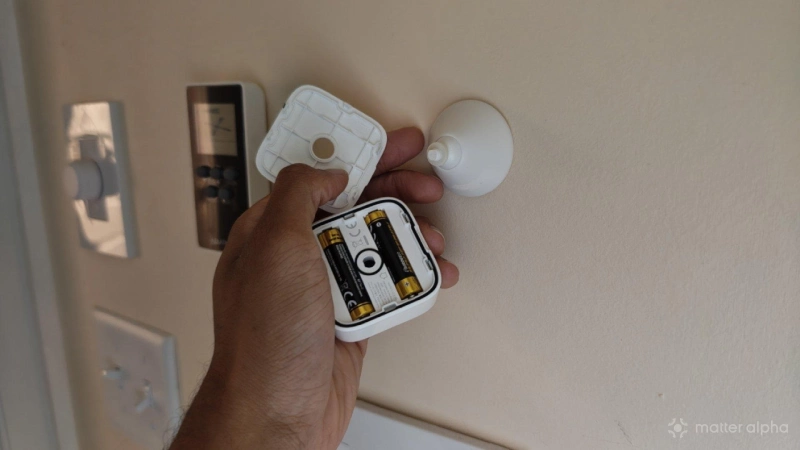
Each SwitchBot presence sensor is attached to an arm that I've mounted to the wall using 3M stickers. The sensors must be separated from their arms before their back plates can be removed. Then they must be popped back on and repositioned. SwitchBot's design isn't bad—far from it—but it's a learning experience, and a slightly more finicky one at that.
If you don't want dead batteries, keep notifications enabled
Notification fatigue is real. Most smart home products come with notifications enabled by default. Presence sensors made this untenable for me, since I got pinged whenever anyone went anywhere in the house. I find smart door locks to be similarly spammy, since I don't need to know every time the door opens and closes. The story might be different if I lived alone.
Yet I've learned that disabling notifications entirely isn't the right move. If I had left them on, I would have had heads up before my presence sensors died. Keep battery notifications on, and deal with them right away. Don't wait for a sensor to hit 0% before replacing the battery. If it's at 10%, or even 20%, you might as well do your future self a favor.
This is also an area where historical data can be your friend. While I don't generally spend much time looking at smart home graphs, viewing a history of your devices’ battery life can give you a good gauge of what its battery life actually is in practice. Most smart home apps present a way to view this information. With enough insight and planning, you can stay on top of swapping batteries before they become a problem, and you can better keep your house functional when life gets hard.