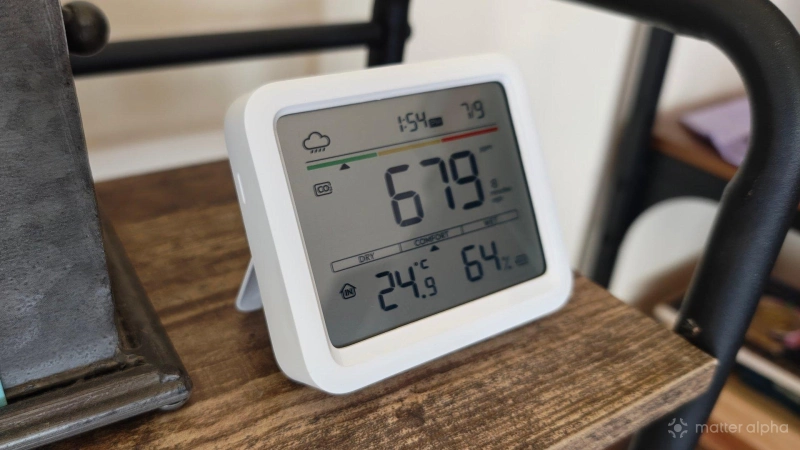
Smart thermostats give us the ability to view and alter the temperature in our homes from wherever we are, but they can only measure the temperature in the area they're in. For most homes, this doesn't give you an accurate gauge of what it feels like in any given room.
For that reason, I've dreamt of being able to open a smart home app and be able to see what the climate is like in each room of my home. But to do this, I would need to install a climate sensor in every single one. Well, I’ve done precisely that. Here's what the process entails and what the result looks like.
Get ready to buy a bunch of sensors
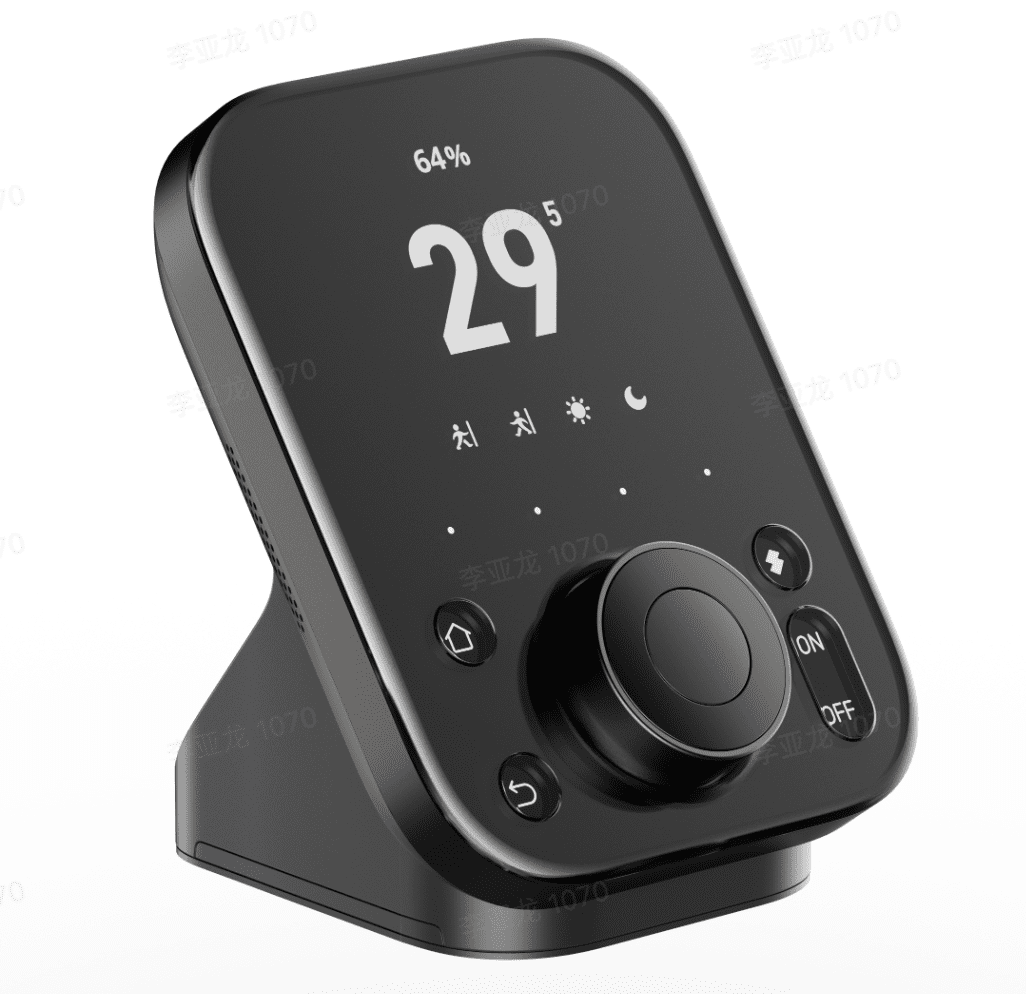
My Homey Pro can connect to devices via Matter, Bluetooth, Zigbee, and more, but it doesn't come with temperature and humidity sensors. If I were to activate Samsung SmartThings on my Frame TV, the story wouldn't be any different. Except for a thermostat-based Matter controller like the Aqara W200, you'll likely to need to add additional devices in order to view any kind of climate information in your smart home app.
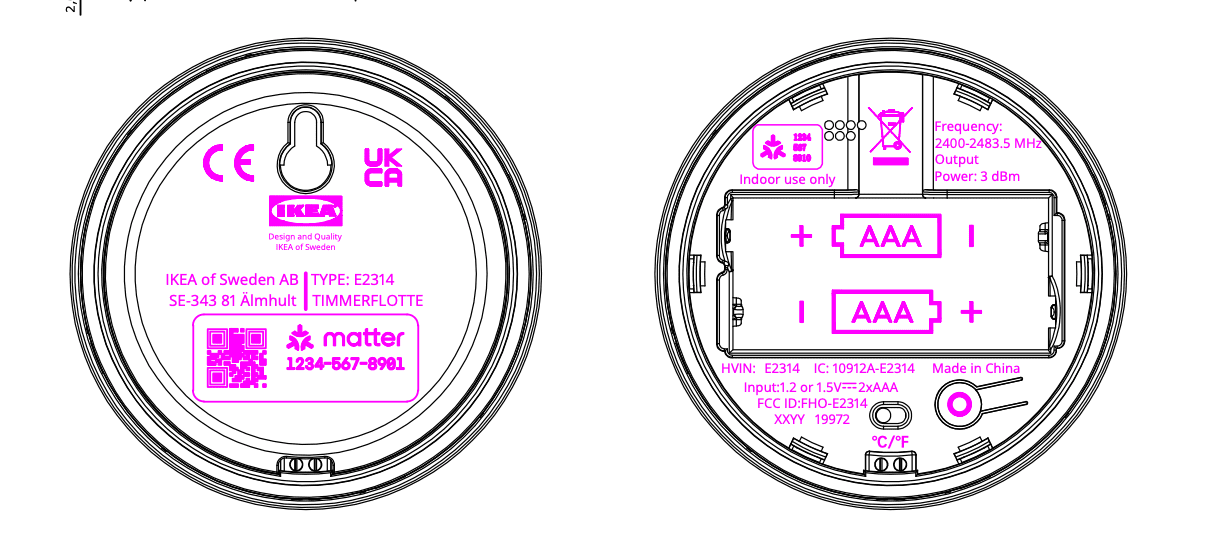
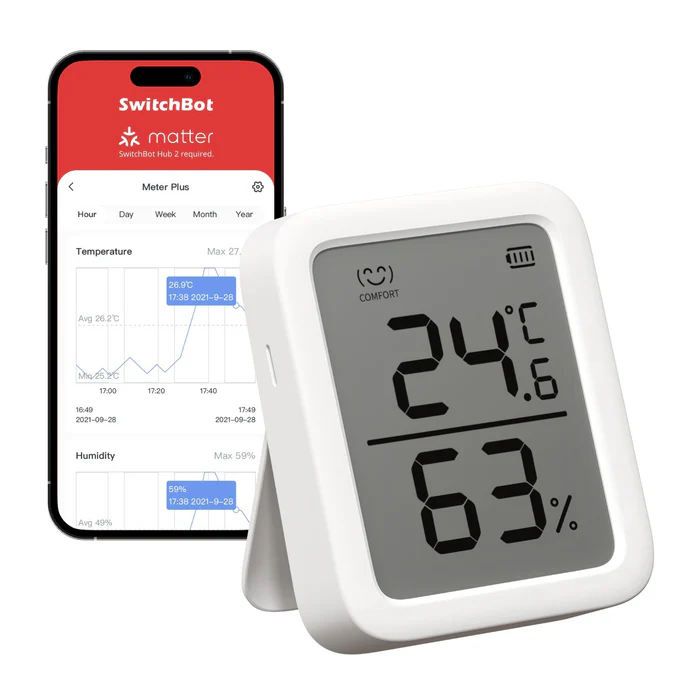
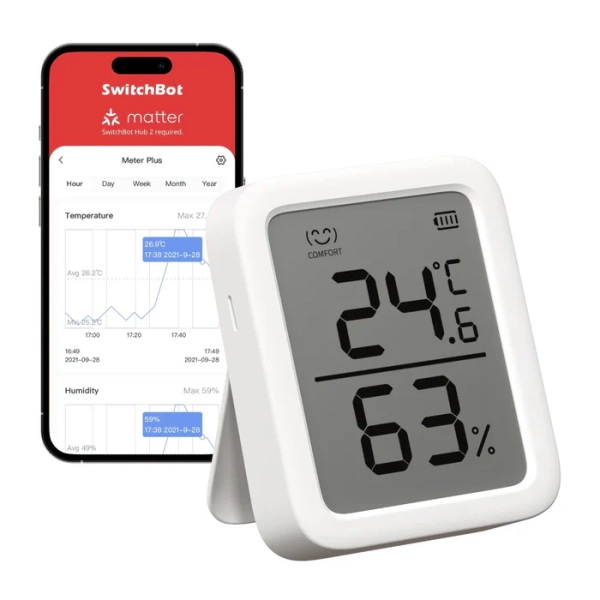
I now have a mix of climate sensors throughout my house. Most of them are SwitchBot products. The SwitchBot Indoor Outdoor Thermo Hygrometer is incredibly affordable, as is the SwitchBot Meter Plus—though both are undercut by the delightful IKEA Timmerflotte. If SwitchBot hadn’t sent me so many unexpected review samples, the latter is the route I would have gone for in most of my rooms.
This brand helps to support our site to remain ad-free.
Read more about our ethics policySwitchBot Meter Plus
An accurate and versatile indoor thermometer and hygrometer with real-time tracking, smart notifications, and exportable environmental data.
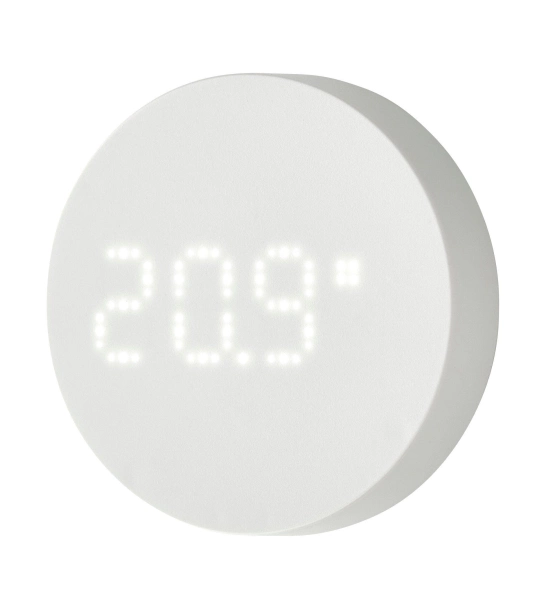
TIMMERFLOTTE Temperature and Humidity Sensor
A simple, compact indoor sensor that displays temperature and humidity levels at the press of a button.
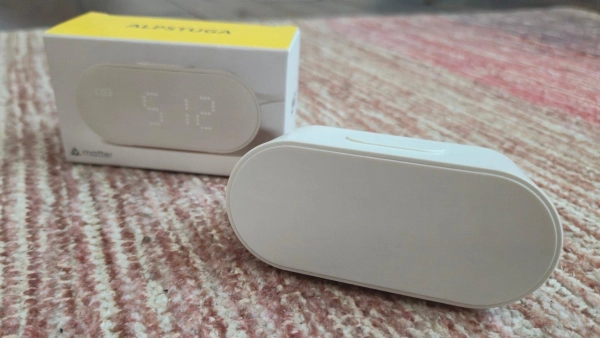
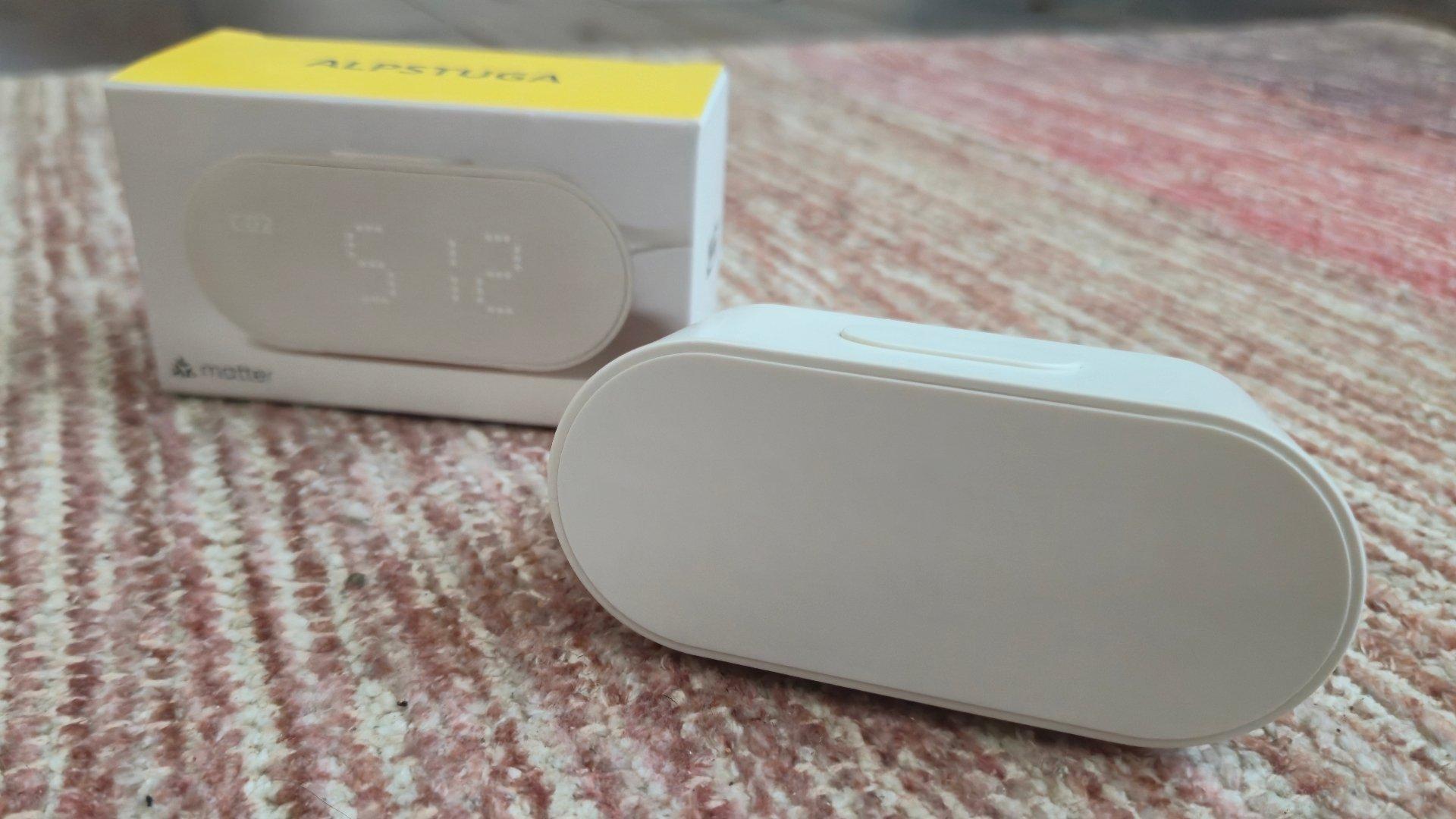
ALPSTUGA Air Quality Sensor
A smart, compact sensor that tracks CO₂, PM2.5, temperature, and humidity to help you monitor and improve indoor air quality.
These sensors are among the cheapest, but if you want to measure CO2 levels or how much particulate matter is in the air, then I would recommend the IKEA ALPSTUGA above all others. At $30, it's less than half the price of the comparable SwitchBot Meter Pro. That’s also before the catch that applies to most SwitchBot products, which is their dependence on a SwitchBot hub to serve as a bridge between the sensors and your Matter controller.
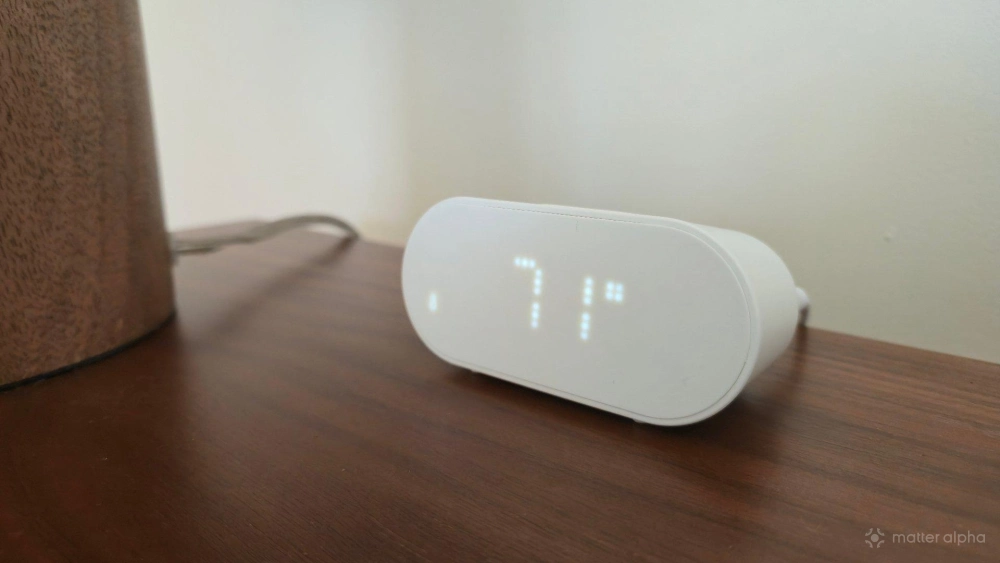
That said, the SwitchBot Hub 3 not only bridges up to 30 Matter devices, but it also has its own climate sensors built-in. Likewise, SwitchBot's E-Ink Weather Station also comes with its own temperature and humidity sensors. As a result of this double duty, some of my rooms actually have multiple devices reporting what it feels like inside.
Prepare to flood your smart home app with devices
If you only have a few connected devices in your home and your smart home app feels rather spartan, embarking on this project will change that. A home with four bedrooms, two bathrooms, a living room, a kitchen, and a dining room means you're looking at at least nine devices being added to your app. That number goes up if you place sensors in areas like the hallway or a laundry room.
Assuming you have a robust Wi-Fi network and the necessary bridges, adding this many climate sensors will not slow down your smart home app or impact performance. In fact, most of these devices don't have their own direct connection to the cloud. My sensors all communicate directly with the nearest SwitchBot hub or my Homey Pro, either via Bluetooth or Matter-over-Thread.
This brings me to another reason why I would recommend the ALPSTUGA—the fact that it expand and strengthens the Thread network in your home. That said, the SwitchBot sensors I am using are battery powered and more versatile. I've mounted most of them to the wall, just like my sole TIMMERFLOTTE.
You will now benefit from refined and granular climate data
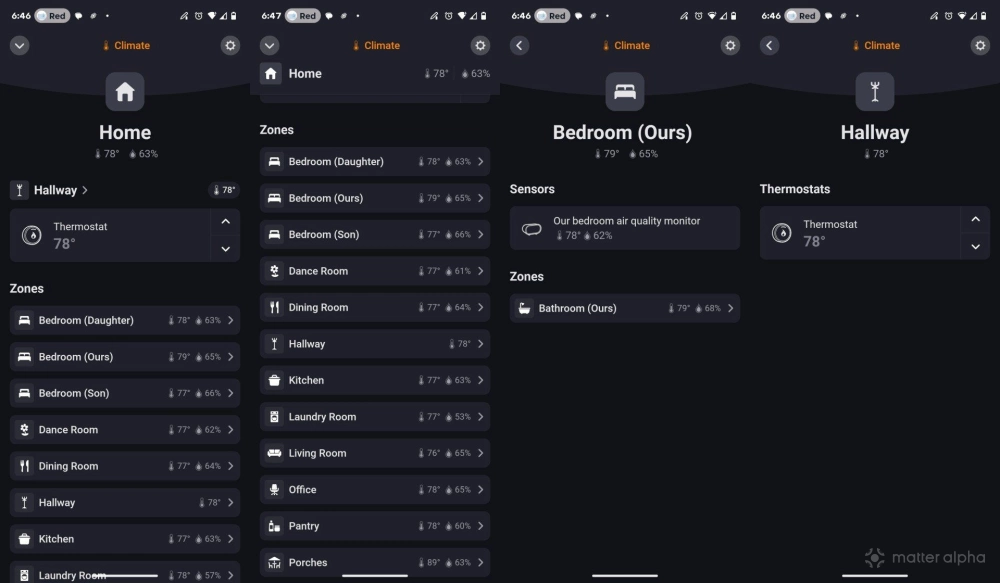
When I open the Homey app, I not only see the temperature that my thermostat is set to, but I can go room by room and see how temperature and humidity levels change throughout my entire home. Homey makes this simple, thanks to a climate section that congregates all of this information into one view. Home Assistant has something similar baked into its home dashboard. Each smart home platform presents this information in a slightly different way.
Having access to this data helps me discover what kind of insulation or supplemental heating or cooling may be needed in various parts of the home. It's one thing to know that our bedroom tends to be warmer than the rest of the house, but it's another thing to be able to know precisely how much and to see how this temperature shifts throughout the day.
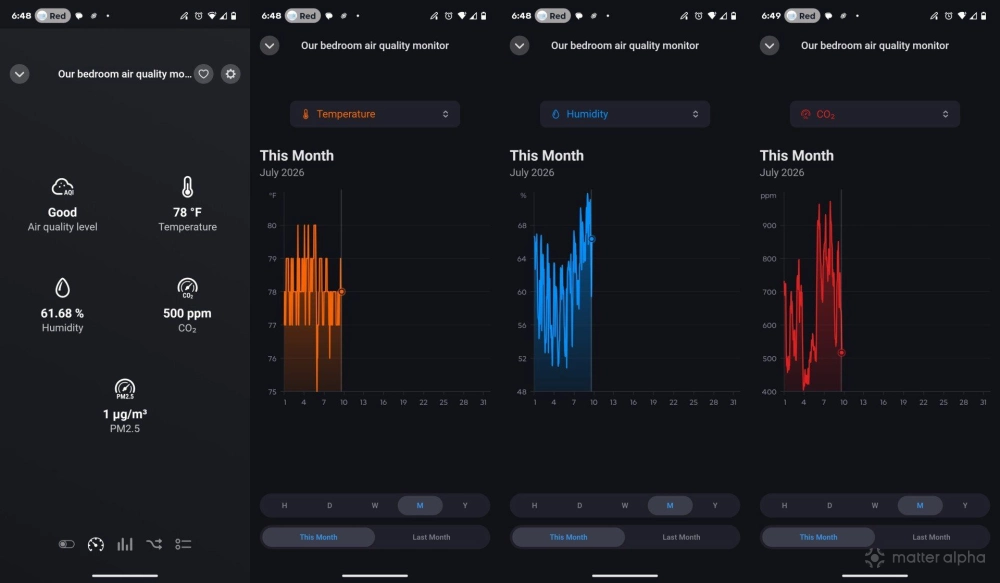
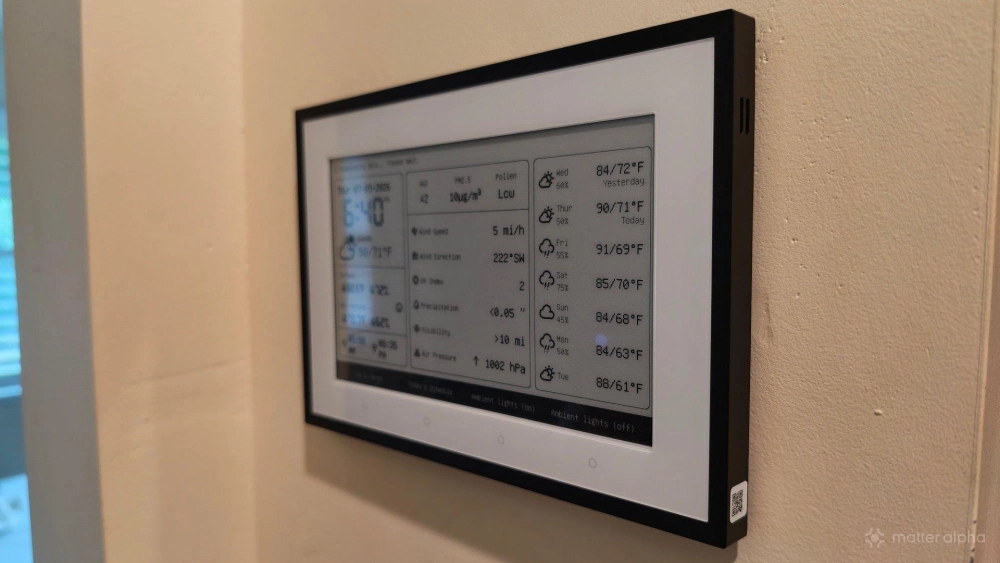
These sensors also enable you to get the same information outside the app. You can ask a smart speaker to give you the climate in a specific part of the house. You can also pair a dashboard to a climate sensor and view this information passively on an E-Ink display.
These sensors lay the foundation for automations
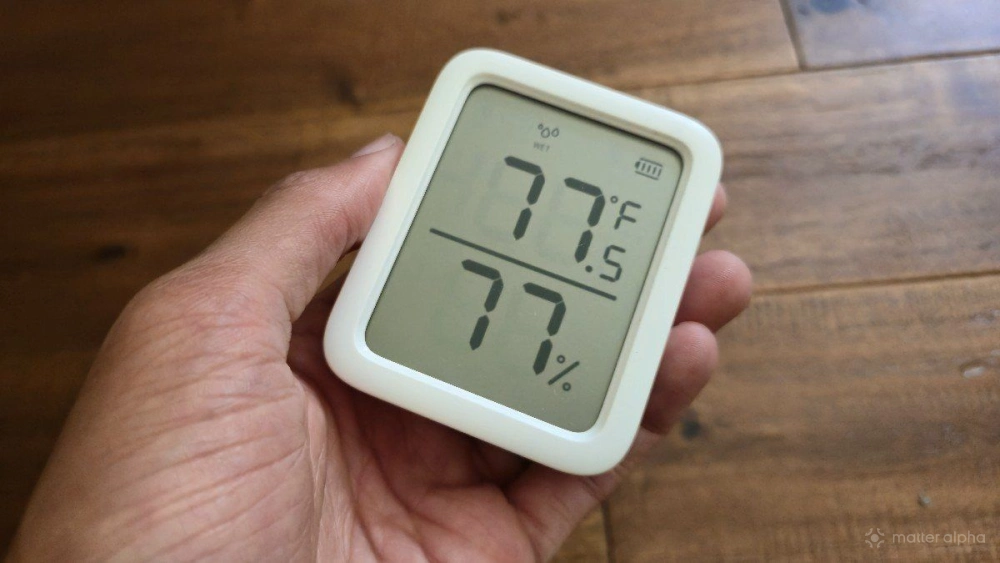
While the climate data is interesting, I don't know if that's enough to recommend this whole enterprise. Instead, what makes having a house full of sensors worthwhile are the many automations they enable.
Say you have a smart switch that controls the exhaust fan in your bathroom. You can set that fan to turn on if the humidity is too high and turn off when the humidity goes back down. This reduces the likelihood of mold and bacteria growth without you, kids, roommates, or guests needing to make the effort.
If you have ceiling fans connected to a smart switch, you can have them turn on in the rooms that deviate most from your thermostat to help circulate air. Or if you've purchased Matter-compatible space heaters or air conditioners, you can tell them when to turn on and off so that the central air unit isn't expected to do all the work.
Sensors that can measure pollution in the air can trigger connected air purifiers to automatically kick in until the air is clear again. Smart humidifiers can do the same thing for humidity levels. This can not only help those who are sensitive to dry air, but it also helps us plant lovers keep certain houseplants alive.
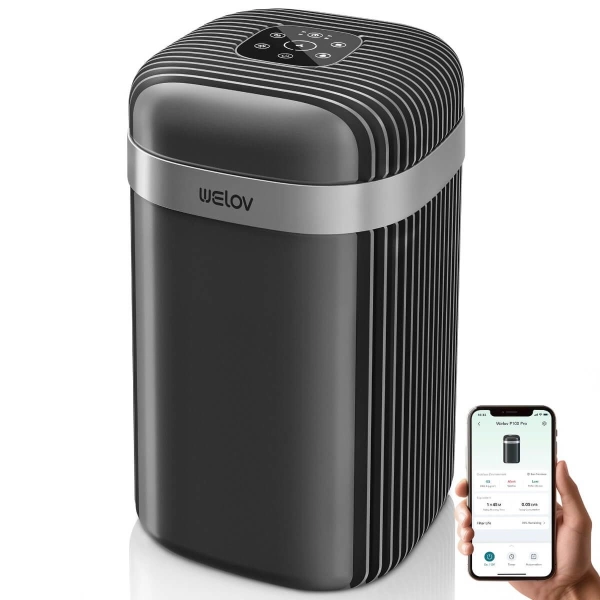
AiDot WELOV P100 Pro Smart Air Purifiers
AiDot WELOV P100 Pro Smart Air Purifiers with low Noise
This brand helps to support our site to remain ad-free.
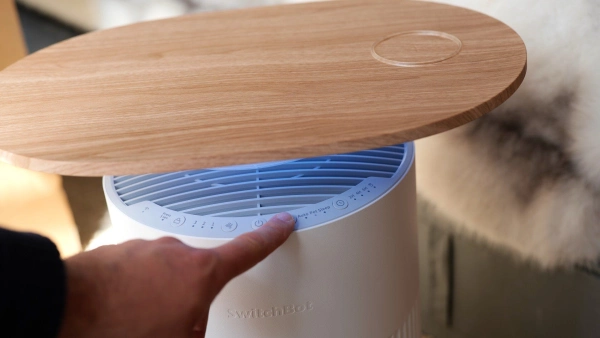
Read more about our ethics policySwitchBot Air Purifier
The SwitchBot Air Purifier Table is a smart, multifunctional device that combines efficient air purification, wireless charging, and atmospheric lighting, with seamless Matter integration for compatibility across major smart home ecosystems.
This degree of information makes a home feel smarter
The phrase "smart home" has become so associated with color-changing light bulbs and voice assistants that it's easy to forget the word "smart" in the name. A home that can give you this degree of granular information and automatically respond feels significantly smarter—more so, perhaps, than if you merely purchased a smart speaker.
Here's the thing: the project is quite affordable. As a homeowner, I can add sensors in every room for less than the price of calling a plumber to fix a leak. This whole enterprise is also cheaper than replacing all of the light switches in my house, but even that was relatively affordable as well. Ultimately, this is an investment I recommend.
Just be sure to pick up a bunch of batteries while you're at it.